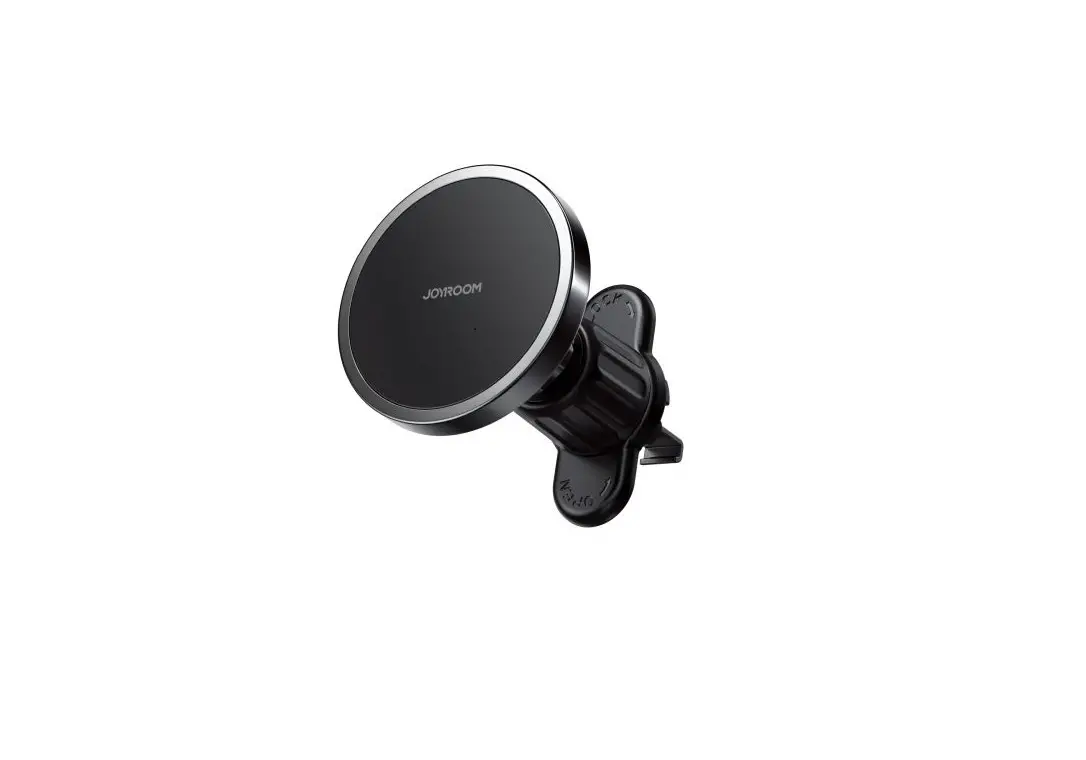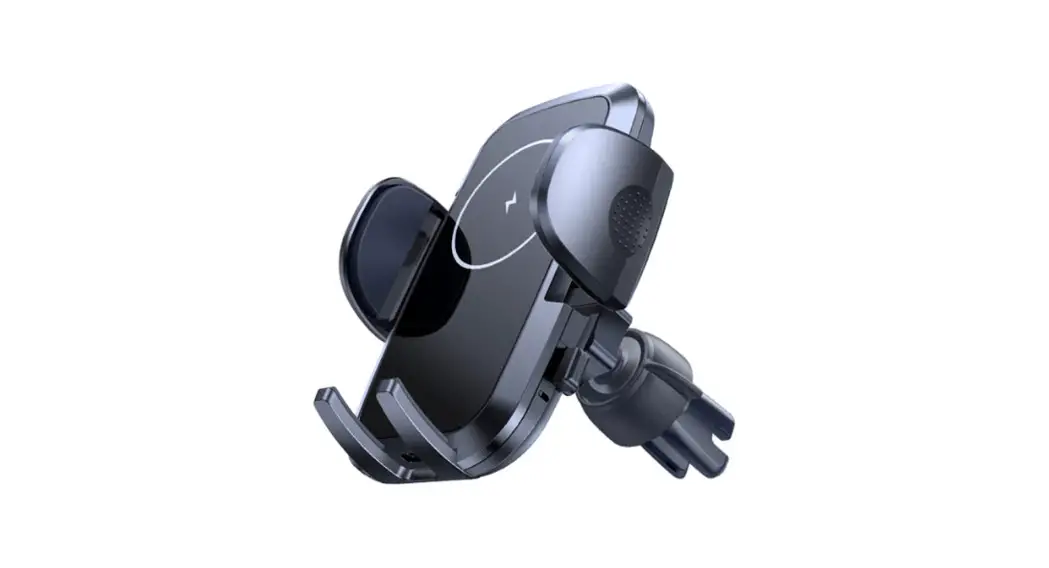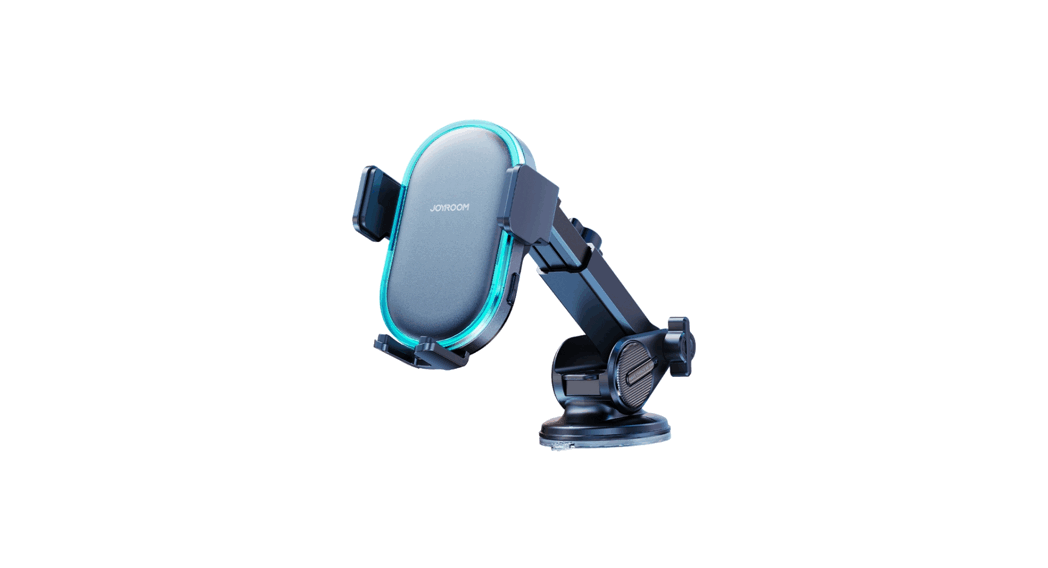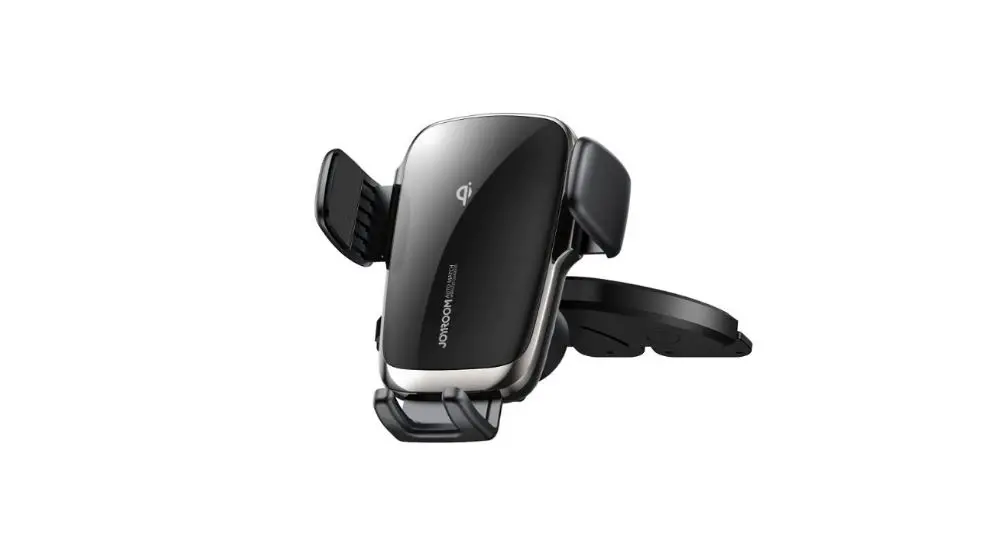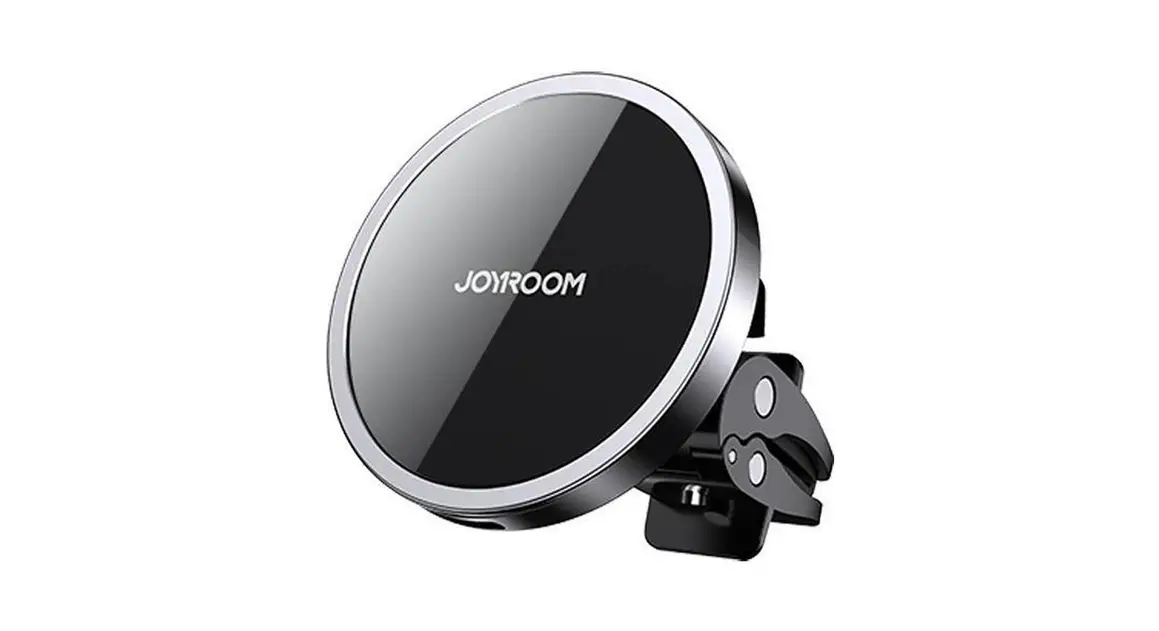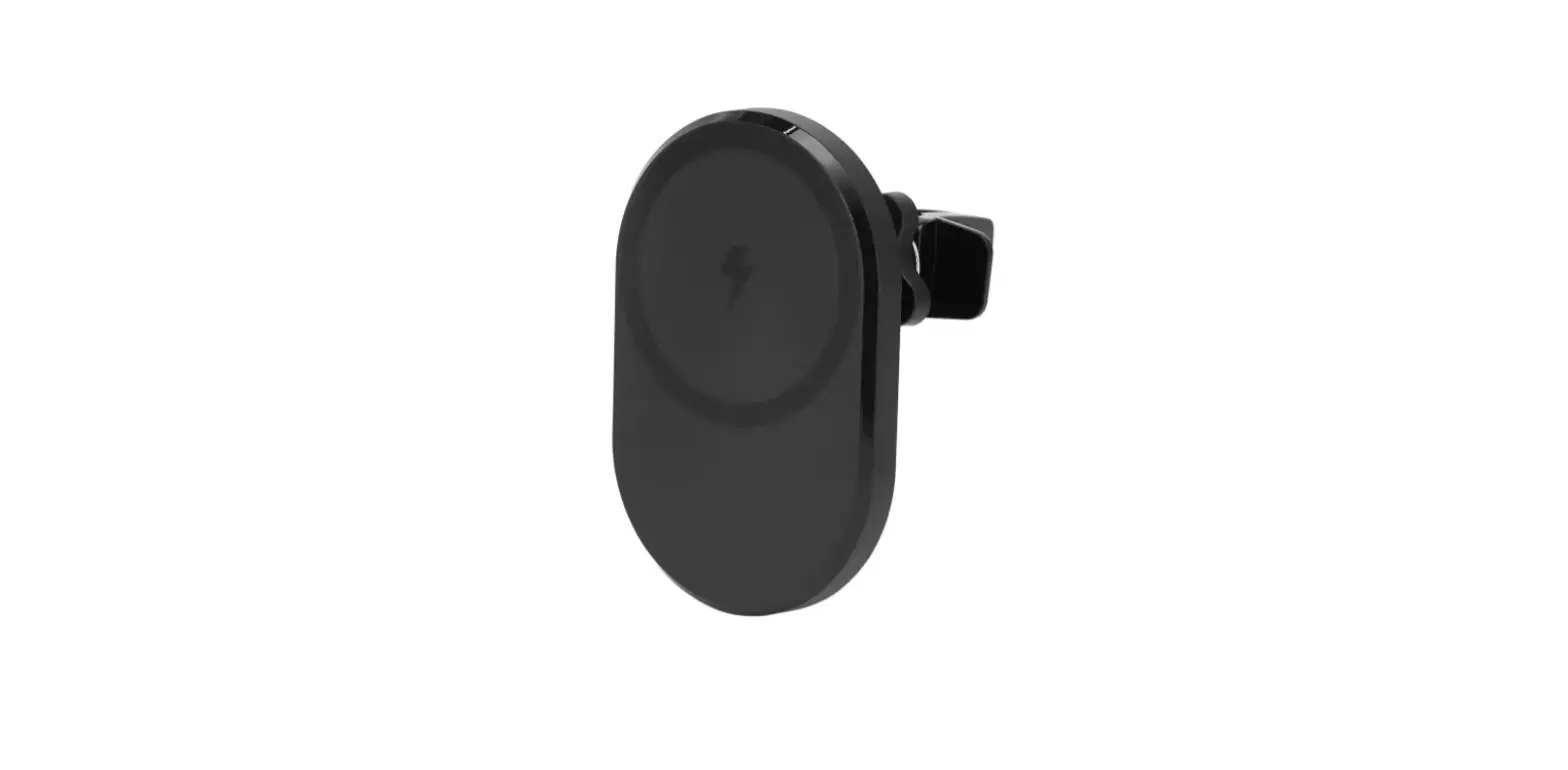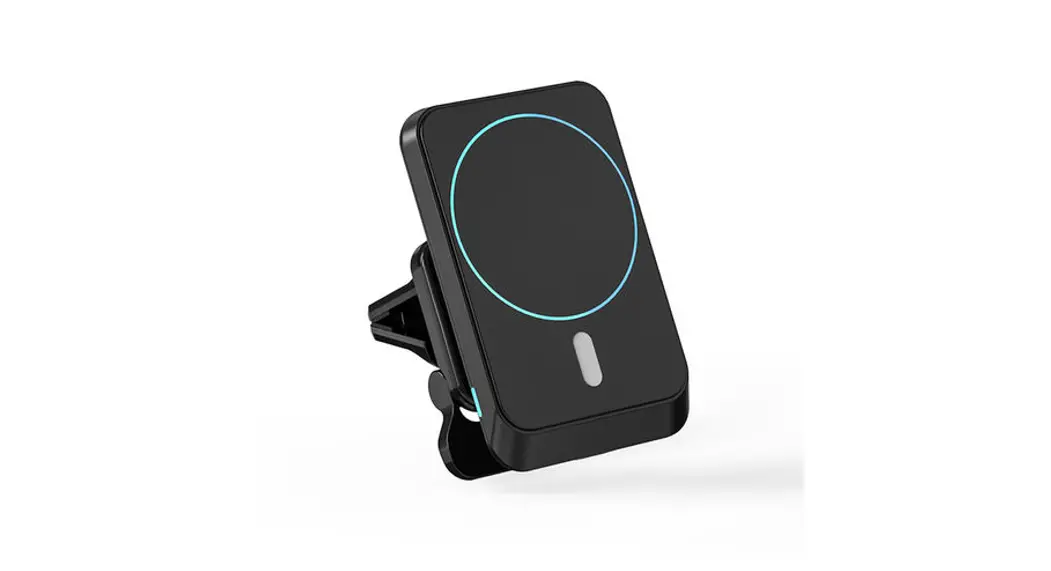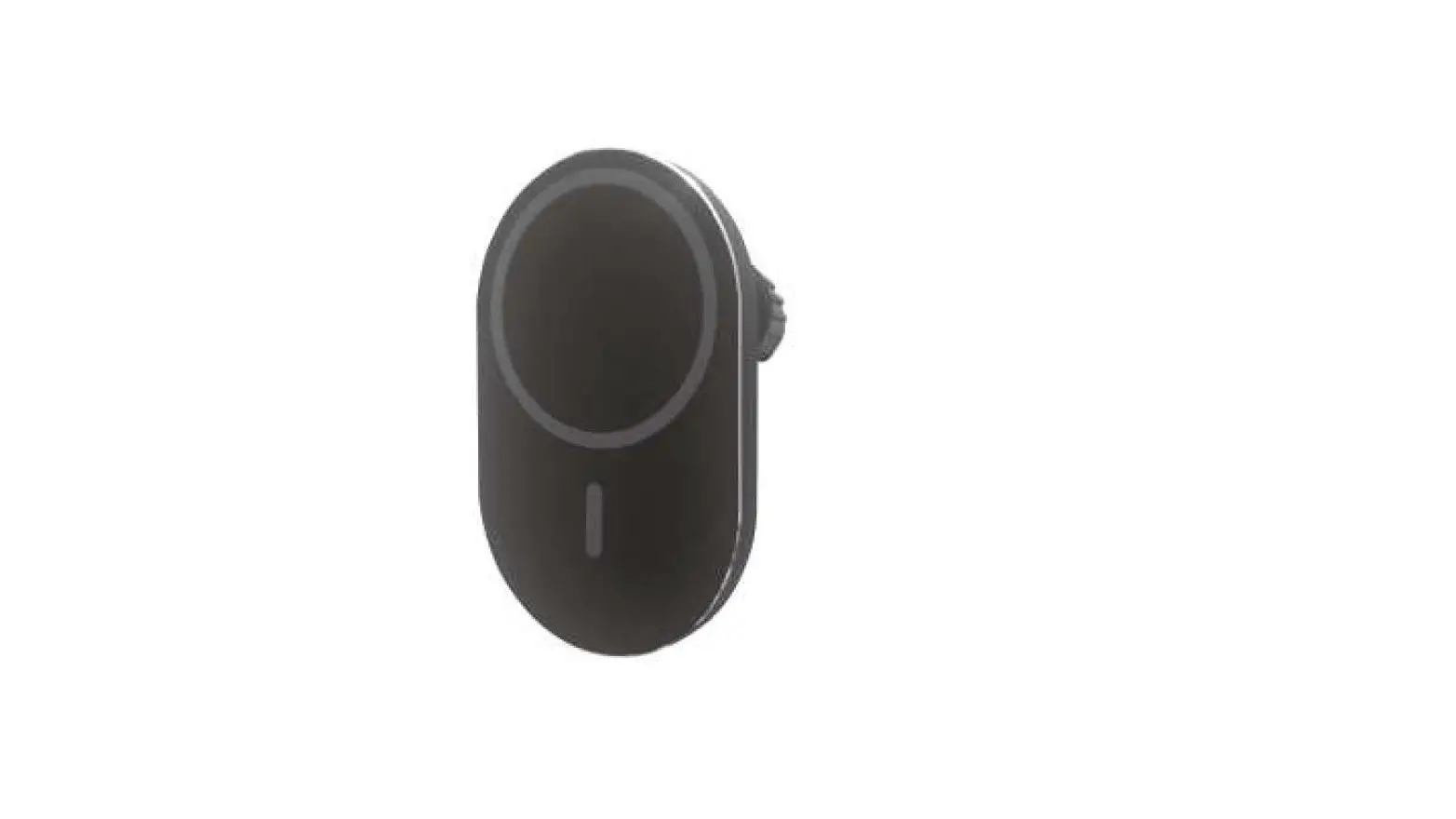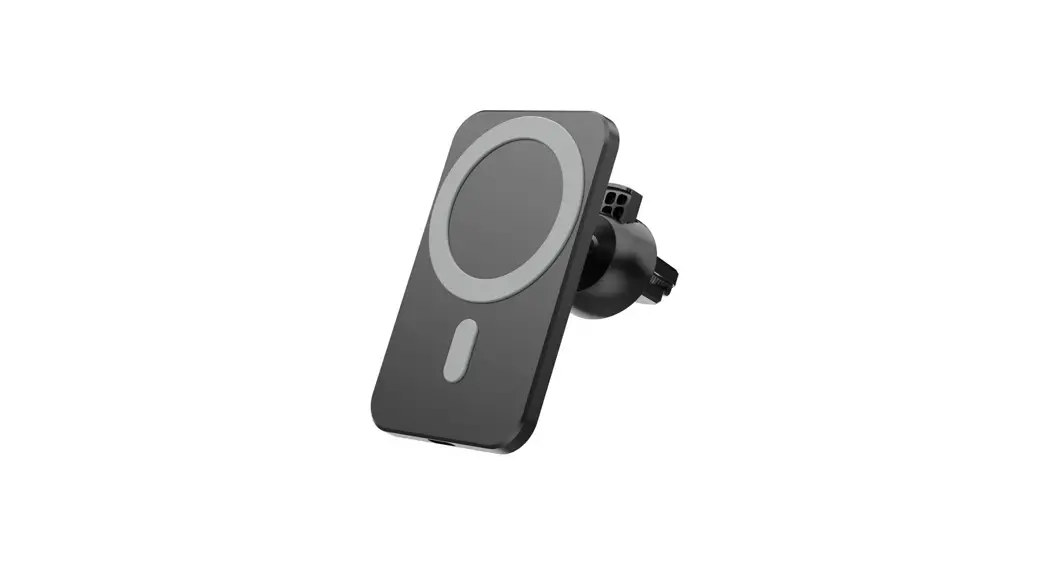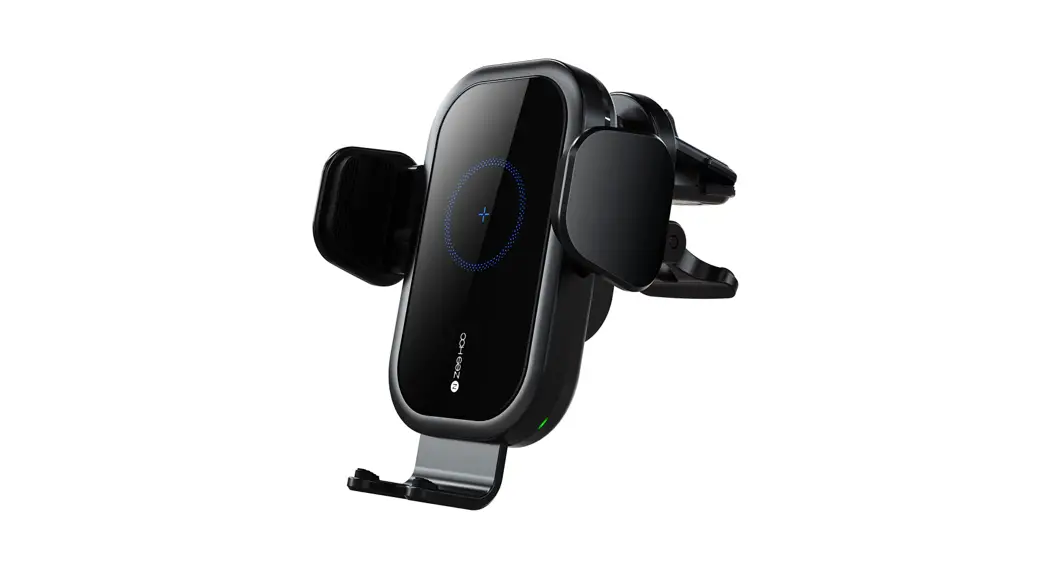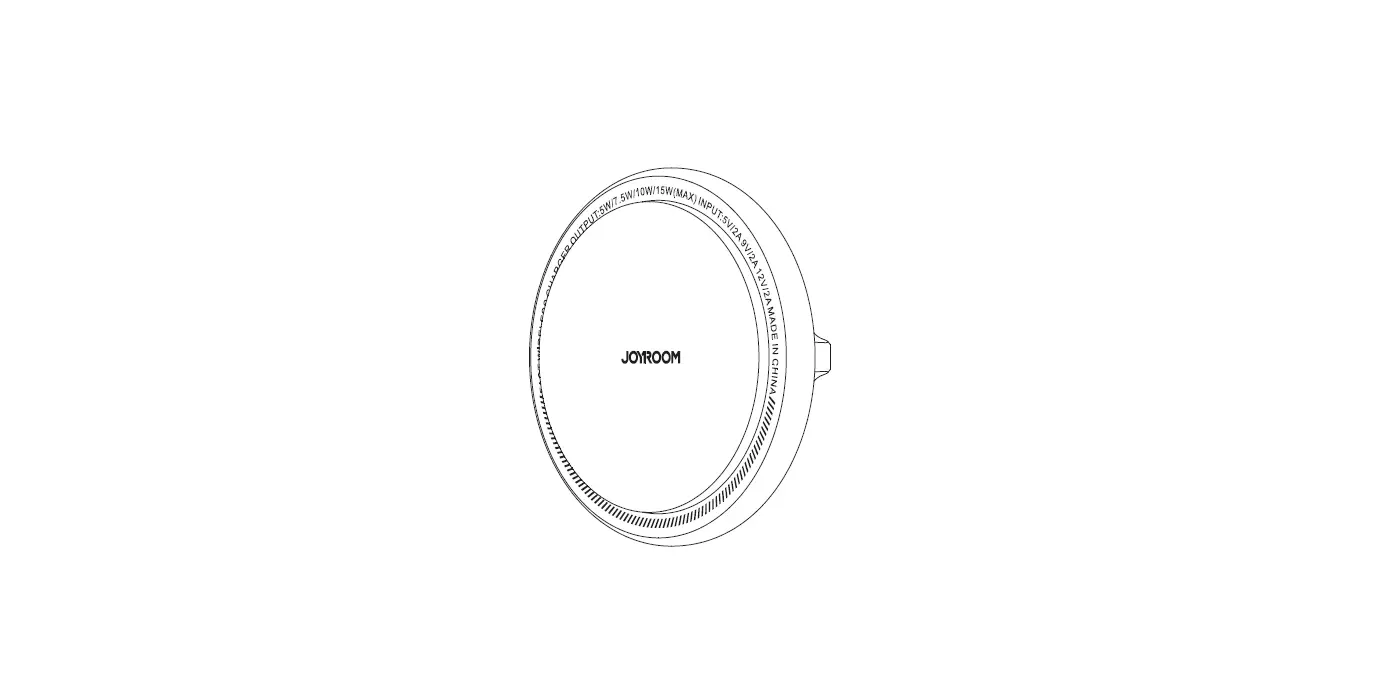

JOYROOM JR-ZS290 Magnetic Wireless Car Charger Holder
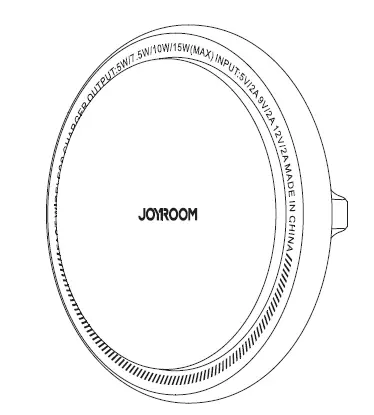
Parameters
| Model | JR-ZS290 |
| Name | Magnetic Wireless Car Charger Holder |
| Material | ABS+Metal |
| Input | 5V 2A 9V 2A 12V 1.5A |
| Output | 5W/7.5W/10W/15W (MAX) |
| Input port | Type-C |
| Applicable phone size | 4.7-6.7”
|
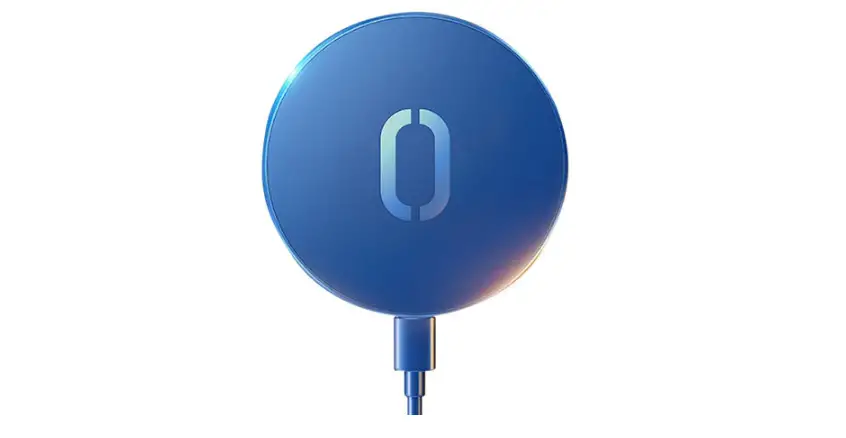
Indicator light
| Power on | LED letters light up respectively |
| Standby | Constant LED letters |
| Charging | LED letters turn off |
| FOD | Flashing LED letters |
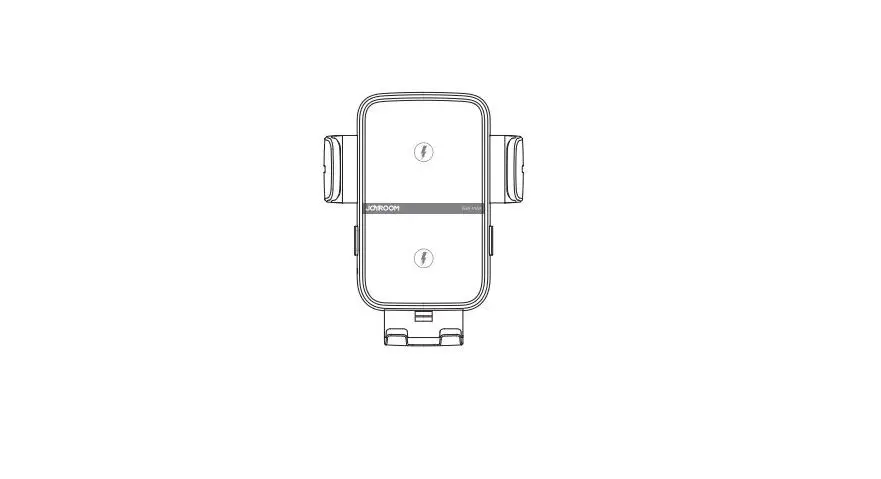
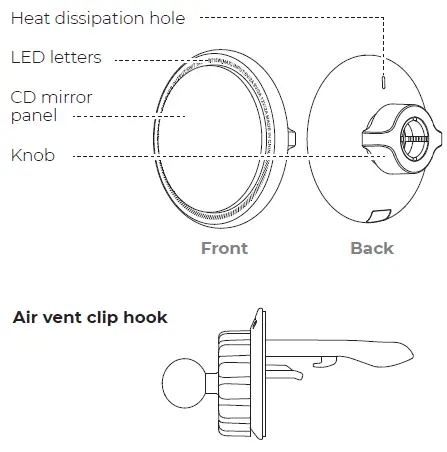
Product diagram
Operation steps
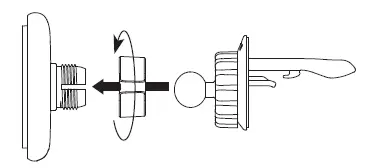
- Put the ball head into the nut first, then insert it into the socket on the back of the holder, tighten the nut clockwise.

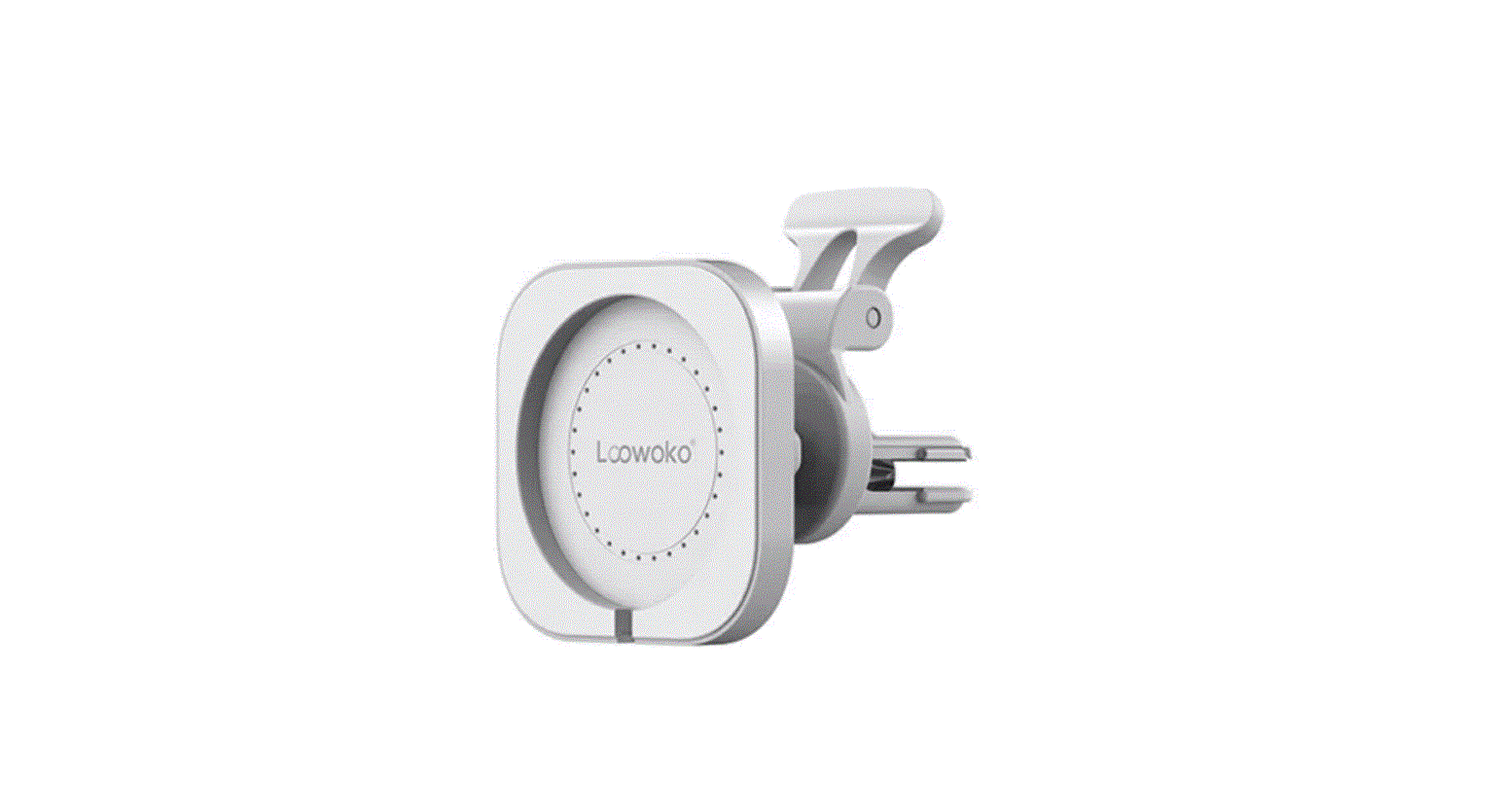
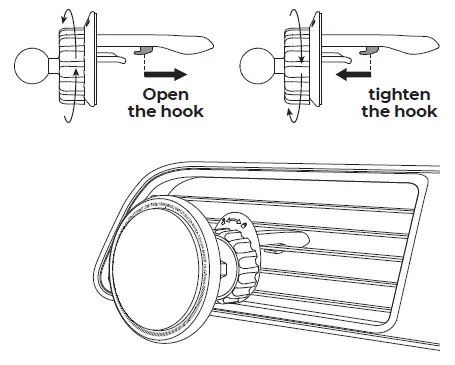
- Loosen the knob and open the hook, insert the hook onto vent blade, then fasten the knob.

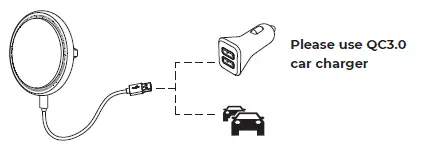
- Use the Type-C charging cable in the package to connect the holder and the car charger.

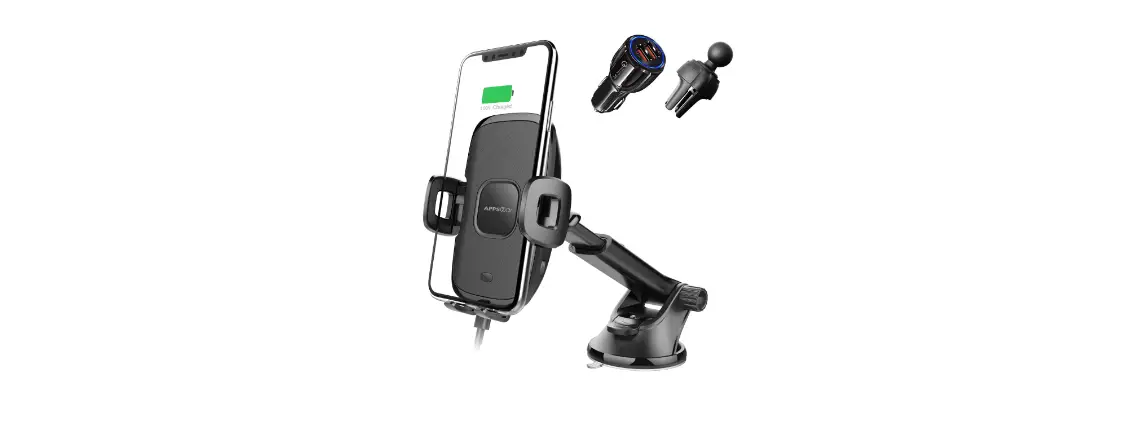
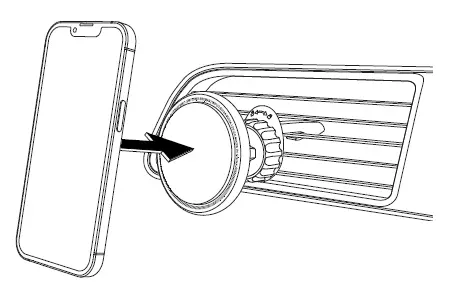
- Place your phone. It will be securely attached to the charger holder with its auto-alignment function

Note:
The product will automatically hold and charge your IP 12/13 once sensing it. If you don’t want to take off your phone case, we suggest using magnetic cases.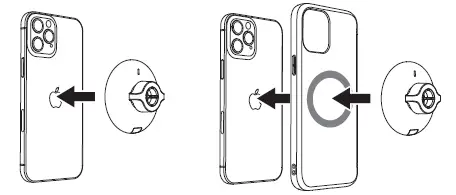
Warning
- Do not disassemble or refit the product.
- Do not store it in a wet environment.
- Please keep the product away from heat and do not charge it near a heat source.
- Please prevent water or other liquid from entering the product interface. Otherwise, the product may be damaged.
- Do not install the wireless car charger holder over an air bag cover or within the air bag deployment zone.
- During charging, make sure to remove the metallic/ magnetic protective case or cards (like bank cards), etc. from your device.
- During charging, the charger may heat up. This is a normal occurrence and won’t affect its performance.
- If the charger or your phone gets too hot, please disconnect the power supply and let it cool down before restarting the charging process.
- Avoid using bent or damaged USB cables.
Warranty
A. If there is performance failure on this product and it’s not cause by human error, we will provide12-month free warranty service for consumers from the date of purchase.
B. Warranty Exceptions:
- Human damage;
- Beyond the warranty period;
- Failure to provide a valid purchase certificate;
- Product damage caused by failure to follow the use, maintain and storage instructions;
- Product damage caused by disassembling or repairing the product without authorization, or immerse the product in water;
- Damage caused by other force majeure