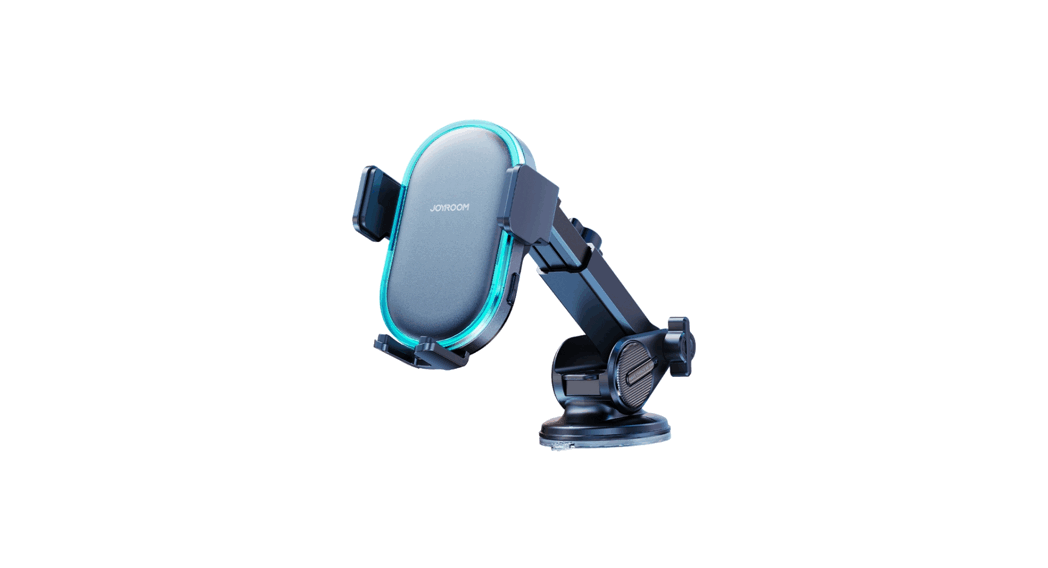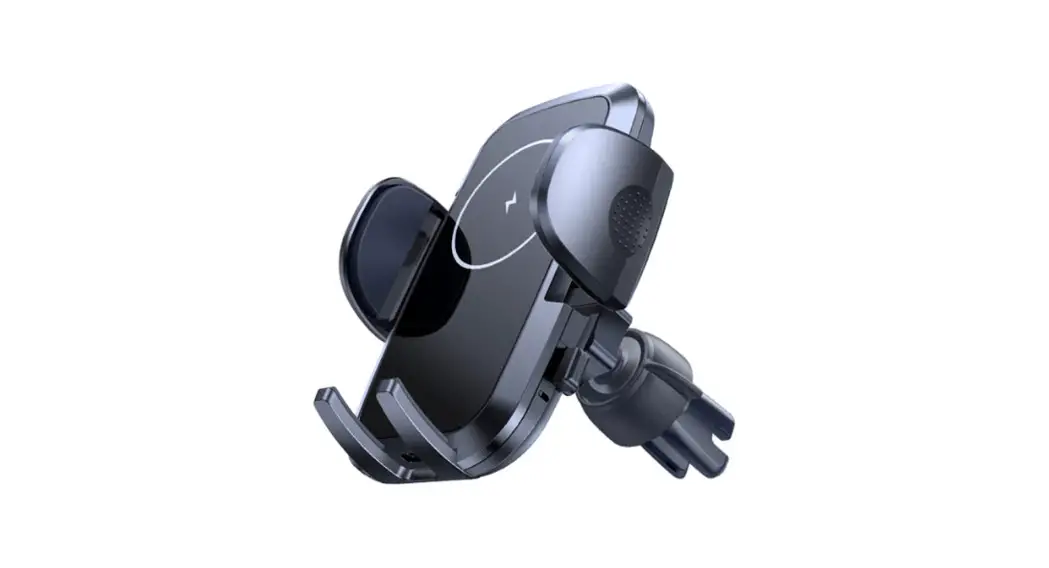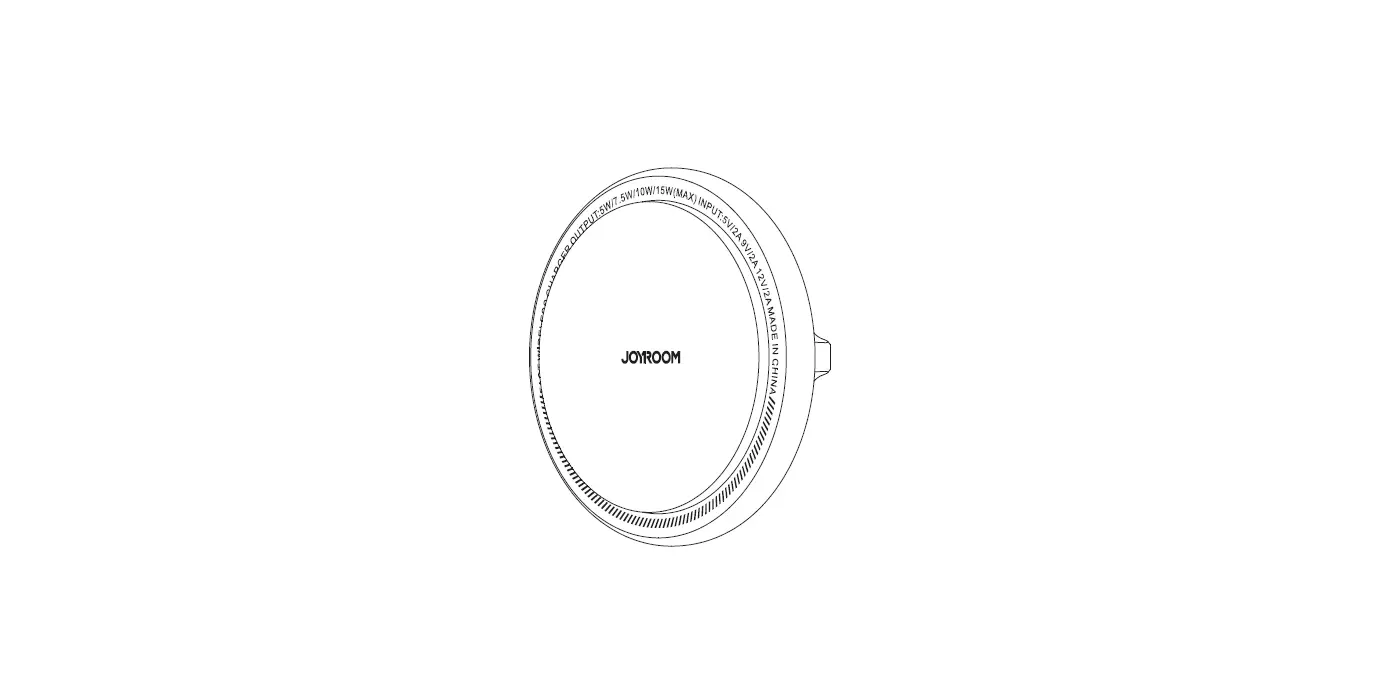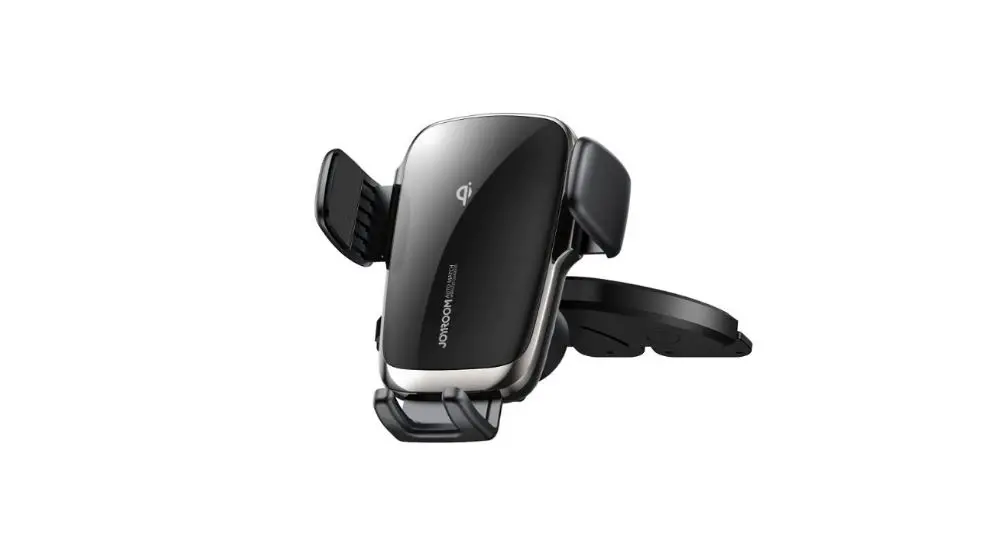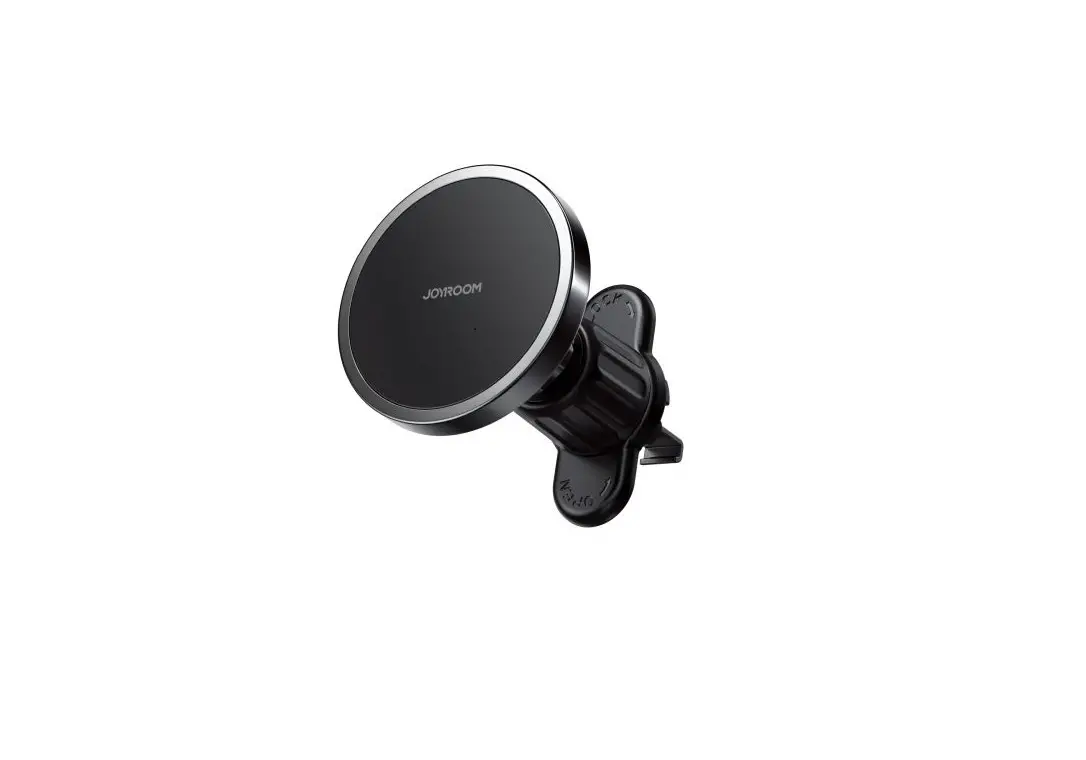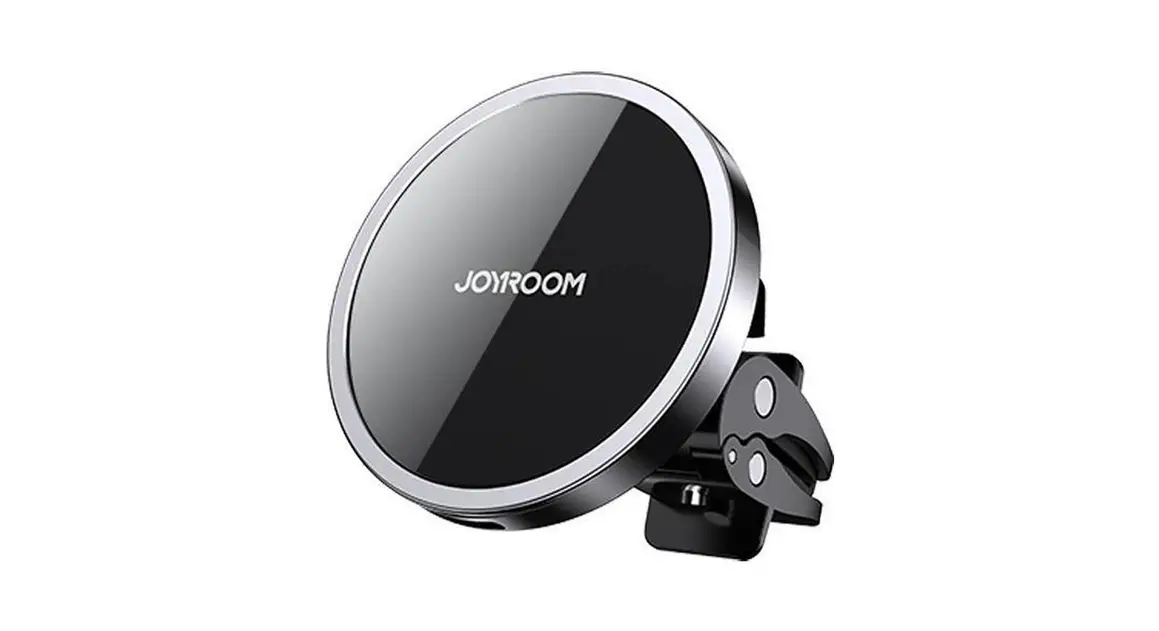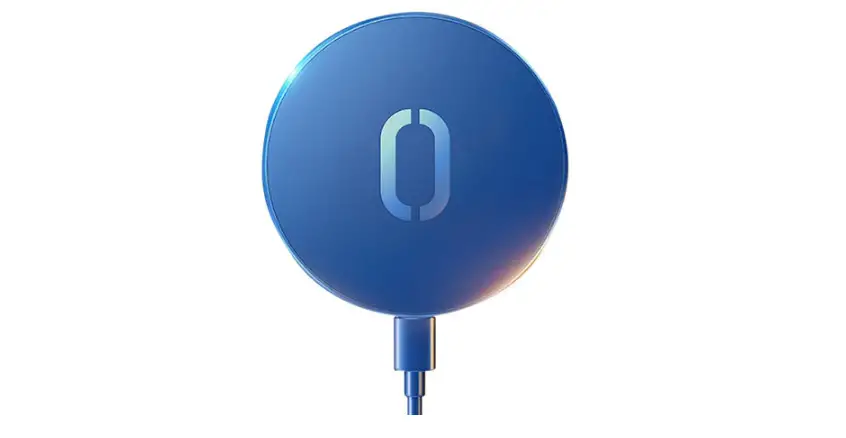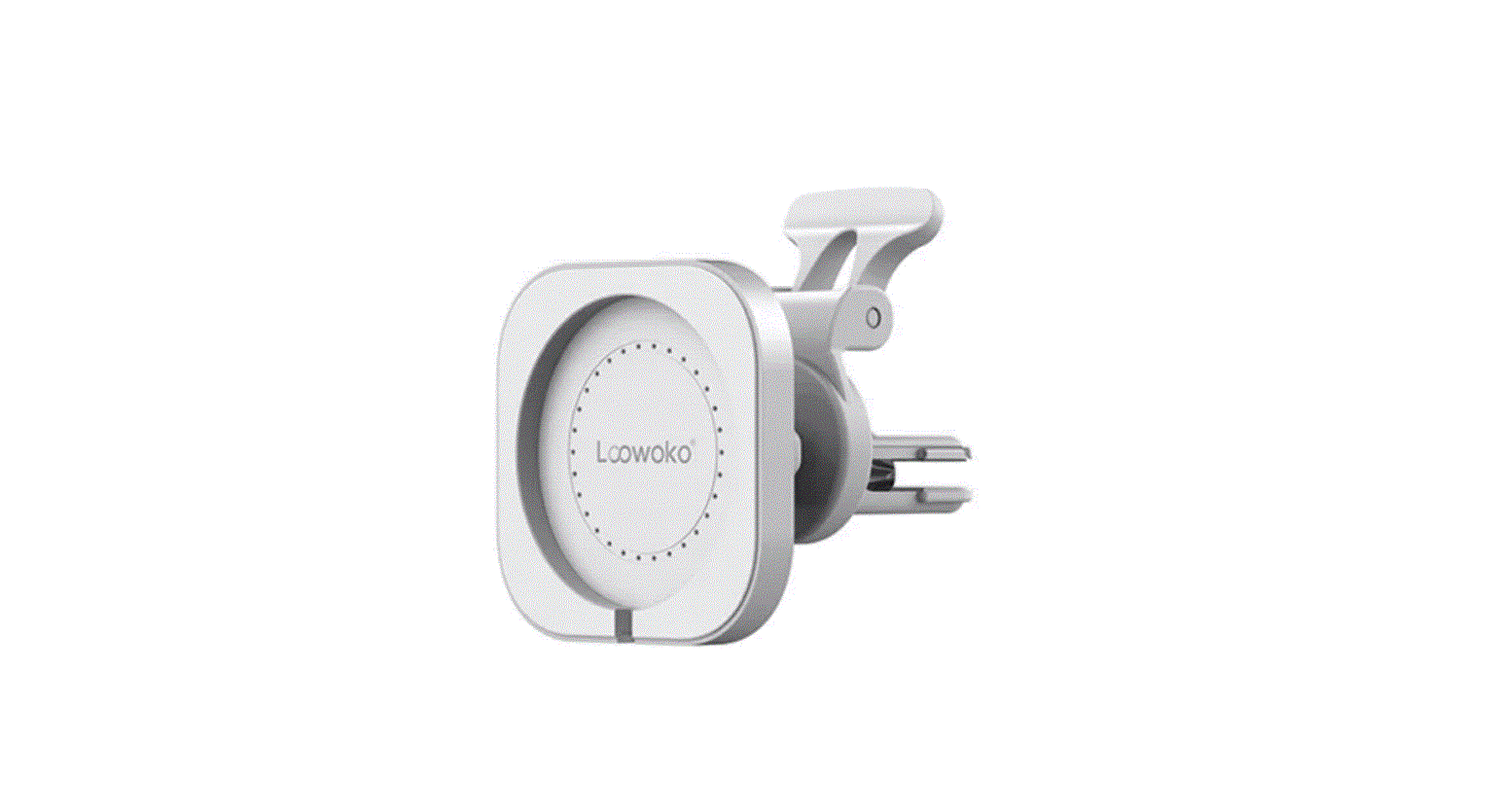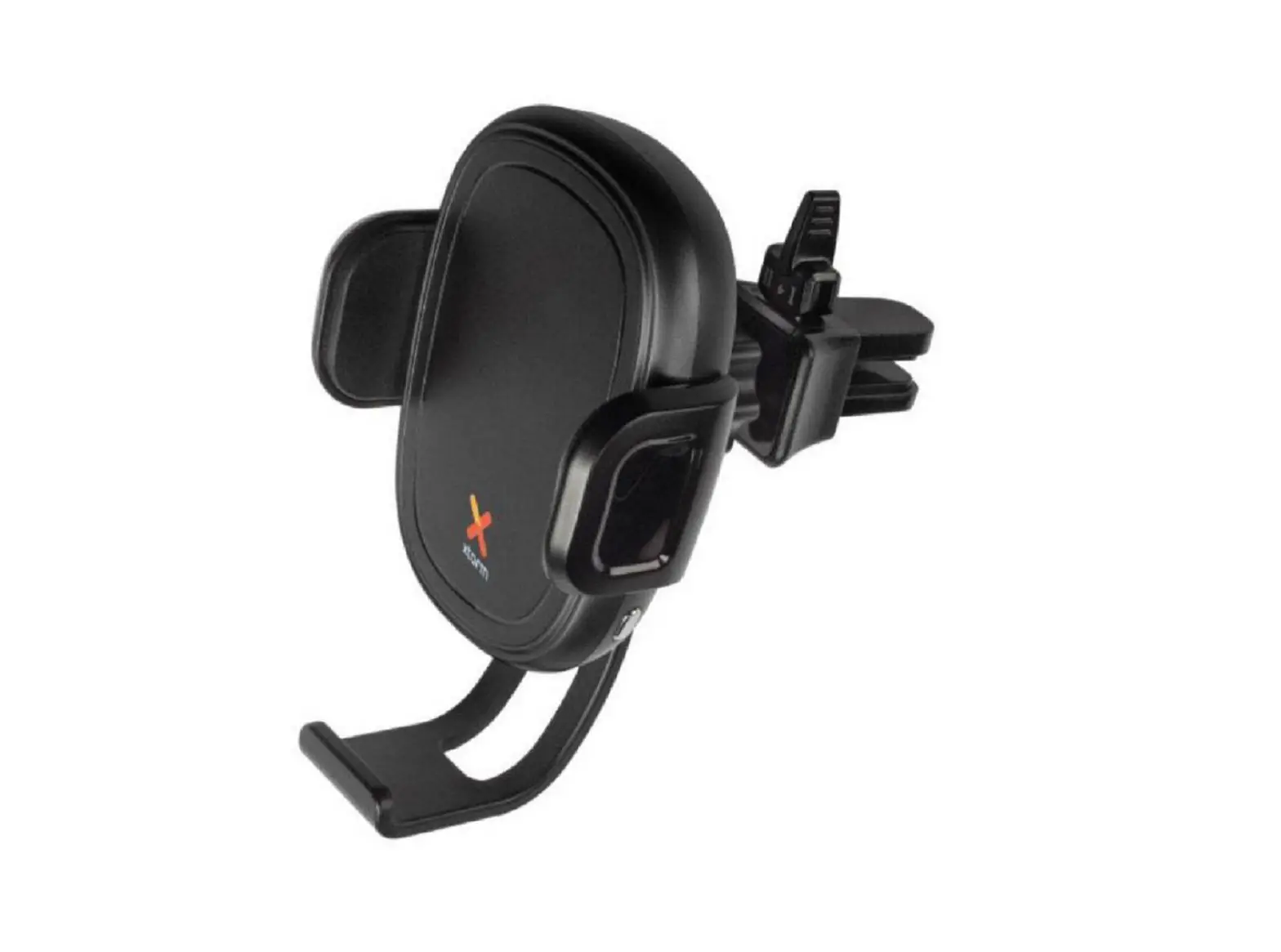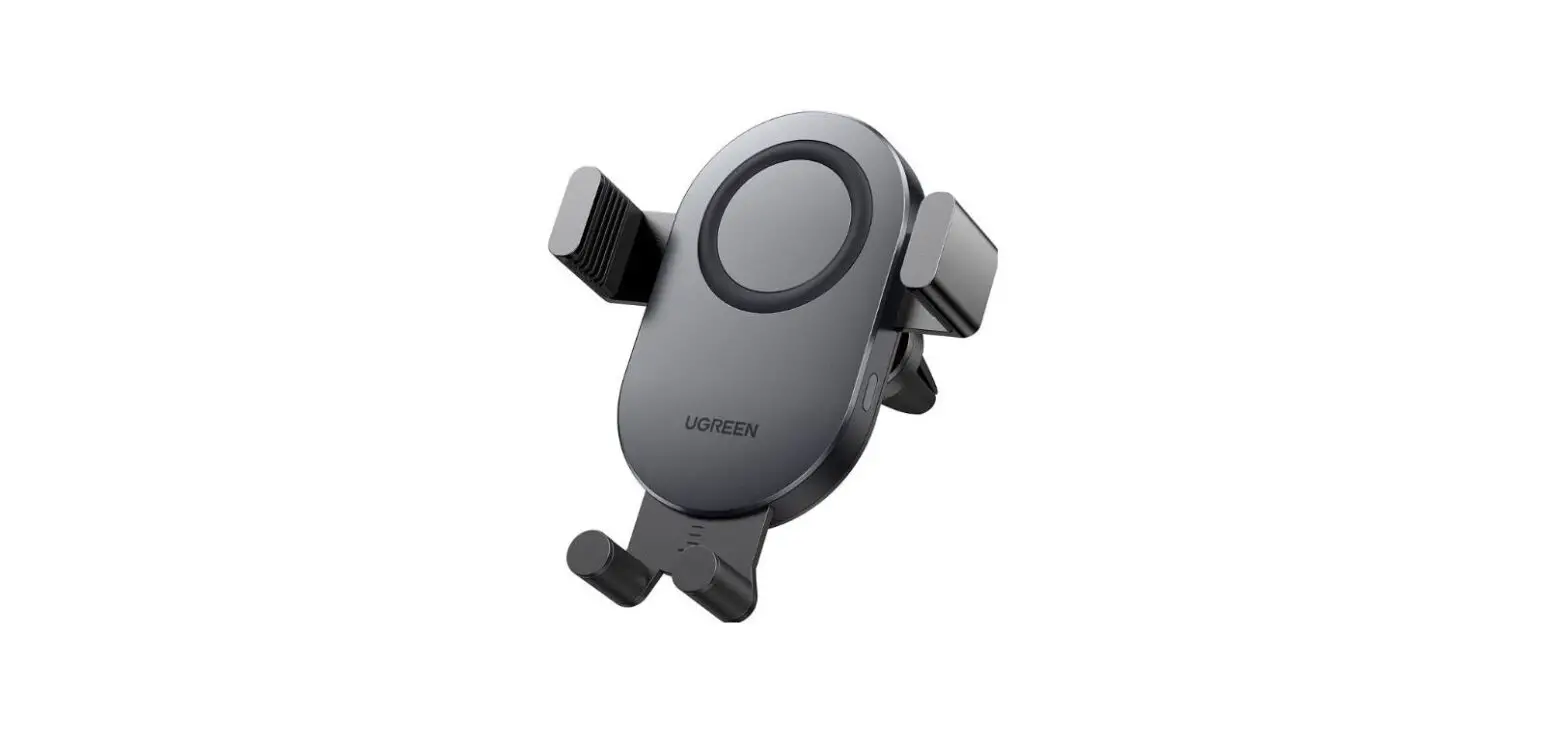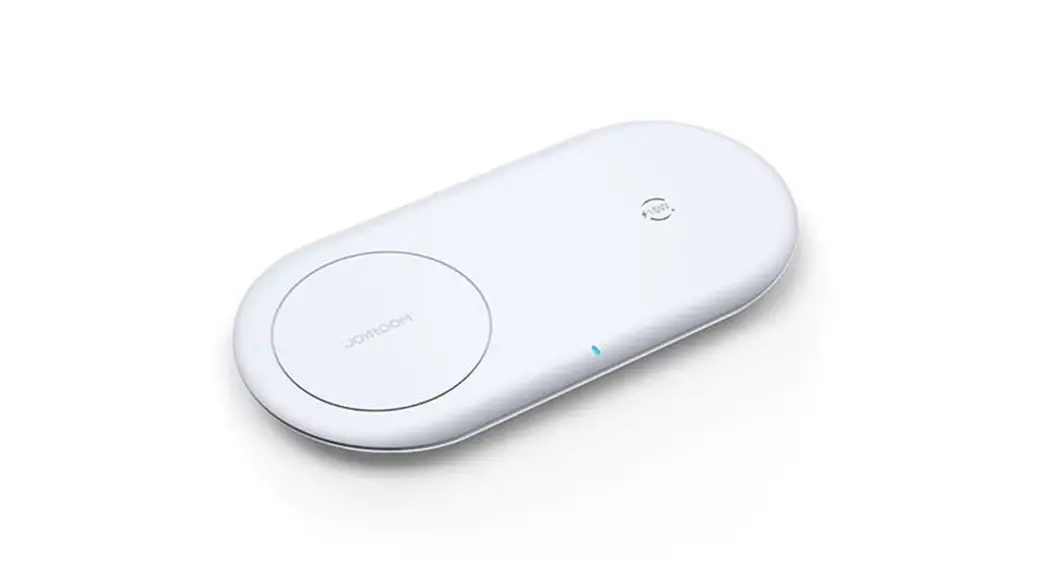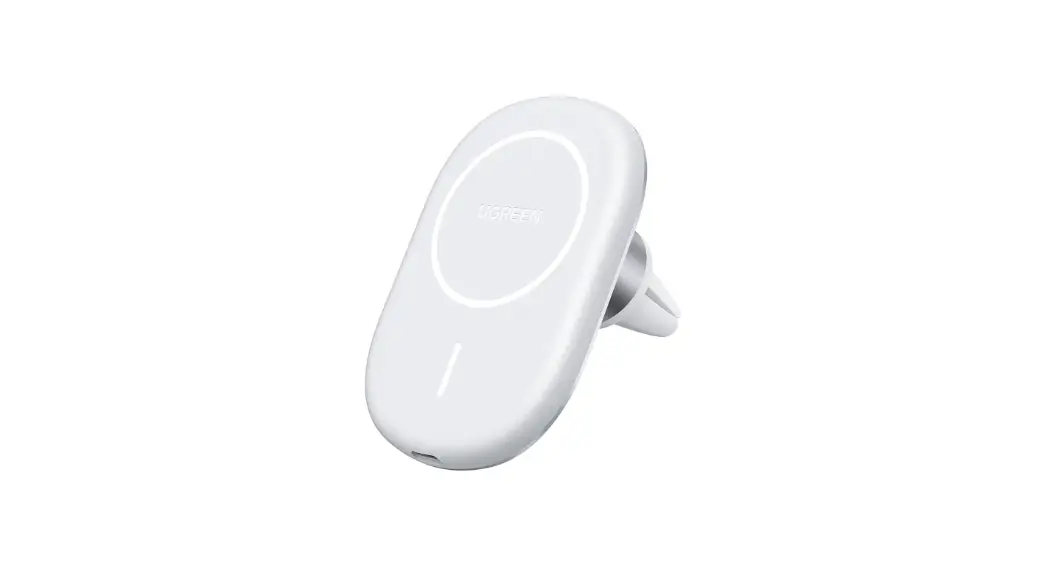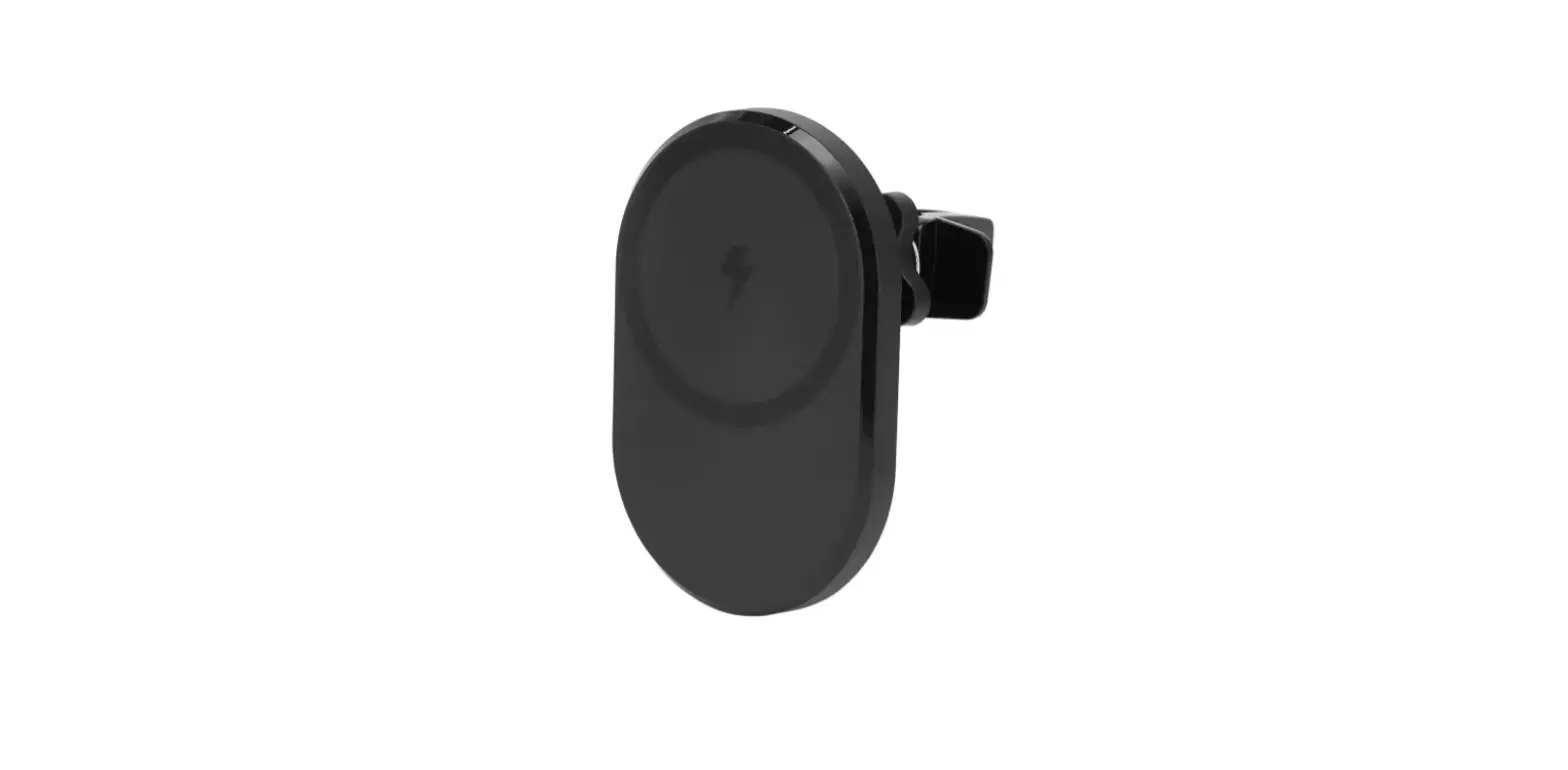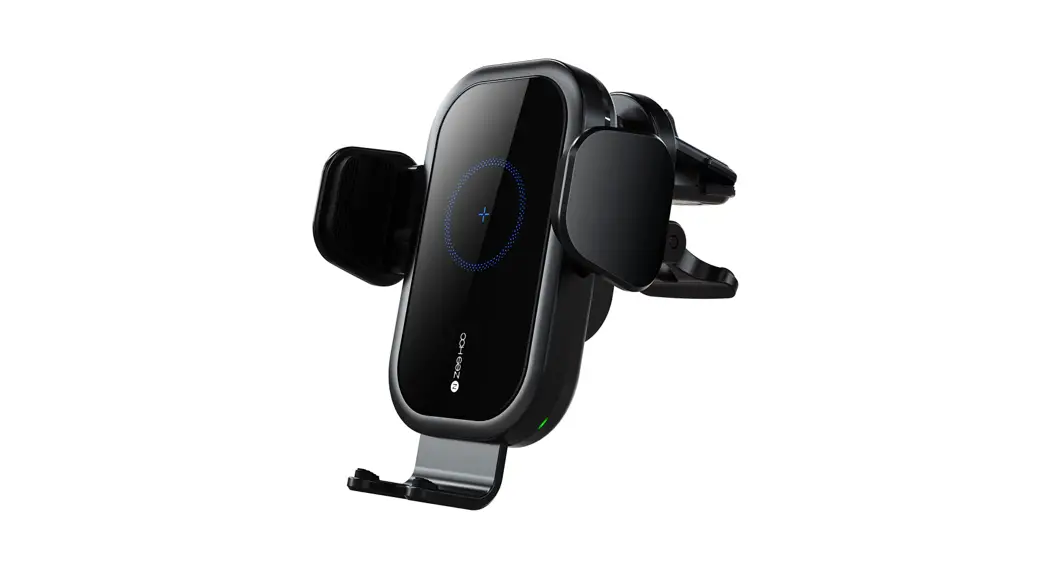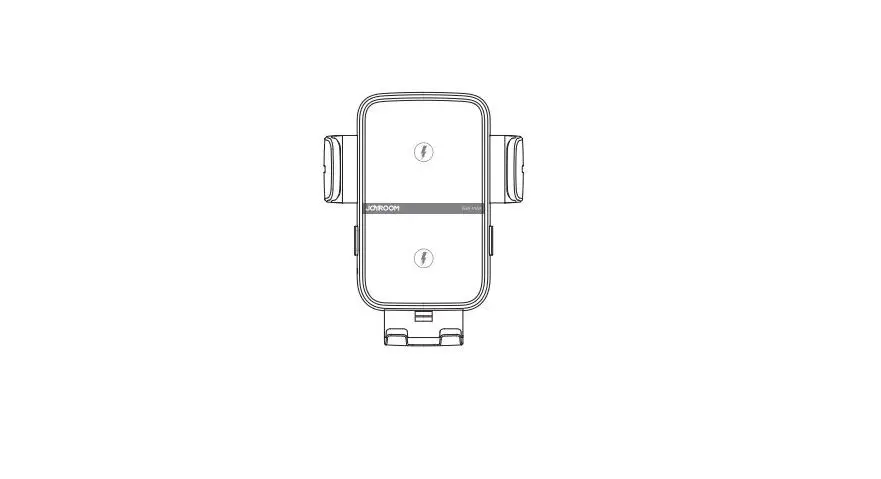

JOYROOM JR-ZS246 Dual-Coil Wireless Car Charge Holder
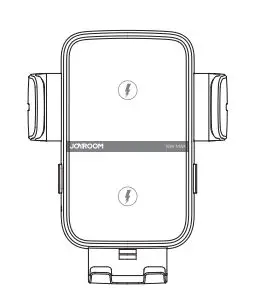
Parameter
Model: J R-ZS246
Name: Dual-coil wireless car charger holder Color: Black
Material:ABS+PC
Input: SV=2A 9V=2A l2V=2A
Output: SW/7.SW/’,OW/ISW (max)
Input pert: Type-C
Applicable phone size: 4.7-6.8
Induction: Smm
LED indicator lights
| PStoawnedrboyn | SrSiiinddgeefLLlaEEsDDhelliisggohhntt ckkeeeethppess noonnke, ppeaapnnseeollnLLEEDD ring keeps on |
| Charging | SLiEdDe rLinEgD tluigrhntsfolaffshes slowly, panel |
| Abnormality | rBinogthflsaisdhe qLuEiDcklilgy ht and panel LED |
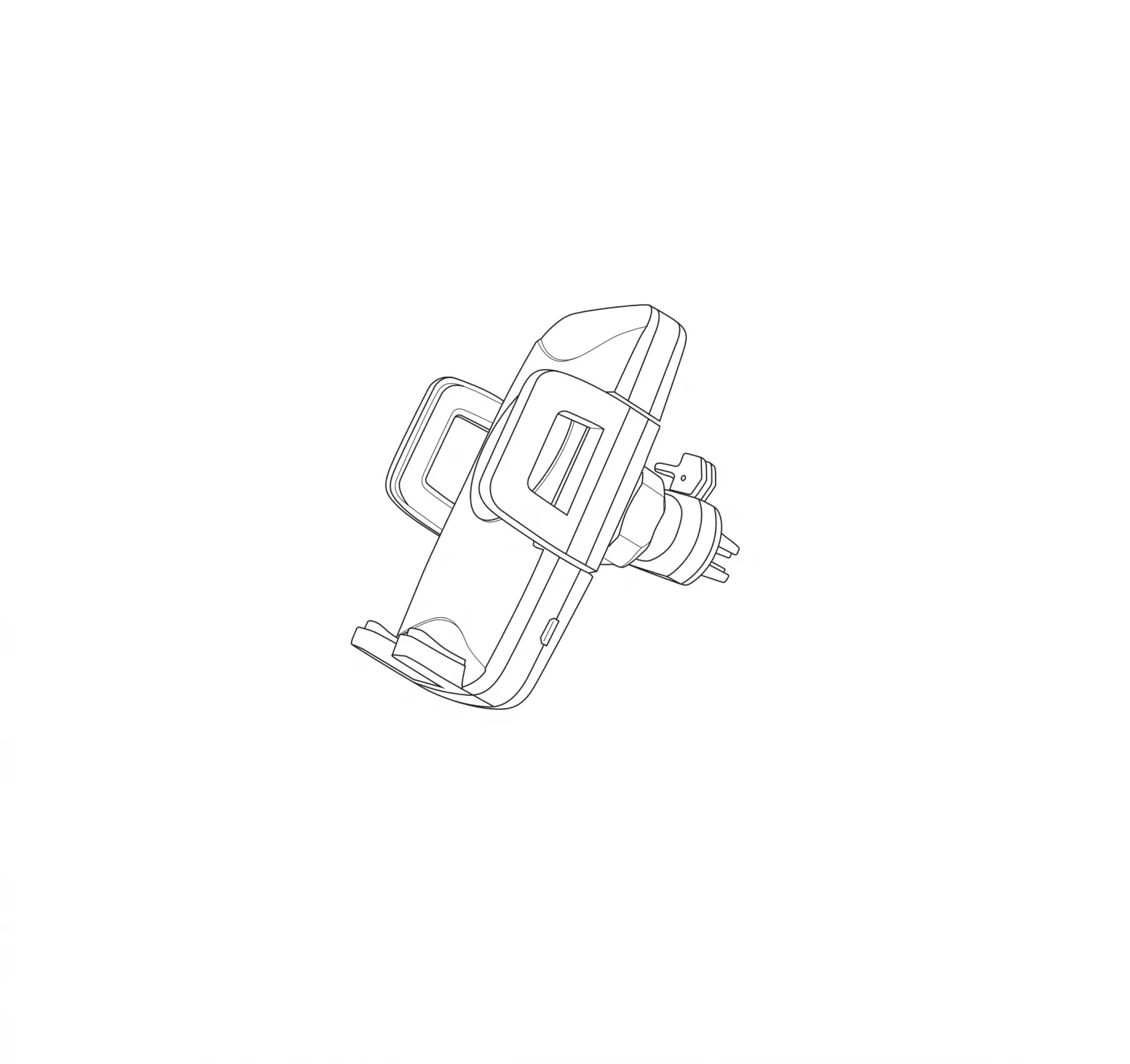
Product diagram
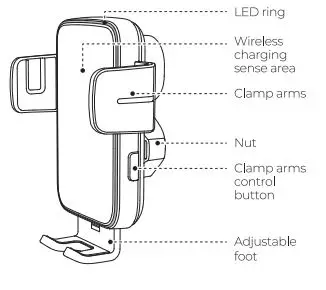
OUTLET CHAMP
Operating steps
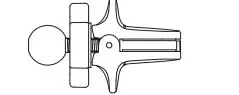
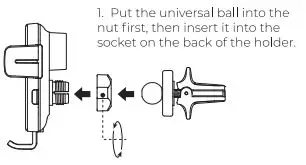
- Put the universal ball into the nut first, then insert it into the socket on the back of the holder.

- Fasten the nut clockwise to its position.
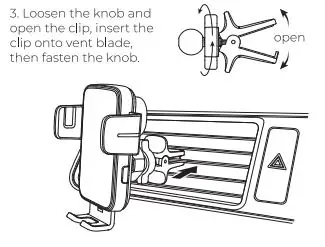
- Loosen the knob and open the clip, insert the clip onto vent blade, then fasten the knob.

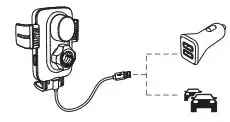
- Connect phone holder to car charger using the included Type-C charging cable, the clamp arms will open automatically.
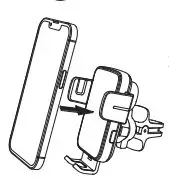
- Place your phone, the clamp arms will lock it automatically.

- Carchargel5that support QC3.0 1

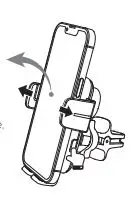
- Press the clamp arms control button to open the arms and retrieve your phone.

Warning
- Do not disassemble or refit the product
- Do not store it in a wet environment.
Please keep the product away from heat and do not charge it near a heat source
Please prevent water or other liquid from entering the product interface. Otherwise the prOOuct may be damaged. - Do not install the wireless car charger mount over an air bag cover or within the air bag deployment zone During charging, make sure to remove the metallic/magnetic protective case or cards (like bank cards), etc. from your device.
- During charging, the charger may heat up. This is a normal occurrence and won’t affect the its performance. If the charger or your phone is too hot, please disconnect the power supply and let it cool down before restarting the charging process.
8. Avoid using bent or damaged USB cables.
After-sales service instructions
Dear users, thank you very much for using our products. In order to protect your rights and interests, and to clarify the company and its distributors’ responsibilities, i.e. prOOuct maintenance, replacement and return, please read the follcwing items carefully:
- WarrantyCard is the necessary certificate for our company to provide free after-sales service during the warranty periOO of our prOOucts
- According to the principle of “\Mlo sells Vv’ho takes responsibility”,),Ol.J can, with the Warranty Card, contact the distributor In case of any quality problem. The companywill provide service suplJ()rt for its distributors.
- The company promises that if a quality problem occurs within seven da:yssince the date of purchase (the date on valid bills shall prevail),the customer may choose to return, replace or maintain the prcx.luct freely. For prOOucts beyond warrantyperiOO, life-long maintenance service is also prcwided (the after-sales service offices only charge for comp:ments/parts). Please fill in the Warranty Card carefully upon purchase.
- The following cases are not included In the after-sales service: CD Beyond the warranty periOO
- PrOOuctdamage caused byfailuretofollawthe use, maintain and preserve instructions;
- PrOOuctdamage caused by dismantling or repairing the prOOuct without authorization;
- Failure to provi de Warranty Card;
- The prOOuct differswith that on the Warranty Card; or there’s alteration on the Warranty Card.
- Damage caused by other force majeure
- .JOYROOM reserves the right offinal interpretation.
Warranty Card
Model; ______________ _
Purchase Date: ___________ _
Distributor: ______________
Invoice Date: ____________ _
Tel.: —————-
Customer Name: ————
Zip code: _____________ _