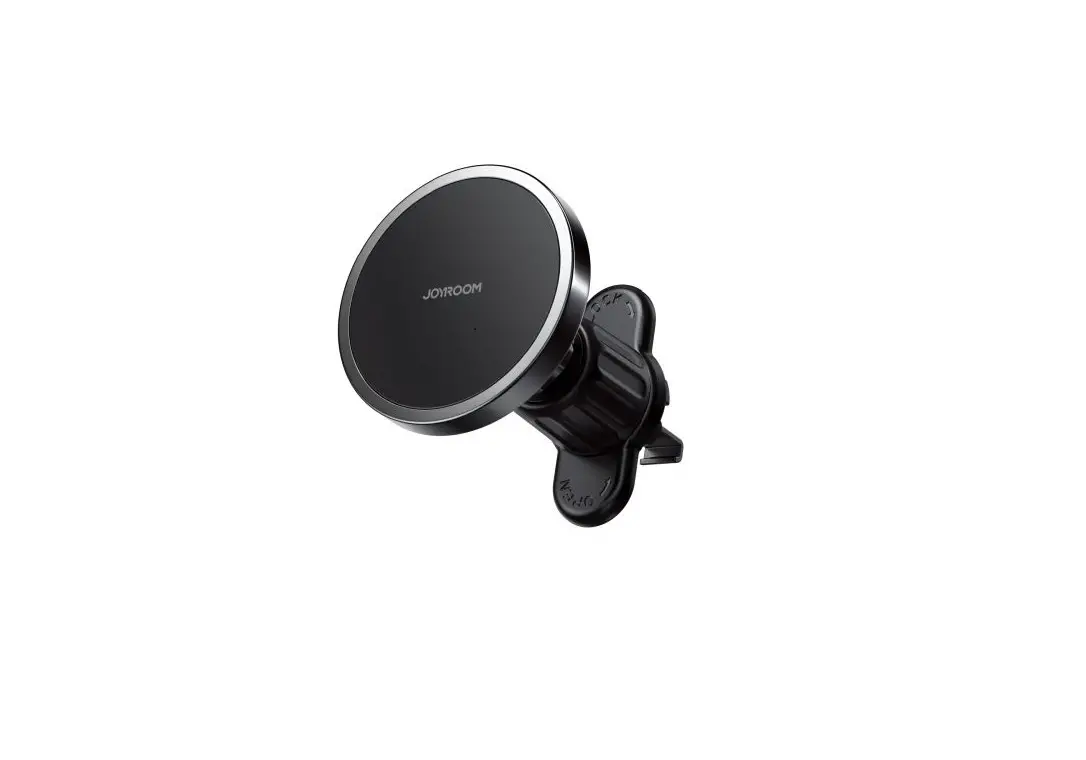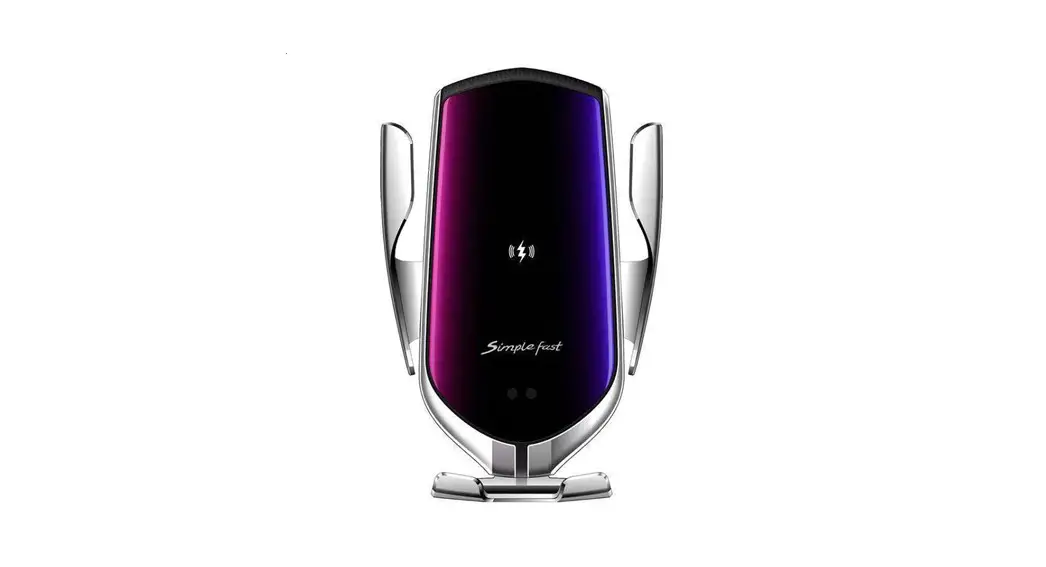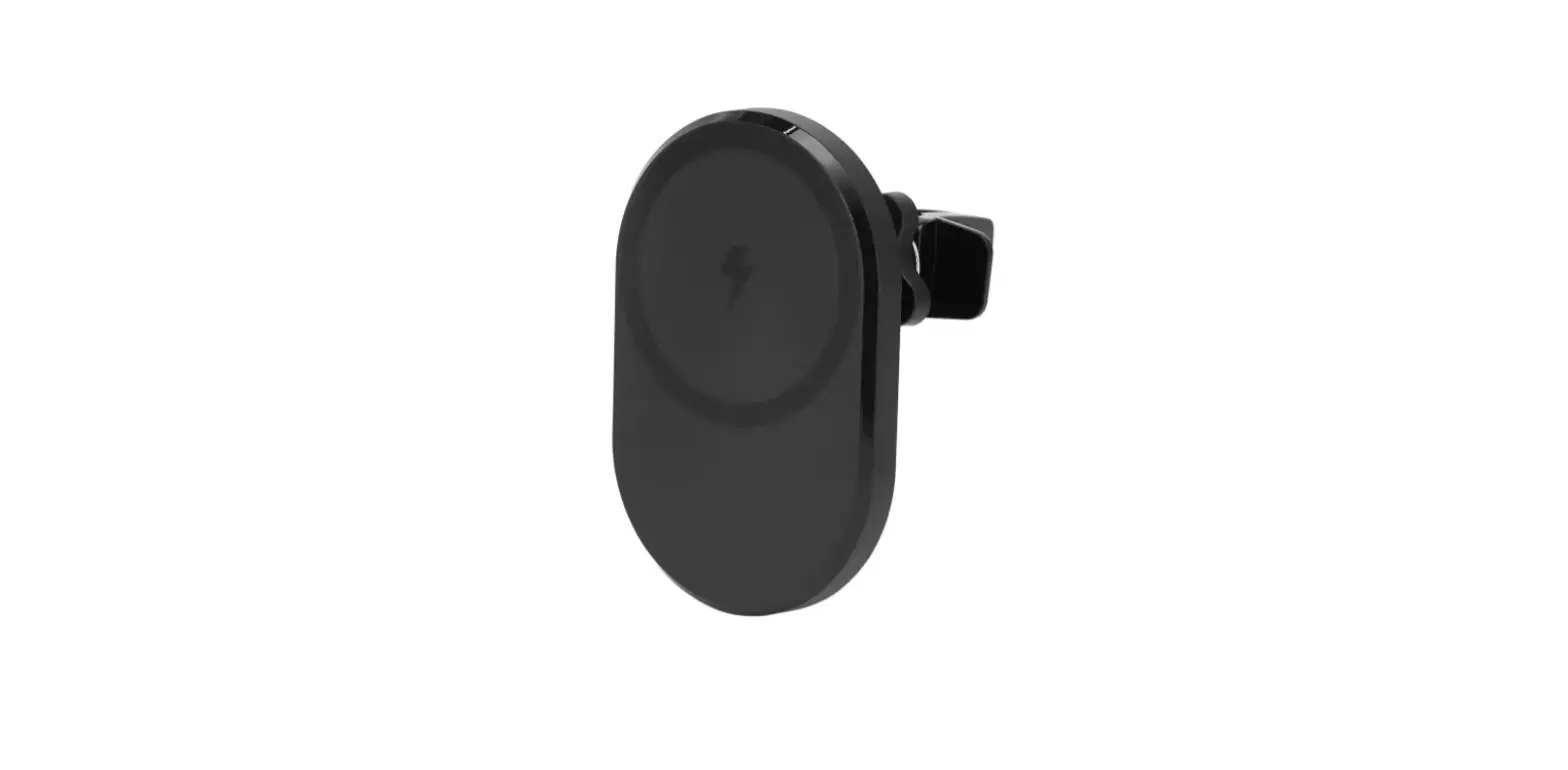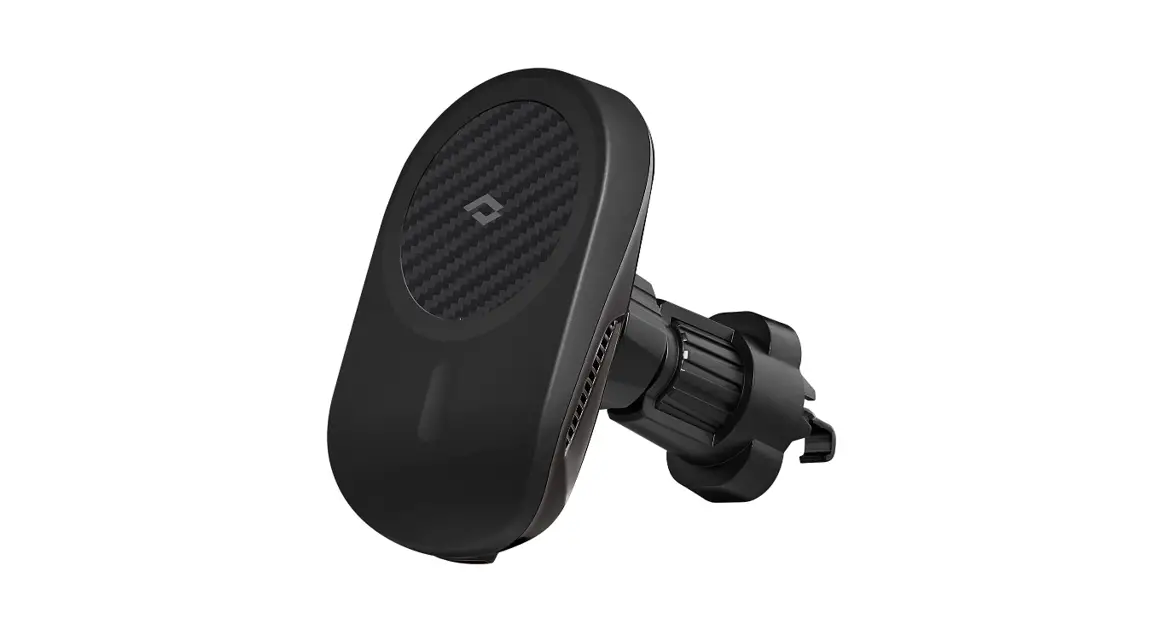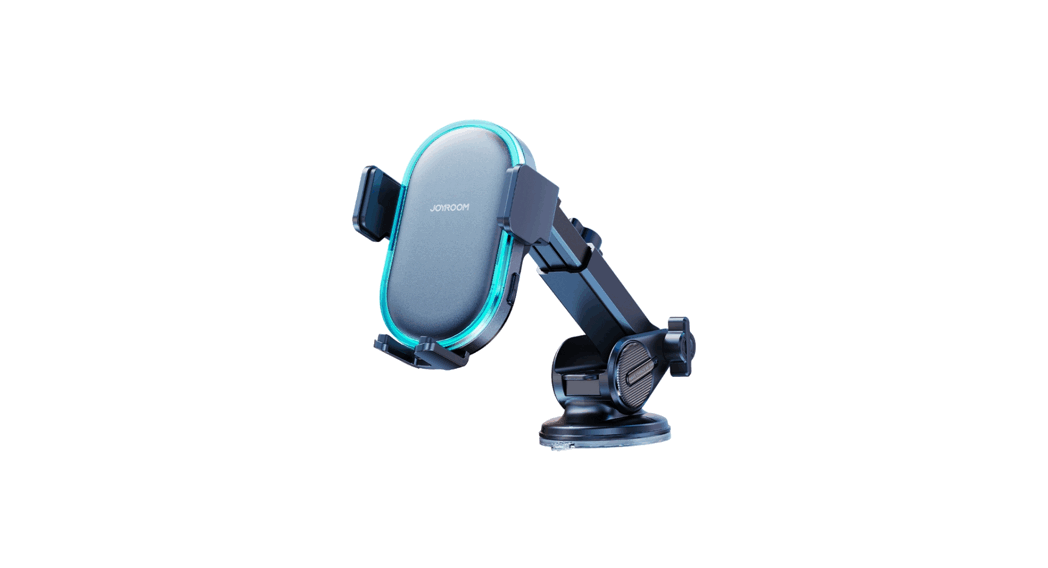
 JR-ZS299 Dual Coil Wireless Car Charger Holder
User Manual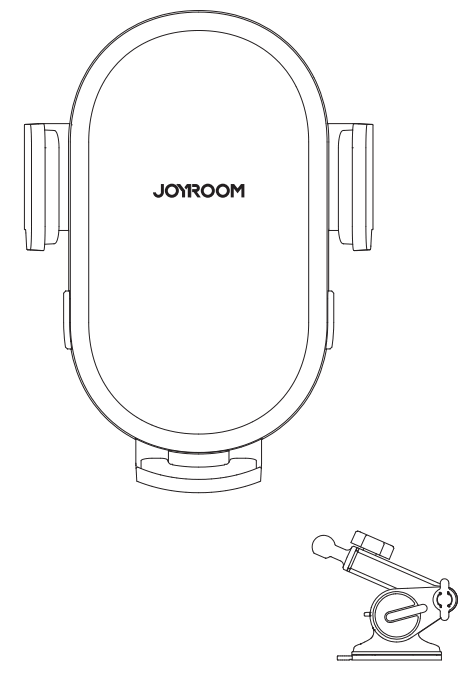
JR-ZS299 Dual Coil Wireless Car Charger Holder
If the phone cannot be charged, please check the following problems first:
- Check if the phone supports wireless charging.
- Check the back of your phone to see whether there is any metal object which may affect wireless induction.
- Check if the cable has any problem.
- Check if the car charger has any problem.
If the phone still cannot be charged, please contact customer service
Parameters
| Model | JR-ZS299 |
| Name | Dual-Coil Wireless Car Charger Holder |
| Material | ABS+PC |
| Input | 5V 2A 9V 2A 12V 2A |
| Output | 5W/7.5W/10W/15W (MAX) |
| Input port | Type-C |
| Applicable phone size | 4.7-7” |
Indicator light
| LED ring | Power on: constant blue light |
| Charging: blue light off | |
| Standby: constant blue light | |
| FOD: flashing blue light |
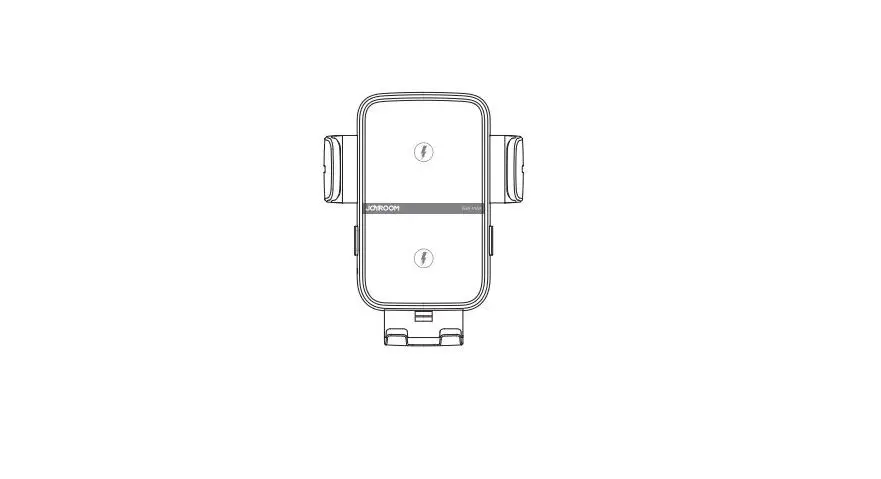
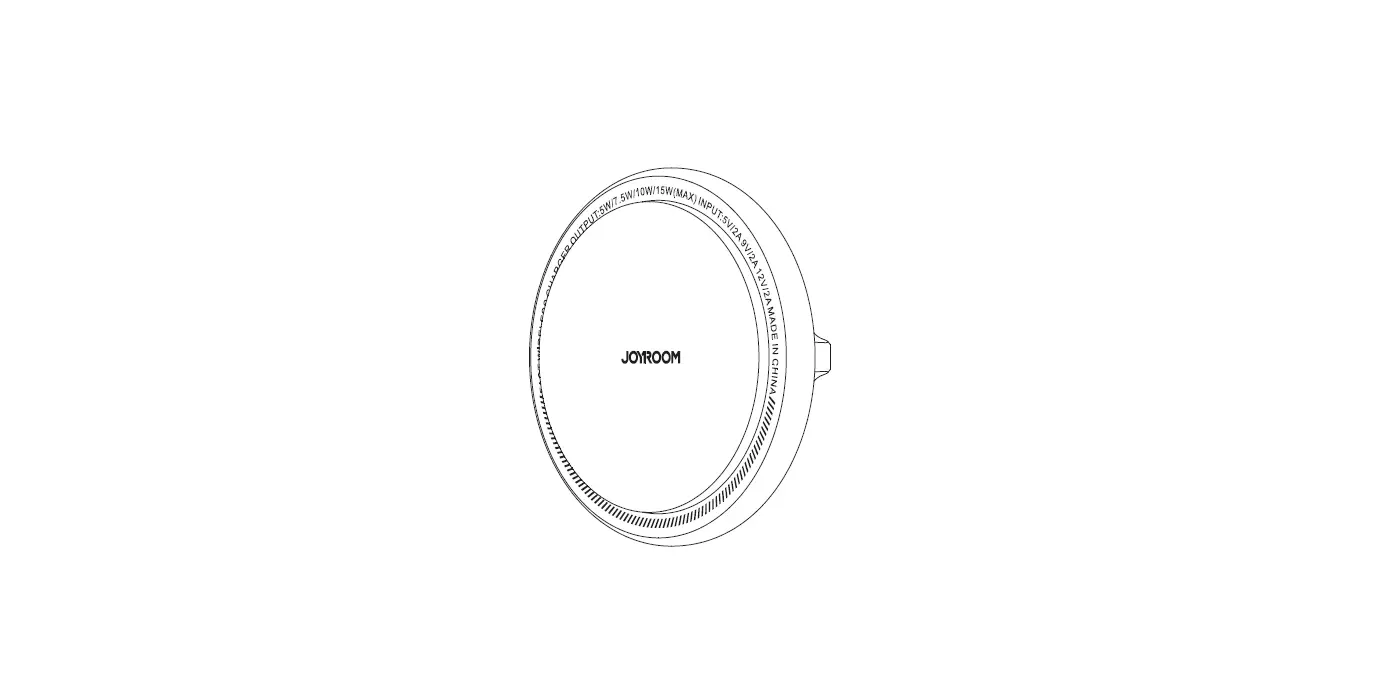
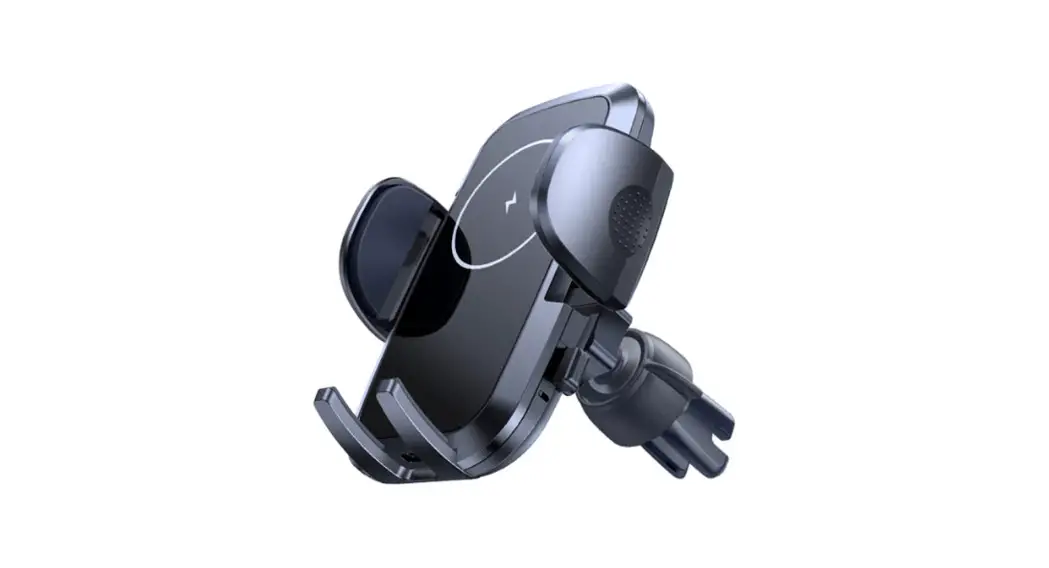
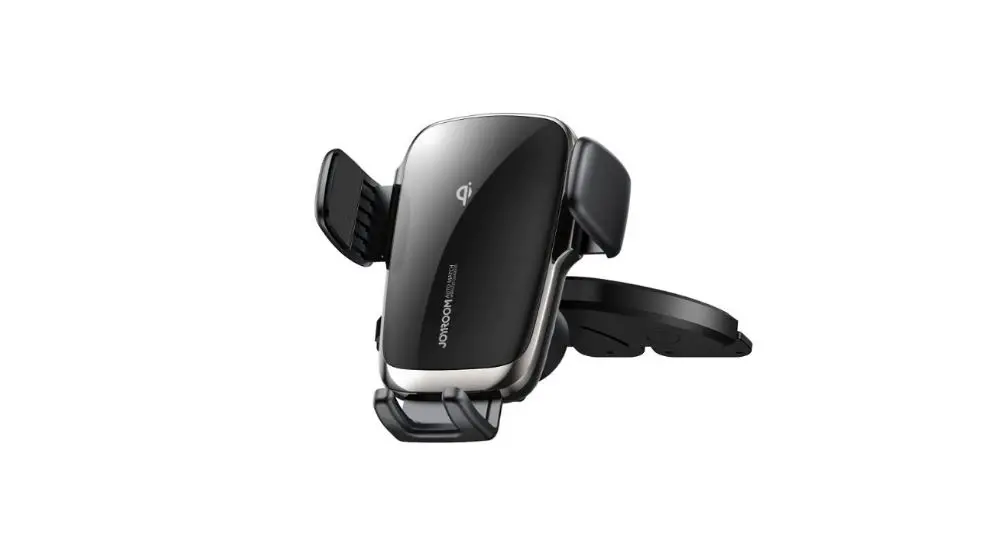
Product diagram
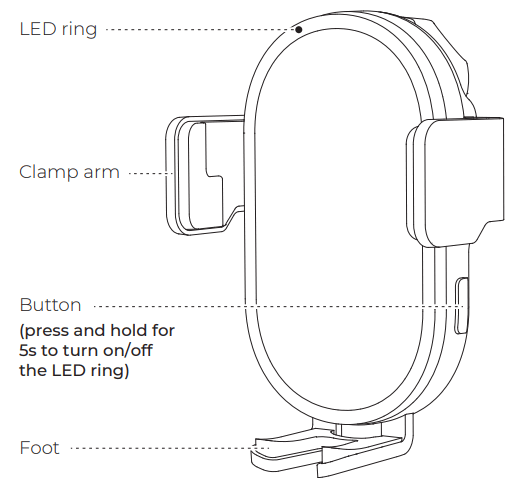
Dashboard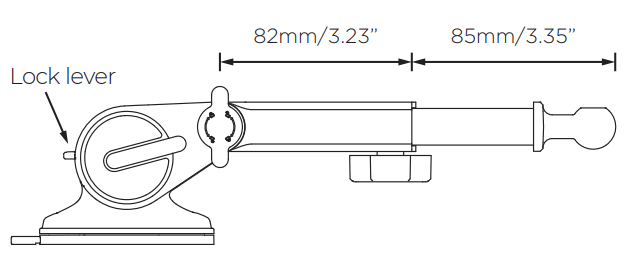
Operating steps (Dashboard)
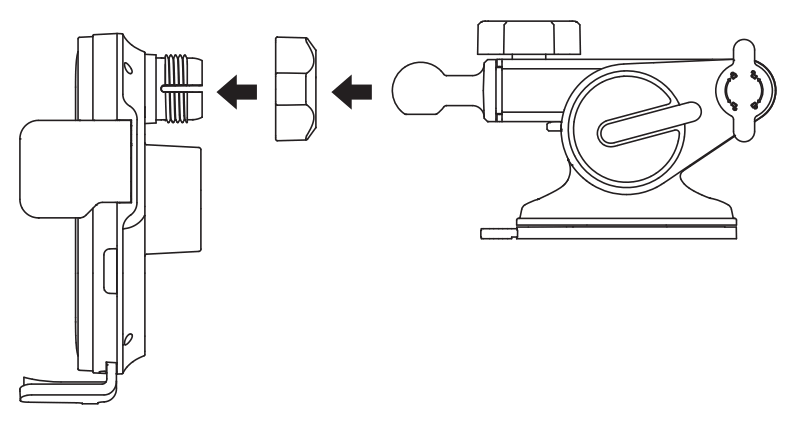
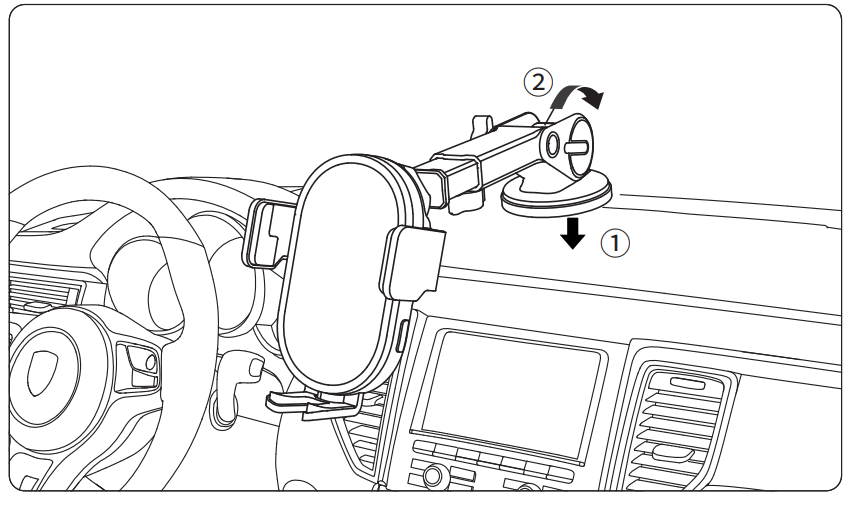
- Put the universal ball into the nut first, then insert it into the bolt on the back of the holder; fasten the nut clockwise to its position.
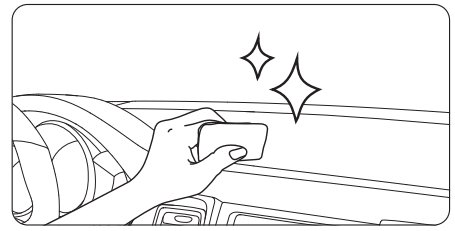
- Clean the windshield or dashboard whereyou need to install the car mount with a wet cloth, and wait for it to dry;

- Install the suction cup.

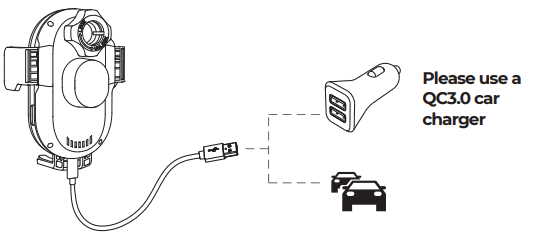
- Use the Type-C charging cable in the package to connect the charger and the car holder, the clamp arms will automatically open.

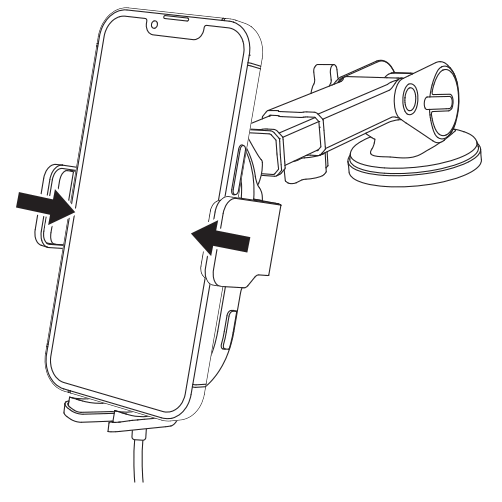
- Place your phone. The clamp arms will automatically lock it.

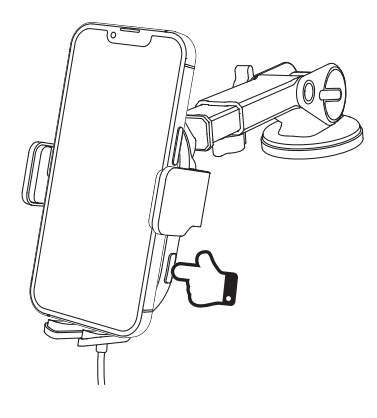
- Press the side button to open the clamp arms and take out your phone.

Warning
- Do not disassemble or refit the product.
- Do not store it in a wet environment.
- Please keep the product away from heat and do not charge it near a heat source.
- Please prevent water or other liquid from entering the product interface. Otherwise the product may be damaged.
- Do not install the wireless car charger mount over an air bag cover or within the air bag deployment zone.
- During charging, make sure to remove the metallic/magnetic protective case or cards (like bank cards), etc. from your device.
- During charging, the charger may heat up. This is a normal occurrence and won’t affect its performance. If the charger or your phone is too hot, please disconnect the power supply and let it cool down before restarting the charging process.
- Avoid using bent or damaged USB cables.
Warranty Card
| Model: | Customer Name: |
| Purchase Date: | Tel.: |
| Distributor: | Invoice Date: |
| User address (with postcode): | |
Warranty
A. If there is performance failure on this product and it’s not cause by human error damage, we will provide 12-month free warranty service for consumers from the date of purchase. B. Warranty Exceptions:
- Human damage;
- Beyond the warranty period;
- Failure to provide valid purchase certificate;
- Product damage caused by failure to follow the use, maintain and preserve instructions;
- Product damage caused by dismantle it or repair the product without authorization, or immerse the product in water;
- Damage caused by other force majeure.
FCC Warning Statement
These limits are designed to provide reasonable protection against harmful interference in a residential installation. This equipment generates uses and can radiate radio frequency energy and, if not installed and used in accordance with the instructions, may cause harmful interference to radio communications. However, there is no guarantee that interference will not occur in a particular installation. If this equipment does cause harmful interference to radio or television reception, which can be determined by turning the equipment off and on, the user is encouraged to try to correct the interference by one or more of the following measures:
- Reorient or relocate the receiving antenna.
- Increase the separation between the equipment and receiver.
- Connect the equipment into an outlet on a circuit different from that to which the receiver is connected.
- Consult the dealer or an experienced radio/TV technician for help.