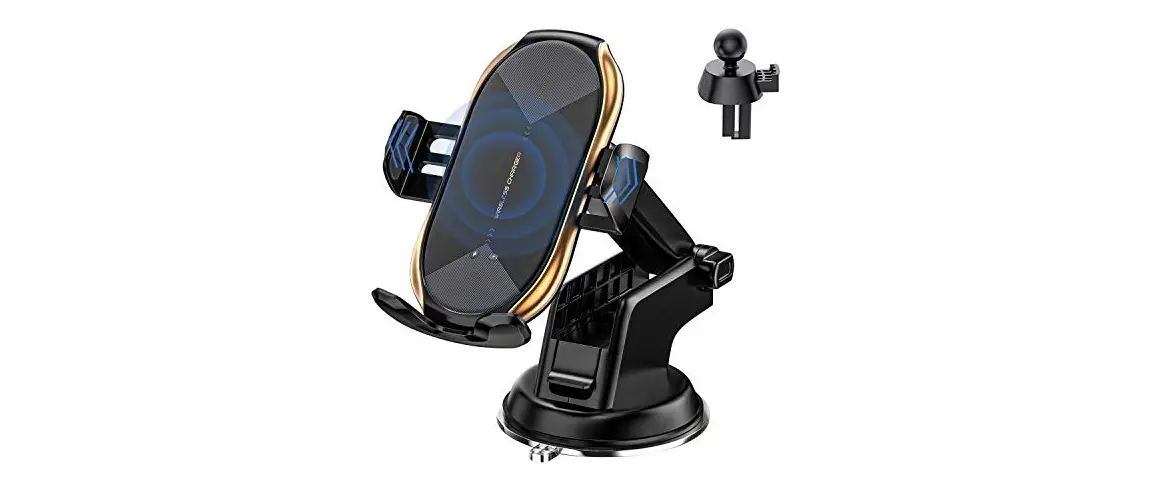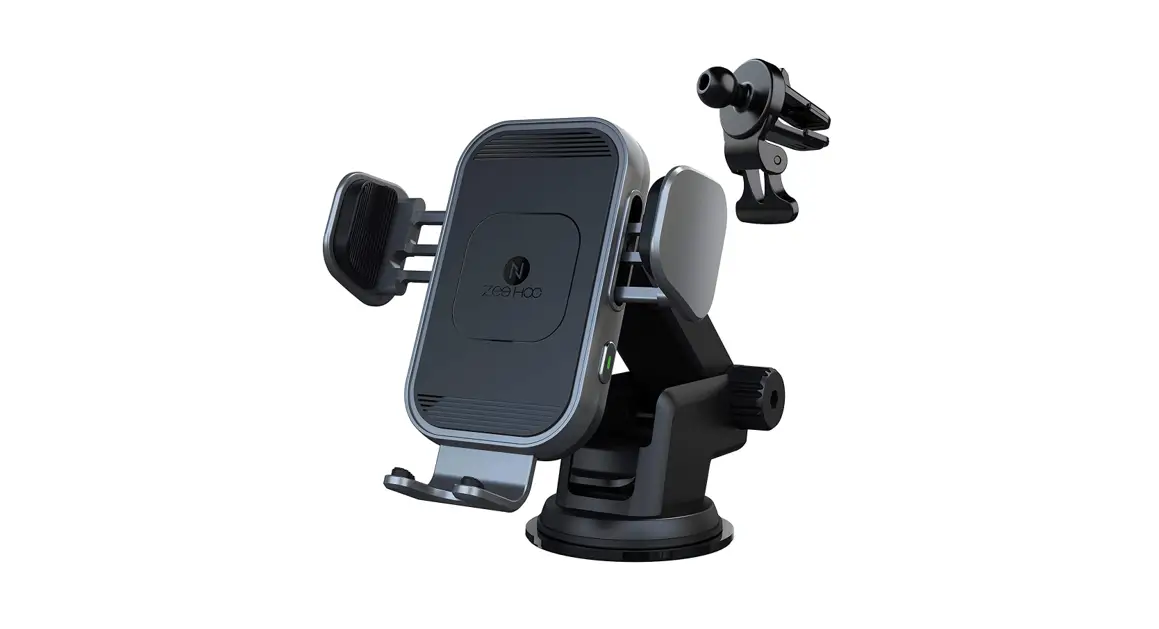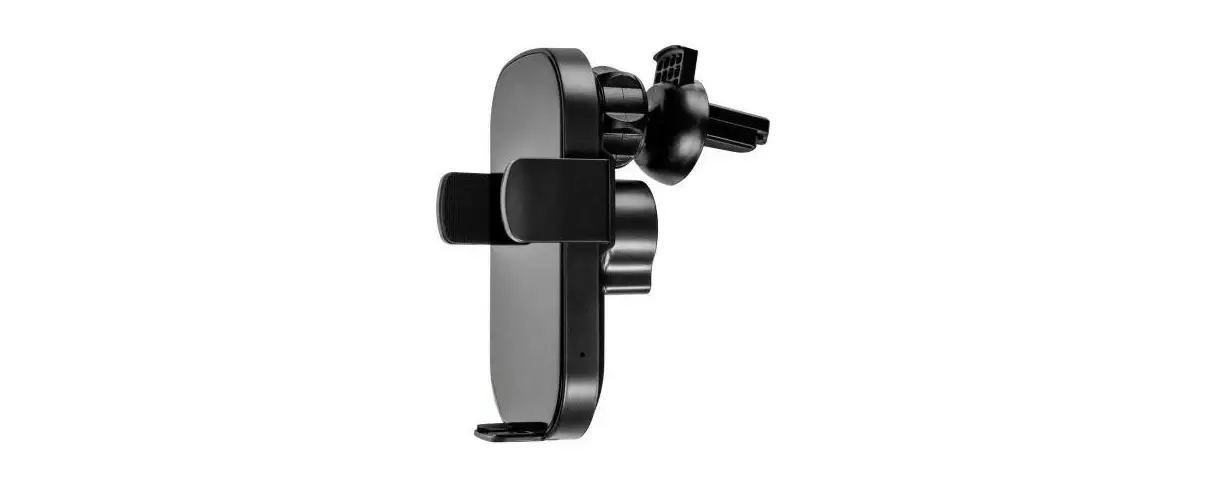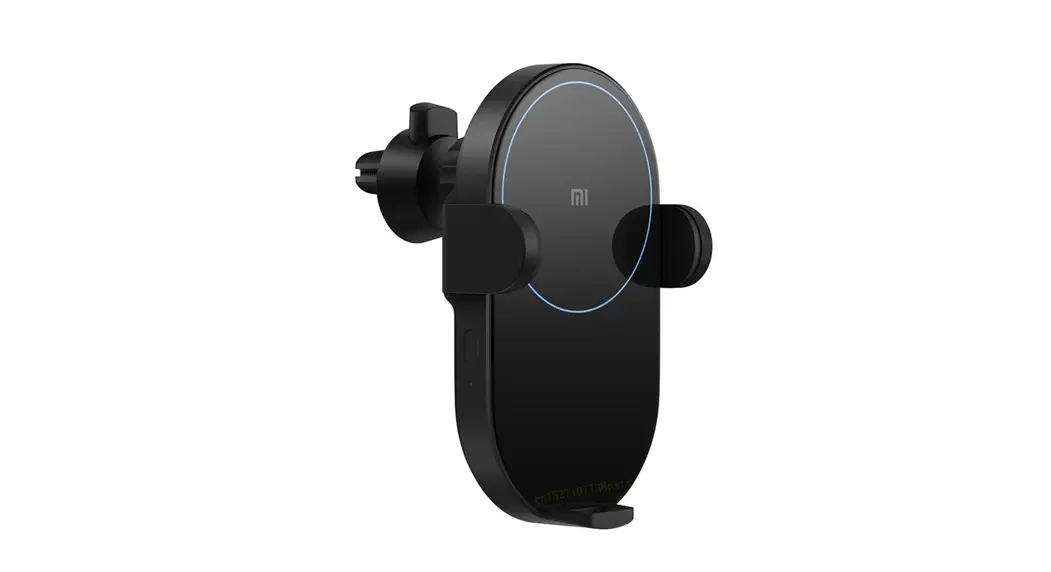
ZeeHoo PowerDrive CDC-20 Double Charging Colis
Wireless Car Charger User Manual
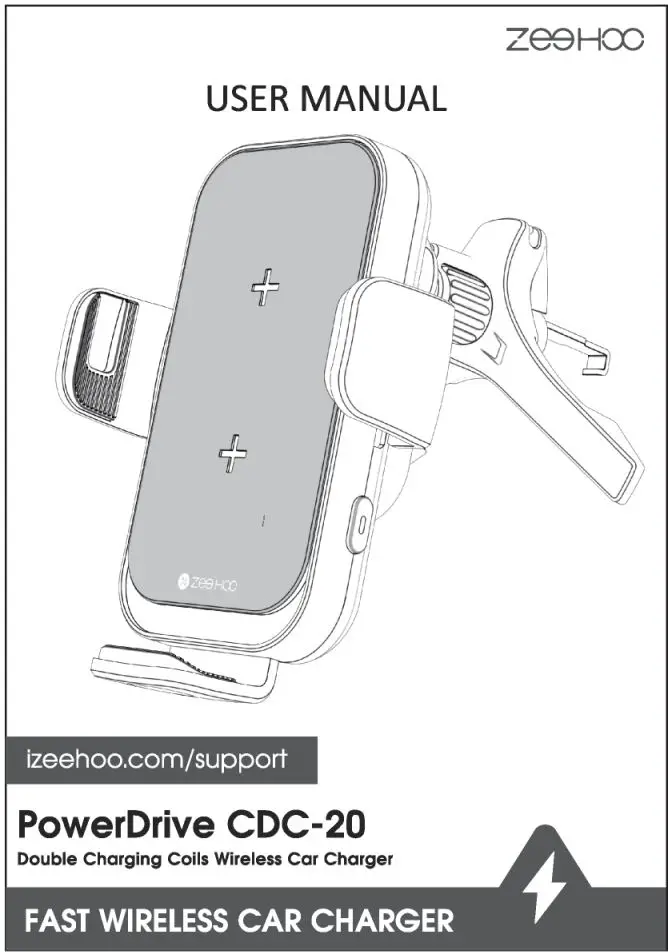
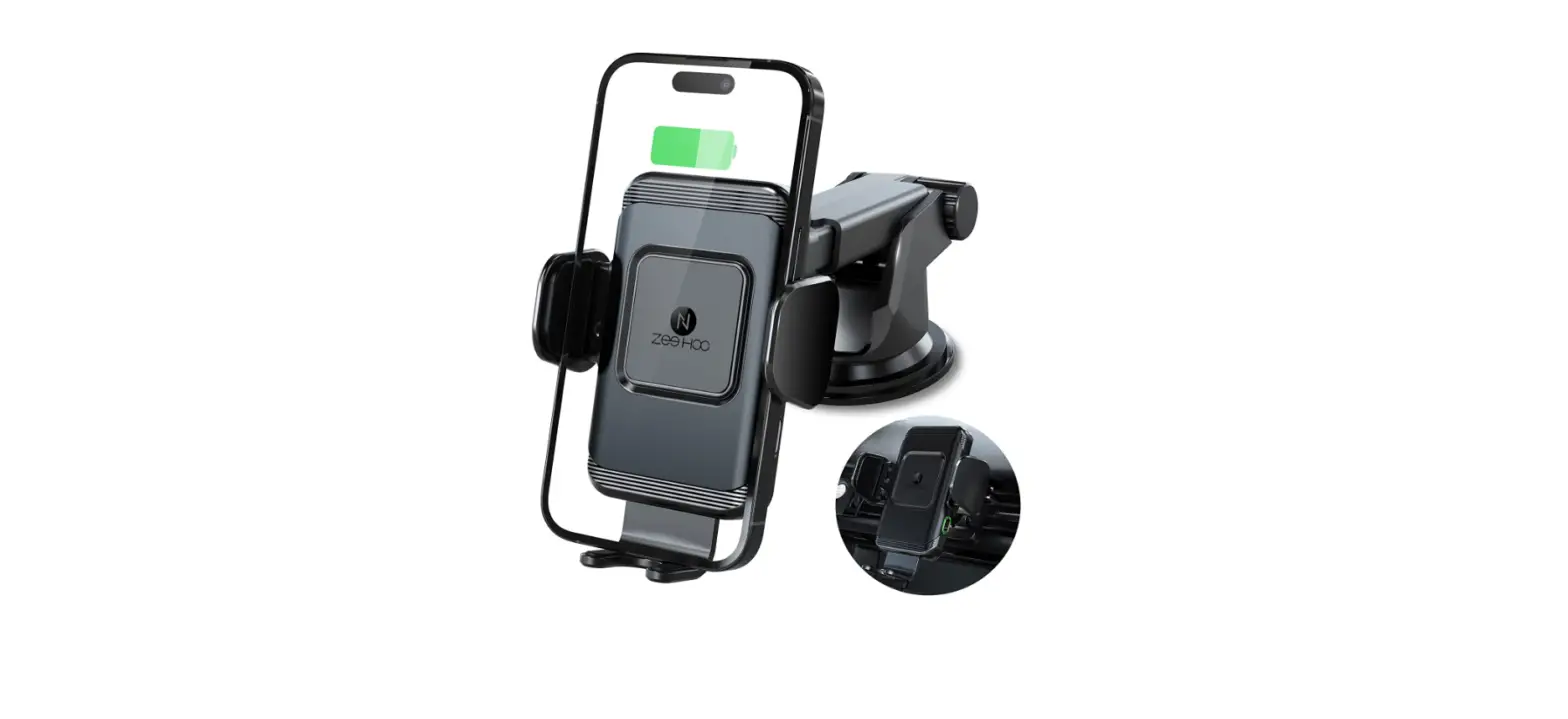
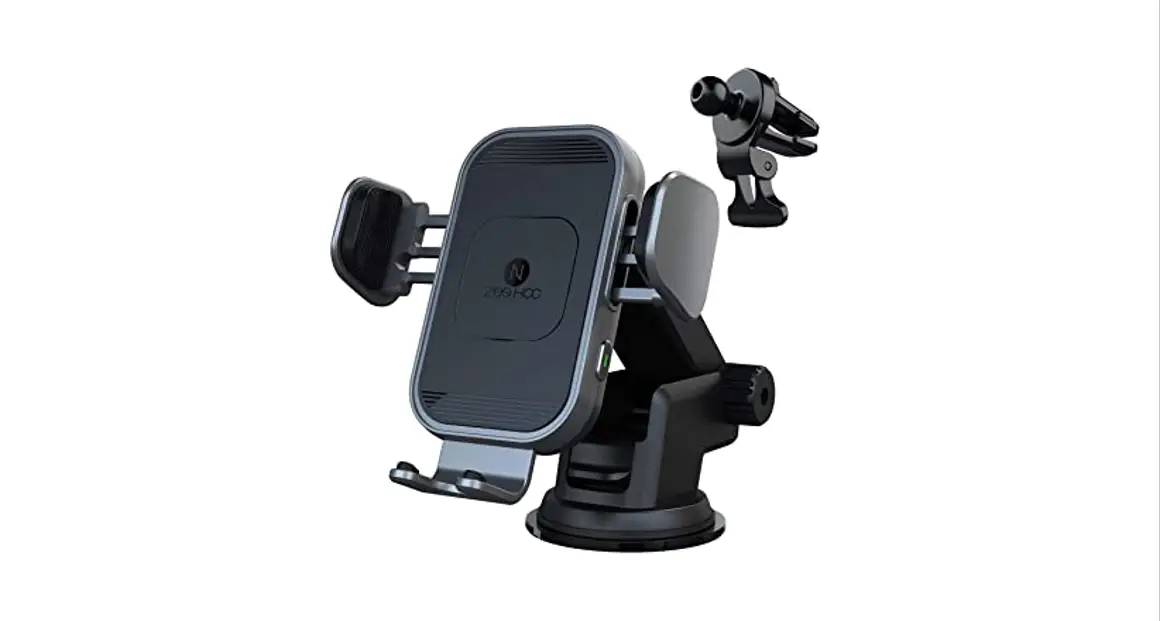
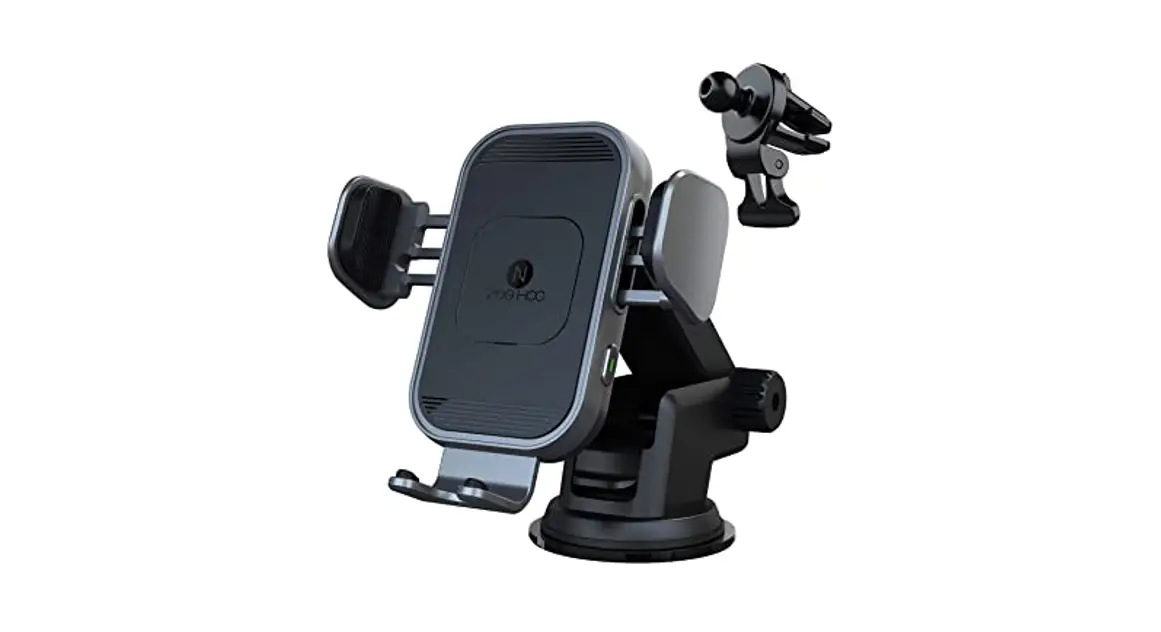
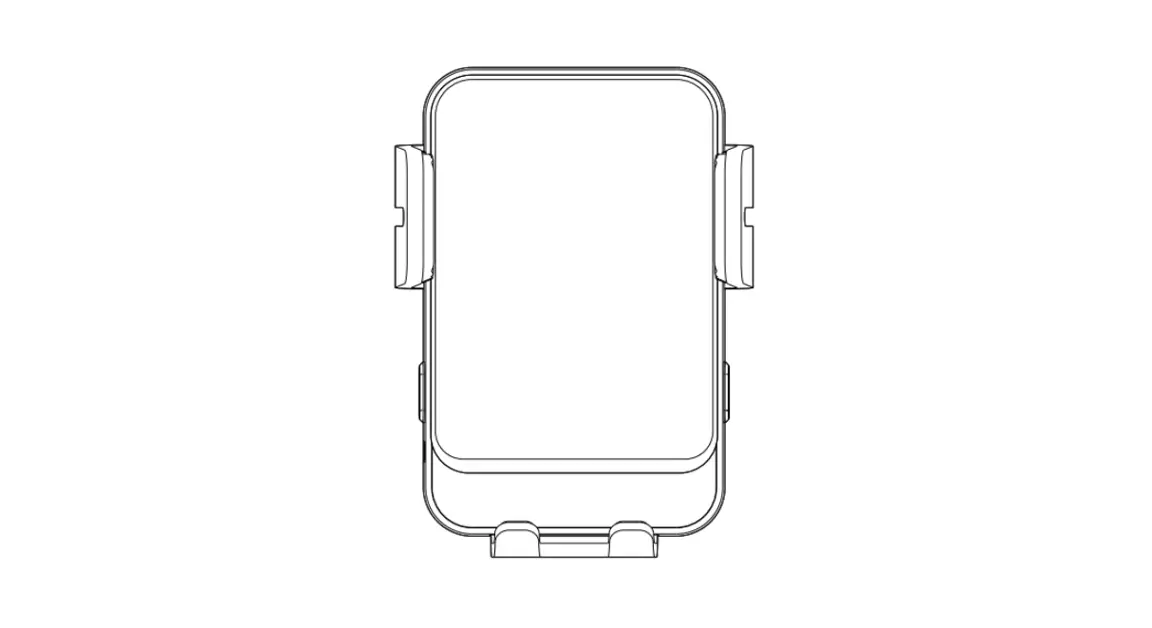
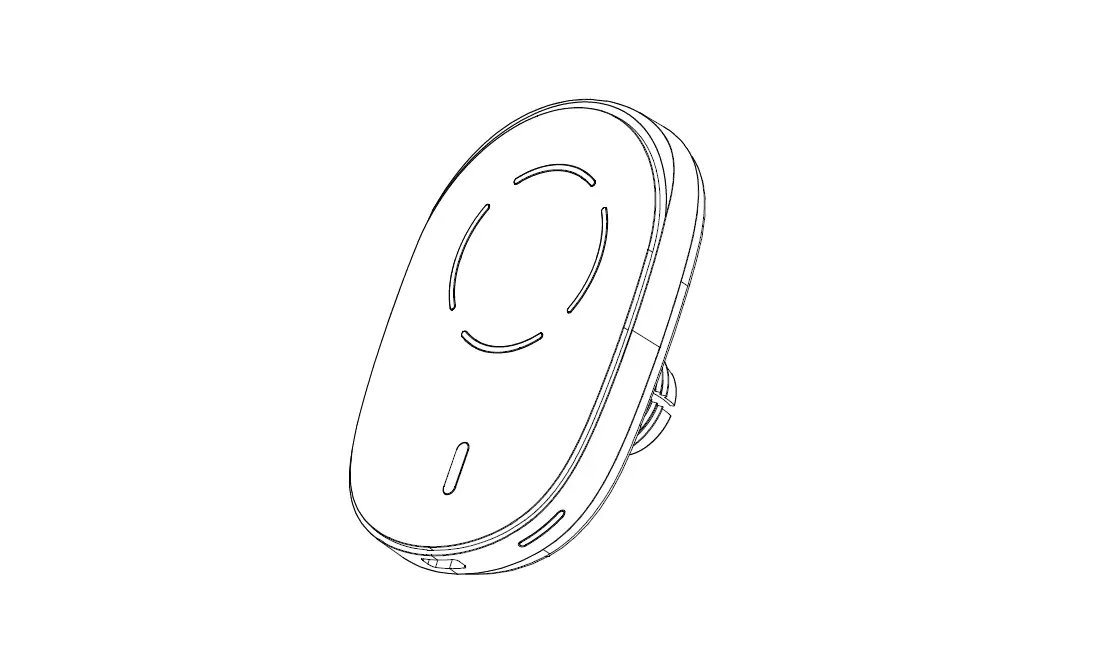
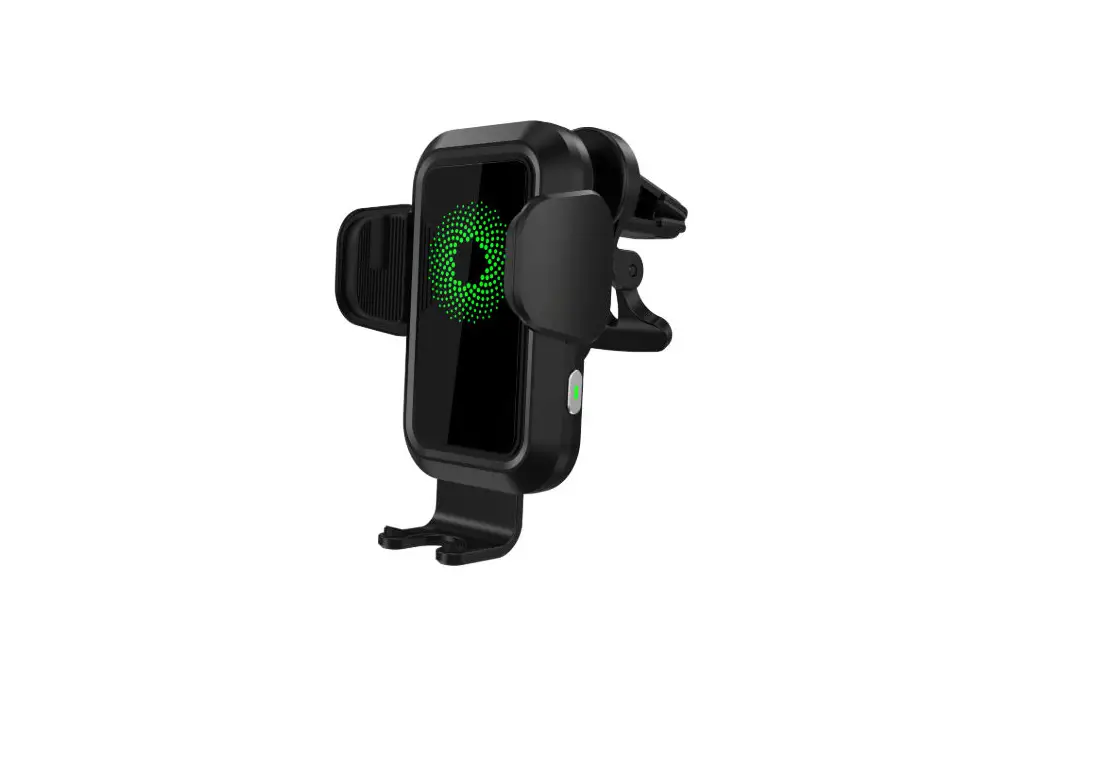
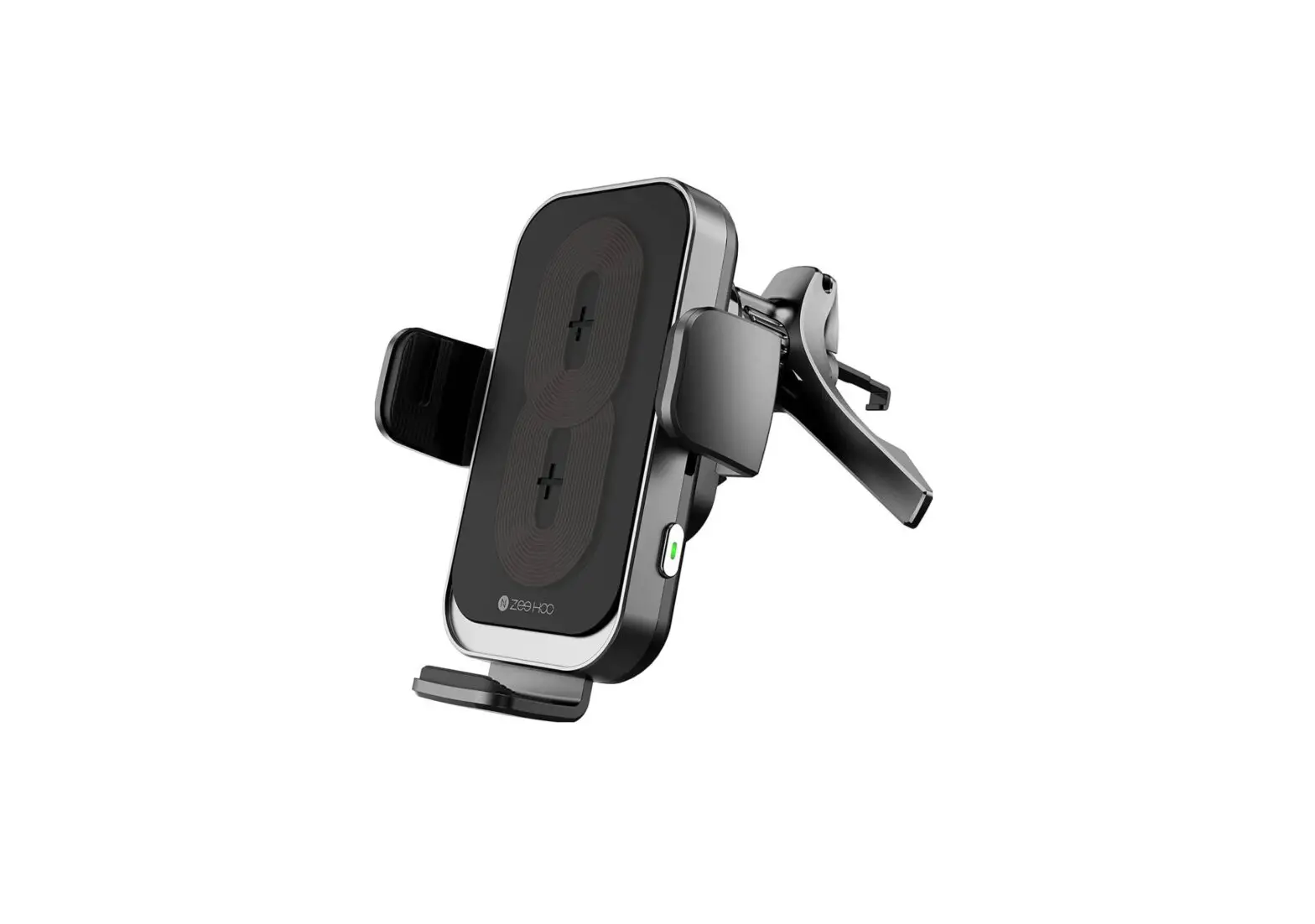
Product Overview
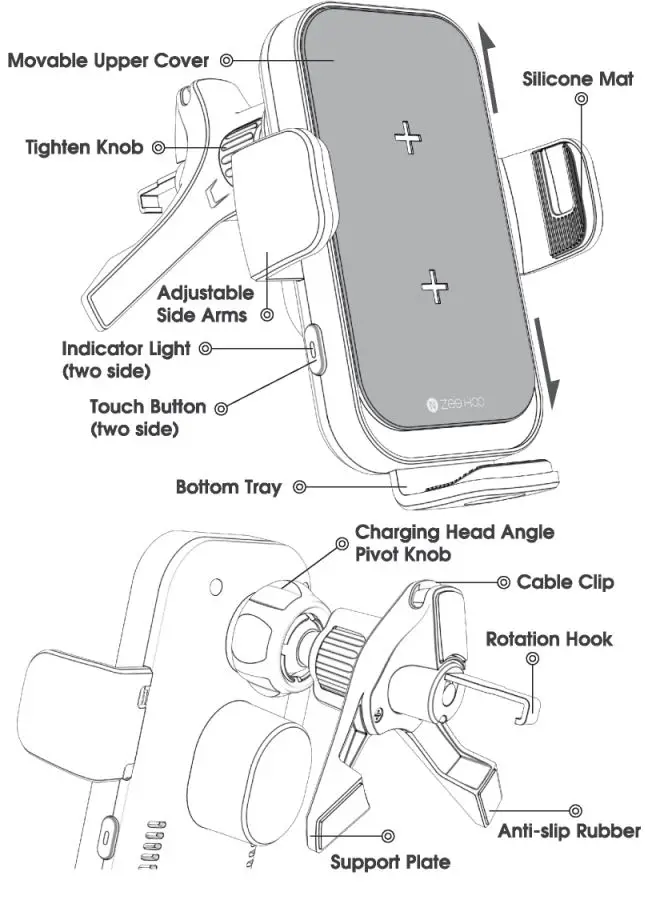
Mounting Your Smartphone
- Unscrew the nut, let ball go through the nut.

- Fasten the nut into the spherical top and push the nut forcibly into the round hole, then lighten the nut to secure.
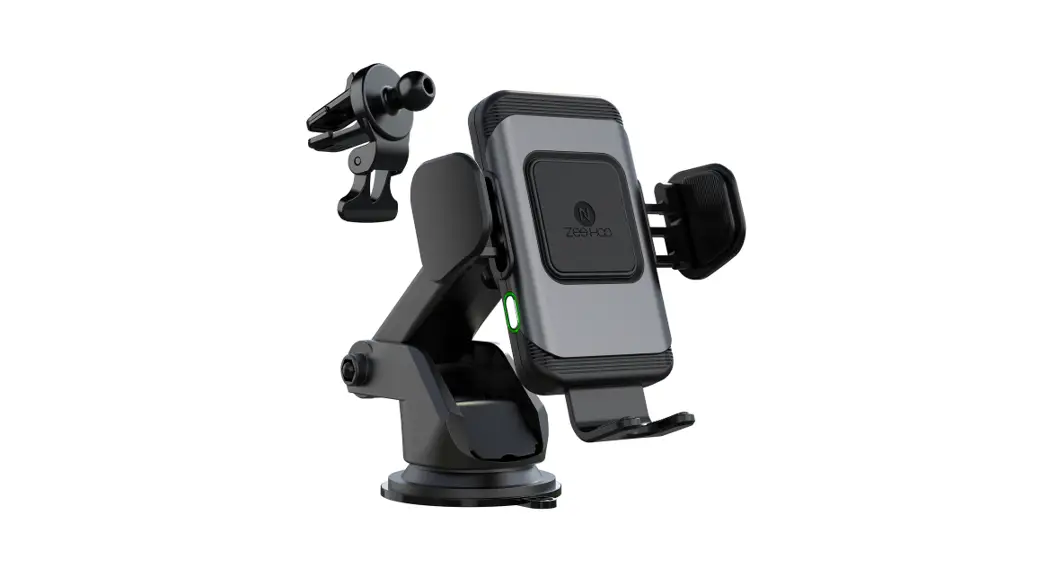
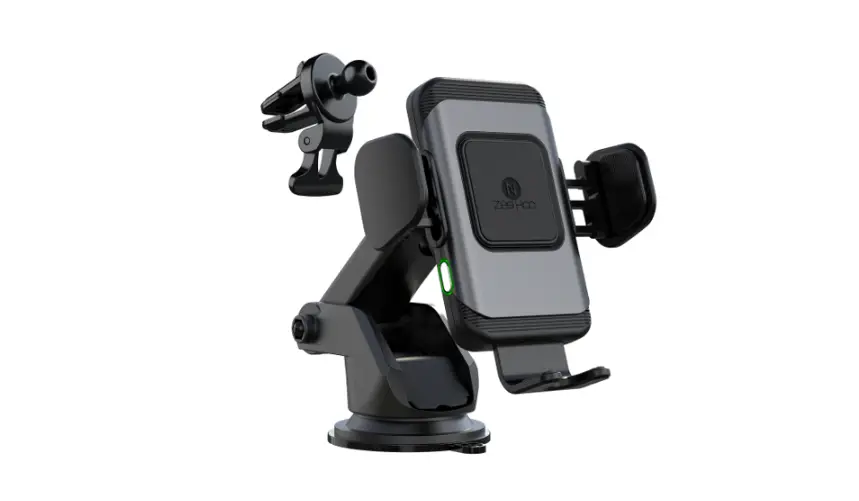
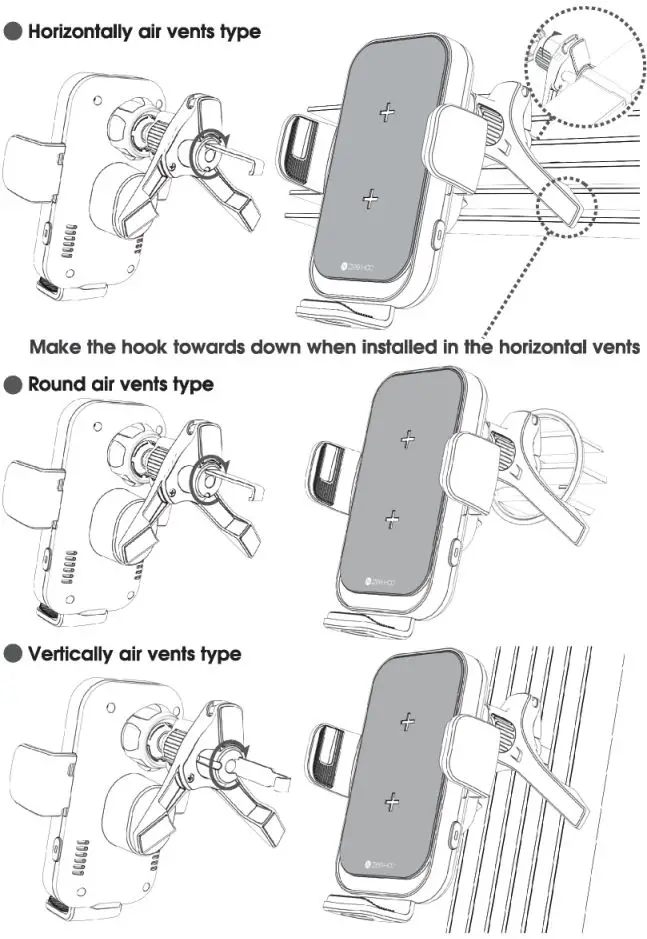
- Insert the adjustable hook into your car’s air vent, adjust the car mount to the optimal viewing angle make sure the hook is inserted securely in position.
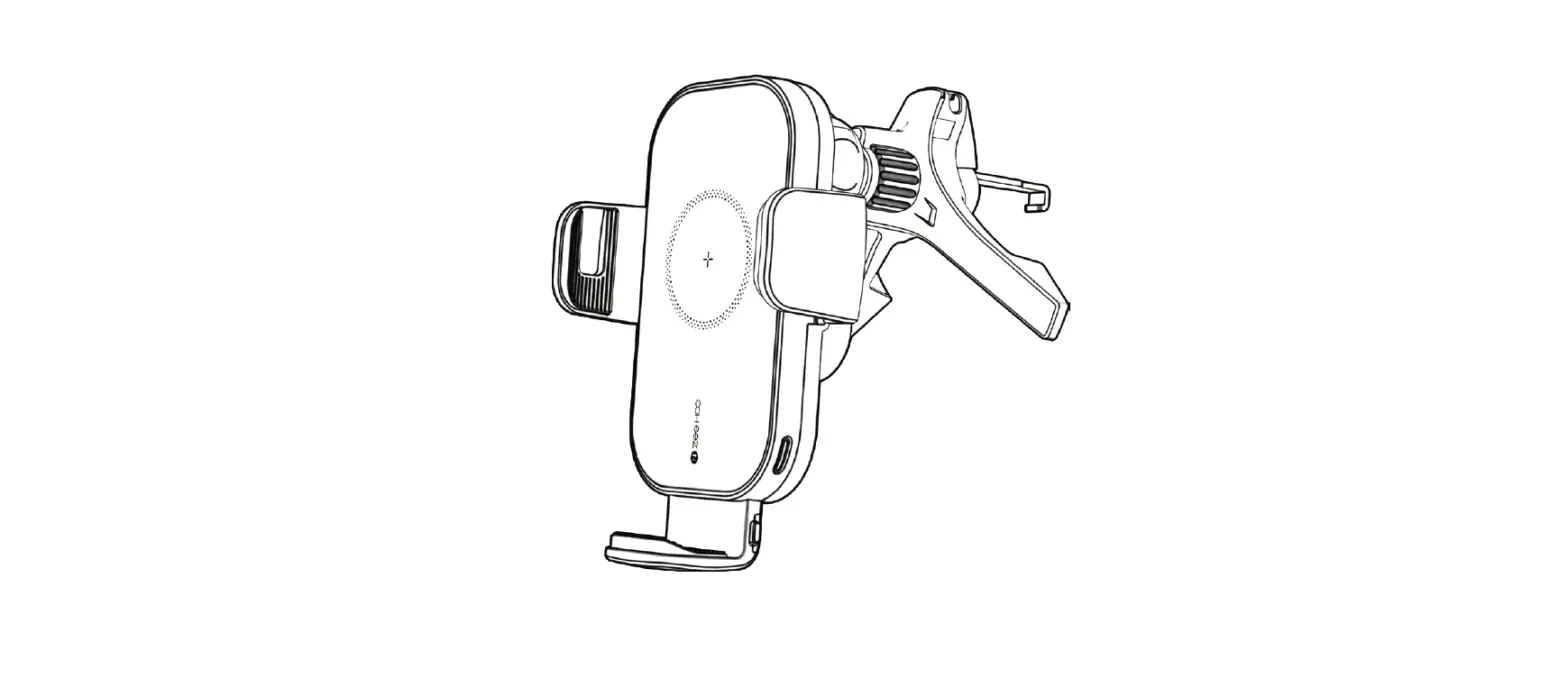
Adjust the vent clip horizontally/vertically at a proper angle to match the air vents, having the support plate touch the vent bottom surface (not Inserting It Into the vent) so II can form a triangle position, then press and hold the clip to Insert Into your car’s air vents making the hook clip more stable to hold your
phone.
Kindly Reminder: the hook is retractable (1.51-inch max ) and rotatable (360 degrees).
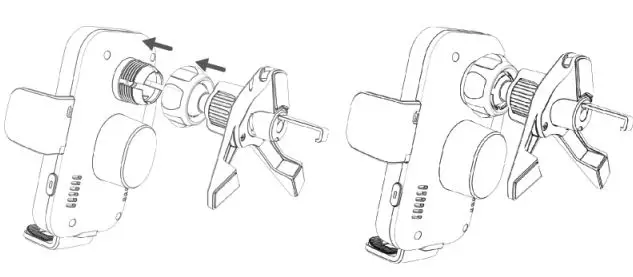
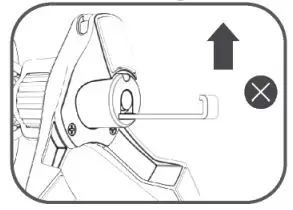
⚠ When installing, please be careful Not to keep the rotating hook at an upward angle to avoid falling.
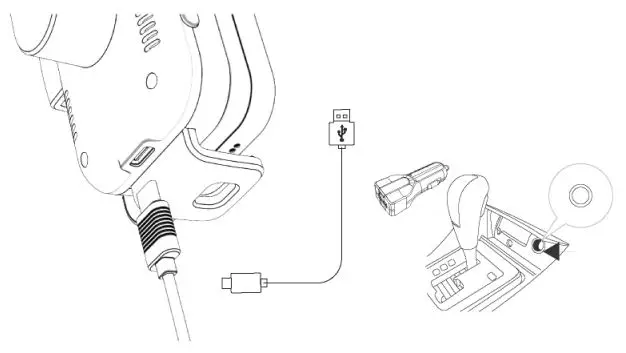
Charging Your Smartphone Wirelessly
Note:
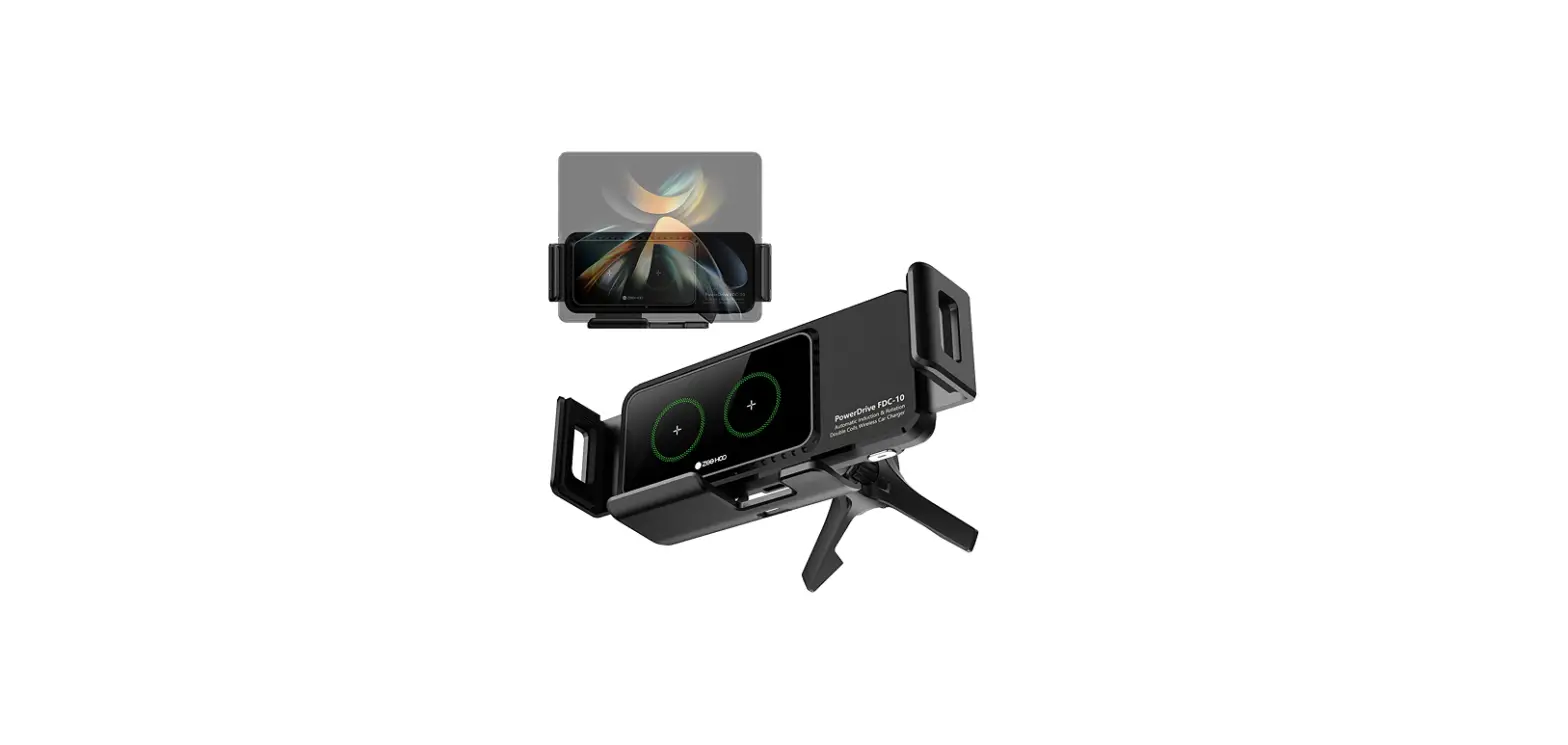
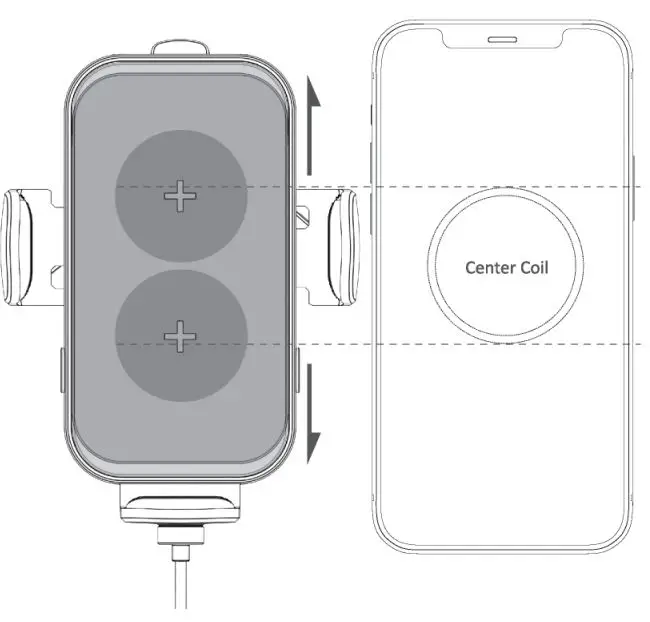
For optimal charging performance, please make sure two charging coils are aligned to the center coils of your phone (Note: The Upper Cover of the car mount is movable to adjust the 2-coils to align your phone).
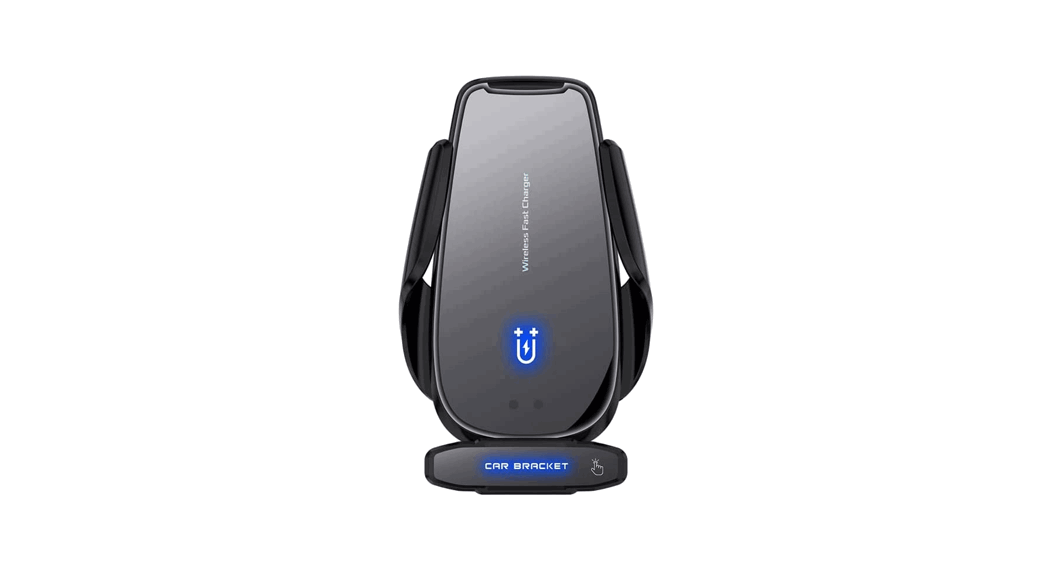
Auto-Clamping & Release Function
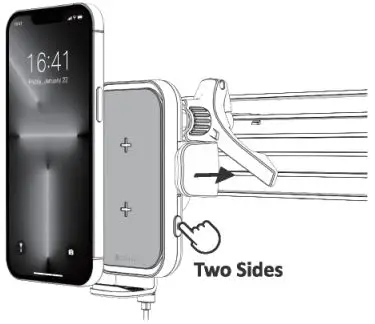
Simply touching one of the buttons on bath sides, the arms will open automatically. After putting your phone in the cradle, ii will clamp your phone lightly. And you could take out your phone with touching buttons slightly.
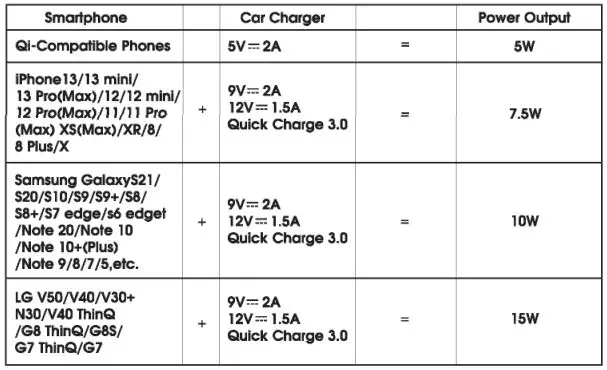
Compatibility
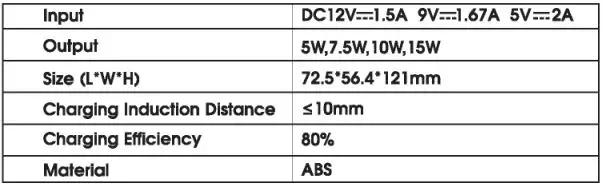
Specification
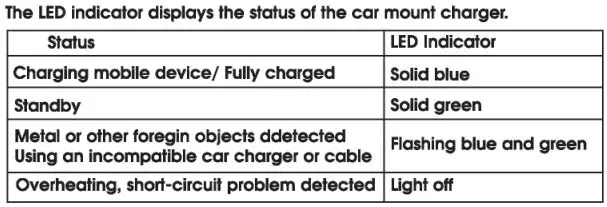
Status LED
Important Safety Instructions
- Avoid dropping.
- Do not disassemble.
- Do not threw it into water or fire.
- Do not use it in a humid environment.
- Do not use it once the maximum ambient 40°C.
- Do not put items containing magnets or chips or they may become invalid.
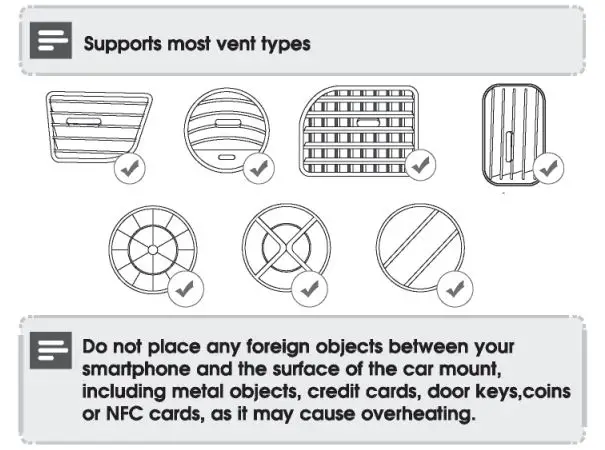
- Do not put metal or coin on It while charging, will cause over heating.
- Do not place open flame sources on it, such as candies.
- Do not install while driving.
Thank you
for purchasing a ZeeHoo product.
Our goal is to make sure that you are completely satisfied with your purchase.
Please contact us at any time 24/7 /365 if you have any questions. concerns or need to submit warranty request