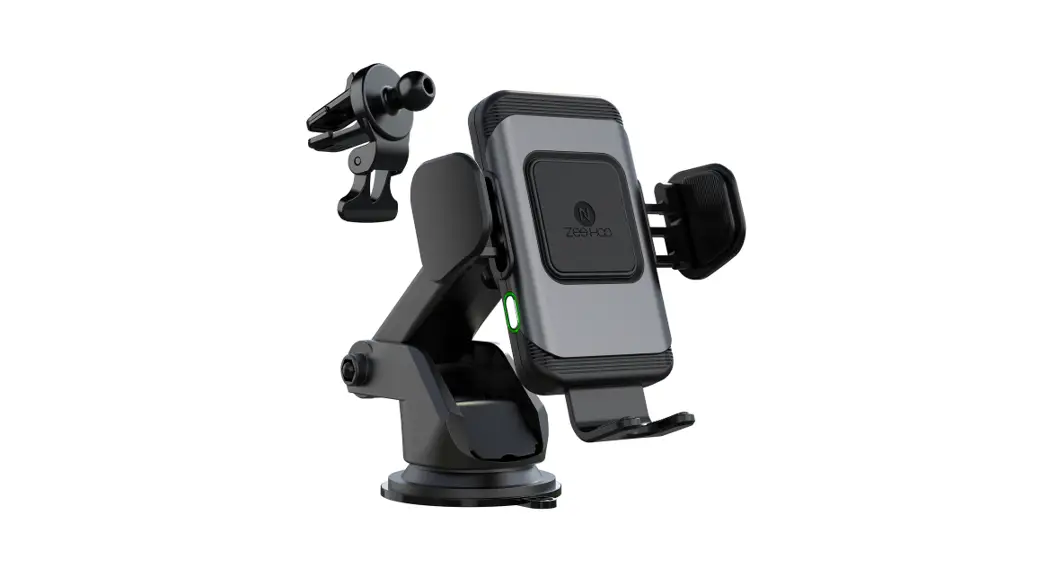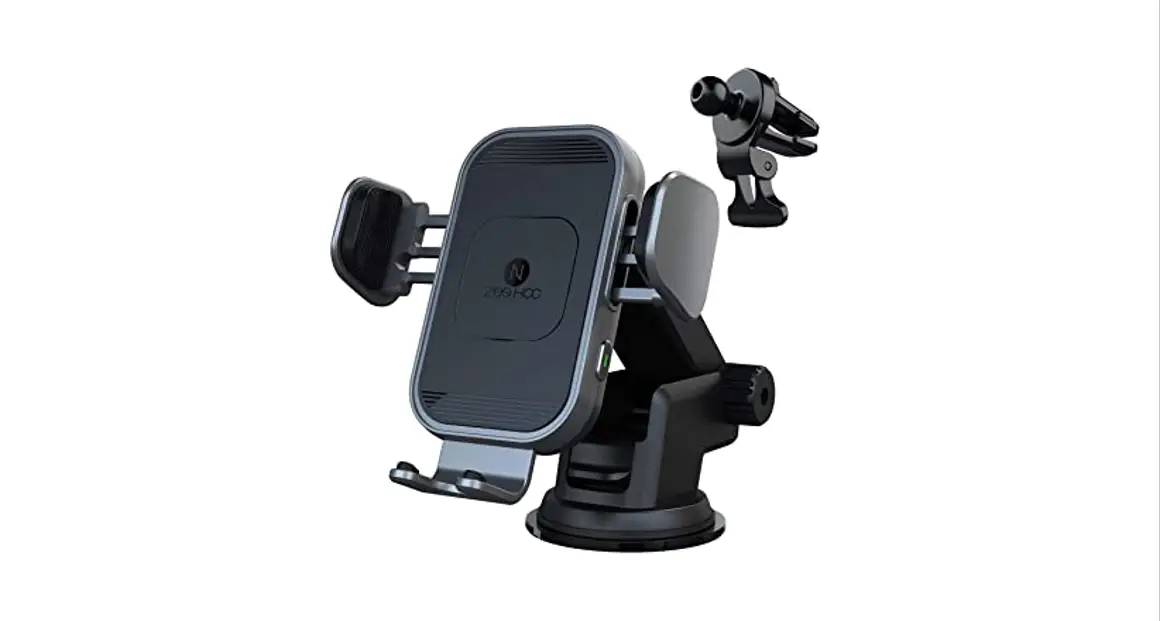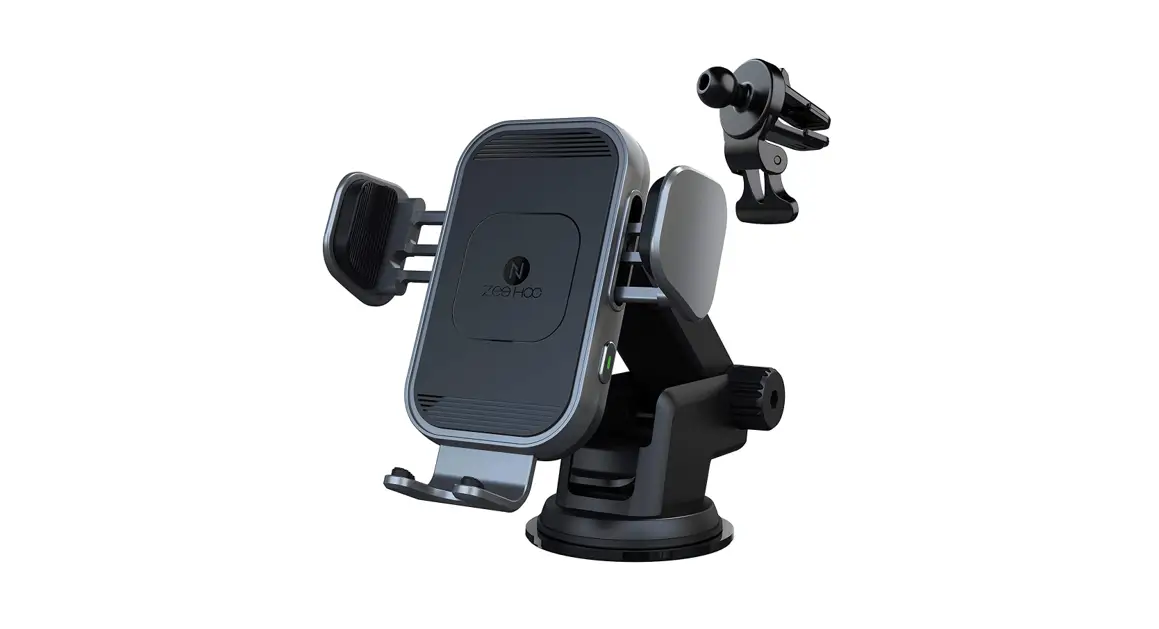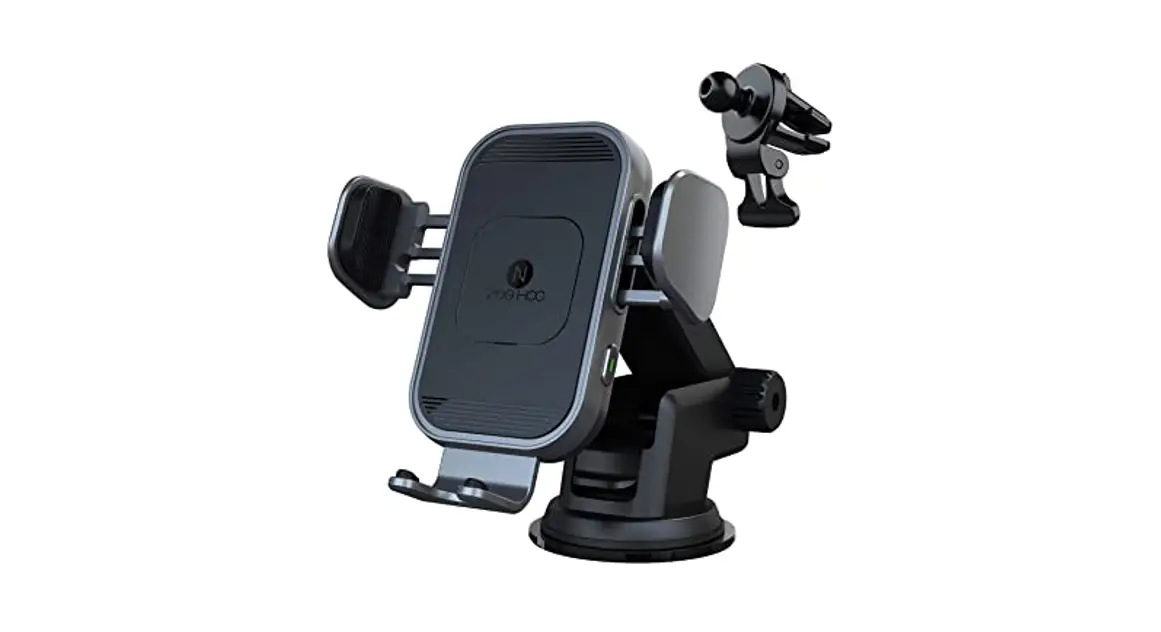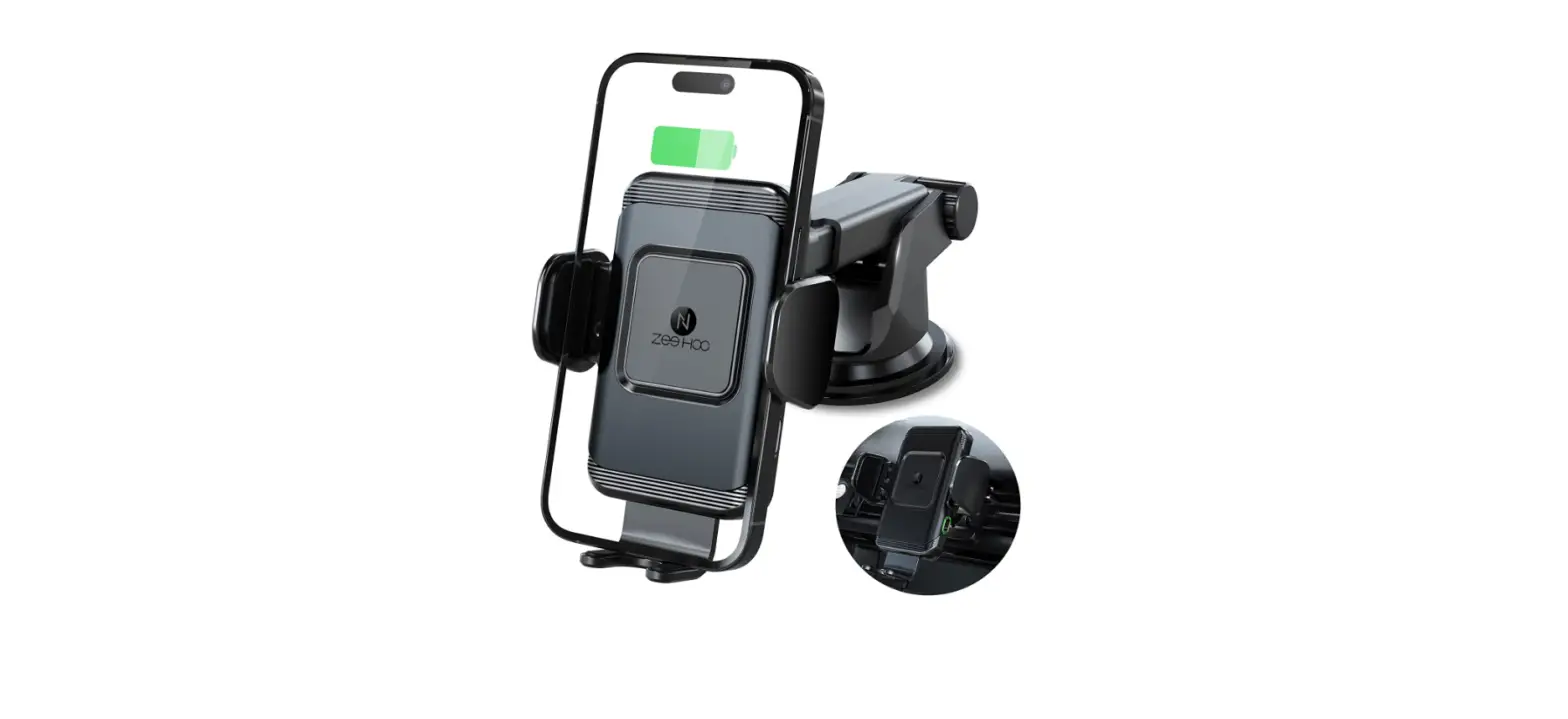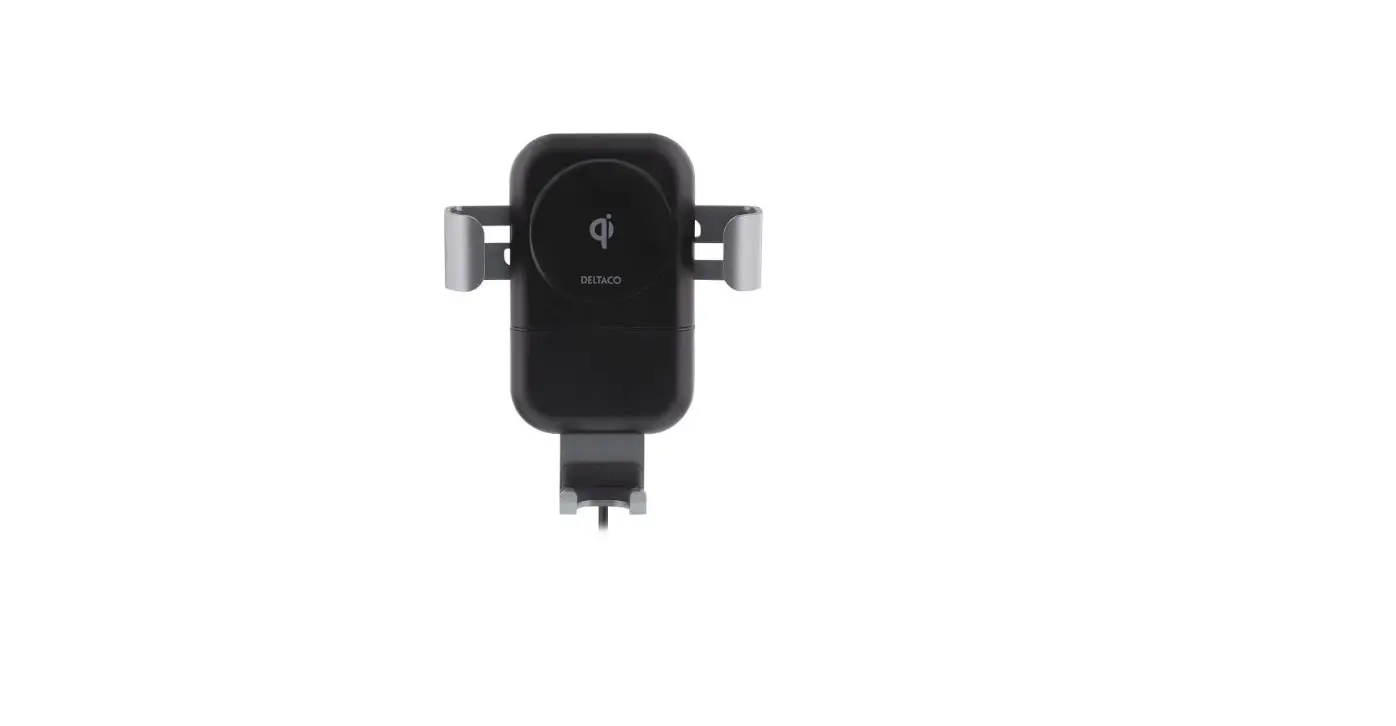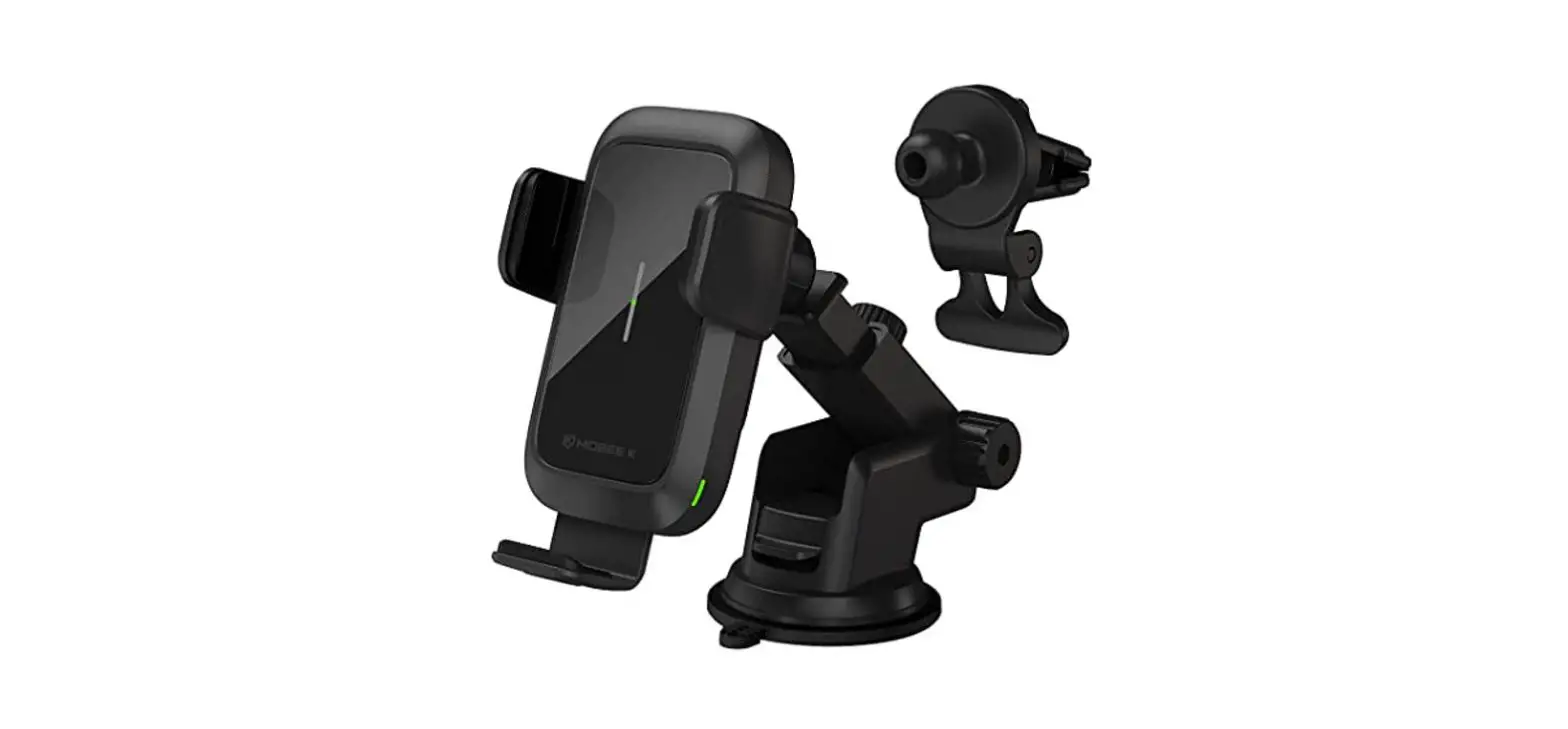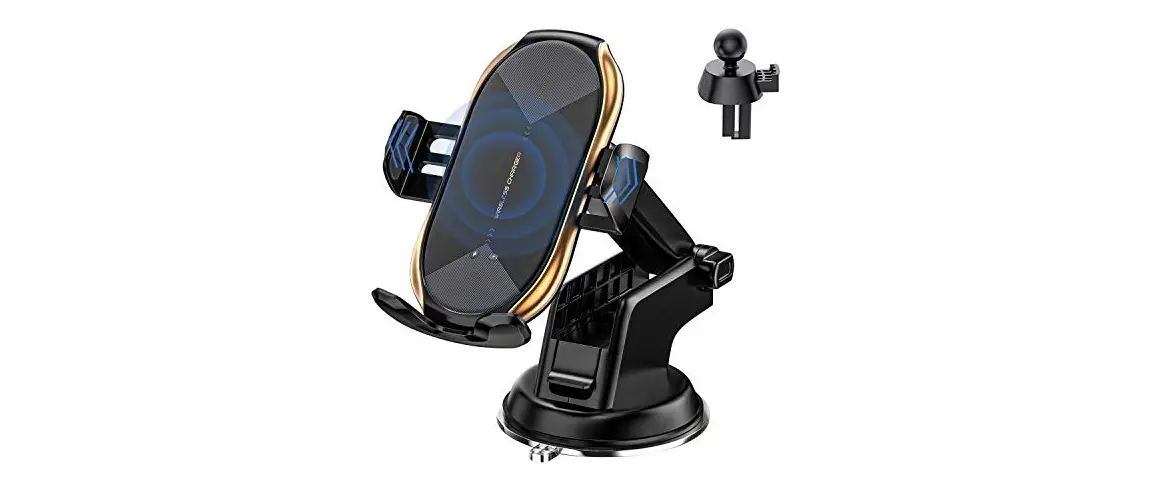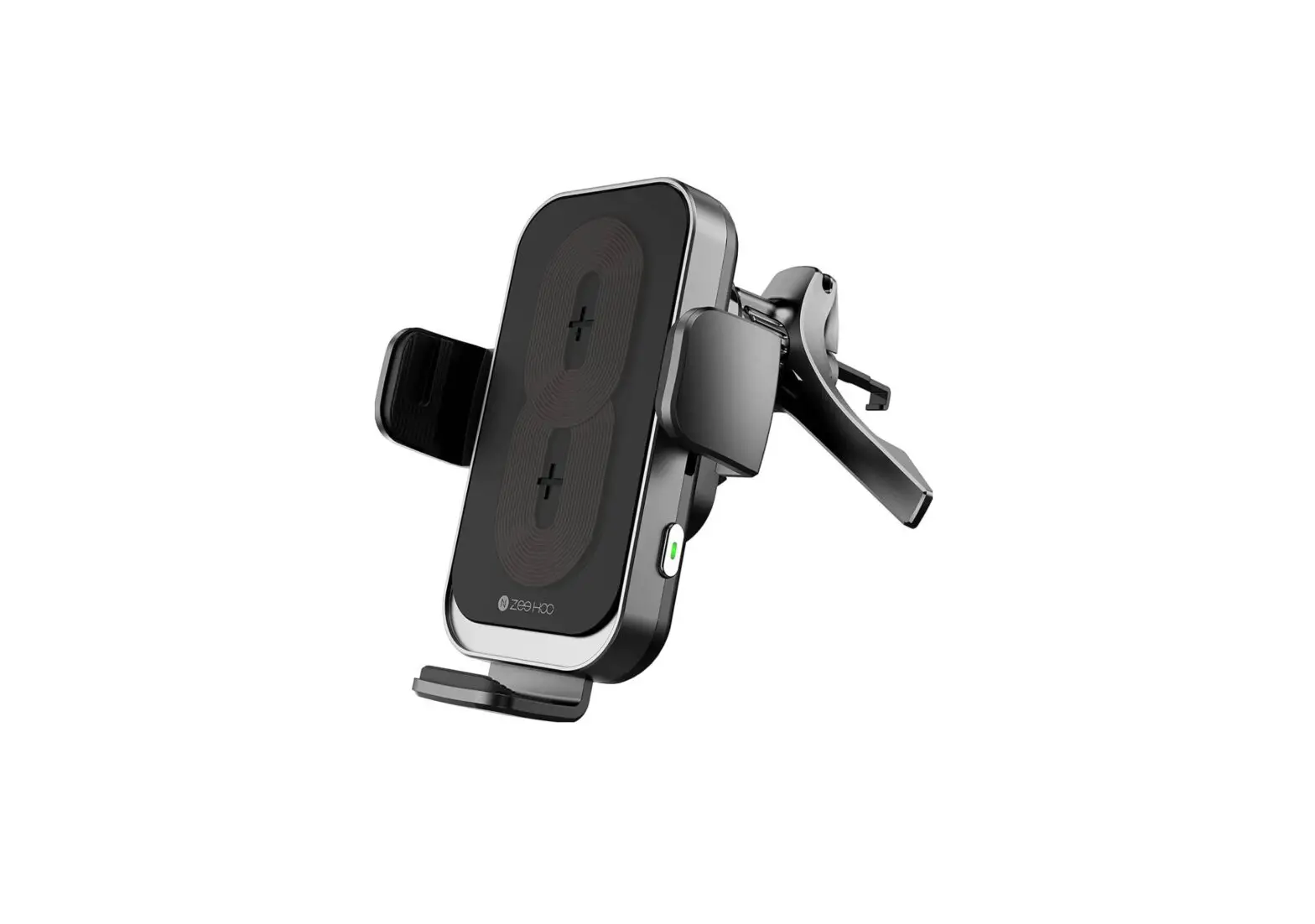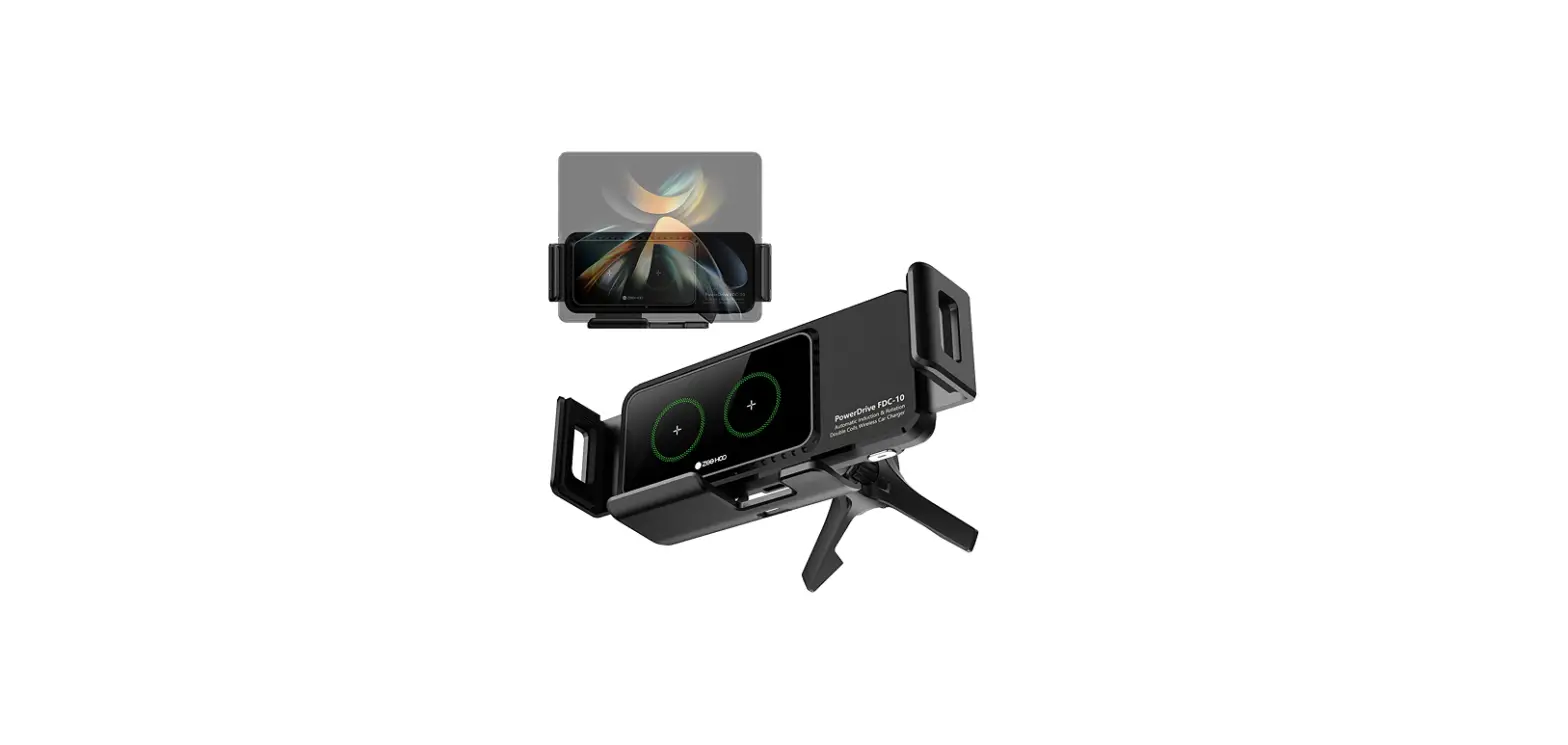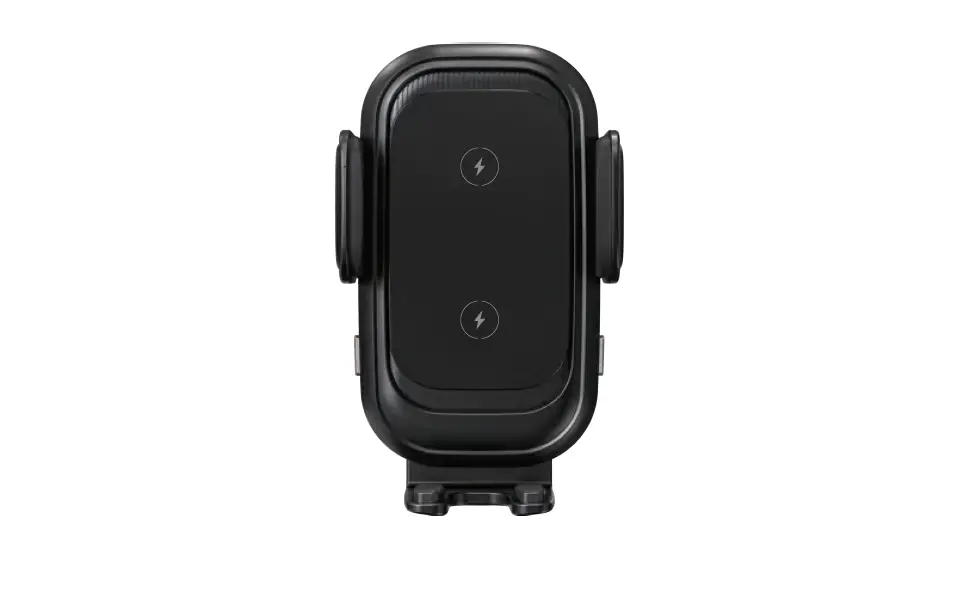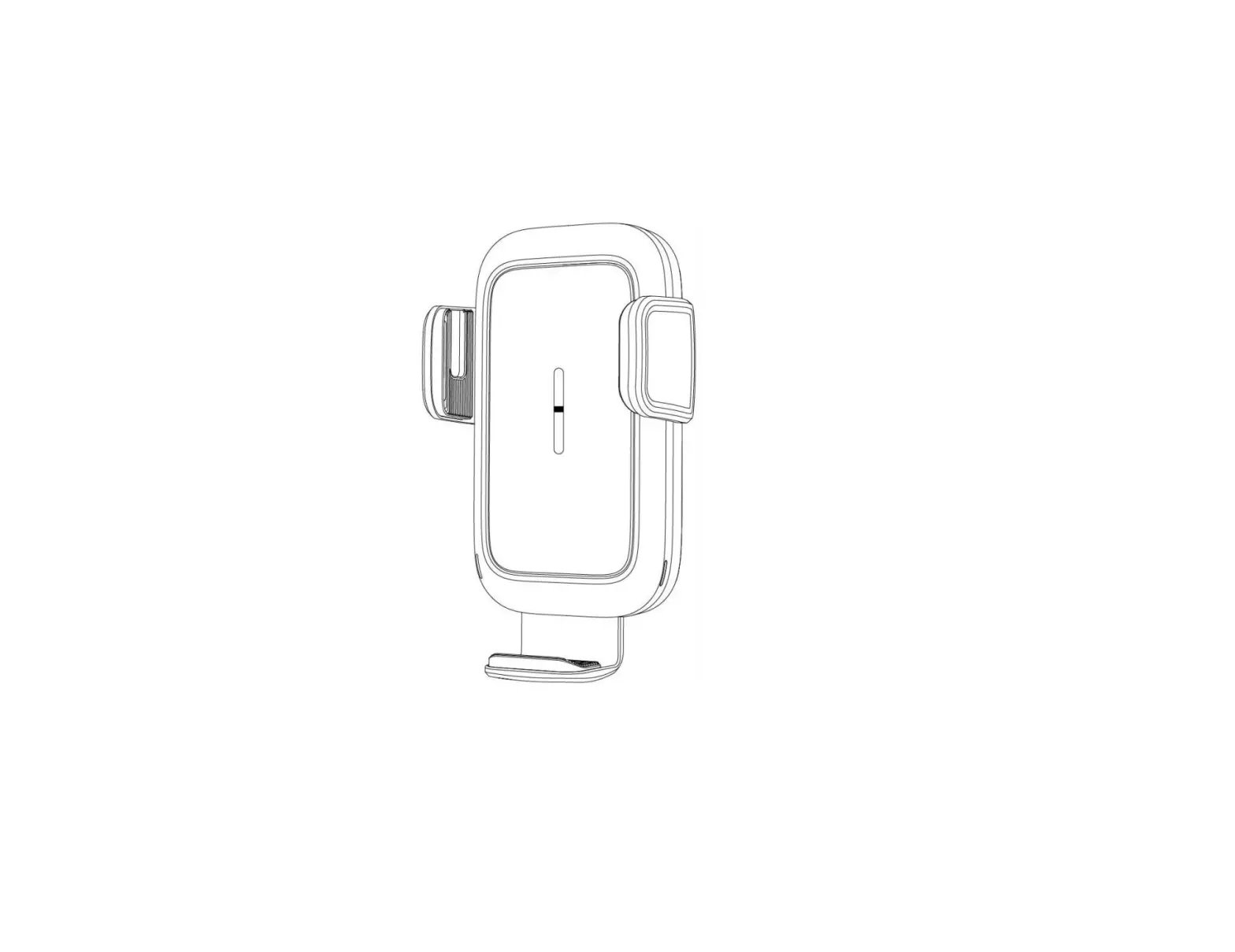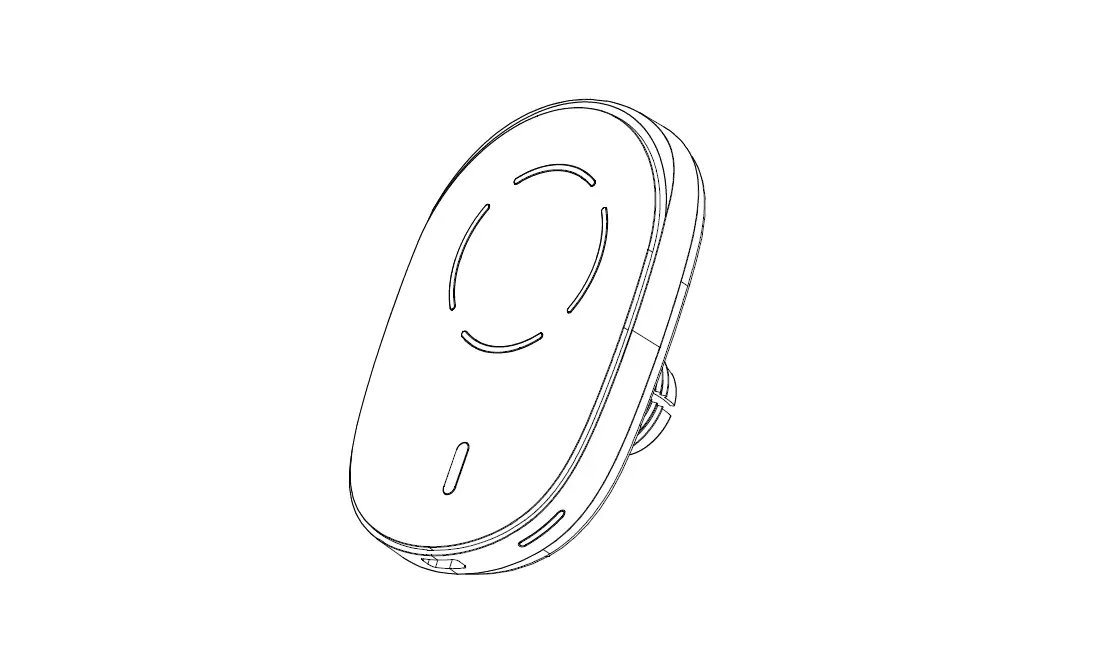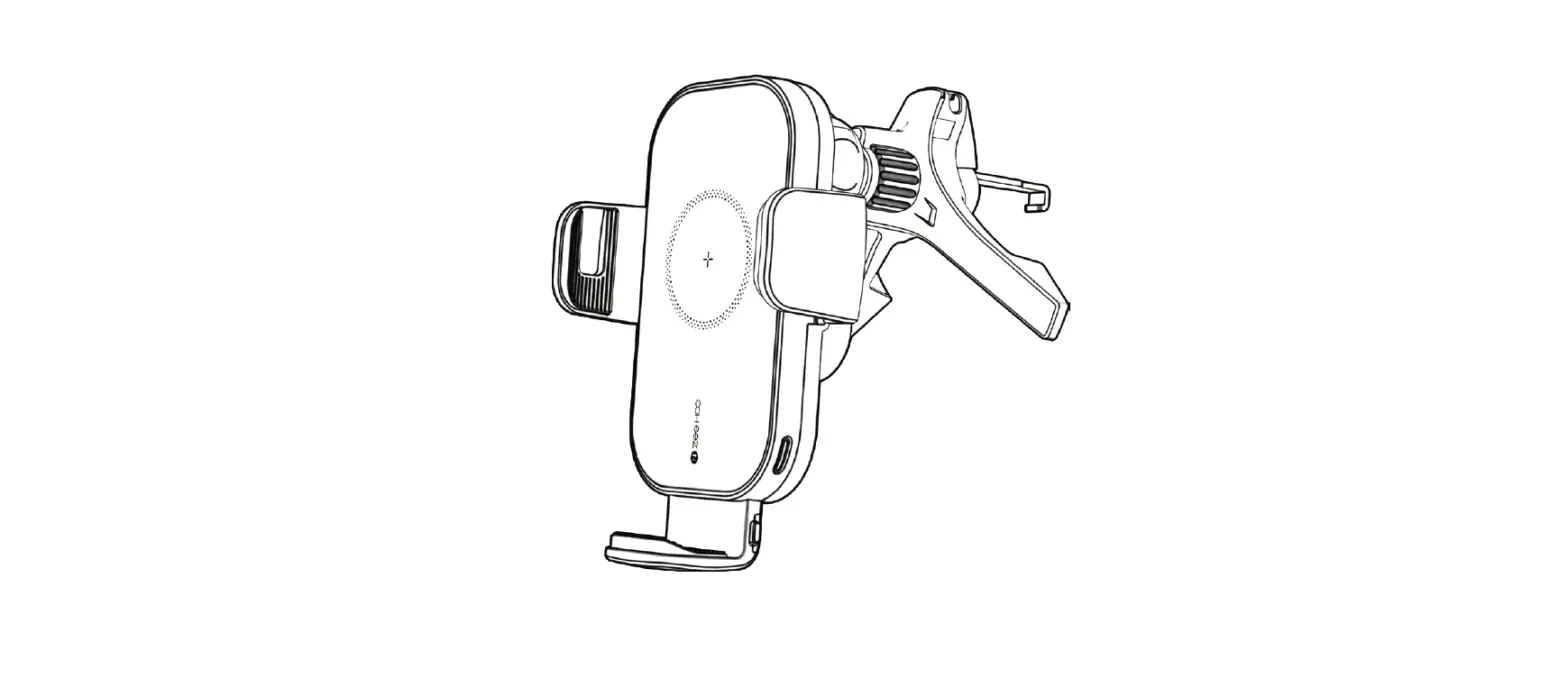

ZeeHoo PowerDrive BC-10 Fast Wireless Car Charger
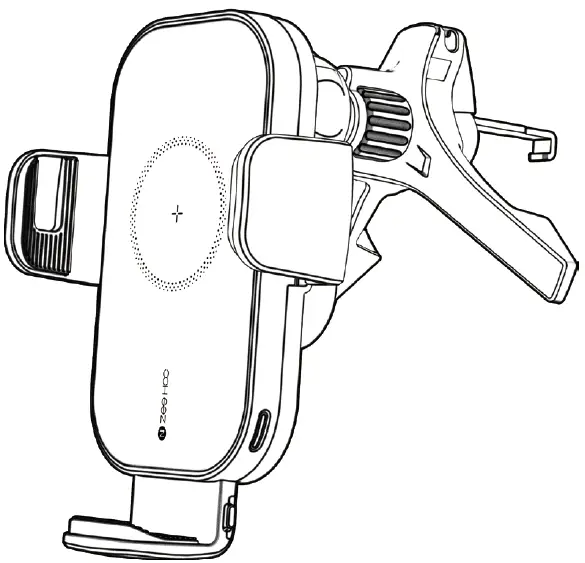
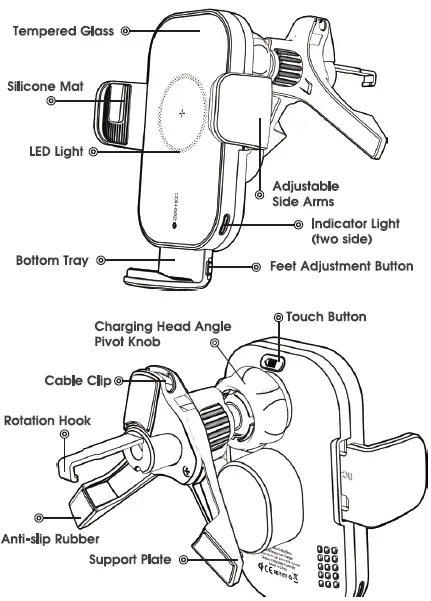
Product Overview
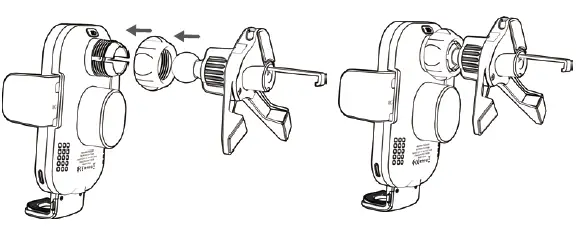
Mounting Your Smartphone
- Unscrew the nut, let ball go through the nut.

- Fasten the nut into the spherical top and push the nut lorcibly into the round hole, then tighten the nut to secure.
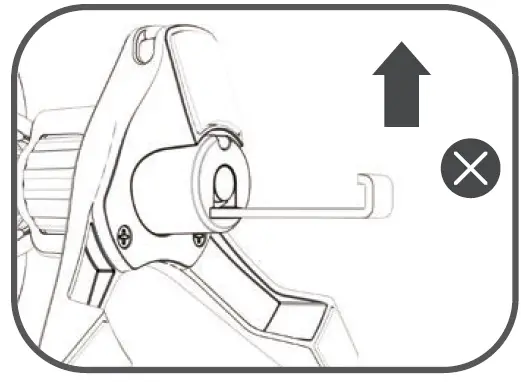
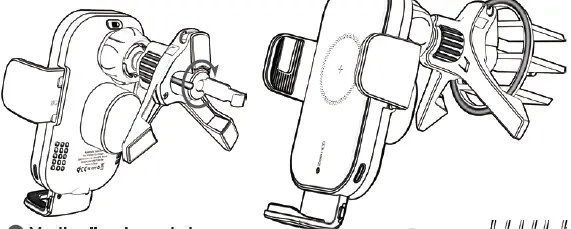
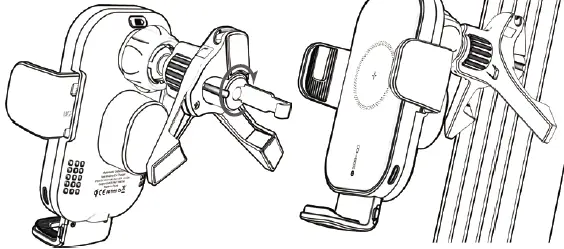
- Insert the adjustable hook into your car’s air vent, adjust the car mount to the optimal viewing angle make sure the hook is inserted securely in position. Adjust the vent clip horizontolly /vertically ot o proper ongle to motch the oir vents, hoving the support plote touch the vent bottom surface (not inserting ii into the vent) so ii con form o triangle position, then press ond hold the clip fo insert into your cor’ s oir vents moking the hook clip more stoble fo hold your phone.
Kindly Reminder: the hook is retroctoble ( 1.51-inch mox ) ond rofatoble (360 degrees).
Horizontally air vents type
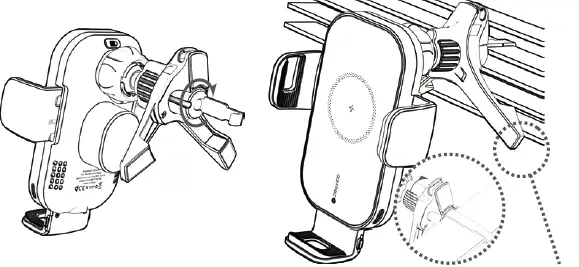
Make the hook towards down when installed in the horizontal vents
Round air vent type
Vertically air vent type
Charging Your Smartphone Effectively
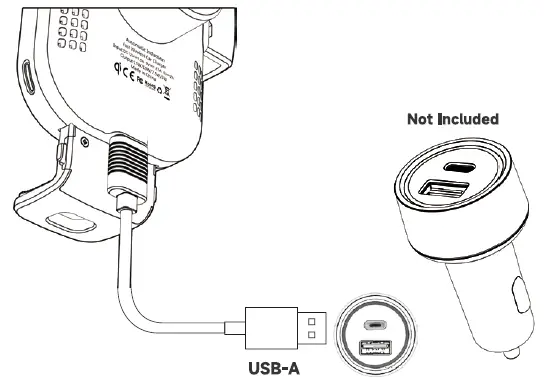
Note:
For 15W,10W,7.5W fast charging mode, ac 3.0 car charger adapter is required as its power source. Please kindly note: the Ac 3.0 Car Adapter is not included in the package If the car mount charger is overheating, it will automatically turn off to let itself cool down before resuming charging. The wireless charging function is sensifive fo temperature. The in-car high temperature may pause charging or slow down the charging speed, so it is recommended to turn on the cold air conditioner in your car to avoid overheating.
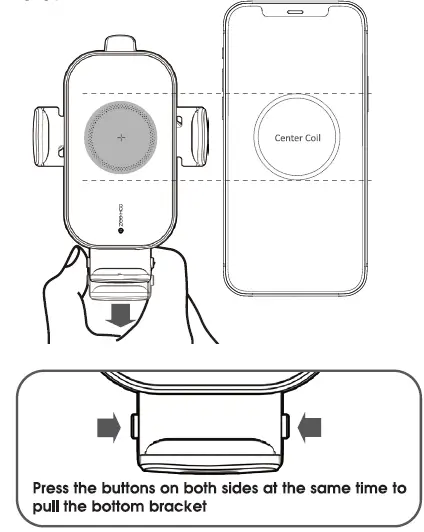
Note:
The bottom troy con oufo-clomp when you put your phone in. We olso odded the foot-odjustment buttons on two sides, which ollows you fo olign the charging coil with your phone center by yourself for opfimol charging performance.
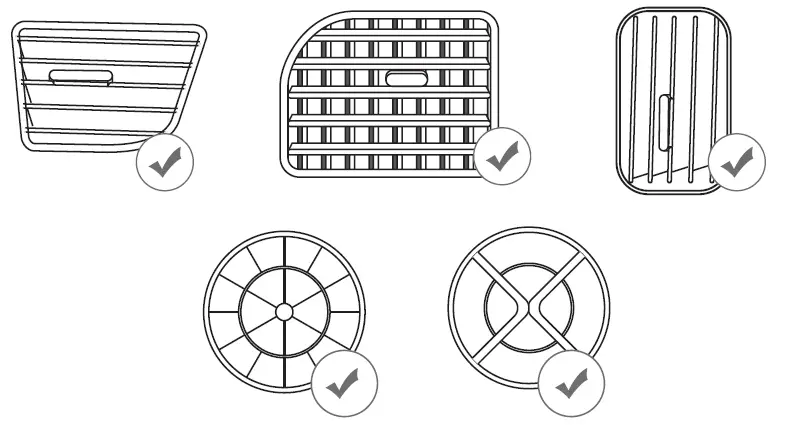
Supports most vent types
Do not place any loreign objects between your smartphone and the surface ol the car mount, including metal objects, credit cards, door keys.coins or NFC cords, os it moy couse overheating.
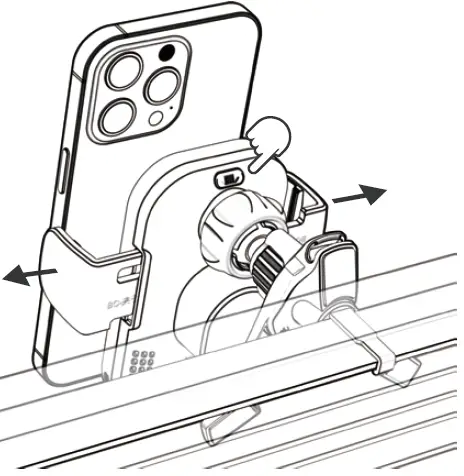
Auto-Clamping & Release Function
Simply touching the button on the back side, the arms will open automatically. After putting your phone in the cradle, it will clamp your phone tightly. And you could lake out your phone with touching buttons slightly.
Compatibility
| Smartphone | Car Charger | Power Output |
| QI-Compatible Phones | 5V=-2A | SW |
| IPhone13/13 mini/ | ||
| 13 Pro(Mox)/12/12 mini/ | 9V=-2A | |
| 12 Pro(Mox)/11/11 Pro | 12V= 1.5 | 7.5W |
| (Mox) XS(Mox)/XR/8/ | uick Charge 3.0 | |
| 8 Plus/X | ||
| Samsung G I y522/ . | 9V=-2A 12V=- 1.5 uick Charge 3.0 | |
| 521/52 /SI S/ ,s | ||
| S + 57 edge/s6 ed /Nole 20/Note I | IOW | |
| Nole l0+(Plus) | ||
| /Nole 9/8/7/5,etc. | ||
| LG V50/V40/V30+ | 9V=-2A | |
| N30/V40 ThinQ | 12V=- 1.5 | ISW |
| /G8 ThinQ/G8S/ | uick Charge 3.0 | |
| G7ThinQ/G7 |
Specification
| Input | DC12V,,,1.5A v-1.67 sv••.2A |
| Output | SW,7.SW,10W,15W |
| Size (L*W*H) | 72.5*54*119mm |
| Charging Induction Distance | .s 10mm |
| Charging Efficiency | 80% |
| Material | ABS+Tempered Glass |
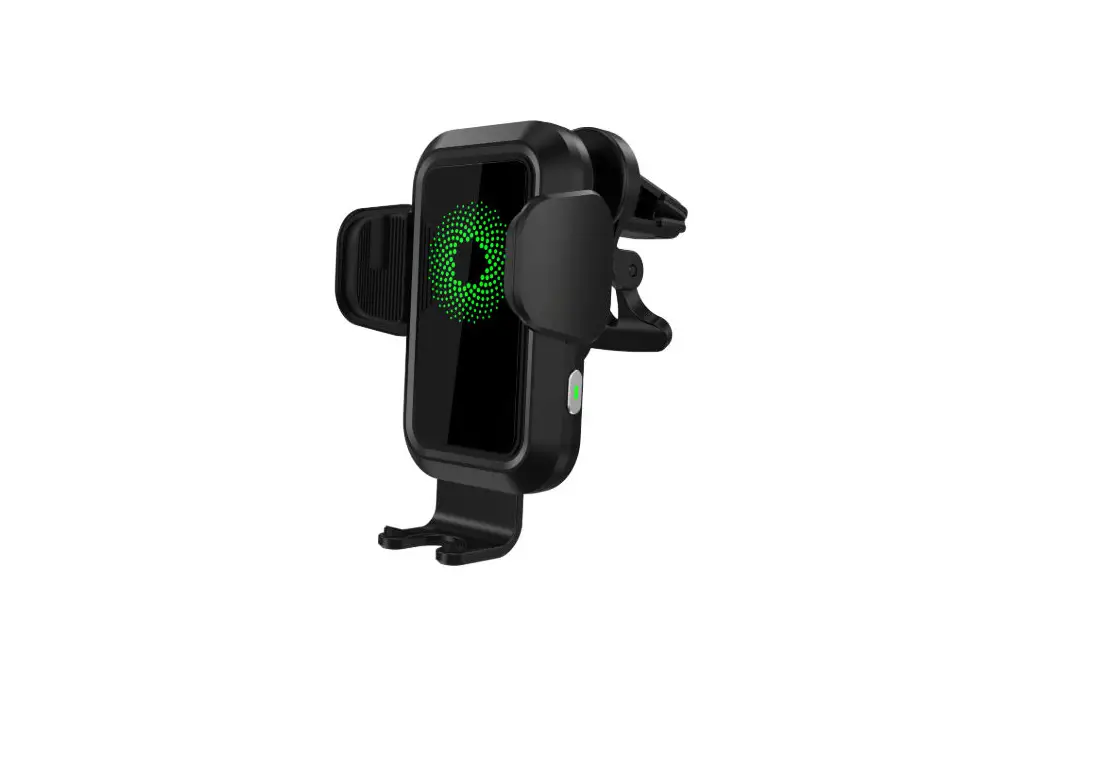
Status LED
The LED indicator displays the status of the car mount charger.
| Status | LED Indicator |
| Charging mobile device/ Fully charged | Solid blue |
| Standby | Solid green |
| Metal or other foregin objects ddetected Using an incompatible car charger or cable | Flashing blue and green |
| Overheating, short-circuit problem detected | Light off |
Important Safety Instructions
- Avoid dropping.
- Do not disassemble.
- Do not threw it into water or fire.
- Do not use it in a humid environment.
- Do not use it once the maximum ambient temperature exceed 40′ C.
- Do not put items containing magnets or chips (ID card, Bankcard) on, or they may become invalid.
- Do not put metal or coin on it while charging, will cause over-heating.
- Do not place open flame sources on it, such as candles.
- Do not install while driving.
Thank you
for purchasing a ZeeHoo product. Our goal is to make sure that you are completely satisfied with your purchase. Please contact us at any time 24/7 /365 if you have any questions, concerns or need to submit warranty request Email: [email protected] or visit our web site at: www.izeehoo.com