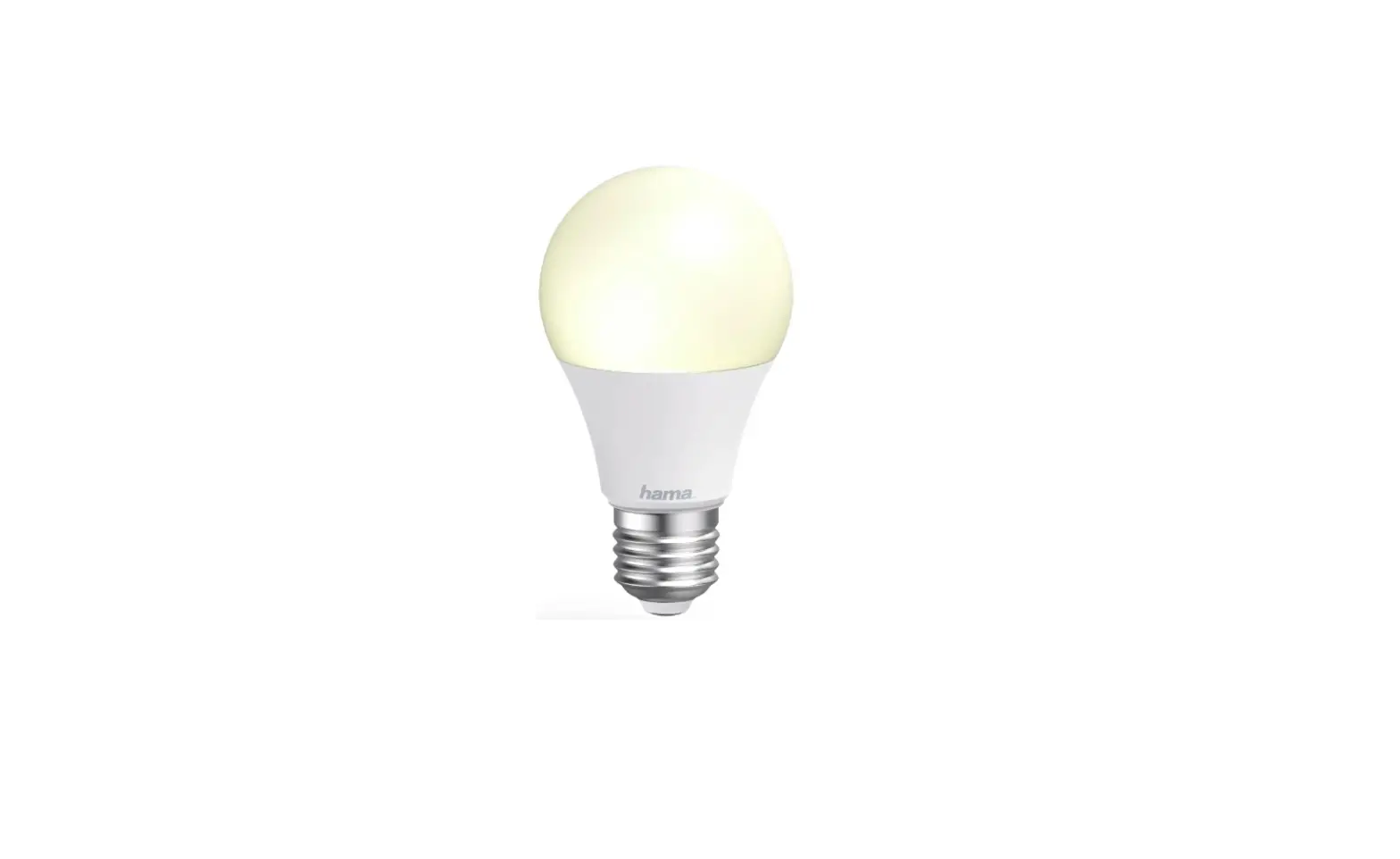
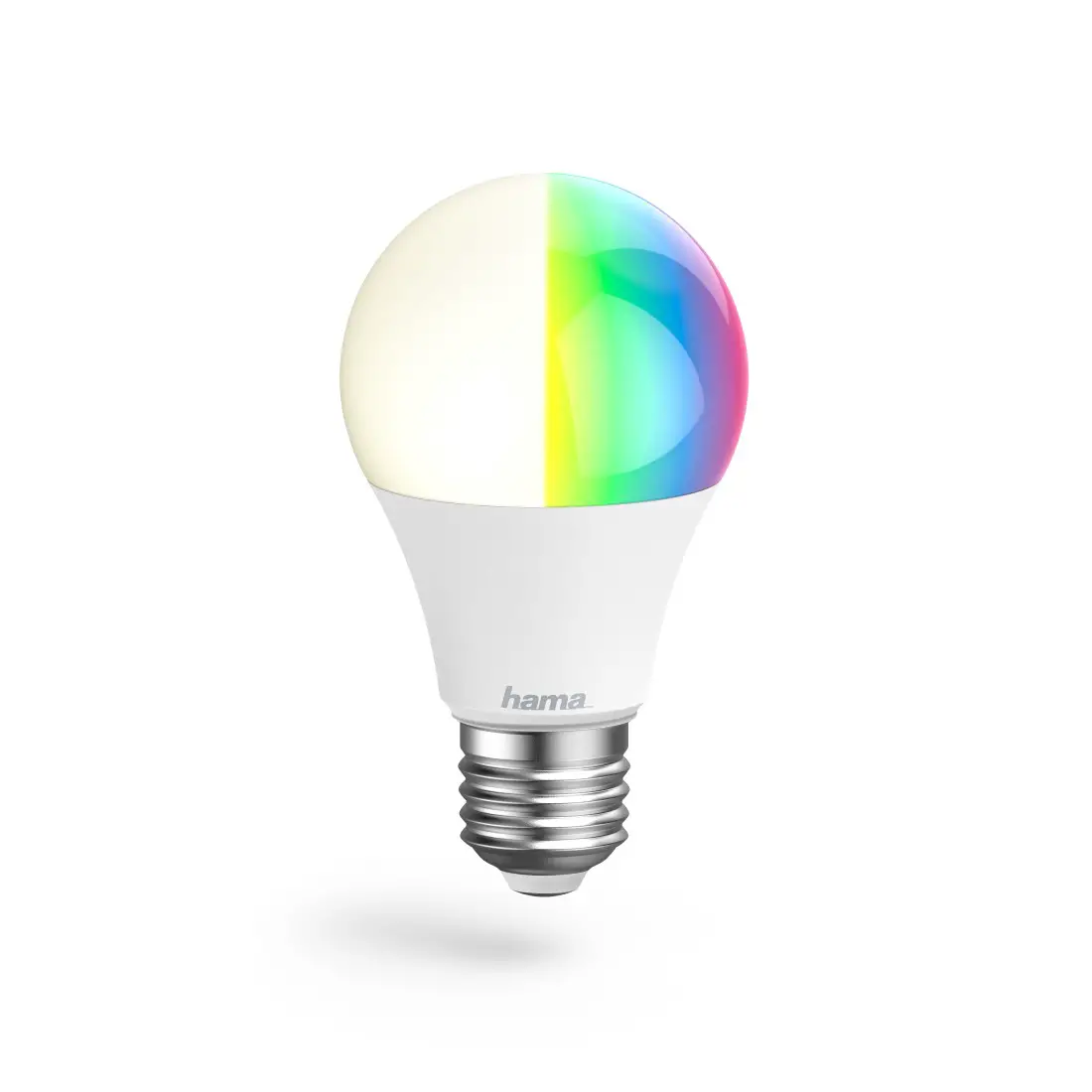
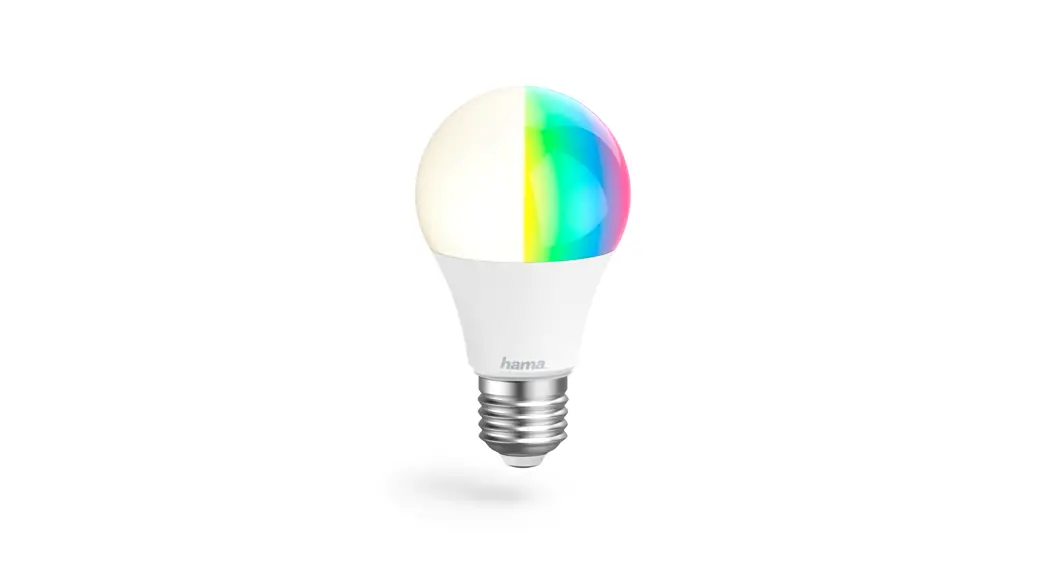
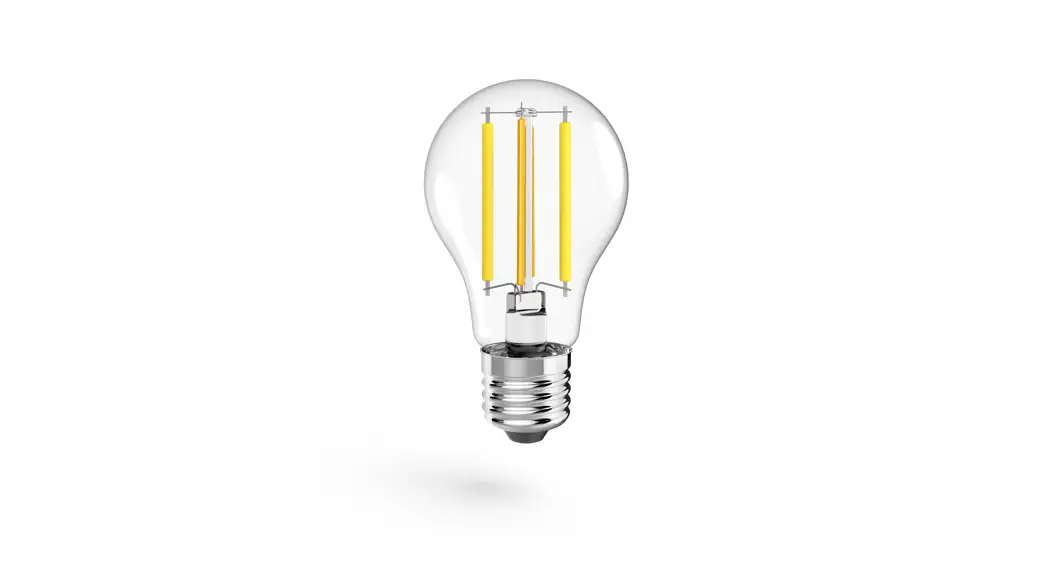
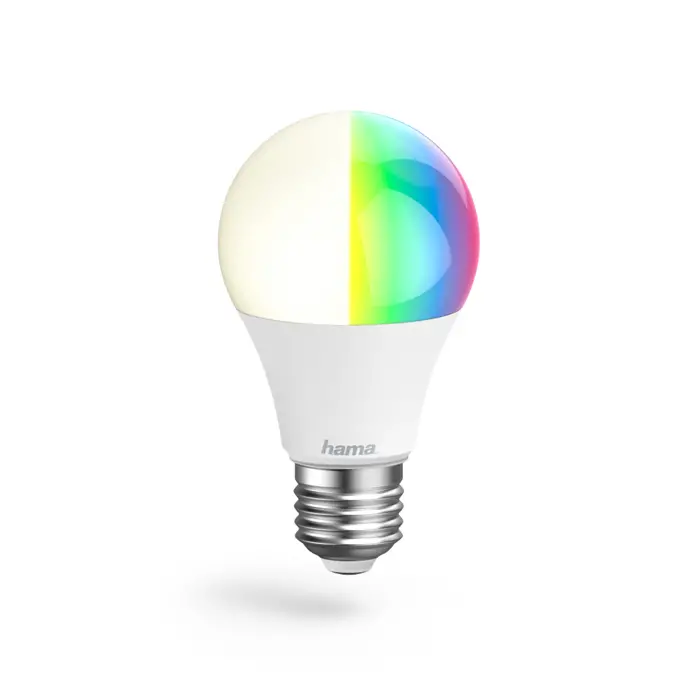
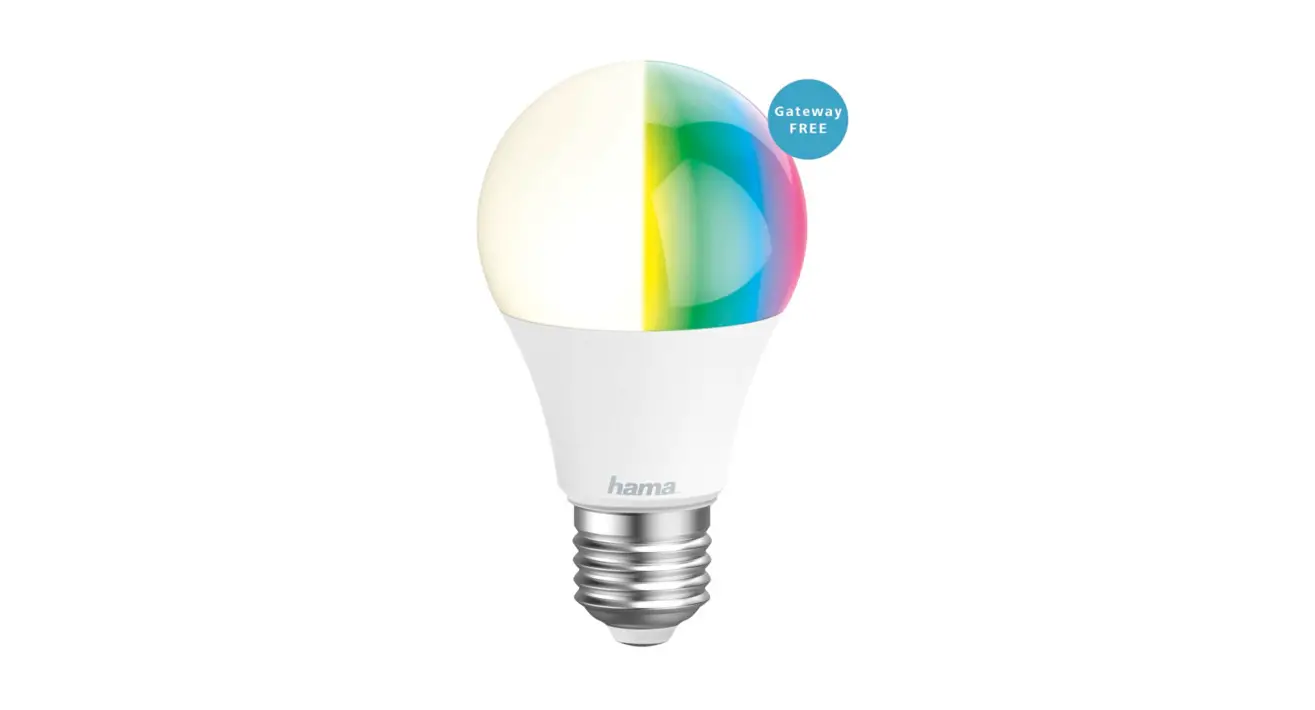
00176597 WLAN LED Lamp
Product Information
The Hama WiFi LED lamp is a versatile lighting solution for
homes. It can be used for room lighting, effect lighting, and
creating personalized lighting atmospheres. The lamp comes in
multiple models, offering a choice of 16 million different colors
and adjustable color temperatures. It is non-dimmable and not
suitable for use with conventional dimmers. The lamp is designed
for indoor use in dry environments and may require the assistance
of a specialist dealer for wall-mounting. If any issues arise, such
as damage, smoke, strange smells, or loud noises, it is recommended
to contact the dealer or the Hama service department.
Product Usage Instructions
- Read the operating instructions and information provided in the
manual thoroughly. - Keep the instructions in a safe place for future
reference. - If you sell the lamp, pass the operating instructions to the
new owner. - Ensure the lamp is used in a dry environment only.
- If required, consult a specialist dealer for
wall-mounting. - In case of any issues like damage, smoke, strange smells, or
loud noises, immediately contact the dealer or the Hama service
department. - To control the lamp’s settings and functions, download the Hama
Smart Home App from https://link.hama.com/app/smart-home. - Follow the instructions in the App Guide available at
www.hama.com (Item number -> Downloads -> App Operating
Instructions) to learn more about the app and its features. - Use the app to access various settings and options for the
lamp:
- White: Open the Light settings tab.
- Colour: Open the RGB colour setting tab (only for RGB
items). - Scenario: Open the Colour scenarios tab to store and select
customized light settings. - Colour slider: Adjust the preferred color temperature.
- Brightness slider: Set the preferred brightness level.
- Countdown: Automatically switch the light on or off after a set
time. - On/Off button: Control the lamp’s power with a single button
press. - More: Access additional features like biorhythm settings to
adjust the intensity and light color throughout the day.
To explore extended usage options and create scenarios, refer to
Section 8 of the App Guide. Scenarios and automated sequences can
be created in the Smart scenarios section of the app, offering
numerous combination and usage options depending on the other Smart
Home products you have installed. Programming is done exclusively
through the app.
Lamps Lampen
176547 176581 176597 176548 176582 176598 176549 176583 176599 176550 176584 176600 176555 176585 176601 176558 176586 176602 176559 176587 176603
Operating Instructions GB Bedienungsanleitung D
Link to App https://link.hama.com/app/smart-home
G Operating Instructions
Thank you for choosing a Hama product. Take your time and read the following instructions and information completely. Please keep these instructions in a safe place for future reference. If you sell the device, please pass these operating instructions on to the new owner.
1. Explanation of warning symbols and notes Risk of electric shock This symbol indicates a risk of electric shock from touching product parts carrying hazardous voltage. Warning This symbol is used to indicate safety instructions or to draw your attention to specific hazards and risks. Note This symbol is used to indicate additional information or important notes.
2. Explanation of symbols used on the product label Non-dimmable. The lamp is not suitable for use with a conventional dimmer.
Only use in a dry environment.
3. Safety instructions · This product is intended for private, non-commercial use
only. · Use the product only for the intended purpose. · Protect the product from dirt, moisture and overheating and
use it in dry rooms only. · Do not drop the product and do not expose it to any
major shocks. · Do not operate the product outside the power limits
specified in the technical data. · Do not use the product in the immediate vicinity of
heaters, other heat sources or in direct sunlight. · If the product is to be operated outdoors, it may be
operated only in protected outdoor areas. · Do not open the device or continue to operate it if it
becomes damaged. · Do not attempt to service or repair the product yourself.
Leave any and all service work to qualified experts. · Only use the article under moderate climatic conditions. · Do not use the product in a damp environment and
avoid splashing water. · Buy special or suitable installation material from a
specialist dealer for wall-mounting.
· After the product has been installed, check that it is sufficiently stable. You should repeat this check at regular intervals.
· Before mounting, check that the wall you have chosen is suitable for the weight to be mounted. Also make sure that there are no electric, water, gas or other lines running through the wall at the mounting site.
· Do not modify the product in any way. Doing so voids the warranty.
· Children must not play with the device. Cleaning and user maintenance must not be carried out by children without supervision.
· As with all electrical products, this device should be kept out of the reach of children.
· Dispose of packaging material immediately in accordance with the locally applicable regulations.
· The product is intended only for use inside buildings. · The product must only be operated on a supply network
as described on the type plate. · Do not use the product in areas in which electronic
products are not permitted. · Use this product only with lights and fittings that are
approved for the application and appropriate for the product. Please check that the product is in perfect working order before making use of it. · Using damaged or inappropriate lights or fittings carries the risk of electric shocks. · Whenever changing a light, always ensure that the light or fitting in question is voltage-free. Switch it off and/or pull the mains plug. · Not suitable for operation with dimmers, electrical switches, photo cells, time switches or twilight switches. · As with all electrical products, this device should be kept out of the reach of children. · Switch the lamp off via the light switch if it is not going to be used for a prolonged period of time (e.g. holiday). Please be aware that the presence simulation function cannot then be activated.
Warning · Please note that lights (even LEDs) can generate heat
and may become hot. Always let the light cool off for a few minutes before touching it or changing it. · The device may only be operated on a 230 V 50 Hz AC voltage network. Work on the 230 V network must only be carried out by an electrician certified in your country. The applicable accident prevention regulations must be adhered to. · To avoid an electric shock from the device, please disconnect the mains voltage (switch off the automatic circuit breaker). Failure to comply with the installation instructions can cause fires or other hazards.
3
Risk of electric shock · Do not open the product and do not operate it if it is
damaged, if smoke, a strange smell or loud noises are coming from it. Immediately contact your dealer or our service department (see item “Service and Support”).
4. Package contents: · 1 smart lamp · Quick-reference guide
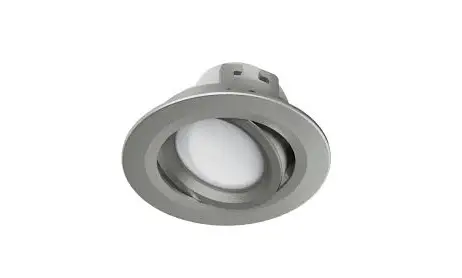
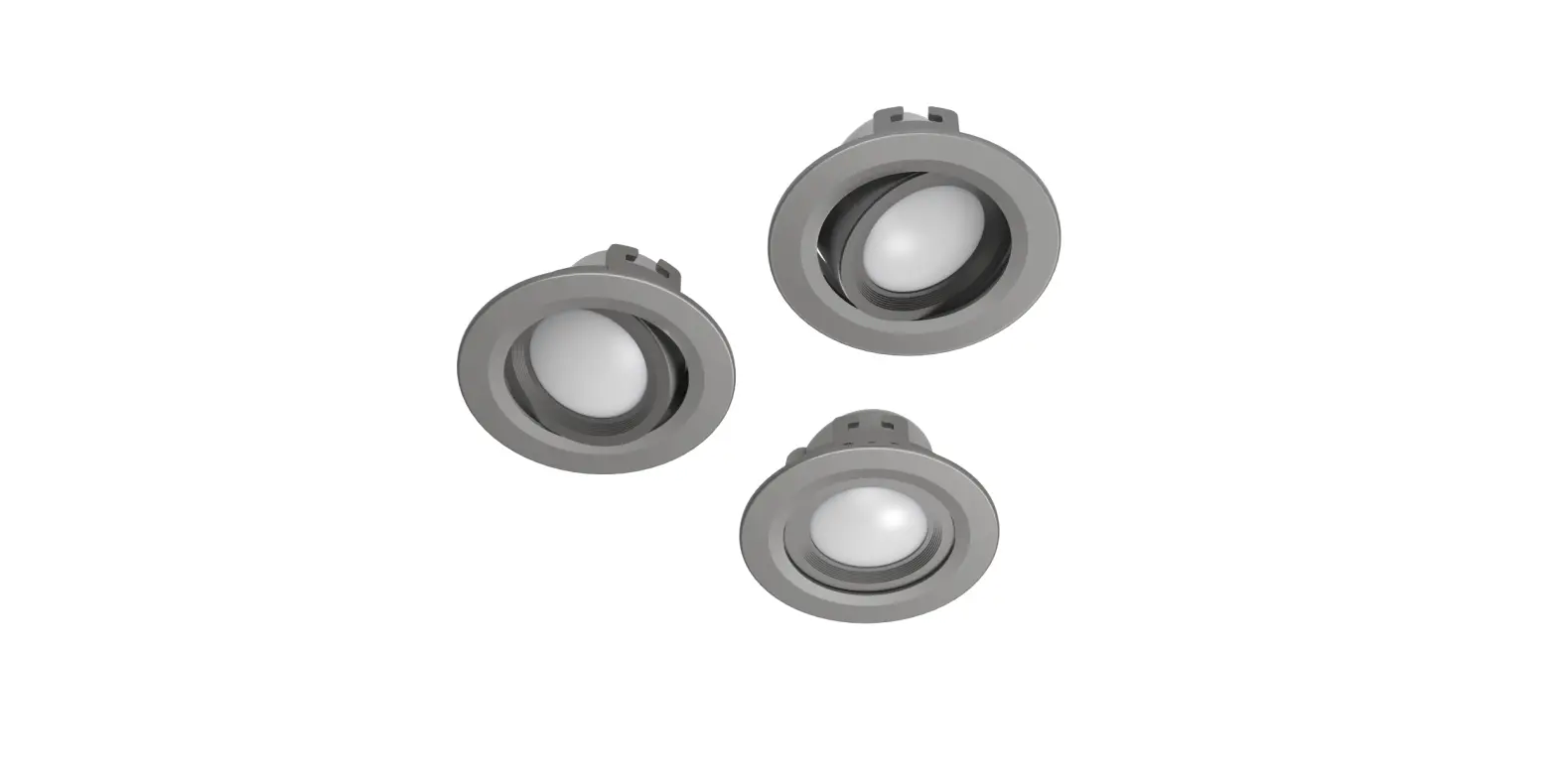
5. Product characteristics This WiFi LED lamp is used as room lighting in homes, for effect lighting or to create personal lighting atmospheres. Depending on the model, you can choose from 16 million different colours or set different colour temperatures (e.g. daylight for the workstation). Other setting options include: Switching On/Off and stepless dimming.
The following voice commands can be used: · Switch on / off
“Alexa / OK Google, switch the light on / off.” · Dim to X %
“Alex / OK Google, reduce the light to X %”. · Colour temperature selection
“Alex / OK Google, switch the light to warm white.” (white, daylight, etc.)
6. Getting started · Download the Hama Smart Home APP from the Apple
App Store or Google Play Store. · Open the Hama Smart Home APP. · The first time you use the app, you need to register and
create a new account. If you already have an account, log in with your access details · Screw the smart lamp into the appropriate fitting. · The smart LED lamp starts to flash quickly. If it does not, switch it ON and OFF quickly 3 times using the light switch. · Open the app and sign in. · Press the + in the top right-hand corner to add a new device.
My Home
· Choose Lamps from the list. · Next enter your WiFi password and confirm with “Next”. · Now confirm that the lamp is flashing quickly by ticking
“Next step” and clicking on “Next”. · Your lamp is now connected
Connecting Now
4
· Once the connection is successful, the lamp stops flashing quickly and the app confirms that your lamp is connected. You can now assign it a different name if you wish.
Done
Added successfully
· Click Finish to end the process. · You can now control the lamp. Note
A detailed description of the Hama Smart Home App and the full range of
functions can be found in our App Guide at:
www.hama.com -> Item number -> Downloads -> App Operating Instructions
5
7. Setting options The following settings can be made in the app:
1
2
3
4
5
6
7
8
1 White
Open the Light settings tab.
2 Colour
Open the RGB colour setting tab (only for RGB items).
3 Scenario
Open the Colour scenarios tab. Customised light settings can be stored here and selected at the press of a button.
4 Colour slider Set the preferred colour temperature here.
5 Brightness slider Set the preferred brightness here.
6 Countdown
Once the set time has elapsed, the light is automatically switched on or off.
7 On/Off button Switch the light on or off with the press of a button.
8 More
You can select various programs here: · Plan: Create a program to wake up or fall asleep to. The lamp helps by slowly increasing or
decreasing the brightness. · Timeline: Create time-controlled programmes here. · Rhythms: Create a personalised day agenda. The brightness of the light can support your
biorhythm. Wake up in warm white, dimmed light and go to bed with decreasing brightness in the evening. During the course of the day, the intensity and light colour can be adjusted.
For extended usage options, scenarios can be created in the app. (See Section 8 and App Guide)
6
8. Extended usage options with scenarios Scenarios and automated sequences, which can be created in the app in the “Smart scenarios” section, can be used to create many combination and usage options for these products, depending on the Smart Home products you have installed. Programming is always via the app (see Section 4 of the App Guide) and will be offered / suggested to you on an individual basis.
Standard usage option
Extended usage option
+
+
+ +
7
9. Care and maintenance
Note Disconnect the device from the mains before cleaning and during prolonged periods of non-use. · Only clean this product with a slightly damp, lint-free cloth and do not use aggressive cleaning products. · Ensure that no water is able to enter the product.
10. Warranty disclaimer Hama GmbH & Co KG assumes no liability and provides no warranty for damage resulting from improper installation/ mounting, improper use of the product or from failure to observe the operating instructions and/or safety notes.
13. Declaration of Conformity Hama GmbH & Co KG hereby declares that radio equipment type [00176547, 00176548, 00176549, 00176550, 00176555, 00176558,
00176559, 00176581, 00176582, 00176583, 00176584, 00176585, 00176586, 00176587, 00176597, 00176598, 00176599, 00176600, 00176601, 00176602, 00176603] is compliant with Directive 2014/53/EU. The full text of the EU declaration of conformity is available at the following Internet address: www.hama.com -> 00176547, 00176548, 00176549, 00176550, 00176555, 00176558, 00176559, 00176581, 00176582, 00176583, 00176584, 00176585, 00176586, 00176587, 00176597, 00176598, 00176599, 00176600, 00176601, 00176602, 00176603 -> Downloads.
11. Recycling information Note on environmental protection:
Following the implementation of European Directives 2012/19/EU and 2006/66/EU into the national legal systems, the following applies: Electrical and electronic devices as well as batteries must not be disposed of with household waste. Consumers are obliged by law to return electrical and electronic devices as well as batteries to the designated public collection points or to the point of sale at the end of their service lives. Detailed information on this topic is defined in the national laws of the respective country. This presence of the above symbol on the product, operating instructions or package indicates that the product is subject to these regulations. By recycling, reusing the materials or other forms of utilising old devices/batteries, you are making an important contribution to protecting our environment.
12. RF exposure information This device complies with the EU requirements for limiting the exposure of the general public to electromagnetic fields by means of health protection. The device complies with RF specifications provided it is used 20 cm away from the body.
8
D Bedienungsanleitung
Vielen Dank, dass Sie sich für ein Hama Produkt entschieden haben! Nehmen Sie sich Zeit und lesen Sie die folgenden Anweisungen und Hinweise zunächst ganz durch. Bewahren Sie diese Bedienungsanleitung anschließend an einem sicheren Ort auf, um bei Bedarf darin nachschlagen zu können. Sollten Sie das Gerät veräußern, geben Sie diese Bedienungsanleitung an den neuen Eigentümer weiter.
1. Erklärung von Warnsymbolen und Hinweisen Gefahr eines elektrischen Schlages Dieses Symbol weist auf eine Berührungsgefahr mit nicht isolierten Teilen des Produktes hin, die möglicherweise eine gefährliche Spannung von solcher Höhe führen, dass die Gefahr eines elektrischen Schlags besteht. Warnung Wird verwendet, um Sicherheitshinweise zu kennzeichnen oder um Aufmerksamkeit auf besondere Gefahren und Risiken zu lenken. Hinweis Wird verwendet, um zusätzlich Informationen oder wichtige Hinweise zu kennzeichnen.
2. Erklärung von Symbolen der Produktkennzeichnung
Nicht dimmbar. Die Lampe ist nicht für die Verwendung mit einem herkömmlichen Dimmer geeignet.
Nur in trockener Umgebung einsetzen.
3. Sicherheitshinweise · Das Produkt ist für den privaten, nicht-gewerblichen
Gebrauch vorgesehen. · Verwenden Sie das Produkt ausschließlich für den dazu
vorgesehenen Zweck. · Schützen Sie das Produkt vor Schmutz, Feuchtigkeit und
Überhitzung und verwenden Sie es nur in trockenen Räumen. · Lassen Sie das Produkt nicht fallen und setzen Sie es
keinen heftigen Erschütterungen aus. · Betreiben Sie das Produkt nicht außerhalb seiner in den
technischen Daten angegebenen Leistungsgrenzen. · Betreiben Sie das Produkt nicht in unmittelbarer Nähe
der Heizung, anderer Hitzequellen oder in direkter Sonneneinstrahlung. · Betreiben Sie das Produkt außerhalb von geschlossenen Räumen nur in geschützten Außenbereichen. · Öffnen Sie das Produkt nicht und betreiben Sie es bei Beschädigungen nicht weiter.
9
· Versuchen Sie nicht, das Produkt selbst zu warten oder zu reparieren. Überlassen Sie jegliche Wartungsarbeit dem zuständigen Fachpersonal.
· Verwenden Sie den Artikel nur unter moderaten klimatischen Bedingungen.
· Verwenden Sie das Produkt nicht in einer feuchten Umgebung und vermeiden Sie Spritzwasser.
· Besorgen Sie sich spezielles bzw. geeignetes Montagematerial im Fachhandel für die Montage an der vorgesehenen Wand.
· Nach Montage des Produktes ist dieses auf ausreichende Festigkeit zu überprüfen. Diese Prüfung ist regelmäßig zu wiederholen.
· Prüfen Sie vor Montage die Eignung der vorgesehenen Wand für das anzubringende Gewicht und vergewissern Sie sich, dass sich an der Montagestelle in der Wand keine elektrischen Leitungen, Wasser-, Gas- oder sonstige Leitungen befinden.
· Nehmen Sie keine Veränderungen am Produkt vor. Dadurch verlieren sie jegliche Gewährleistungsansprüche.
· Kinder dürfen nicht mit dem Gerät spielen. Reinigung und Benutzerwartung dürfen nicht von Kindern ohne Beaufsichtigung durchgeführt werden.
· Dieses Produkt gehört, wie alle elektrischen Produkte, nicht in Kinderhände!
· Entsorgen Sie das Verpackungsmaterial sofort gemäß den örtlich gültigen Entsorgungsvorschriften.
· Das Produkt ist nur für den Gebrauch innerhalb von Gebäuden vorgesehen.
· Das Produkt darf ausschließlich an einem Versorgungsnetz betrieben werden, wie auf dem Typenschild beschrieben.
· Benutzen Sie das Produkt nicht in Bereichen, in denen elektronische Produkte nicht erlaubt sind.
· Betreiben Sie das Produkt nur in Verbindung mit einer für den Anwendungsbereich zugelassenen und für das Produkt geeigneten Leuchte/Fassung. Beachten Sie deren einwandfreien technischen Zustand vor dem Einsetzen des Produktes.
· Bei beschädigten oder nicht geeigneten Leuchten/ Fassungen besteht die Gefahr eines elektrischen Schlages .
· Achten Sie beim Wechsel von Lampen immer darauf, dass die betroffene Leuchte/Fassung spannungsfrei ist. Schalten Sie sie aus und/oder ziehen Sie den Netzstecker.
· Nicht geeignet für den Betrieb mit Dimmern elektrischen Schaltern, Photozellen, Zeitschalter und Dämmerungsschalter.
· Dieses Produkt gehört, wie alle elektrischen Produkte, nicht in Kinderhände!
· Schalten Sie die Lampe über den Lichtschalter aus, sollte diese für längere Zeit (z. B. Urlaub) nicht genutzt werden. Beachten Sie, dass dann die Anwesenheitssimulation nicht aktiviert werden kann.
Warnung · Beachten Sie, dass Lampen (auch LED) hohe
Temperaturen entwickeln und heiß sein können. Geben Sie der Lampe immer einige Minuten zum Abkühlen, bevor Sie sie berühren oder wechseln. · Der Betrieb des Gerätes ist ausschließlich am 230V 50Hz Wechselspannungsnetz zulässig. Arbeiten am 230V-Netz dürfen nur von einer in Ihrem Land zertifizierten Elektrofachkraft erfolgen. Dabei sind die geltenden Unfallverhütungsvorschriften zu beachten. · Zur Vermeidung eines elektrischen Schlages am Gerät bitte Netzspannung freischalten (Sicherungsautomat abschalten). Bei Nichtbeachtung der Installationshinweise können Brände oder andere Gefahren entstehen.
Gefahr eines elektrischen Schlages · Öffnen Sie das Produkt nicht und betreiben Sie es bei
Beschädigung, davon ausgehender Rauchentwicklung, Geruchsbildung oder lauten Geräuschen nicht weiter. Wenden Sie sich umgehend an Ihren Händler oder unsere Serviceabteilung (siehe Pkt. Service und Support).
6. Inbetriebnahme · Laden Sie die APP Hama Smart Home aus dem Apple
App Store oder auf Google Play herunter. · Öffnen Sie die APP Hama Smart Home · Als Erstanwender müssen Sie sich registrieren und ein
neues Konto anlegen. Falls Sie bereits über ein Konto verfügen, melden Sie sich mit Ihren Zugangsdaten an · Drehen Sie die Smarte Lampe in eine entsprechende Fassung. · Die Smarte LED Lampe fängt schnell an zu blinken. Sollte dies nicht der Fall sein, schalten Sie die Lampe mit Hilfe des Lichtschalters schnell 3-mal AN und AUS. · Öffnen Sie die App und melden Sie sich an. · Drücken Sie oben rechts in der Ecke +, um ein neues Gerät hinzuzufügen.
4. Packungsinhalt: · 1 Smarte Lampe · Schnellstartanleitung
5. Produkteigenschaften Diese WiFi-LED-Lampe dient als Raumbeleuchtung im Haushalt, Effektbeleuchtung oder zur Erzeugung persönlicher Lichtatmosphären. Je nach Modell können Sie aus 16 Mio. verschiedenen Farben wählen oder unterschiedliche Farbtemperaturen (z.B. Tageslicht für den Arbeitsplatz) einstellen. Weitere Einstellungsmöglichkeiten sind: Ein- /Ausschalten und stufenlose Dimmbarkeit.
Folgende Sprachbefehle stehen zur Verfügung: · An-/Ausschalten
“Alexa/OK Goolge, schalte das Licht an/aus.” · Dimnen auf X %
“Alexa/OK Google, reduziere das Licht auf X %.” · Farbtemperaturwahl
“Alexa/OK Google, schalte das Licht auf warm weiß.” (weiß, Tageslicht,…)
Mein Zuhause
· Wählen Sie in der Liste Lampen. · Geben Sie als nächstes Ihr WiFI Passwort ein und bestäti-
gen Sie mit “Weiter”. · Bestätigen Sie nun, dass die Lampe schnell blinkt, indem
Sie den Haken bei “Nächster Schritt” setzen und auf “Weiter” klicken. · Ihre Lampe wird nun verbunden
Gerät hinzufügen
10
· Bei erfolgreicher Verbindung hört die Lampe auf schnell zu blinken und die App bestätigt, dass Ihre Lampe verbunden wurde. Nun können Sie ihr noch einen eigenen Namen geben.
Erledigt
Erfolgreich hinzugefügt
· Mit einem Klick auf Erledigt schließen Sie den Vorgang ab.
· Jetzt können Sie die Lampe steuern. Hinweis
Eine ausführliche Beschreibung der Hama Smart Home App und des vollen Funktionsumfangs finden Sie in unserem
App-Guide unter: www.hama.com -> Artikelnummer -> Downloads
-> App-Bedienungsanleitung
11
7. Einstellungsmöglichkeiten Folgende Einstellungen können in der App vorgenommen werden:
1
2
3
4
5
6
7
8
1 Weiß
Öffnen Sie die Registerkarte der Lichteinstellung.
2 Farbe
Öffnen Sie die Registerkarte der RGB Farbeinstellung (nur bei RGB Artikeln).
3 Szene
Öffnen Sie die Registerkarte der Farbszenen. Hier können individuelle Lichteinstellungen abgespeichert und per Tastendruck ausgewählt werden.
4 Farbregler
Stellen Sie hier die gewünschte Farbtemperatur ein.
5 Helligkeitsregler Stellen Sie hier die gewünschte Helligkeit ein.
6 Countdown
Nach Ablauf der eingestellten Zeit wird die Lampe automatisch ein- bzw. ausgeschaltet.
7 Ein-/Ausschalter Schalten Sie die Lampe durch Tastendruck ein bzw. aus.
8 Mehr
Hier können Sie unterschiedliche Programme wählen: · Planen: Erstellen Sie ein Programm zum Aufwachen oder Einschlafen. Die Lampe unterstützt
durch langsames Ansteigen oder Absenken der Helligkeit. · Zeitplan: Erstellen Sie hier zeitlich gesteuerte Programme. · Rhythmen: Erstellen Sie einen individuellen Tagesablauf. Die Intensität der Lampe kann Ihren
Biorhthymus unterstützen. Lassen Sie sich mit warmweißem, gedimmtem Licht wecken und gehen Sie abends mit abnehmender Helligkeit ins Bett. Über den Tag hinweg können Intensität und Lichtfarbe angepasst werden.
Für erweiterte Nutzungsmöglichkeiten können Szenen in der App angelegt werden. (siehe Kapitel 8 und AppGuide)
12
8. Erweiterte Nutzungsmöglichkeiten durch Szenen Durch Szenen und Automationen, die in der App im Bereich “smarte Szenen” angelegt werden können, ergeben sich je nach vorhandenen Smart Home Produkten in Ihrem Zuhause viele Kombinations- und Nutzungsmöglichkeiten dieser Produkte. Die Programmierung erfolgt immer über die App (siehe Kapitel 4 des App Guide) und wird Ihnen individuell angeboten/ vorgeschlagen.
Standard Nutzungsmöglichkeit
Erweiterte Nutzungsmöglichkeit
+
+
+ +
13
9. Wartung und Pflege
Hinweis Trennen Sie das Gerät vor der Reinigung und bei längerem Nichtgebrauch vom Netz. · Reinigen Sie dieses Produkt nur mit einem fusselfreien, leicht feuchten Tuch und verwenden Sie keine aggressiven Reiniger. · Achten Sie darauf, dass kein Wasser in das Produkt eindringt.
10. Haftungsausschluss Die Hama GmbH & Co KG übernimmt keinerlei Haftung oder Gewährleistung für Schäden, die aus unsachgemäßer Installation, Montage und unsachgemäßem Gebrauch des Produktes oder einer Nichtbeachtung der Bedienungsanleitung und/oder der Sicherheitshinweise resultieren.
11. Entsorgungshinweise Hinweis zum Umweltschutz:
Ab dem Zeitpunkt der Umsetzung der europäischen Richtlinien 2012/19/EU und 2006/66/EG in nationales Recht gilt folgendes: Elektrische und elektronische Geräte sowie Batterien dürfen nicht mit dem Hausmüll entsorgt werden. Der Verbraucher ist gesetzlich verpflichtet, elektrische und elektronische Geräte sowie Batterien am Ende ihrer Lebensdauer an den dafür eingerichteten, öffentlichen Sammelstellen oder an die Verkaufsstelle zurückzugeben. Einzelheiten dazu regelt das jeweilige Landesrecht. Das Symbol auf dem Produkt, der Gebrauchsanleitung oder der Verpackung weist auf diese Bestimmungen hin. Mit der Wiederverwertung, der stofflichen Verwertung oder anderen Formen der Verwertung von Altgeräten/Batterien leisten Sie einen wichtigen Beitrag zum Schutz unserer Umwelt.
12. HF-Expositionsinformationen Dieses Gerät erfüllt die EU-Anforderungen zur Begrenzung der Exposition der Bevölkerung gegenüber elektromagnetischen Feldern mittels Gesundheitsschutz. Das Gerät entspricht den HF-Spezifikationen, sofern es 20 cm vom Körper entfernt genutzt wird.
13. Konformitätserklärung Hiermit erklärt die Hama GmbH & Co KG, dass der Funkanlagentyp [00176547, 00176548, 00176549, 00176550, 00176555, 00176558,
00176559, 00176581, 00176582, 00176583, 00176584, 00176585, 00176586, 00176587, 00176597, 00176598, 00176599, 00176600, 00176601, 00176602, 00176603] der Richtlinie 2014/53/EU entspricht. Der vollständige Text der EU-Konformitätserklärung ist unter der folgenden Internetadresse verfügbar: www.hama.com -> 00176547, 00176548, 00176549, 00176550, 00176555, 00176558, 00176559, 00176581, 00176582, 00176583, 00176584, 00176585, 00176586, 00176587, 00176597, 00176598, 00176599, 00176600, 00176601, 00176602, 00176603 -> Downloads.
14
14. Technische Daten Lichtstrom Leistung
Lichtfarbe
Multicolor Lampenstrom Frequenzband/ Frequenzbänder Abgestrahlte max. Sendeleistung
176547 806 lm 10 W
16 Mio. versch. Farben
P 80 mA 2,4 GHz 100 mW
176548 300 lm 4,5 W
16 Mio. versch. Farben
P 42 mA 2,4 GHz 100 mW
176549 350 lm 4,5 W
16 Mio. versch. Farben
P 42 mA 2,4 GHz
176550 806 lm 10 W
2700 K 6500 K (warmweiß bis kaltweiß)
80 mA 2,4 GHz
176555 800 lm
7W
2700 K
60 mA 2,4 GHz
176558 4,5 W
2700 K 6500 K (warmweiß bis kaltweiß)
42 mA
176559 4,5 W
2700 K 6500 K (warmweiß bis kaltweiß)
42 mA
176582 400 lm 5,5 W 16 Mio. versch. Farben 2700 K 6500 K (warmweiß bis kaltweiß)
P 48 mA
176583 470 lm 5,5 W 16 Mio. versch. Farben 2700 K 6500 K (warmweiß bis kaltweiß)
P 48 mA
176584 806 lm 10 W
2700 K 6500 K (warmweiß bis kaltweiß)
P 87 mA
176585 400 lm 5,5 W
2700 K 6500 K (warmweiß bis kaltweiß)
48 mA
176586 470 lm 5,5 W
2700 K 6500 K (warmweiß bis kaltweiß)
48 mA
176587 806 lm
7W
2700 K 6500 K (warmweiß bis kaltweiß)
55 mA
176597 806 lm 10 W
2700 K 6500 K (warmweiß bis kaltweiß)
P 87 mA
176598 400 lm 5,5 W
2700 K 6500 K (warmweiß bis kaltweiß)
P 48 mA
176599 470 lm 5,5 W
2700 K 6500 K (warmweiß bis kaltweiß)
P 48 mA
2,4 GHz 2,4 GHz 2,4 GHz 2,4 GHz 2,4 GHz 2,4 GHz 2,4 GHz 2,4 GHz 2,4 GhZ 2,4 GhZ 2,4 GhZ
100 mW 100 mW 100 mW 0,015 W 0,015 W 100 mW 100 mW 100 mW 100 mW 100 mW 100 mW 100 mW 100 mW 100 mW
Lichtstrom Leistung
Lichtfarbe
Multicolor Lampenstrom Frequenzband/ Frequenzbänder Abgestrahlte max. Sendeleistung
176600 806 lm
9W
176601 400 lm 5,5 W
176602 470 lm 5,5 W
176603 806 lm
7W
2700 K 6500 K (warmweiß bis kaltweiß)
2700 K 6500 K (warmweiß bis kaltweiß)
2700 K 6500 K (warmweiß bis kaltweiß)
2700 K 6500 K (warmweiß bis kaltweiß)
87 mA
2,4 GhZ
48 mA
2,4 GhZ
48 mA
2,4 GHz
60 mA
2,4 GHz
100 mW 100 mW 100 mW 100 mW
15
00176574_48_49_50_55_58_59_81_82_83_84_85_86_87_97_98_99_600_601_602_603/03.23
Hama GmbH & Co KG 86652 Monheim / Germany
Service & Support www.hama.com +49 9091 502-0 DG
All listed brands are trademarks of the corresponding companies. Errors and omissions excepted, and subject to technical changes. Our general terms of delivery and payment are applied.
 hama.com
 Smart Home hama.com