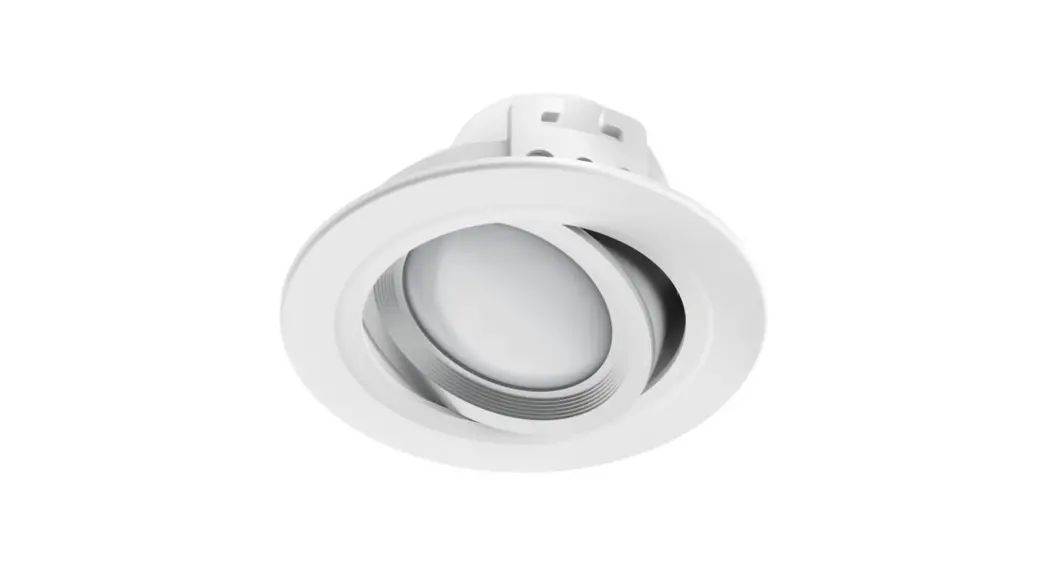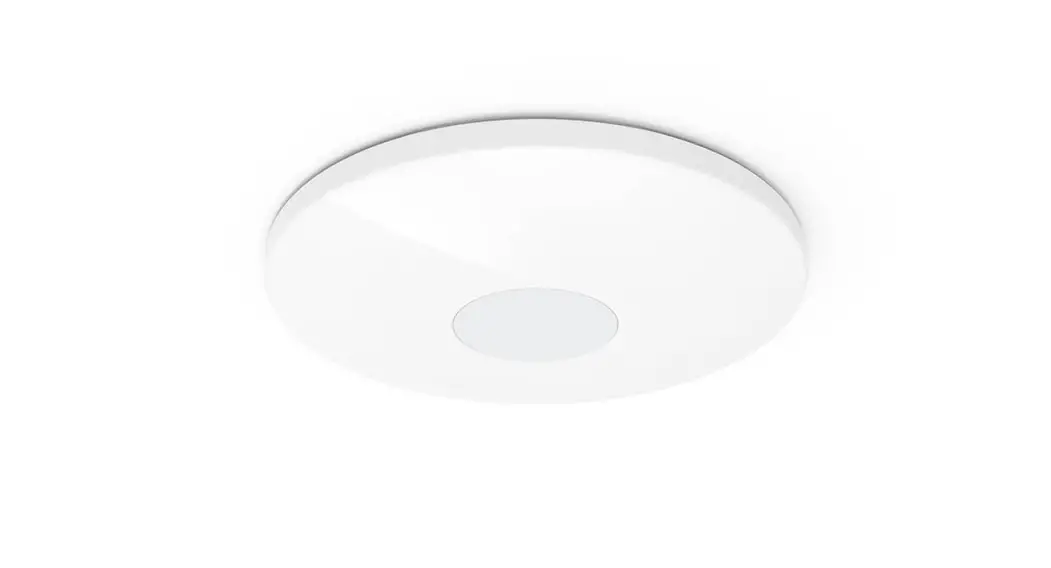

 Lamps
Lamps
Operating Instructions
| 176547 176548 176549 176550 176555 176558 176559 | 176581 176582 176583 176584 176585 176586 176587 | 176597 176598 176599 176600 176601 176602 176603 |
Operating Instructions
Thank you for choosing a Hama product.
Take your time and read the following instructions and information completely. Please keep these instructions in a safe place for future reference. If you sell the device, please pass these operating instructions on to the new owner.
Explanation of warning symbols and notes
Risk of electric shock 
This symbol indicates a risk of electric shock from touching product parts carrying hazardous voltage.
Warning 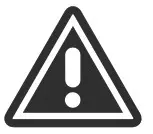
This symbol is used to indicate safety instructions or to draw your attention to specific hazards and risks.
Note
This symbol is used to indicate additional information or important notes.
Explanation of symbols used on the product label
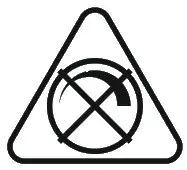 | Non-dimmable. The lamp is not suitable for use with a conventional dimmer. |
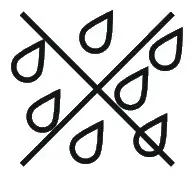 | Only use in a dry environment. |
Safety instructions
- This product is intended for private, non-commercial use only.
- Use the product only for the intended purpose.
- Protect the product from dirt, moisture and overheating and use it in dry rooms only.
- Do not drop the product and do not expose it to any major shocks.
- Do not operate the product outside the power limits specified in the technical data.
- Do not use the product in the immediate vicinity of heaters, other heat sources or in direct sunlight.
- If the product is to be operated outdoors, it may be operated only in protected outdoor areas.
- Do not open the device or continue to operate it if it becomes damaged.
- Do not attempt to service or repair the product yourself. Leave any and all service work to qualified experts.
- Only use the article under moderate climatic conditions.
- Do not use the product in a damp environment and avoid splashing water.
- Buy special or suitable installation material from a specialist dealer for wall-mounting.
- After the product has been installed, check that it is sufficiently stable. You should repeat this check at regular intervals.
- Before mounting, check that the wall you have chosen is suitable for the weight to be mounted. Also make sure that there are no electric, water, gas or other lines running through the wall at the mounting site.
- Do not modify the product in any way. Doing so voids the warranty.
- Children must not play with the device. Cleaning and user maintenance must not be carried out by children without supervision.
- As with all electrical products, this device should be kept out of the reach of children.
- Dispose of packaging material immediately in accordance with the locally applicable regulations.
- The product is intended only for use inside buildings.
- The product must only be operated on a supply network as described on the type plate.
- Do not use the product in areas in which electronic products are not permitted.
- Use this product only with lights and fittings that are approved for the application and appropriate for the product. Please check that the product is in perfect working order before making use of it.
- Using damaged or inappropriate lights or fittings carries the risk of electric shocks.
- Whenever changing a light, always ensure that the light or fitting in question is voltage-free. Switch it off and/or pull the mains plug.
- Not suitable for operation with dimmers, electrical switches, photo cells, time switches or twilight switches.
- As with all electrical products, this device should be kept out of the reach of children.
- Switch the lamp off via the light switch if it is not going to be used for a prolonged period of time (e.g. holiday). Please be aware that the presence simulation function cannot then be activated.
Warning 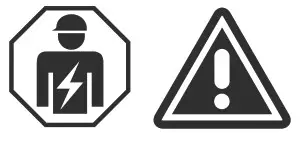
- Please note that lights (even LEDs) can generate heat and may become hot. Always let the light cool off for a few minutes before touching it or changing it.
- The device may only be operated on a 230 V 50 Hz AC voltage network. Work on the 230 V network must only be carried out by an electrician certified in your country. The applicable accident prevention regulations must be adhered to.
- To avoid an electric shock from the device, please disconnect the mains voltage (switch off the automatic circuit breaker). Failure to comply with the installation instructions can cause fires or other hazards.
Risk of electric shock
- Do not open the product and do not operate it if it is damaged, if smoke, a strange smell or loud noises are coming from it. Immediately contact your dealer or our service department (see item “Service and Support”).
Package contents:
- 1 smart lamp
- Quick-reference guide
Product characteristics
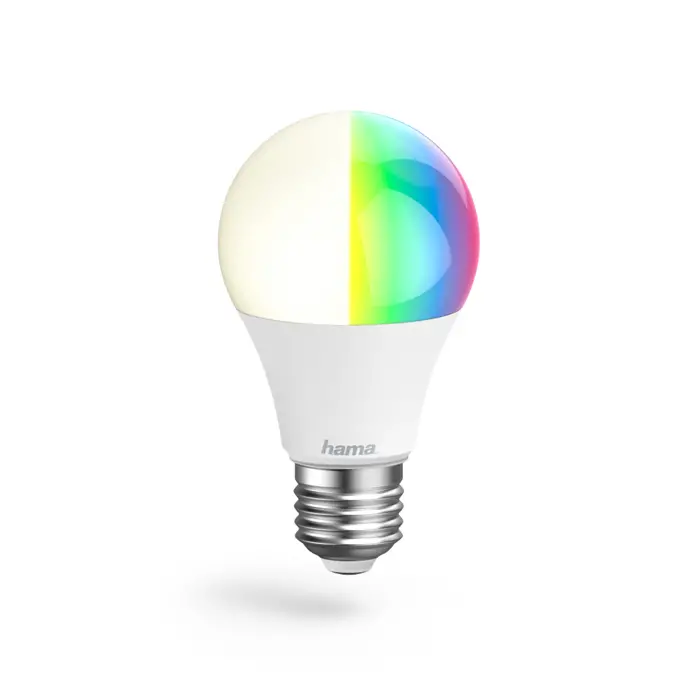
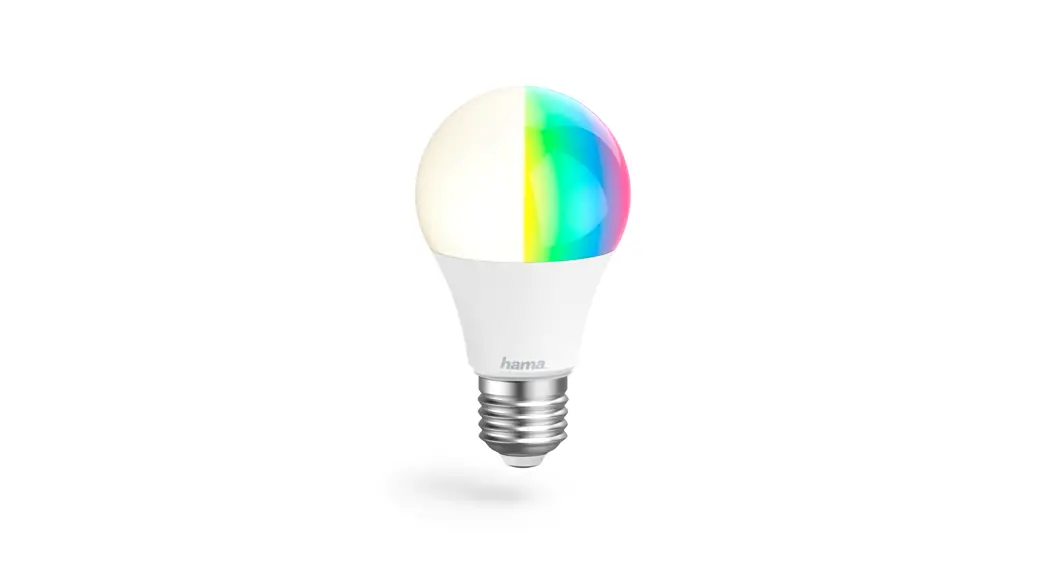
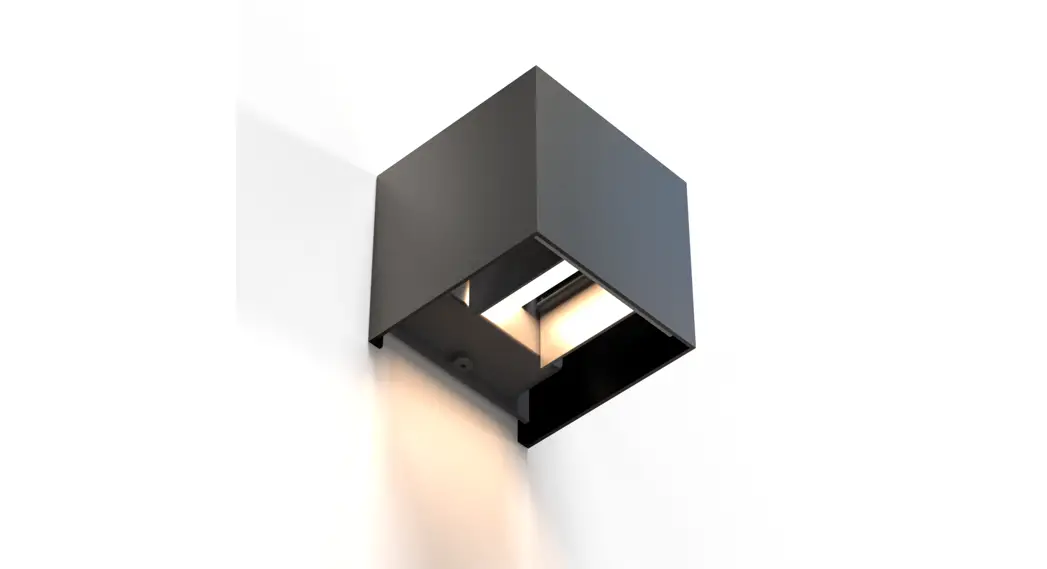
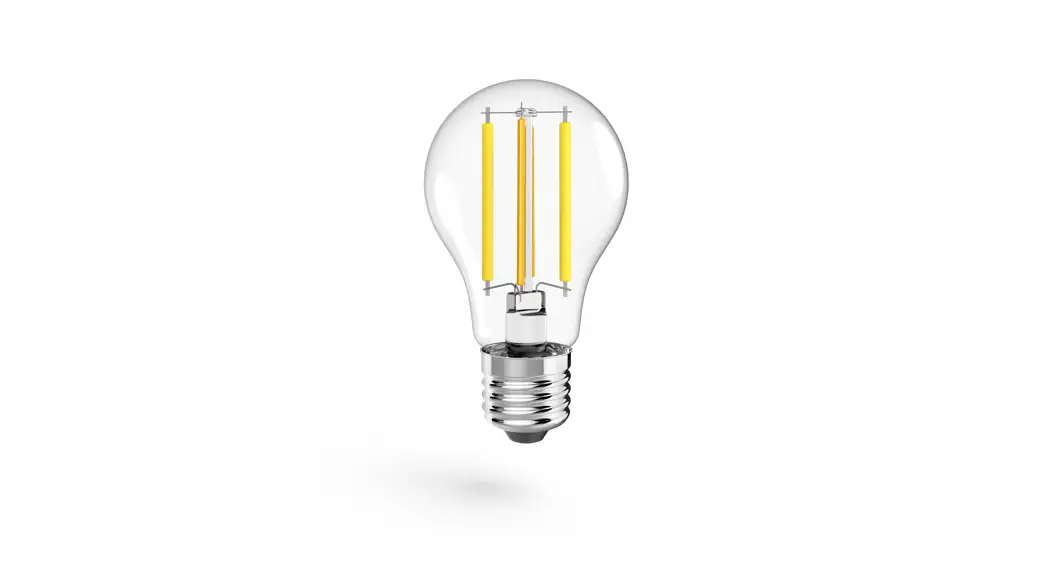
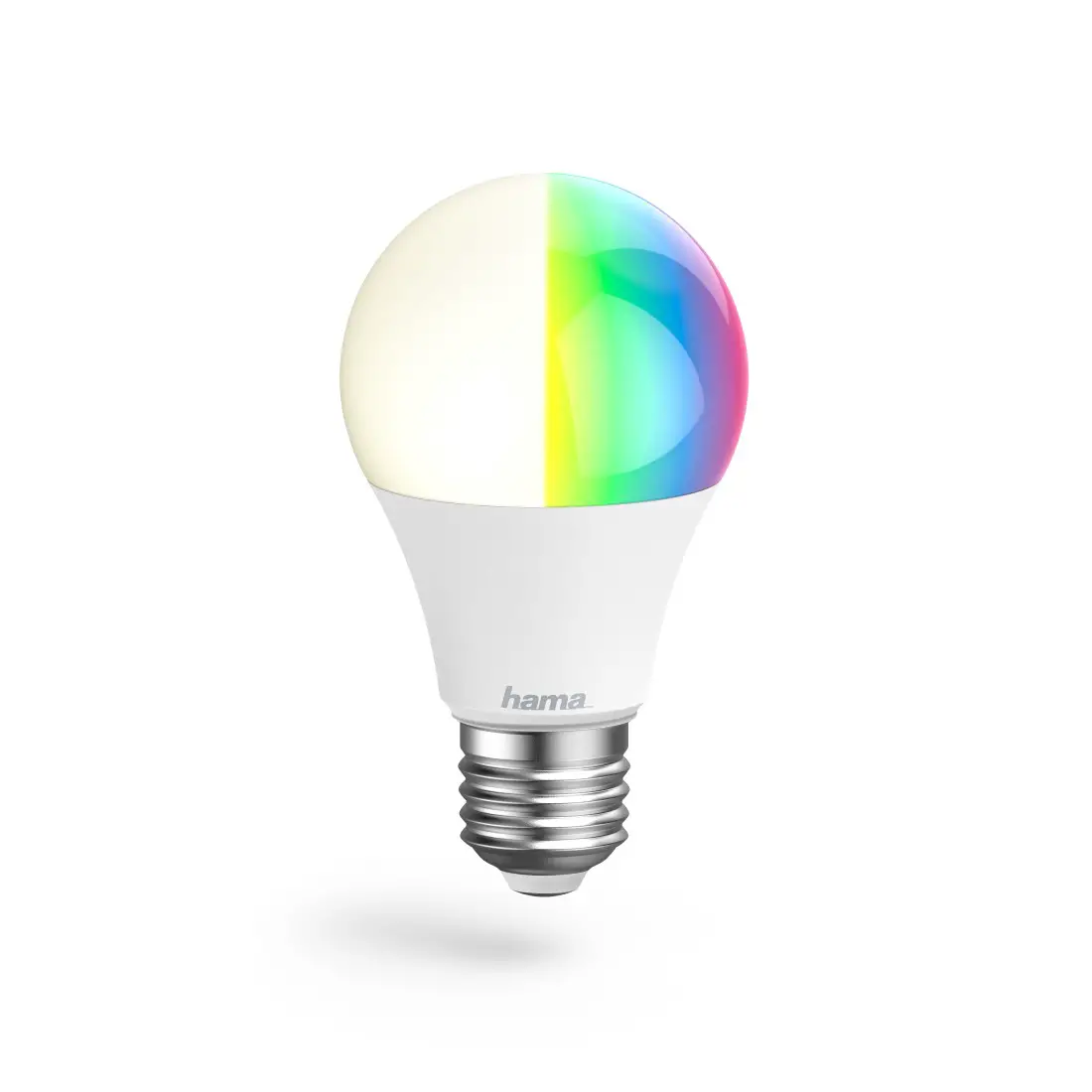
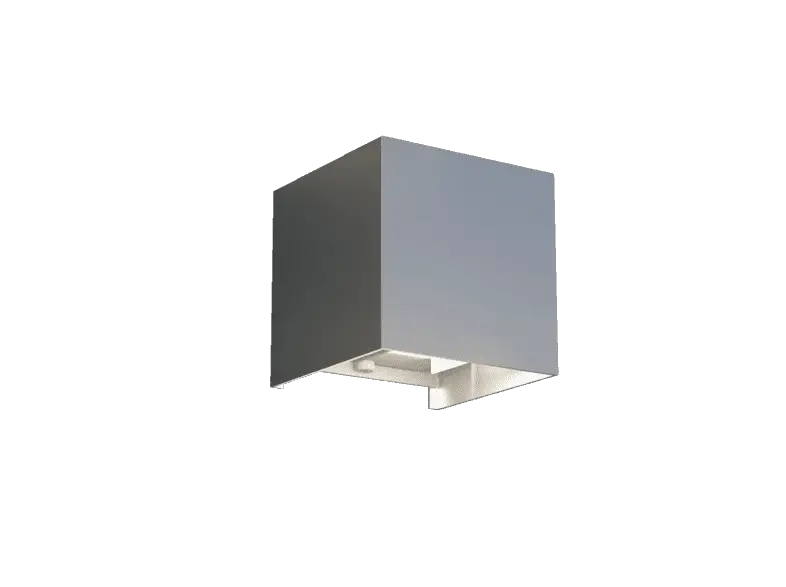
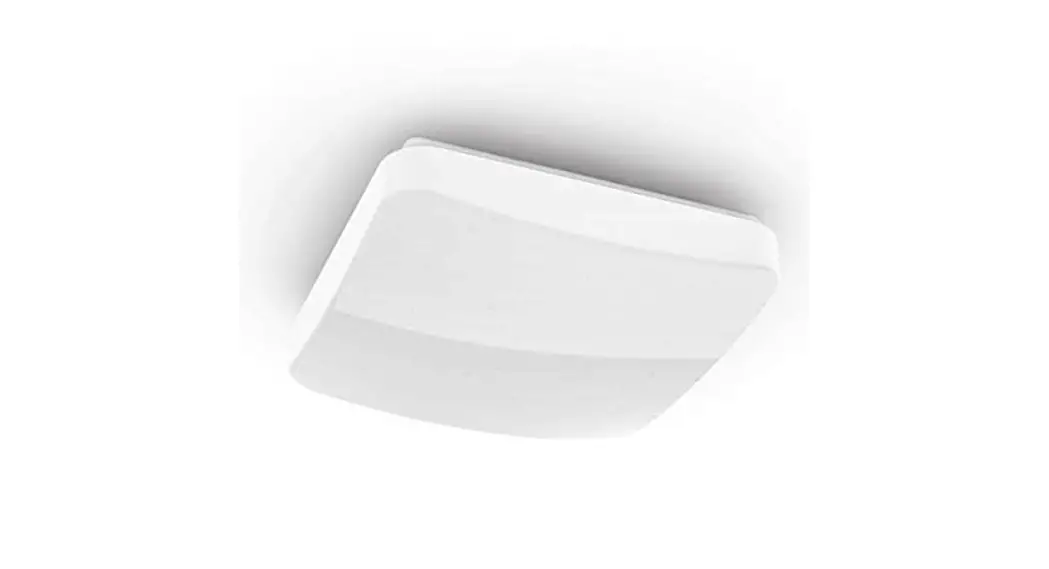
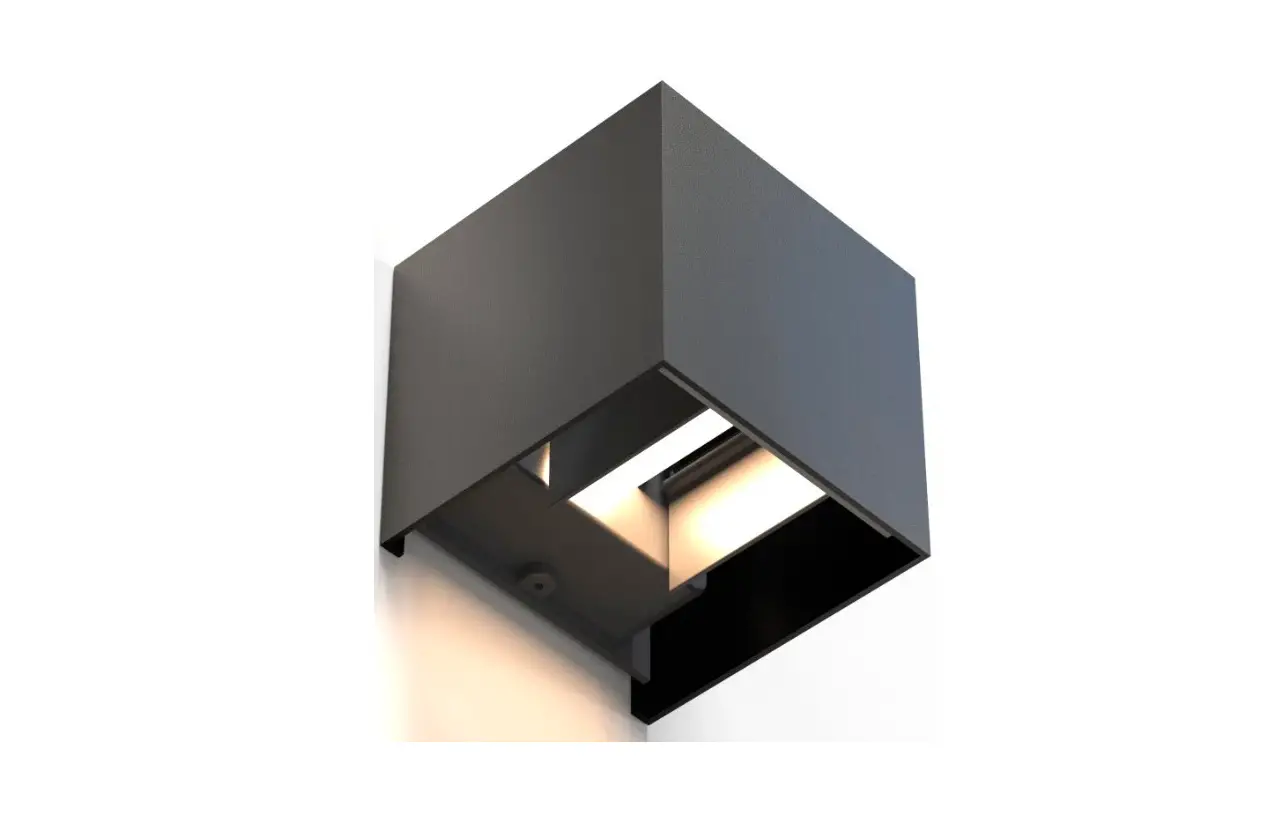
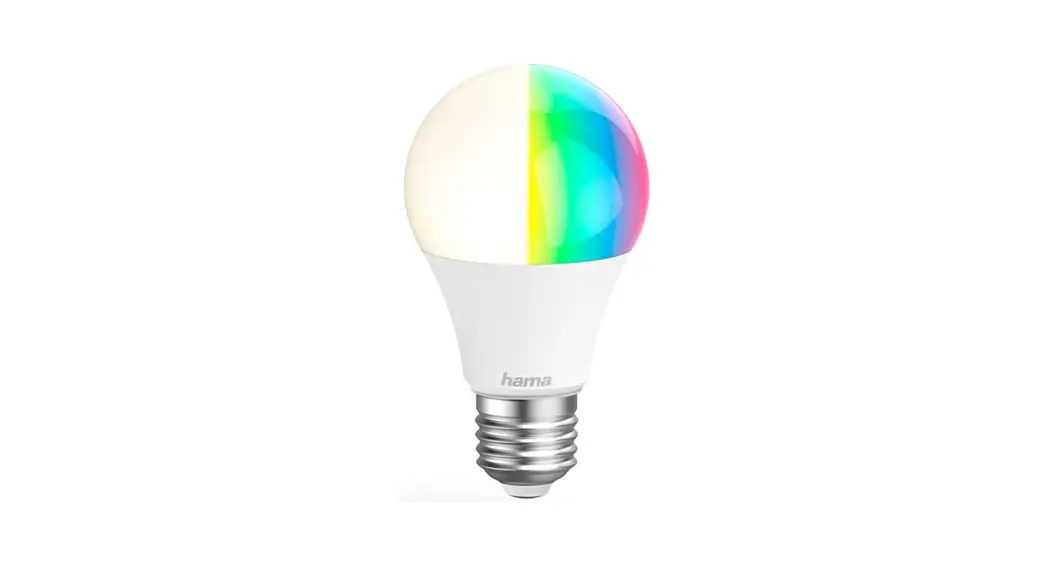
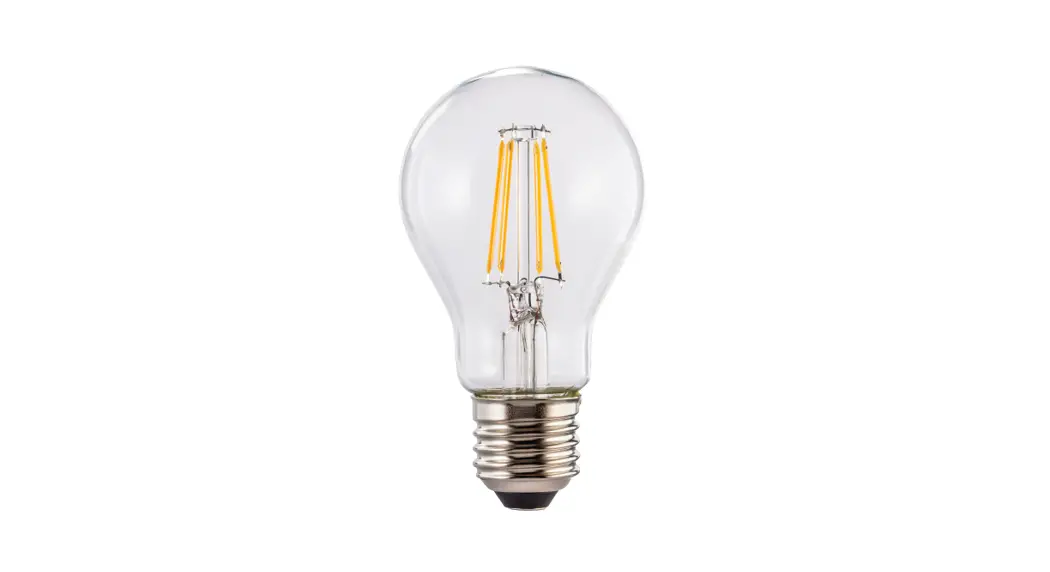
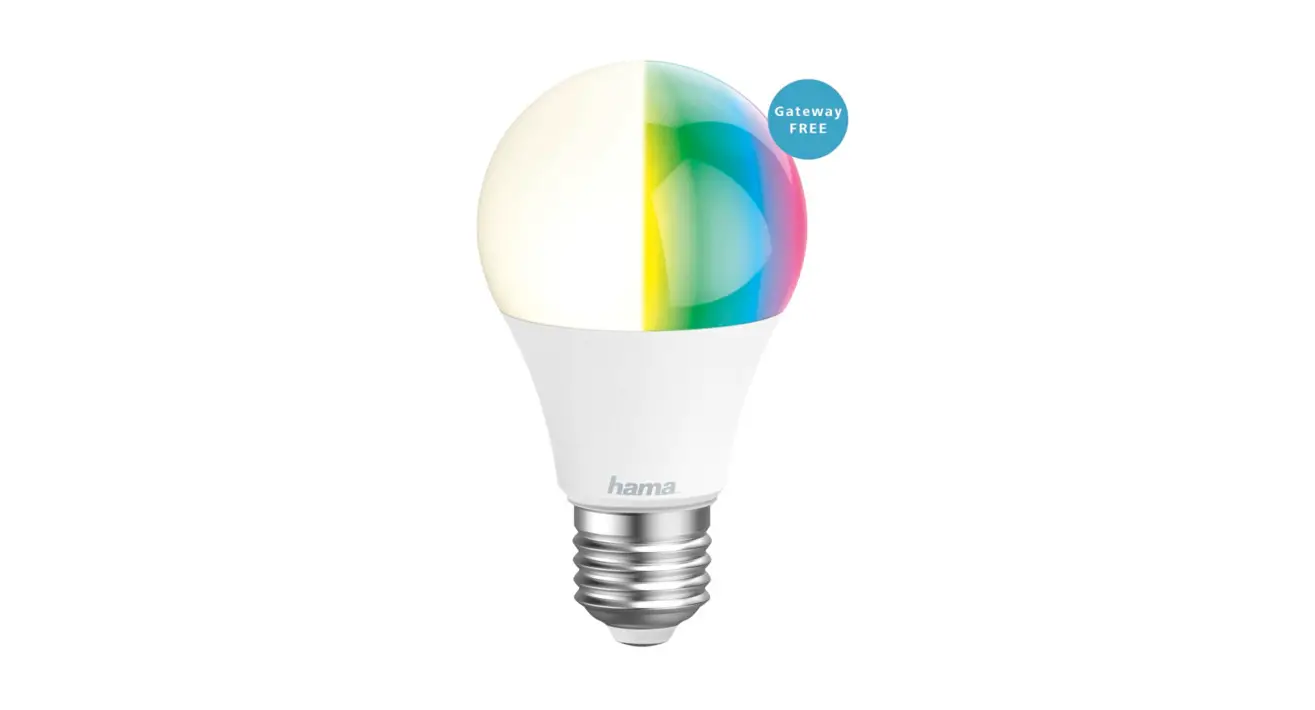
This WiFi LED lamp is used as room lighting in homes, for effect lighting or to create personal lighting atmospheres.
Depending on the model, you can choose from 16 million different colours or set different colour temperatures (e.g. daylight for the workstation). Other setting options include: Switching On/Off and stepless dimming.
The following voice commands can be used:
- Switch on / off
“Alexa / OK Google, switch the light on / off.” - Dim to X %
“Alex / OK Google, reduce the light to X %”. - Colour temperature selection
“Alex / OK Google, switch the light to warm white.” (white, daylight, etc.)
Getting started
- Download the Hama Smart Home (Solution) APP from the Apple App Store or Google Play Store.
- Open the Hama Smart Home (Solution) APP.
- The first time you use the app, you need to register and create a new account. If you already have an account, log in with your access details
- Screw the smart lamp into the appropriate fitting.
- The smart LED lamp starts to flash quickly. If it does not, switch it ON and OFF quickly 3 times using the light switch.
- Open the app and sign in.
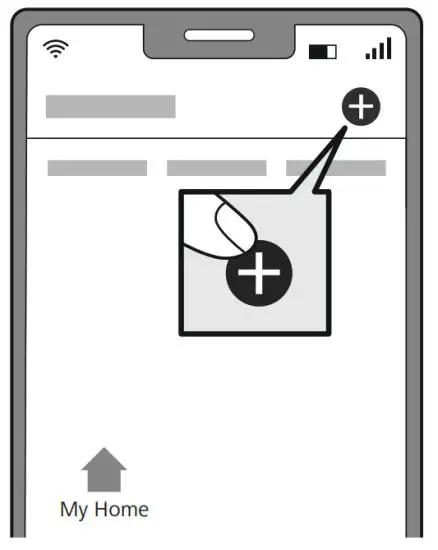
- Press the + in the top right-hand corner to add a new device.

- Choose Lamps from the list.
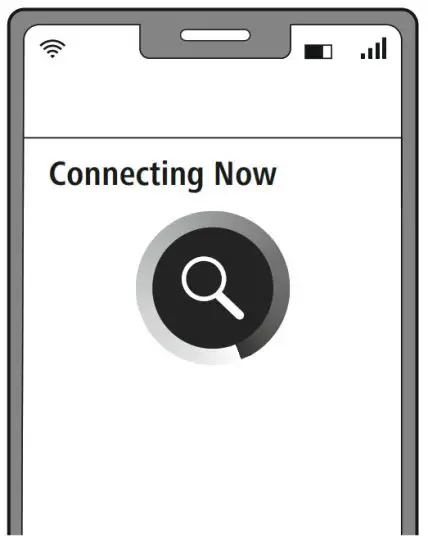
- Next enter your WiFi password and confirm with “Next”.
- Now confirm that the lamp is flashing quickly by ticking “Next step” and clicking on “Next”.
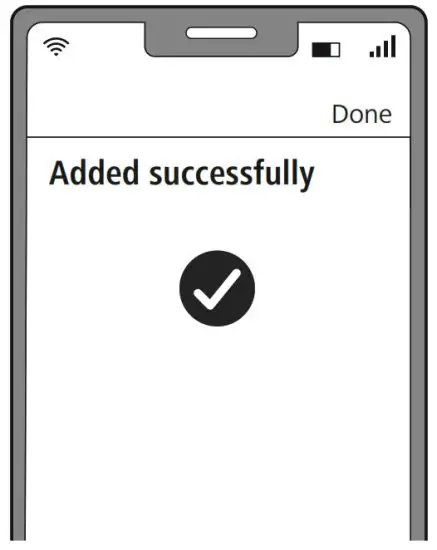
- Your lamp is now connected

- Once the connection is successful, the lamp stops flashing quickly and the app confirms that your lamp is connected. You can now assign it a different name if you wish.

- Click Finish to end the process.
- You can now control the lamp.
Note
A detailed description of the Hama Smart Home (Solution) App and the full range of functions can be found in our App Guide at:
www.hama.com -> Item number -> Downloads -> App Operating Instructions
Setting options
The following settings can be made in the app: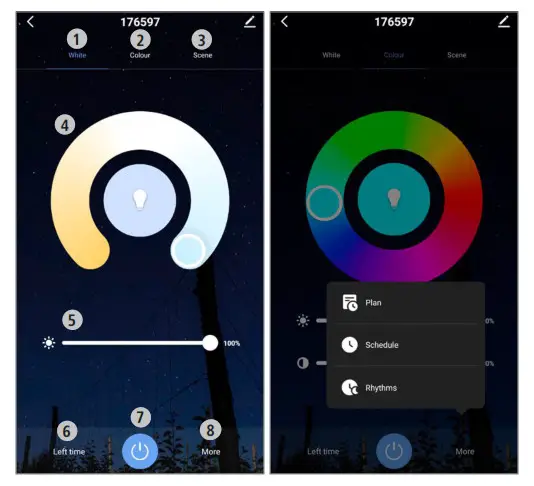
| 1 | White | Open the Light settings tab. |
| 2 | Colour | Open the RGB colour setting tab (only for RGB items). |
| 3 | Scenario | Open the Colour scenarios tab. Customised light settings can be stored here and selected at the press of a button. |
| 4 | Colour slider | Set the preferred colour temperature here. |
| 5 | Brightness slider | Set the preferred brightness here. |
| 6 | Countdown | Once the set time has elapsed, the light is automatically switched on or off. |
| 7 | On/Off button | Switch the light on or off with the press of a button. |
| 8 | More | You can select various programs here:
|
For extended usage options, scenarios can be created in the app.
(See Section 8 and App Guide)
Extended usage options with scenarios
Scenarios and automated sequences, which can be created in the app in the “Smart scenarios” section, can be used to create many combination and usage options for these products, depending on the Smart Home products you have installed.
Programming is always via the app (see Section 4 of the App Guide) and will be offered/suggested to you on an individual basis.
Standard usage option
Extended usage option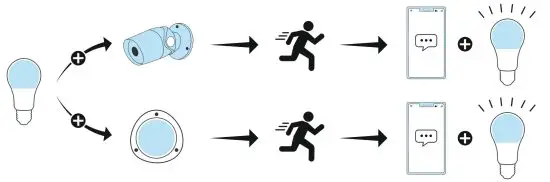
Care and maintenance
Note
Disconnect the device from the mains before cleaning and during prolonged periods of non-use.
- Only clean this product with a slightly damp, lint-free cloth and do not use aggressive cleaning products.
- Ensure that no water is able to enter the product.
Warranty disclaimer
Hama GmbH & Co KG assumes no liability and provides no warranty for damage resulting from improper installation/ mounting, improper use of the product or from failure to observe the operating instructions and/or safety notes.
Recycling information
Note on environmental protection: Following the implementation of European Directives 2012/19/EU and 2006/66/EU into the national legal systems, the following applies: Electrical and electronic devices, as well as batteries, must not be disposed of with household waste. Consumers are obliged by law to return electrical and electronic devices as well as batteries to the designated public collection points or to the point of sale at the end of their service lives. Detailed information on this topic is defined in the national laws of the respective country. This presence of the above symbol on the product, operating instructions or package indicates that the product is subject to these regulations. By recycling, reusing the materials or other forms of utilising old devices/batteries, you are making an important contribution to protecting our environment.
RF exposure information
This device complies with the EU requirements for limiting the exposure of the general public to electromagnetic fields by means of health protection. The device complies with RF specifications provided it is used 20 cm away from the body.
Declaration of Conformity
 Hama GmbH & Co KG hereby declares that radio equipment type [00176547, 00176548, 00176549, 00176550, 00176555, 00176558, 00176559, 00176581, 00176582, 00176583, 00176584, 00176585, 00176586, 00176587, 00176597, 00176598, 00176599, 00176600, 00176601, 00176602, 00176603] is compliant with Directive 2014/53/EU. The full text of the EU declaration of conformity is available at the following
Internet address:
www.hama.com -> 00176547, 00176548, 00176549, 00176550, 00176555, 00176558, 00176559, 00176581, 00176582, 00176583, 00176584, 00176585, 00176586, 00176587, 00176597, 00176598, 00176599, 00176600, 00176601, 00176602, 00176603 -> Downloads.
| 176547 | 176548 | 176549 | 176550 | 176555 | 176558 | 176559 | 176582 | 176583 | 176584 | |
| Lichtstrom | 806 lm | 300 lm | 350 lm | 806 lm | 800 lm | 400 lm | 470 lm | 806 lm | ||
| Leistung | 10 W | 4,5 W | 4,5 W | 10 W | 7 W | 4,5 W | 4,5 W | 5,5 W | 5,5 W | 10 W |
| Lichtfarbe | 16 Mio. versch. Farben | 16 Mio. versch. Farben | 16 Mio. versch. Farben | 2700 K – 6500 K (warmweiß bis kaltweiß) | 2700 K | 2700 K – 6500 K (warmweiß bis kaltweiß) | 2700 K – 6500 K (warmweiß bis kaltweiß) | 16 Mio. versch. Farben 2700 K – 6500 K (warmweiß bis kaltweiß) | 16 Mio. versch. Farben 2700 K – 6500 K (warmweiß bis kaltweiß) | 2700 K – 6500 K (warmweiß bis kaltweiß) |
| Multicolor | √ | √ | √ | – | – | – | – | √ | √ | √ |
| Lampenstrom | 80 mA | 42 mA | 42 mA | 80 mA | 60 mA | 42 mA | 42 mA | 48 mA | 48 mA | 87 mA |
| Frequenzband/ Frequenzbänder | 2,4 GHz | 2,4 GHz | 2,4 GHz | 2,4 GHz | 2,4 GHz | 2,4 GHz | 2,4 GHz | 2,4 GHz | 2,4 GHz | 2,4 GHz |
| Abgestrahlte max. Sendeleistung | 100 mW | 100 mW | 100 mW | 100 mW | 100 mW | 0,015 W | 0,015 W | 100 mW | 100 mW | 100 mW |
| 176585 | 176586 | 176587 | 176597 | 176598 | 176599 | 176600 | 176601 | 176602 | 176603 | |
| Lichtstrom | 400 lm | 470 lm | 806 lm | 806 lm | 400 lm | 470 lm | 806 lm | 400 lm | 470 lm | 806 lm |
| Leistung | 5,5 W | W 5,5 W | W 7W | 10 W | 5,5 W | 5,5 W | 9 W | 5,5 W | 5,5 W | 7W |
| Lichtfarbe | 2700 K – 6500 K (warmweiß bis kaltweiß) | 2700 K – 6500 K (warmweiß bis kaltweiß) | 2700 K – 6500 K (warmweiß bis kaltweiß) | 2700 K – 6500 K (warmweiß bis kaltweiß) | 2700 K – 6500 K (warmweiß bis kaltweiß) | 2700 K – 6500 K (warmweiß bis kaltweiß) | 2700 K – 6500 K (warmweiß bis kaltweiß) | 2700 K – 6500 K (warmweiß bis kaltweiß) | 2700 K – 6500 K (warmweiß bis kaltweiß) | 2700 K – 6500 K (warmweiß bis kaltweiß) |
| Multicolor | – | – | – | √ | √ | √ | – | – | – | – |
| Lampenstrom | 48 mA | 48 mA | 55 mA | 87 mA | 48 mA | 48 mA | 87 mA | 48 mA | 48 mA | 60 mA |
| Frequenzband/ Frequenzbänder | 2,4 GHz | 2,4 GHz | 2,4 GHz | 2,4 GHz | 2,4 GhZ | 2,4 GhZ | 2,4 GhZ | 2,4 GhZ | 2,4 GHz | 2,4 GHz |
| Abgestrahlte max. Sendeleistung | 100 mW | 100 mW | 100 mW | 100 mW | 100 mW | 100 mW | 100 mW | 100 mW | 100 mW | 100 mW |
Hama GmbH & Co KG
86652 Monheim / Germany
Service & Support www.hama.com
 +49 9091 502-0
 All listed brands are trademarks of the corresponding companies. Errors and omissions excepted, and subject to technical changes. Our general terms of delivery and payment are applied.
 hama.com