 00176606
00176607
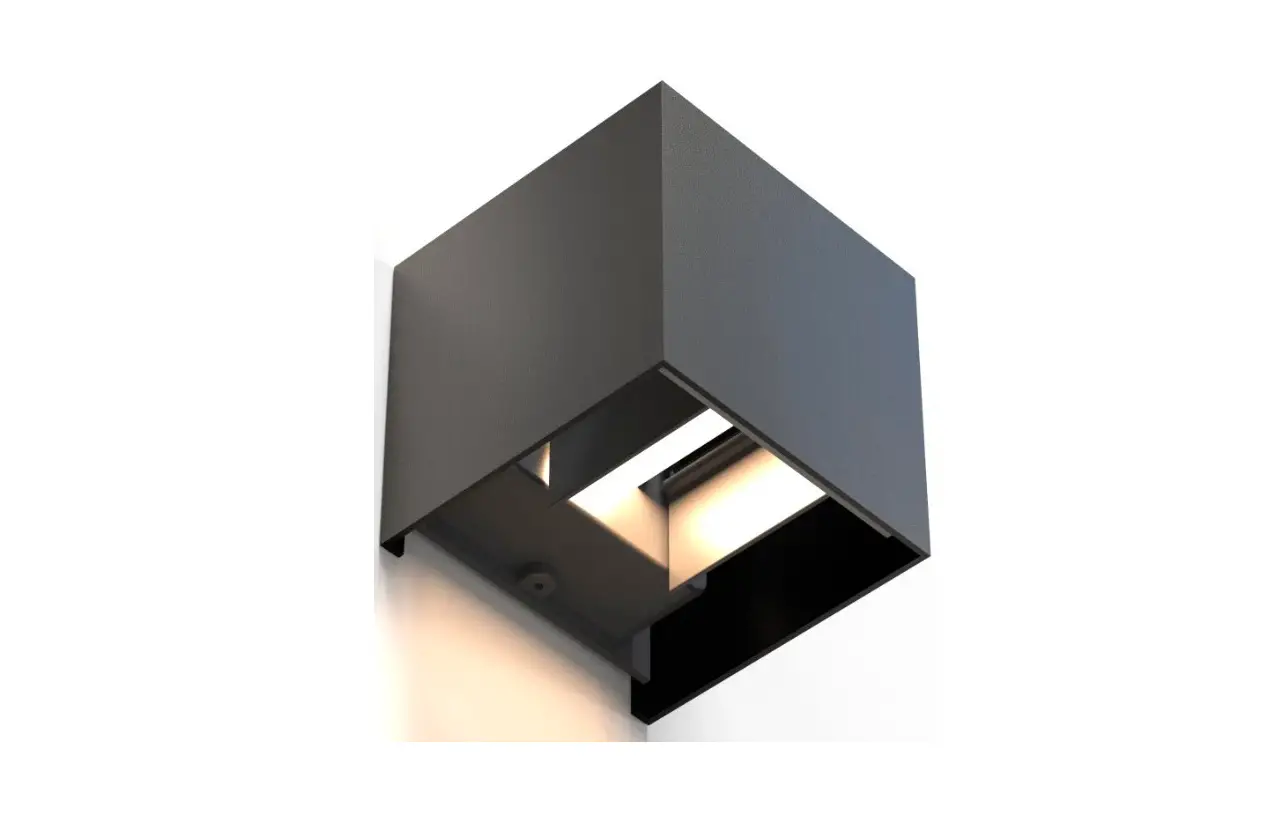
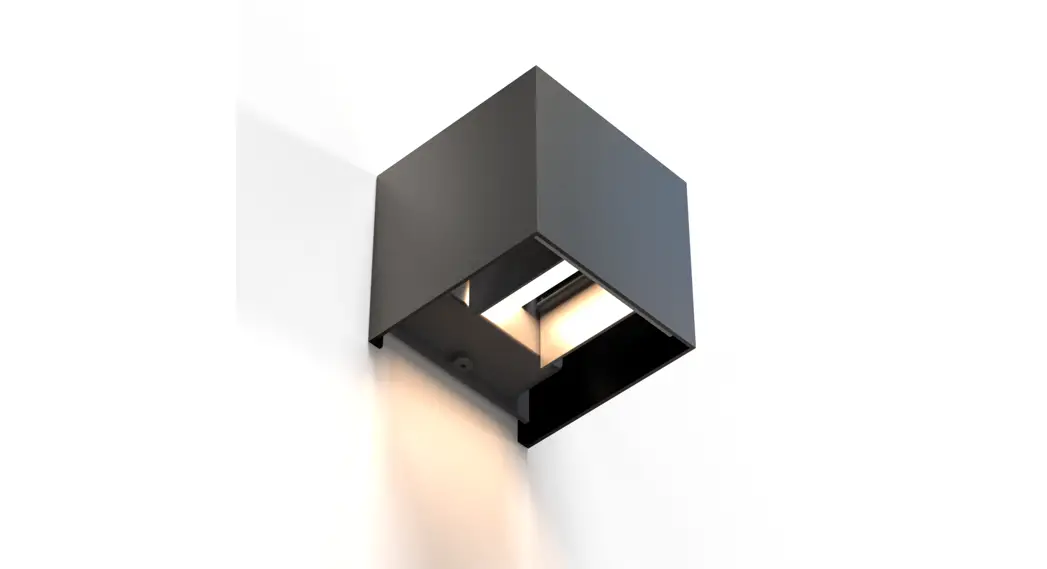
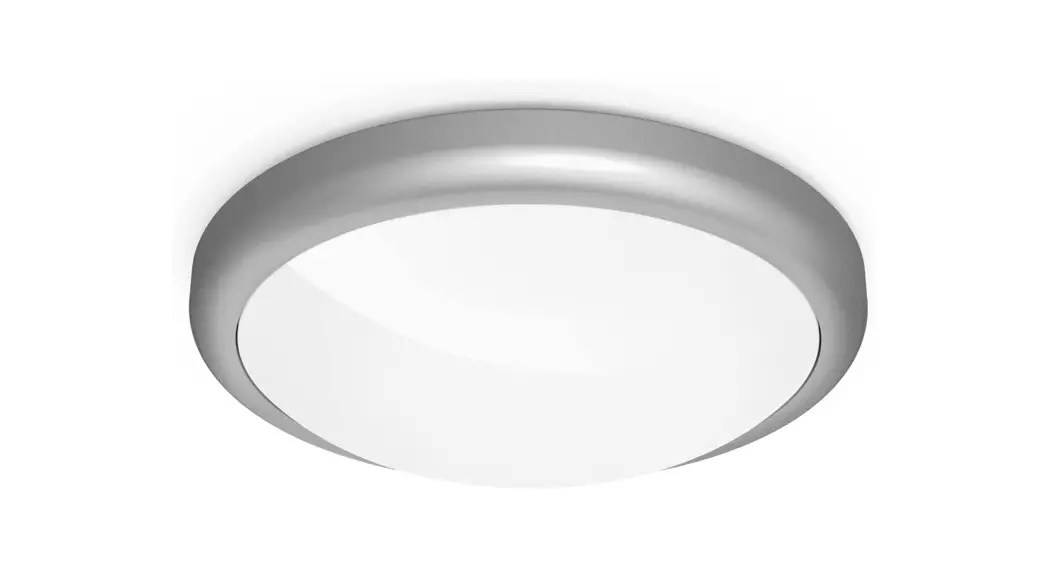
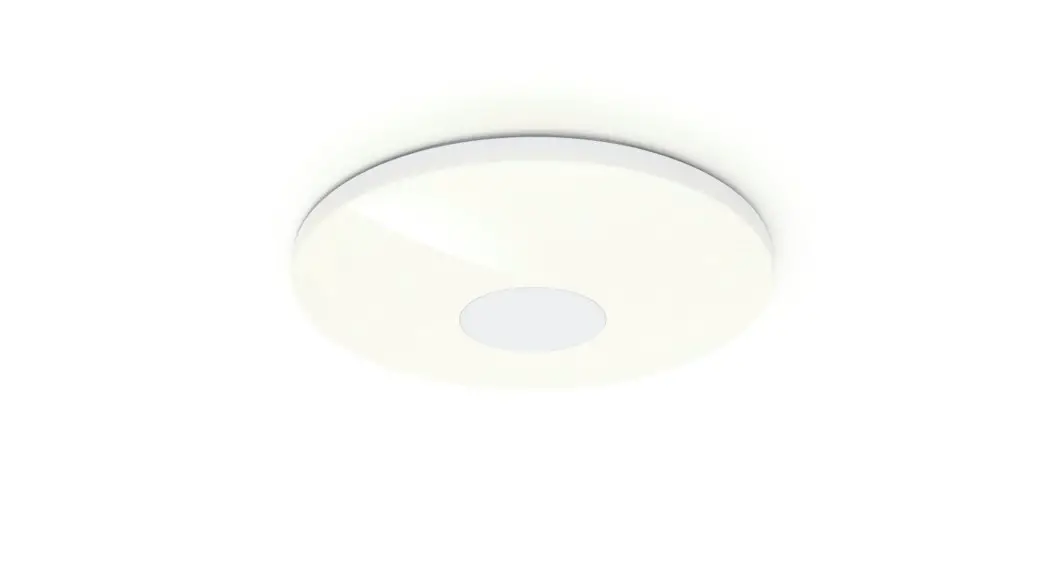
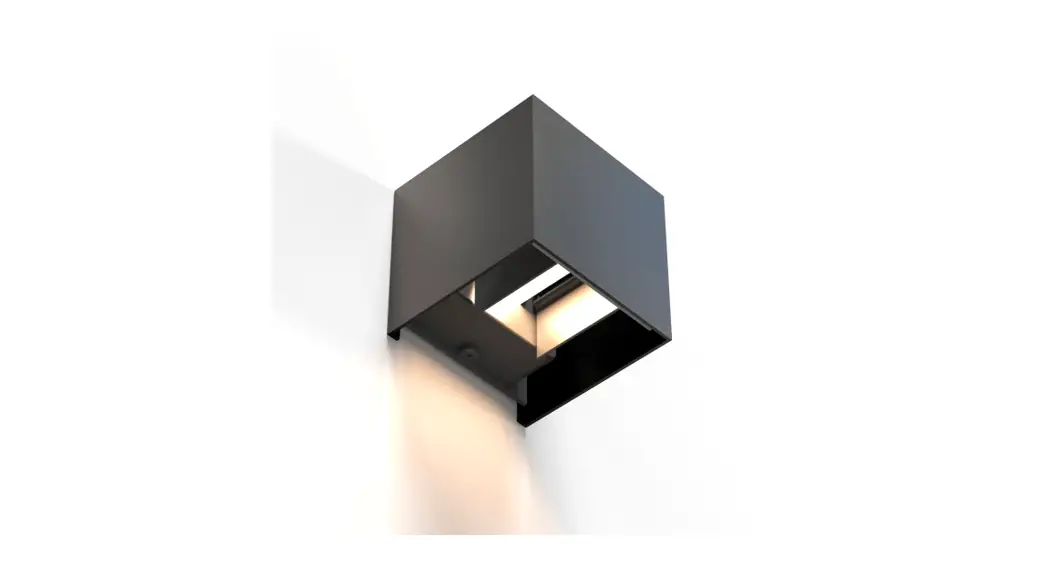
WiFi Wall Light
Operating Instructions
 Important information
-Quick-reference guide:
- This quick-reference guide contains the most important basic information, such as safety instructions and the steps necessary to operate the product.
- The full text of the manual is available at the following internet address: www.hama.com -> 00176606, 00176607-> Downloads
- Save the manual on your computer for reference and print it out if possible.
1. Explanation of symbols used on the product label
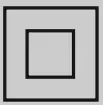 | The electrical device of safety class II. Protection against electric shock thanks to reinforced or double insulation of live parts. |
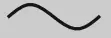 | The product must only be used with alternating current. |
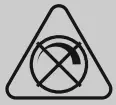 | Non-dimmable. The lamp is not suitable for use with a conventional dimmer. |
 | The article may only be connected by a qualified electrician who complies with national regulations and those of the local energy supply company,and who has sufficient knowledge regarding installation locations, fire protection, and electrical installation work. |
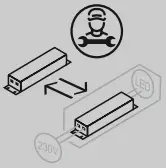 | Replaceable control gear by professional |
2. Explanation of warning symbols and notes Risk of electric shock
This symbol indicates a risk of electric shock from touching product parts carrying hazardous voltage. Warning
This symbol is used to indicate safety instructions or to draw your attention to specifichazards and risks.Note
This symbol is used to indicate additional information or important notes.
3. Package contents
- 1Wall light
- 2Insulation tubes
- Mounting hardware
- Quick-start guide
4. Safety instructions
- This product is intended for private, noncommercial use only.
- Use the product only for the intended purpose.
- Do not drop the product and do not expose it to any major shocks.
- Do not operate the product outside the power limits specified in the technical data.
- Do not modify the product in any way. Doing so voids the warranty.
- Children must not play with the device. Cleaning and user maintenance must not be carried out by children without supervision.
- As with all electrical products, this device should be kept out of the reach of children.
- Dispose of packaging material immediately in accordance with the locally applicable regulations.
- The product must only be operated on a supply network as described on the type plate.
- Before mounting, check that the wall you have chosen is suitable for the weight to be mounted. Also make surethat thereare no electric, water, gas, or other lines running through the wall at the mounting site.
- Electrical cables must never become trapped or twisted between the product and the surface.
- If the product is attached to the metal surface, it must be connected to an earth lead or the installation’s potential equalizing cable.
- Only use the article under moderate climatic conditions.
- Do not use the product in areas in which electronic products arenot permitted.
- Do not use the product in a damp environment and avoid splashing water.
- Do not bend or crush the cable.
- Do not attempt to service or repair the product yourself. Leave any and all service work to qualified experts.
- Do not continue to operate the device if it is visibly damaged
- No bare spots must be visible after connection
Warning
- Please note that lights (even LEDs) can generate heat and may become hot. Always let the light cool down for afew minutes before touching it.
- The device can only be operated on an a230 V50HzACvoltage network. Work on the 230 V network must only be carried out by an electrician certified in your country. The applicable accident prevention regulations must be adhered to.
- To avoid an electric shock from the device, please disconnect the mains voltage (switch off the automatic circuit breaker). Failure to comply with the installation, instructions can cause fires or other hazards.
Risk of electric shock
Do not open the product and do not operate it if it is damaged, if smoke, a strange smell, or loud noises coming from it. Immediately contact your dealer or our service epartment (see item “Service and Support”).Note
The light source of this light is not replaceable; when the light source has reached the end of its life, you need to replace the entirelight.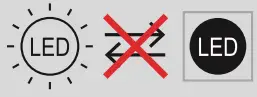 Warning
Never look straight into the light source and do not aim its beam of light straight into the eyes of other people or animals. This could damage your/their eyes.
Note
This light contains an alight source of energy efficiency class “F”.
5. Installation
- Switch off the relevant fuse (fuse box) for the room in which you wish to install the light.
- Check that the wires are energized using a suitable measuring device (e.g. multimeter).
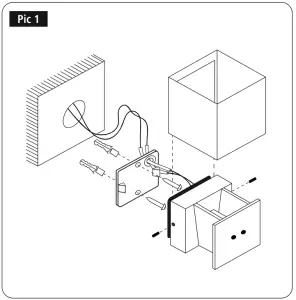
- Pull the housing upwards and off.
- Loosen the grub screws on the side using the Allen key provided.
- Never look straight into the light source and do not aim its beam of light straight into the eyes of other people or animals. This could damage your/their eyes.
- Please note that lights (even LEDs) can generate heat and may become hot. Always let the light cool down for afew minutes before touching it.
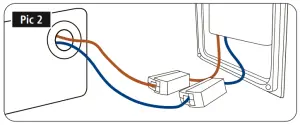
- Pull the wires through the hole (with rubber insulation) on the mounting plate and attach the insulation tubes. The tubes must cover the connecting cable inside the light up to the terminals. Shorten any connecting wires that are too long.
- Insulate the cables as specified on the terminals (10 mm).
- No earth wire can be connected to the lamp, nor should it be.
- Attach the mounting plate to the wall using the screws and dowels supplied.
- Connect the wires to the light terminals. Please ensurethat the seal is correctly inserted.
- Place the wall light on the mounting plate and tighten the grub screws on the side.
- Now push the housing back onto the wall light.
6. Here’s how easy it is:
Download the app
- Download the Hama Smart Home (Solution) APP from the Apple App StoreorGoogle Play Store.
- Open the Hama Smart Home (Solution) APP.
- The first time you use the app, you need to register and create a new account. If you already have an account, log in with your access details.
- Follow the instructions in the app.
Note
A detailed description of the Hama Smart Home (Solution) App and its full scope of functions can be found in our App Guide at:
www.hama.com→ Article number→ Downloads ð App Operating Instructions
7. Care and maintenance
Note
Disconnect the product from the mains before cleaning and during prolonged periods of non-use.
- Only clean this product with a slightly damp, lint-free cloth and do not use aggressive cleaning agents.
- Ensurethat no water is able to enter the product.
8. Warranty disclaimer
Hama GmbH &CoKG assumes no liability and provides no warranty for damage resulting from improper installation/mounting, improper use of the product, or failure to observe the operating instructions and/or safety notes.
9. Recycling information
Note on environmental protection: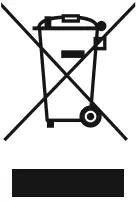 Following the implementation of European Directives 2012/19/EU and 2006/66/EU into the national legal systems, the following applies: Electrical and electronic devices, as well as batteries, must not be disposed of with household waste. Consumers areobliged by law to return electrical and electronic devices as well as batteries to the designated public collection points or to the point of sale at the end of their service lives. Detailed information on this topic is defined in the national laws of the respective country. The presence of the above symbol on the product, operating instructions, or package indicates that the product is subject to these regulations. By recycling, reusing the materials, or other forms of utilizing old devices/ batteries, you aremaking an important contribution to protecting our environment. 10. RF exposure information This device complies with the EU requirements for limiting the exposure of the general public to electromagnetic fields by means of health protection. The device complies with RF specifications provided it is used 20 cm away from the body.
11. Declaration of conformity Hama GmbH &CoKG hereby declares that the radio equipment type [00176606, 00176607] is in compliance with Directive 2014/53/EU. The full text of the EU declaration of conformity is available at the following Internet address:
www.hama.com -> 00176606,
00176607 -> Downloads.
12. Technical data
| WiFi Wall Light | |
| Luminous flux | 360 lm |
| Power | 3.6 W |
| Light color | 2700 K–6500 K (warm white to cool white) |
| Input voltage | 220-240V~ /50Hz |
| Frequency band/frequency bands | 2.4 GHz |
| Maximum radiofrequency power transmitted | <100 mW |
Hama GmbH &CoKG
86652 Monheim /Germany
Service &Support www.hama.com
 +49 9091 502-0
Link to App
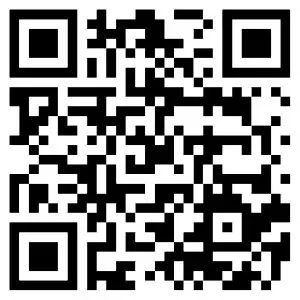
de.hama.com/smarthome#smart-solution
“Google andGooglePlayare trademarksofGoogleLLC.”
All listed brands are trademarks of the corresponding companies. Errors and omissions excepted, and subject to technical changes. Our general terms of delivery and payment are applied.
00176606_07/10.21