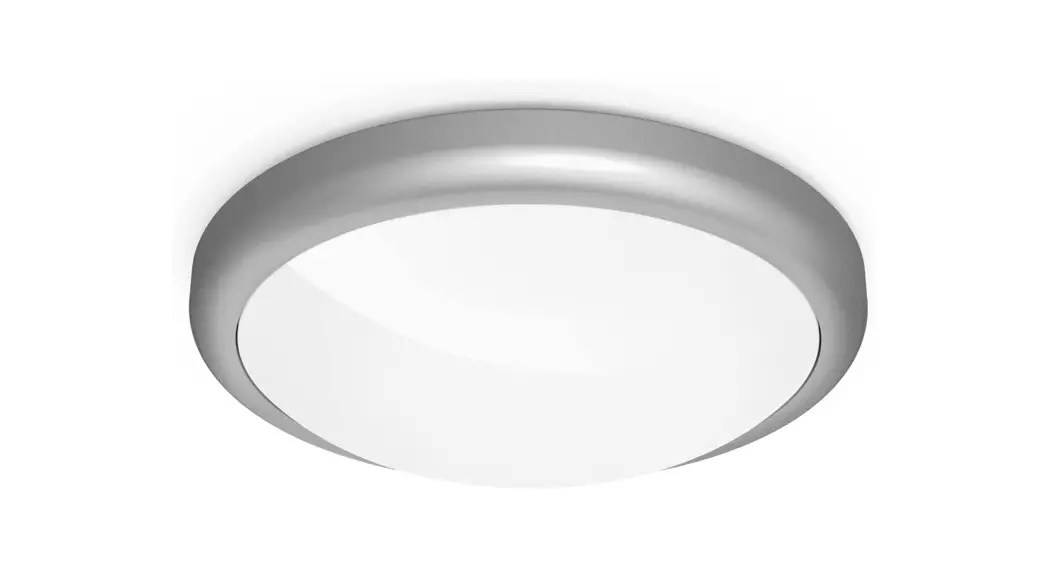
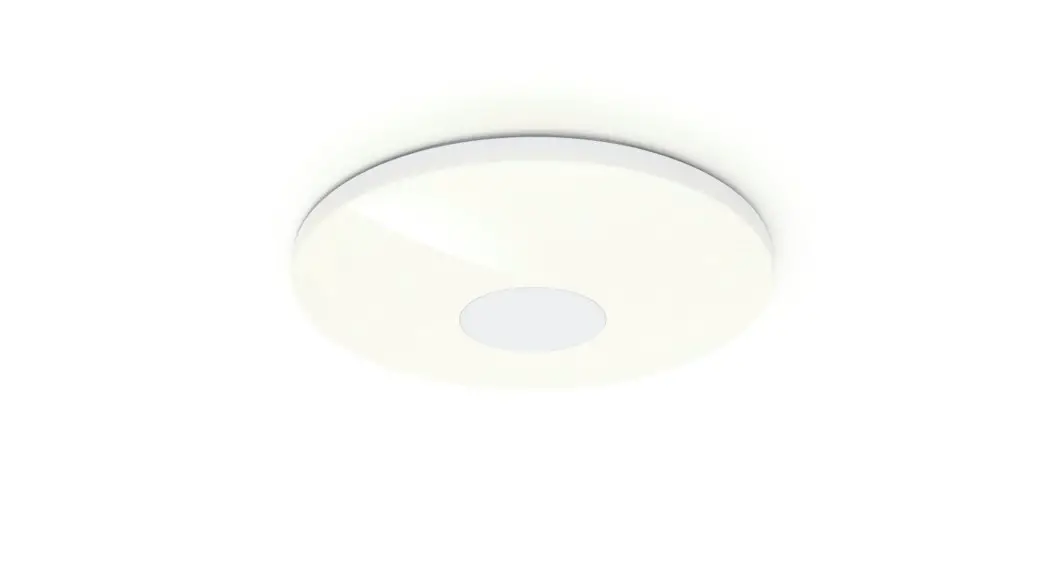
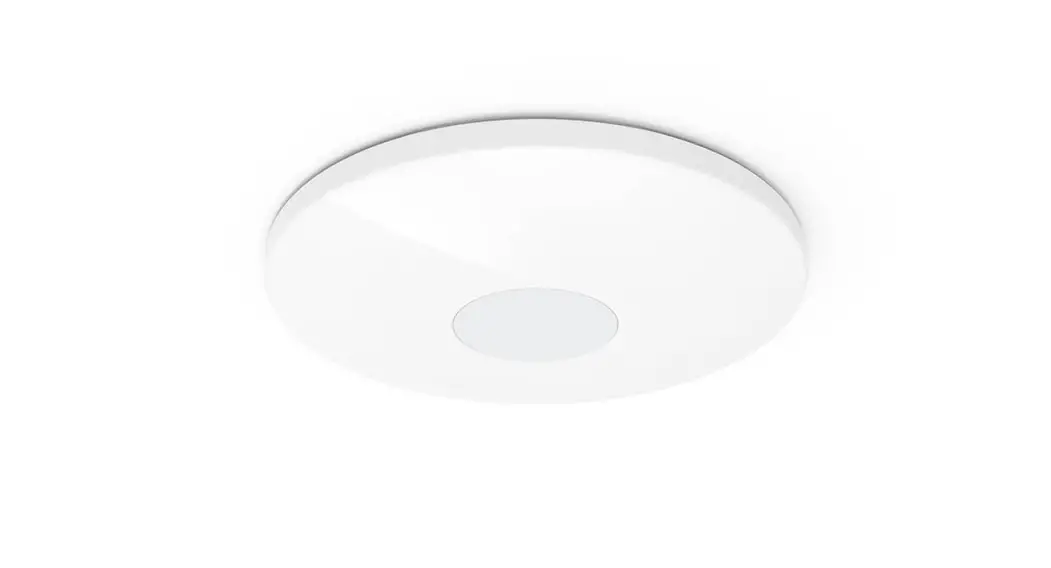
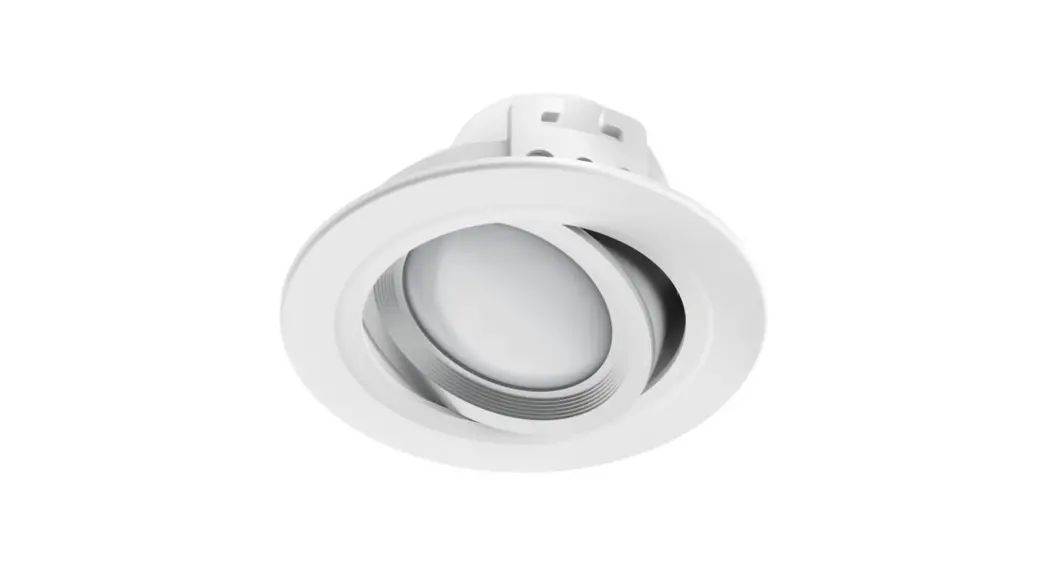
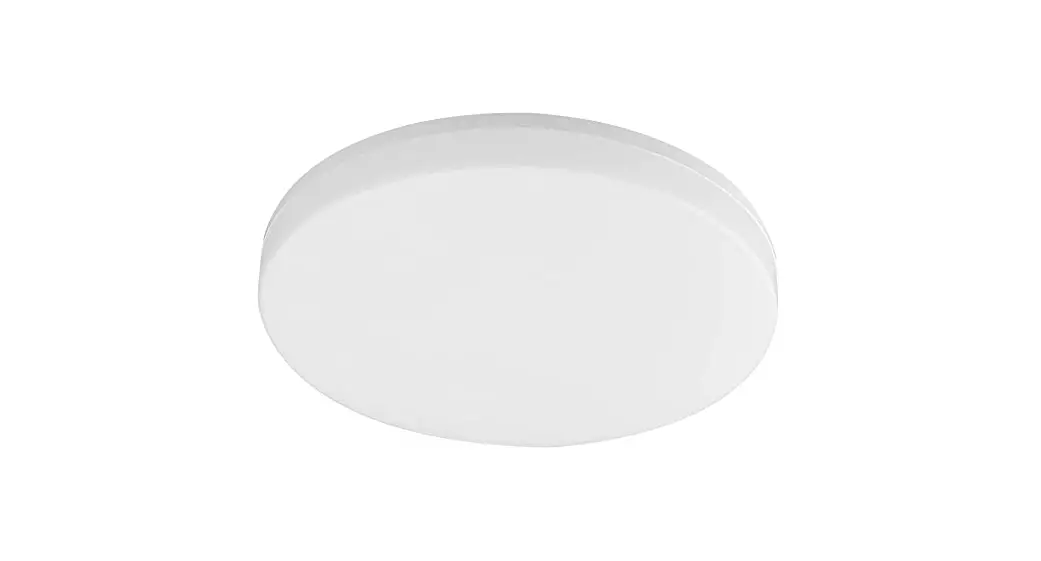
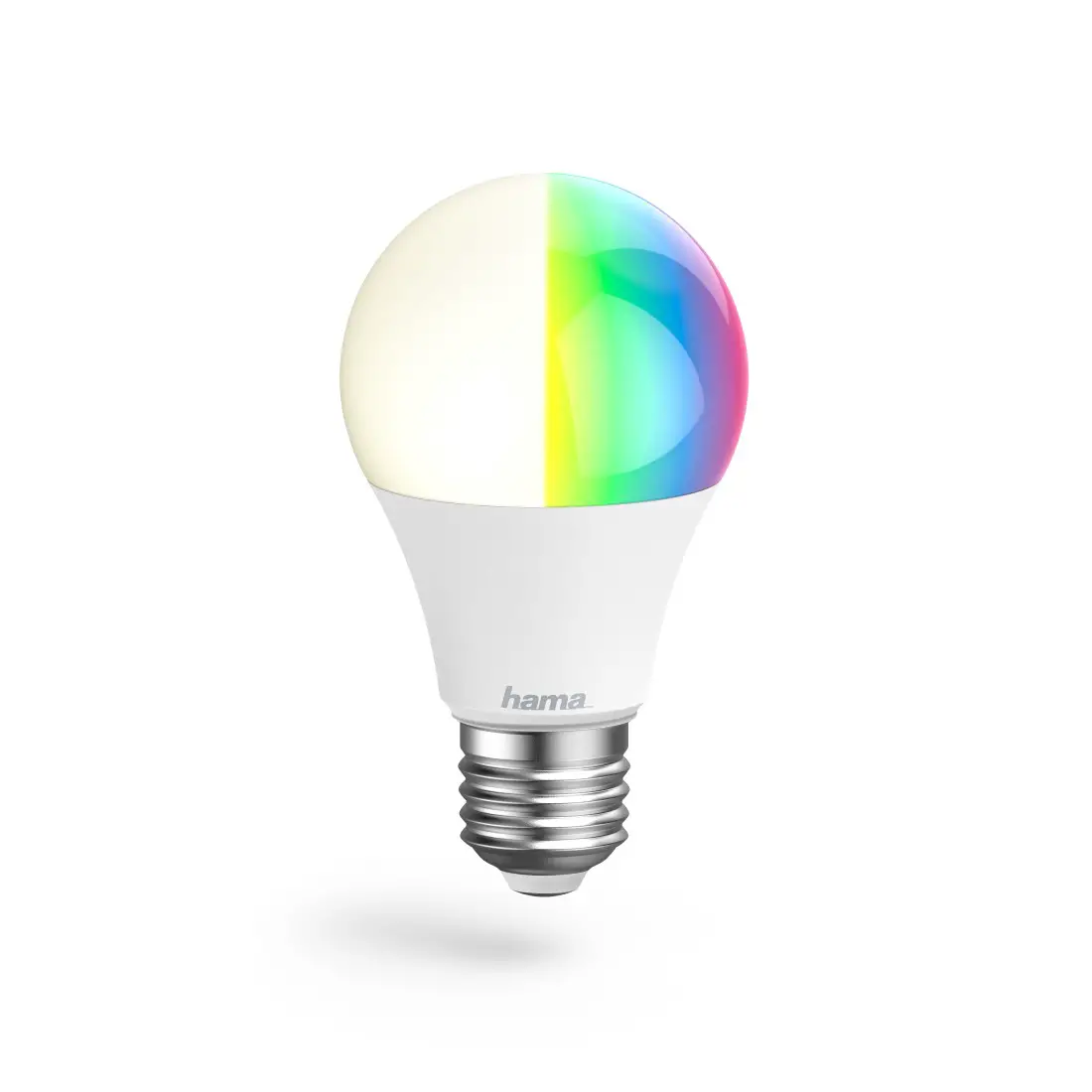
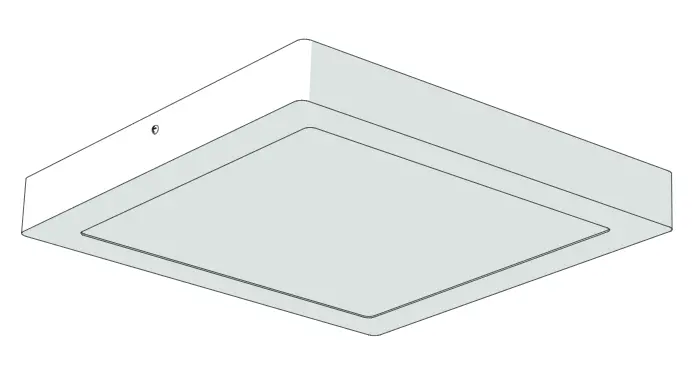
00176605 WiFi Ceiling Light
Product Information: WiFi Ceiling Light
The WiFi Ceiling Light is a smart lighting solution offered by
Hama. It is designed to provide convenient and customizable
lighting options for your home. The light is non-dimmable and not
suitable for use with a conventional dimmer. It can be integrated
into the Hama Smart Solution app, allowing you to control and
customize the lighting settings according to your preferences.
The light contains a replaceable control gear and a replaceable
LED light source, which should be replaced by a professional if
needed. It is important to follow the instructions and safety
guidelines provided in the user manual for proper installation and
usage of the product. The light should only be connected by a
qualified electrician who complies with national regulations and
has sufficient knowledge of installation locations, fire
protection, and electrical installation work.
Product Usage Instructions
- Ensure that the WiFi Ceiling Light is not damaged. If it is
damaged or emitting smoke, strange smells, or loud noises, do not
operate it. Contact your dealer or the service department for
assistance. - Avoid looking directly into the light source or aiming its beam
of light into the eyes of other people or animals, as this could
cause eye damage. - Download and install the Hama Smart Solution app from the
following link: https://link.hama.com/app/smart-home - Follow the instructions in Section 7 of the app guide to
integrate the WiFi Ceiling Light into the app. - In the app, you can access various settings for the light, such
as:
- White Light: Adjust the preferred color temperature of the
light. - Scenario: Store and select customized light settings.
- Color Slider: Set the preferred color using the slider.
- Brightness Slider: Adjust the brightness of the light.
- Countdown: Set a timer for automatic switching on or off of the
light. - On/Off Button: Turn the light on or off with a single
press. - Timeline: Create time-controlled programs for the light.
and automated sequences, refer to Section 9 of the app guide. These
options allow you to combine and customize the lighting based on
your Smart Home products.
Please note that programming and control of the WiFi Ceiling
Light are done exclusively through the Hama Smart Solution app.
Follow the instructions provided in the app guide for a seamless
experience with the product.
00176605
WiFi Ceiling Light WiFi-Deckenleuchte
Operating Instructions GB Bedienungsanleitung D
Link to App https://link.hama.com/app/smart-home
Pic 1
3x
Pic 2
Pic 3
G Operating Instructions
Thank you for choosing a Hama product. Take your time and read the following instructions and information completely. Please keep these instructions in a safe place for future reference. If you sell the device, please pass these operating instructions on to the new owner.
1. Explanation of symbols used on the product label
Identification of the connection point for the protective conductor for devices of protection class I Protection against electric shocks through protective conductor terminal
The product must only be used with alternating current.
Non-dimmable. The lamp is not suitable for use with a conventional dimmer.
The article may only be connected by a qualified electrician who complies with national regulations and those of the local energy supply company, and who has sufficient knowledge regarding installation locations, fire protection and electrical installation work.
Replaceable control gear by a professional
Replaceable (LED only) light source by a professional
2. Explanation of warning symbols and notes
Risk of electric shock
This symbol indicates a risk of electric shock from touching product parts carrying hazardous voltage.
Warning
This symbol is used to indicate safety instructions or to draw your attention to specific hazards and risks.
Note
This symbol is used to indicate additional information or important notes.
3. Package contents · 1 Ceiling light · Insulation tubes · Mounting hardware · Quick-start guide
4. Safety instructions · This product is intended for private, non-
commercial use only. · Use the product only for the intended purpose. · Do not drop the product and do not expose it to
any major shocks. · Do not operate the product outside the power
limits specified in the technical data. · Do not modify the product in any way. Doing so
voids the warranty. · Children must not play with the device. Cleaning
and user maintenance must not be carried out by children without supervision. · As with all electrical products, this device should be kept out of the reach of children. · Dispose of packaging material immediately in accordance with the locally applicable regulations. · The product must only be operated on a supply network as described on the type plate.
2
· Before mounting, check that the wall/ceiling you have chosen is suitable for the weight to be mounted. Also make sure that there are no electric, water, gas or other lines running through the wall/ceiling at the mounting site.
· Electrical cables must never become trapped or twisted between the product and the surface.
· If the product is attached to a metal surface, it must be connected to an earth lead or the installation’s potential equalising cable.
· Only use the article under moderate climatic conditions.
· Do not use the product in areas in which electronic products are not permitted.
· Do not use the product in a damp environment and avoid splashing water.
· Do not bend or crush the cable. · Do not attempt to service or repair the product
yourself. Leave any and all service work to qualified experts. · Do not continue to operate the device if it is visibly damaged · No bare spots must be visible after connection
Warning
· Please note that lights (even LEDs) can generate heat and may become hot. Always let the light cool down for a few minutes before touching it.
· The device can only be operated on a 230 V 50 Hz AC voltage network. Work on the 230 V network must only be carried out by an electrician certified in your country. The applicable accident prevention regulations must be adhered to.
· To avoid an electric shock from the device, please disconnect the mains voltage (switch off the automatic circuit breaker). Failure to comply with the installation instructions can cause fires or other hazards.
Risk of electric shock
Do not open the product and do not operate it if it is damaged, if smoke, a strange smell or loud noises are coming from it. Immediately contact your dealer or our service department (see item “Service and Support”).
Warning Never look straight into the light source and do not aim its beam of light straight into the eyes of other people or animals. This could damage your/their eyes.
Note This light contains a light source of energy efficiency class “E”.
5. Product characteristics · The SMART LED light can be connected to your
wireless home network via WiFi and serves as illumination in indoor rooms. · It can be controlled via a mobile device (mobile phone/tablet) as well as via the Amazon Alexa / Echo and Google Home Voice services. · A selection of voice commands is available, such as: Switch on / off “Alexa / OK Google, switch the light on / off.” Dim to X % “Alexa / OK Google, reduce the light to X %”. Dim by X % “Alexa / OK Google, increase the light X %.” Colour temperature selection “Alexa / OK Google, switch the light to warm white.” (white, daylight, etc.)
3
6. Installation · Switch off the fuse (fuse box) that corresponds to
the room in which you want to install the lamp. Verify that the wires are dead using a suitable measuring device (for example, multimeter). · Pull the supplied cable protection conduits over the wires on your ceiling (see Pic 1), and shorten the conduits accordingly. · Remove the cover of the lamp by turning anti-clockwise. · Remove the cover from the light by turning the 4 small arms on the back about 90° clockwise. · Mount the lamp using the supplied screws and rawl plugs. · Connect the wires to the terminal block of the lamp (see Pics 2 and 3). · Put the cover back on the lamp.
7. Integrating devices into the Hama Smart Solution app
· Switch the fuse back on. · Connect the product to your wall switch. · The product starts to flash quickly. If it does
not, switch it ON and OFF 3 times using the light switch. · Now open the Hama Smart Solution app and sign in. · Press the “+ in the top right-hand corner to add a new device.
My Home
4
· Choose Lights from the list. · Next enter your WiFi password and confirm
with OK. · Now confirm that the product is flashing quickly
and click Next. · Your product is now connected.
Connecting Now
· Once the connection is successful, the product stops flashing quickly and the app confirms that the connection was successful. You can now assign it a different name if you wish.
Done
Added successfully
· Click Finish to end the process. · You can now control your product.
5
8. Setting options The following settings can be made in the app:
1
2
3
4
6
5
7
1 White 2 Scenario 3 Colour slider
Open the Light settings tab.
Open the Colour scenarios tab. Customised light settings can be stored here and selected at the press of a button.
Set the preferred colour temperature here.
4 Brightness slider Set the preferred brightness here.
5 Countdown
Once the set time has elapsed, the light is automatically switched on or off.
6 On/Off button Switch the light on or off with the press of a button.
7 Timeline
Create time-controlled programmes here.
For extended usage options, scenarios can be created in the app. (See Section 9 and App Guide)
6
9. Extended usage options with scenarios Scenarios and automated sequences, which can be created in the app in the “Smart scenarios” section, can be used to create many combination and usage options for these products, depending on the Smart Home products you have installed. Programming is always via the app (see Section 4 of the App Guide) and will be offered / suggested to you on an individual basis.
Standard usage option
Extended usage option
+
+
+
+
7
10. Care and maintenance
Note
Disconnect the product from the mains before cleaning and during prolonged periods of non-use.
· Only clean this product with a slightly damp, lint-free cloth and do not use aggressive cleaning agents.
· Ensure that no water is able to enter the product.
11. Warranty disclaimer Hama GmbH & Co KG assumes no liability and provides no warranty for damage resulting from improper installation/mounting, improper use of the product or from failure to observe the operating instructions and/or safety notes.
12. Recycling information Note on environmental protection:
Following the implementation of European Directives 2012/19/EU and 2006/66/EU into the national legal systems, the following applies: Electrical and electronic devices as well as batteries must not be disposed of with household waste. Consumers are obliged by law to return electrical and electronic devices as well as batteries to the designated public collection points or to the point of sale at the end of their service lives. Detailed information on this topic is defined in the national laws of the respective country. This presence of the above symbol on the product, operating instructions or package indicates that the product is subject to these regulations. By recycling, reusing the materials or other forms of utilising old devices/ batteries, you are making an important contribution to protecting our environment.
13. RF exposure information This device complies with the EU requirements for limiting the exposure of the general public to electromagnetic fields by means of health protection. The device complies with RF specifications provided it is used 20 cm away from the body.
14. Declaration of conformity Hama GmbH & Co KG hereby declares that the radio equipment type [00176605] is in compliance with Directive 2014/53/EU. The full
text of the EU declaration of conformity is available at the following Internet address: www.hama.com -> 00176605 -> Downloads.
15. Technical data
WiFi Wall Light
Luminous flux
2000 lm
Light output
3.6 W
Connected load
18 W
Light colour
2700% 6500% (warm white to cold white)
Input voltage
220-240V~ / 50Hz
Frequency band/ frequency bands
2.4 GHz
Maximum radiofrequency power transmitted
< 100 mW
8
D Bedienungsanleitung
Vielen Dank, dass Sie sich für ein Hama Produkt entschieden haben! Nehmen Sie sich Zeit und lesen Sie die folgenden Anweisungen und Hinweise zunächst ganz durch. Bewahren Sie diese Bedienungsanleitung anschließend an einem sicheren Ort auf, um bei Bedarf darin nachschlagen zu können. Sollten Sie das Gerät veräußern, geben Sie diese Bedienungsanleitung an den neuen Eigentümer weiter.
1. Erklärung von Symbolen der Produktkennzeichnung
Kennzeichnung der Anschlussstelle für den Schutzleiter von Geräten der Schutzklasse I. Schutz vor elektrischem Schlag durch Vorhandensein eines Schutzleiteranschlusses.
Das Produkt ist nur mit Wechselstrom zu verwenden.
Nicht dimmbar. Die Lampe ist nicht für die Verwendung mit einem herkömmlichen Dimmer geeignet.
Der Artikel darf nur von einer Elektrofachkraft angeschlossen werden, welche die landesüblichen Vorschriften und die der örtlichen Energieversorgungsunternehmen einhält, sowie über Kenntnisse zu Montageorten, Brandschutz und elektrische Installation verfügt.
Durch Fachkraft austauschbares Vorschaltgerät
Durch Fachkraft austauschbares LED Leuchtmittel
2. Erklärung von Warnsymbolen und Hinweisen
Gefahr eines elektrischen Schlages
Dieses Symbol weist auf eine Berührungsgefahr mit nicht isolierten Teilen des Produktes hin, die möglicherweise eine gefährliche Spannung von solcher Höhe führen, dass die Gefahr eines elektrischen Schlags besteht.
Warnung
Wird verwendet, um Sicherheitshinweise zu kennzeichnen oder um Aufmerksamkeit auf besondere Gefahren und Risiken zu lenken.
Hinweis
Wird verwendet, um zusätzlich Informationen oder wichtige Hinweise zu kennzeichnen.
3. Packungsinhalt · 1 Deckenleuchte · Isolierschläuche · Montagematerial · Kurzbedienungsanleitung
4. Sicherheitshinweise · Das Produkt ist für den privaten, nicht-
gewerblichen Gebrauch vorgesehen. · Verwenden Sie das Produkt ausschließlich für den
dazu vorgesehenen Zweck. · Lassen Sie das Produkt nicht fallen und setzen Sie
es keinen heftigen Erschütterungen aus. · Betreiben Sie das Produkt nicht außerhalb
seiner in den technischen Daten angegebenen Leistungsgrenzen. · Nehmen Sie keine Veränderungen am Produkt vor. Dadurch verlieren sie jegliche Gewährleistungsansprüche. · Kinder dürfen nicht mit dem Gerät spielen. Reinigung und Benutzerwartung dürfen nicht von Kindern ohne Beaufsichtigung durchgeführt werden. · Dieses Produkt gehört, wie alle elektrischen Produkte, nicht in Kinderhände! · Entsorgen Sie das Verpackungsmaterial sofort gemäß den örtlich gültigen Entsorgungsvorschriften. · Das Produkt darf ausschließlich an einem Versorgungsnetz betrieben werden, wie auf dem Typenschild beschrieben.
9
· Prüfen Sie vor Montage die Eignung der vorgesehenen Wand/Decke für das anzubringende Gewicht und vergewissern Sie sich, dass sich an der Montagestelle in der Wand/Decke keine elektrischen Leitungen, Wasser-, Gas- oder sonstige Leitungen befinden.
· Elektrische Leitungen dürfen zwischen dem Produkt und der Oberfläche niemals eingeklemmt oder verdreht werden.
· Wenn das Produkt an einer Metalloberfläche angebracht wird, muss diese mit dem Schutzleiter oder dem Potenzialausgleichsleiter der Installation verbunden sein.
· Verwenden Sie den Artikel nur unter moderaten klimatischen Bedingungen.
· Benutzen Sie das Produkt nicht in Bereichen, in denen elektronische Produkte nicht erlaubt sind.
· Verwenden Sie das Produkt nicht in einer feuchten Umgebung und vermeiden Sie Spritzwasser.
· Knicken und quetschen Sie das Kabel nicht. · Versuchen Sie nicht, das Produkt selbst zu warten
oder zu reparieren. Überlassen Sie jegliche Wartungsarbeit dem zuständigen Fachpersonal. · Betreiben Sie das Produkt nicht weiter, wenn es offensichtliche Beschädigungen aufweist · Es dürfen nach dem Anschliessen keine blanken Stellen sichtbar sein
Warnung
· Beachten Sie, dass Lampen (auch LED) hohe Temperaturen entwickeln und heiß sein können. Geben Sie der Lampe immer einige Minuten zum Abkühlen, bevor Sie sie berühren.
· Der Betrieb des Gerätes ist ausschließlich am 230V 50Hz Wechselspannungsnetz zulässig. Arbeiten am 230V-Netz dürfen nur von einer in Ihrem Land zertifizierten Elektrofachkraft erfolgen. Dabei sind die geltenden Unfallverhütungsvorschriften zu beachten.
· Zur Vermeidung eines elektrischen Schlages am Gerät bitte Netzspannung freischalten (Sicherungsautomat abschalten). Bei Nichtbeachtung der Installationshinweise können Brände oder andere Gefahren entstehen.
Gefahr eines elektrischen Schlages
Öffnen Sie das Produkt nicht und betreiben Sie es bei Beschädigung, davon ausgehender Rauchentwicklung, Geruchsbildung oder lauten Geräuschen nicht weiter. Wenden Sie sich umgehend an Ihren Händler oder unsere Serviceabteilung (siehe Pkt. Service und Support).
Warnung
Blicken Sie niemals direkt in die Lichtquelle und richten Sie deren Lichtstrahl nicht direkt in die Augen anderer Personen oder von Tieren. Eine Schädigung der Augen ist möglich!
Hinweis
Diese Leuchte enthält eine Lichtquelle der Energieeffizienzklasse ,,E”.
5. Produkteigenschaften · Diese SMART LED Leuchte kann per WiFi mit
Ihrem drahtlosen Heimnetzwerk verbunden werden und dient als Beleuchtung in Innenräumen. · Sie lässt sich sowohl über ein mobiles Endgerät (Handy / Tablet), als auch über die Amazon Alexa / Echo und Google Home Voice Services steuern. · Es steht eine Auswahl an Sprachbefehlen zur Verfügung, z.B.:
An- / Ausschalten ,,Alexa/OK Google, schalte das Licht an/aus.”
Dimmen auf X % ,,Alexa/OK Google, reduziere das Licht auf X % .”
Dimmen um X % ,,Alexa/OK Google, erhöhe das Licht X % .”
Farbtemperaturwahl “Alexa/OK Google, schalte das Licht auf warm weiß.” (weiß, Tageslicht,…)
10
6. Montage · Schalten Sie die entsprechende Sicherung
(Sicherungskasten) des Raumes, in dem Sie die Leuchte montieren wollen, aus. · Überprüfen Sie die Spannungsfreiheit der Leitungen mit Hilfe eines entsprechenden Messgerätes (z.B. Multimeter). · Ziehen Sie die mitgelieferten Kabelschutzschläuche über die Leitungen an Ihrer Decke (siehe Pic 1) und kürzen Sie diese entsprechend. · Nehmen Sie den Deckel der Leuchte ab, indem Sie die 4 kleinen Arme auf der Rückseite alle jeweils ca. 90° in Uhrzeiger Richtung drehen. · Ziehen Sie die Leitungen durch das vorhandene Loch mit der Gummi-Isolierung. · Montieren Sie die Leuchte mit Hilfe der mitgelieferten Schrauben und Dübel. · Schließen Sie die Leitungen am Klemmblock der Leuchte an (siehe Pic 2 und 3) · Setzen Sie den Deckel der Leuchte wieder auf.
7. Einbinden von Geräten in die Hama Smart Solution App
· Schalten Sie die Sicherung wieder ein. · Schalten Sie das Produkt mit Ihrem Wandschalter
ein. · Das Produkt fängt an schnell zu blinken. Sollte
dies nicht der Fall sein, schalten Sie es mit Hilfe des Lichtschalters 3-mal AN und AUS. · Öffnen Sie jetzt die Hama Smart Solution App und melden Sie sich an. · Drücken Sie oben rechts in der Ecke “+”, um ein neues Gerät hinzuzufügen.
Mein Zuhause
11
· Wählen Sie in der Liste Leuchten. · Geben Sie als nächstes Ihr WiFi Passwort ein und
bestätigen Sie mit OK. · Bestätigen Sie nun, dass das Produkt schnell
blinkt und klicken Sie auf weiter. · Ihr Produkt wird nun verbunden.
Gerät hinzufügen
· Bei erfolgreicher Verbindung hört das Produkt auf schnell zu blinken und die App bestätigt, dass die Verbindung erfolgreich war. Nun können Sie ihr noch einen eigenen Namen geben.
Erledigt
Erfolgreich hinzugefügt
· Mit einem Klick auf Fertigstellung schließen Sie den Vorgang ab.
· Nun können Sie Ihr Produkt steuern.
12
8. Einstellungsmöglichkeiten Folgende Einstellungen können in der App vorgenommen werden:
1
2
3
4
6
5
7
1 Weiß 2 Szene 3 Farbregler
Öffnen Sie die Registerkarte der Lichteinstellung.
Öffnen Sie die Registerkarte der Farbszenen. Hier können individuelle Lichteinstellungen abgespeichert und per Tastendruck ausgewählt werden.
Stellen Sie hier die gewünschte Farbtemperatur ein.
4 Helligkeitsregler Stellen Sie hier die gewünschte Helligkeit ein.
5 Countdown
Nach Ablauf der eingestellten Zeit wird die Lampe automatisch ein- bzw. ausgeschaltet.
6 Ein-/Ausschalter Schalten Sie die Lampe durch Tastendruck ein bzw. aus.
7 Zeitplan
Erstellen Sie hier zeitlich gesteuerte Programme.
Für erweiterte Nutzungsmöglichkeiten können Szenen in der App angelegt werden. (siehe Kapitel 9 und AppGuide)
13
9. Erweiterte Nutzungsmöglichkeiten durch Szenen Durch Szenen und Automationen, die in der App im Bereich “smarte Szenen” angelegt werden können, ergeben sich je nach vorhandenen Smart Home Produkten in Ihrem Zuhause viele Kombinations- und Nutzungsmöglichkeiten dieser Produkte. Die Programmierung erfolgt immer über die App (siehe Kapitel 4 des App Guide) und wird Ihnen individuell angeboten/vorgeschlagen.
Standard Nutzungsmöglichkeit
Erweiterte Nutzungsmöglichkeit
+
+
+
+
14
10. Wartung und Pflege
Hinweis
Trennen Sie das Produkt vor der Reinigung und bei längerem Nichtgebrauch vom Netz.
· Reinigen Sie dieses Produkt nur mit einem fusselfreien, leicht feuchten Tuch und verwenden Sie keine aggressiven Reiniger.
· Achten Sie darauf, dass kein Wasser in das Produkt eindringt.
11. Haftungsausschluss Die Hama GmbH & Co KG übernimmt keinerlei Haftung oder Gewährleistung für Schäden, die aus unsachgemäßer Installation, Montage und unsachgemäßem Gebrauch des Produktes oder einer Nichtbeachtung der Bedienungsanleitung und/oder der Sicherheitshinweise resultieren.
12. Entsorgungshinweise Hinweis zum Umweltschutz:
Ab dem Zeitpunkt der Umsetzung der europäischen Richtlinien 2012/19/EU und 2006/66/EG in nationales Recht gilt folgendes: Elektrische und elektronische Geräte sowie Batterien dürfen nicht mit dem Hausmüll entsorgt werden. Der Verbraucher ist gesetzlich verpflichtet, elektrische und elektronische Geräte sowie Batterien am Ende ihrer Lebensdauer an den dafür eingerichteten, öffentlichen Sammelstellen oder an die Verkaufsstelle zurückzugeben. Einzelheiten dazu regelt das jeweilige Landesrecht. Das Symbol auf dem Produkt, der Gebrauchsanleitung oder der Verpackung weist auf diese Bestimmungen hin. Mit der Wiederverwertung, der stofflichen Verwertung oder anderen Formen der Verwertung von Altgeräten/Batterien leisten Sie einen wichtigen Beitrag zum Schutz unserer Umwelt.
13. HF-Expositionsinformationen Dieses Gerät erfüllt die EU-Anforderungen zur Begrenzung der Exposition der Bevölkerung gegenüber elektromagnetischen Feldern mittels Gesundheitsschutz. Das Gerät entspricht den HFSpezifikationen, sofern es 20 cm vom Körper entfernt genutzt wird.
14. Konformitätserklärung Hiermit erklärt die Hama GmbH & Co KG, dass der Funkanlagentyp [00176605] der Richtlinie 2014/53/ EU entspricht. Der vollständige Text
der EU-Konformitätserklärung ist unter der folgenden Internetadresse verfügbar: www.hama.com -> 00176605 -> Downloads.
15. Technische Daten
WiFi-Wandleuchte
Lichtstrom
2000 lm
Lichtleistung
3,6 W
Anschlussleistung
18 W
Lichtfarbe
2700 K 6500 K (warm weiß bis kalt weiß)
Eingangsspannung
220-240V~ / 50Hz
Frequenzband/ Frequenzbänder
2,4 GHz
Abgestrahlte maximale Sendeleistung
< 100 mW
15
Hama GmbH & Co KG 86652 Monheim / Germany
Service & Support www.hama.com +49 9091 502-0 DG
“Google and Google Play are trademarks of Google LLC.” All listed brands are trademarks of the corresponding companies. Errors and omissions excepted, and subject to technical changes. Our general terms of delivery and payment are applied.
00176606_07/03.23
 hama.com
 Smart Home hama.com