Contents hide
WIFILAC30WT Wi-Fi Smart Ceiling Light
User Manual
Preface
Thank you for purchasing the Nedis WIFILAC30WT.
This document is the user manual and contains all the information for correct, efficient and safe use of the product.
This user manual is addressed to the end user. Read this information carefully before installing or using the product.
Always store this information with the product for use in the future.
Product description
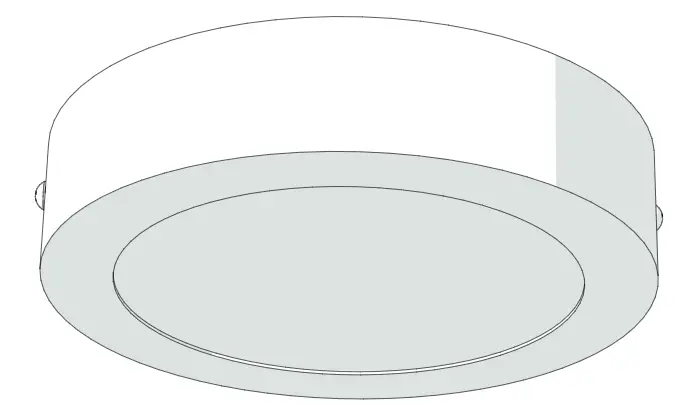
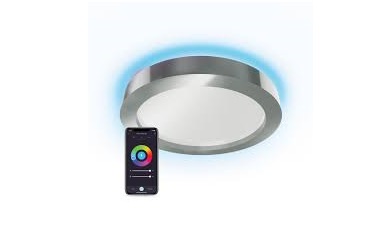
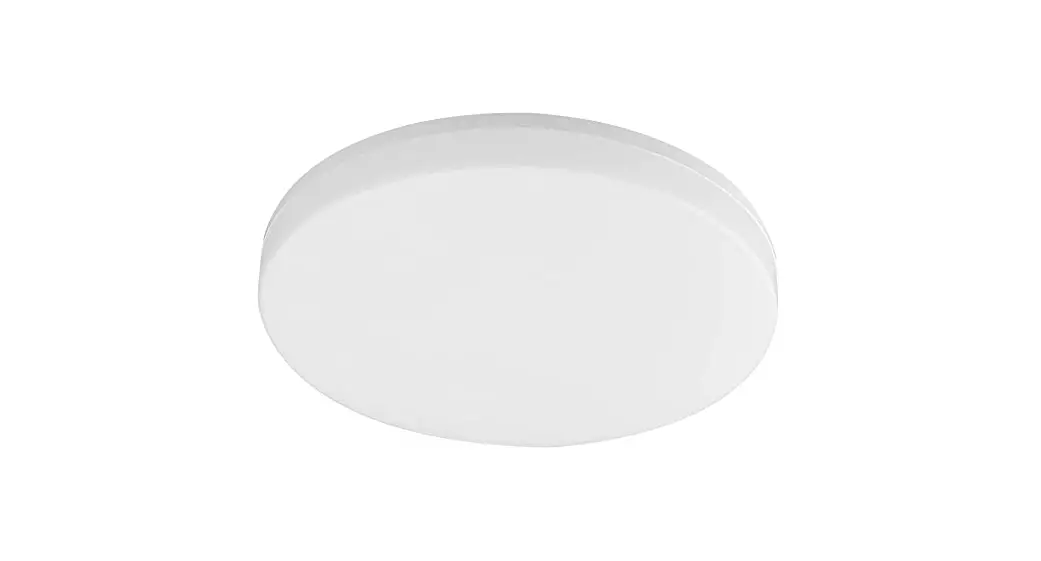
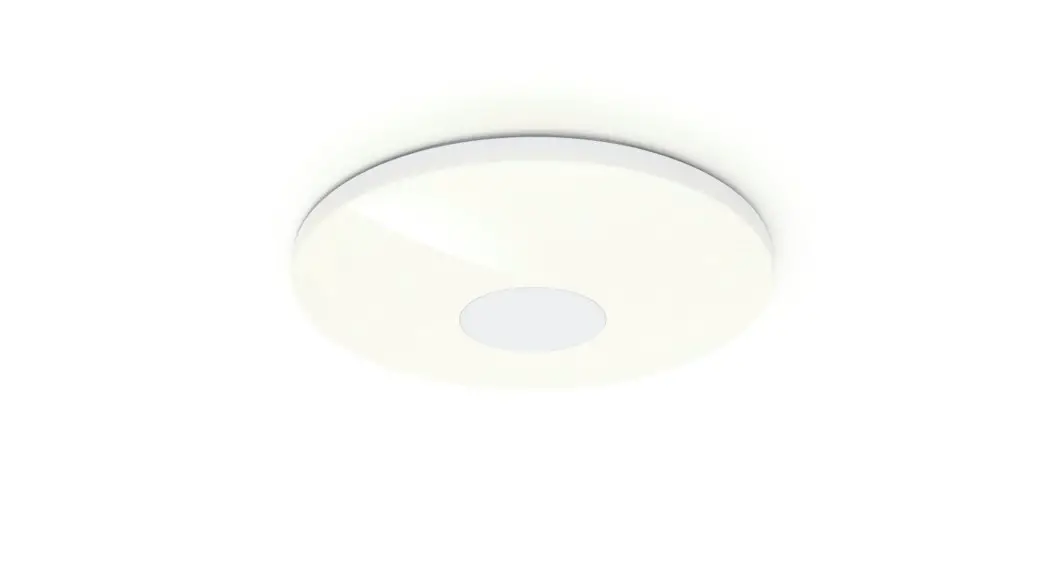
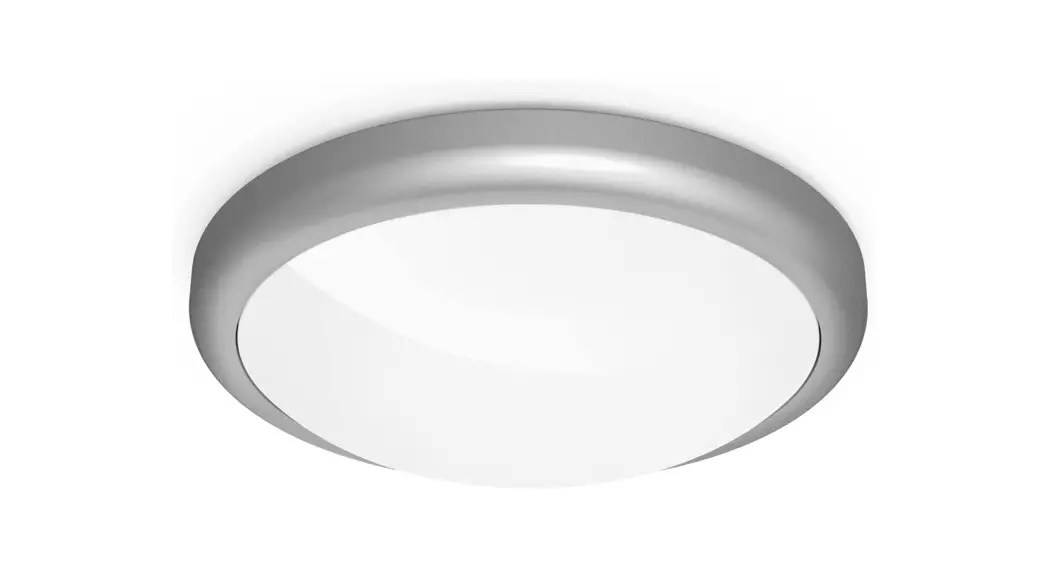
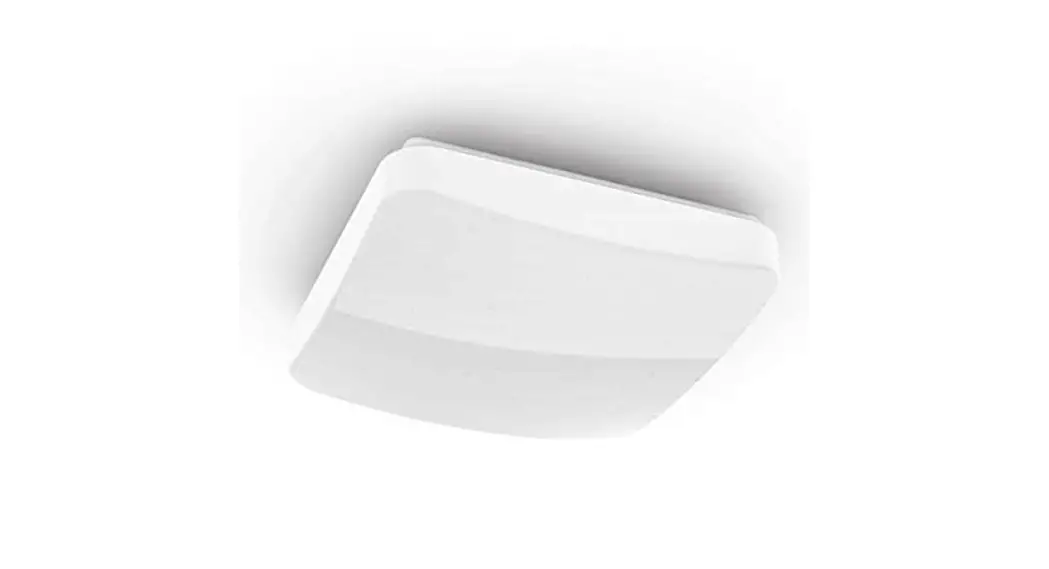
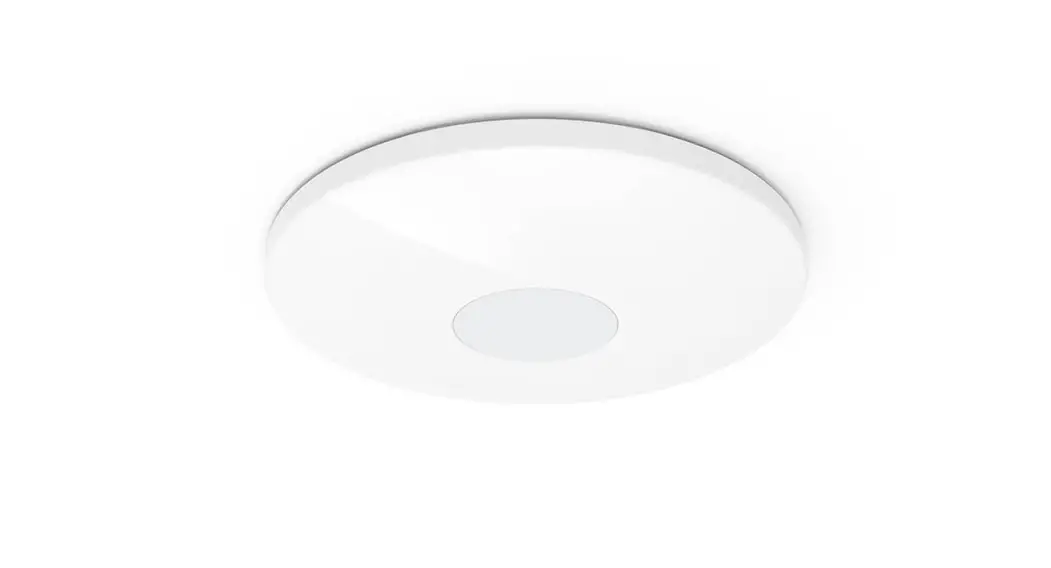
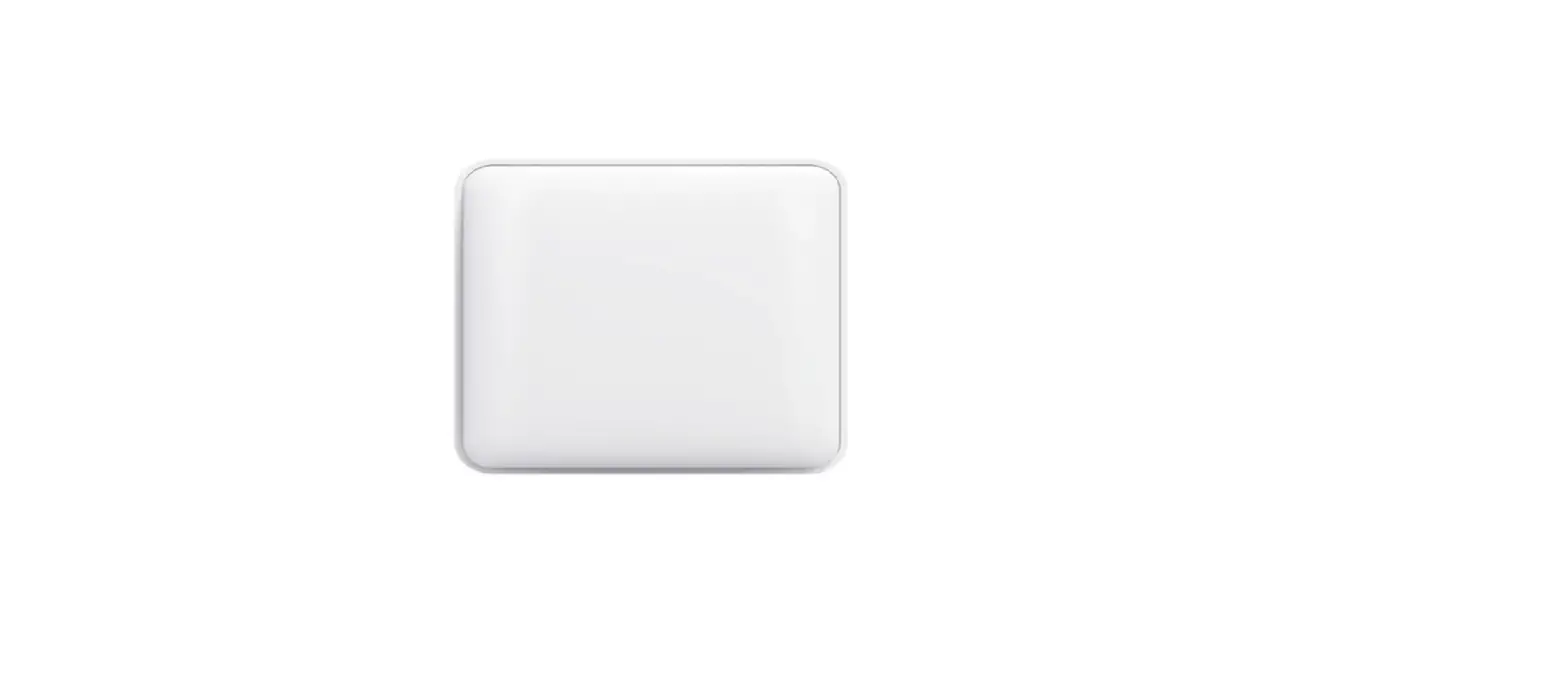
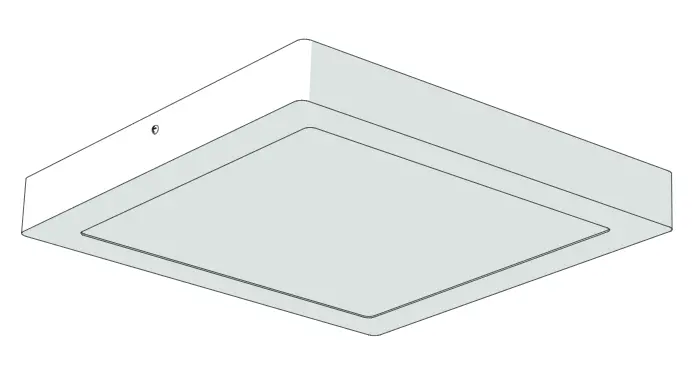
The Nedis WIFILAC30WT is a smart ceiling light that can be controlled remotely through the Nedis Smartlife app.
Intended use
The product is exclusively intended for lighting an indoor environment.
The product is intended to be controlled exclusively via the Nedis SmartLife app.
Any modification of the product may have consequences for safety, warranty and proper functioning.
Specifications
Product | Wi-Fi Smart Ceiling Light |
Article number | WIFILAC30WT |
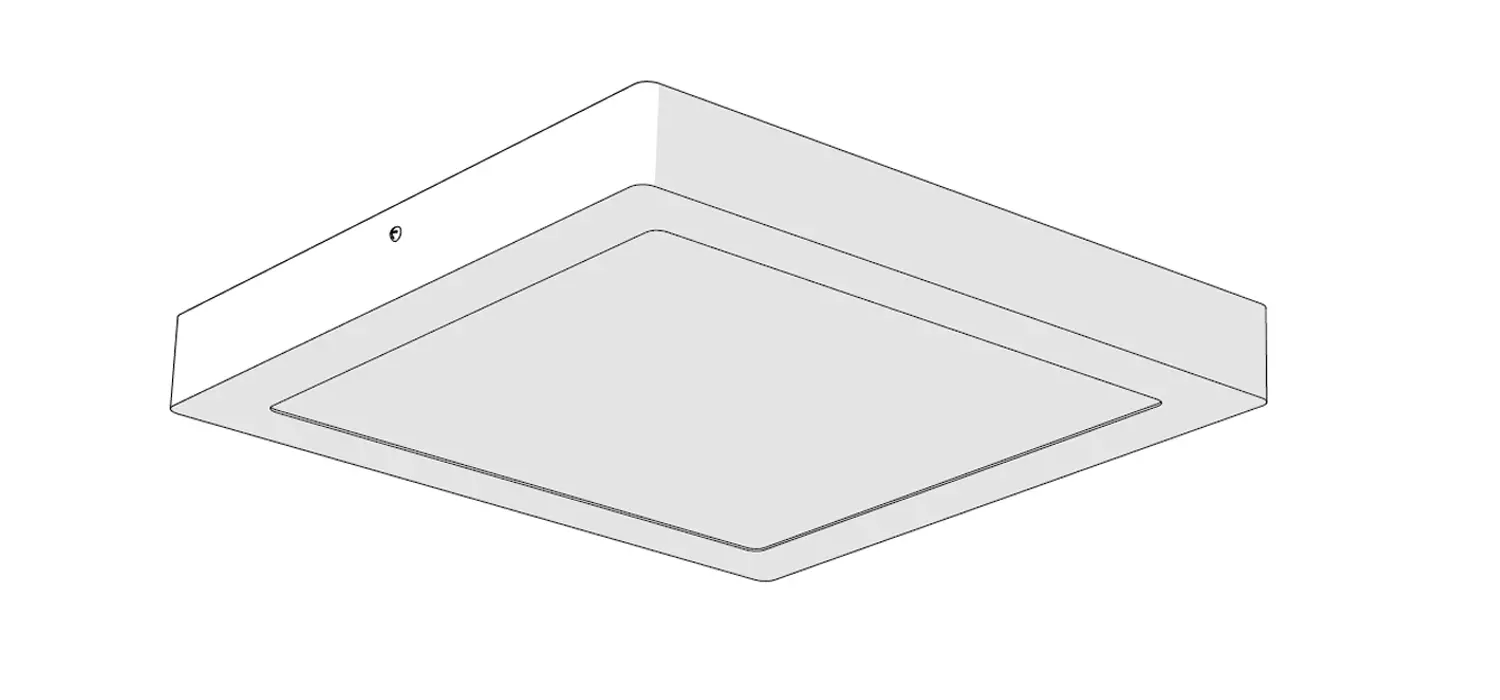
Dimensions | 300 x 300 x 38 mm |
Weight | 1200 g |
Power supply | 220 – 240 V AC 50 – 60 Hz 18 W |
Wireless technology | Wi-Fi |
Operating temperature | -10 – 40 °C |
Frequency Range | 2412 – 2472 MHz |
Max. radio transmit power | 9 dBm |
Brightness | 1200 lm |
Colour temperature range | RGB + CCT 2700 – 6500 K |
Dimming range | 10 % – 100 % |
Main parts (image A)
 |
A |
1. Mounting bracket |
2. Lamp |
3. Cover |
4. Connector box |
5. Connector |
6. Tube |
7. Screw 3 x 8 mm |
8. Screw 3 x 60 mm |
9. Plug 6 mm |
Safety instructions
WARNING
- Only use the product as described in this manual.
- Do not use the product if a part is damaged or defective. Replace a damaged or defective device immediately.
- Do not drop the product and avoid bumping.
- Do not expose the product to water, rain, moisture or high humidity.
Installation
- Check the contents of the package
- Check that all parts are present and that no damage is visible on the parts. If parts are missing or damaged, contact the Nedis B.V. service desk via the website: www.nedis.com.
Installation of the Nedis SmartLife app
1. Download the Nedis SmartLife app for Android or iOS on your phone via Google Play or the Apple App Store.
2. Open the Nedis SmartLife app on your phone.
3.Create an account with your mobile phone number or your e-mail address and tap Continue.
4. Enter the received verification code.
5. Create a password and tap Done.
6. Tap Add Home to create a SmartLife Home.
7. Set your location, choose the rooms you want to connect with and tap Done.
Installation of the Wi-Fi Smart Ceiling Light (image B – D)
 |
B |
- Make sure the central power is switched off.
1. Use the mounting bracket A1 to mark the drill locations with a pencil.
2. Drill the holes and place the plugs A9.
3. Fasten A1 with the screws A8.
 |
C |
4. Remove the cover A3 from the connector box A4.
5. Run the wires from the ceiling through the tube A6.
6. Connect the wires to the connector A5 and fasten the screws.
7. Place A6 in the slot in A4.
8. Place A3 over A4.
9. Slide the lamp A2 over A1, aligning the screw holes.
10. Attach A2 to A1 by fastening A7 into the screw holes.
11. Switch on the central power.
12. Switch on the lamp.
13. In the Nedis SmartLife app, tap + D3.
14. Under Search Device, select the lamp from the list of available devices.
15. Check if the lamp is blinking. If so, tap to confirm.
- If the lamp does not blink, turn the lamp off and on 3 times and check again.
16. Enter the password of the 2,4 GHz Wi-Fi network to which your phone is connected and tap Confirm. The Nedis SmartLife app will now search for the lamp.
17. Rename the lamp after it has been found and added.
If the regular connection method fails, the lamp can be connected using AP mode:
1. Tap + D3.
2. Under Add Manually, tap Smart Bulb.
3. Tap AP Mode in the top right corner.
4. Follow steps 15 till 17 of the regular connection method.
Use
- Using the Wi-Fi Smart Ceiling Light [image D + E]
- The Wi-Fi Smart Ceiling Light can be controlled from any distance using the Nedis SmartLife app.
- The home menu of the Nedis SmartLife app shows a control tile for each connected lamp and/or group.
 |
D |
1. Tap D4 to turn a lamp on or off.
2. Tap D2 to show the current settings of the lamp or group on the tile.
3. Tap the control tile D1 to access the controls of the lamp or group.
a. Drag the slider E1 to adjust the brightness.
 |
E |
b. Drag the slider E2 to adjust the color temperature.
c. Tap E3 to access the detail settings of the lamp or group.
- The SmartLife lamp can be connected to Google Home or Amazon Alexa to enable speech control. See the detail settings E3 for more information.
- The SmartLife lamp can be connected to IFTTT to enable external conditions to trigger the lamp. See the detail settings E3 for more information.
See our support webpage to discover all possibilities of the Nedis® Wi-Fi Smart Ceiling Light.
Maintenance
- Clean the product regularly with a soft, clean, dry cloth. Avoid abrasives that can damage the surface.
- Do not use aggressive chemical cleaning agents such as ammonia, acid or acetone when cleaning the product.
Warranty
Any changes and/or modifications to the product will void the warranty. We accept no liability for damage caused by improper use of the product.
Disclaimer
Designs and specifications are subject to change without notice. All logos, brands and product names are trademarks or registered trademarks of their respective owners and are hereby recognized as such.
Disposal
 | This symbol indicates that this product should not be thrown away with other household waste throughout the EU. To prevent possible harm to the environment or human health by uncontrolled waste disposal, you are responsible for recycling it so that it can promote the sustainable reuse of raw materials. To return your used product, you can use the regular return and collection systems or contact the store where the product was purchased. They can recycle this product for the environment. |
Declaration of Conformity
We, Nedis B.V. declare as manufacturer that the product WIFILAC30WT from our brand Nedis®, produced in China, has been tested according to all relevant CE standards and regulations and that all tests have been passed successfully. This includes, but is not limited to the RED 2014/53/EU regulation.
The complete Declaration of Conformity (and the safety datasheet if applicable) can be found and downloaded via webshop.nedis.com/WIFILAC30WT#support
For additional information regarding the compliance, contact the customer service:
Web: www.nedis.com
E-mail: [email protected]
Phone: +31 (0)73-5991055 (during office hours)
Nedis B.V., de Tweeling 28
5215 MC ’s-Hertogenbosch, the Netherlands