
Quick Start Guide
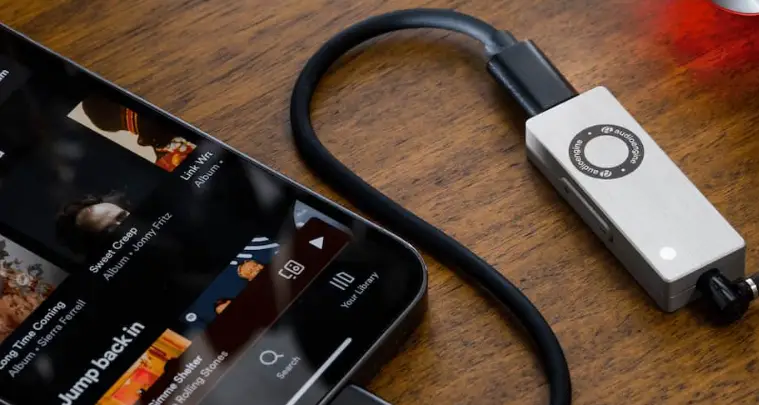
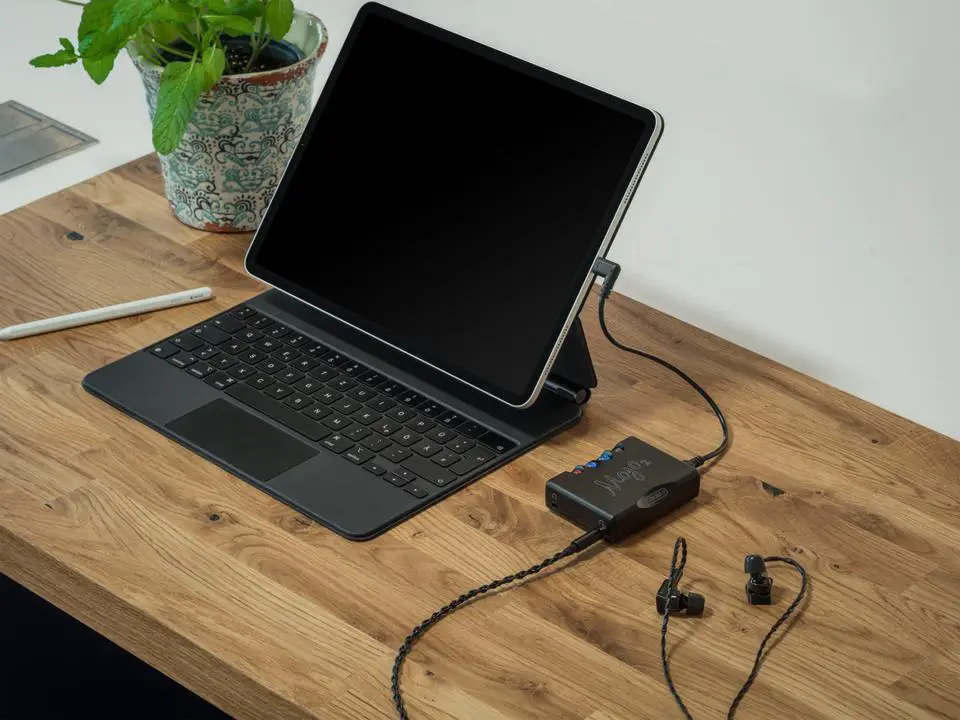
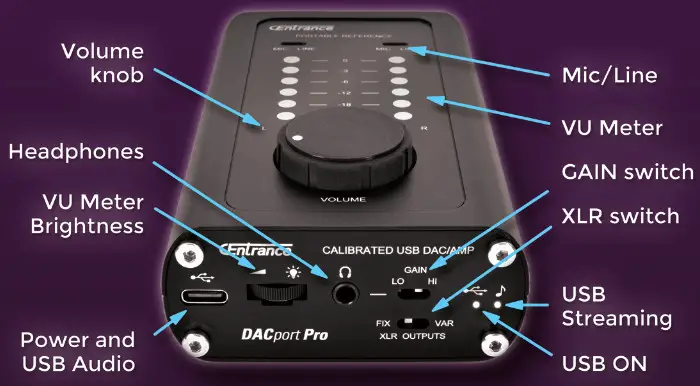
 | Connect supplied USB cable between your laptop and DACport Pro |
 | Start playback on the laptop, USB Streaming light turns ON |
 | Make sure Volume knob is set at minimum and connect headphones |
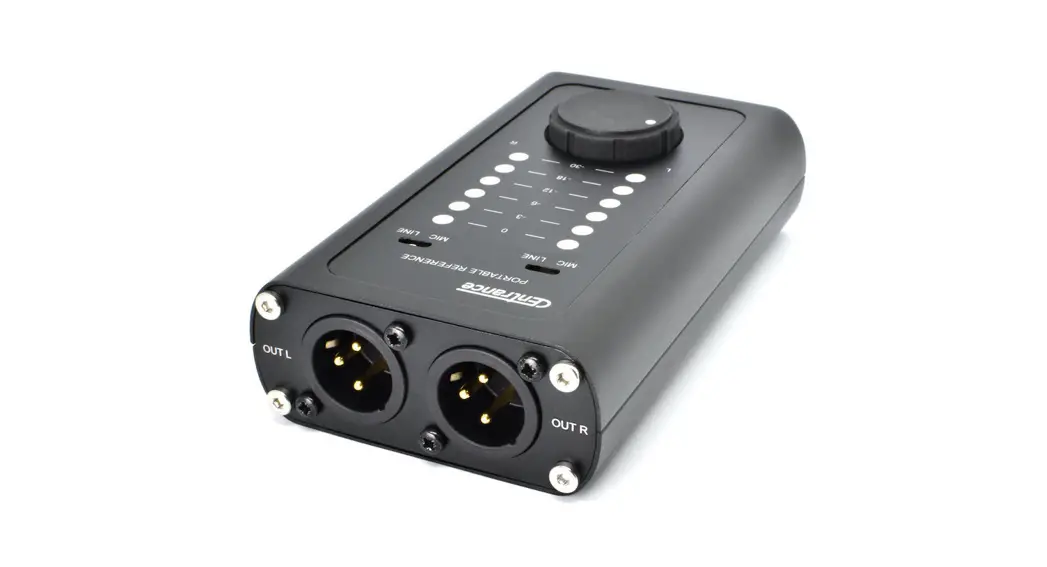
 | Adjust Volume and Gain to taste, connect XLR cables to your system |
For Best Results
- Adjust LED VU Meter brightness to match ambient light as needed
- Set GAIN LO for IEMs and HI for less sensitive overhead headphones
- Set XLR outputs to VAR to adjust monitor level with the Volume knob
- Set MIC/LINE switches to match your system
- Switches are recessed to avoid accidental reset. Use the supplied tool, a paperclip or a toothpick to set as needed.
 #centrance
 # dacprotpro
DACportPro
DAC+Headphone Amp