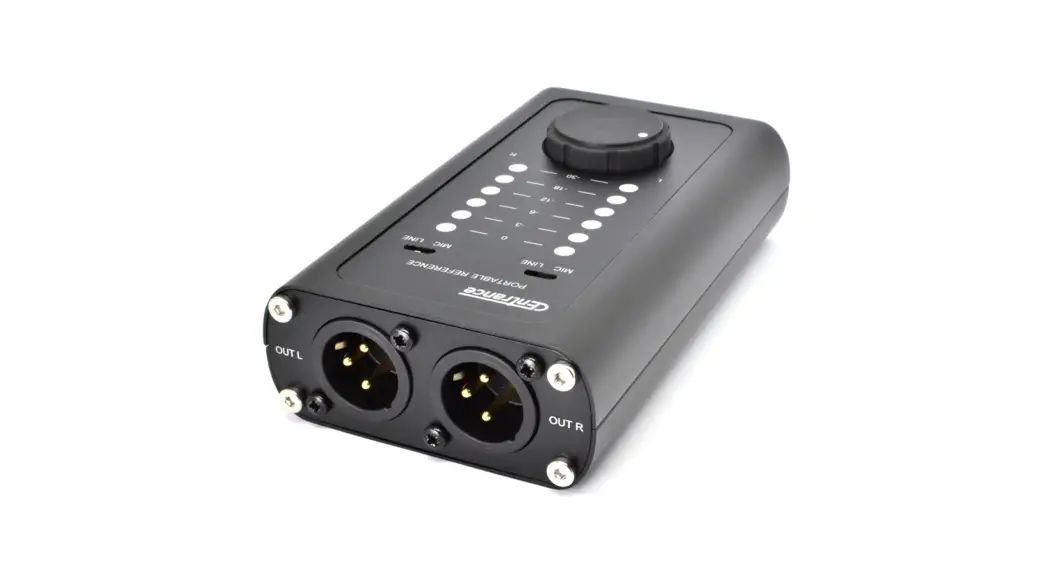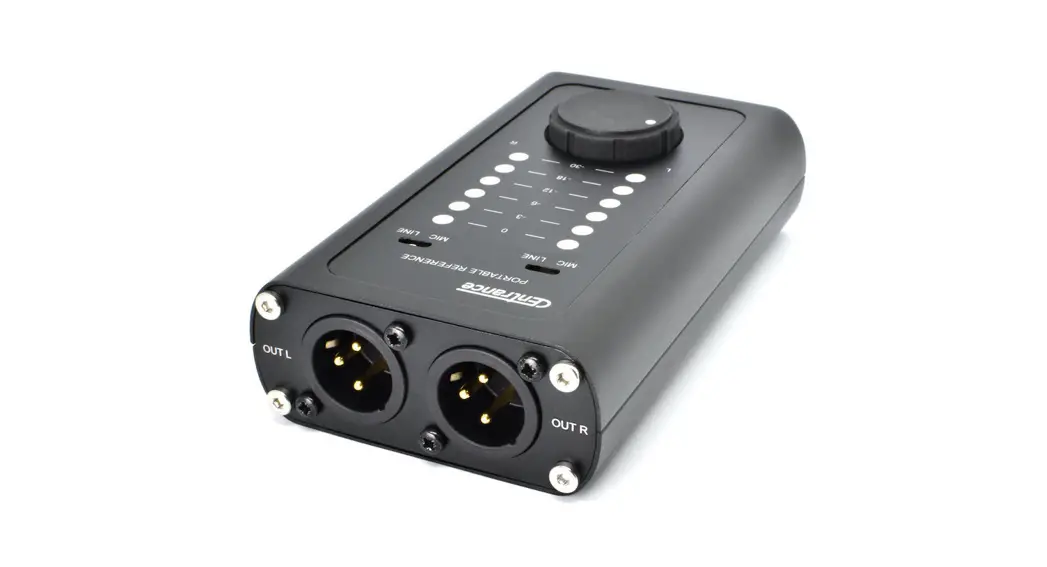

DACport Pro
DAC+ Headphone Amp
 Compatibility
- Works with computers running MacOS, Windows, or Linux
- No custom drivers are required for normal operation
- Optional Windows ASIO driver: centrance.com/download
 Power and LED indicators
- DACport Pro is bus-powered from USB-A or USB-C jacks
- DACport Pro is ON as soon as you plug it into a USB port
- There is no power switch, USB ON light indicates power
- USB Streaming light is ON during playback, ASIO streams
- LED VU Meter is calibrated to OdBFS of the USB stream
- OdB LEDs in the VU Meter are red, the others are white
- LED brightness is adjustable from zero to “daylight visible”
Attachments
- Attach supplied a rubber feet if using DACport Pro as a desktop DAC or a Monitor Controller
- Use optional clamp to mount to mic stands or other surfaces via bottom 1/4”-20 thread
For more information, visit our website centrance.com, where you can download the Windows ASIO driver and get access to service, tips, accessories and special offers.