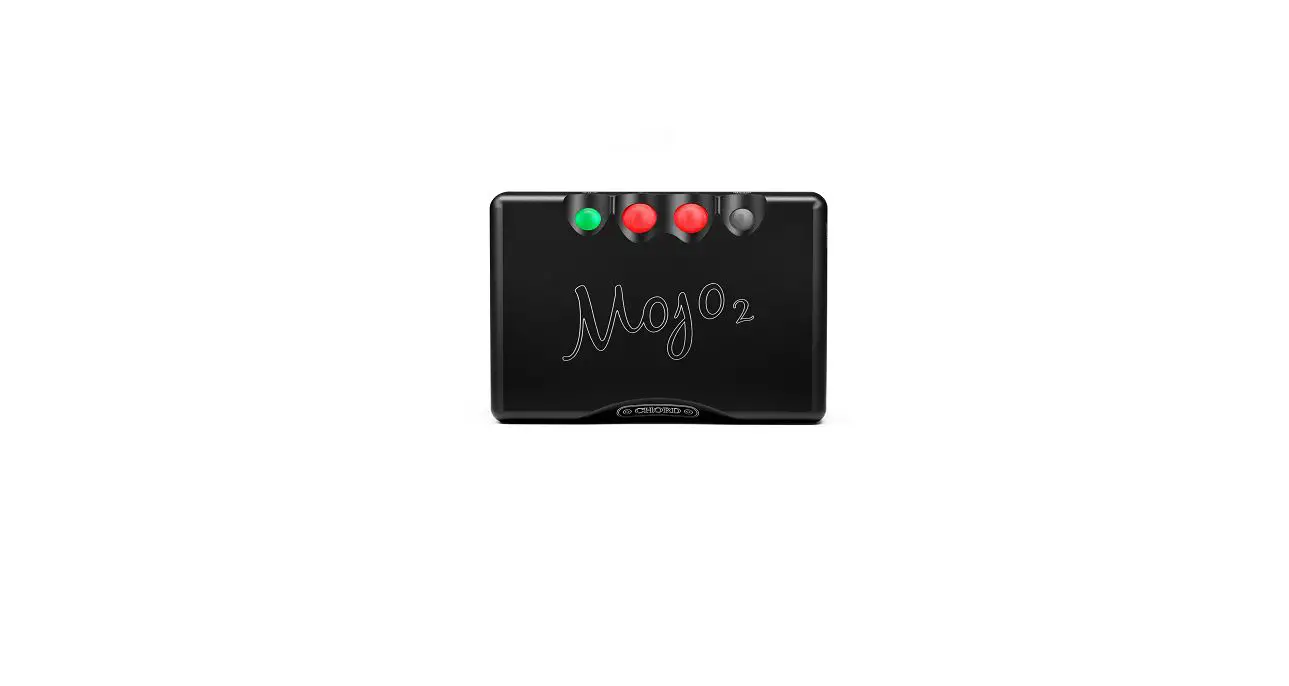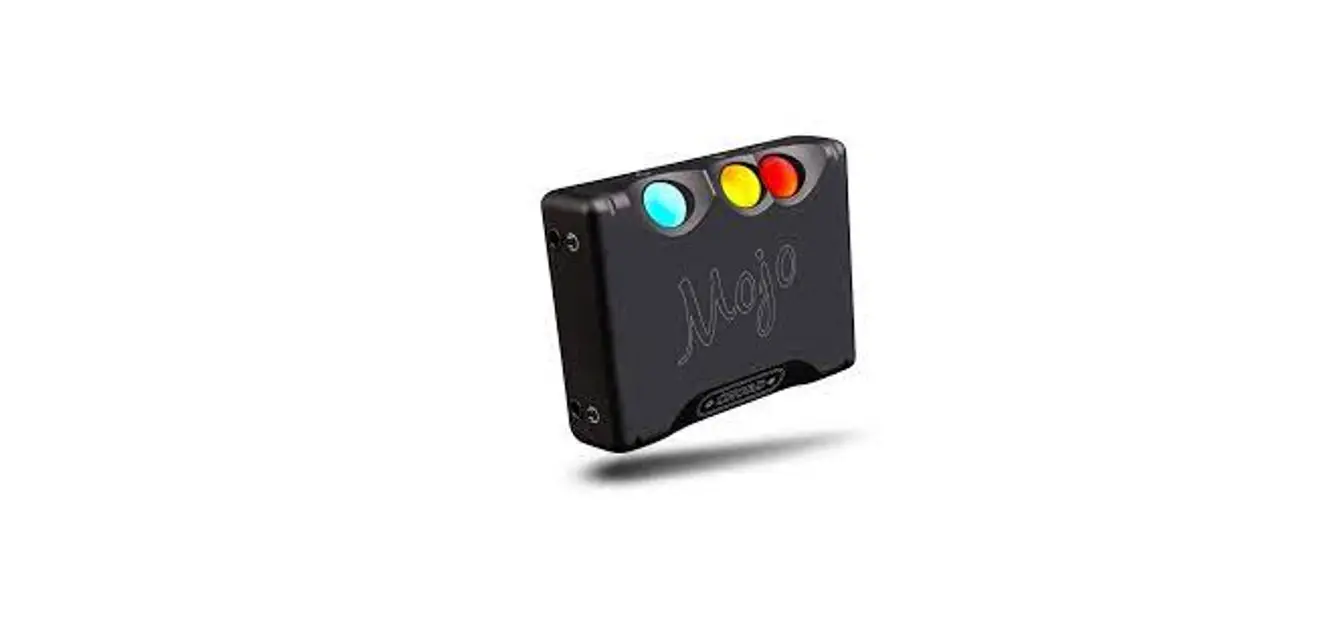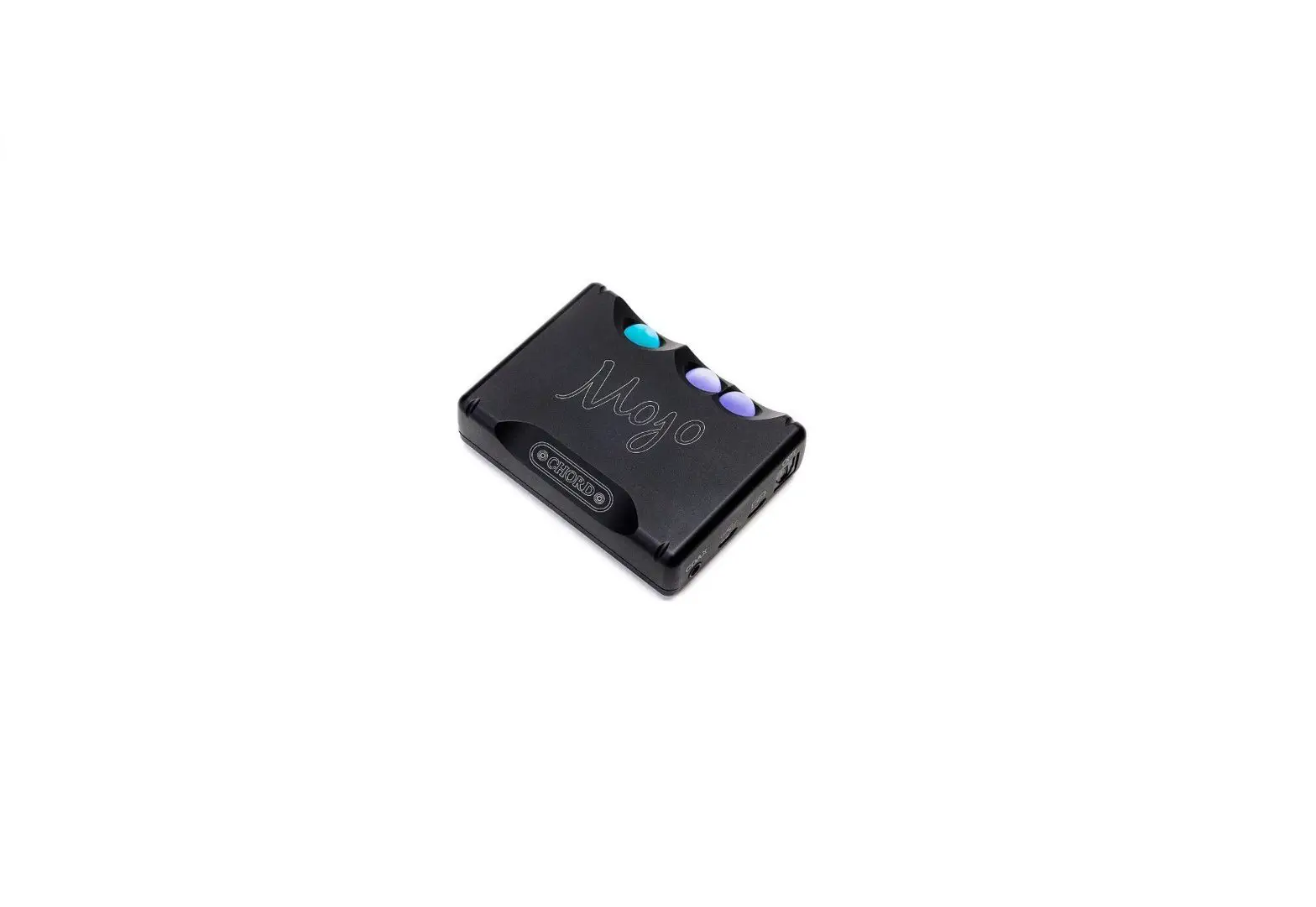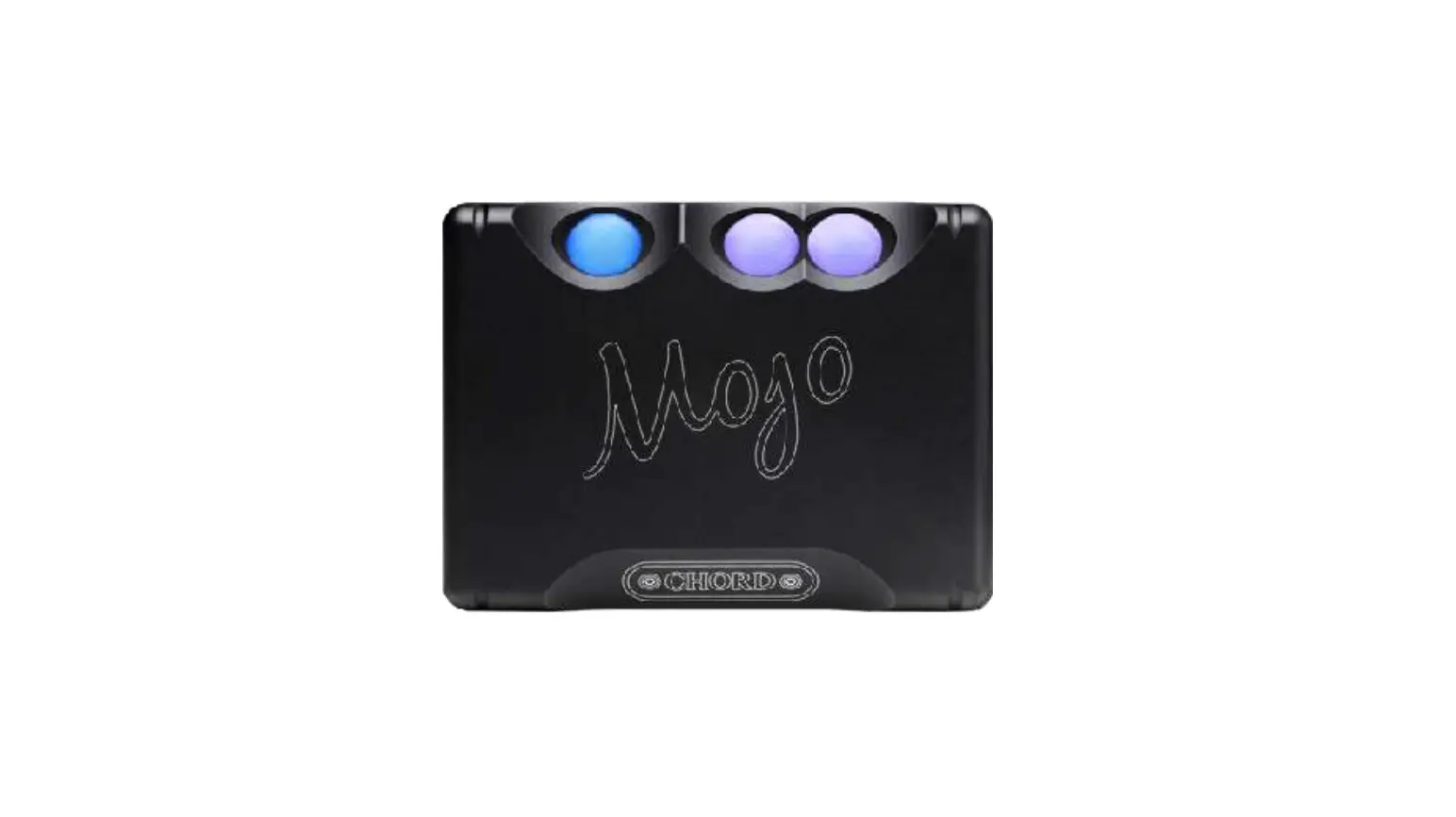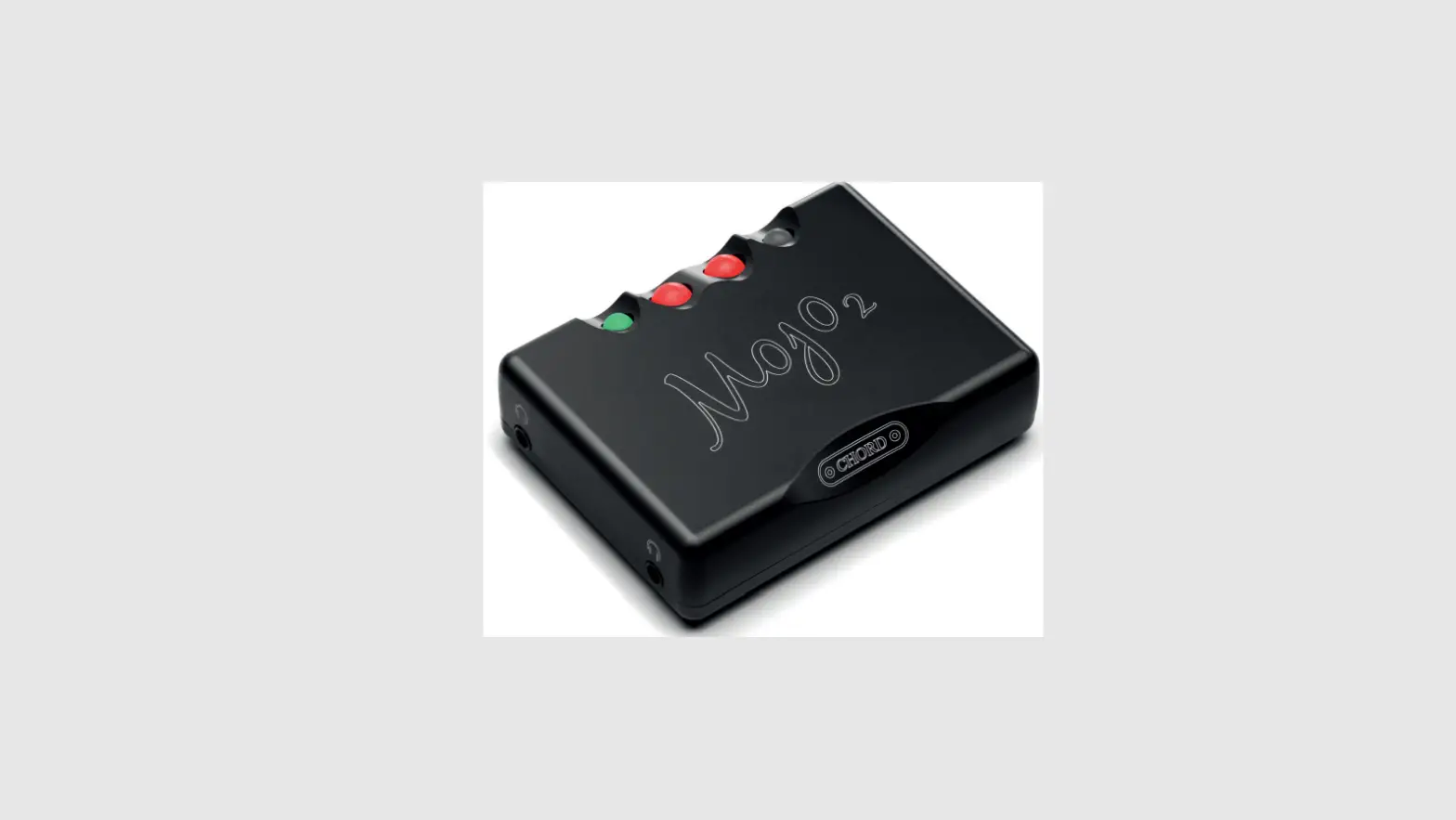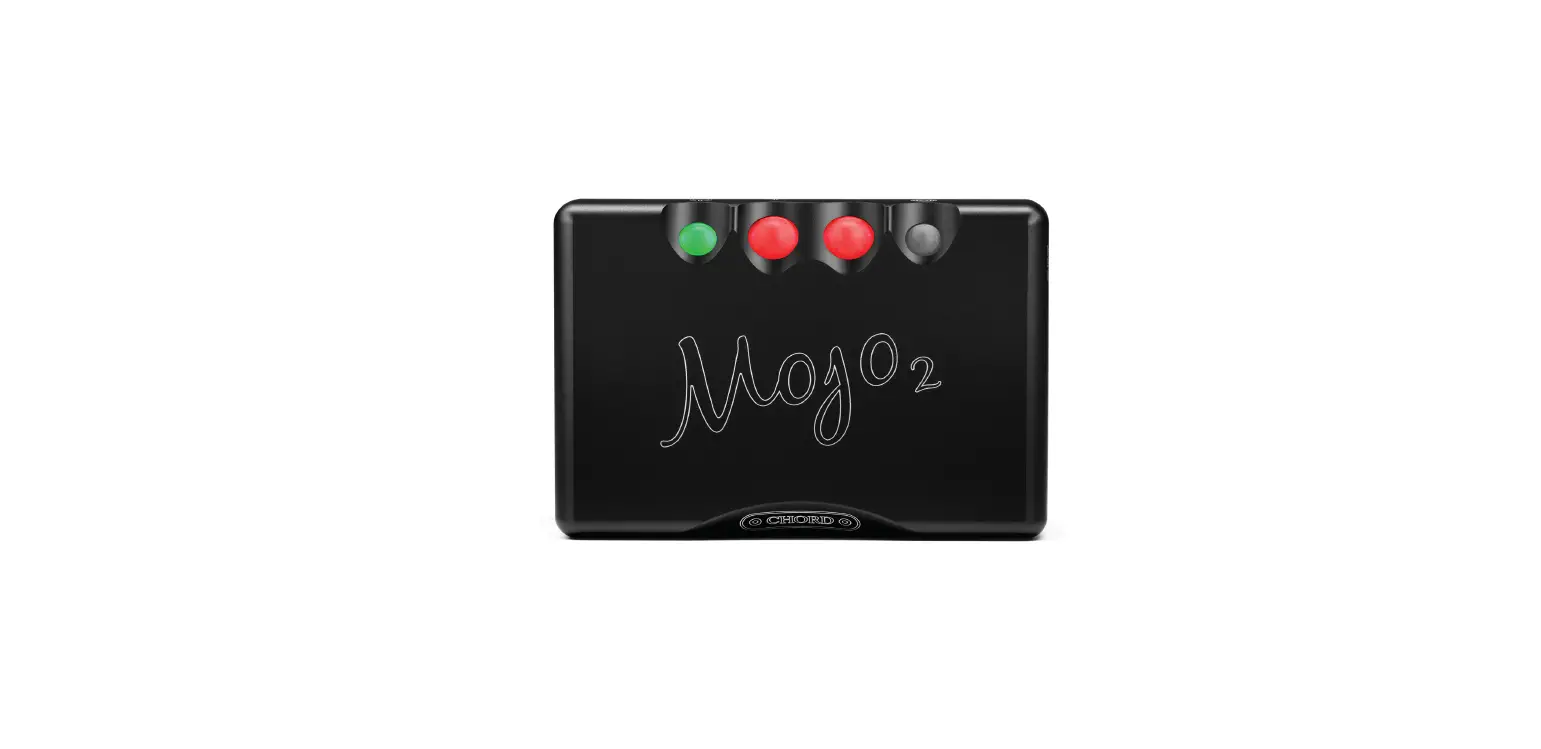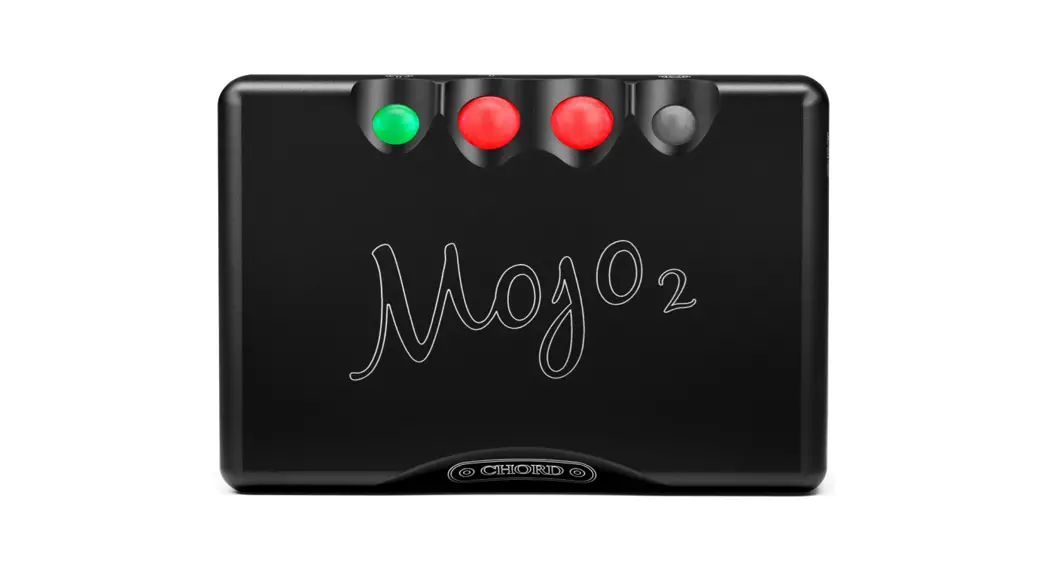
CHORD Mojo2 Portable DAC Headphone AMP
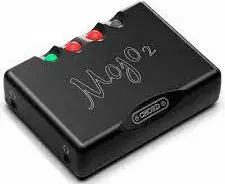
Charging
For optimum performance fully charge before use. Connect the Micro-USB charging port to power; Battery status light, blue = fully charged. Purple = desktop mode when permanently connected.
Connect inputs
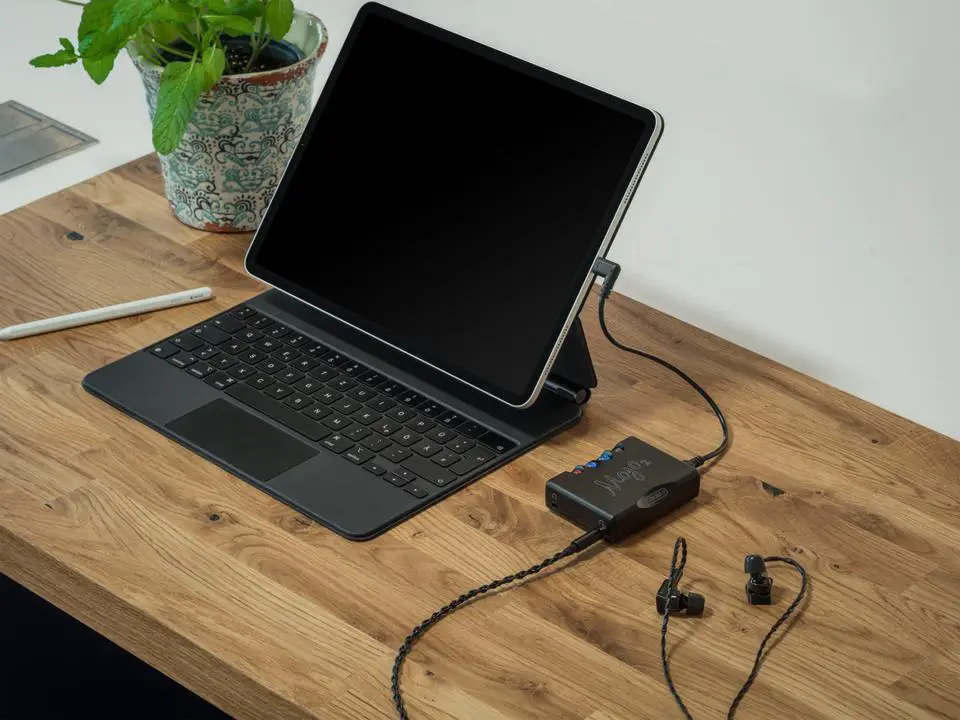
Connect digital devices via Micro-USB or USB-C. Optical and coaxial can also be used. Mojo 2 will auto-select the input when music is playing. USB takes priority over coaxial and then optical in that order.
Connect headphones
Connect up to two pairs of 3.5 mm minijack headphones. Note: the volume adjusts both headphones together; there is no independent control.
Power up
Press and hold the power button until illuminated, then release. The button will cycle through colours and click, before being ready to use.
Volume adjustments
Before use, press/hold the ‘-‘ volume button until both ‘+’ and ‘-‘ are unlit. When music is playing, safely increase volume using ‘+’ to a comfortable level; use ‘-‘ to reduce.
Download the full manual from our website: chordelectonics.co.uk/product/mojo2