MASTERKOOL IKOOL 25 Plus Air Cooler User Manual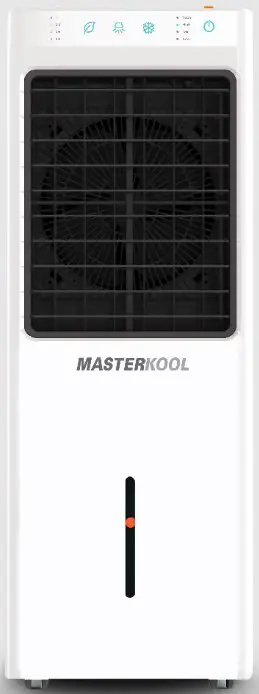
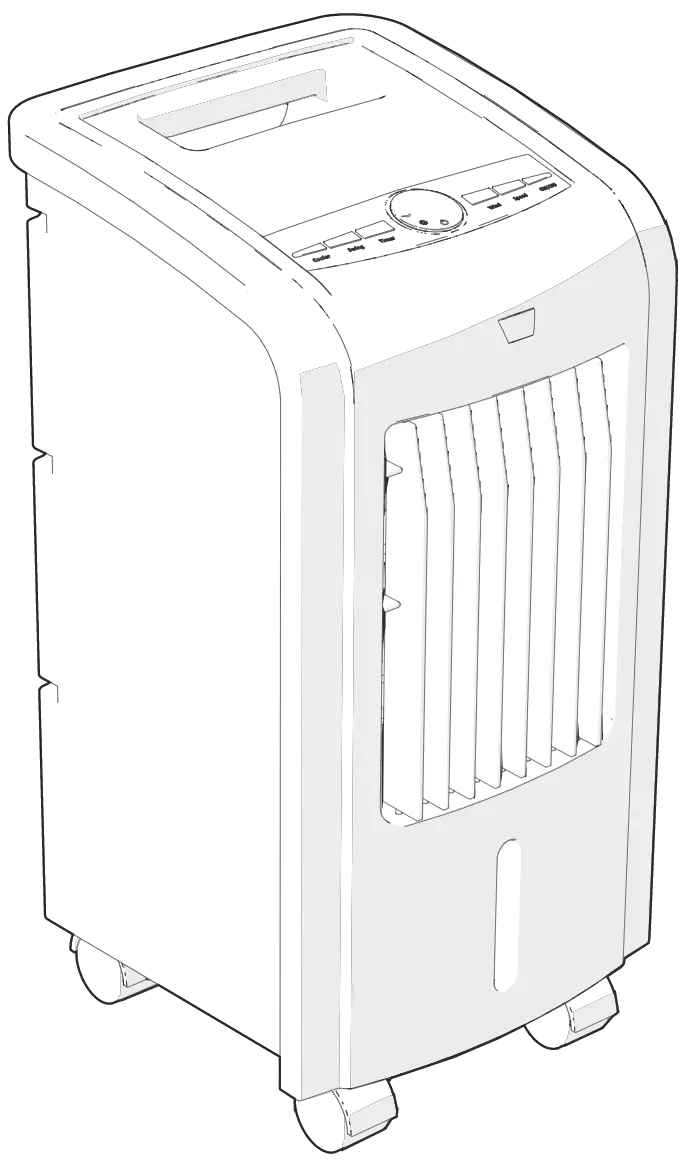
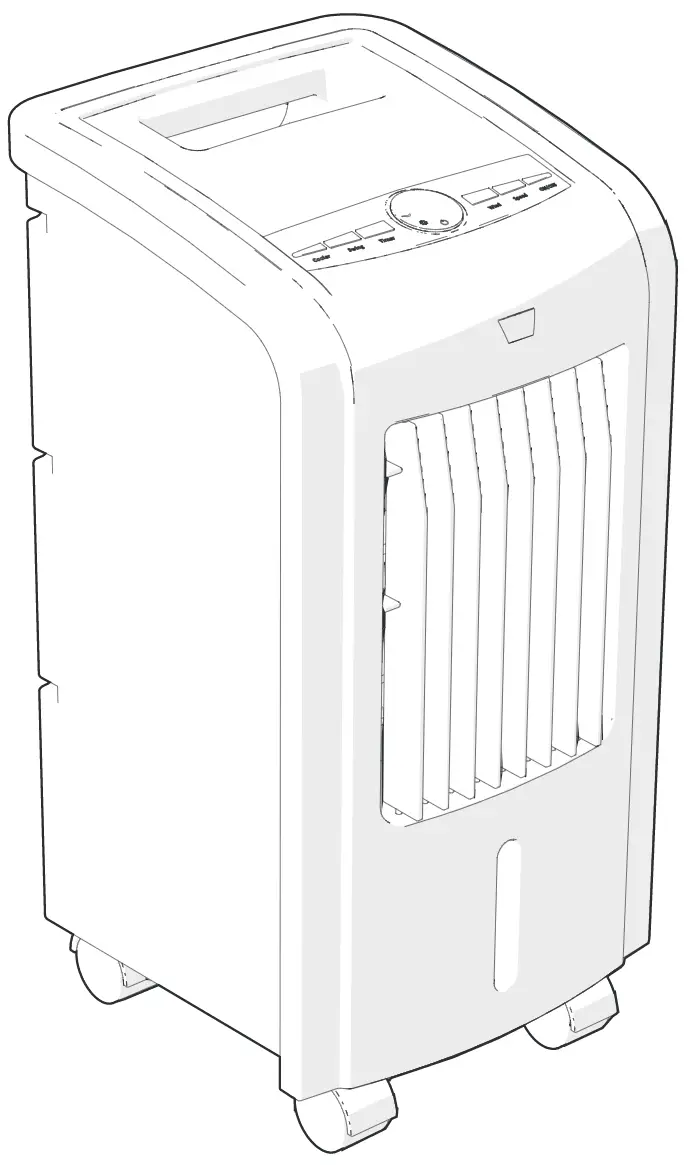
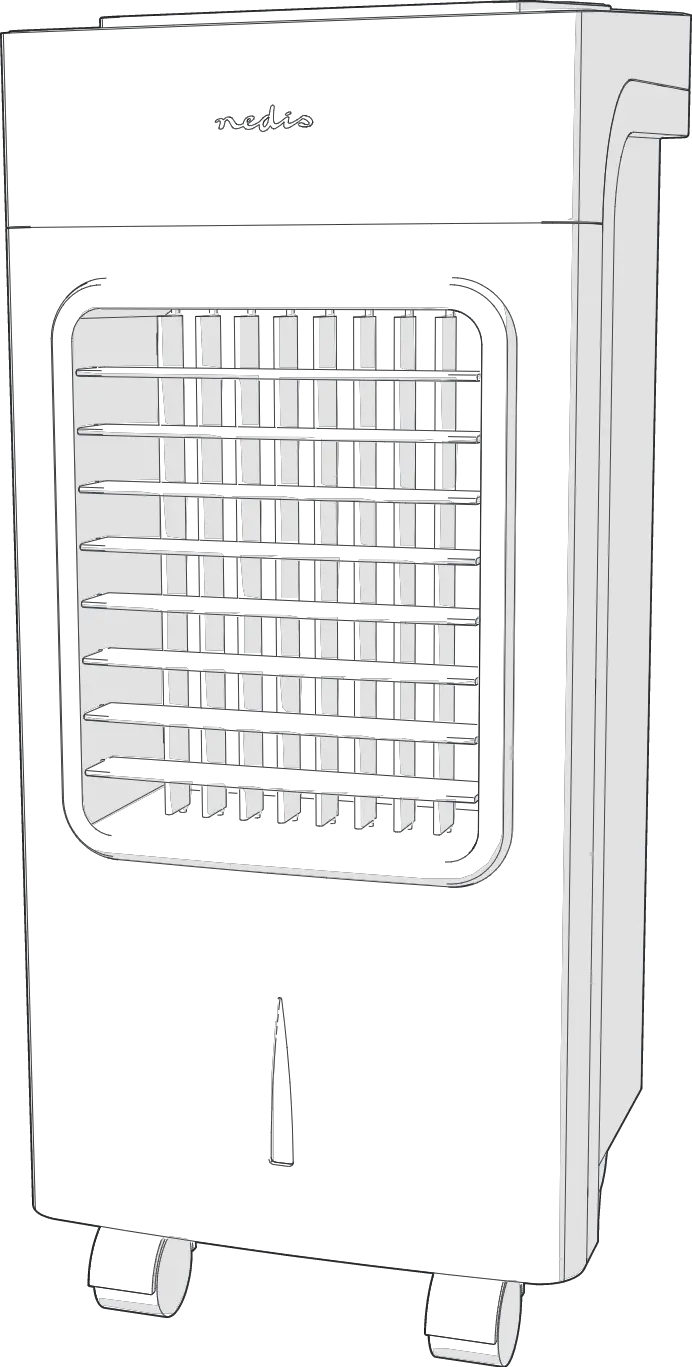
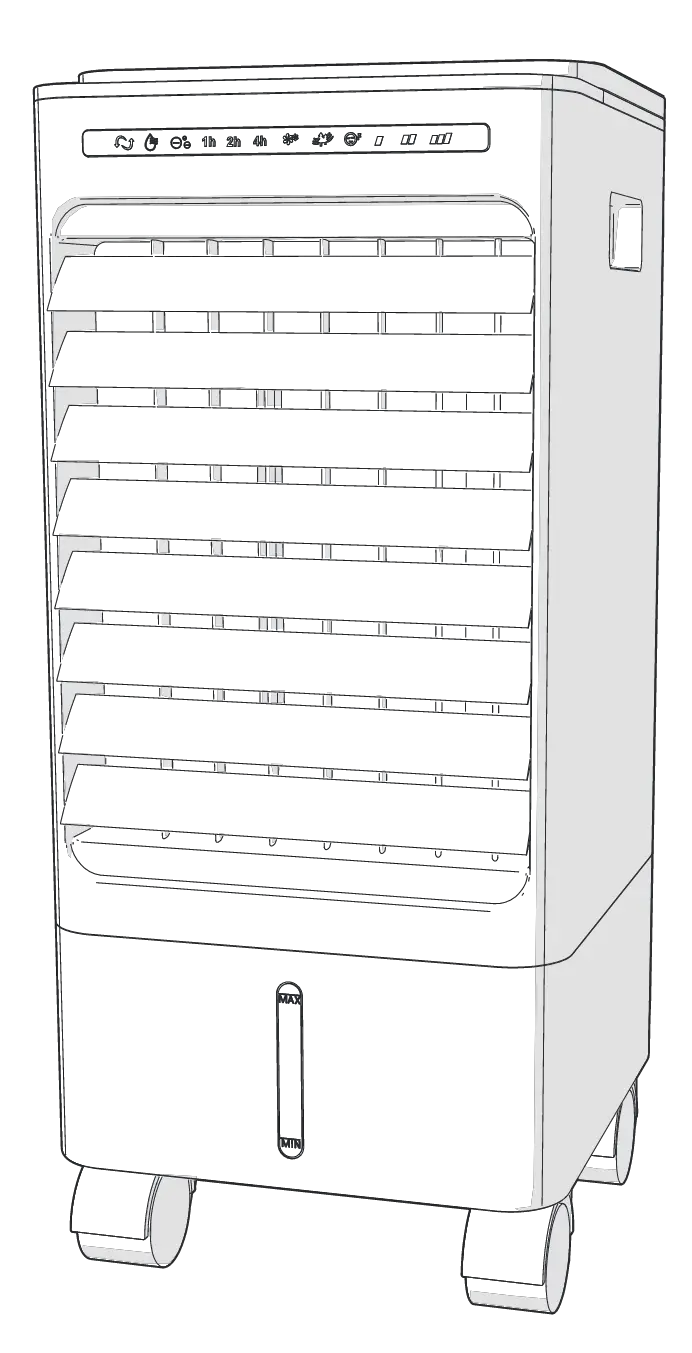
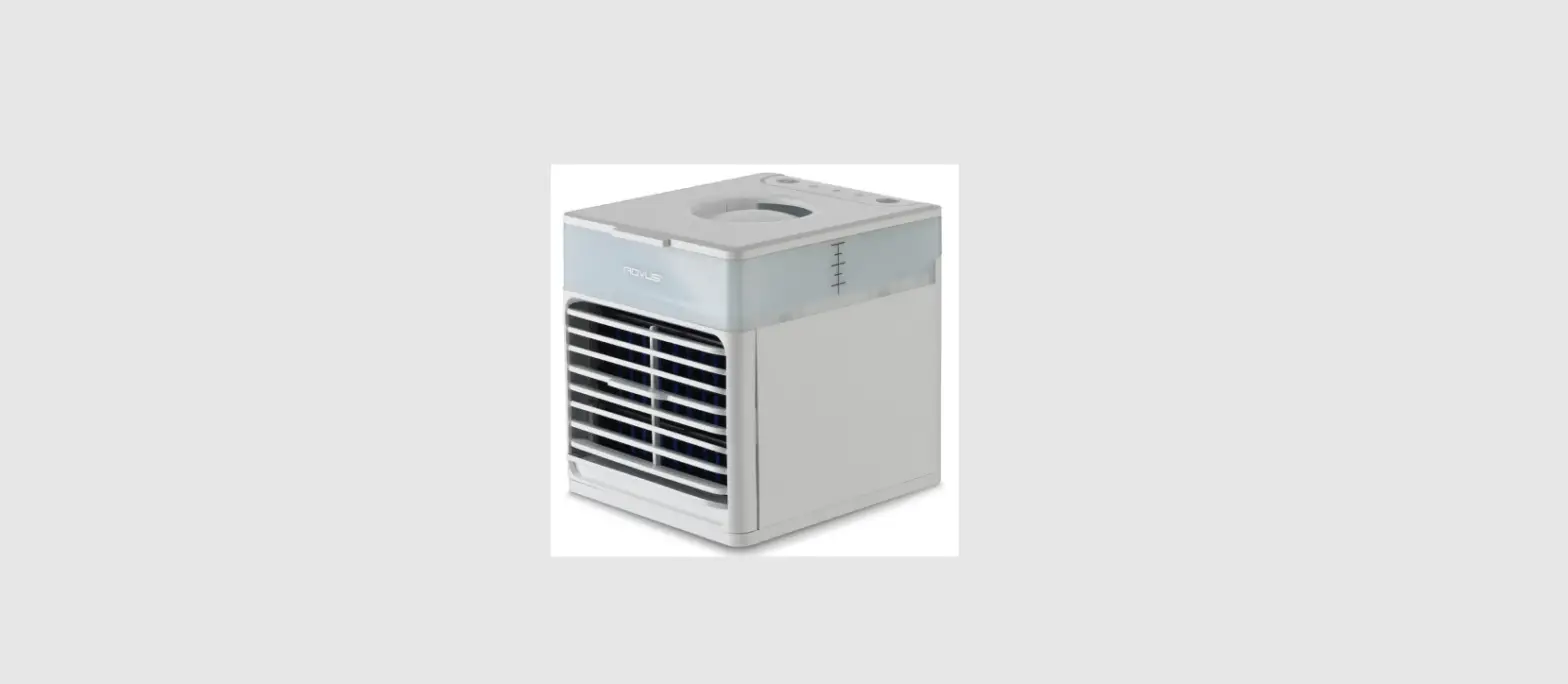
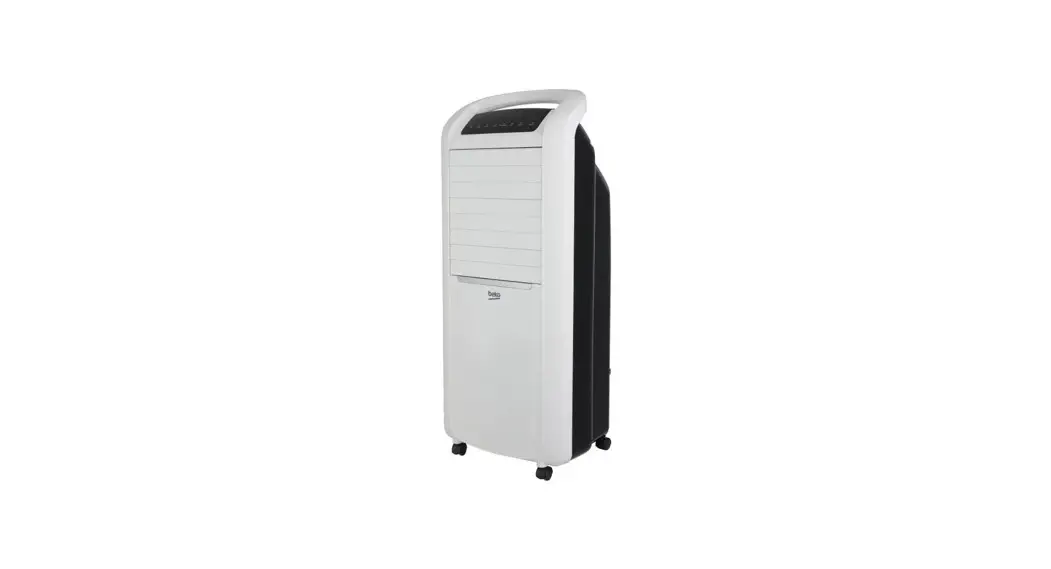
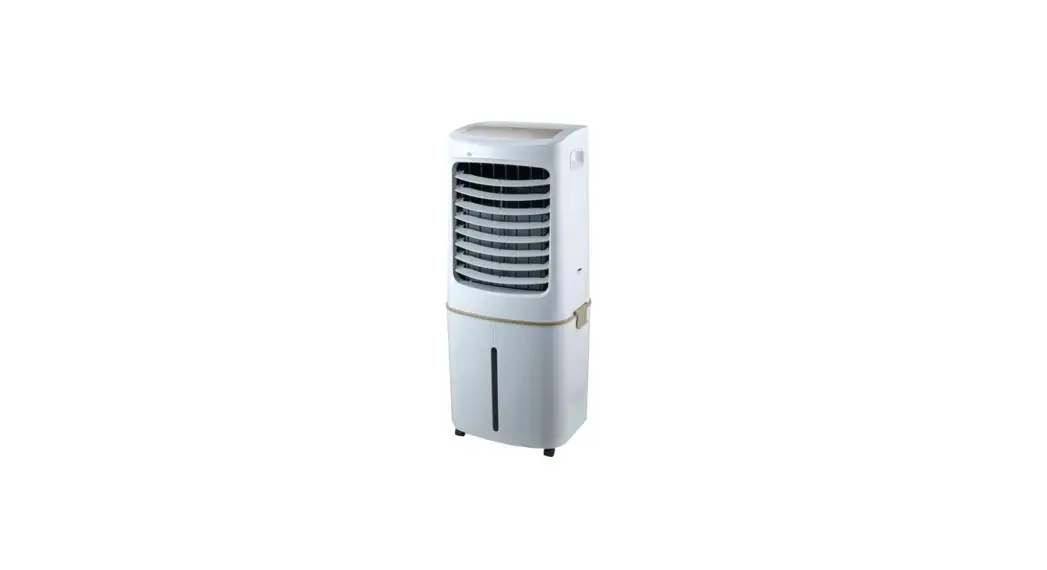
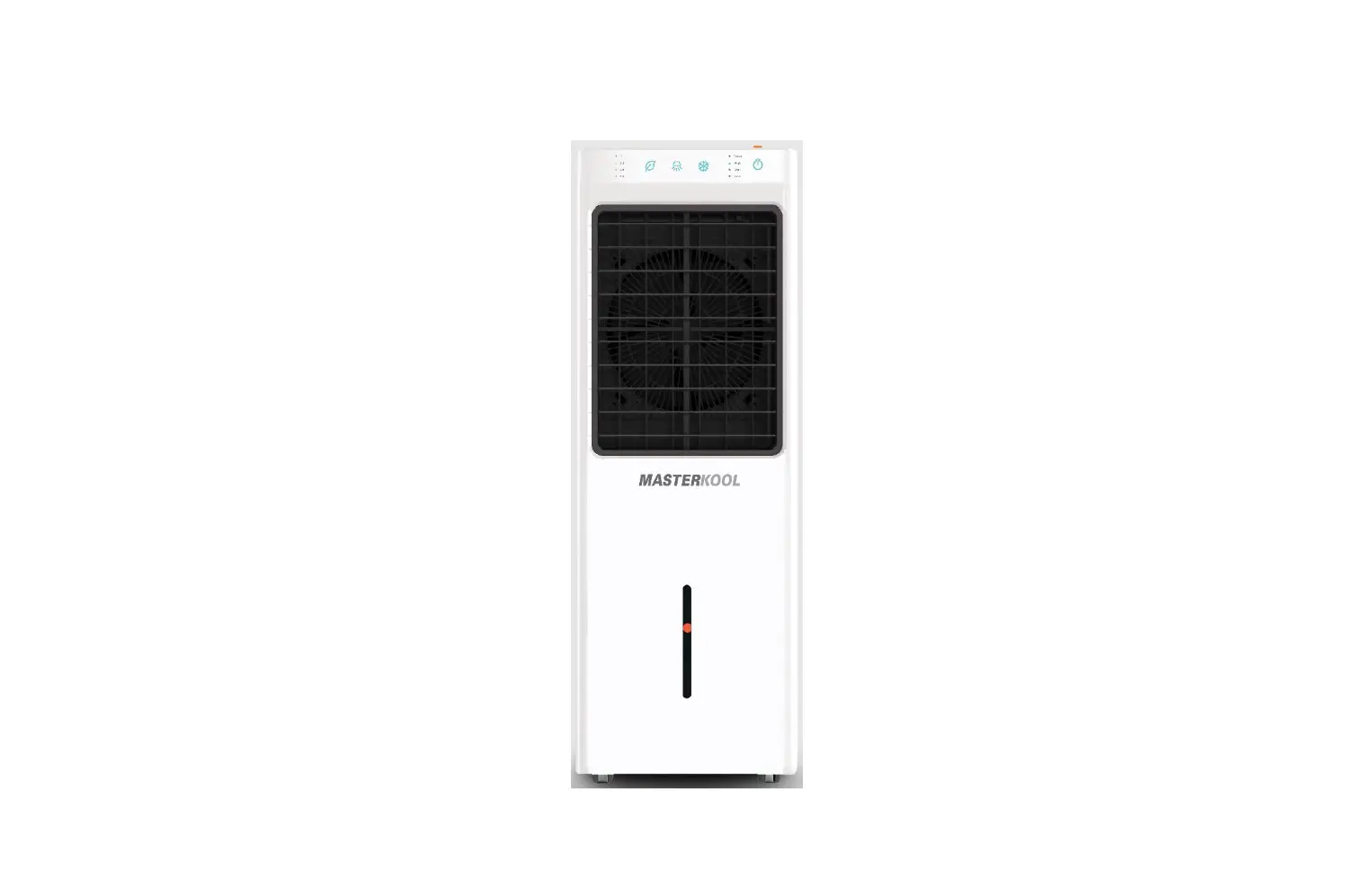
Product Appearance
Technical Information
| Model No. | iKOOL-25 Plus |
| Air volume | 1,432 m’ /hr |
| Area coverage | 15m’ |
| Power | 80W |
| Current | 0.36A |
| Water tank capacity | 13 Liter |
| Water continuous usage | 10 – 13 hour |
| Water evaporation rate | 0.9 – 1.2 liter/hour |
| Fan speed | 4 speed |
| Vent size | 25x 32 cm. |
| Cooling pad type | 4090 |
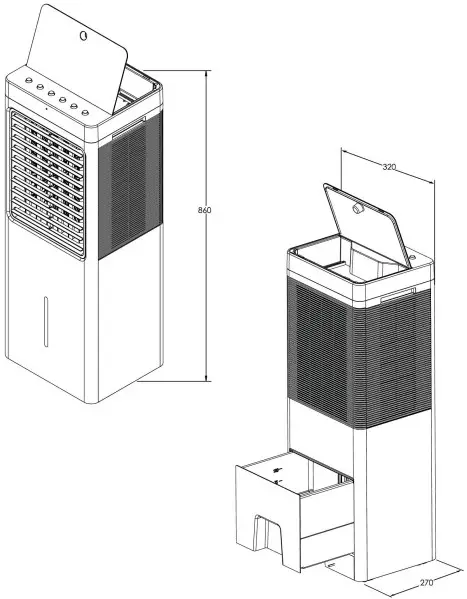
| Overall dimension | 32 x 27 x 86 cm. |
| Net weight | 8.0 kg. |
| Operating weight | 21.0 kg. |
| Remote control |  |
| Direct water connection | |
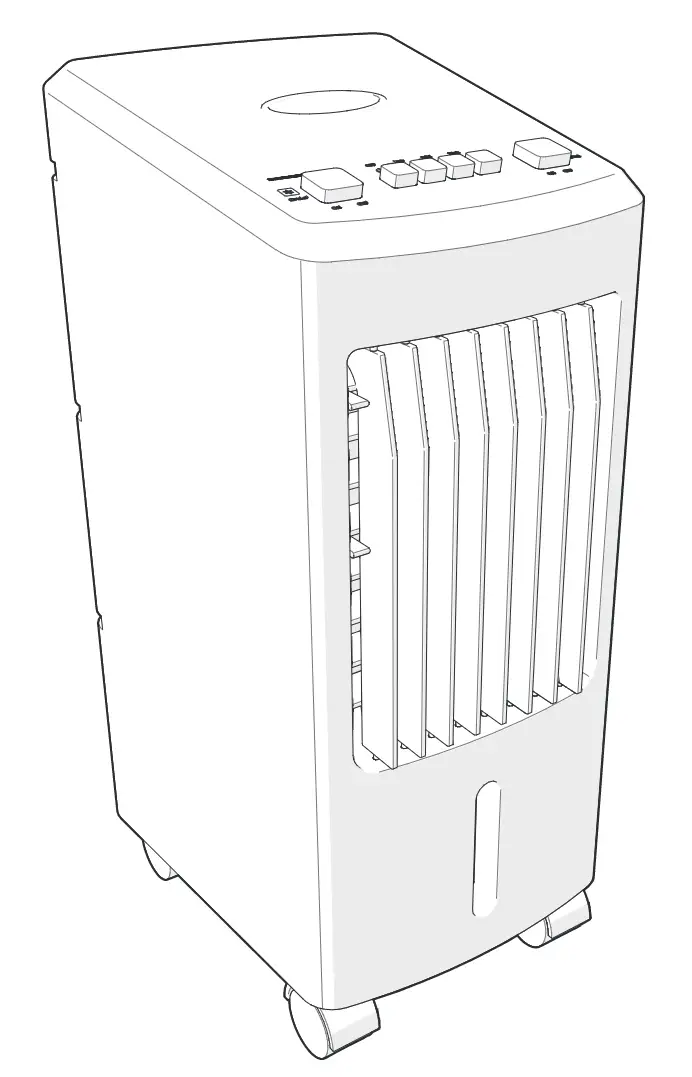
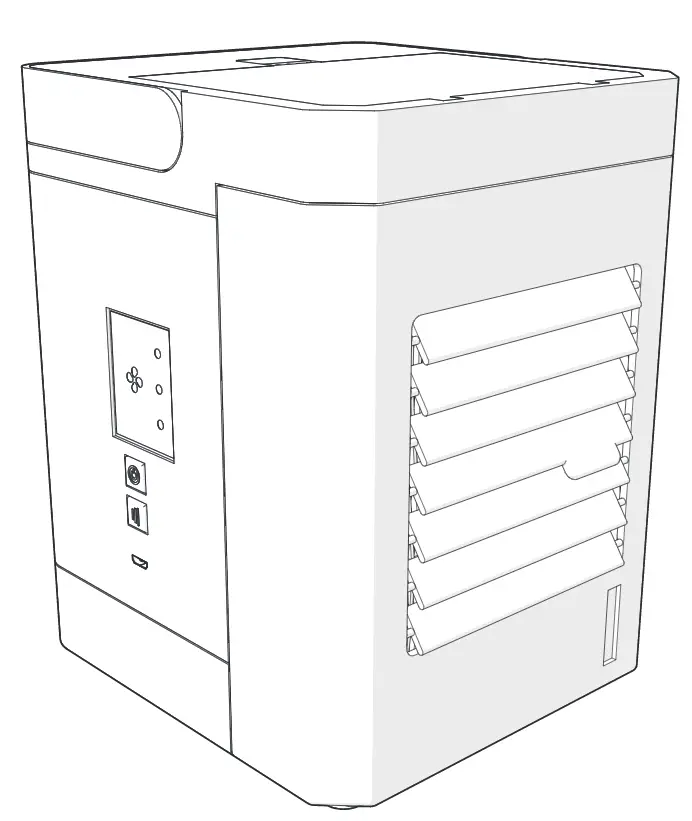
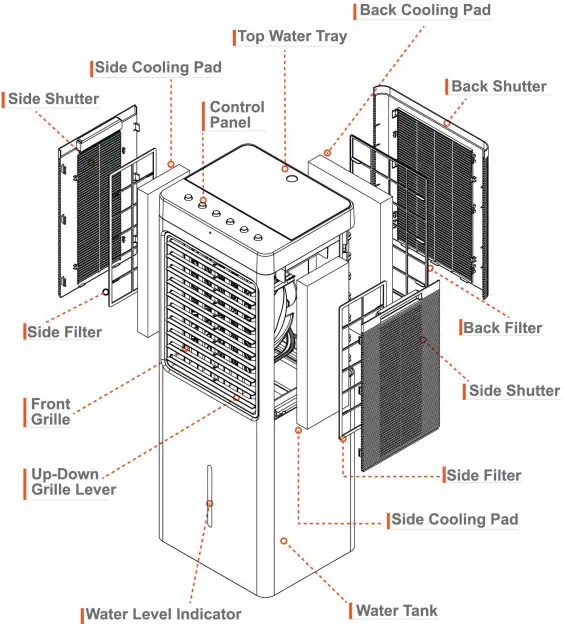
Structure Diagram
Functions
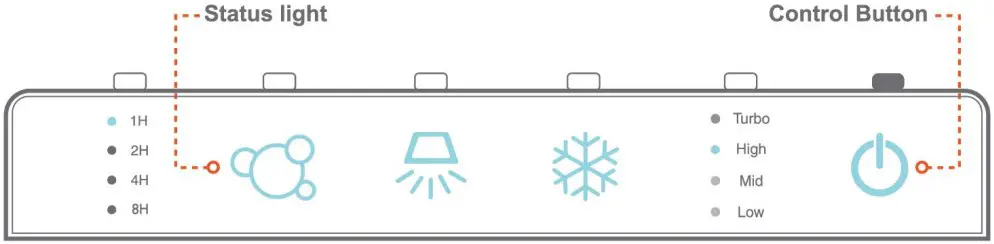
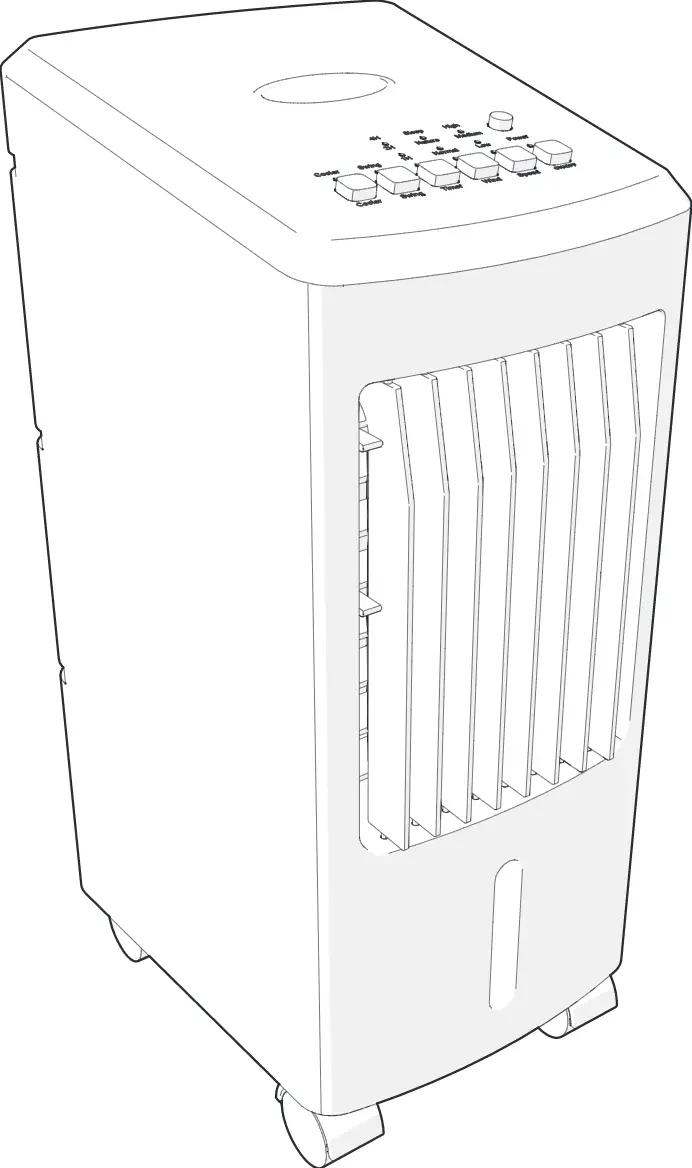
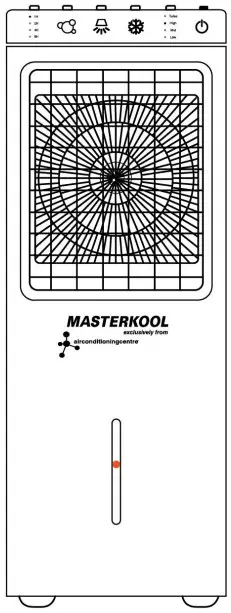
Control Panel
(Status light is illuminated 30 seconds whenever button on machine or on remote control is pressed, then status light will be dimmed)
Remote Control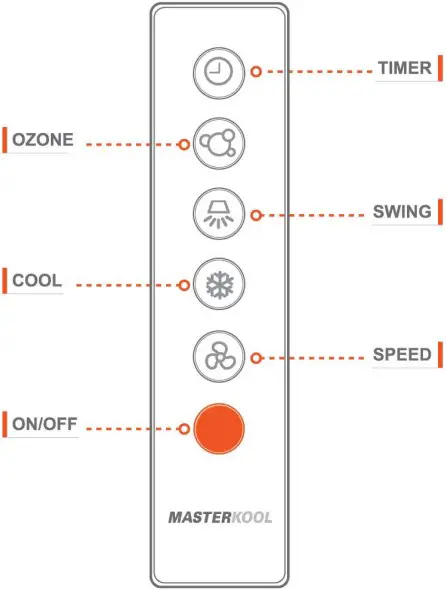
Troubleshooting
| iKOOL-25 Pius | ||||
| No. | Problem | Possible cause | Corrective action | Remarks |
| I246. | The evaparathe ea coalor is Ml renaming and does not respond when Ingtait OM venal | Beckoul or laully poem. orneeme | Fte:Ornmendee to toe `Adage crow lo ex Me ink voltage | |
| ‘illtak.09 719 input varaga gra cernad to a desgealod cower strode | ||||
| AC Fuse as damaged or Vie *tut slops luncsamg nada la peed | Replace the fuse or repel the inn | |||
| If the action romans ..nseCoa pease contact Serilco Coke | ||||
| poser °welded | ||||
| Remote Co-ercs lastenes ram AM a.d. | Change to Deans. | |||
| Remote Coned a Cabot Pancl Is deluged | Rarer or replace tie oartrot pre: we, another of the sane modal | C.antact Set ice Confer | ||
| No or flees from the Lot write tie machne a op:eating | Damaged mateth ante | Regale a repeal tie motor eat worts ofIncme model | Cotta SenKe Confer | |
| thcarect motor conneelOn a IXOto make conneacn | Defernne whether of not the maceweb ocenocOons are in order. | |||
| Memel ;mica*” inside to IT z eceiong. | Leave me unc of Leal me Ian motelscool enough tote woe as uaia | |||
| Tr* purr* kin a to 4 s notcool enough | The ant nbors cOgged or dirty 0,99°0 | Clean or replace tee dal Inn | ||
| The cooing Pads dogged | dean or replace Me 050Mg pads | |||
| The ceding pads are cry or Donlan as/Agent sate while theeeapoenve air coder.. work.* | Crock the lop sera cisanbutiOn tray ha doteernine %loth& or re there Ls a des Dchannro Al the Dump is t.motcong =may. | |||
| Eweh (solve timidly | When the twarathe a, coyer a used let a long Wed ol ire me room rwmellybelz to nee hon. so the Ovepecatke a cooler se to unable* teen toneonieft as much at “eon Me rooms humidly a lameTut the Cool mode 01 and is lowErn the Coal | |||
| The purr0 %lb ie lunCleei end Creeds coding, | Damaged Mime | Repa• or replace the pimp oth a Pone cite Mee mode | ||
| Ware pump mete conflation | lighten connacten | |||
| The pump fuetient Ott Ones Ml oecueeer sate.. or the ceding 0006 Certain tee IMO eater | Clogged (*peeler chysbulsOn esy | Clean to log wale, demeanor, tray | ||
| Clogged water um?, lice. or pomp strayer | ||||
| Clean the water lime or femme Ow p nele dogged al Pe aerie Wane, | ||||
| Water wen Prom the unit | Cooing Pad gay oral of the mutton | Mice Cooing Pad in he nOt petition. | ||
| Cogged lopvoter debt:Mon ray | Clean the to ea”‘ aisthaubon tray | |||
| Uneeseable oda, | Tha ell is placed ei an area story canacerablo Was aro peasantor• algae are present n the wafer cant | Coon Me *a’ lark and the cooing pads. | ||
| White sediments n the weer tank | Wme ros a hell anted of salt | Dian the lank are dean the oaeing pad more (want& | ||
Cleaning water tank
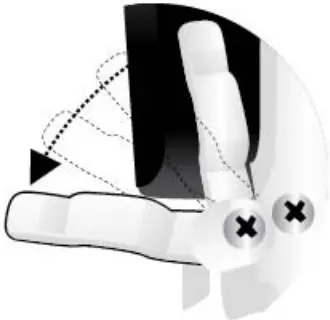
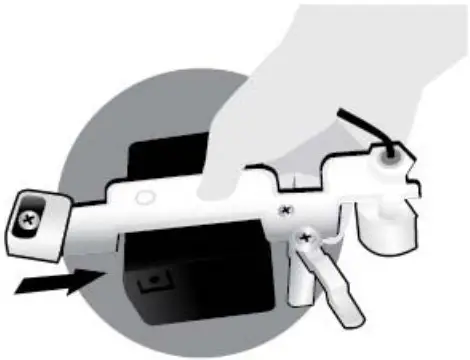
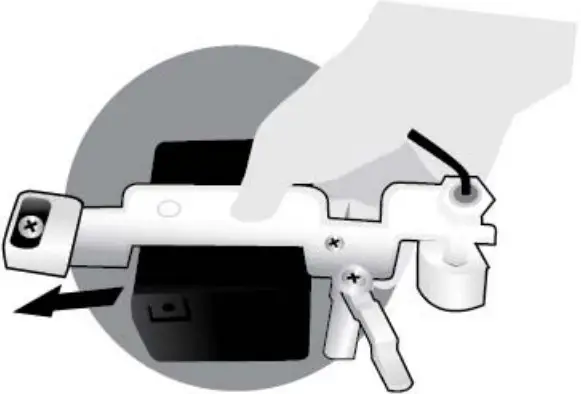
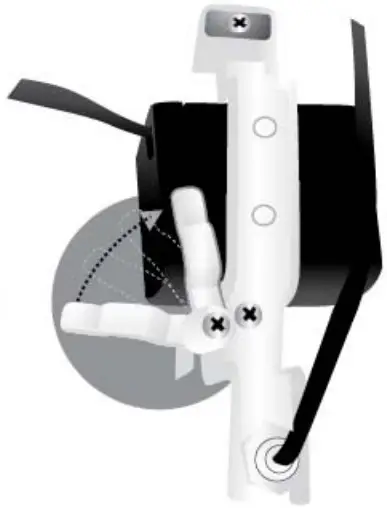
Pull out water tank, unlock water pump (picture no.1), pull out water pump (picture no.2), then remove water tank and clean by soft brush. After cleaning is finished, put water tank back into the air cooler, put water pump (picture no.3), lock water pump (picture no.4), then push water tank back into air cooler completely.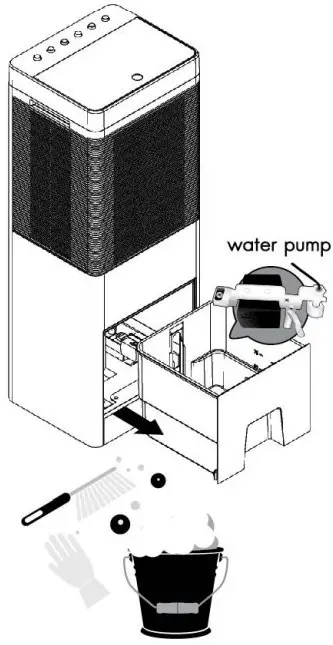
- Unlock water pump «as above arrow

- Pull out water pump as above arrow ”

- Put water pump back

- Lock water pump as above await

Filling water
Can be from the top by opening the top cover, fill up water, then water will go to water tank. Or can be directly to water tank, by pull out water tank, fill up water until the max level, then push water tank back into air cooler completely.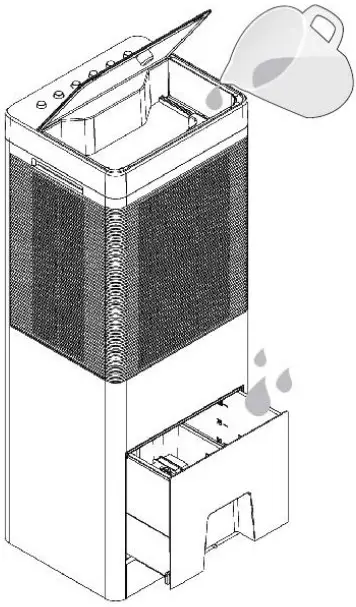
Draining water
Pull out water tank, remove drain valve and wait until water tank is empty, then put drain valve and push water tank back into air cooler completely.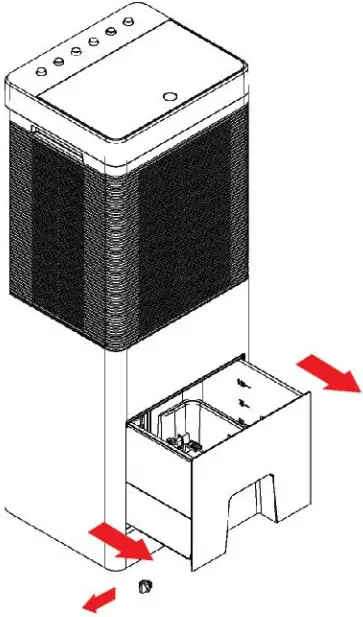
Operating Guide
- Avoid using the evaporative air cooler in a closed area. The unit should be used in wellventilated areas only.
- Before turning the unit on, fill the tank with water to ensure efficient operation of the vaporative air cooler. Avoid operating COOL function while the water tank is empty.
Remarks: Water level must not exceed the limit of water level scale - Drain the water tank and clean the tank frequently
- Fill the tank with clean water only, do not put any other liquid into the tank.
- Make sure that the operating voltage is not lower than regular voltage (220 – 240 V) or exceed than 5% of regular voltage. If the voltage is lower than the limit, the air cooler cannot be operated smoothly or even turned on. If the voltage is higher than the limit, it can cause the damage to the machine.
- Remove the plug from the socket when the machine is not being used
Cautions
- Be careful the water spilled out while moving the unit
- Do not put anything on top of this air cooler or obstruct the air inlet and outlet
- Do not insert any object into the vent while the machine is operating
- Unplug the machine before cleaning to prevent the electric shock
- Stop operating this air cooler immediately if it functions abnormally for example the power cord damaged, electricity leaks, and contact our service center for further instruction User is not recommended to assembled and repair the machine.
Operating Instruction
Filling Water
By opening the top water tray or pulling the back water tank, then use the water container or water pipe to fill up the water tank until the orange water level indicator reach the top of water level scale
Caution: Do not fill up the water exceed the limit of water level scale to avoid the water spilling out while moving the air cooler.
How to use the functions
- POWER
Press icon on the control panel or the remote control to turn on the air cooler and its light is illuminated. Press this icon again to turn it off and its light is off.
 - SWING
Press icon on the control panel or the remote control to let the vertical front grille swing automatically and its light is illuminated. Press this
  icon again to stop the swing mode, then its light is off.
 - FAN SPEED

Press icon onthe control panel or the remote control to adjust wind speeds to low (1), medium (2),high (3), Turbo (4). 4 speed lights (1,2,3,4) indicates selected current wind speed. The wind speeds change on rotating basis
 icon on the control panel or the remote control to turn on the air cooler and its light is illuminated. Press this icon again to turn it off and its light is off.
 icon on the control panel or the remote control to let the vertical front grille swing automatically and its light is illuminated. Press this
  icon again to stop the swing mode, then its light is off.
OZONE 
Press OZONE button on the control panel or the remote control. to turn on OZONE mode, press button again, the system will stop OZONE function. (OZONE in used for killing bacteria in the water)
TIMER 
Press icon on the control panel or the remote control to set the timer. Each time that the icon is pressed, it will change 1H, 2H, 4H, 8H (The unit will be turned off automatically after 1H, 2H, 4H, 8H)
COOL 
Enter the COOL mode by pressing icon on the control panel or the remote control To turn off the COOL mode, press icon again, the system will automatically exit the COOL mode.
REMARKS: When the COOL mode is activated, the pump inside the water tank will pump water to saturate the cooling pads. Heat that flows through the cooling pads will exchange with the water and cool the air flowing through the cooling pads to lower the temperature. Therefore, a decrease in temperature depends on relative humidity and air temperature when the uni in COOL mode. In the case where the fan speed is high, when the icon is pressed, the fan will drop to the lowest speed for 30 seconds before resuming the speed previously set.
Cleaning’ Flagellum nod quisling
Cleaning dust filter and cooling pad
Remove the side shutter which the dust filter is attached and then pull the cooling pad out as above arrows.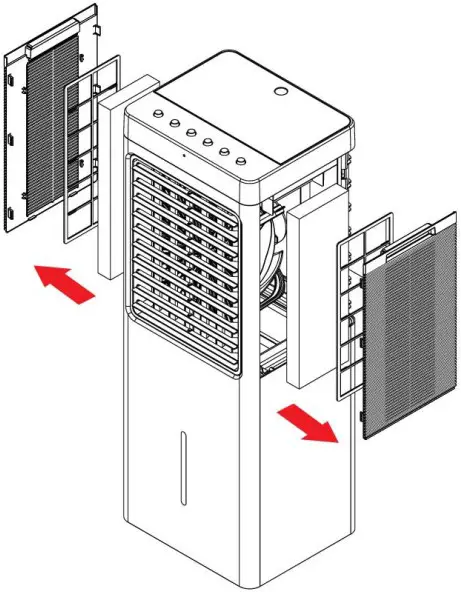
Remove the back shutter which the dust filter is attached and then pull the cooling pad out as above arrow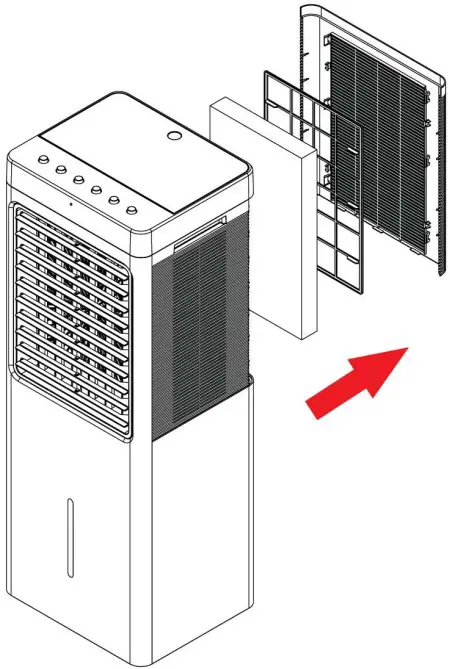
Clean the cooling pads with normal water and wipe the dirt by soft brush.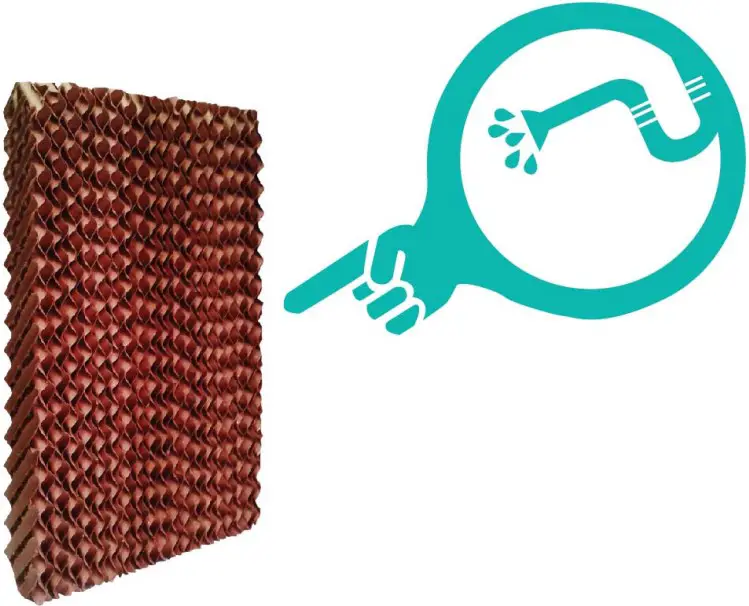
For Technical Support & Advice Please Contact
Email: [email protected]
Tel: 03703 344 345