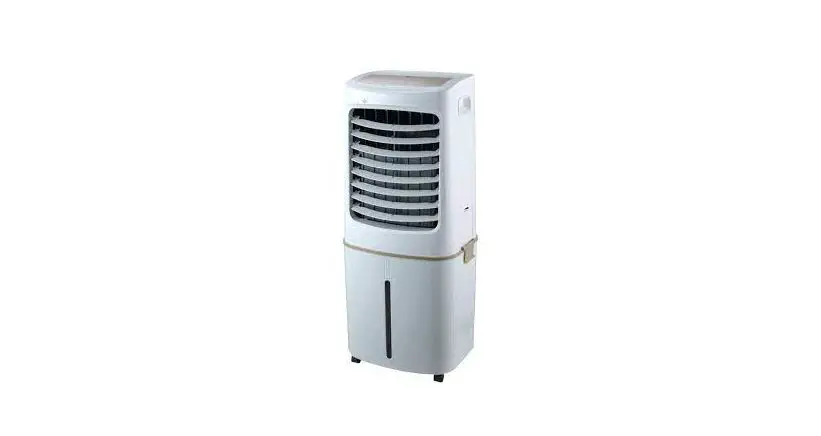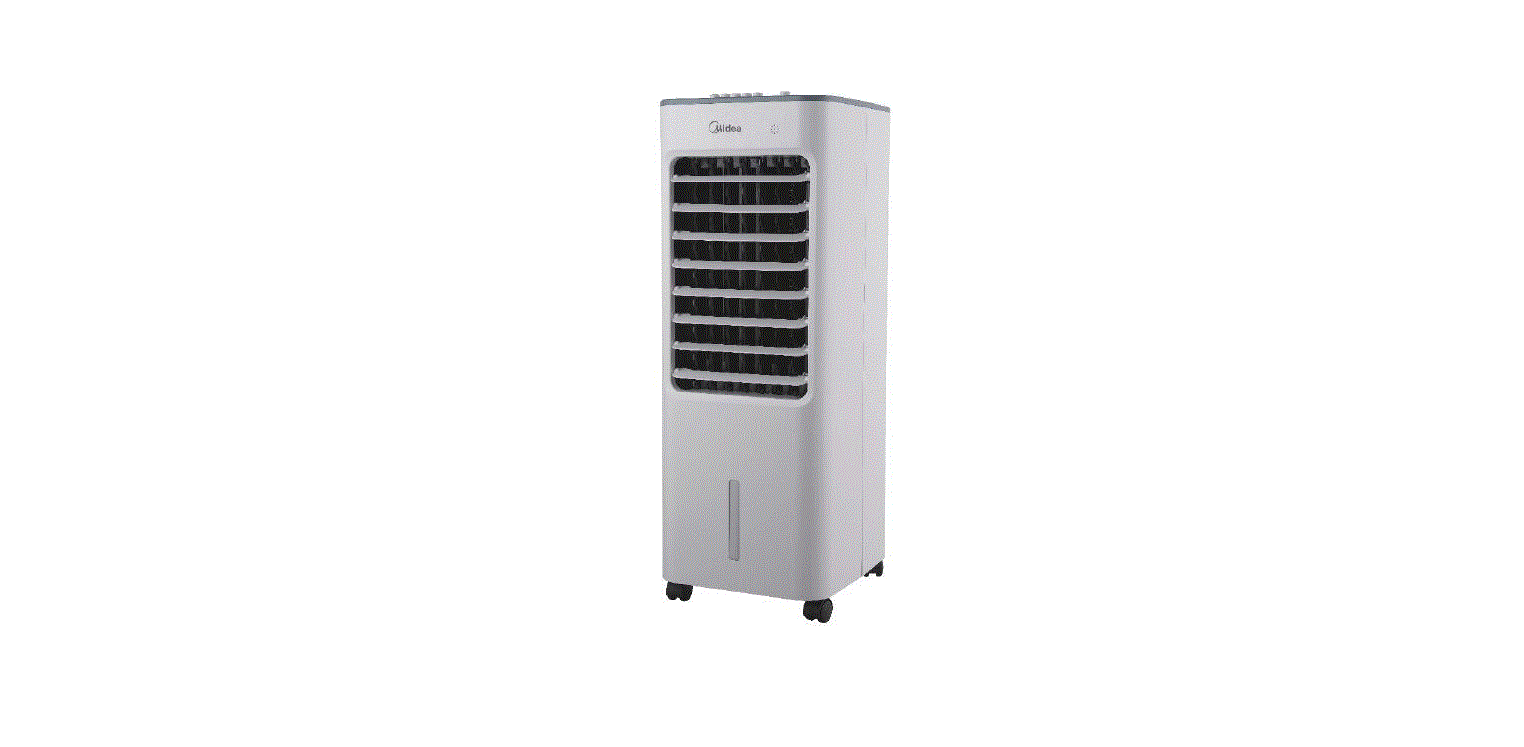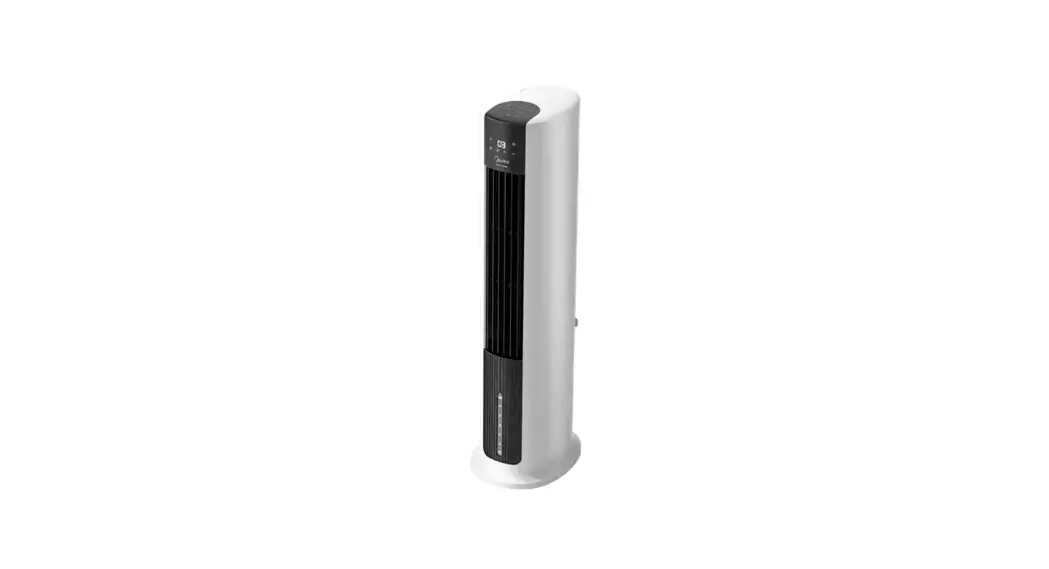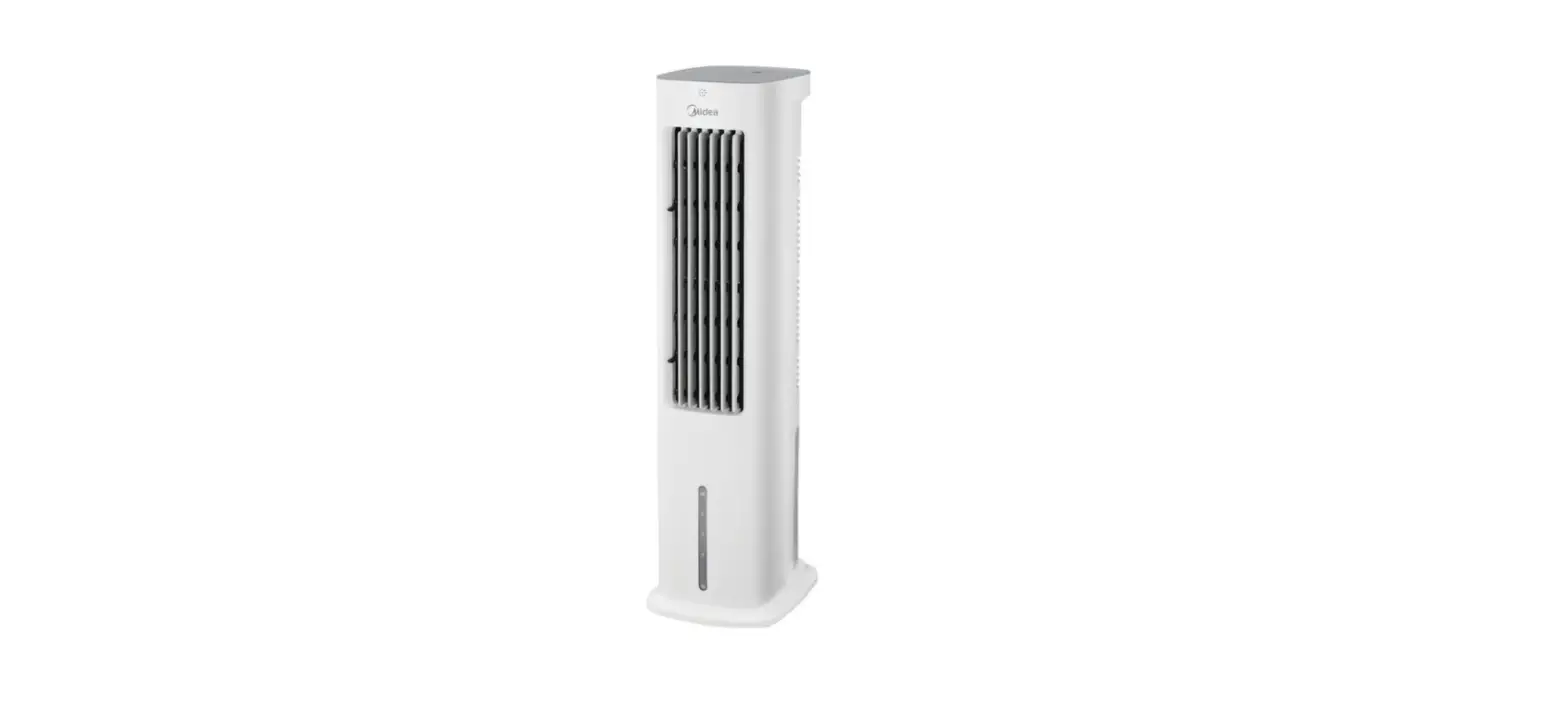
 OWNER’S MANUAL
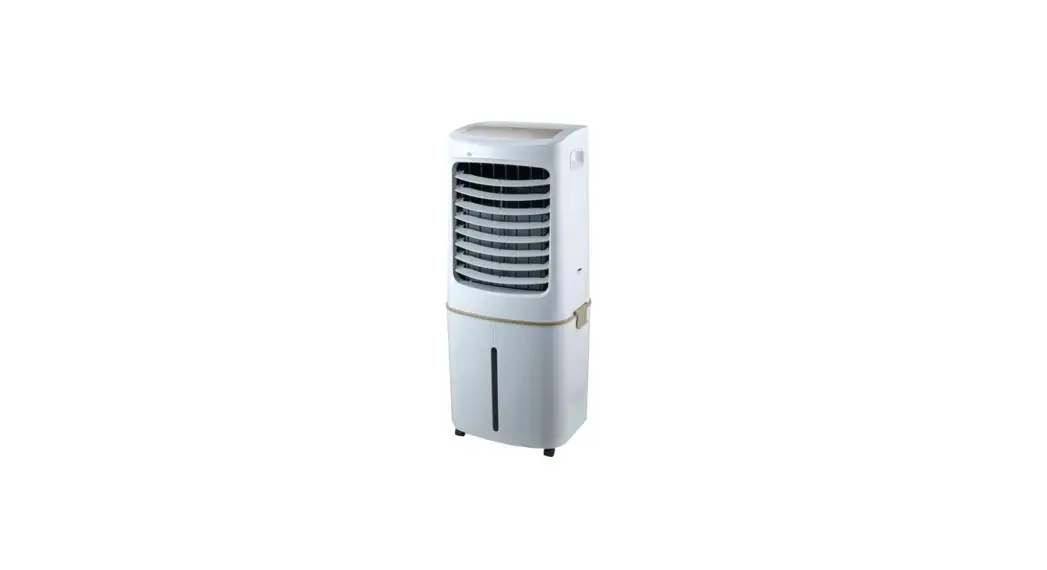
AIR COOLER
MODEL: AC200-17JR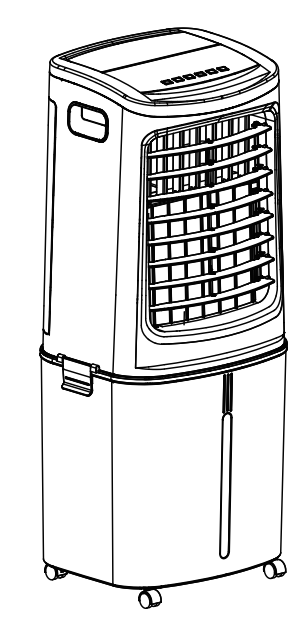 READ AND SAVE THESE INSTRUCTIONS
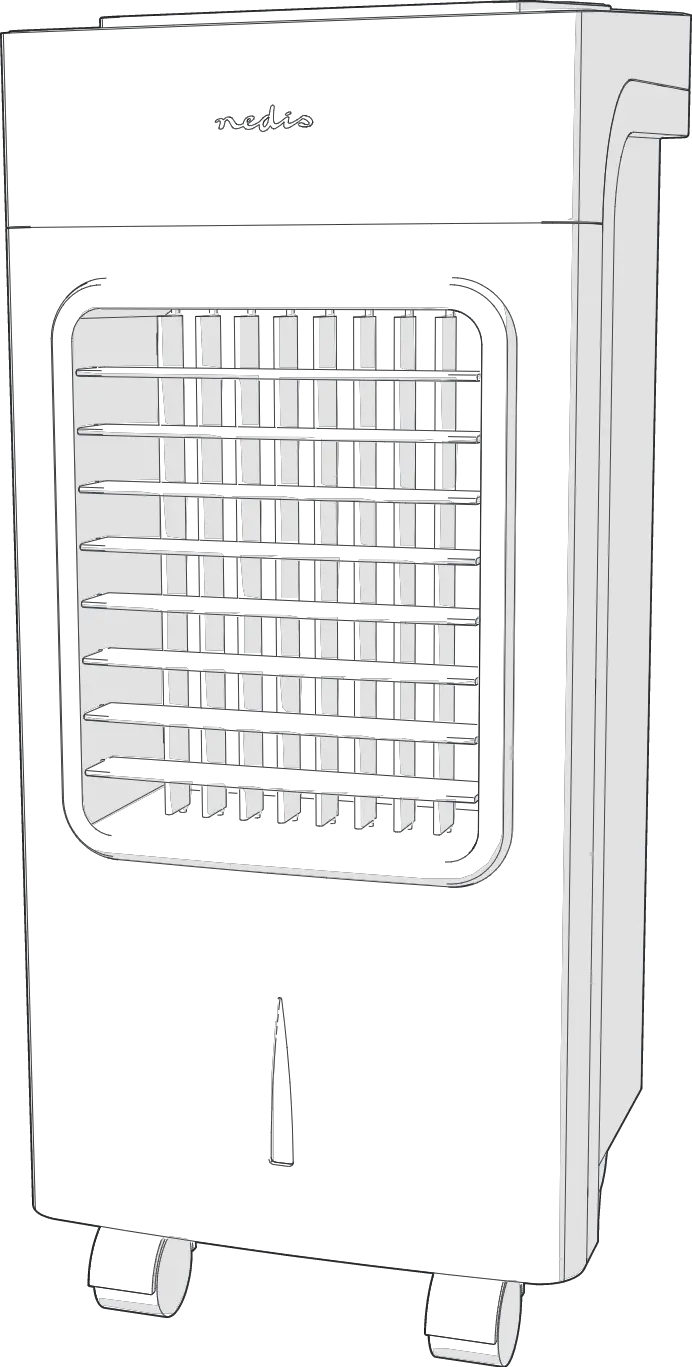
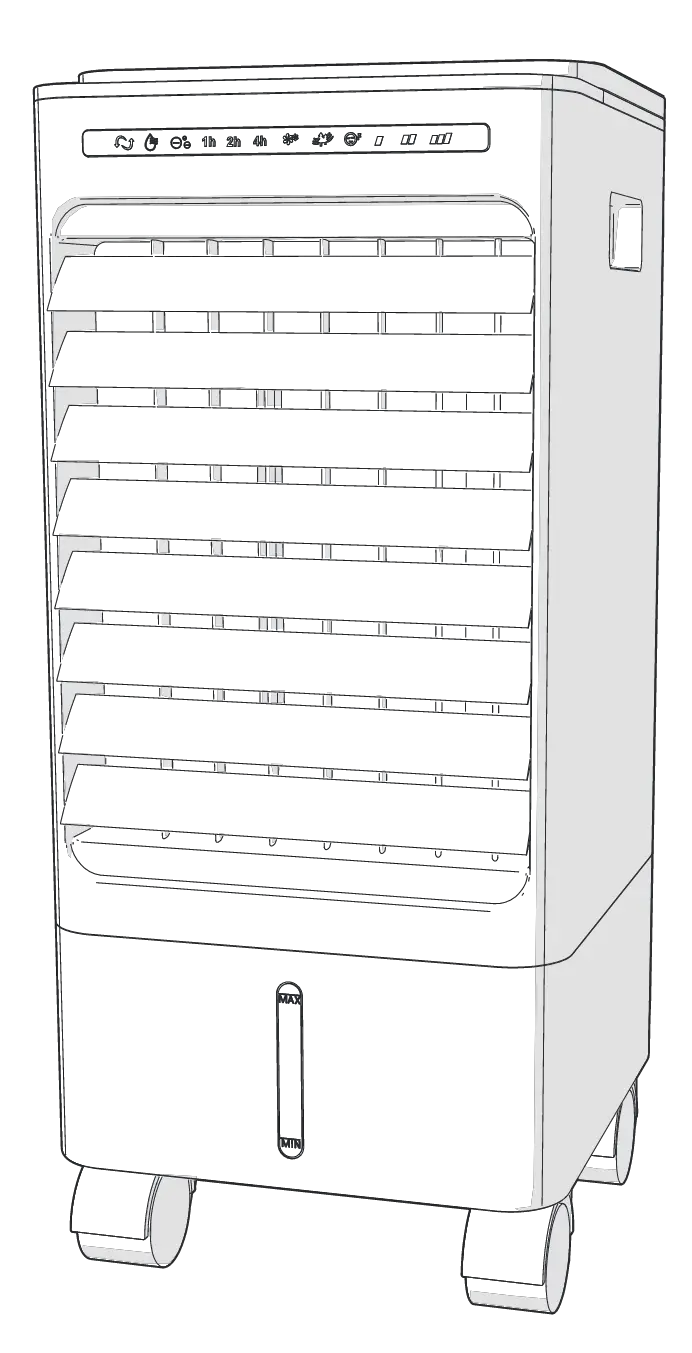
Attention: Pictures in the IM are for reference only.
SAFETY INSTRUCTION
- If the supply cord is damaged, it must be replaced by manufacturer,its service agent or a similarly qualified person in order to avoid a hazard.
- This appliance is not intended for use by persons (including children) with reduced physical, sensory or mental capabilities, or lack of experience and knowledge, unless they have been given supervision or instruction concerning use of the appliance by a person responsible for their safety. Children should be supervised to ensure that they do not play with the appliance.
- Unplug the appliance during filling and cleaning.
- Prior to cleaning or other maintenance, the appliance must be disconnected from the supply mains.
- Correct Disposal of this product
 This marking indicates that this product should not be disposed with other household wastes throughout the EU. To prevent possible harm to the environment or human health from uncontrolled waste disposal, recycle it responsibly to promote the sustainable reuse of material resources. To return your used device, please use the return and collection systems or contact the retailer where the product was purchased. They can take this product for environmental safe recycling.
 - CAUTION: In order to avoid a hazard due to inadvertent resetting of the thermal cut-out, this appliance must not be supplied through an external switching device, such as a timer, or connected to a circuit that is regularly switched on and off by the utillty .
INSTALLATION INSTRUCTIONS
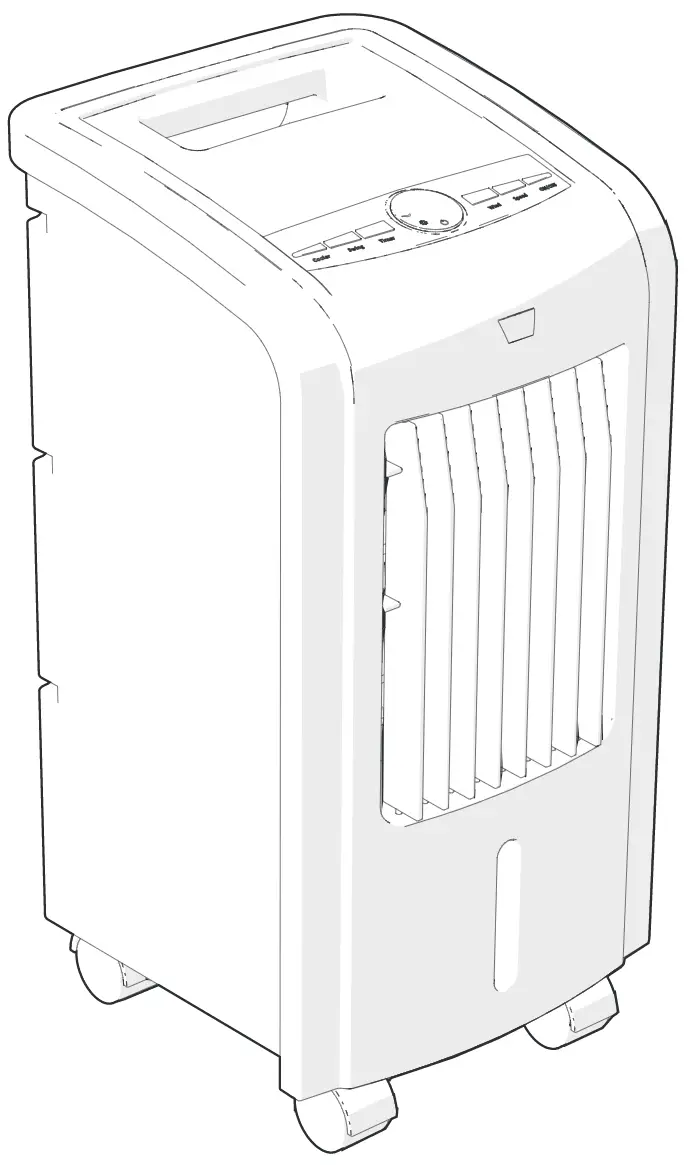
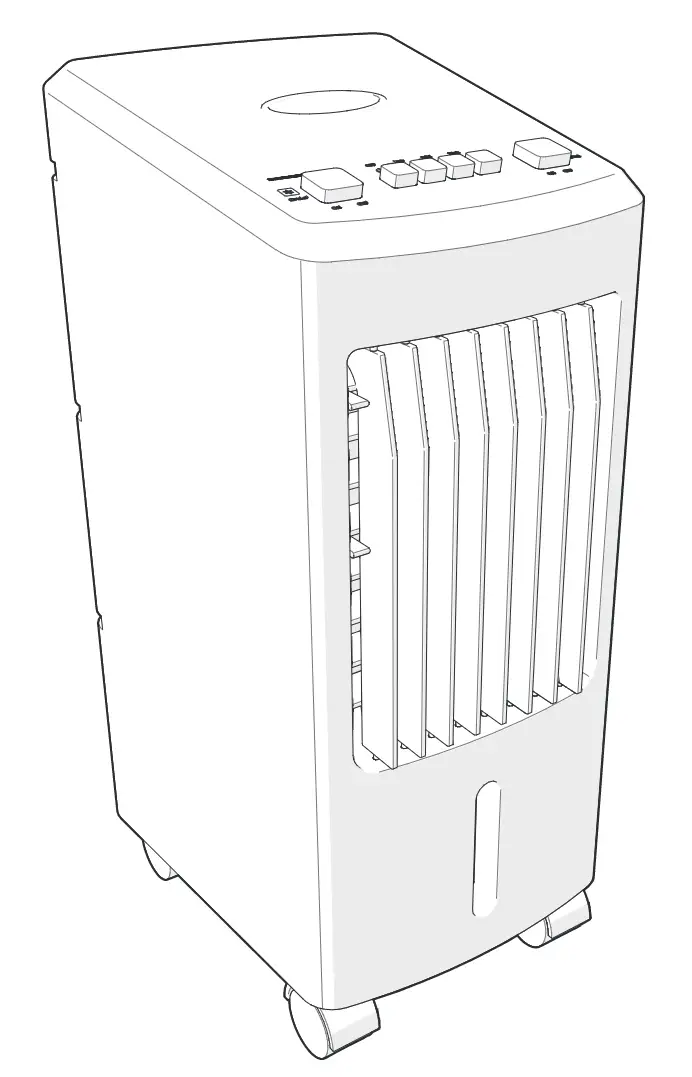
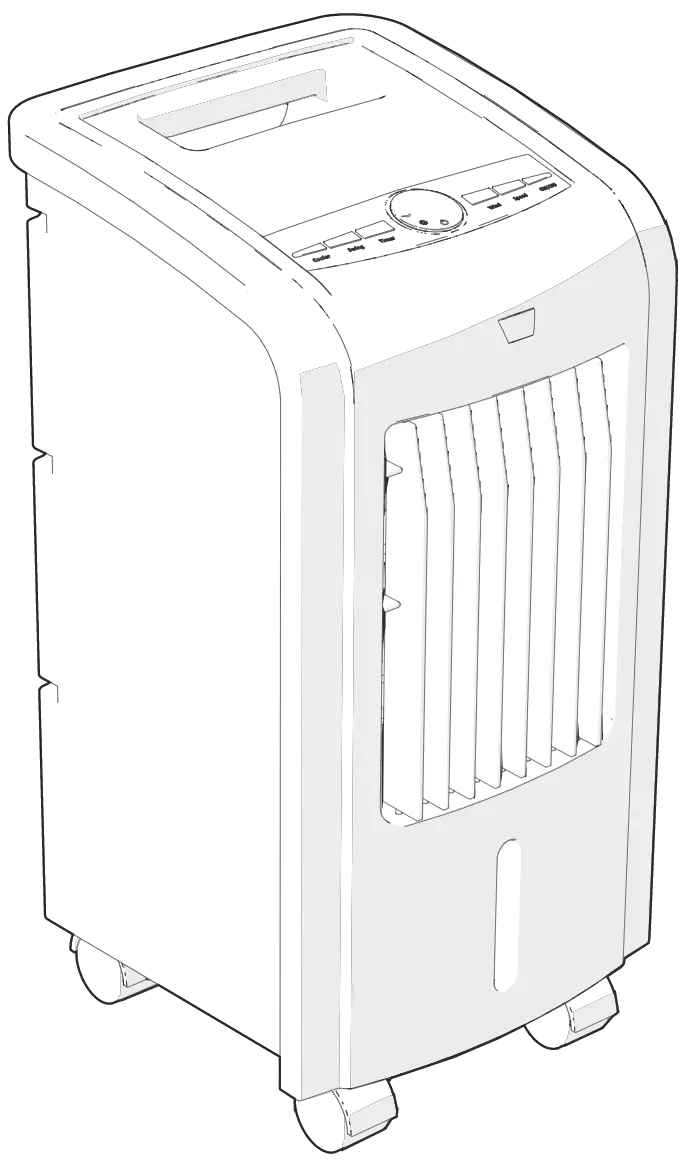
Name of components
Installation of the water tank: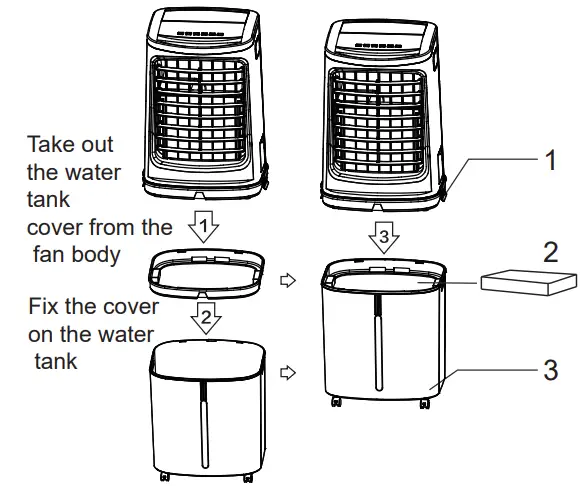
| NO. | Description |
| 1 | Water tank fashener |
| 2 | Ice box |
| 3 | Water tank |
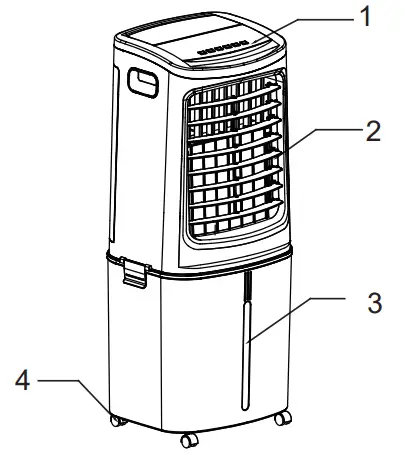
| NO. | Description |
| 1 | Control panel |
| 2 | Air outlet |
| 3 | Water window |
| 4 | Wheel |
Foot-Wheel Installation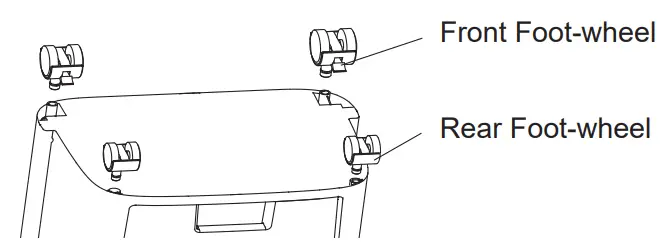
INSTRUCTIONS FOR USE
Instructions for key of remote controller
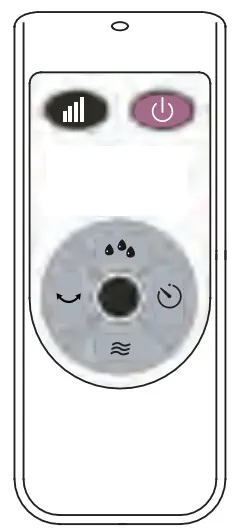
Battery Installation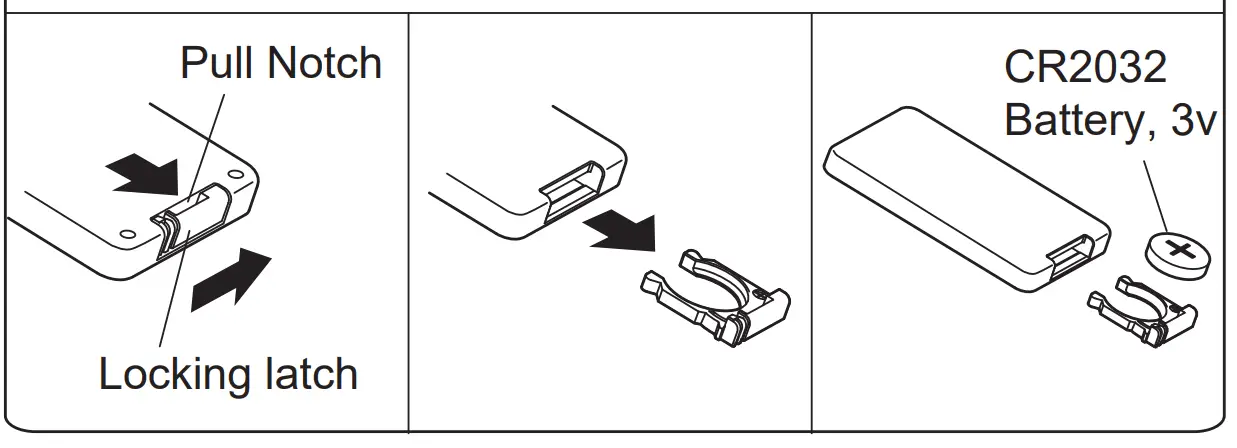
It uses one button battery of type “CR2032”.
Considerate Hint:
- Install the battery with positive side facing up.
- Effective Range of Remote Control: within 5m distance and 30-degree deflection in front of Product.
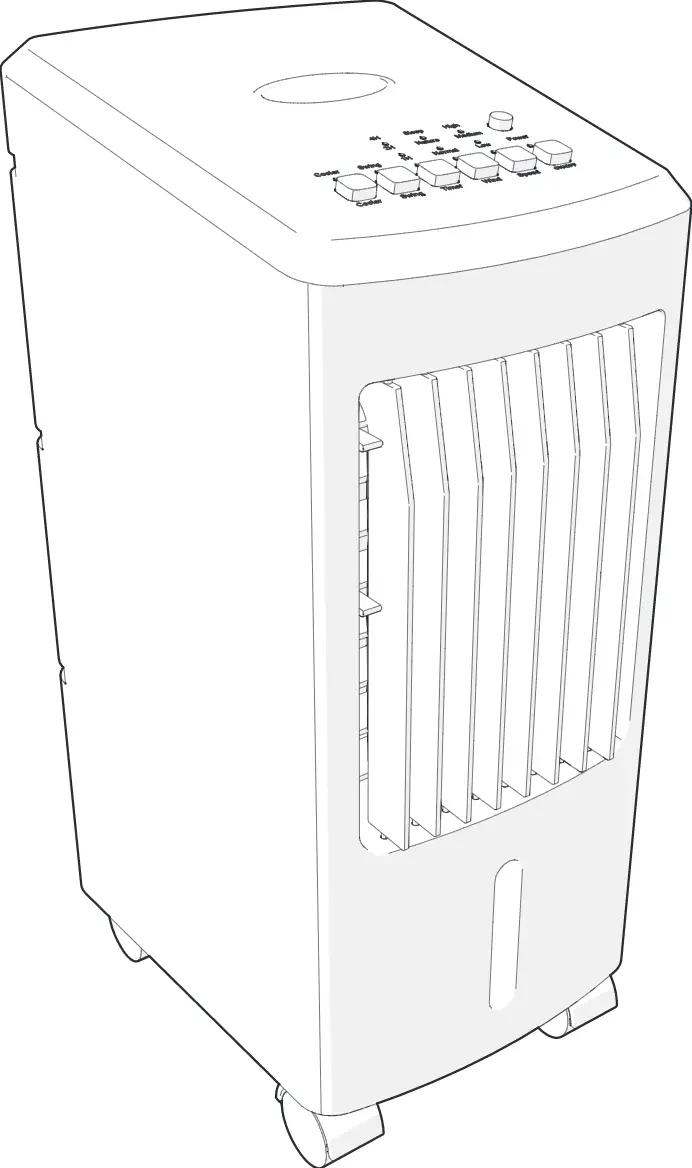
Instructions for operation of body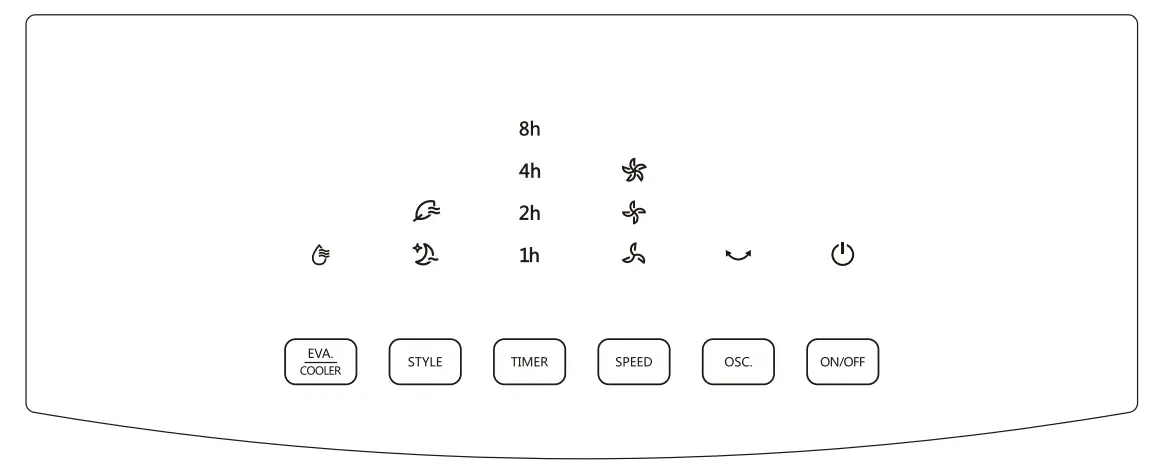
Press a key on the unit to activate a corresponding function.
For instance:
- Press [OSC.] Key to activate or deactivate Swing Function. (Note:
Manual horizontal blade allows tilting flow direction.) - Press [SPEED] Key to adjust 3 speeds of air flow.
- Press [STYLE] Key to switch between Normal, Natural and Sleep Functions.
- Press [TIMER] Key to set 1-12 hour timer setting.
- When [EVA./COOLER] Key is pressed, the indicator lights up constantly if the operation is normal; when the indicator flashes, it denotes a water shortage, please add water immediately. Considerate Hint:
Push Buttons on the unit may differ based on the actual product model.
ADD WATER
Add water from top: Rotate water tank’s top cover, fill in water. Add water from side: Rotate water tank’s side cover, fill in water. 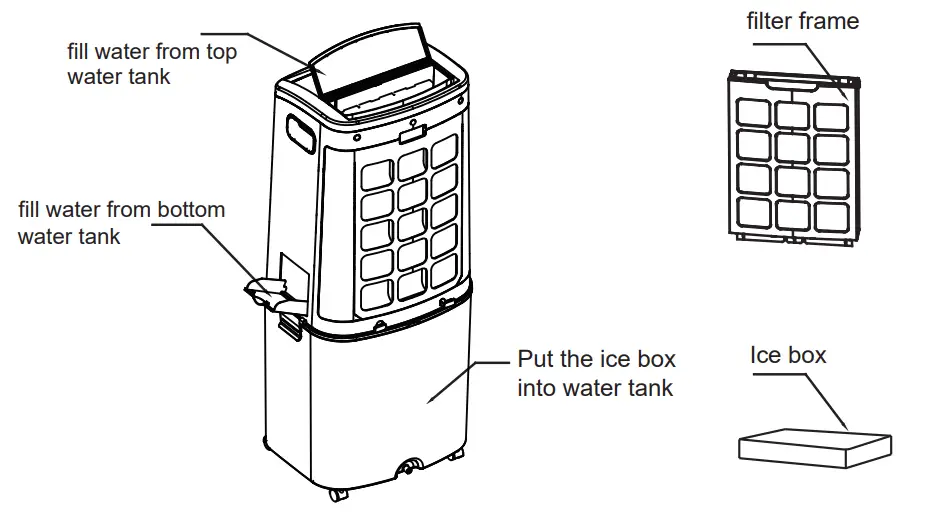
Considerate Hint:
- When humidifying, water level in the Water Tank must remain under MAX indication; replenish water if level gets lower than MIN indication.
- The water level in the tank is below minimum scale marked on water display window, don’t use the humidification function.
- When the tank water level is lower than the minimum scale, the unit shall make 3 seconds buzzing warnings sound, then the water pump stop running, this time need add water to run humidification function.
- When the tank water level exceed the maximum, the unit shall make 10 seconds buzzing warnings sound, to prevent the water in a water flooded lead to overflow
TROUBLESHOOTING
In case the product cannot be operated normally after installation, checks shall be made for items described bellow:
- Power cable unplugged or faulty contact.
- Honeycomb filter assembly not properly installed.
- Power Switch on the back of product or in the display panel not switched on.
If product remains dysfunctional after checking, a local dealer shall be sought for assistance.
MAINTENANCE
 | Make sure power supply is disconnected before cleaning the product. |
 | Never wash the unit in water. For cleaning, remove components (water tank, honeycomb filter, etc.) and clean them with water and soft brush. Allow them to air-dry before re-assembling. |
 | Never clean the product with any abrasive tool or solvent. Clean with detergent and wipe dry with cloth immediately. |
 | Never dismantle the product or attempt to make any modification. Regular check and cleaning of the product is recommended for prolonging its lifespan. |