CL-240 Portable Air Cooler
Product Information
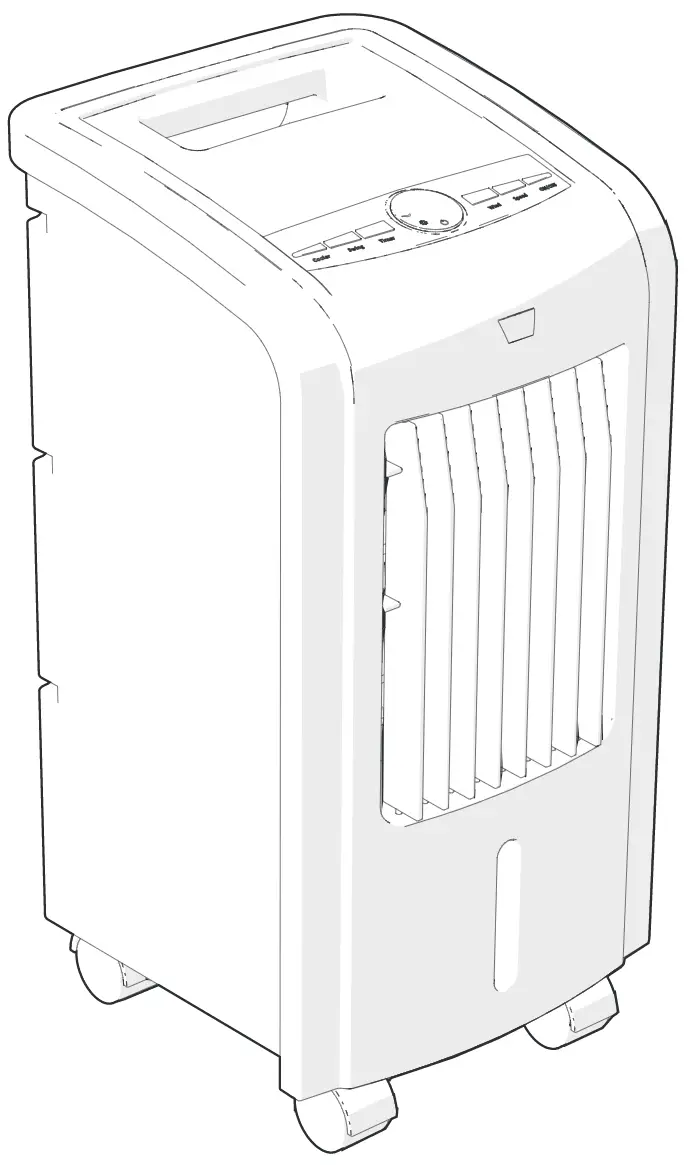
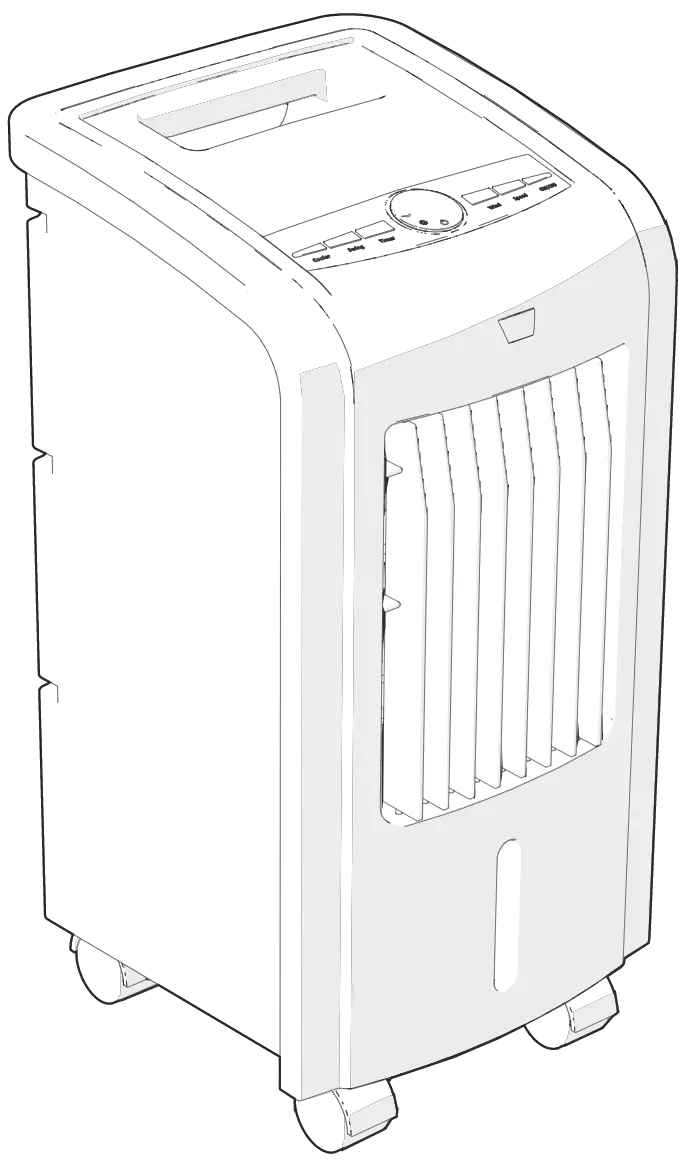
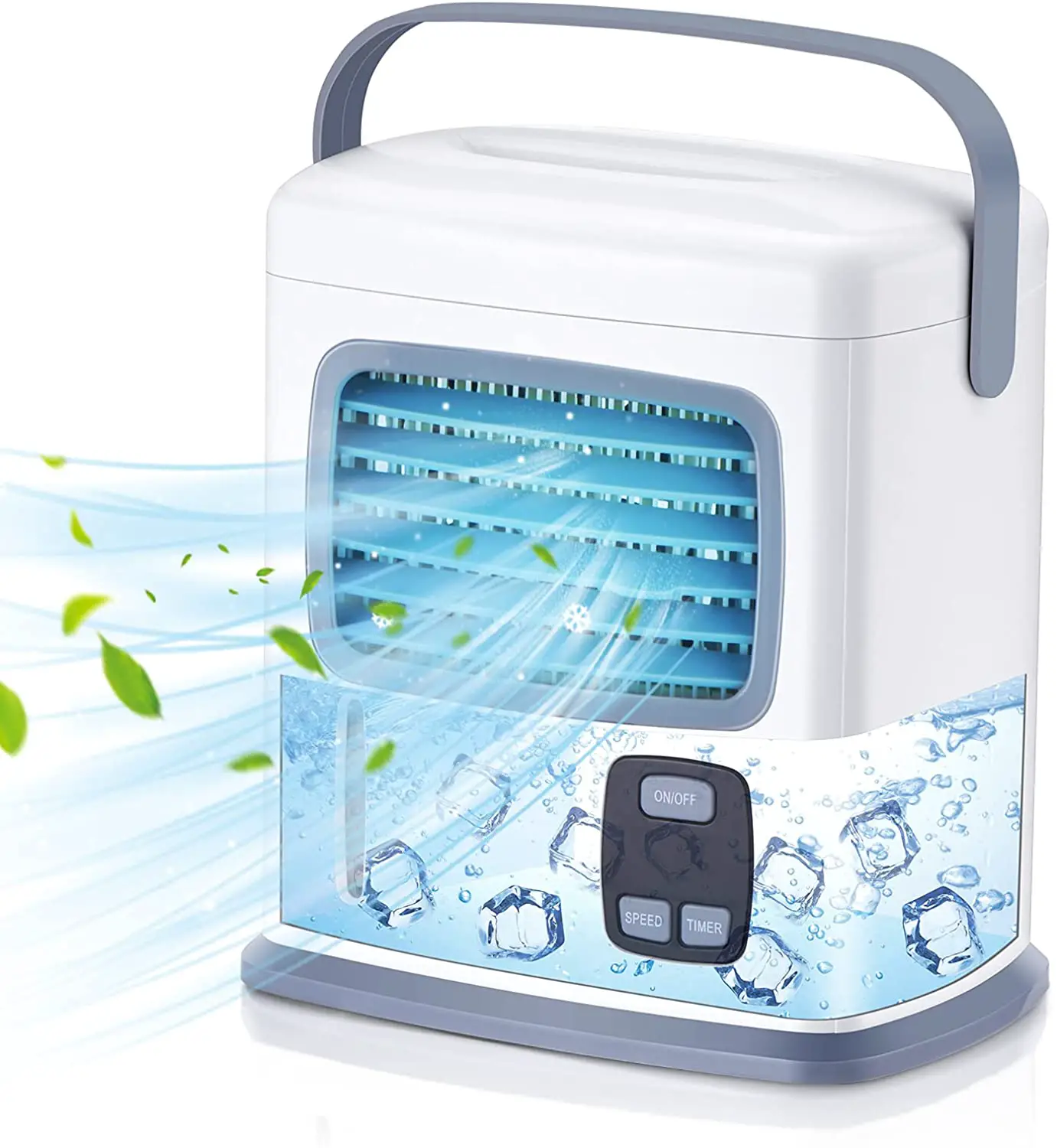
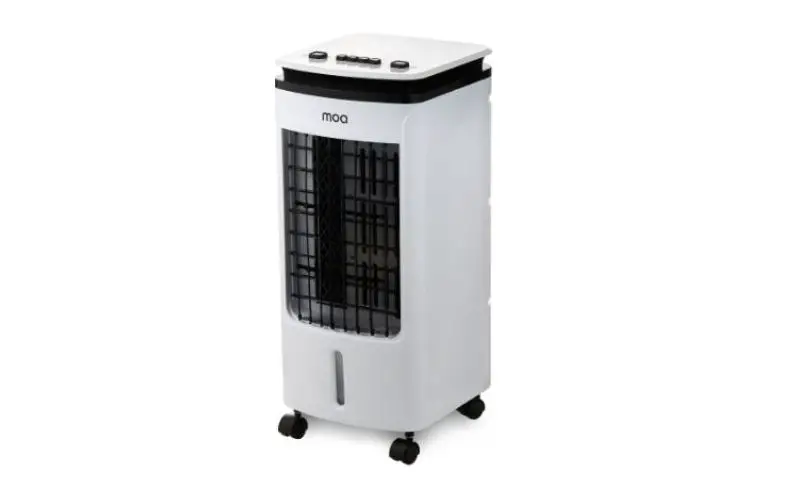
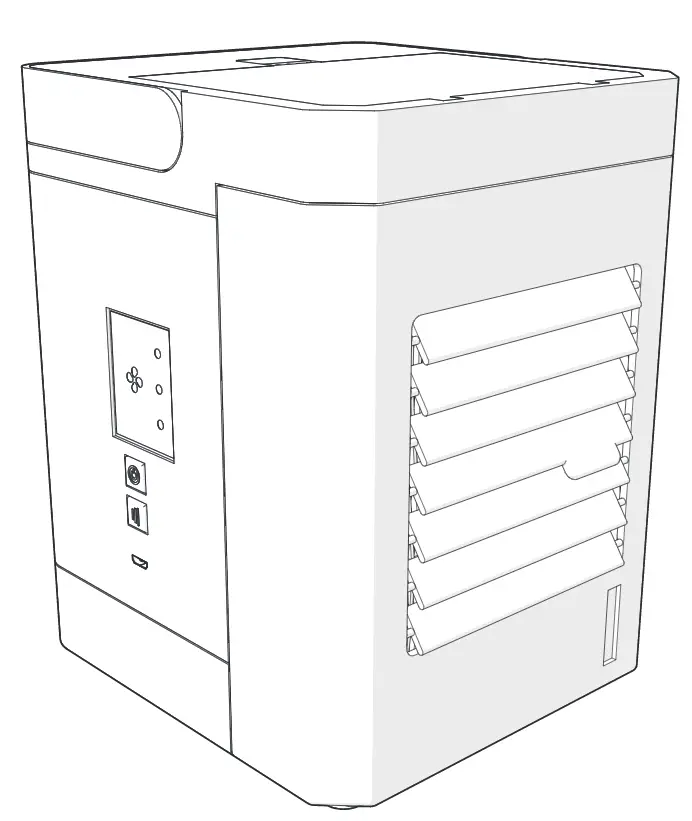
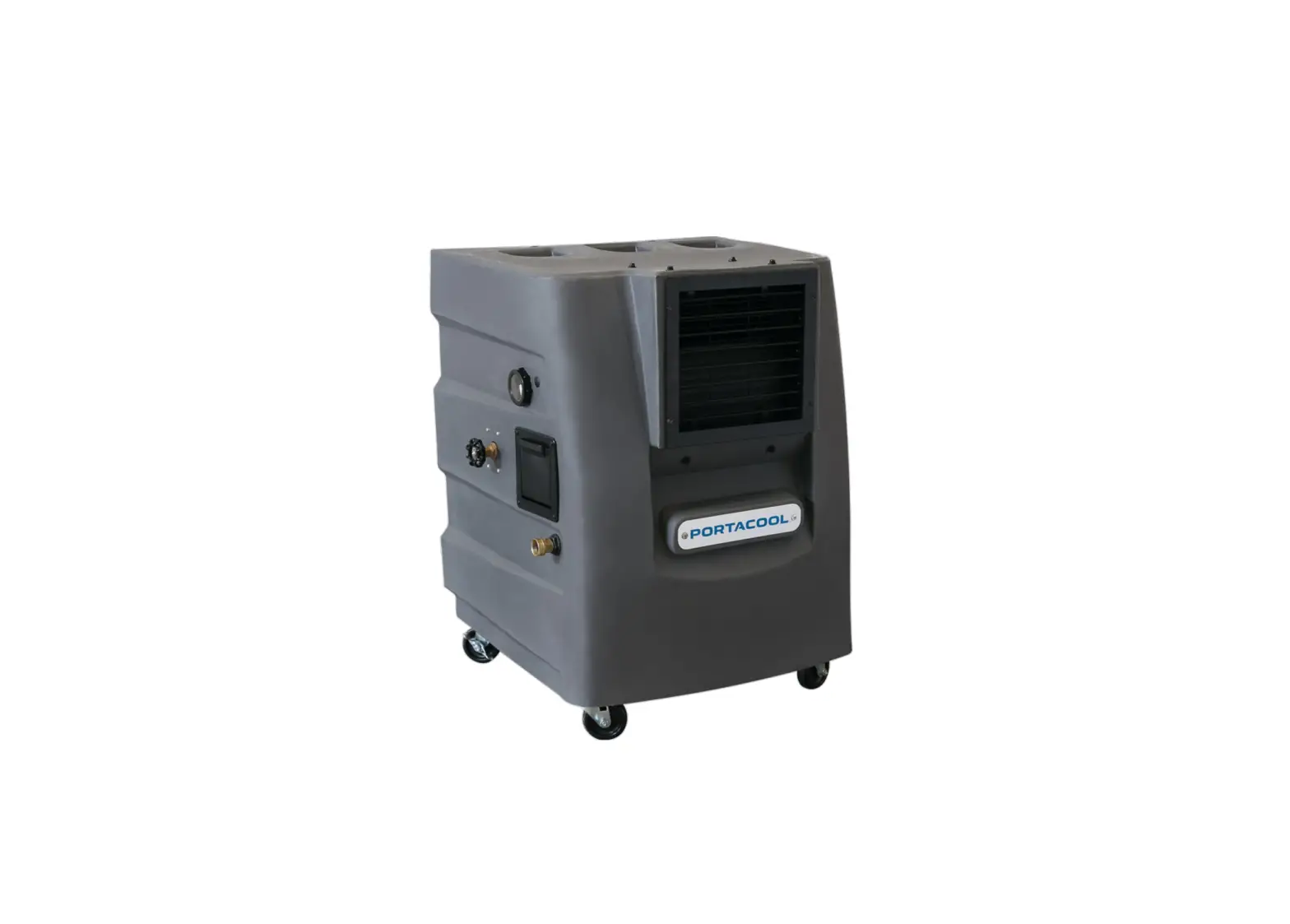
The CL-240 is a portable cooler with two fans and a Bluetooth
speaker. It comes with a charger unit, cigarette lighter cable
adapter, and user manual. The product is made in China and has
important safety instructions that must be followed before
operating the product. It has a power button, two fan buttons, a
Bluetooth speaker power button, a charge light, a battery level
light, a fan level light, a bump button, a charge input port, and
an output port. The product has a DC12V 10A(Max) input and DC5V
1A(Max) output. It has a 10.8V 10400mAh battery and can be charged
using the power cord provided. The product has Bluetooth version
5.0 with a frequency range of 2.4GHz-2.48GHz. The RMS driver
impedance is 5W+5W and frequency response is 90Hz-20KHz. The
product can operate in temperatures ranging from 0 to 40 degrees
Celsius.
Product Usage Instructions
- Before using the product, read the instructions carefully and
follow the safety instructions. - Clean the product only with a dry cloth. Disconnect the power
cord from the outlet before cleaning. - Use only the original power cord supplied with the
product. - Do not place the product near heat sources such as radiators or
ovens. - Do not use the product if the power cord or product has been
damaged. - Carefully arrange the power cord so it cannot be tripped over
or pulled by children. - Do not overcharge the battery. The standard charging time is a
maximum of 12 hours. Overcharging may shorten the battery
life. - Do not immerse the cooler in water when cleaning. Electronic
parts will get damaged. - When using the product, it can be placed on the ground or on a
table. - To charge the product, insert the power cord into the charge
input port. The red light indicates that the unit is charging. The
blue light turns on when fully charged. Do not charge for more than
12 hours even if the red light stays on. Unplug the power cord once
charging is complete. - To turn on the product, press and hold the power button for 3
seconds. - To adjust the fan blowing rate, press the FAN A or FAN B
button. - To turn on the Bluetooth speaker, press and hold the Bluetooth
speaker power button for 3 seconds. - To turn on the bump feature, press the bump button.
- To operate in BT mode, turn on the power and the product enters
BT status automatically. Enter Bluetooth pairing mode on your
device and select ‘CL-240’ from the device list. The speaker will
audibly ping once Bluetooth connection has been successful. The
speaker will then be stored in your Bluetooth ‘Device List’ for
future pairing.
USER MANUAL CL-240
MADE IN CHINA
FCC Caution: This device complies with part 15 of the FCC Rules. Operation is subject to the following two conditions: (1) this device may not cause harmful interference, and (2) this device must accept any interference received, including interference that may cause undesired operation. Any changes or modifications not expressly approved by the party responsible for compliance could void the user’s authority to operate the equipment. NOTE: This equipment has been tested and found to comply with the limits for a Class B digital device, pursuant to Part 15 of the FCC Rules. These limits are designed to provide reasonable protection against harmful interference in a residential installation. This equipment generates, uses and can radiate radio frequency energy and, if not installed and used in accordance with the instructions, may cause harmful interference to radio communications. However, there is no guarantee that interference will not occur in a particular installation. If this equipment does cause harmful interference to radio or television reception, which can be determined by turning the equipment off and on, the user is encouraged to try to correct the interference by one or more of the following measures: — Reorient or relocate the receiving antenna. — Increase the separation between the equipment and receiver. — Connect the equipment into an outlet on a circuit different from that to which the receiver is connected. — Consult the dealer or an experienced radio/TV technician for help. To maintain compliance with FCC’s RF Exposure guidelines, This equipment should be installed and operated with minimum distance between 20cm the radiator your body: Use only the supplied antenna.
1
Important information
PLEASE READ THE INSTRUCTIONS CAREFULLY BEFORE USING KEEP INSTRUCTIONS FOR FUTURE REFERENCE
I PORTANT SAFETY INSTRUCTION Before operating, please read instructions carefully.
1. Clean only with a dry cloth. Disconnect power cord from outlet bear cleaning.
2. Only use original power cord supplied with the product. 3. Do not place near heat sources including radiators, ovens, etc. 4. Do not use if power cord or product has been damaged. 5. Do not make any modifications to product. 6. Carefully arrange power cord so it can not be tripped over or
pulled by children. 7. Do not overcharge the battery, the standard charging time is a
maximum of 12 hrs, overcharging may shorten the battery life. 8. Do not immerse the cooler in water when cleaning, electronic
parts will get damaged.
9. When use it can be placed on the ground or on the table.
2
Package
product unit charger unit ManuaI Cigarette Lighter Cable
Adapter
3 Interface Description
View1
6
7
8
5
1
2
3
4
9 10
1) Power : Power ON/OFF (Long press for 3 secondes).
2) FAN A: Short press to adjust FAN A blowing rate.
3) FAN B: Short press to adjust FAN B blowing rate.
4) Bluetooth Speaker Power : Bluetooth Speaker ON/OFF (Long press for 3 secondes).
5) Charge Light:Red light indicates that unit is charging Blue light indicates that unit is fully.
3
6
7
8
View1
5
1
2
3
4
9 10
6) Battery level Light:Red light indicates that battery is empty white light indicates that battery is fully.
7) Fan level Light:one light indicates that fan is low,three lights indicates that fan is fast.
8) Bump: Bump ON/OFF(Short press).
9) Charge Input Port: DC12V 10A.
10) Output Port: DC5V 1A(Max).
Charging instructions:
Insert power cord to charge.
DC Port/ Charger Charging
Red light indicates that unit is charging. Blue light turn on when fully charged. Do not charge more than 12 hours even if red light stays.
Unplug power cord once charging is complete.
4. BT Mode Operation
1) Turn on the power, the product enters BT status automatically. 2) Enter Bluetooth Pairing Mode on your device. Select ` CL-240 ‘
from the device list. The speaker will audibly ping once Bluetooth connection has been successful.The Speaker will then be stored in your Bluetooth `Device List’ for future pairing.
CL-240
4
5. Specification
Function
Input Output Adapter
Battery
Specification
DC12V 10A(Max) DC5V 1A(Max) DC12V 10A
10.8V 10400mAh
Charger Input Bluetooth Version Bluetooth Distance Frequency Range
DC12V 3.5A(Max) 5.0 6.0M at Max 2.4GHz-2.48GHz
RMS Driver Impedance Frequency Response
5W+5W 90Hz-20KHz
Environment Temperature 0 40
5