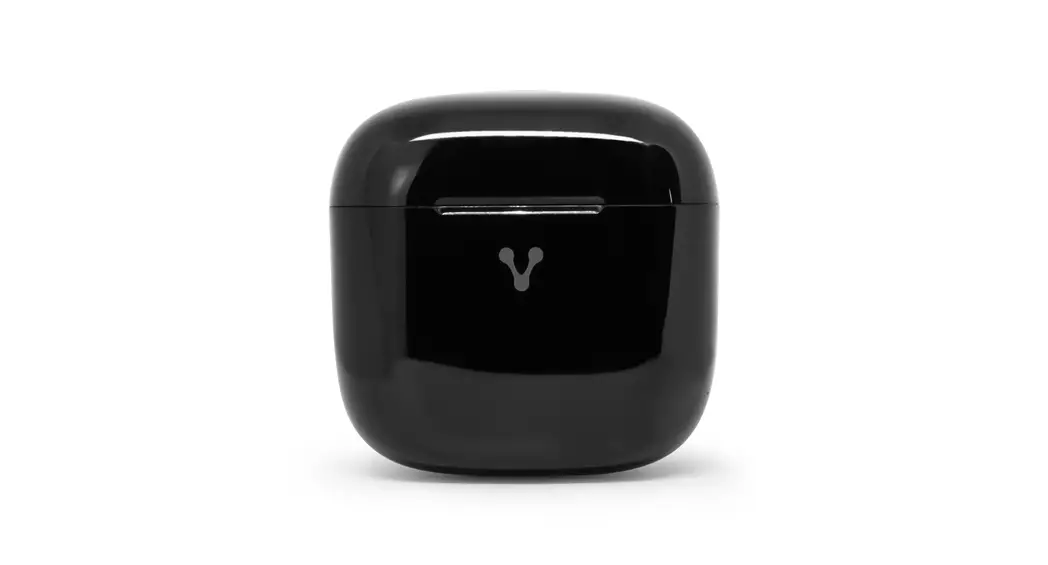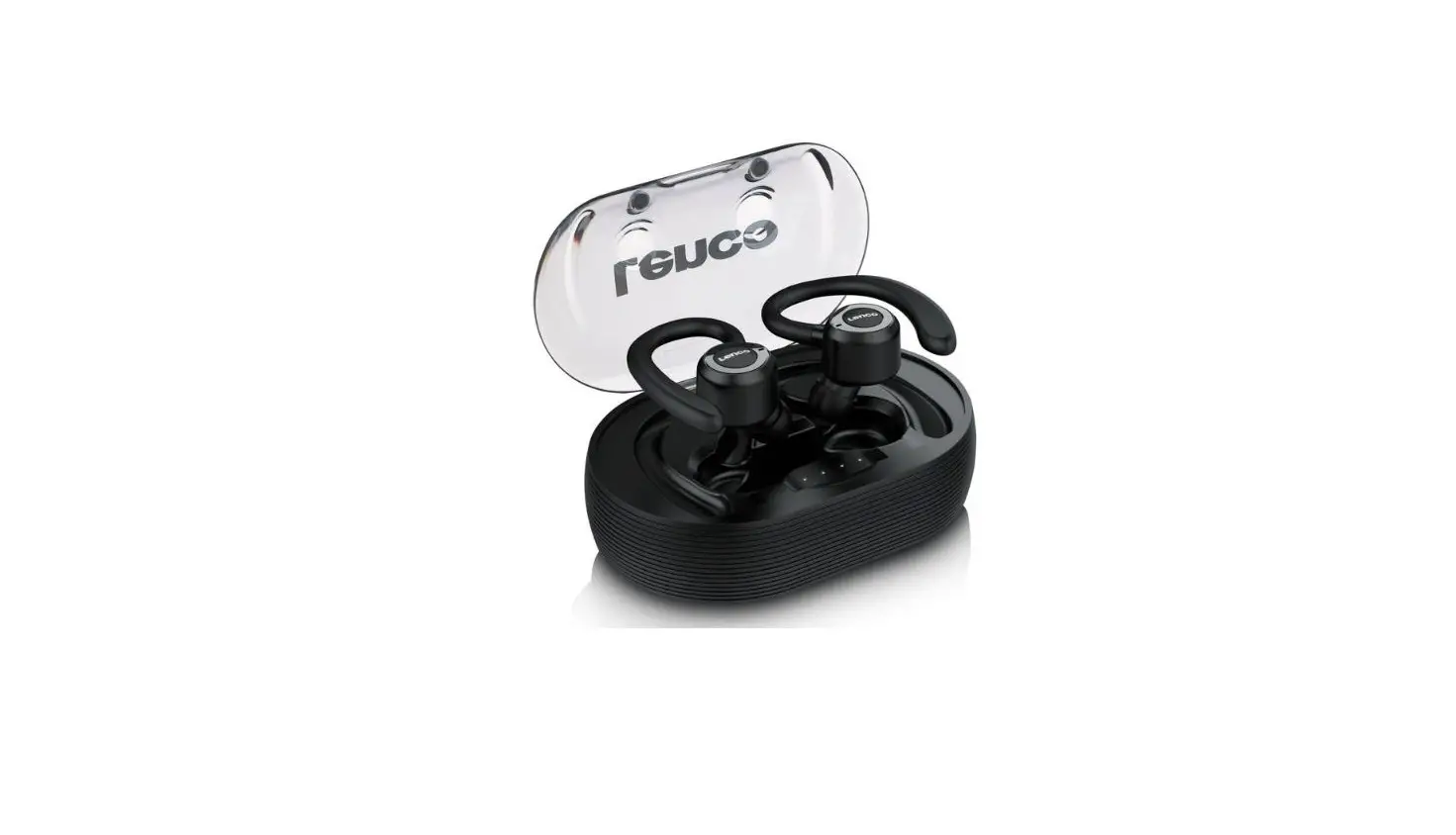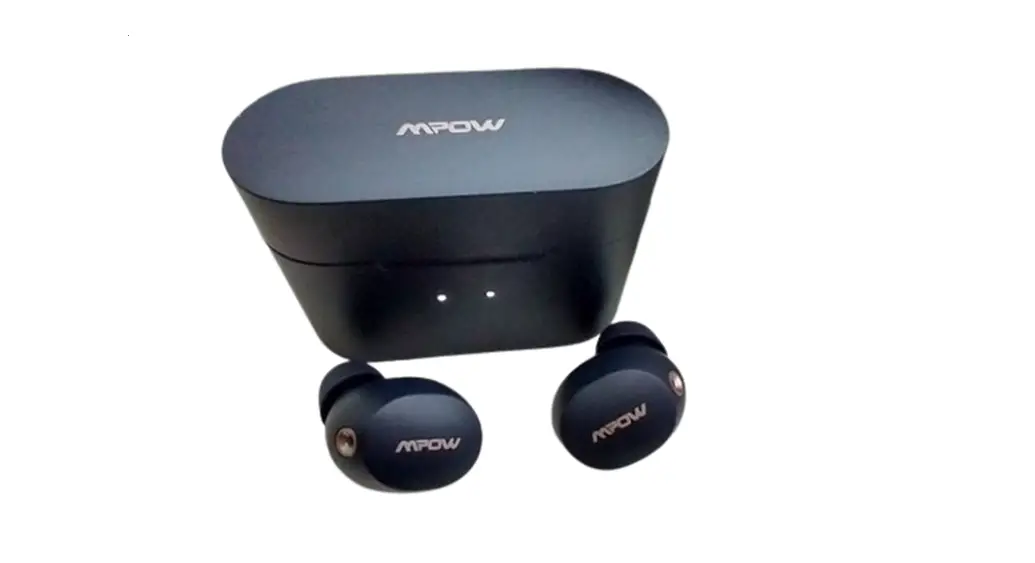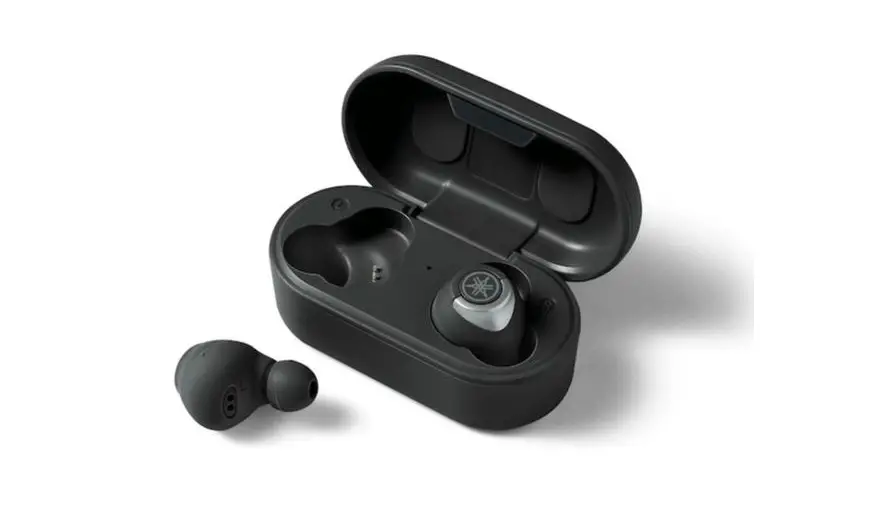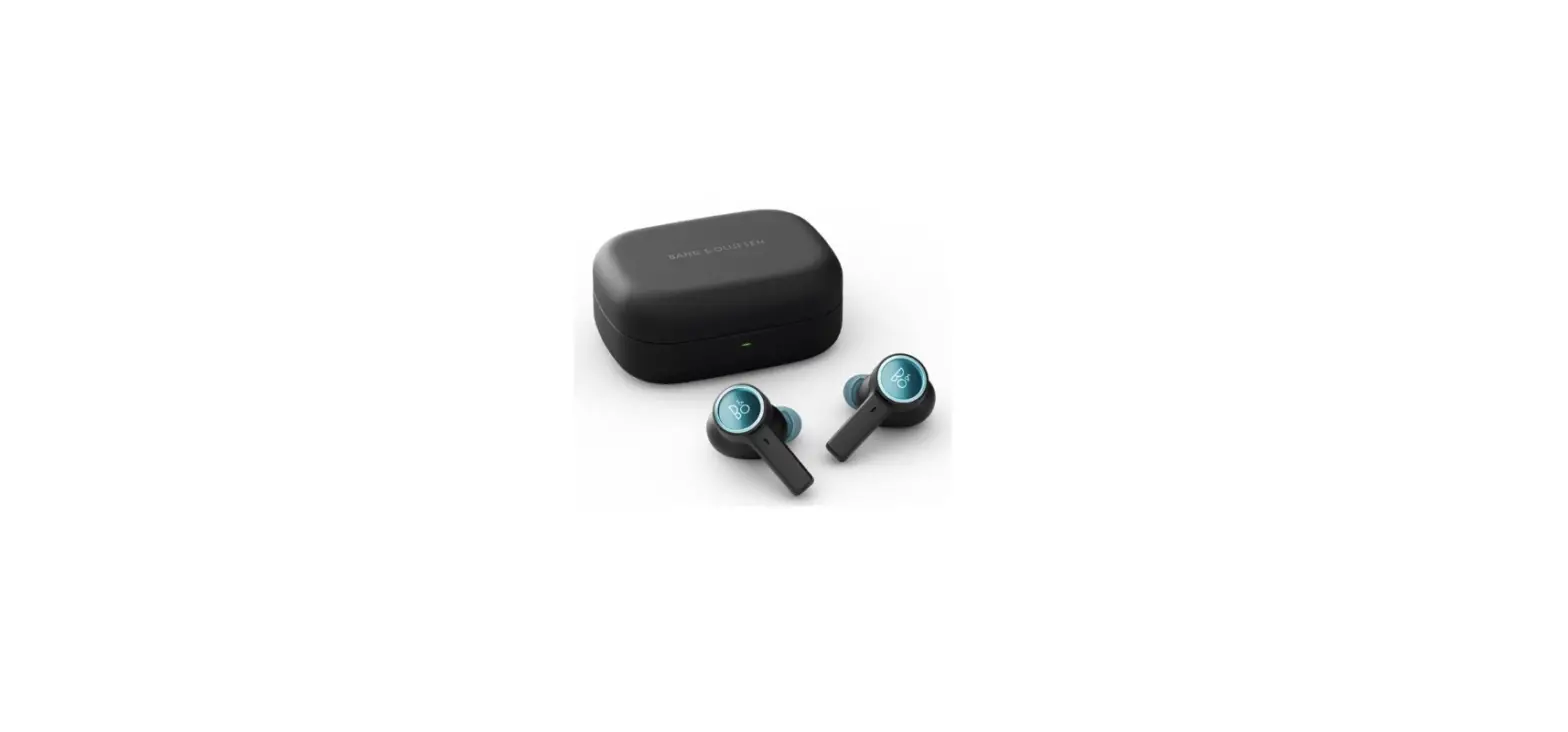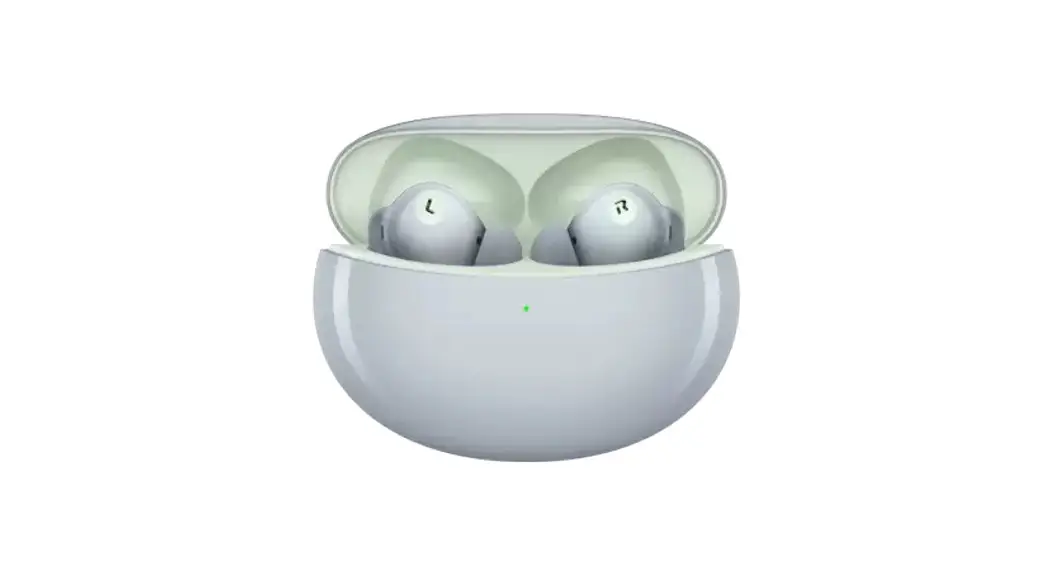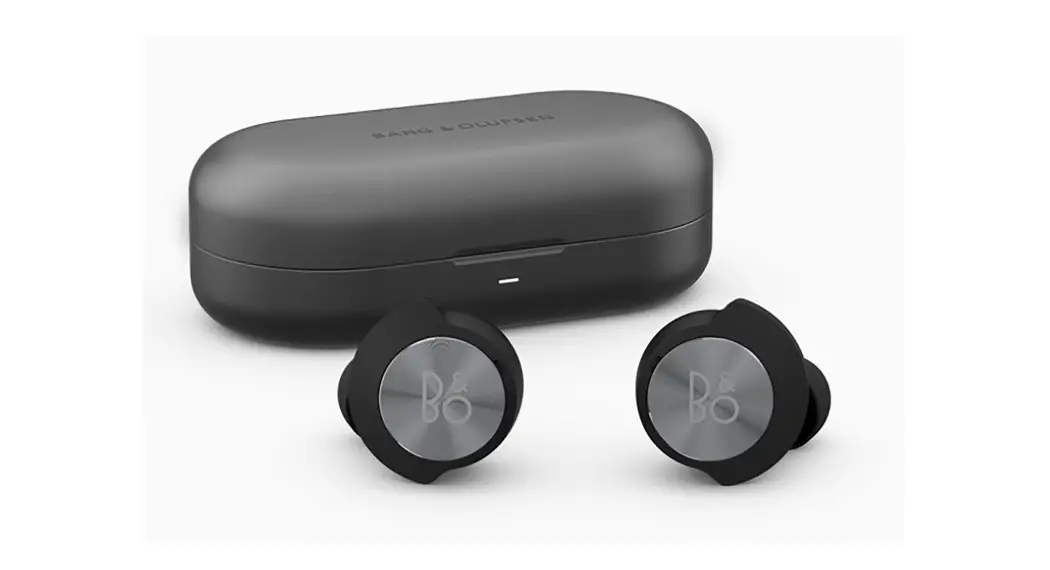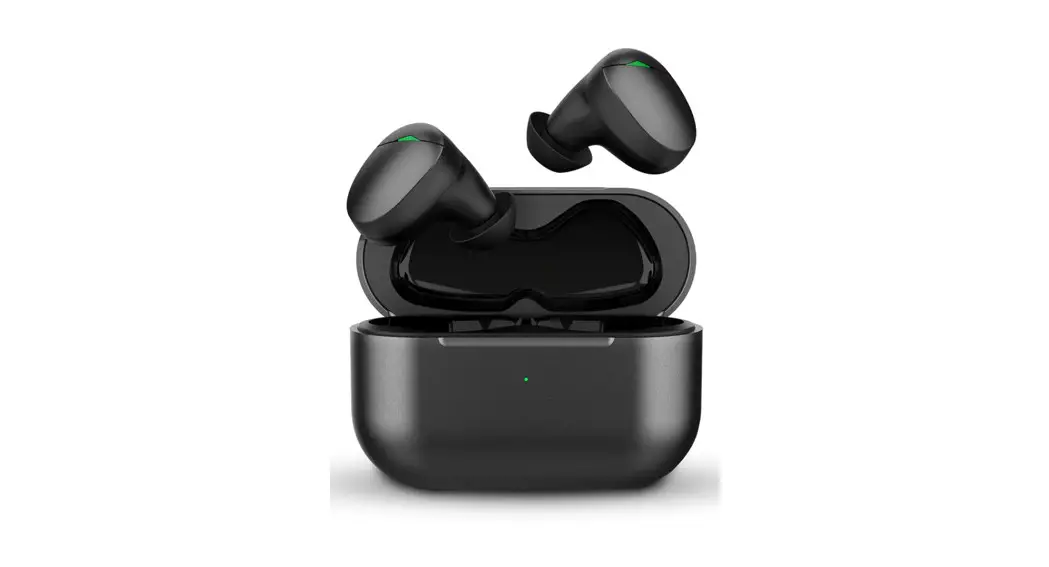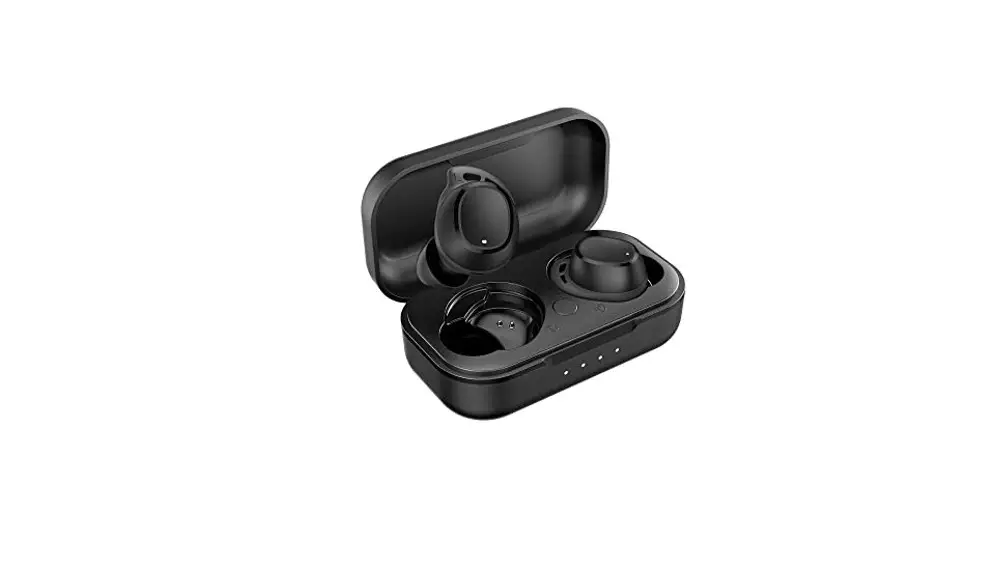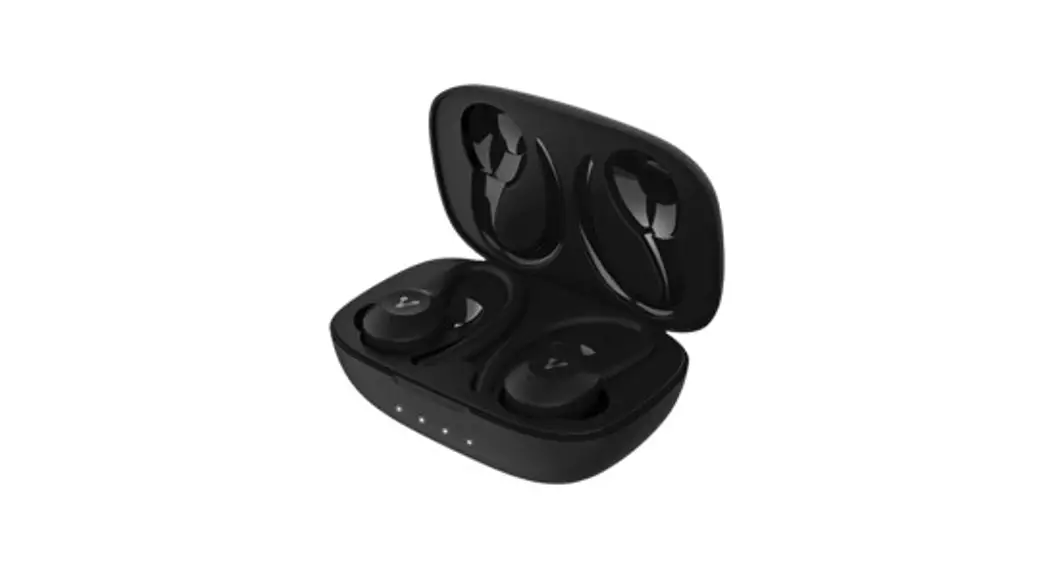
Plus Wireless Earbuds
User Guide
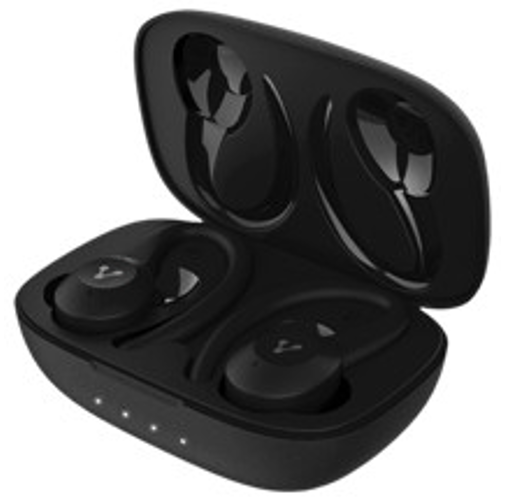
ESB-500
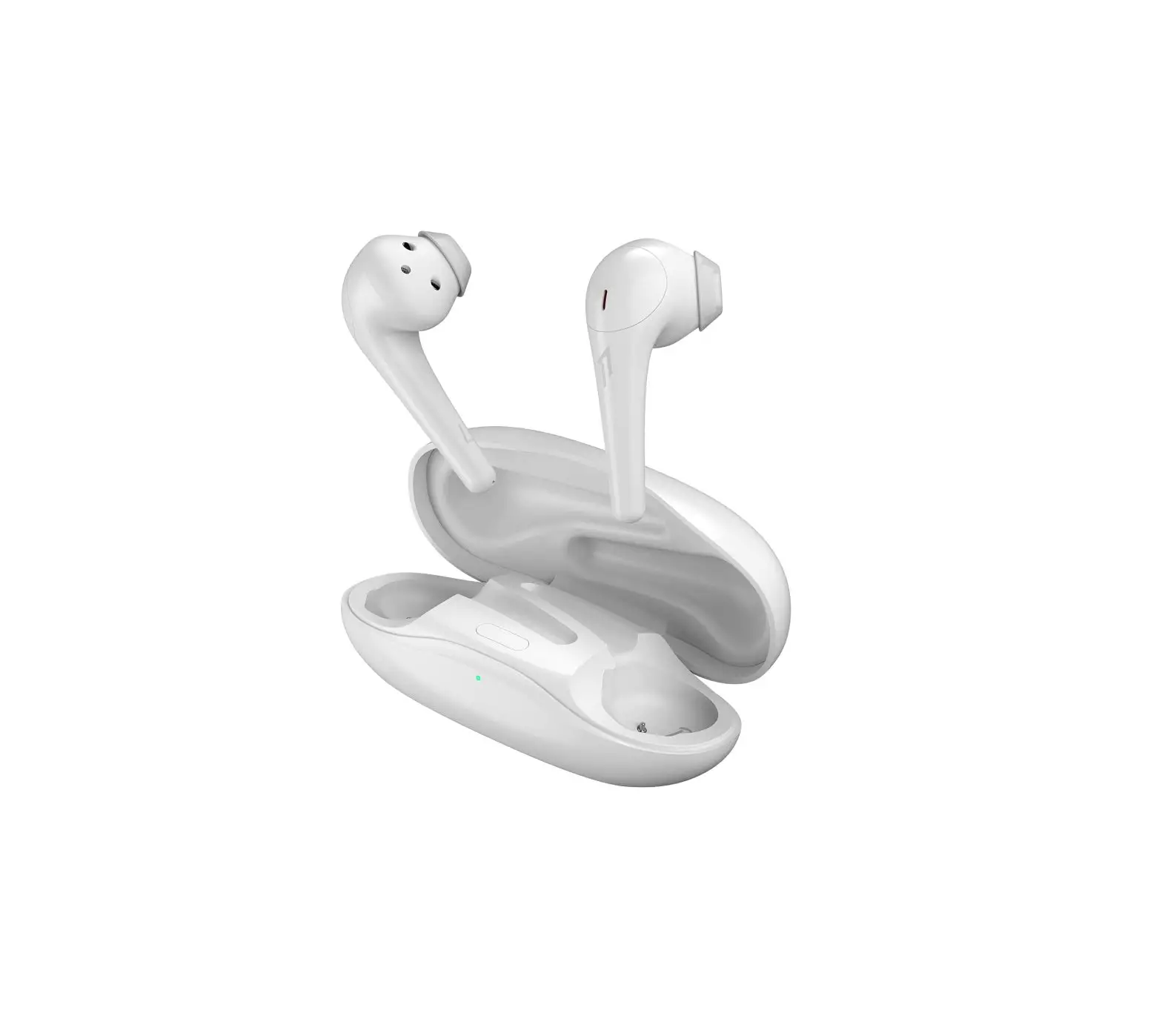
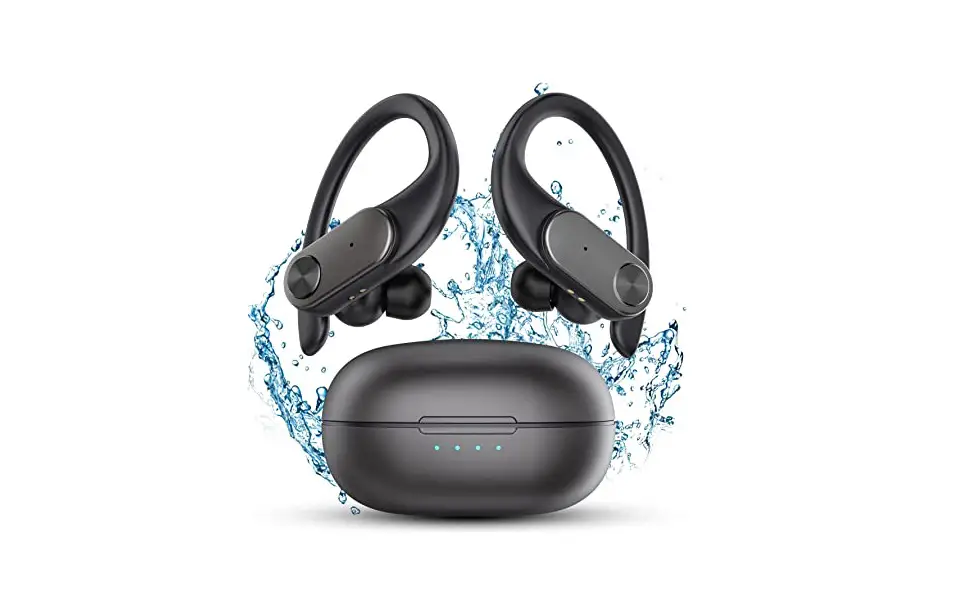
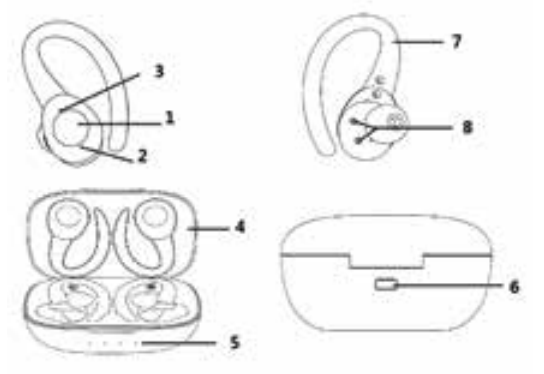
KNOW YOUR DEVICE
- Multifunction touch button
- Blue and Red Indicator Led
- Microphone
- Charging case
- LED charging indicators
- USB type C port
- Removable earhooks
- Charging pins
CHARGE THE HEADPHONES
When the headset is low on power, it emits a red light that flashes slowly 4 times every 14s. Recharge the battery of the headphones.
How to charge the earphones:
Put the earphones into the case and make sure the charging pins connect well.
Red light on: Charging
Red light off: Full charge
Full charge approximately 2 hours.
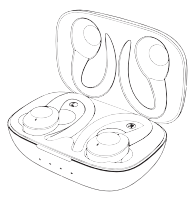
Note: Please put the L and R earbuds into the correct charging compartment according to the L and R markings on the case to charge them.
Charging via case
When any of the following occurs, it indicates that the charging case will be low on power and you need to charge it:
When the LED light of the charging case has only white light on, it means that the battery of the charging case is low.
When the LED light on the charging case does not turn on, the battery in the charging case has run out.
The charging case supports USB cable charging.
Charging the charging case is as follows:
Plug the USB Type-C charging cable into the case. Plug the USB Type-C cable into a USB port on your computer or a USB charging adapter with an eliminator.
White LED blinks = charging.
White LED is off = Charge complete.
Full charge about 2 hours.
Headphones can be charged while charging the case.
Notes: The LED light on the case turns off when the headset is in the idle state (not charged).
Open the cover of the charging case, the 4 white indicator lights on the charging case will turn on in sequence, and the indicator lights will turn off after 5 seconds.
We recommend charging the earbuds and charging case at least 1 time every 3 months to prevent the battery from running out and going into sleep mode.
FIRST STEPS
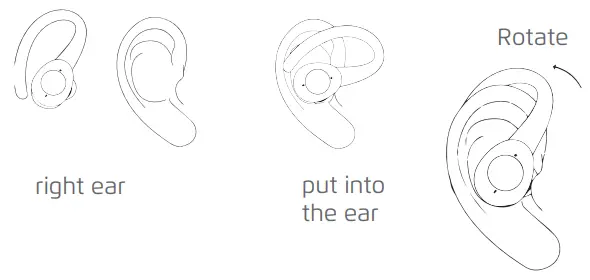
Choose the right earphone for your ear
Place the earphone in the correct direction to the ear.
Rotate the earphone to a comfortable position.
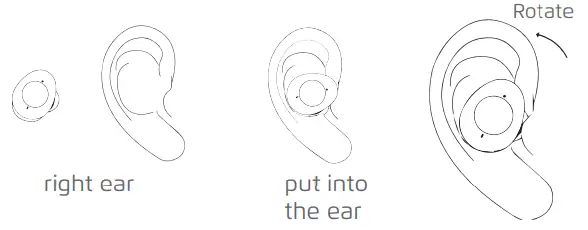
No ear hook
Choose the right earphone for your ear
Place the headset in the correct direction to the ear
Rotate the headset to a comfortable position.
SWITCHED ON
Open the case and take out the earphone, they turn on automatically.
If the earphones are powered off, you need to press the touch button for about 3 seconds until the blue LED flashes at the same time the earphones emit “Power on”.
PAIRING
When you open the charging case, it will turn on and go into pairing mode. It will then reconnect to the device it was paired with earlier.
When the headset and the paired device are not reconnected, the headset will automatically enter the pairing state.
If the earphones are powered off, you need to press the touch button for about 5 seconds and release it when the red LED and blue LED flash quickly and alternately.
TO TURN OFF
Automatic shutdown is performed once placed in the charging case.
Please press the touch button for about 5 seconds and release it until the red LED lights up and the earbuds indicate “Power Off”.
FACTORY RESET
Put the earphone into the case, press and hold the left and right earbuds for 10 seconds at the same time. The red and blue LEDs are on.
FUNCTIONS
| Function | Status | L | R | Tone |
| Play | Pause |  x 2 x 2 | x 2 | N/A |
| Pause | Musk | x 2 | x 2 | N/A |
| Previ Songous | Music | 2 seg. | N/A |  |
| Next Song | Music | N/A | 2 seg. | |
| Cancel Call | Call | 1 Click | 1 Click | |
| Answer Call | Incoming call | l Click | 1 Click | |
| To reject Call | Incoming call | 2 Click | 2 Click | |
| Finish Call | Call | 2 Click | 2 Click | |
EXTRA FUNCTIONS
| Function | Status | L | R | Tone |
| Get better audio | On | N/A | 4 seg. | |
| Get better audio | Off | N/A | 4 seg. | |
GAME FUNCTION
| Function | Status | L | R | Tone |
| Game | On | x 3 | N/A | |
| Modo | Select | x 1 | N/A | |
| Game | Off | x 3 | N/A | |
DATA SHEET
| Frequency range | 20Hz – 20KHz |
| Connector | Bluetooth |
| Sensitivity | 105±3dB(at 1KHz) |
| Impedance | 32Ω |
| Range | 10 m |
| Battery | Li-Polymer (3.7V 60mAh x 2) |
| Battery life | Up to 6Hrs* |
| Horn diameter | 10 mm |
| Weight | 66g |
| Microphone | |
| Frequency range | 30Hz – 16kHz |
| Sensitivity | -38dB ± 3dB |
| THD | < 1% |
Limited product warranty
Vorago equipment and / or accessories are covered by a limited warranty for the time indicated in the annexed validity table, counting from the date of acquisition, against any manufacturing and operation defect, provided they have been used under normal conditions of use during the warranty period and for which it was manufactured. Vorago warranty the buyer the absence of anomalies regarding the materials.
| Products | Validity |
| PC, tablets, cell phones, audio, keyboards, mouse, networks and accessories | 12 Months |
| LCD Monitor * Except in panel (screen display) for which it will only be 12 months. | 36 Months* |
| Computer equipment 3 years including Nanobay 3. * Except computer equipment where the processor is integrated on the motherboard it will only be 12 months. | 36 Months * |
Important warranty policy: Please read and complete this warranty policy and seal it in the store when purchasing the product.
| Product: Bt Earbuds | |
| Model: ESB-500-PLUS | Dealer stamp |
| Brand: Vorago | |
| Serial number: | |
| Invoice number: | |
| Delivery date: |
Responsibilities
The total responsibility of Vorago will be to repair or replace the product, including labor and parts, at no cost to the buyer when it is returned to the point of sale, presenting this warranty policy properly completed and stamped by the establishment where it was purchased. The product or copy of the receipt or receipt or invoice, in which data of the product the date of purchase is specified, to verify the times within the warranty.
Vorago may use new parts, restored or used in good condition to repair or replace any product, at no additional cost to the consumer. In the case of equipment and / or accessories that can not be repaired, the change will be generated by a similar product or with superior characteristics. This warranty covers the transportation expenses of the product derived from its fulfillment; which will be directly attributable to the supplier of the product. In all replacement products, the original warranty period will be renewed. Vorago is governed by international standards for the manufacture of products.
How to obtain warranty support
Warranty claims are processed through the point of sale, during the first 15 days after the purchase, as long as they meet the requirements. Guarantee claims that can not be processed through the point of sale and any concerns related to the product purchased should be sent with the prepaid guide by Vorago to the address of the Vorago headquarters in Francisco Villa No. 3, Col. San Agustín, CP 45645, Tlajomulco de Zúñiga, Jalisco, Mexico.
Except in situations of force majeure or fortuitous event, the repair time in no case will be greater than 30 calendar days from the date of receive of the equipment in Vorago.
Exclusions
This warranty is has valid in the following cases:
a) When the product had been used in conditions other than normal.
b) When the product has not been operated in accordance with the instructions for use.
c) When the product has been altered or repaired by unauthorized persons by Vorago.
Vorago does not offer any other express warranty for this product.
To make the warranty valid, as well as the acquisition of parts, components, consumables and accessories
To validate a warranty, the following information must be sent to the email: [email protected]
- Model and color
- Product failure
- Ticket or purchase invoice (digitized)
- Your address with CP, telephone and full Name.
Available in the establishment where the product was purchased and / or in our central offces:
Returns
In the case of product return, it will only be the place of purchase by the end customer. Subject to the return policies established by the same seller.
Vorago,S.A.de C.V.
Francisco Villa No.3
Col. San Agustín, C.P. 45645
Tlajomulco de Zúñiga,
Jalisco, México.
Tel. (33) 3044 6666
Importadora Global Rida S.A. de C.V.
Matilde Márquez No. 68
Colonia Peñón de los Baños C.P. 15520
Alcaldía Venustiano Carranza, CDMX
RFC: IGR1510164C2