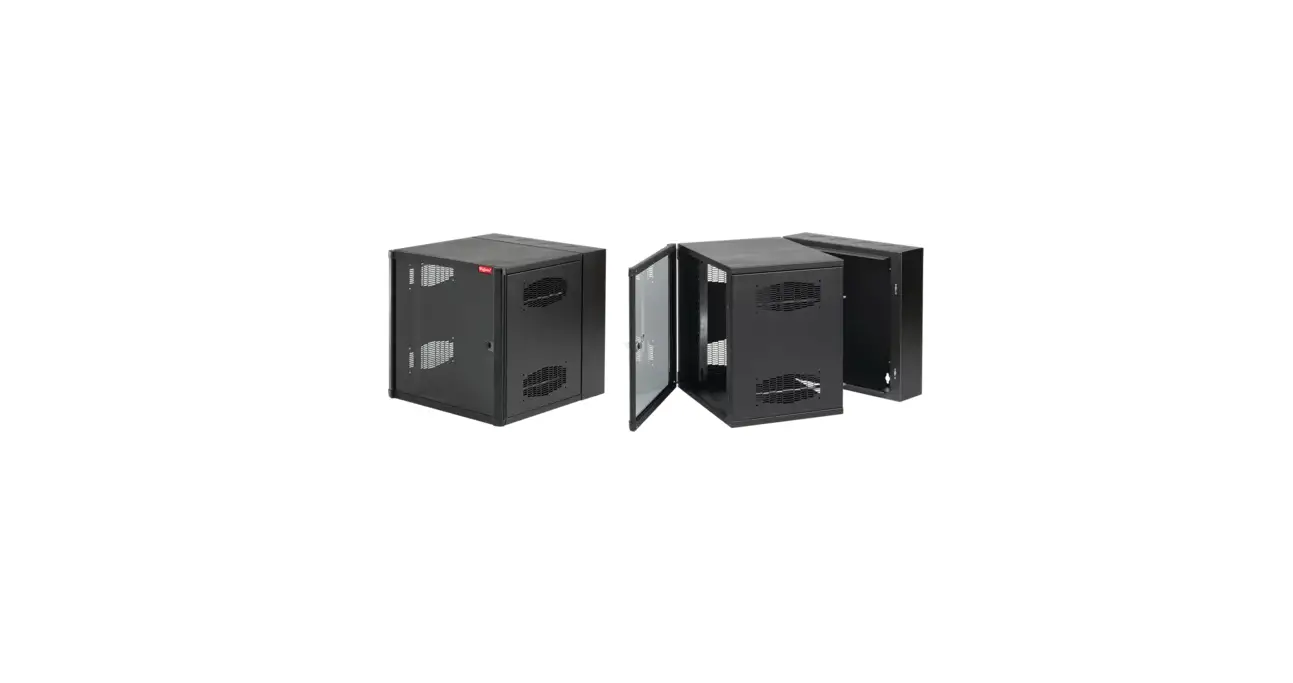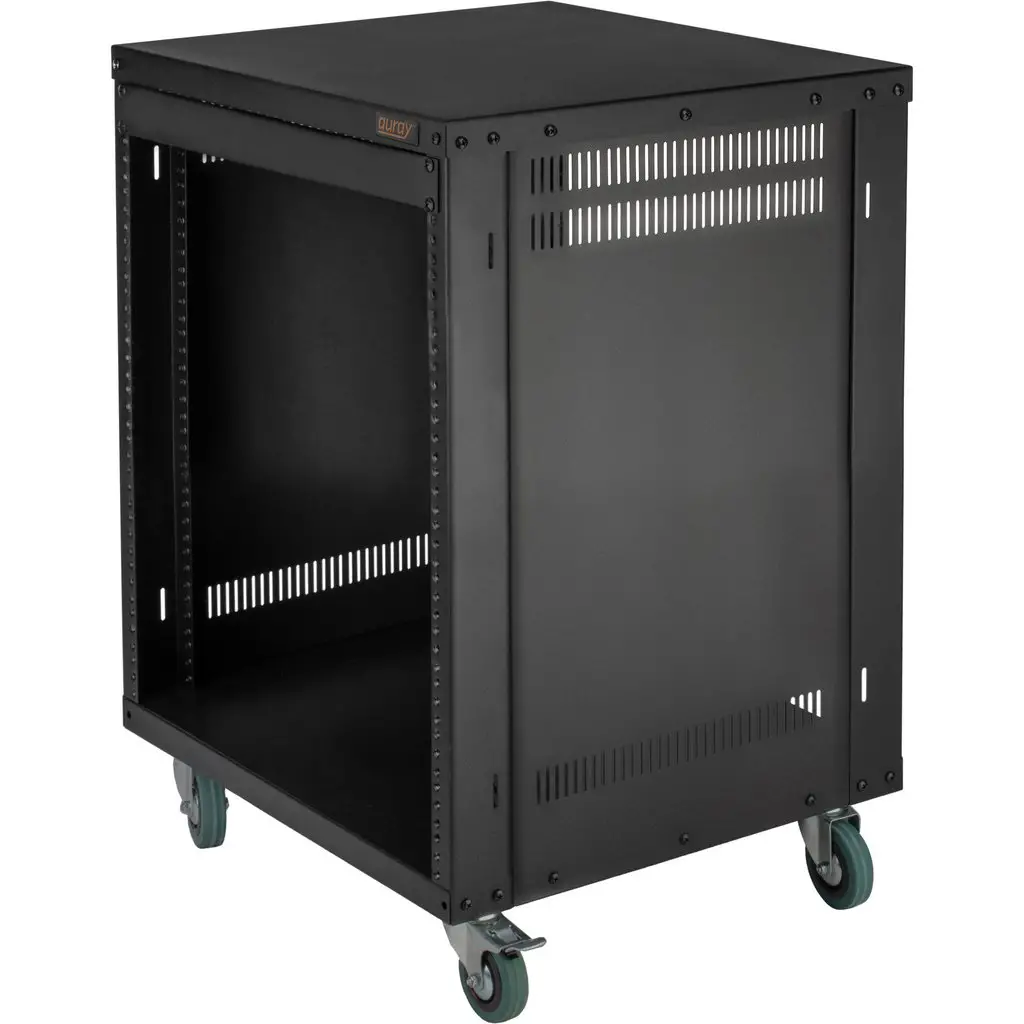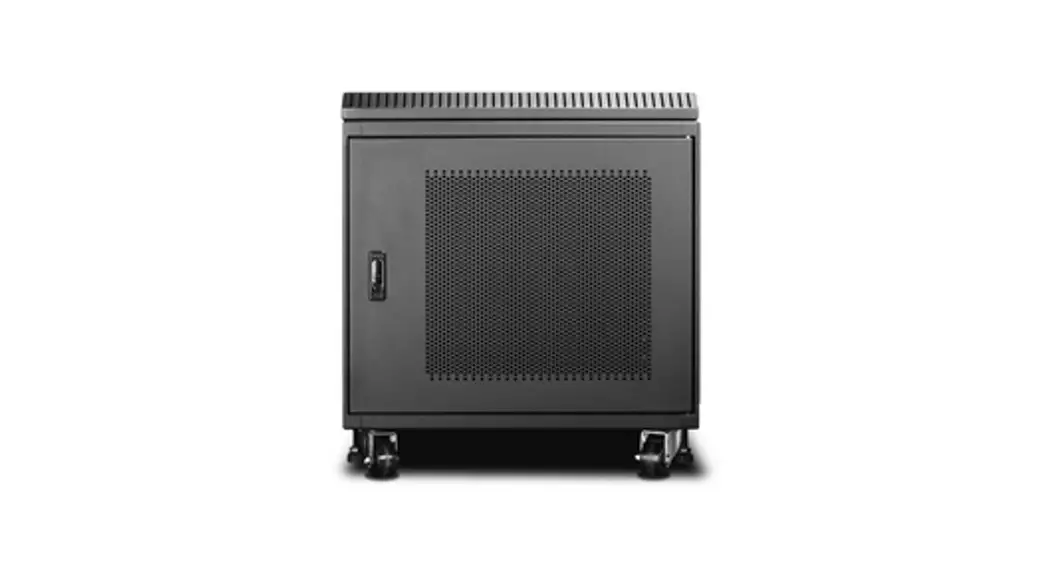

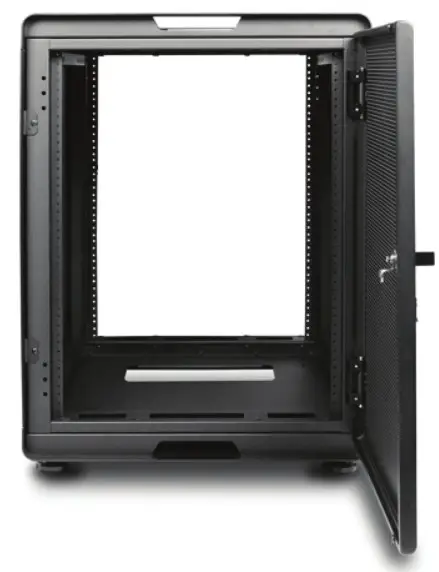
WS Series
The newest innovation in audio visual data storage
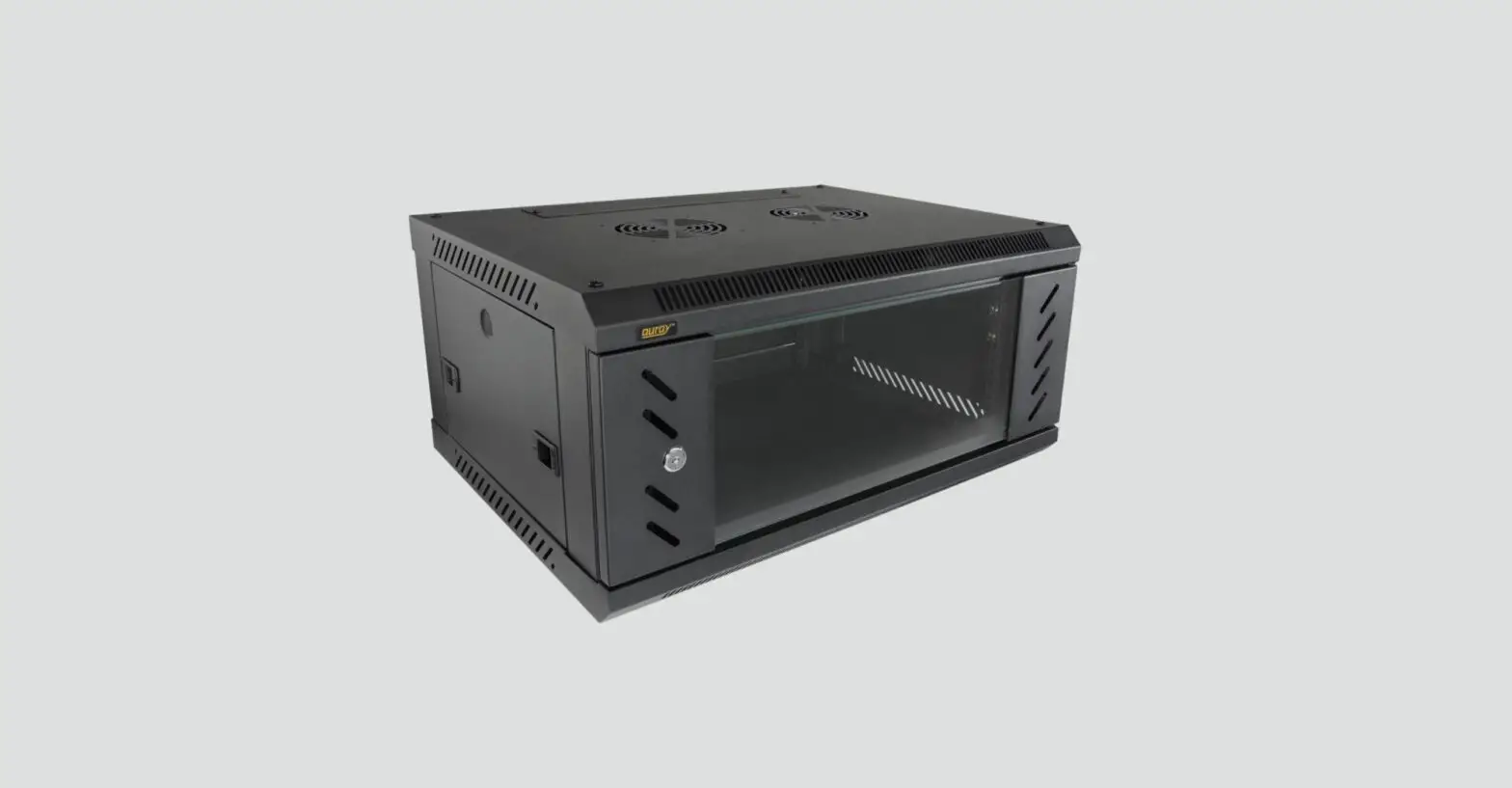
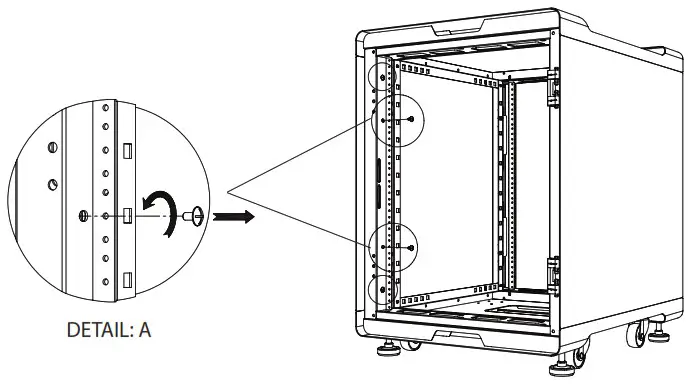
How to open side panel:
STEP 1: find the side with 4 screws secured the mounting posts. Unscrew two screws in the middle to release the side panel
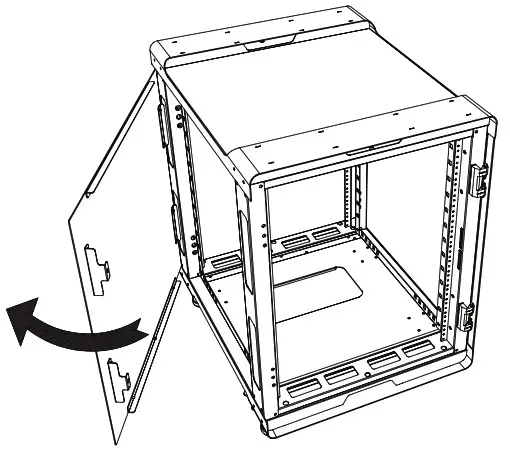
STEP 2: Swing out the side panel from the front and pull forward to completely remove it.
How to close side panel:
STEP 1: Align the side panel to the side of the chassis then swing back to close
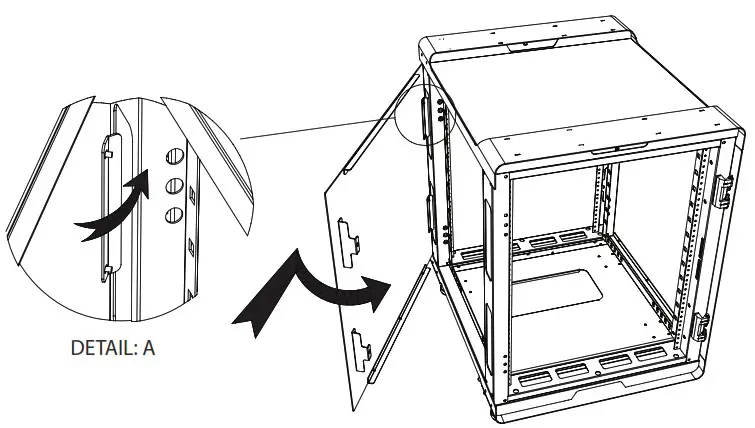
STEP 2: Swing out the side panel from the front and pull forward to completely remove it.
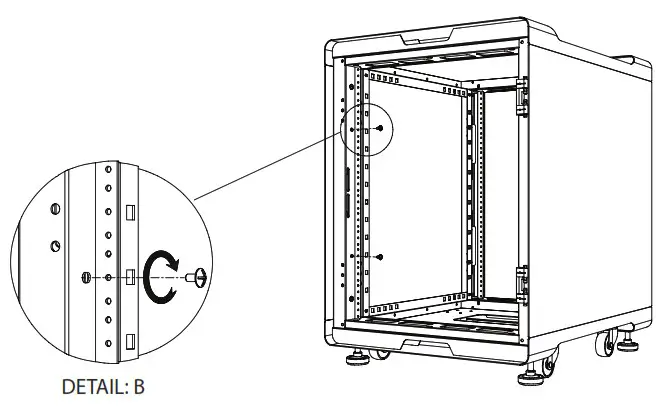
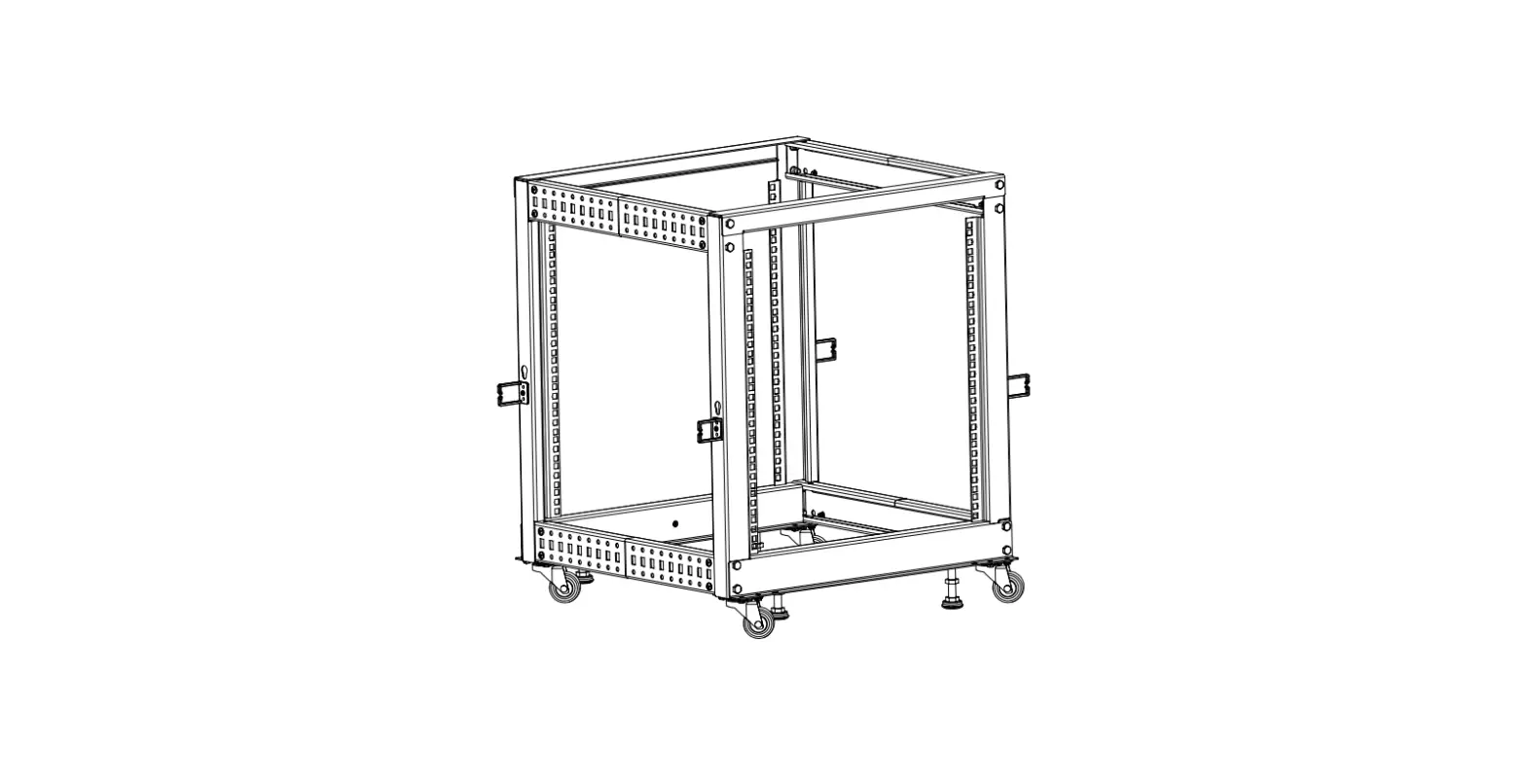
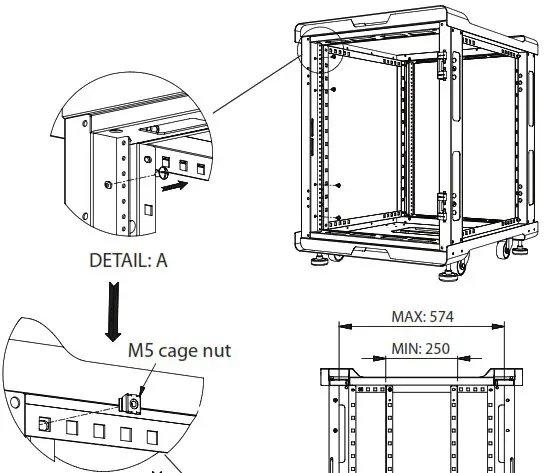
How to adjust mounting rails:
STEP 1: Unscrew four screws to loosen the vertical post (repeat for all four posts)
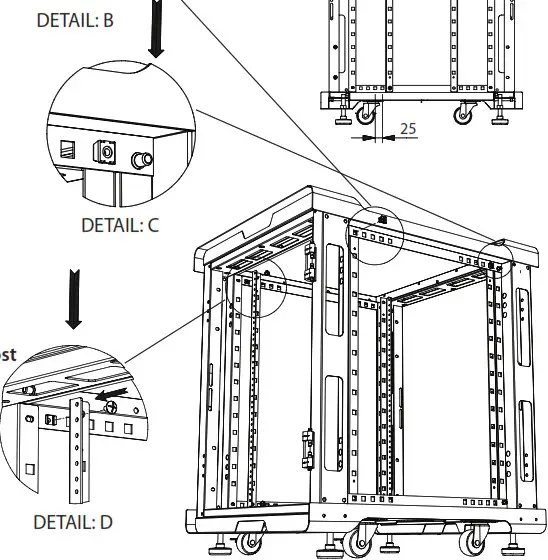
STEP 2: Relocate the M5 cage nuts. Snap the cage nut from outside of the chassis to the horizontal post where you desire.
STEP 3: Repeat step 2 for all 8 corners.
STEP 4: Flip and align the vertical post from step 1 behind the M5 cage nut then screws tight to secure the vertical post(repeat for all four posts)
Tel: 1-888-989-1189
Fax: 1-626-301-0588
www.istarusa.com