
Socket Mobile 600 Series Scanner And Phone Holder User Guide

Socket Mobile 600 Series Scanner And Phone Holder User Guide

socket-mobile-logo

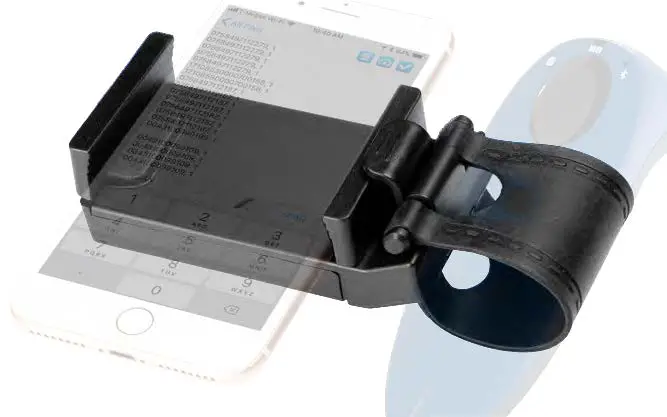
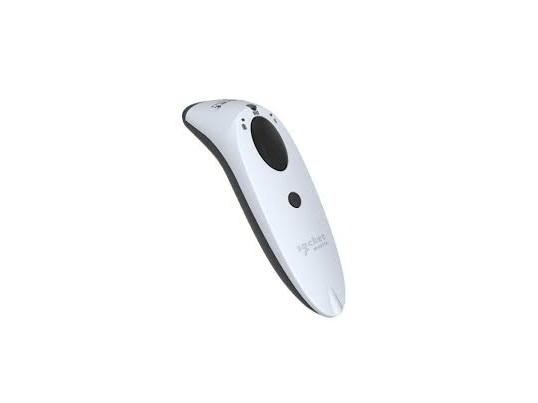
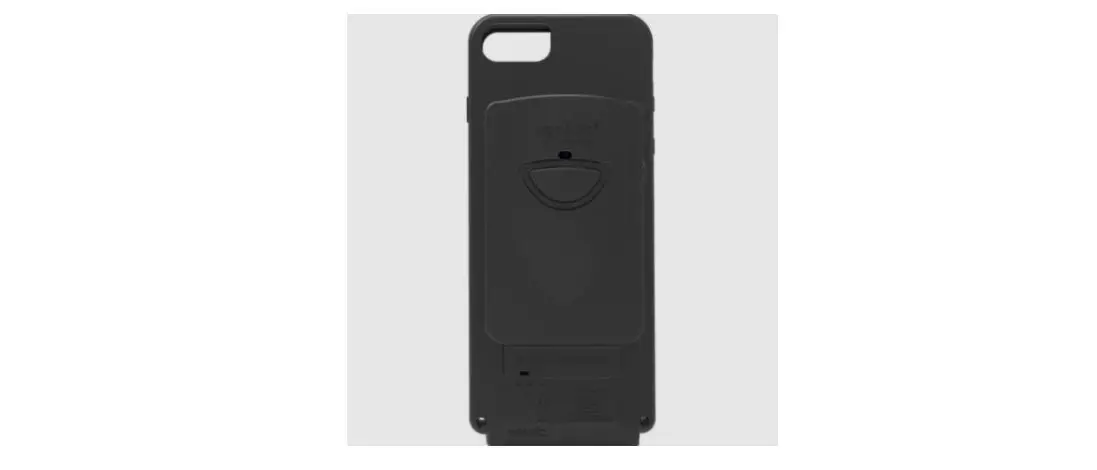
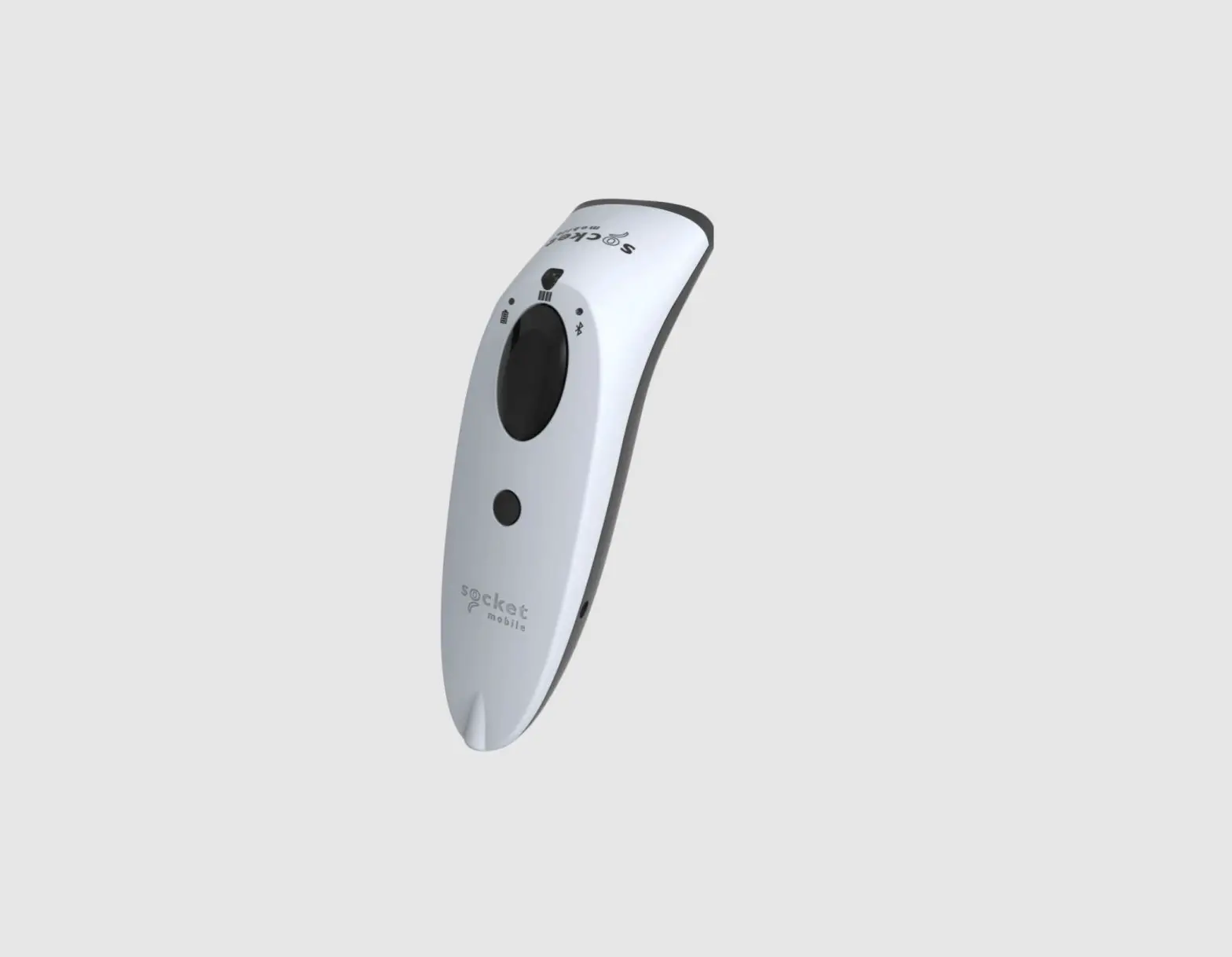
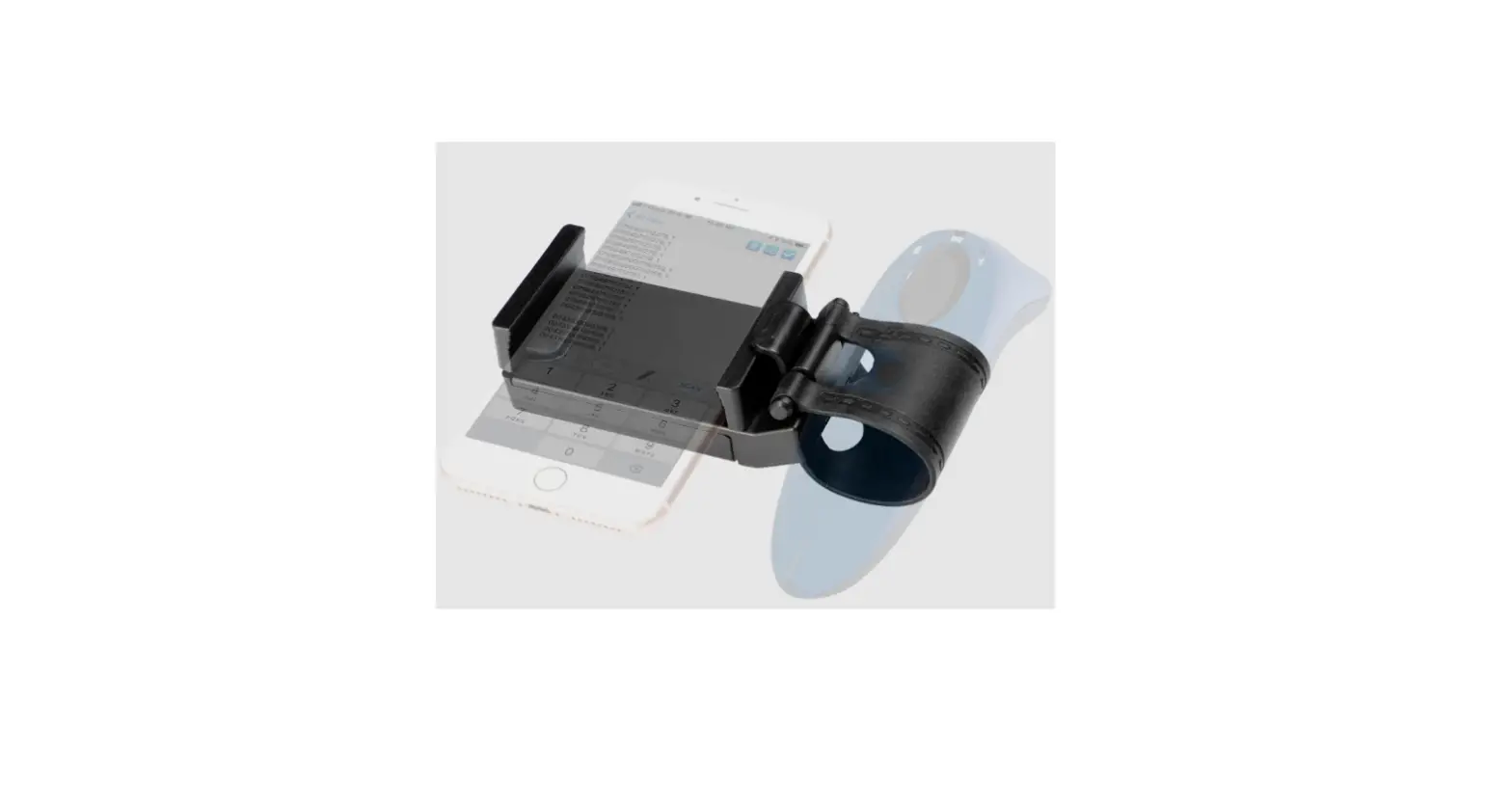
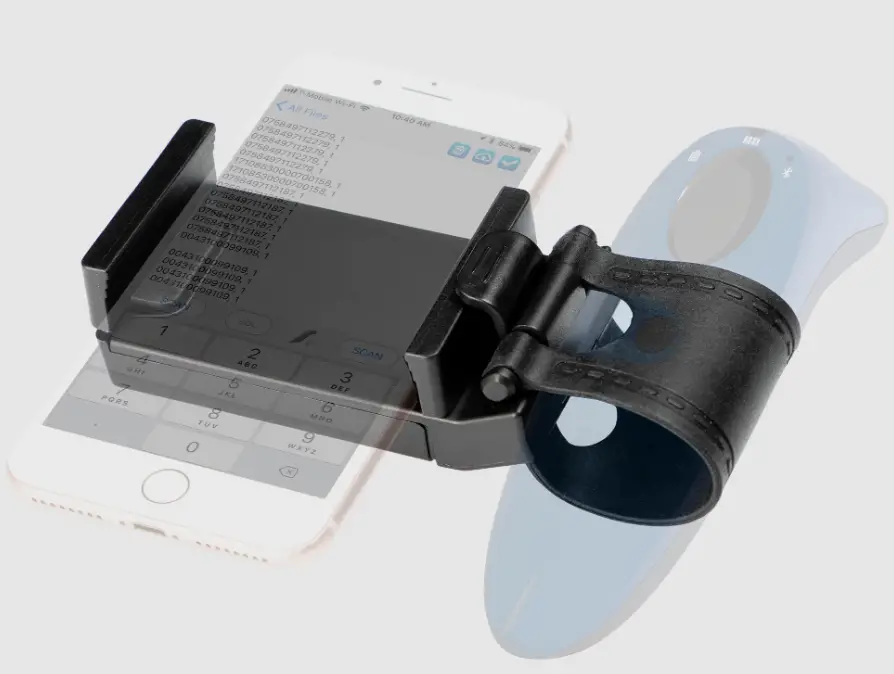
socket mobile 600 Series Scanner and Phone Holder
socket-mobile-600-Series-Scanner-and-Phone-Holder-Product

How To Use

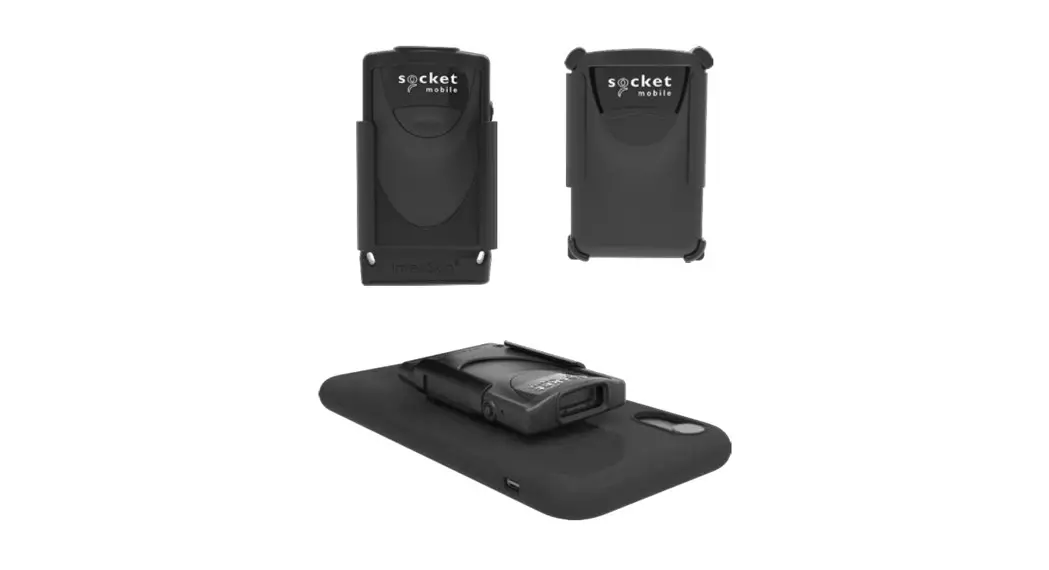
Follow these instructions to attach your mobile phone to the scanner.

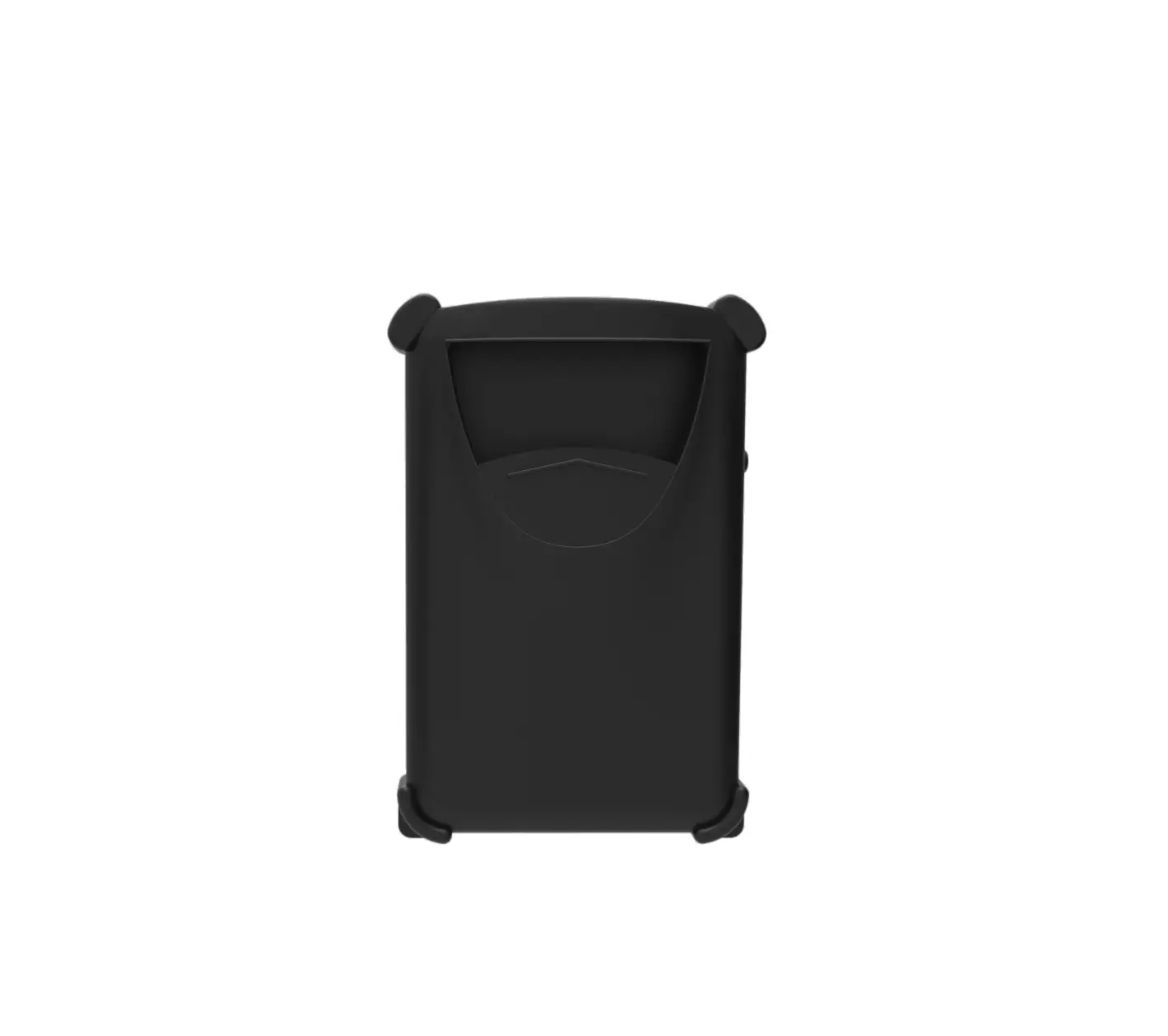
Step 1: Stretch the rubber belt around the scanner, over the power buttonsocket-mobile-600-Series-Scanner-and-Phone-Holder-fig-1

Step 2: Tuck the bar under the hooksocket-mobile-600-Series-Scanner-and-Phone-Holder-fig-2.1
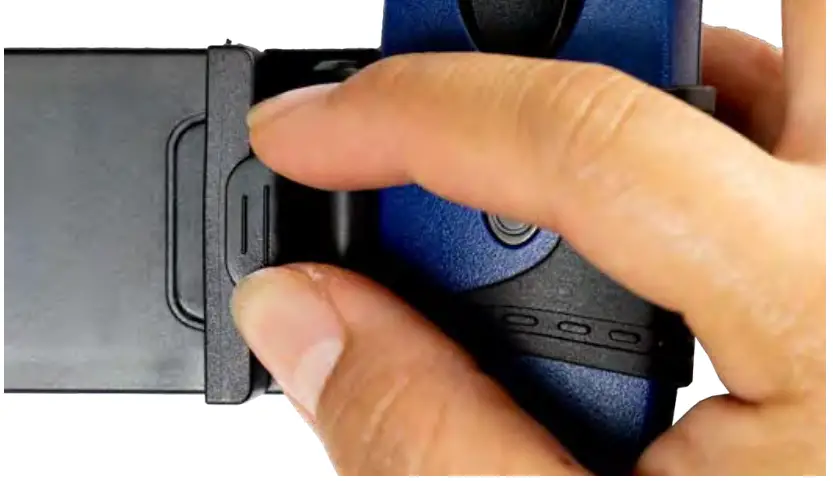
Step 3: Stretch the phone holder and slide the phone in placesocket-mobile-600-Series-Scanner-and-Phone-Holder-fig-2
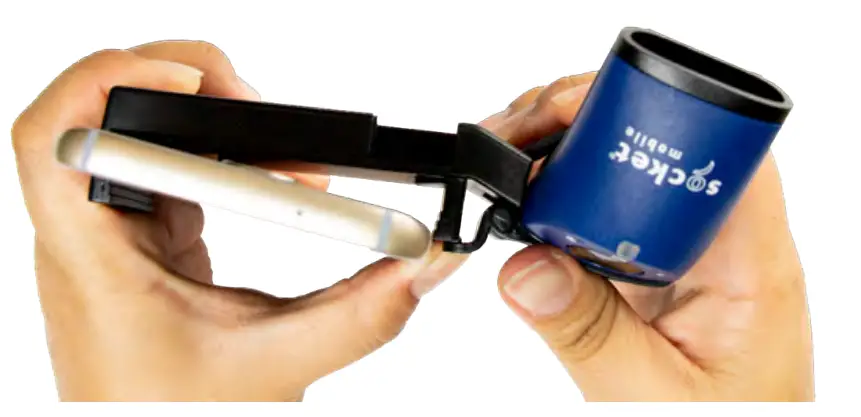
Step 4: Twist the scanner to adjust the power button in the desired placementsocket-mobile-600-Series-Scanner-and-Phone-Holder-fig-3
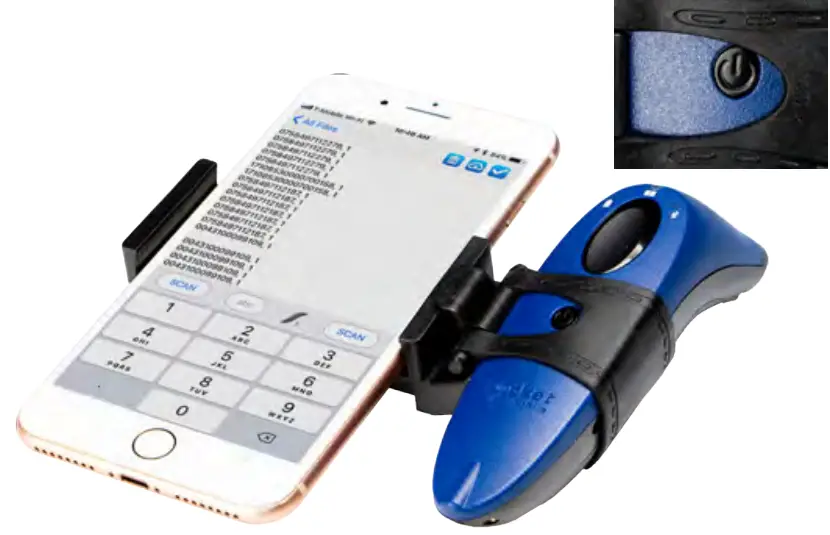
Watch how to assemble the Scanner & Phone holder: https://youtu.be/mr56Dx1z11c
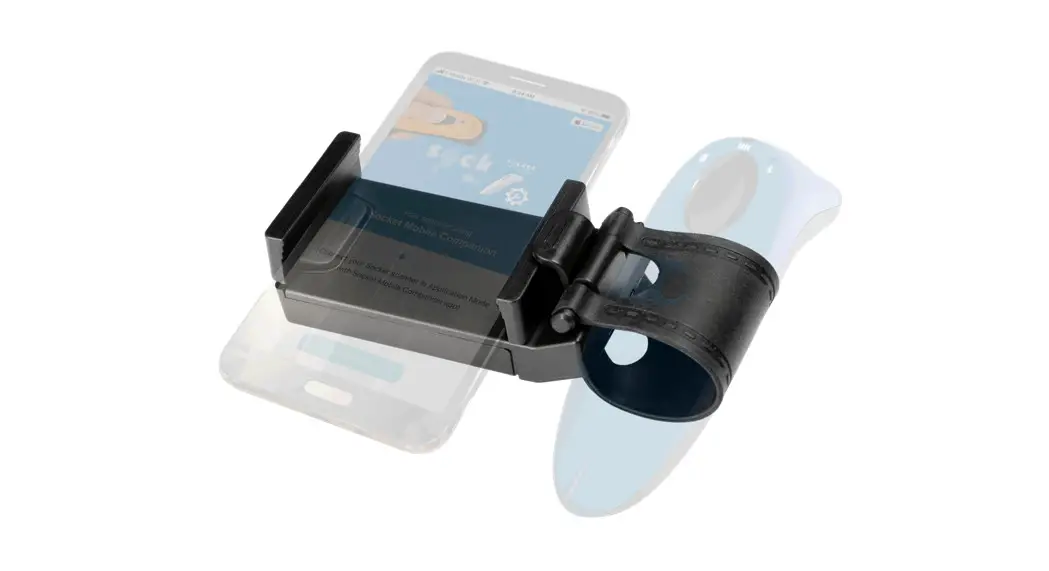
Documents / Resouces

Download manual
Here you can download full pdf version of manual, it may contain additional safety instructions, warranty information, FCC rules, etc.


Related Manuals