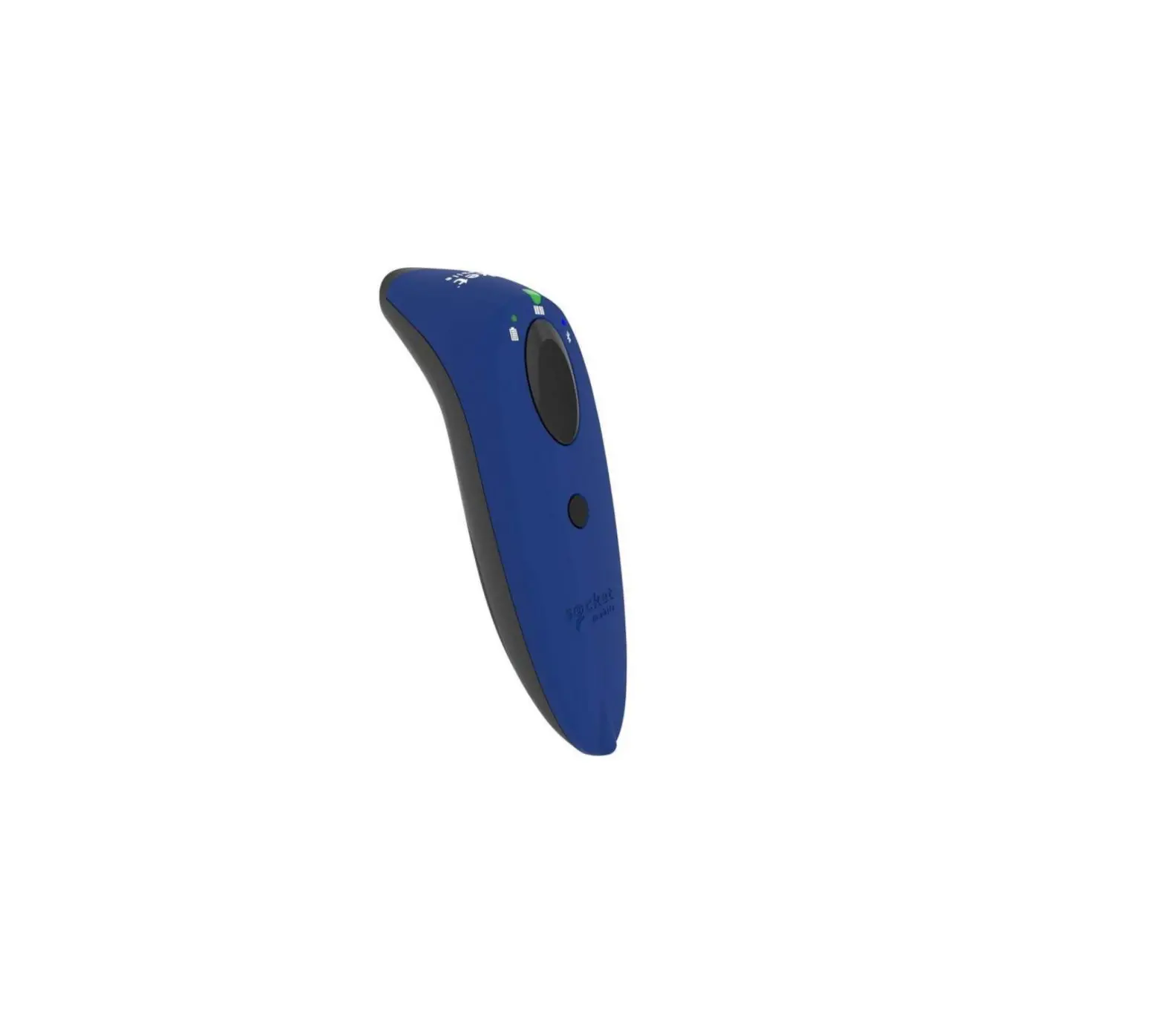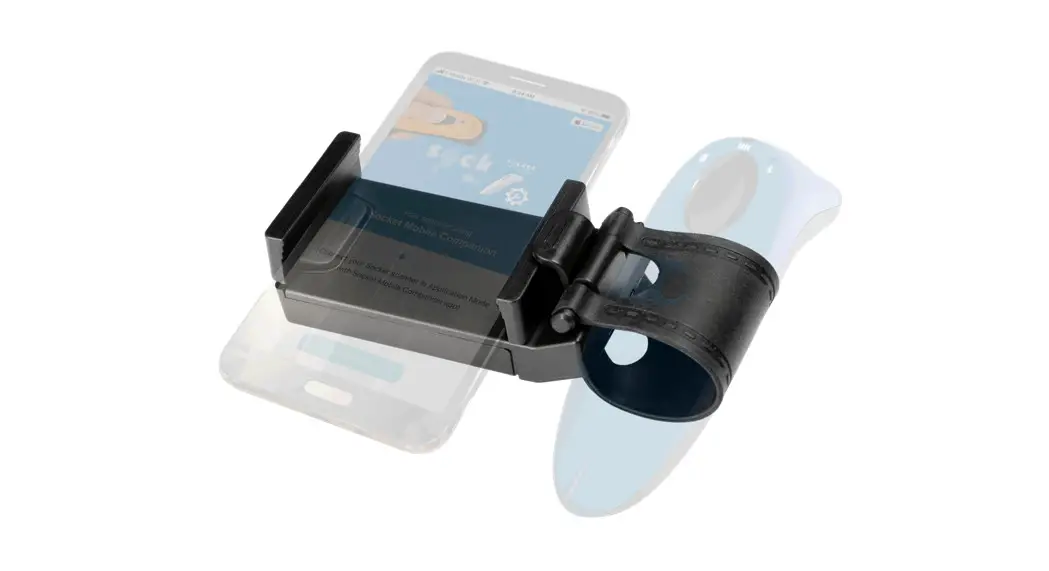

7/600/700 SERIES
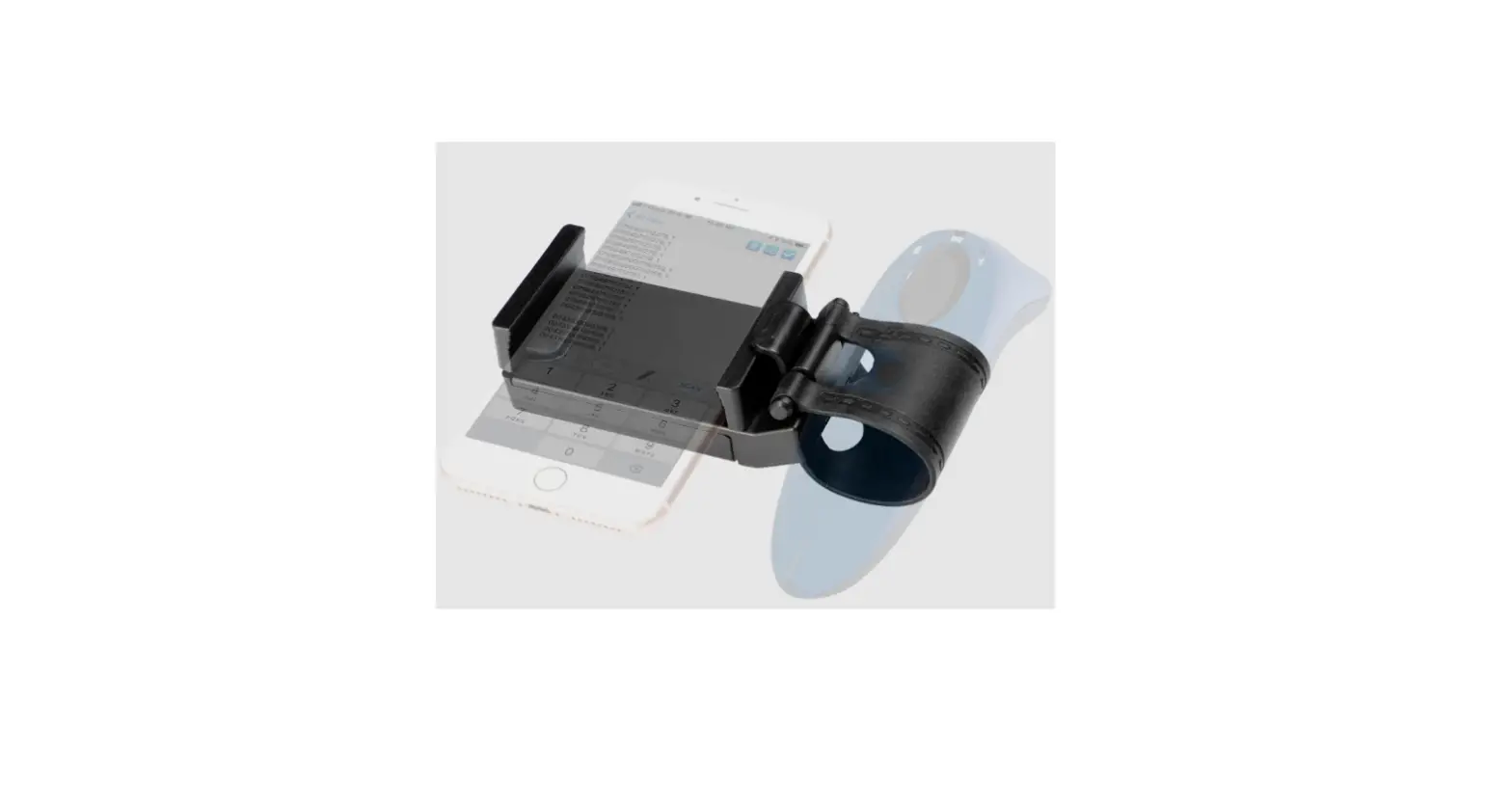
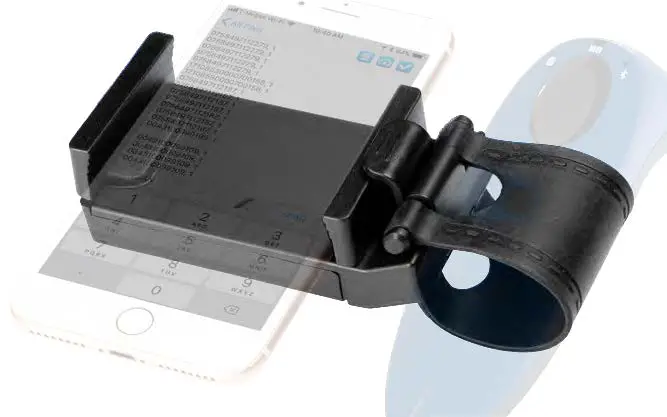
SCANNER & PHONE HOLDER
socketmobile.com
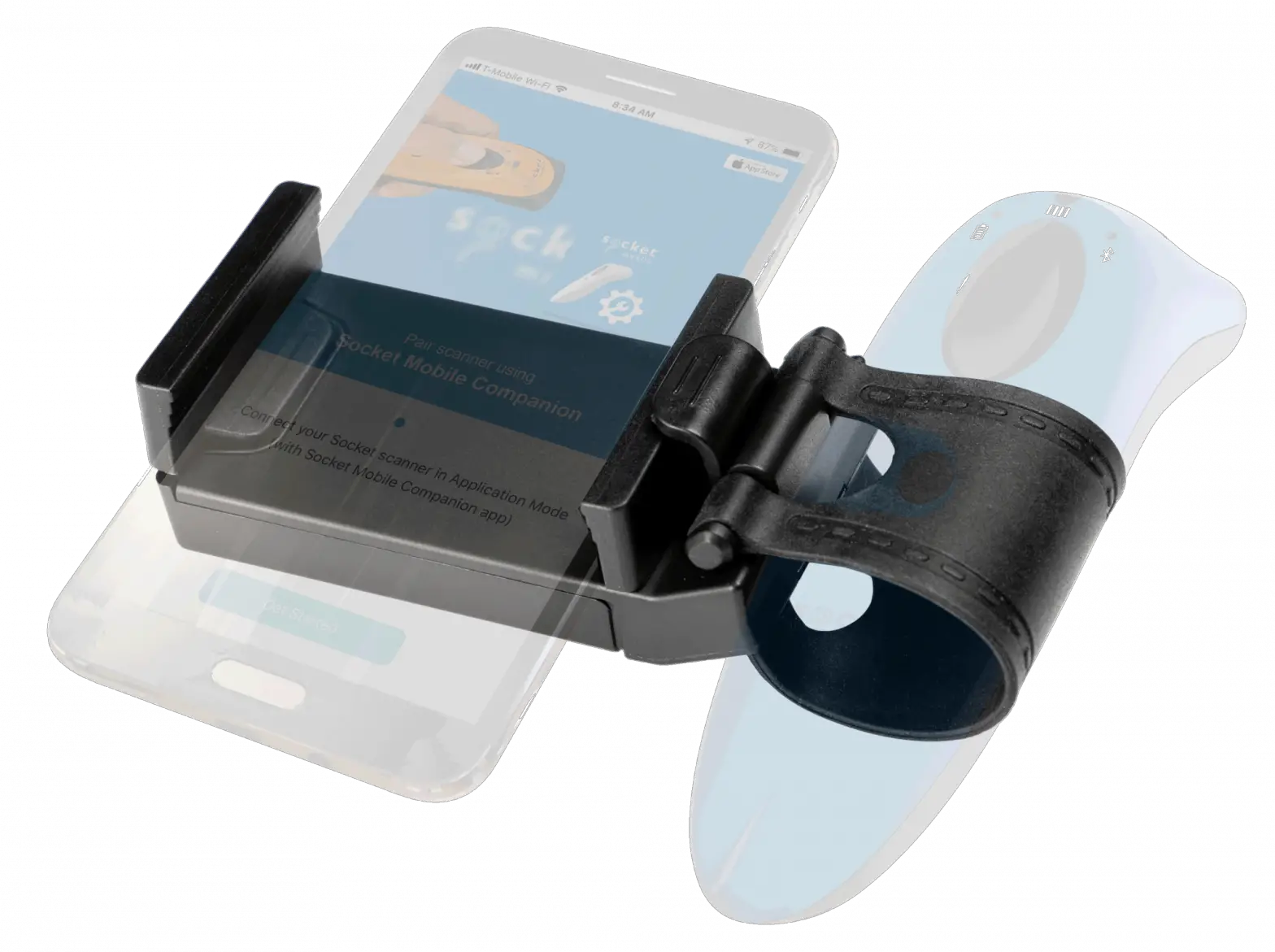
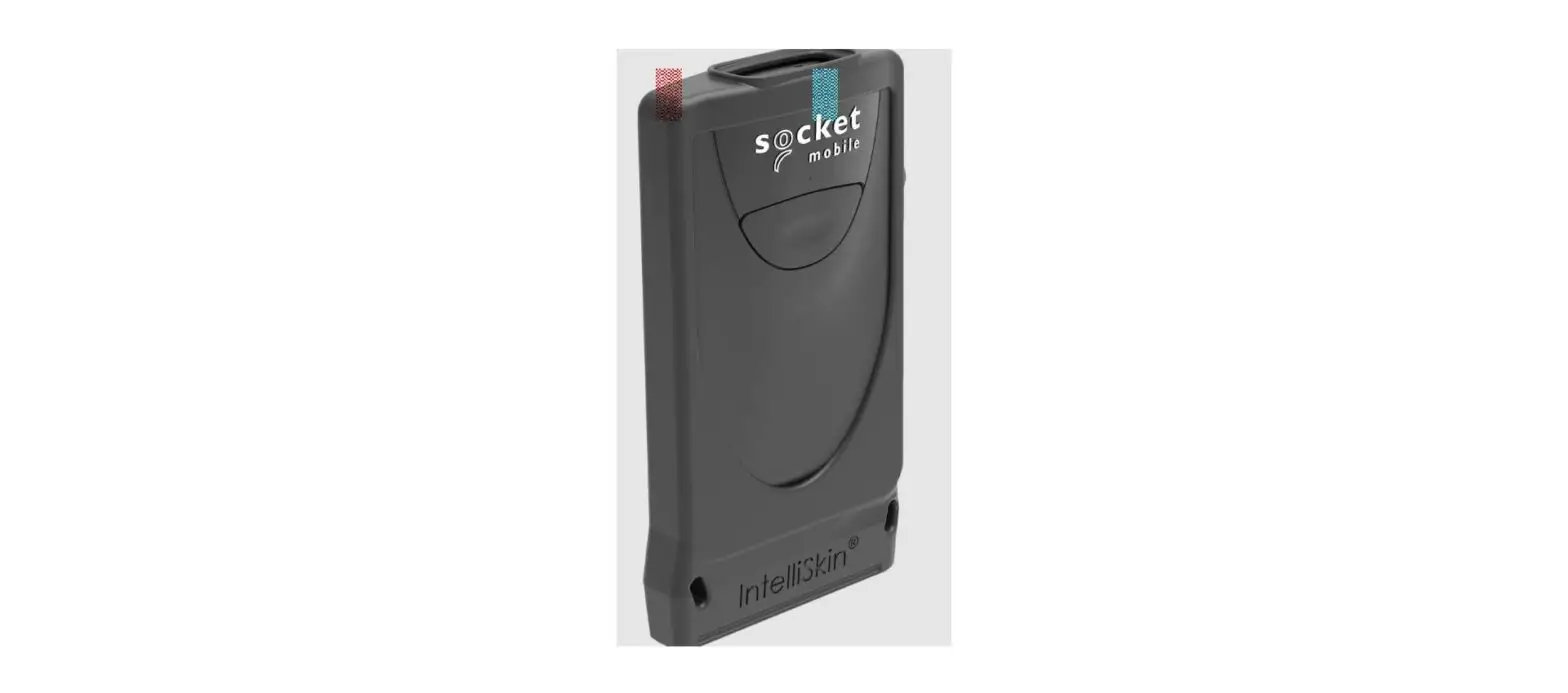
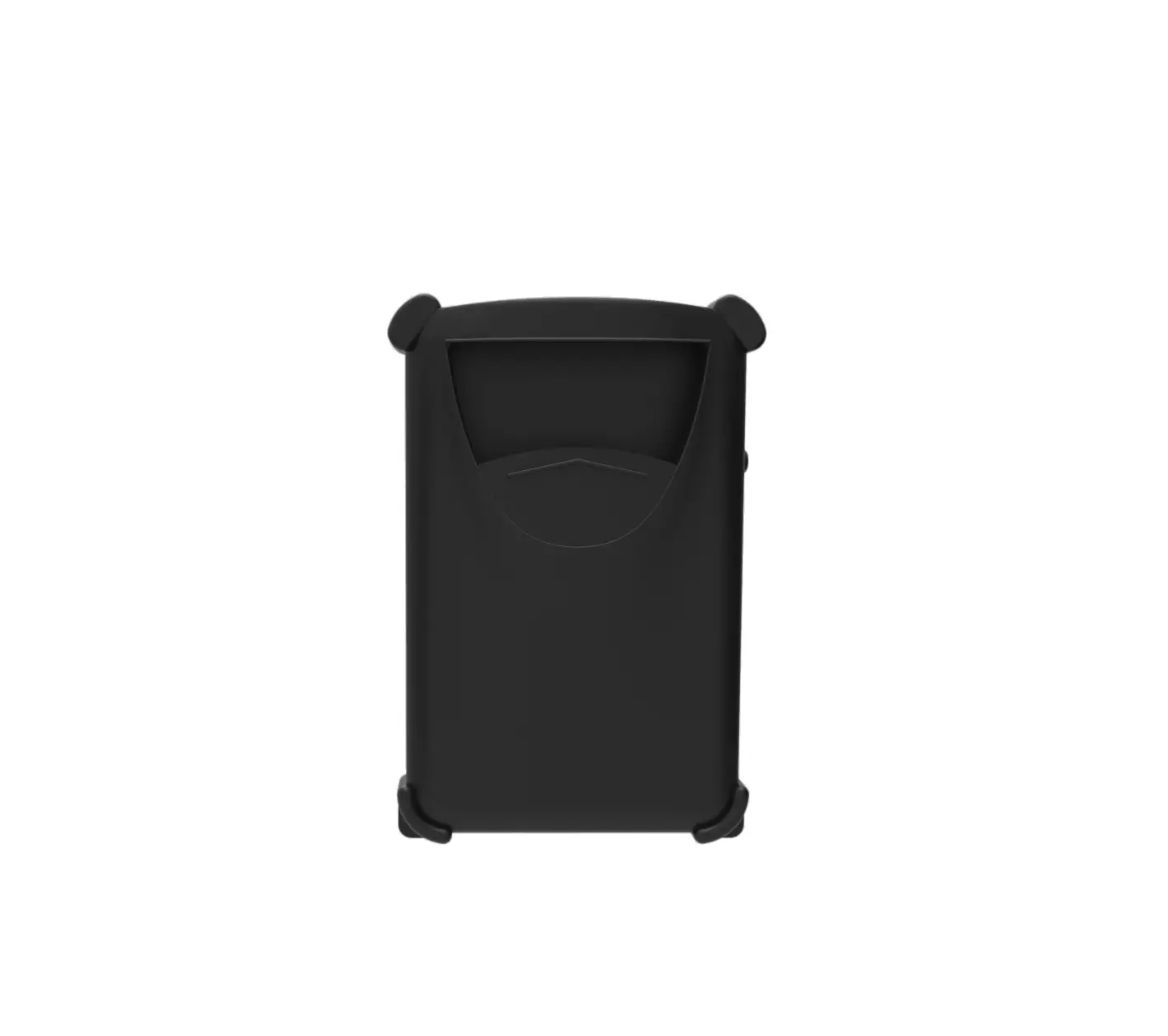
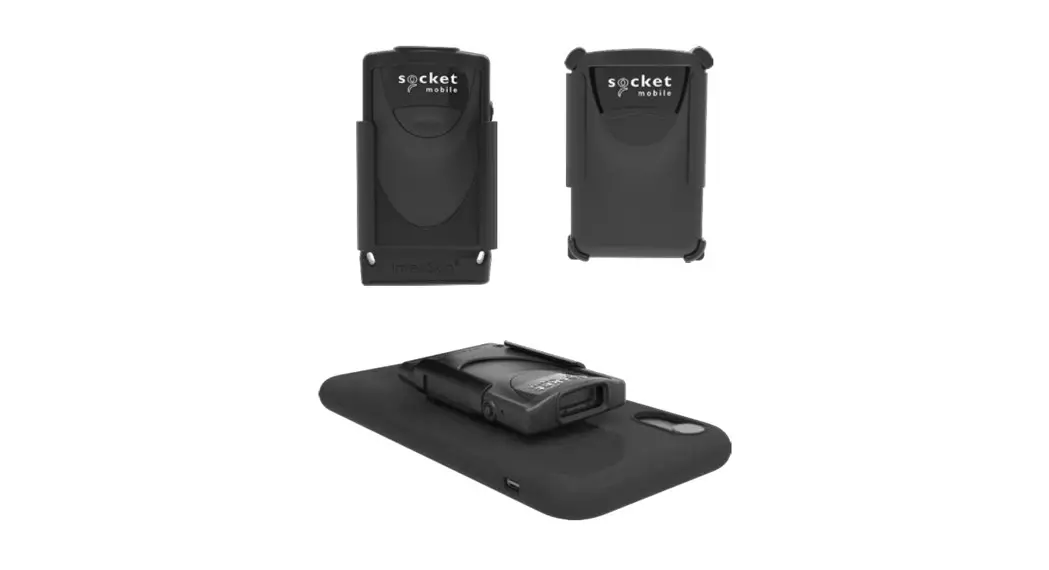
Follow these instructions to attach your mobile phone to the scanner.
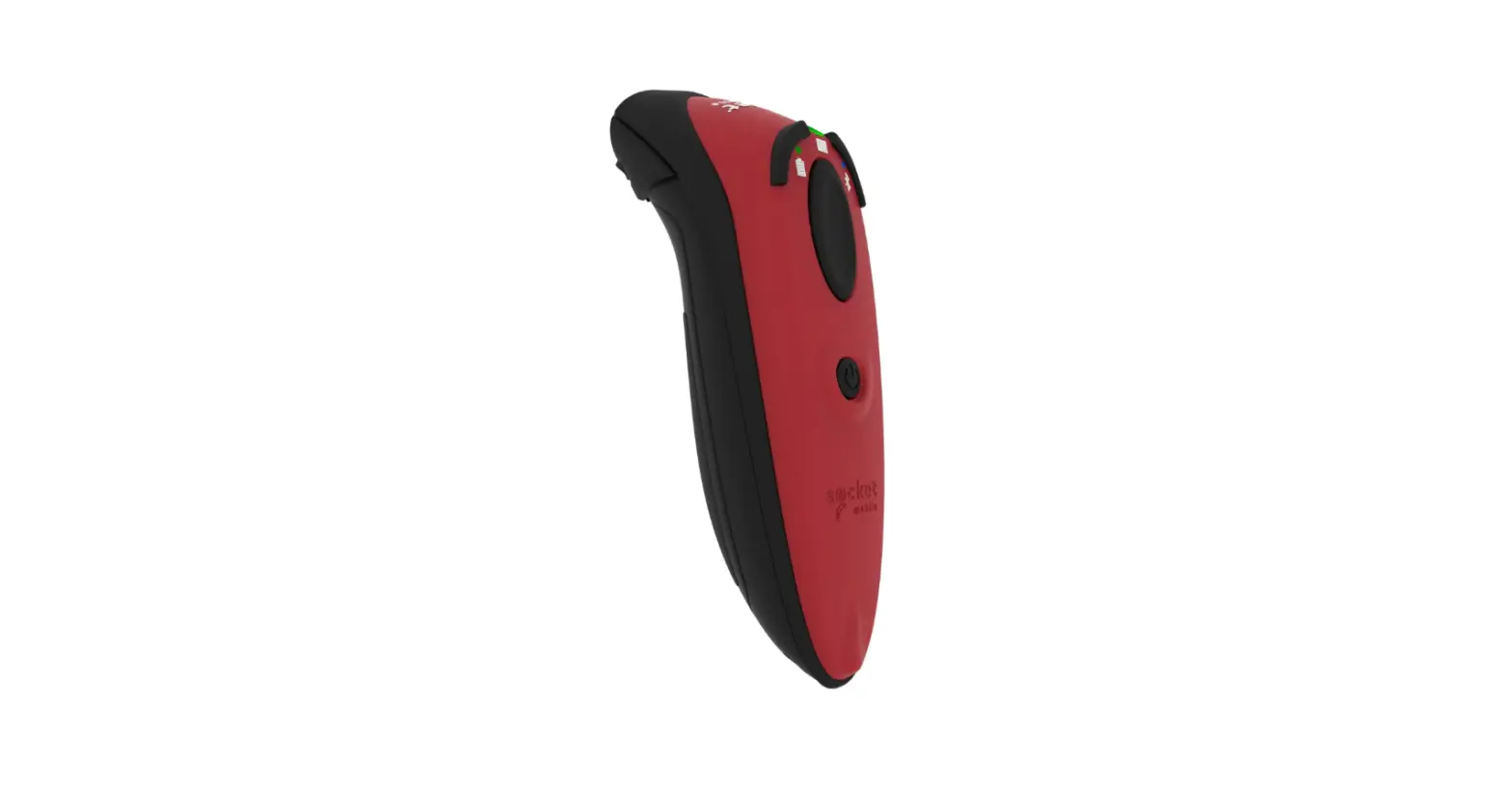
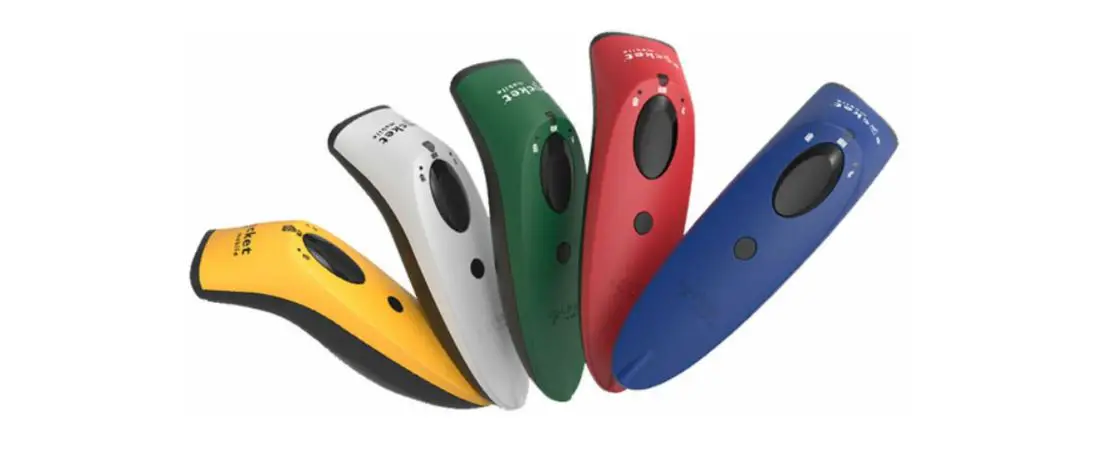
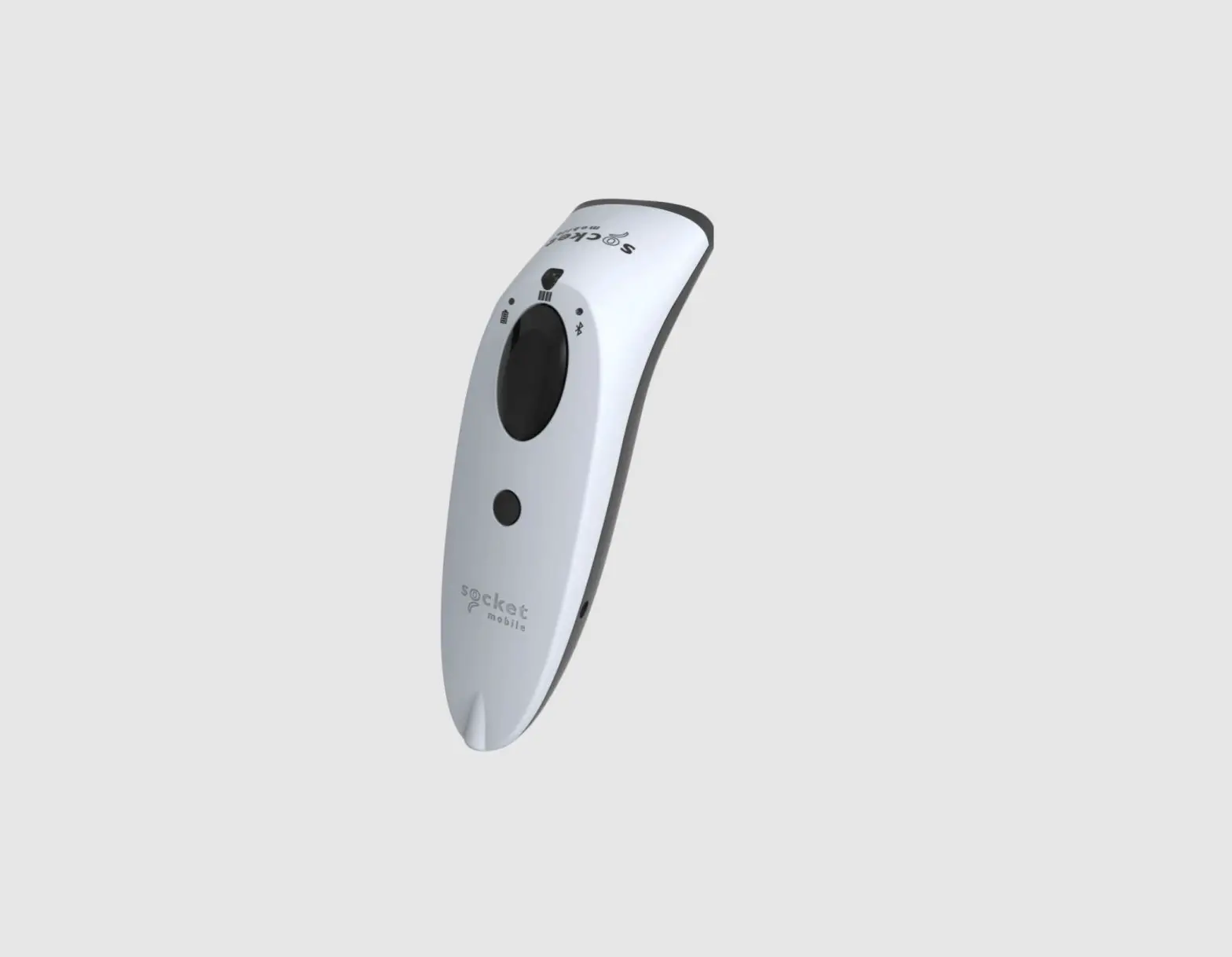
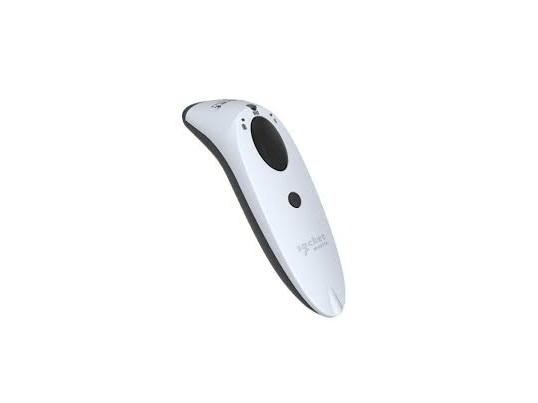
Step 1: Stretch the rubber belt around the scanner, over the power button
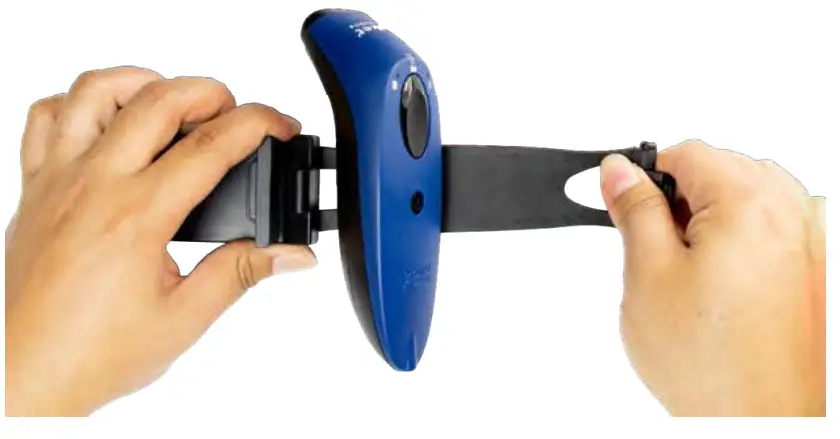
Step 2: Tuck the bar under the hook
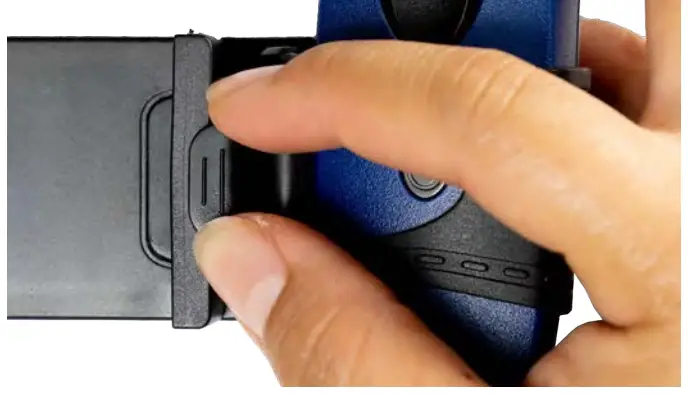 Step 3: Stretch the phone holder and slide the phone in place
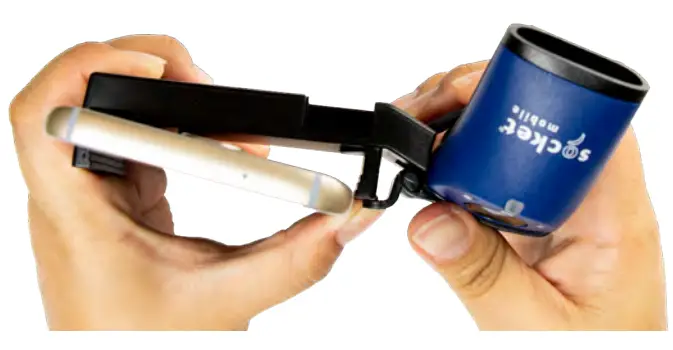 Step 4: Twist the scanner to adjust the power button in the desired placement
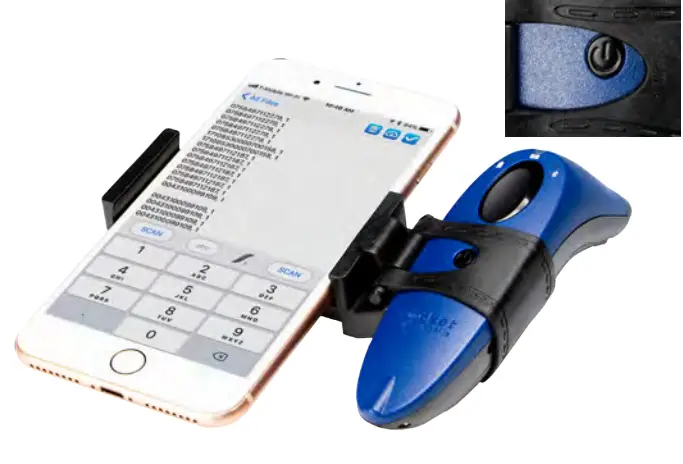
 Watch how to assemble the Scanner & Phone holder: https://youtu.be/mr56Dx1z11c
6430-00393A