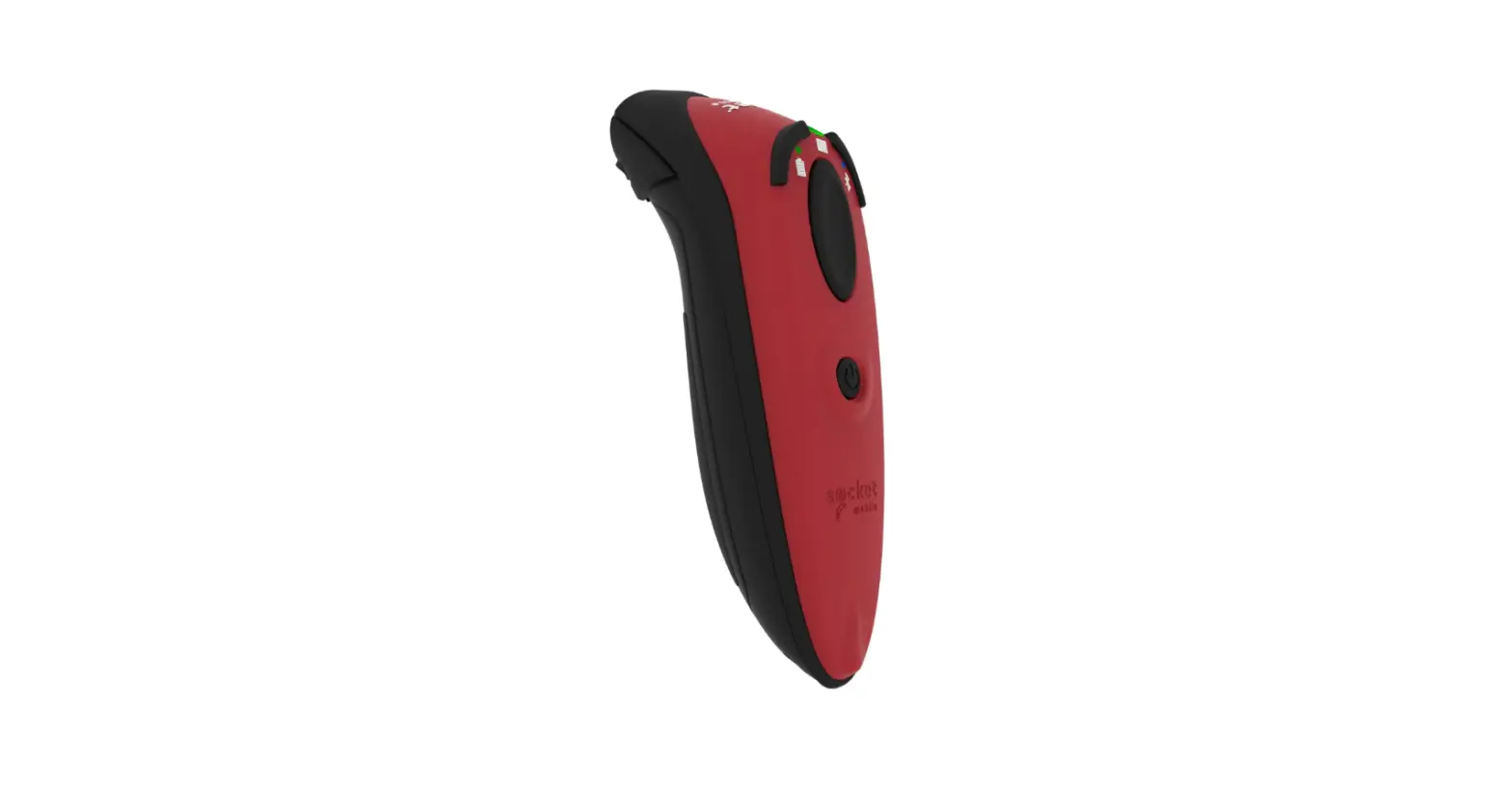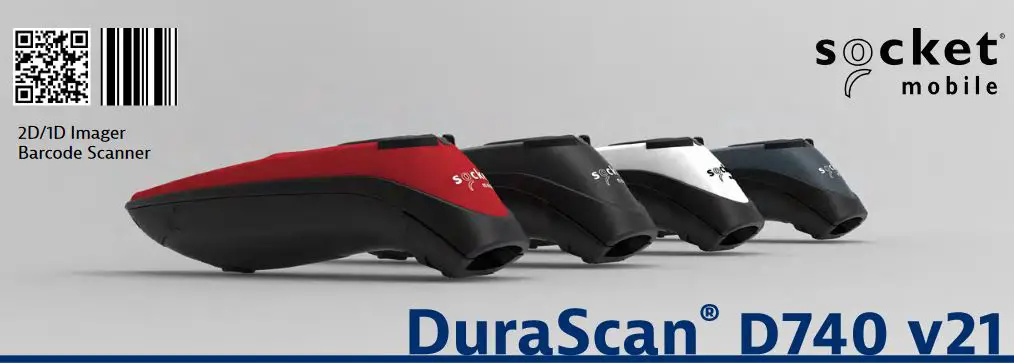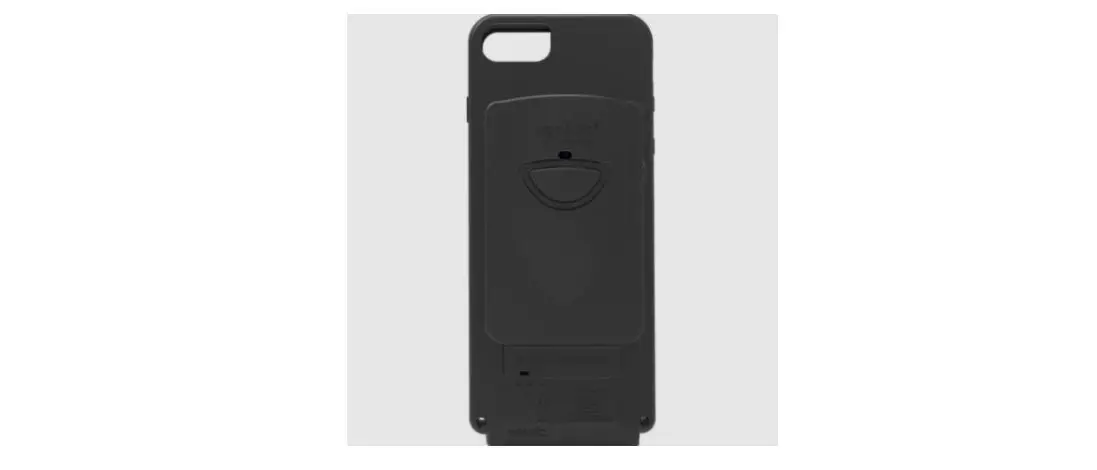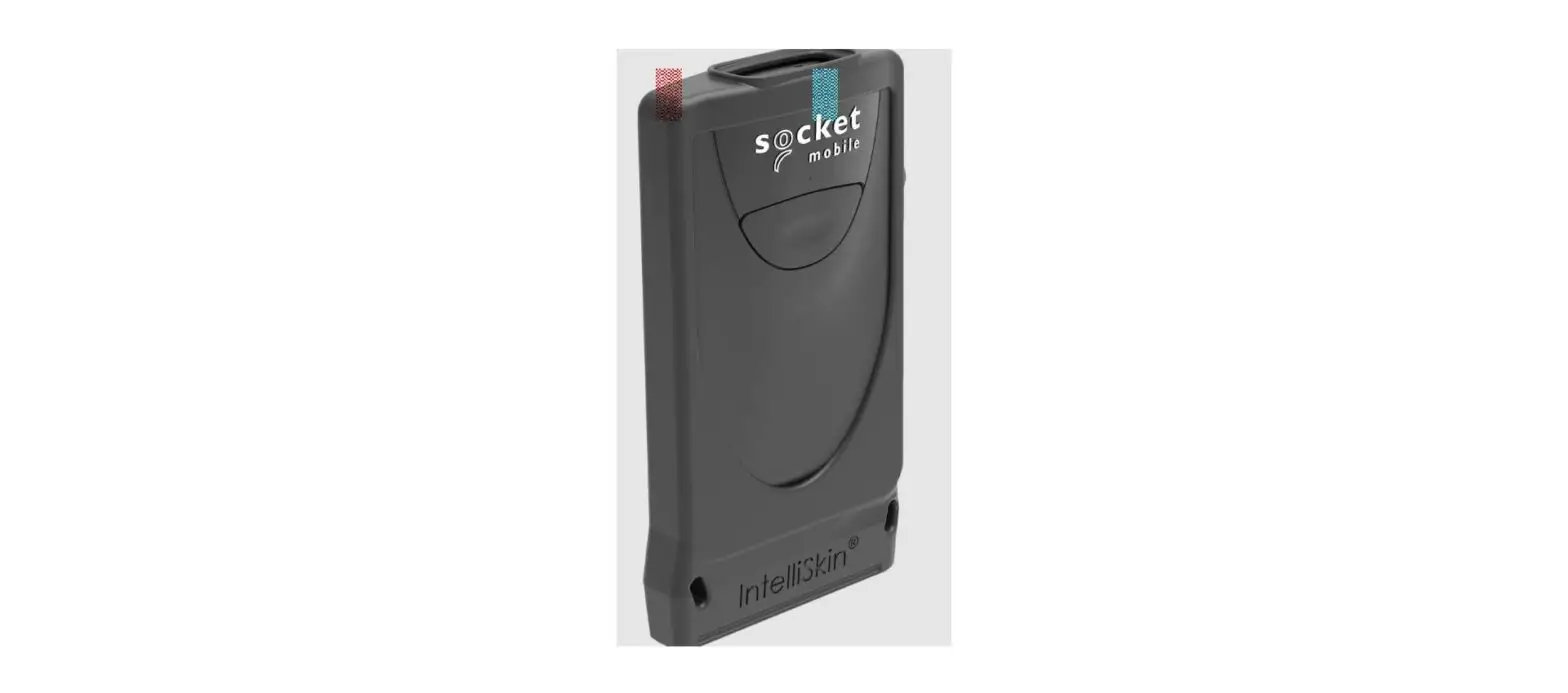

Socket Mobile 800 Series D800 Durascan Scanner User Guide

Socket Mobile 800 Series D800 Durascan Scanner User Guide

socket-mobile-800-Series-D800-DuraScan-Scanner-LOGO

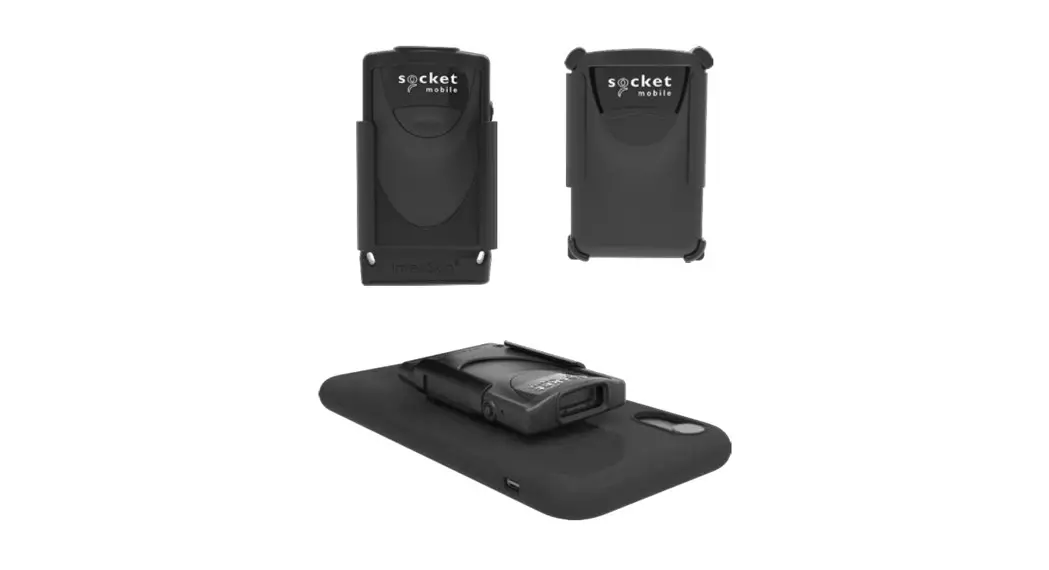
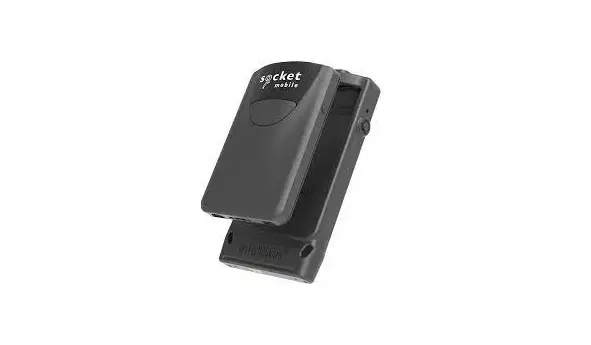
socket mobile 800 Series D800 DuraScan Scanner
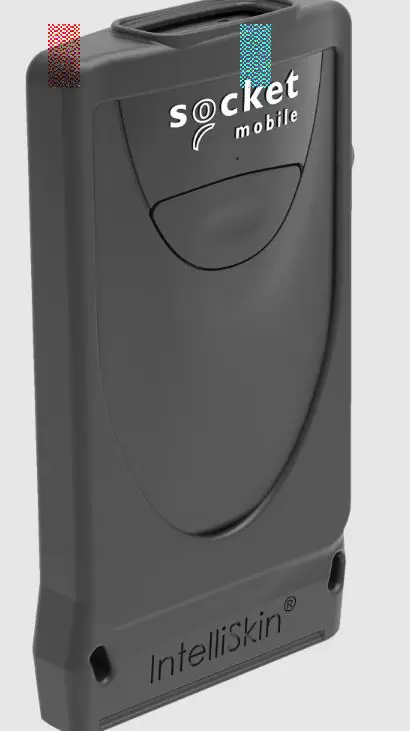
socket-mobile-800-Series-D800-DuraScan-Scanner-PR

HOW TO CHARGE

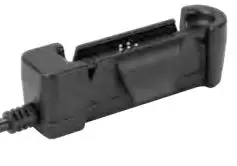
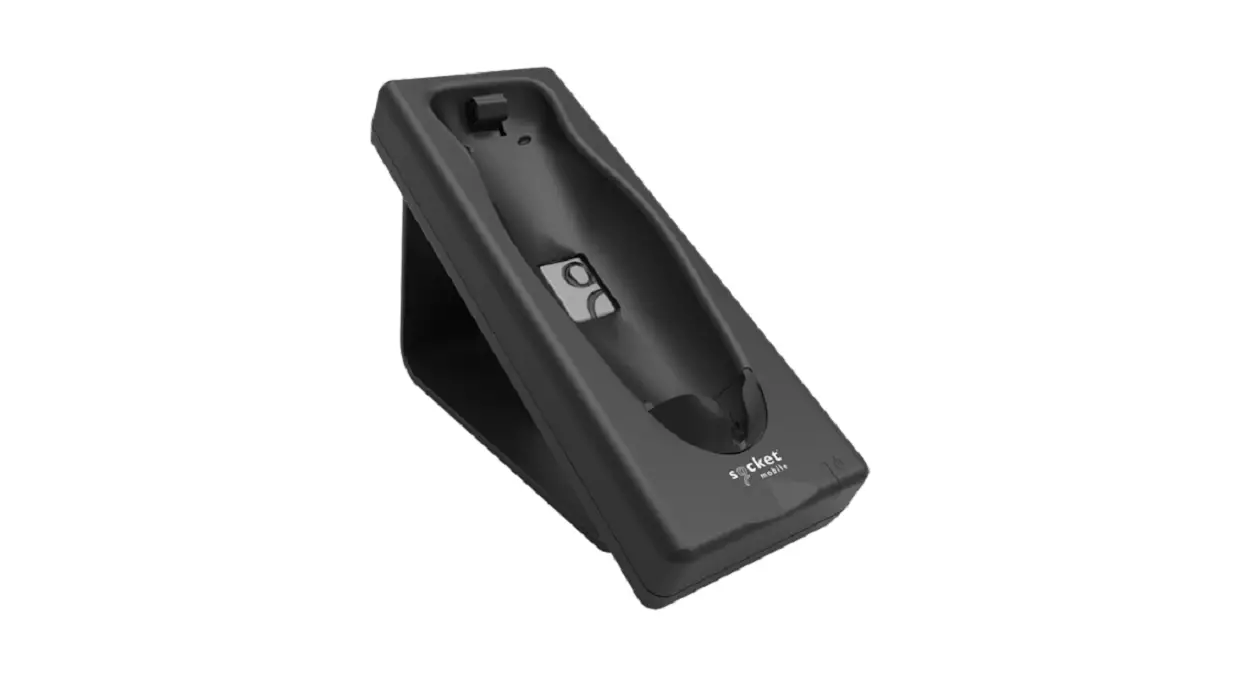
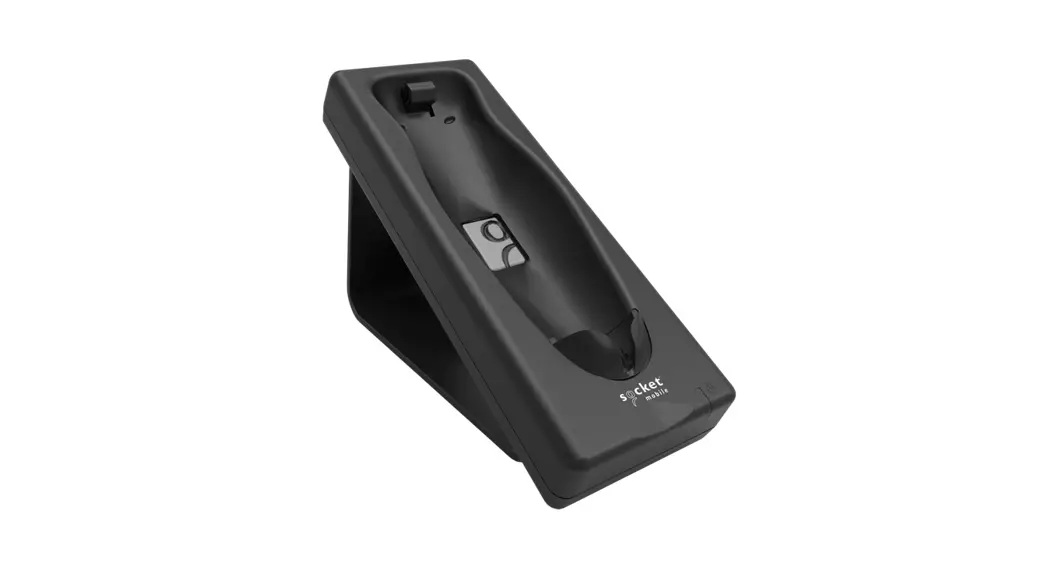
Charging Docksocket-mobile-800-Series-D800-DuraScan-Scanner-FIG-1
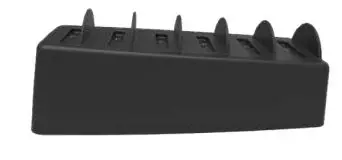
Multi-Bay Charger 6 Packsocket-mobile-800-Series-D800-DuraScan-Scanner-FIG-2
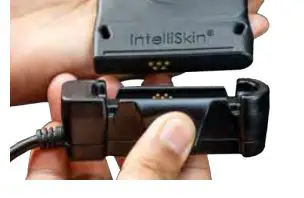
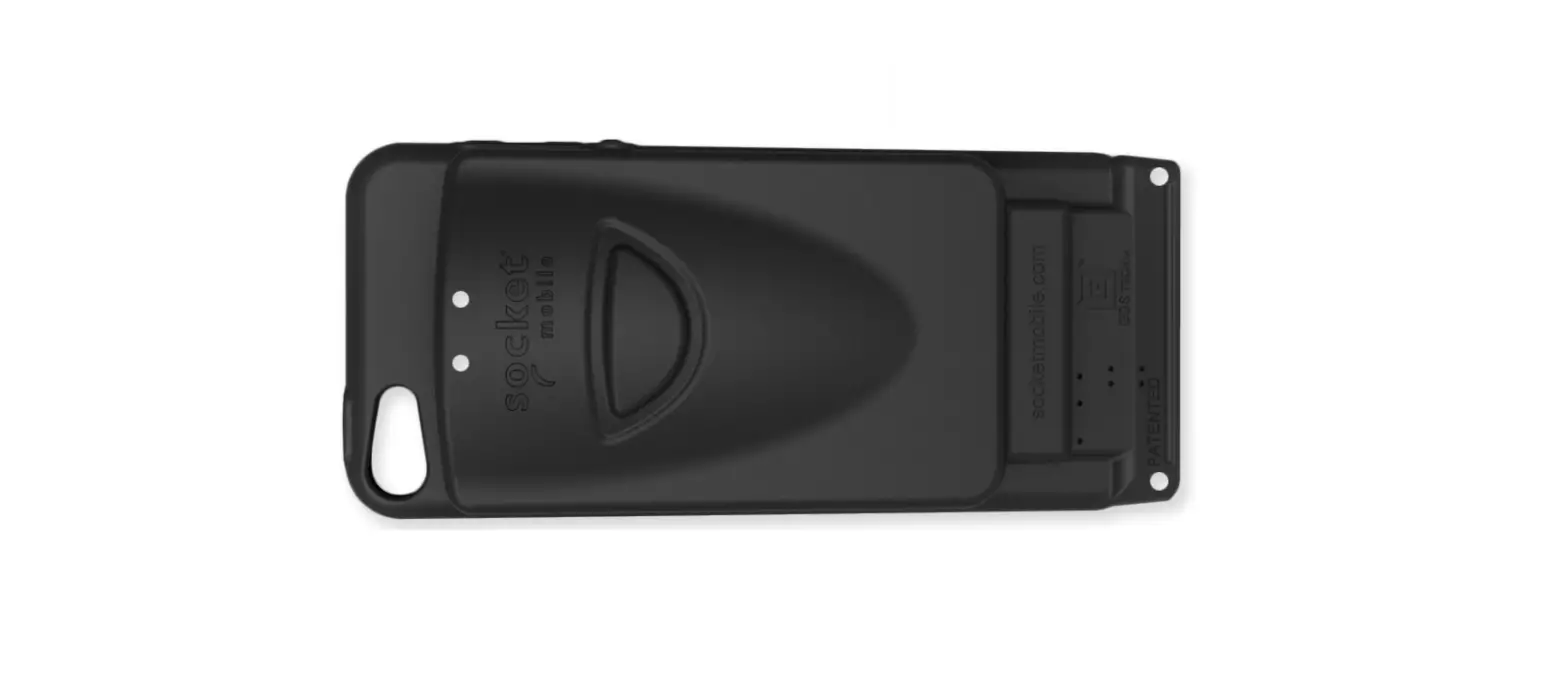
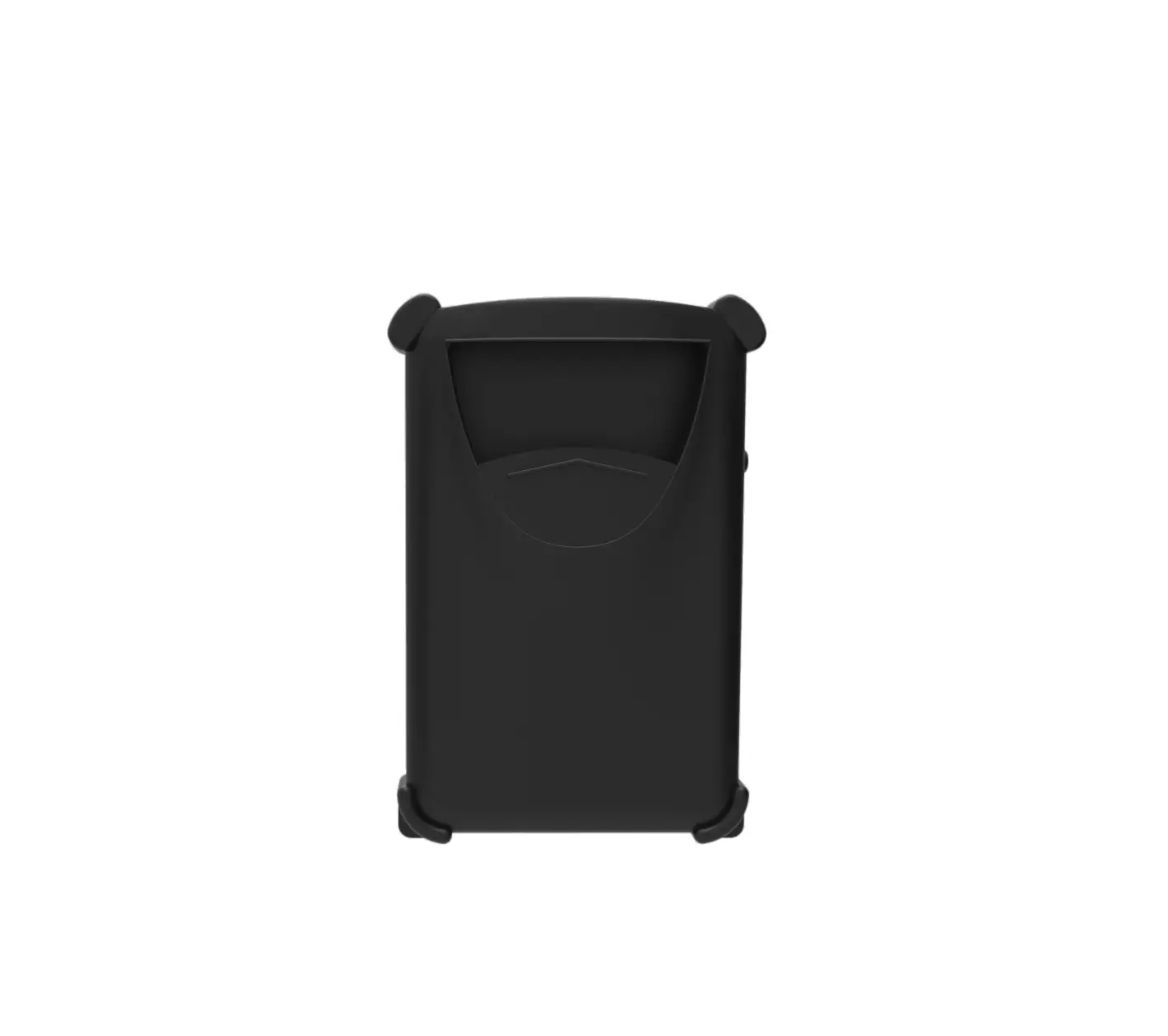
Charging Adaptersocket-mobile-800-Series-D800-DuraScan-Scanner-FIG-3


How to Use the Single Charging Dock & 6 Multi-Bay Charger

Step 1: Insert charging cablesocket-mobile-800-Series-D800-DuraScan-Scanner-FIG-4

Step 2: Insert DuraCasesocket-mobile-800-Series-D800-DuraScan-Scanner-FIG-5
Step 3: Device chargingsocket-mobile-800-Series-D800-DuraScan-Scanner-FIG-6

How to Use the Charging Adapter

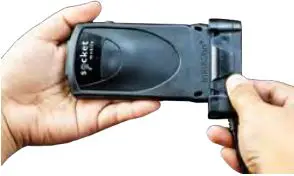
Step 1: Squeeze the side clipssocket-mobile-800-Series-D800-DuraScan-Scanner-FIG-7
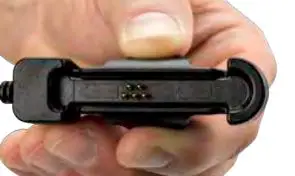
Step 2: Align pinssocket-mobile-800-Series-D800-DuraScan-Scanner-FIG-8
Step 3: Snap togethersocket-mobile-800-Series-D800-DuraScan-Scanner-FIG-9

How to Charge Using the Charging Adapter: https://youtu.be/dZM_4bsltyk

Documents / Resouces

Download manual
Here you can download full pdf version of manual, it may contain additional safety instructions, warranty information, FCC rules, etc.


Related Manuals