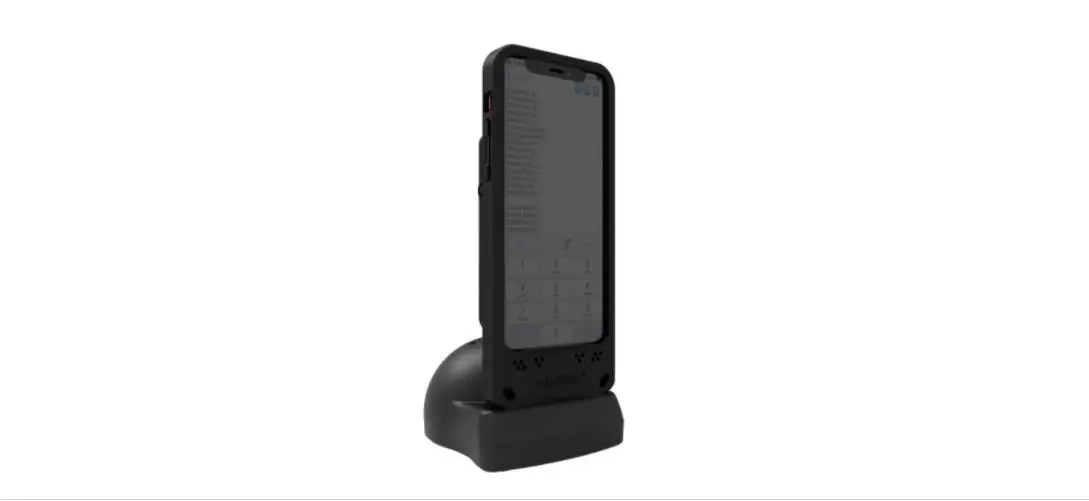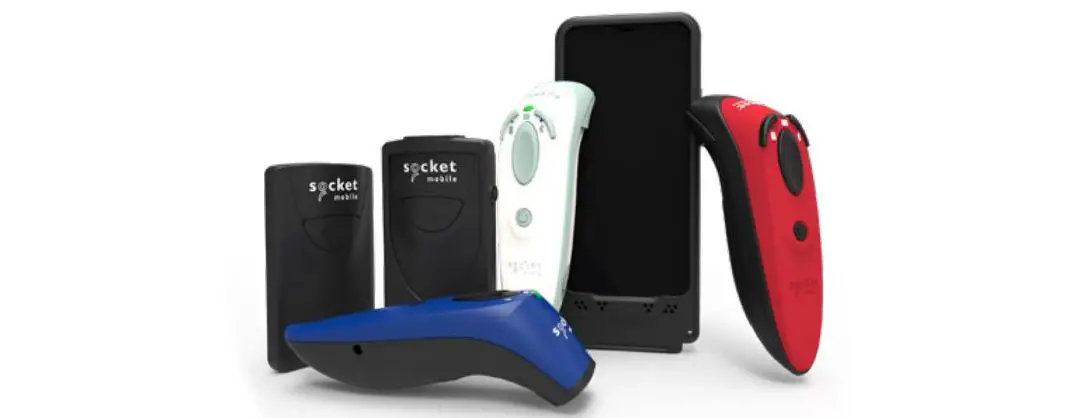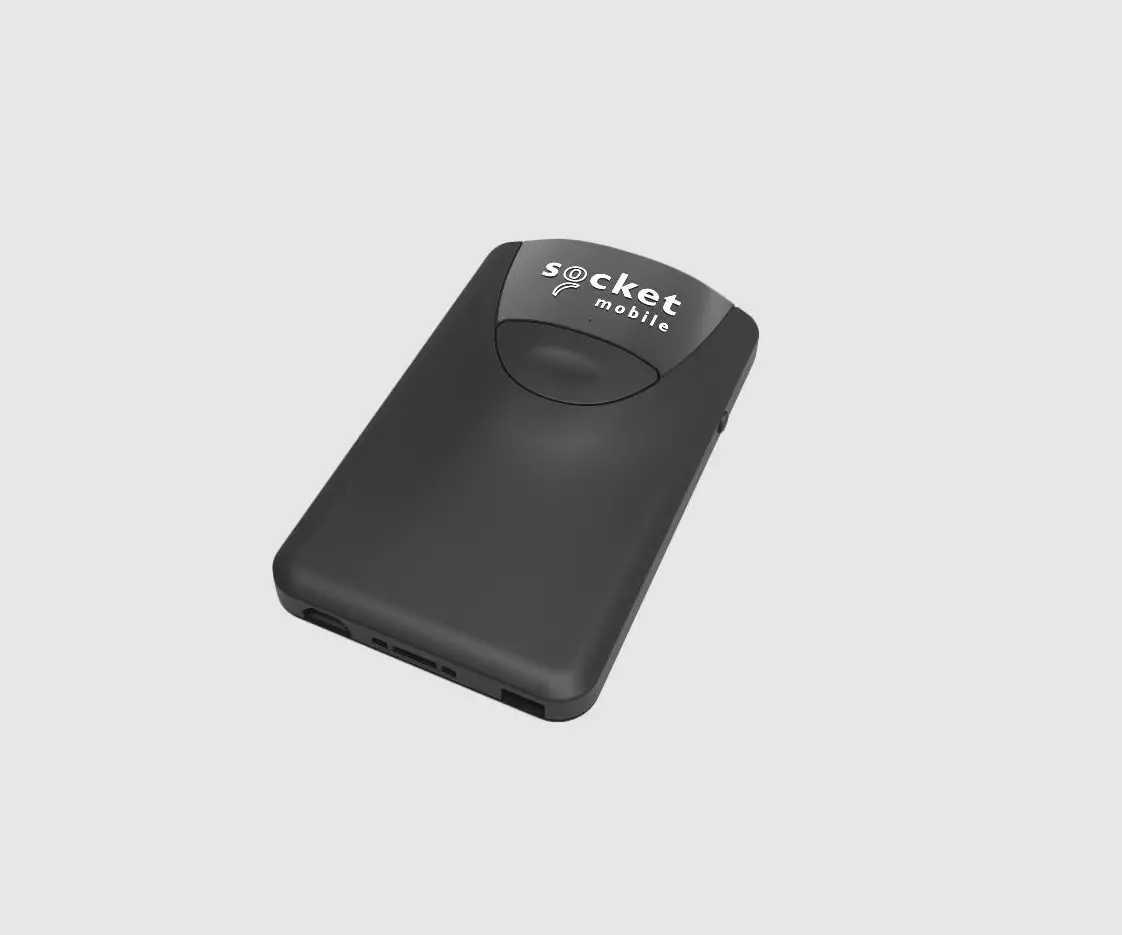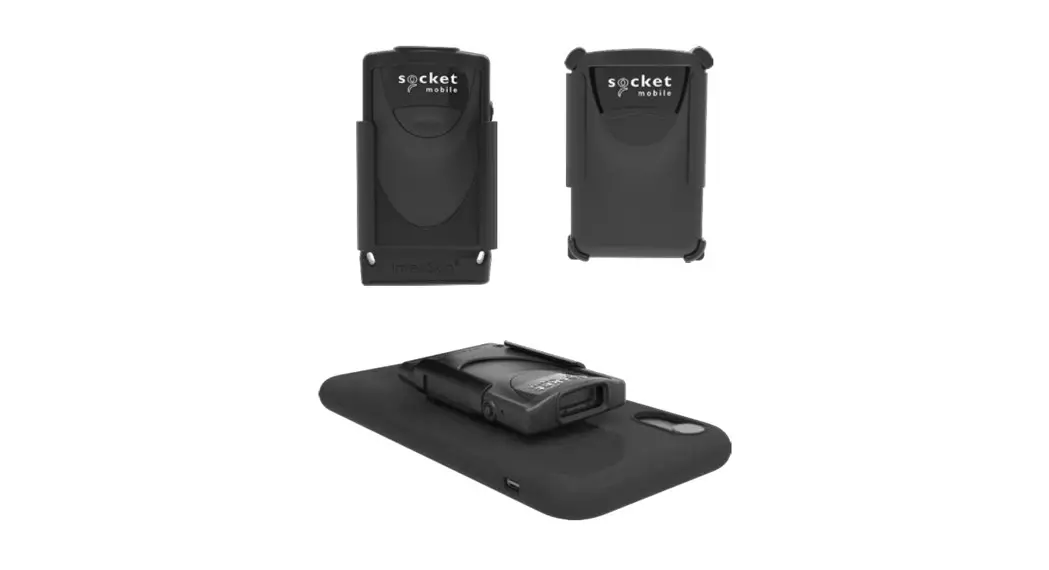
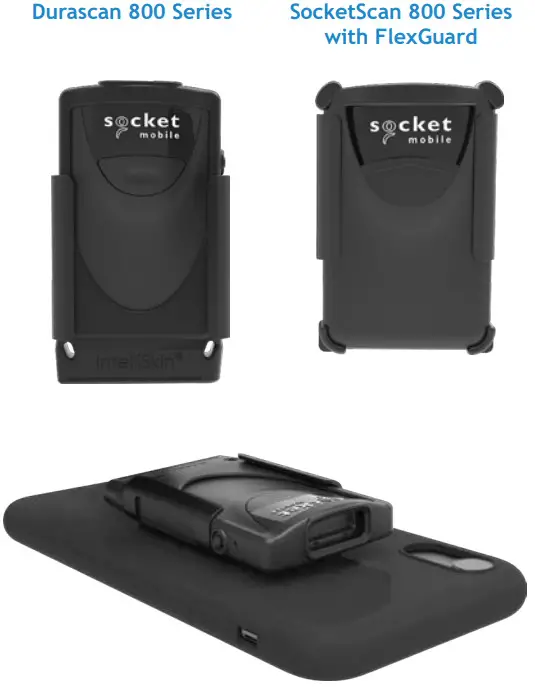
 Klip for DuraScan® 800 Series
and 800 Series with FlexGuard
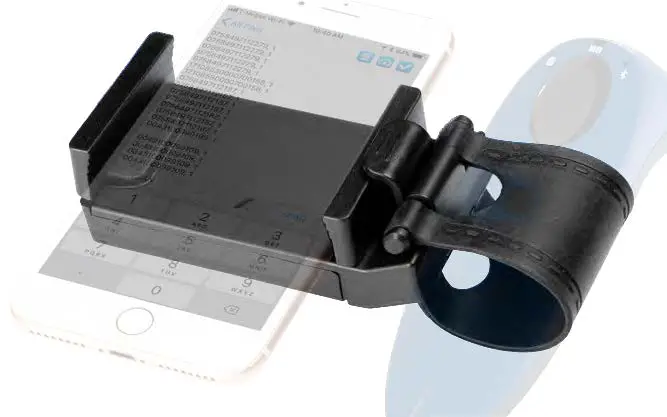
KLIP INSTRUCTION STEP 1
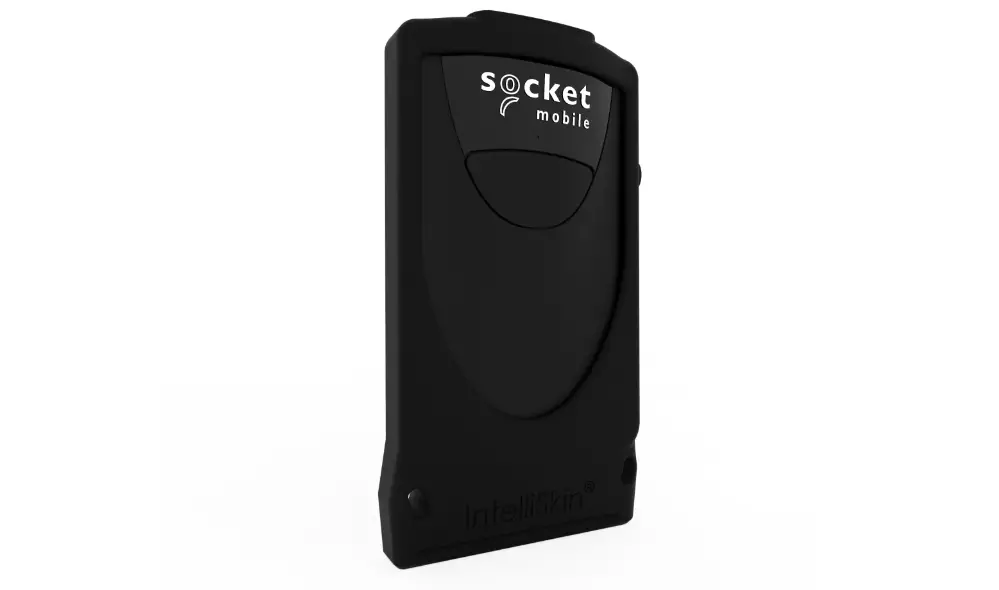
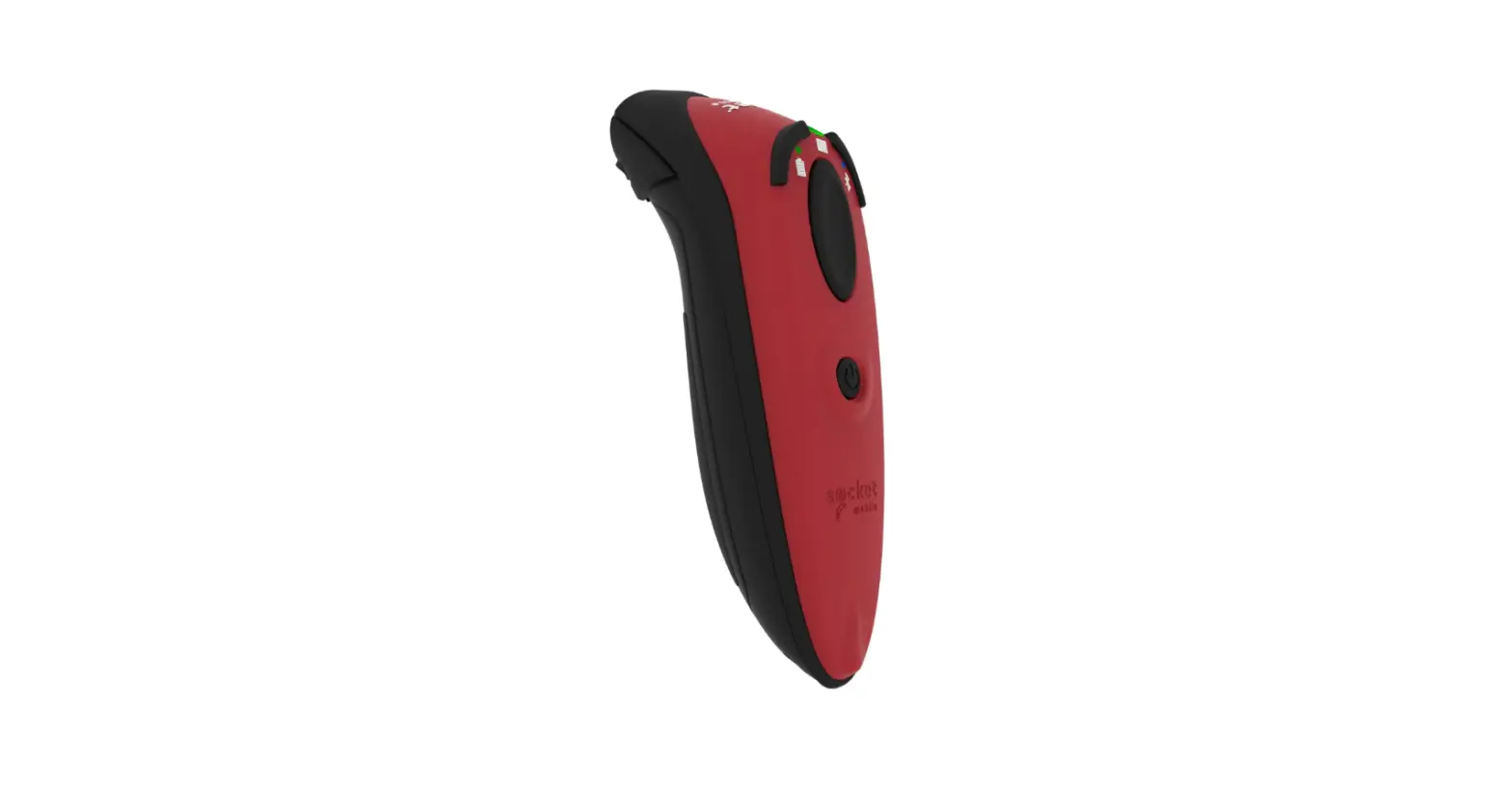
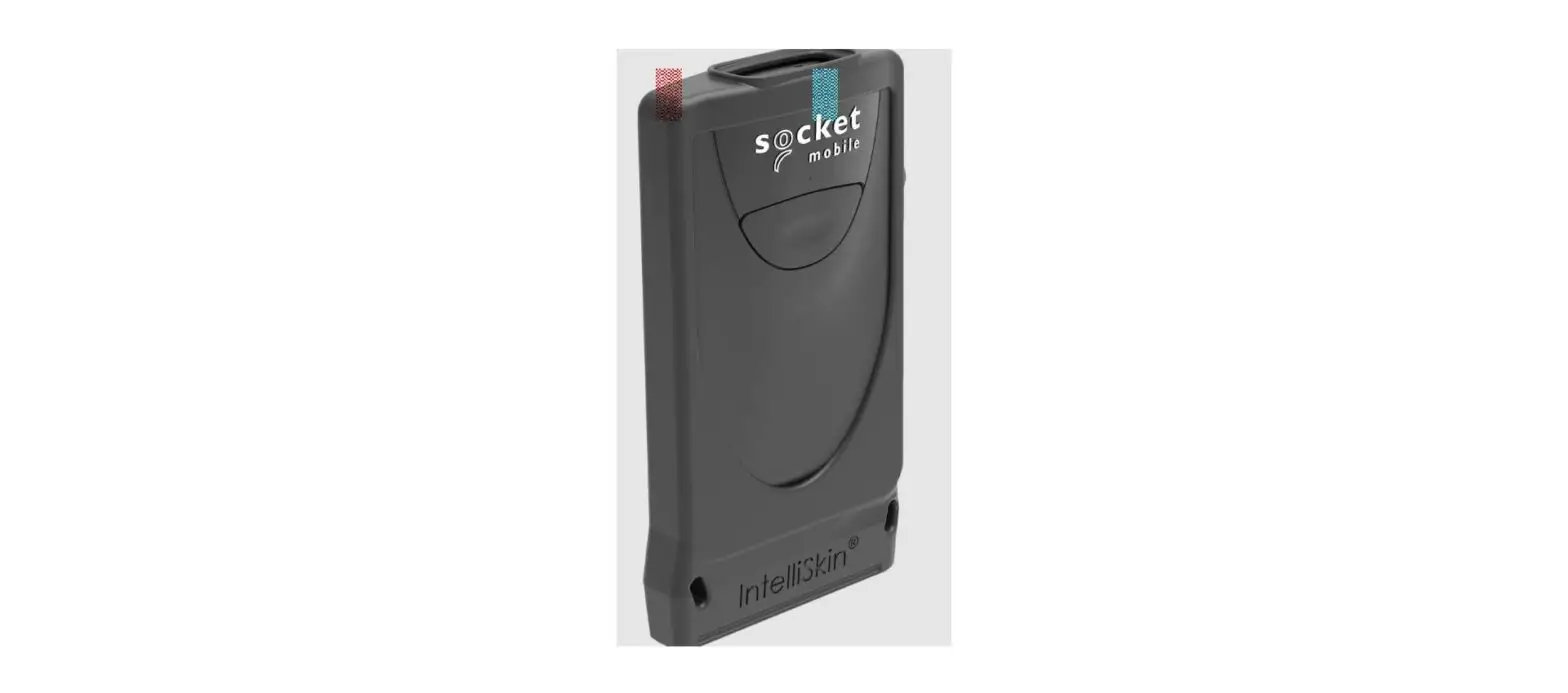
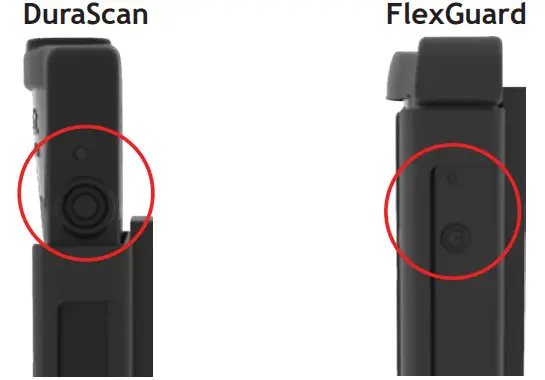
- Attach your scanner in the Klip.

* Ensure the power button on the side is visible. KLIP INSTRUCTION STEP 2
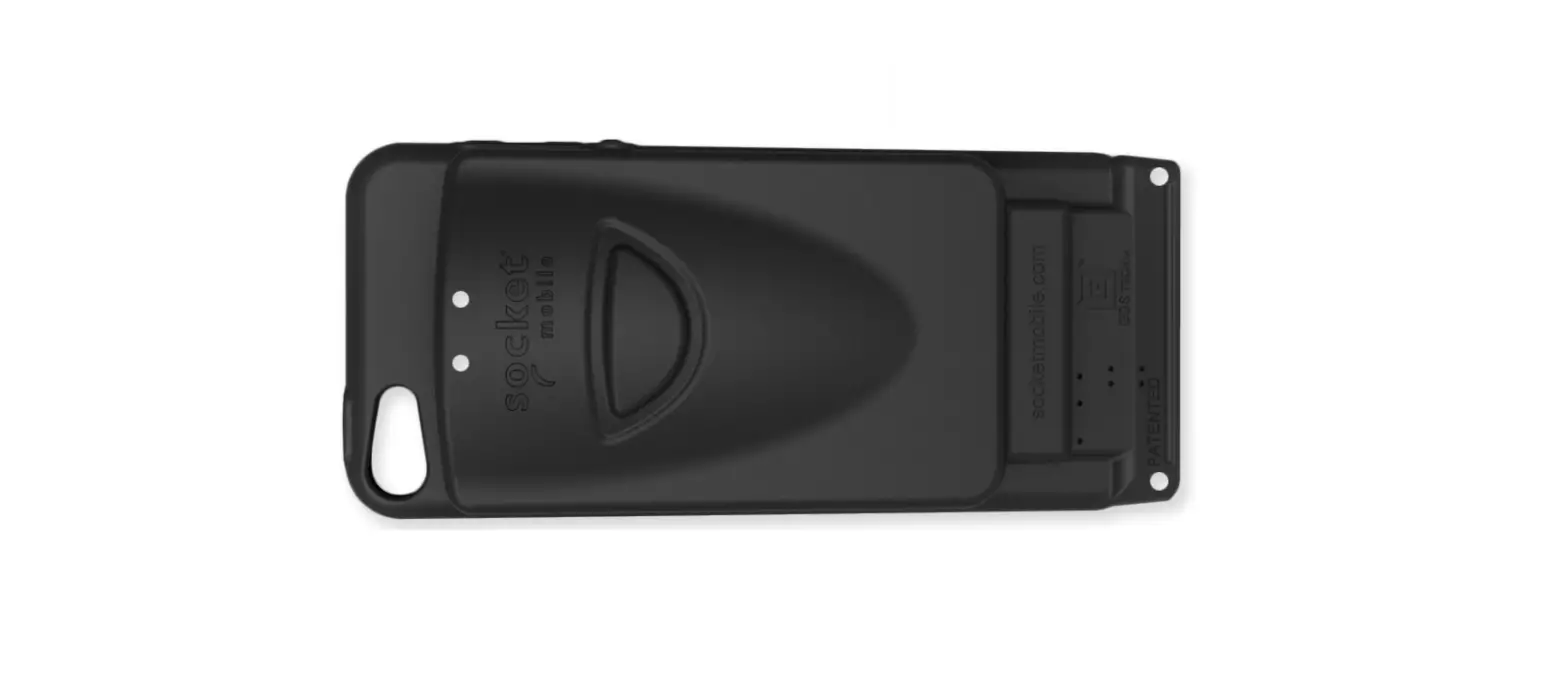
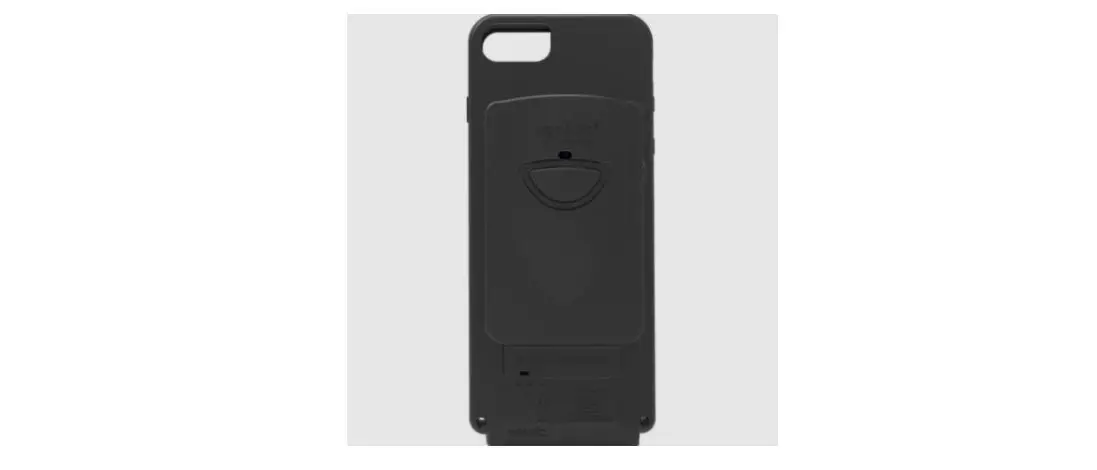
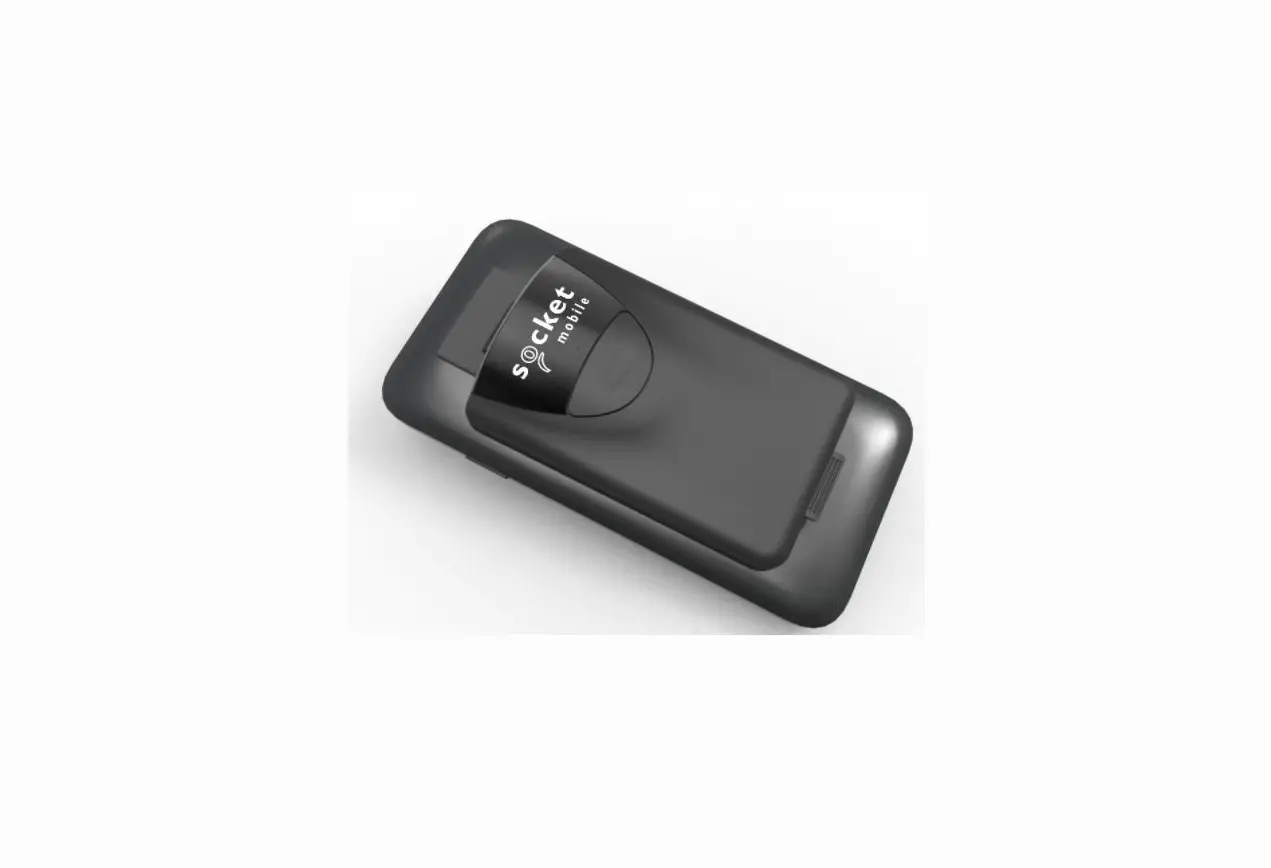
 - Peel and stick it on the desired location of the back of your case.

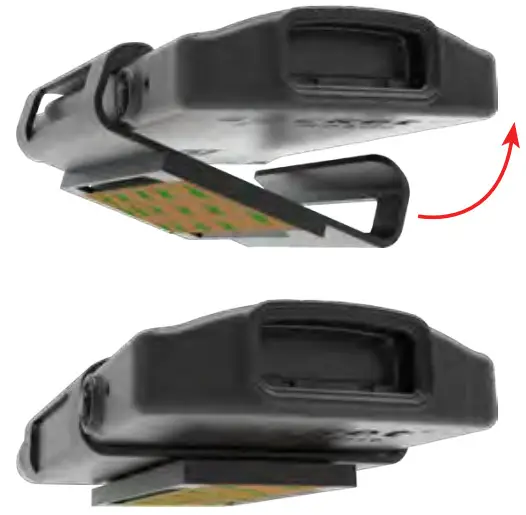
 KLIP INSTRUCTION STEP 2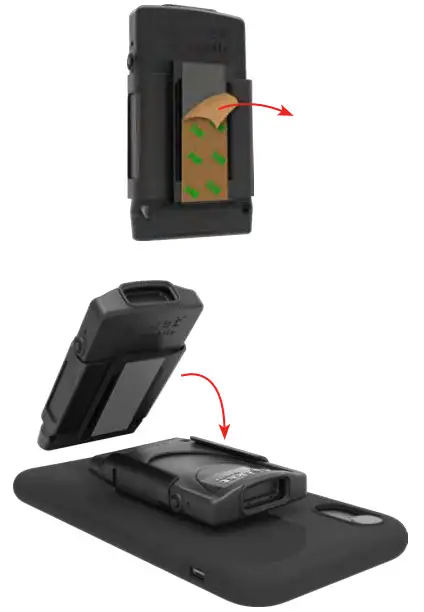
HOW TO REMOVE SCANNER
Slide scanner and Klip down from the cover piece.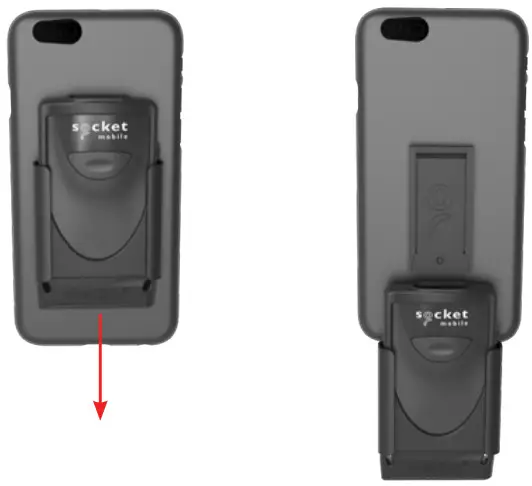
6430-00405A