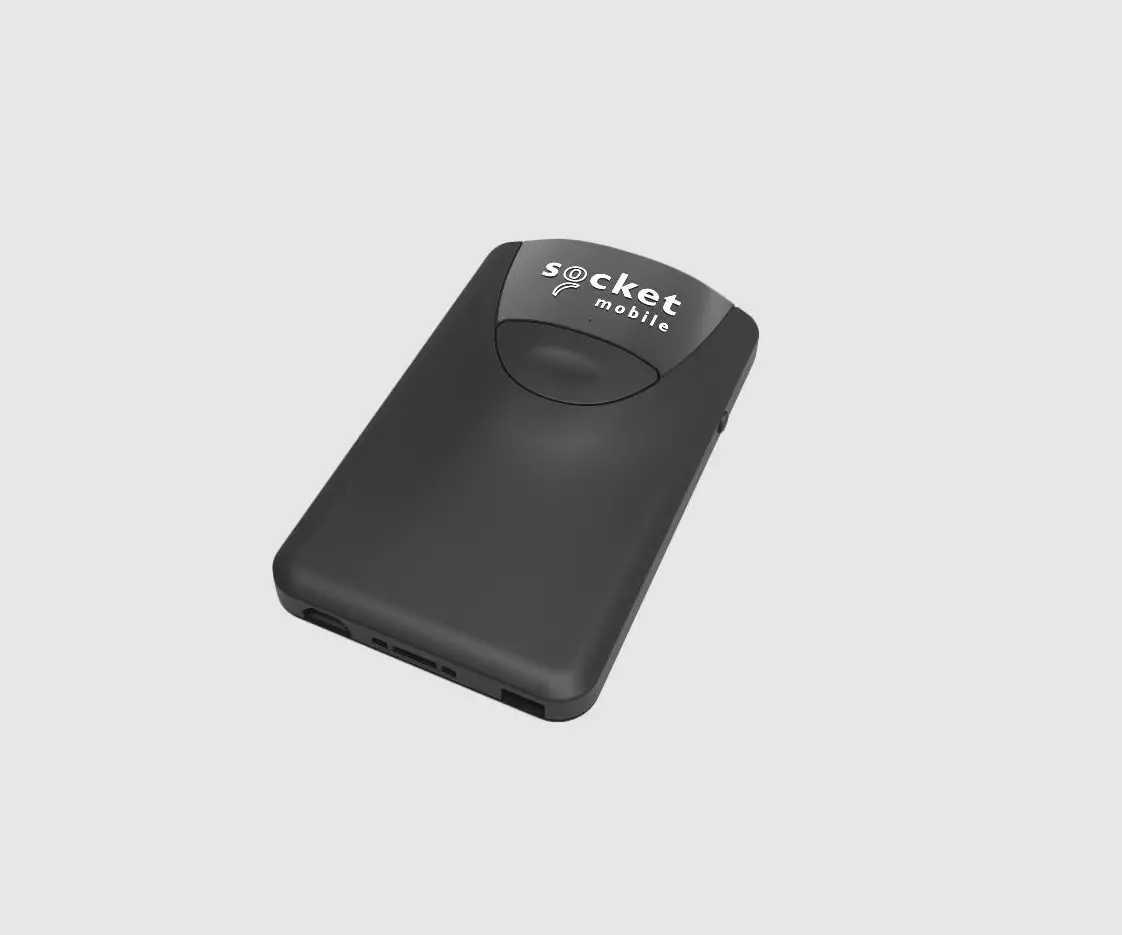
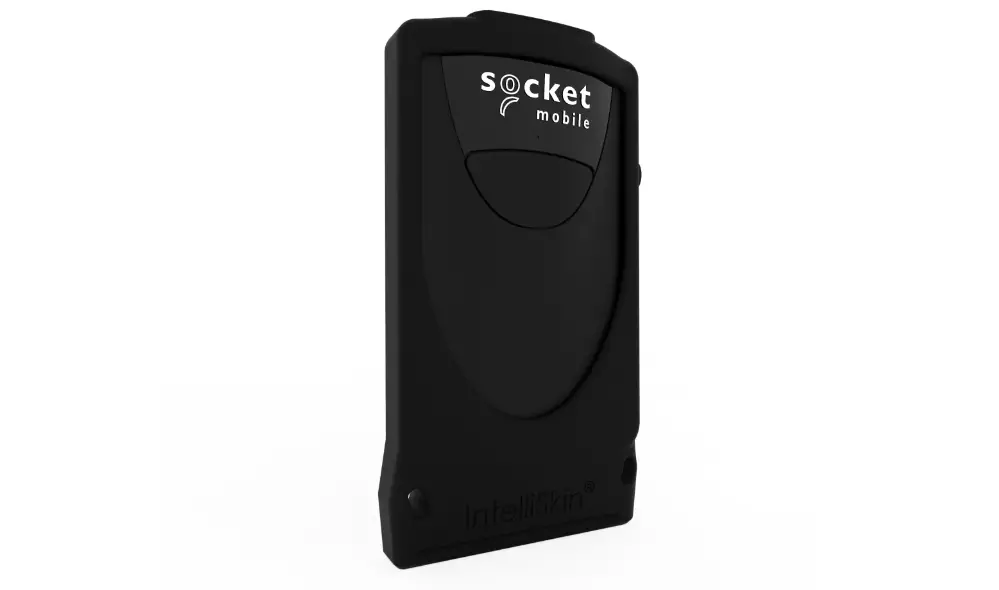
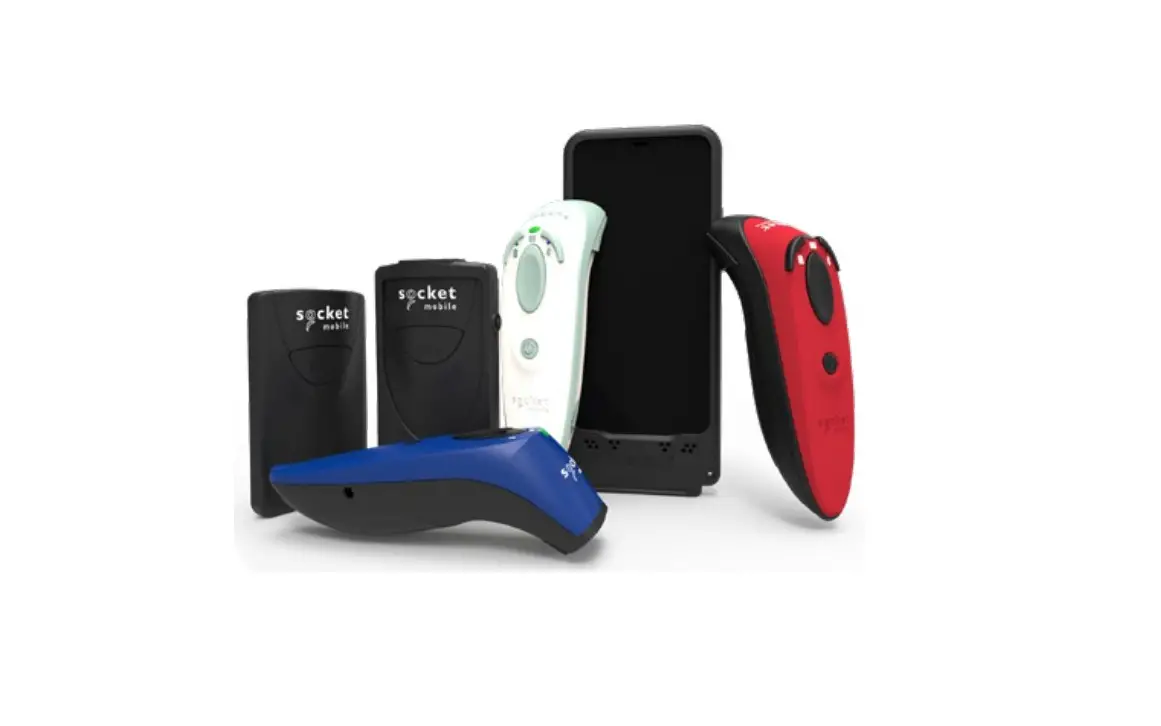
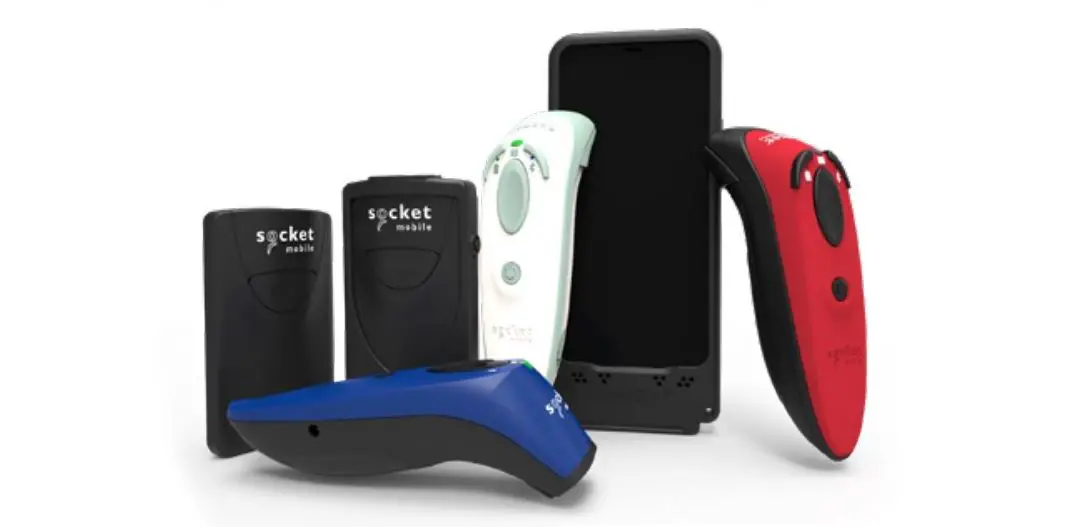
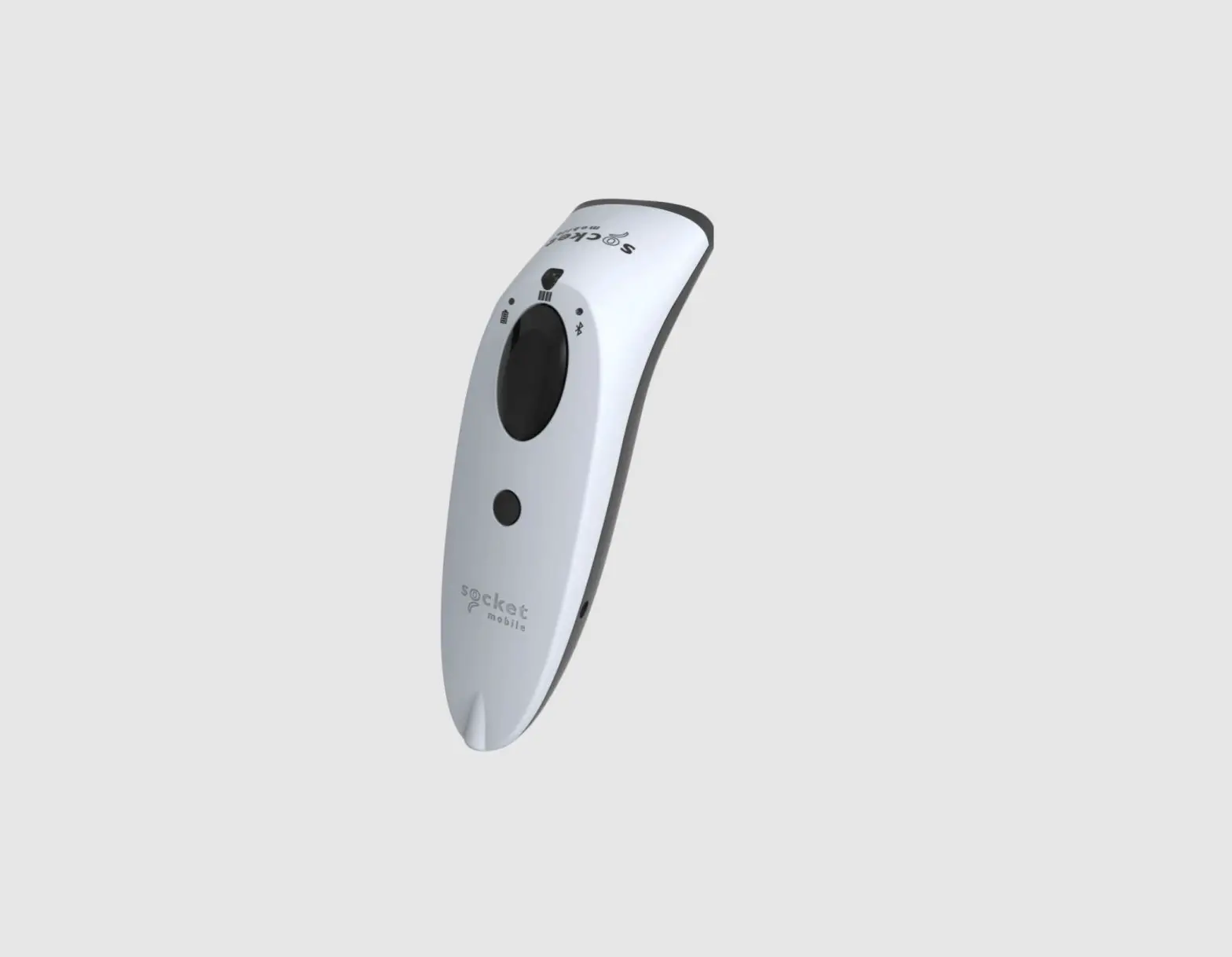
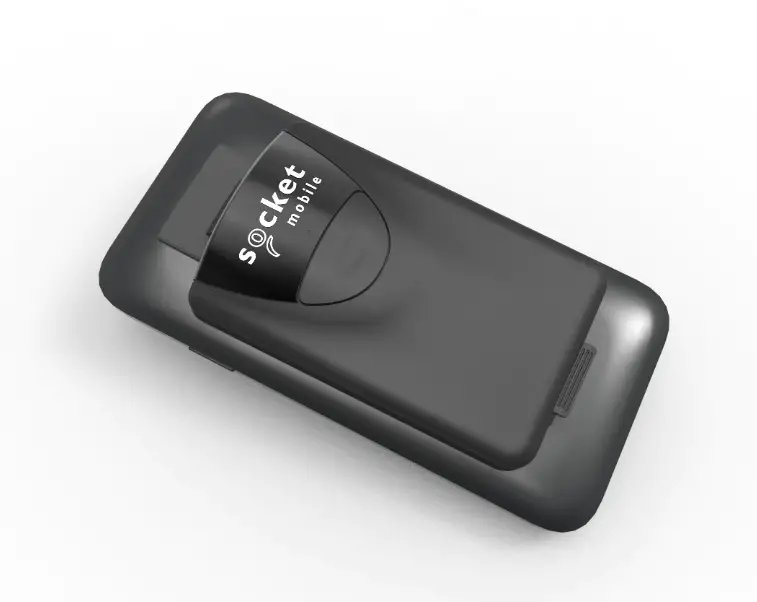
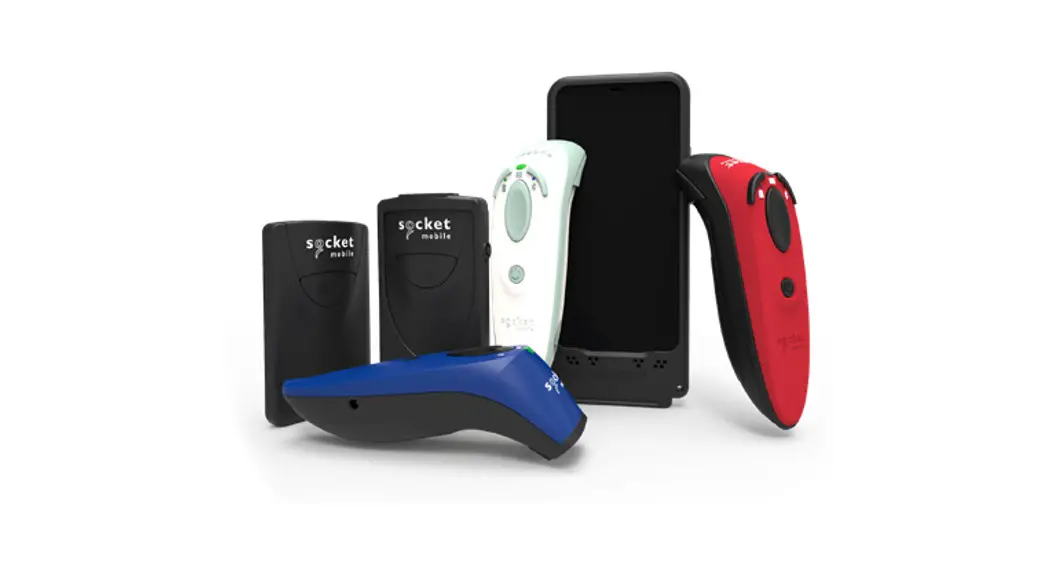
DS800 Linear Barcode Sled Scanner
Product Information
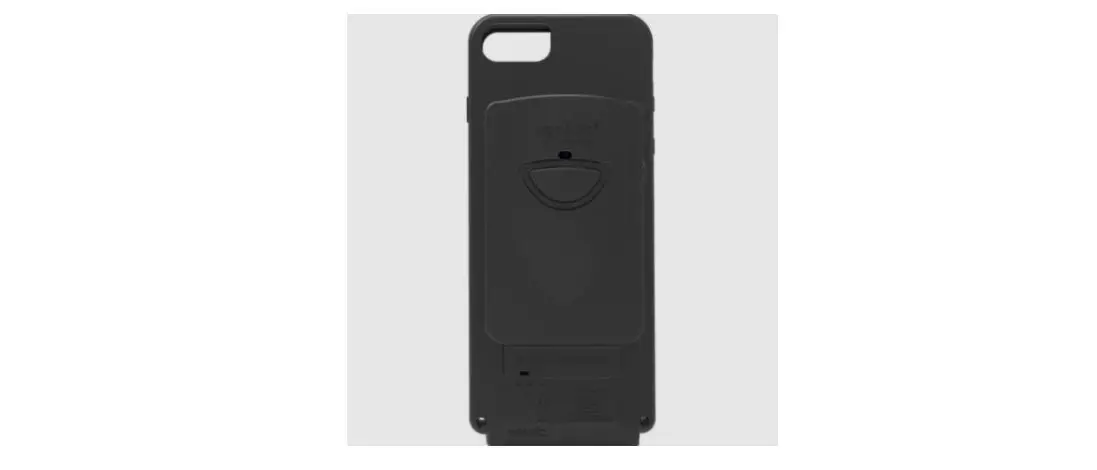
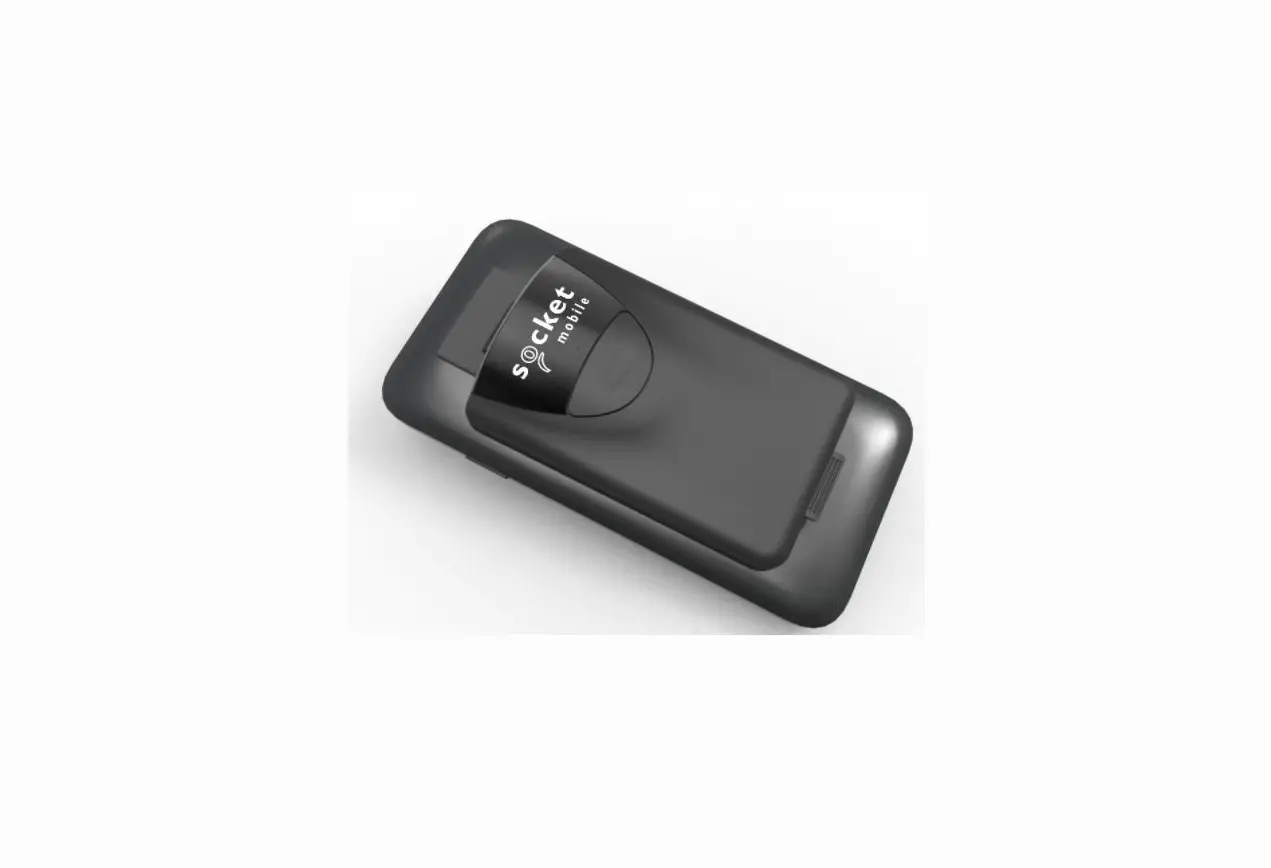
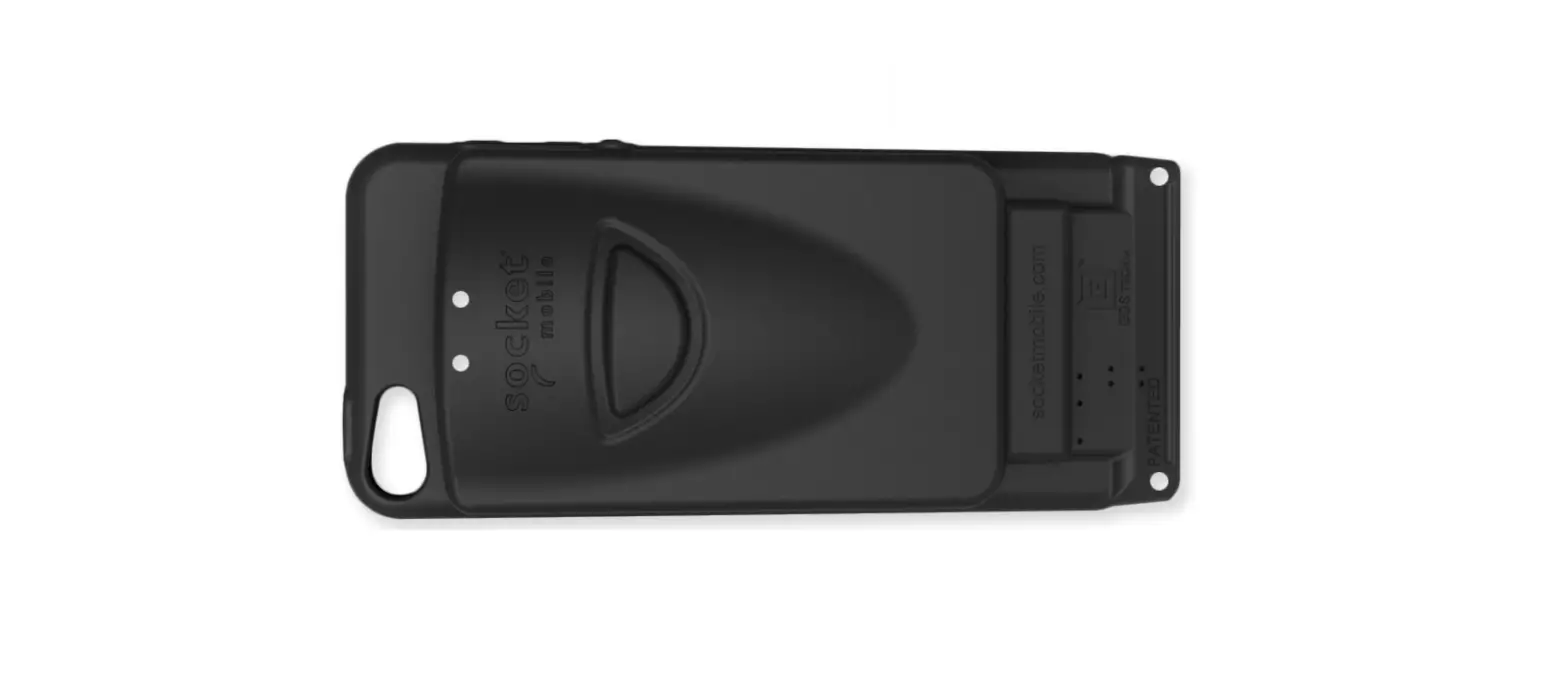
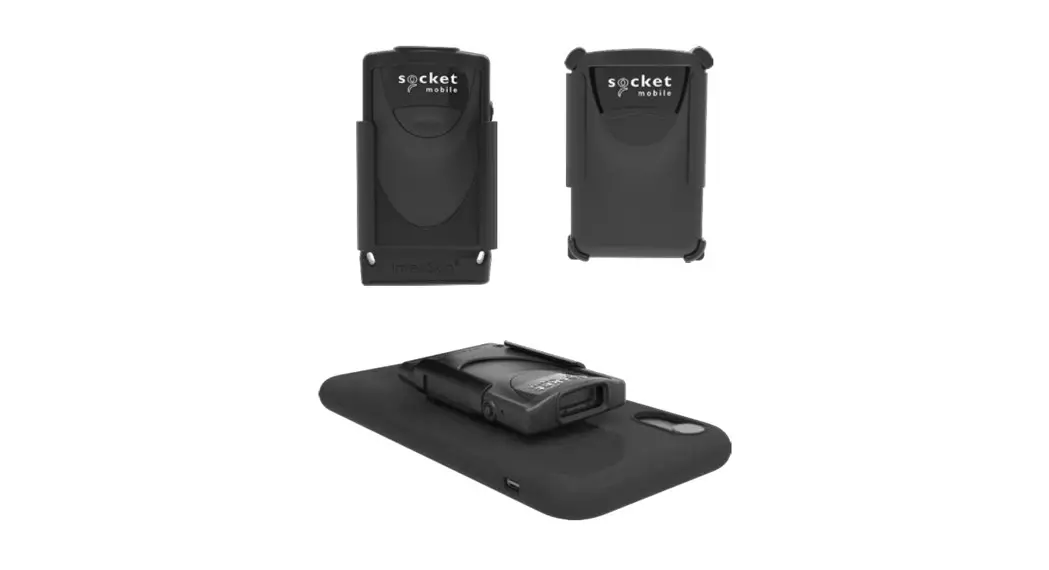
The Socket Mobile 800 Series Barcode Scanners are compatible
with the DuraCase, which is a protective case that allows
simultaneous charging of the scanner and a mobile device. The
DuraCase is designed to securely hold the barcode scanner and the
mobile device together.
Caution: Do not bend the mobile device or barcode scanner
forward or backward when inserting into the DuraCase, as it may
cause damage to the charging connectors.
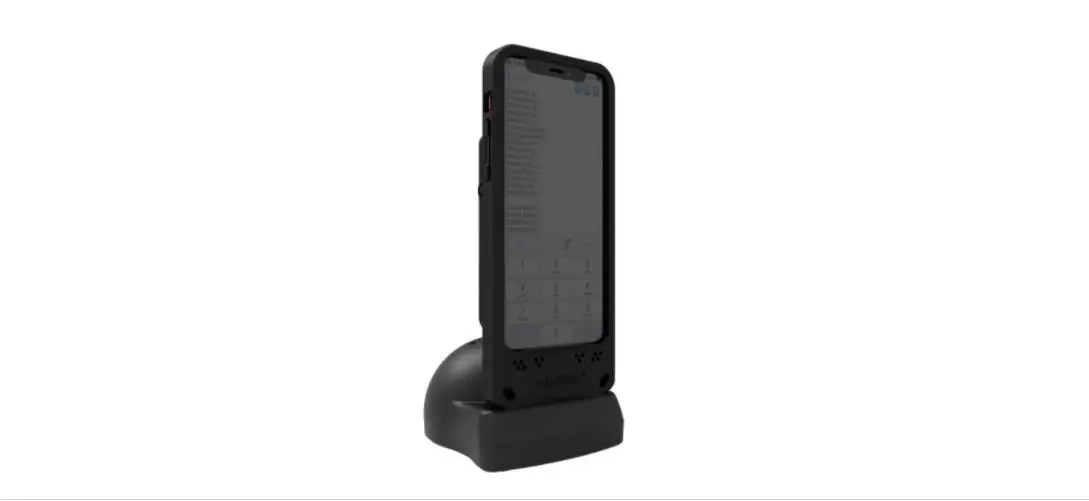
The DuraCase can be set up using the following charging
options:
- DuraCase Charging Dock
- DuraCase Charging Adapter
- DuraCase 6 Multi-Bay Charger
For detailed instructions on how to attach the DuraCase wrist
strap, refer to the video tutorial: https://youtu.be/9ZpkBi1FovU
To charge the DuraCase using the Charging Adapter, follow the
steps in this video tutorial: https://youtu.be/dZM_4bsltyk
For technical support, you can submit a support ticket at
http://support.socketmobile.com
or call 1-800-279-1390 between 7:00 AM and 7:00 PM PST.
Product Usage Instructions
Follow these steps to connect the Socket Mobile 800 Series
barcode scanner and the mobile device into the DuraCase:
- Slide the scanner into the DuraCase.
- Bend the DuraCase to align the connector and snap down the
scanner. Slide the connector into the scanner. - Slide the mobile device in place.
- Bend the DuraCase to align the connector and snap down the
mobile device. Slide the connector into the mobile device.
To set up your DuraCase, refer to the video tutorial: https://youtu.be/AJJyV3uYtGY
For charging using the Single Charging Dock or 6 Multi-Bay
Charger, follow these steps:
- Insert the charging cable.
- Insert the DuraCase.
- Allow the device to charge.
To use the Charging Adapter, follow these steps:
- Squeeze the side clips.
- Align the pins.
- Snap together.
socket mobile. com
FOR 800 SERIES BARCODE SCANNERS
DURACASE – USER GUIDE
To st art : If your phone support s Fast Charging, be sure t o disabl e it . Disabl ing Fast Charging wil l make sure t he scanner and phone can charge simul t aneousl y.
Caution: DO NOT BEND t he mobil e device or barcode scanner f orward or backward when insert ing int o t he DuraCase. The charging connect ors may break.
Follow t hese inst ruct ions f or connect ing t he Socket Mobile 800 Series barcode scanner and t he mobile device int o t he DuraCase.
St ep 1: Slide scanner int o DuraCase.
St ep 2: Bend DuraCase t o align connect or. St ep 3: Snap down scanner. Slide t he connect or int o scanner.
St ep 4: Slide mobile device in place.
St ep 5: Bend DuraCase t o align connect or. St ep 6: Snap down mobile device. Slide connect or int o mobile device.
How t o Set up your DuraCase: ht t ps: / / yout u. be/ AJJyV3uYt GY How At t ach DuraCase Wrist St rap: ht t ps: / / yout u. be/ 9ZpkBi1FovU
Charging Opt ions
DuraCase Charging Dock
DuraCase Charging Adapt er
DuraCase 6 Mult i-Bay Charger
St ep 1: Insert charging cable
How to Use the Single Charging Dock & 6 Multi-Bay Charger
St ep 2: Insert DuraCase
St ep 3: Device charging
St ep 1: Squeeze t he side clips
St ep 2: Align pins
How to Use the Charging Adapter
St ep 3: Snap t oget her
How t o Charge Using t he Charging Adapt er: ht t ps: / / yout u. be/ dZM_4bslt yk
GDS®, IntelliSkinTM, GDS TechTM, GDS TechnologyTM, GDS GreenTM and GDS CompatibleTM are trademarks or registered trademarks of National Products Inc. The distinctive D ShapeTM of the GDS® connector is a trademark of National Products Inc.
Patented and Trademarks www.rammmount.com/ip
Warrant y: 1 Year Limit ed Warrant y 6430-00368I
socket mobile. com
sales@socket mobile. com
UK/ Ireland/ Sout h Af rica: Fr ance:
+44 (0) 1252 761403 +44 7787 112109
+33 970 462 241
Tol l – Fr ee:
+1 800 552 3300 (USA/ Canada)
Swit zerland: +41 62 834 07 80
EMEA & Russia: Asia Pacific:
+41 62 834 0780 +1 510 933 3122
Japan:
+8190 9808 0518
Ger m any:
+49 9401 5299 052
Lat in America:
+1 510 933 3153
Technical Support :
Send us a support t icket at support . socket mobile. com or call us at 1 800 279 1390 bet ween t he hours of 7: 00 AM- 7: 00 PM PST.
© 2018 Socket Mobile, Inc. All right s reserved. Socket ®, t he Socket Mobile logo, Socket ScanTM, DuraScanTM, Bat t ery Friendly® are regist ered t rademarks or t rademarks of Socket Mobile, Inc. Microsof t ® is a regist ered t rademark of Microsof t Corporat ion in t he Unit ed St at es and ot her count ries. Apple®, iPad®, iPad Mini®, iPhone®, iPod Touch®, and Mac iOS® are regist ered t rademarks of Apple, Inc. , regist ered in t he U. S. and ot her count ries. The Bluet oot h® Technology word mark and logos are regist ered t rademarks owned by t he Bluet oot h SIG, Inc. and any use of such marks by Socket Mobile, Inc. is under license. Ot her t rademarks and t rade names are t hose of t heir respect ive owners.
socket mobile. com
DU
FÜR
RACASE –
BBAERNCOUDET-SZCEANRNHERADNERDSBERUIEC80H0
Vorab: Wenn Ihr Handy schnellladefähig ist, deaktivieren Sie bitte diese Funktion. Durch die Deaktivierung von Schnellladevorgängen wird sichergestellt, dass Scanner und Telefon gleichzeitig geladen werden können.
Achtung: Biegen Sie das Mobilgerät oder den Barcode-Scanner NICHT vor oder zurück, wenn Sie es in das DuraCase einsetzen. Dabei könnten die Steckkontakte brechen.
Befolgen Sie den weiteren Anweisungen, um den Barcode-Scanner der Serie 800 von Socket Mobile und das Mobilgerät mit dem DuraCase zu verbinden.
Schritt 1: Scanner in das DuraCase schieben
Schritt 2: DuraCase biegen, Anschlüsse ausrichten, Steckverbindung herstellen
Schritt 3: Scanner einrasten
Schritt 4: Mobilgerät in das DuraCase schieben
Schritt 5: DuraCase biegen, Anschlüsse ausrichten, Steckverbindung herstellen
Schritt 6: Mobilgerät einrasten
Einrichtung Ihres DuraCase: ht t ps: / / yout u. be/ AJJyV3uYt GY Anbringung des Handgelenkbands:ht t ps: / / yout u. be/ 9ZpkBi1FovU
Ladeoptionen
DuraCase Tischladegerät
DuraCase Ladeadapter
DuraCase 6-fach Multi-Ladestation
Verwendung des Tischladegeräts & der 6-fach Multi-Ladestation
Schritt 1: Ladekabel einstecken
Schritt 2: DuraCase einsetzen
Schritt 3: Gerät laden
Schritt 1: Klammern zusammendrücken
Verwendung des Ladeadapters
Schritt 2: Kontakt-Pins ausrichten
Schritt 3: Zusammenstecken
Laden mithilfe des Ladeadapters: ht t ps: / / yout u. be/ dZM_4bslt yk
GDS®, IntelliSkinTM, GDS TechTM, GDS TechnologyTM, GDS GreenTM und GDS CompatibleTM sind Handelsmarken oder registrierte Schutzmarken von National Products Inc. Die unverwechselbare D ShapeTM der GDS®-Verbindung ist eine Handelsmarke von National Products Inc. Patente und Schutzmarken www.rammmount.com/ip
Garantie: 1 Jahr eingeschränkte Garantie
6430-00368I
socket mobile. com Großbritannien/Irland/Südafrika:
Fr ankreich: Japan: Technischer Support :
sales@socket mobile. com
+44 (0) 1252 761403 +44 7787 112109 +33 970 462 241
+8190 9808 0518
Gebührenfrei:
Schweiz Deutschland:
+1 800 552 3300 (USA/Kanada)
+41 62 834 07 80 +49 9401 5299 052
EMEA & Russland:
Asien-Pazifik: Lateinamerika:
Senden Sie uns ein Support-Ticket unter support.socketmobile.com oder rufen Sie uns unter 1 800 279 1390 zwischen 7:00 AM und 7:00 PM PST an.
+41 62 834 0780
+1 510 933 3122 +1 510 933 3153
© 2018 Socket Mobile, Inc. Alle Rechte vorbehalten. Socket®, das Socket-Mobile-Logo, SocketScanTM, DuraScanTM und Battery Friendly® sind eingetragene Schutzmarken oder Schutzmarken von Socket Mobile, Inc. Microsoft® ist eine eingetragene Schutzmarke von Microsoft Corporation in den USA und anderen Ländern. Apple®, iPad®, iPad Mini®, iPhone®, iPod Touch® und Mac OS® sind registrierte Schutzmarken von Apple, Inc., eingetragen in den USA und anderen Ländern. Die Bluetooth®Technologie-Wortmarke und das Bluetooth-Logo sind eingetragene Schutzmarken der Bluetooth SIG, Inc. USA und jegliche Nutzung dieser Marken durch Socket Mobile, Inc. ist lizenziert. Weitere Marken und¬ Markennamen sind Eigentum der jeweiligen Inhaber.
socket mobile. com
8 0 0
DURACASE
: .
: Dur aCase .
Socket Mobile 800DuraCase.
St ep 1: DuraCase .
St ep 2DuraCasewo St ep 3: . .
St ep 4: .
St ep 5: DuraCase St ep 6: .
DuraCase: ht t ps: / / yout u. be/ AJJyV3uYt GY DuraCase Wrist St rap: ht t ps: / / yout u. be/ 9ZpkBi1FovU
DuraCase
DuraCase
DuraCase 6
6
St ep 1:
St ep 2: DuraCase
St ep 3:
St ep 1:
St ep 2:
: ht t ps: / / yout u. be/ dZM_4bslt yk
GDS®, IntelliSkinTM, GDS TechTM, GDS TechnologyTM, GDS GreenTM and GDS CompatibleTM are t rademarks or regist ered t rademarks of Nat ional Product s Inc. The dist inct ive D ShapeTM of t he GDS® connect or is a t rademark of Nat ional Product s Inc.
Pat ent ed and Trademarks
St ep 3:
: 1
www.rammmount .com/ ip
6430- 00368I
socket mobil e.com
sales@socket mobile.com
UK/ Irel and/ Sout h Af rica:
+44 (0) 1252 761403 +44 7787 112109
Tol l -Fr ee:
+1 800 552 3300 (USA/ Canada)
EMEA & Russia:
+41 62 834 0780
France:
+33 970 462 241
Swit zerland:
+41 62 834 07 80
Asia Pacif ic:
+1 510 933 3122
Japan:
+8190 9808 0518
Germany:
+49 9401 5299 052
Lat in America:
+1 510 933 3153
Technical Support :
Send us a support t icket at support . socket mobil e. com or cal l us at 1 800 279 1390 bet ween t he hours of 7: 00 AM- 7: 00 PM PST.
© 2018 Socket Mobile, Inc. All right s reserved. Socket ®, t he Socket Mobile logo, SocketScanTM, DuraScanTM, Bat t ery Friendly® are regist ered t rademarks or t rademarks of Socket Mobile, Inc. Microsof t ® is a regist ered t rademark of Microsof t Corporat ion in t he Unit ed St at es and ot her count ries. Apple®, iPad®, iPad Mini®, iPhone®, iPod Touch®, and Mac iOS® are regist ered t rademarks of Apple, Inc. , regist ered in t he U. S. and ot her count ries. The Bluet oot h® Technology word mark and logos are regist ered t rademarks owned by t he Bluet oot h SIG, Inc. and any use of such marks by Socket Mobile, Inc. is under license. Ot her t rademarks and t rade names are t hose of t heir respect ive owners.
 Mobile Data Capture Solutions - Socket Mobile
 Barcode Scanner, NFC Reader Writer Support - Socket Mobile
 DuraSled Barcode Scanner Accessories – Socket Mobile