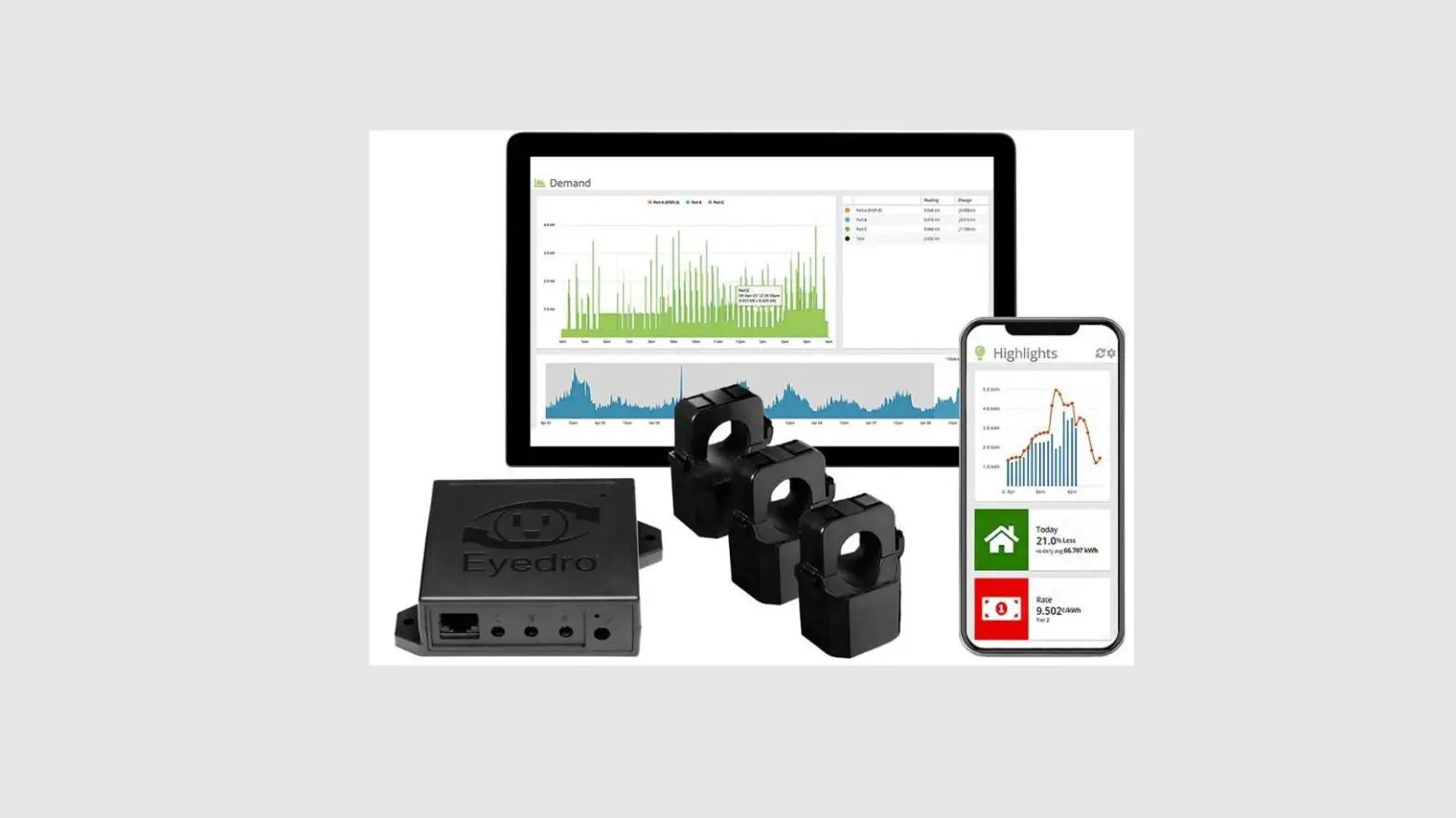
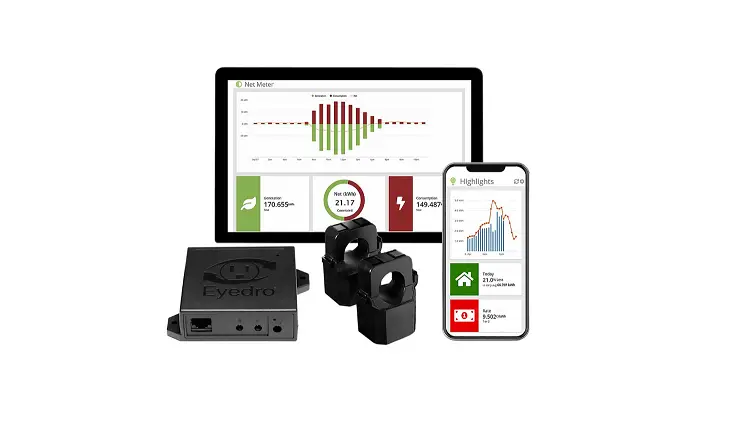
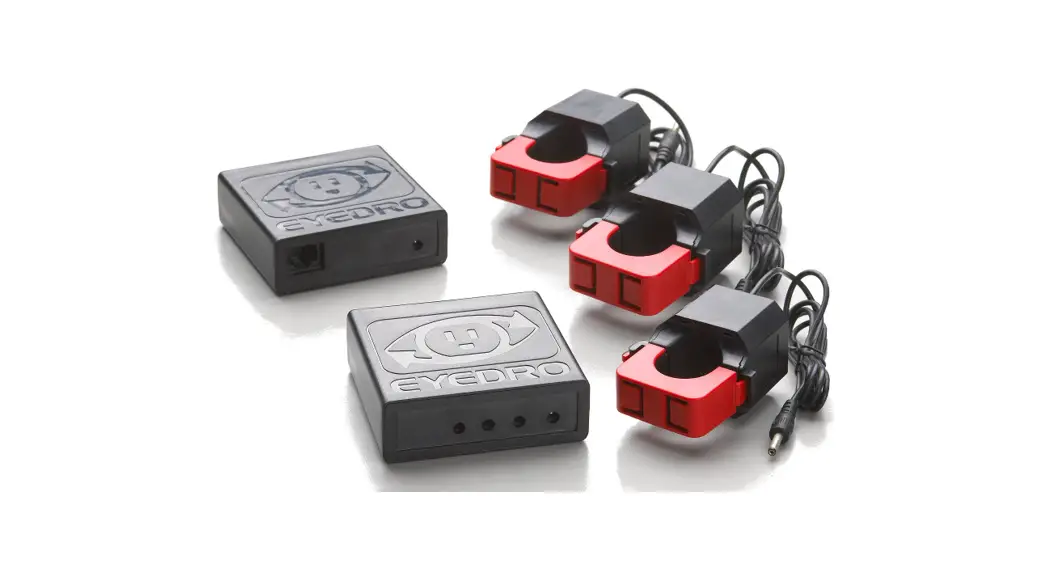
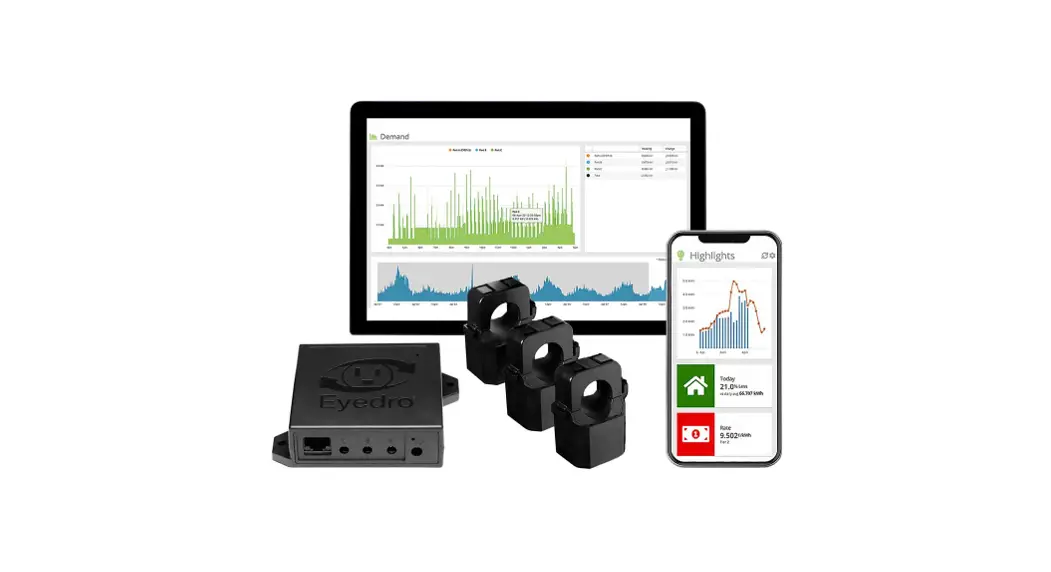
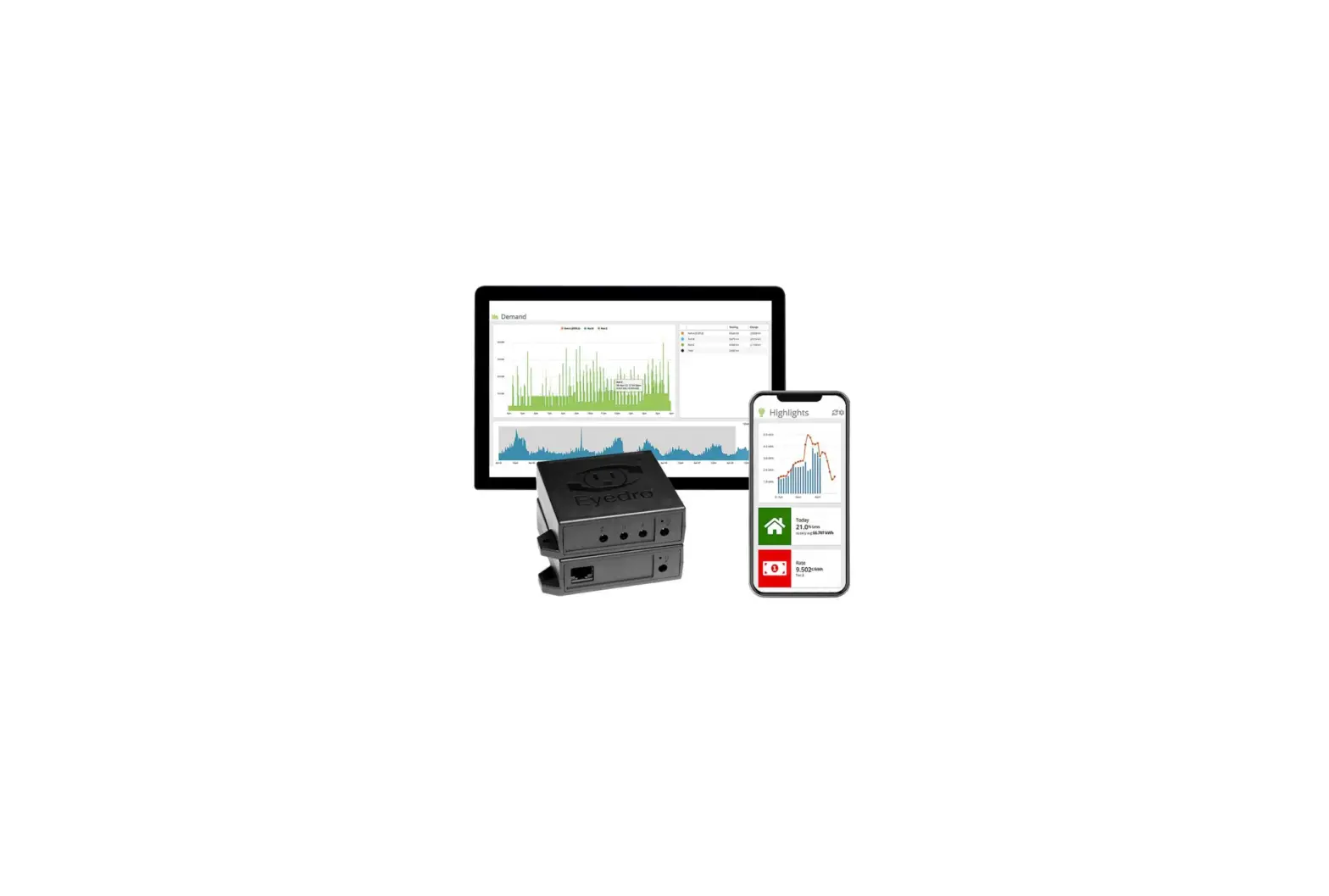
EYEDRO-HOME Electricity Monitoring System
Product Information
The Home Electricity Monitoring System (Single Phase) with
Ethernet/Wi-Fi (2.4GHz) connectivity is a monitoring system
designed for indoor use. It allows users to monitor their
electricity consumption in real-time through the MyEyedro cloud
service. The system is suitable for applications not exceeding 200A
/ 300VAC.
The package includes the following components:
| Quantity | Description |
|---|---|
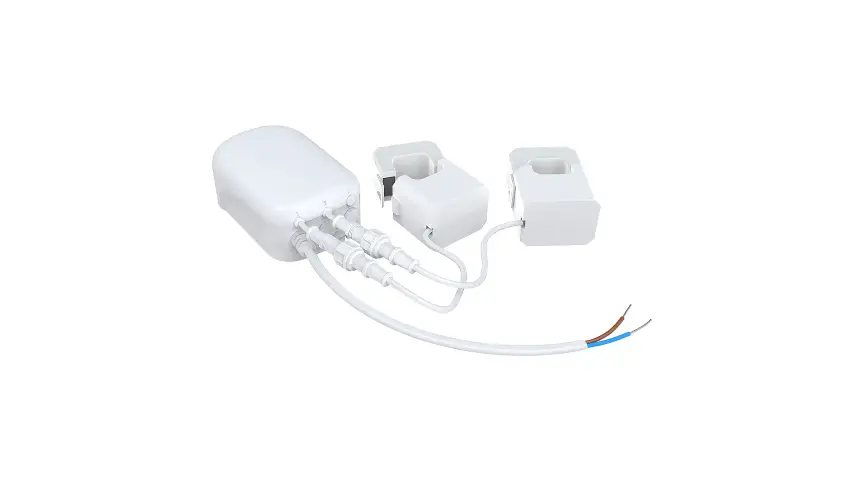
| A | Eyedro module (2 port) |
| B | 2 200A current sensors |
| C | 6VAC power adapter |
| D | 3m (10ft) Ethernet cable |
For detailed installation instructions and warranty information,
please refer to the Product Guide available at
eyedro.com/support.
Product Usage Instructions
- Verify Package Contents:
- Check if you have all the components mentioned above.
- Install Hardware:
- Install the two 200A current sensors on the line1 conductor of
the circuit(s) you want to monitor. - Connect the sensors, Ethernet cable (if using), and power
adapter to the Eyedro module.
- Install the two 200A current sensors on the line1 conductor of
- Record Serial Number:
- Locate the serial number under the barcode on the module and
record it.
- Locate the serial number under the barcode on the module and
- Connect Device to the Internet:
- If connecting by Ethernet, connect one end of the supplied
Ethernet cable to an open port on your router and the other end to
the Eyedro module. The Ethernet cable must be connected before
powering the device. - If connecting by Wi-Fi (2.4GHz), use your computer or mobile
device to connect to the Wi-Fi network created by your Eyedro
module. Open a browser tab and go to eyedro.com/setup for further
instructions.
- If connecting by Ethernet, connect one end of the supplied
- Create a MyEyedro User Account:
- Go to my.eyedro.com and create an online account or log in if
you already have one. - Add the device to your user account by going to Configuration,
selecting Devices, and entering the recorded serial number from
Step 3. - Log into MyEyedro as often as you like to view your electricity
consumption.
- Go to my.eyedro.com and create an online account or log in if
For more details about using the MyEyedro cloud service, please
refer to the MyEyedro User Guide available at
eyedro.com/support.
Quick Start Guide
Home Electricity Monitoring System (Single Phase)
with Ethernet/Wi-Fi (2.4GHz) connectivity
Model: EYEDRO-HOME
For applications not exceeding 200A / 300VAC
Before Getting Started
This Quick Start Guide provides very high level installation instructions. Detailed installation instructions are available in the Product Guide at eyedro.com/support
This product is intended for indoor use only
Installation may require the cover of the main electrical panel to be removed while some wires are still electrified. Even when the main breaker has been turned `OFF’ certain areas of the panel may still be dangerous and carry the risk of shock, burn, and electrocution. Installation should be performed by a qualified electrician. DO NOT attempt installation unless you know where electrified areas within the panel are.
Notes:
1. Always use the AC power adapter that came with your EYEDRO-HOME system.
2. Do not plug your Eyedro power adapter into an Uninterruptible Power Supply (UPS) as this will result in incorrect measurements.
Visit eyedro.com for any questions or comments. We value your feedback.
Online Support Resources
Visit eyedro.com/support for online product setup wizard, user manuals, videos, and various support resources
eyedro.com/support
Limited One Year Warranty
Full warranty details are available in the Product Guide at eyedro.com/support.
Important: This product contains no user serviceable components. Do not attempt to open the case of the unit or tamper with the internal components. Doing so will void the product warranty.
1. Verify Package Contents
Quantity
Description
A
1 Eyedro module (2 port)
B
2 200A current sensor
C
1 6VAC power adapter
D
1 3m (10ft) Ethernet cable
3. Install Hardware
3.1 Install current sensors on the line1 conductor of the circuit(s) to be monitored.
1Line/Live/Hot conductor(s)
3.2 Connect sensors, Ethernet cable (if using) and power adapter to the Eyedro module.
2. Record Serial Number:
(located under barcode on module)
___ – _____
4. Connect Device to the Internet
4.1 If connecting by Ethernet, connect one end of the supplied Ethernet cable to an open port on your router and the other end to the Eyedro module. Ethernet cable must be connected before powering device
4.2 If connecting by Wi-Fi (2.4GHz), use your computer or mobile device to connect to the Wi-Fi network created by your Eyedro: Eyedro [Serial#].
4.2.1 Open a browser tab and go to eyedro.com/setup.
5. Create a MyEyedro User Account
5.1 Go to my.eyedro.com to create your online account (or log in if you have an existing account).
4.2.2 From the Wi-Fi Settings page, enter the name (Network SSID) and password (Key) for the Wi-Fi network in your building. Click Connect.
4.2.3 Reconnect your mobile device or computer to the network that you just passed to your Eyedro.
5.2 Add the device to your user account: go to Configuration, select Devices then enter the serial number you recorded in Step 2.
5.3 ENJOY! Log into MyEyedro as often as you like to view your electricity consumption.
5.4 For more details about the MyEyedro cloud service, review the MyEyedro User Guide located at eyedro.com/support
Copyright © 2023, Eyedro Green Solutions Inc.
 Electricity Monitors for Home and Business
 MyEyedro