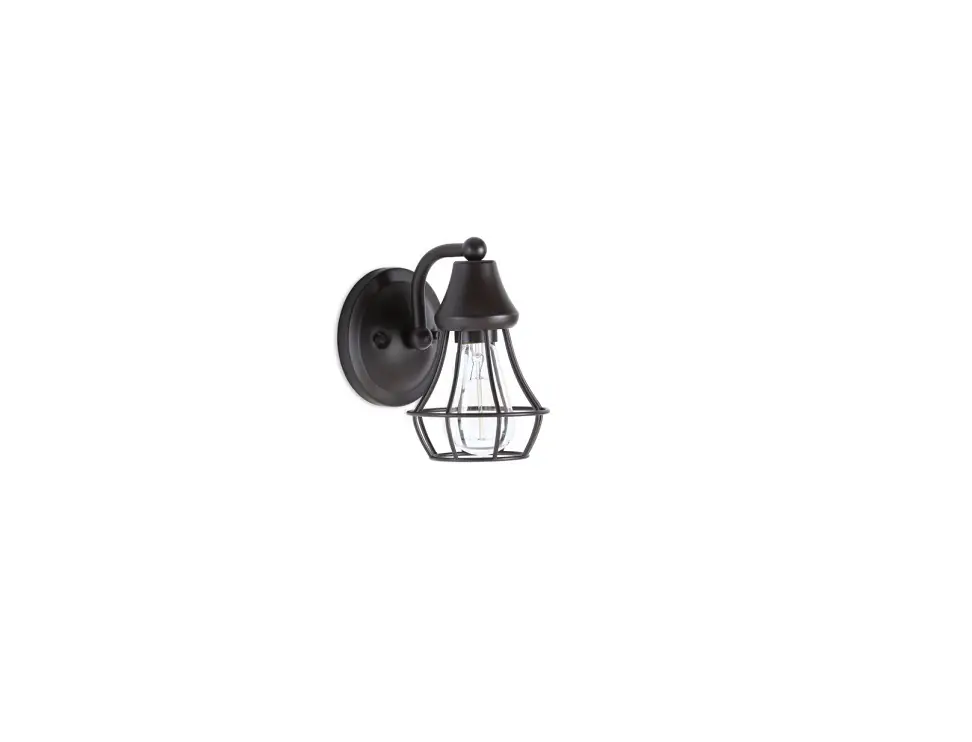
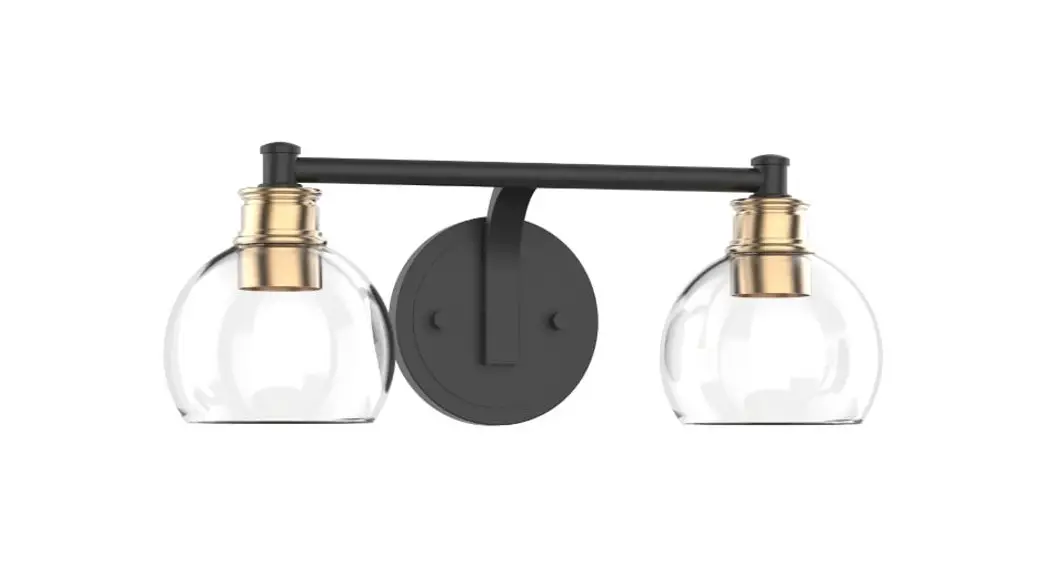
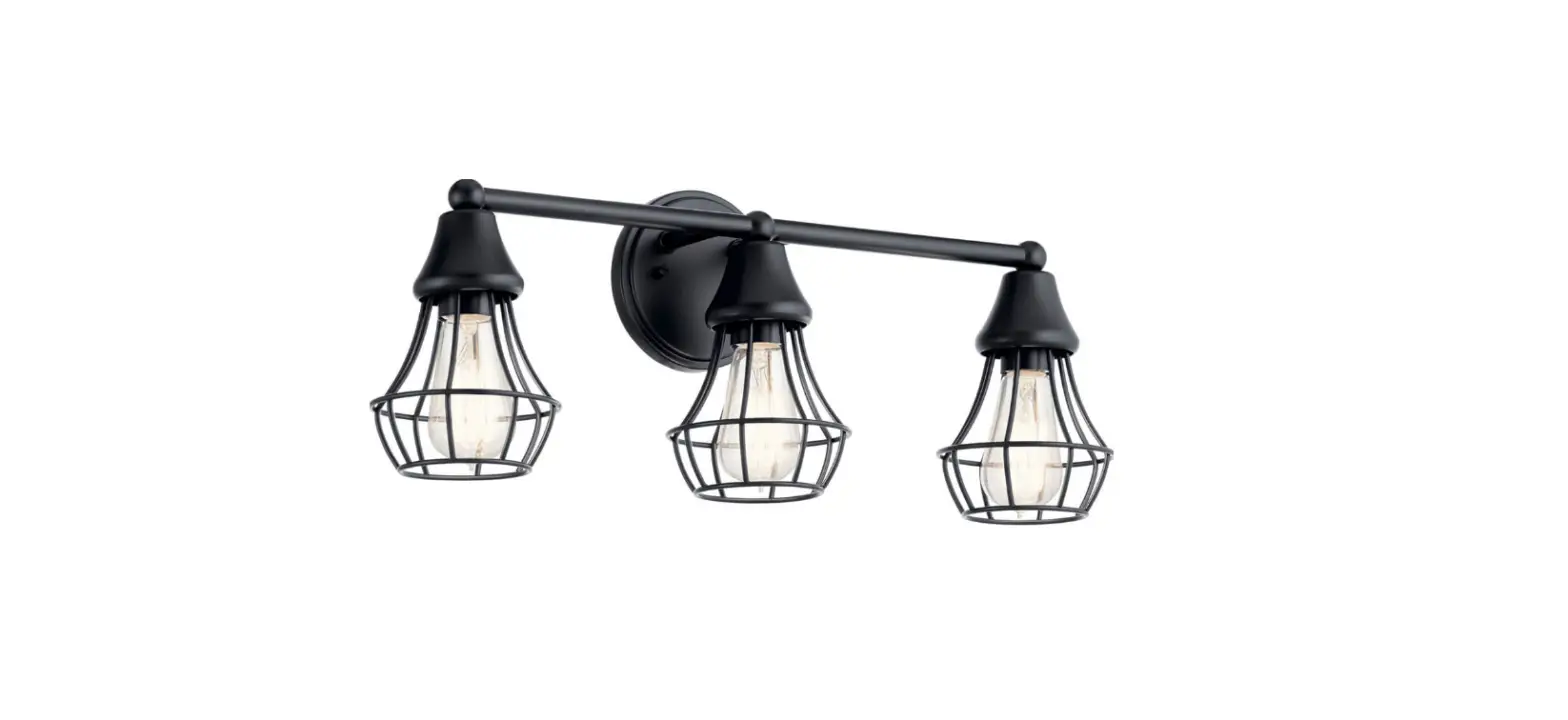
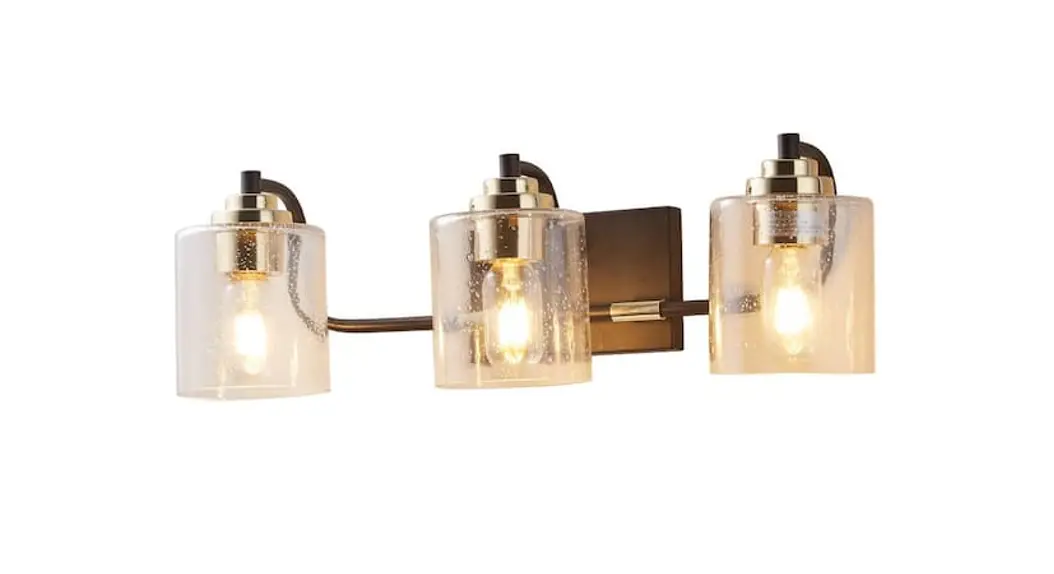
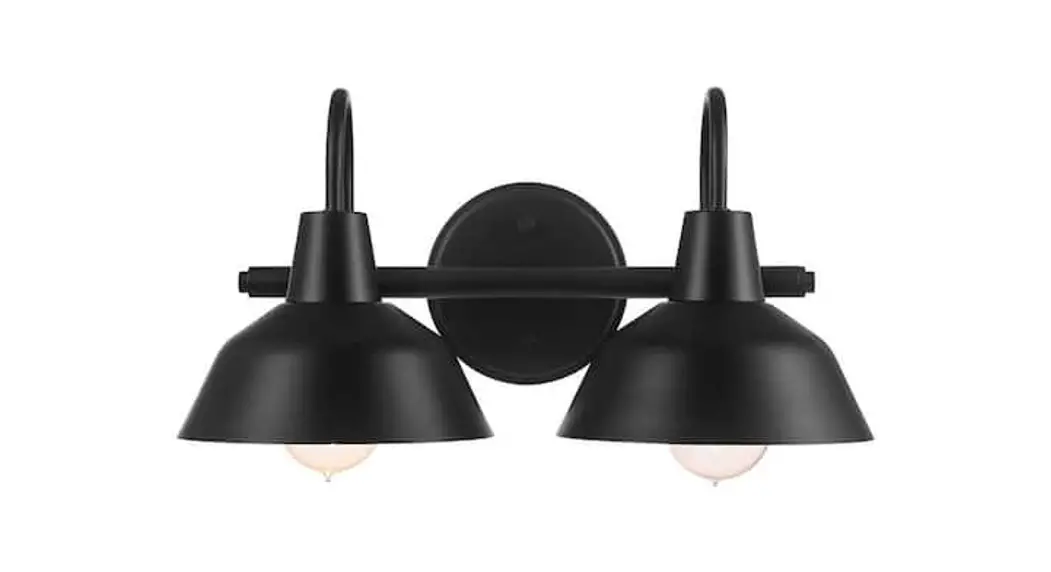
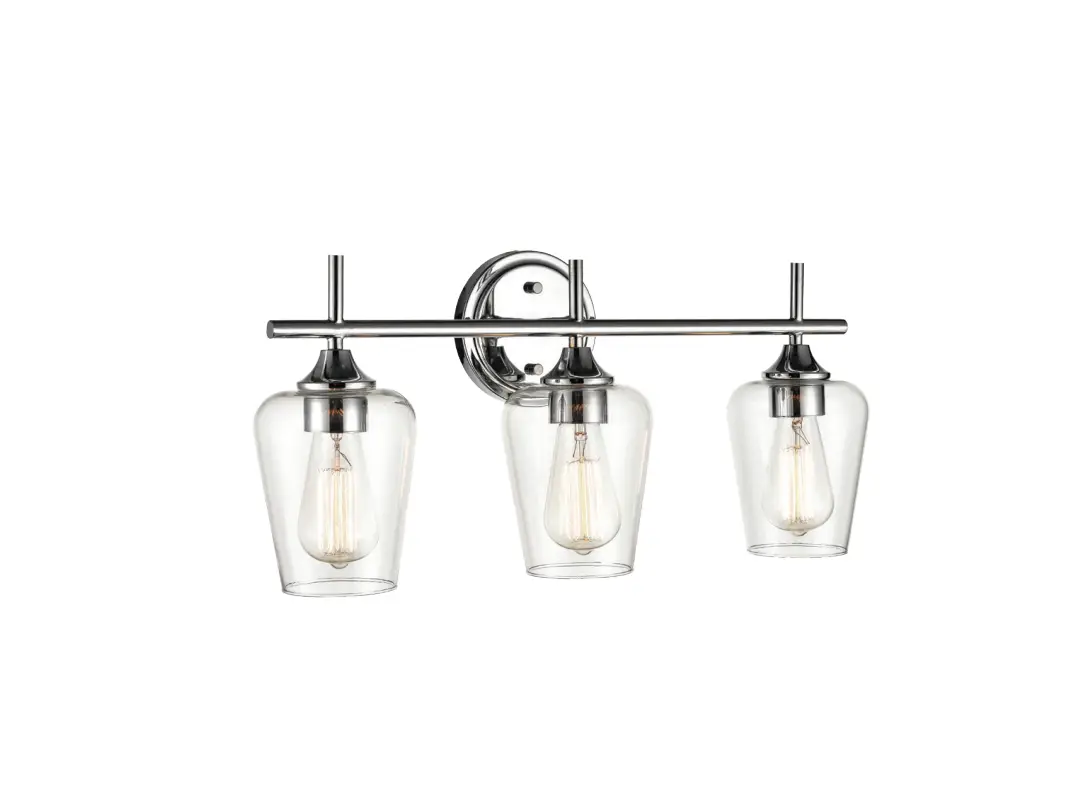
2432-84, 878 Winsley 14 Inch 2 Light Brushed Vanity Light
Product Information:
The product being referred to in the user manual is
Item#2432-84/878. It is a fixture that can accommodate two medium
base (E26) bulbs up to 60 watts each or CFL or LED equivalent. The
fixture comes with a circular strap, ground screw, mounting screw,
metal ring, glass shade, socket cup, and finials.
Product Usage Instructions:
- Shut off power at the fuse box or circuit breaker and remove
the old fixture including the mounting hardware. - Unpack the new fixture carefully and lay out all the parts on a
clean area. Take care not to lose any small parts necessary for
installation. - Thread mounting screws (B) into pre-drilled holes in circular
strap (G) spaced same distance apart as holes in back plate and
tighten with nuts (E). The length of mounting screws (B) may be
adjusted if necessary. - Attach circular strap (G) to junction box (not included) using
junction box screws (D). The side of circular strap marked GND must
face out. - Connect the electrical wires as shown in Fig.2, making sure
that all wire connectors (C) are secured. If your junction box has
a ground wire (green or bare copper), connect the fixture’s ground
wire to it. Otherwise, connect the fixture’s ground wire directly
to the circular strap (G) using the green screw provided. Tuck wire
connectors neatly into the junction box. - Place back plate onto mounting screws (B) and secure with
finials (A). - Unscrew metal ring (F) and place glass shade (I) onto socket
cup (H). Secure glass shade (I) with metal ring (F). - Install (2) two medium base (E26) bulb up to 60 watts each or
CFL or LED equivalent (not included) in accordance with the fixture
specification–DO NOT EXCEED THE MAXIMUM WATTAGE RATING! (NE PAS
DEPASSER LA PUISSANCE NOMINALE MAXIMALE!). - Return power to the junction box and test the fixture.
Note: Illustration (Fig.1) on this manual is for installation
purposes only. It may or may not be identical to the fixture
purchased.
INSTALLATION INSTRUCTIONS
Item#2432-84/878 (New. 08/27/2021) READ AND SAVE THESE INSTRUCTIONS
W ARNI NG ! SHUT P OWE R O FF AT F US E O R CI RCUIT BRE AKE R.
AVERTISSEMENT! COUPER LE COURANT AU NIVEAU DES FUSIBLES OU DU DISJONCTEUR.
MOUNTING THE FIXTURE (Fig.1) 1. Shut off power at the fuse box or circuit breaker and
remove the old fixture including the mounting hardware. 2. Carefully unpack your new fixture and lay out all the parts
on a clean area. Take care not to lose any small parts necessary for installation. 3. Thread mounting screws (B) into pre-drilled holes in circular strap (G) spaced same distance apart as holes in back plate and tighten with nuts (E). The length of mounting screws (B) may be adjusted if necessary. 4. Attach circular strap (G) to junction box (not included) using junction box screws (D). The side of circular strap marked “GND” must face out.
Fig.1
Set# A-021 -Circular Strap -Ground Screw -Mounting Screw*2
CONNECTING THE WIRES (Fig.2) 5. Connect the electrical wires as shown in Fig.2, making sure
that all wire connectors (C) are secured. If your junction box has a ground wire (green or bare copper), connect the fixture’s ground wire to it. Otherwise, connect the fixture’s ground wire directly to the circular strap (G) using the green screw provided. 6. Tuck wire connectors neatly into the junction box.
FINISHING THE INSTALLATION (Fig.1) 7. Place back plate onto mounting screws (B) and secure
with finials (A). 8. Unscrew metal ring (F) and place glass shade (I) onto
socket cup (H). Secure glass shade (I) with metal ring (F). 9. Install (2) two medium base (E26) bulb up to 60 watts
each or CFL or LED equivalent (not included) in accordance with the fixture specification–DO NOT EXCEED THE MAXIMUM WATTAGE RATING! (NE PAS DEPASSER LA PUISSANCE NOMINALE MAXIMALE!).
Your installation is now complete. Return power to the junction box and test the fixture.
Note: Illustration (Fig.1) on this manual is for installation purposes only. It may or may not be identical to the fixture purchased.
Fig.2
FIXTURE WIRES Black or Smooth
FIXTURE WIRES White or Ribbed
FIXTURE WIRES Green or Bare Copper (Ground)
HOUSE WIRES Black (Hot)
HOUSE WIRES White (Neutral)
HOUSE WIRES Green (Ground)
2432-84/878