
06/2020
software v2.6
Quick Guide

IMPORTER:
SALUS Controls Plc
Units 8-10 Northfield
Business Park
Forge Way, Parkgate,
Rotherham
S60 1SD, United Kingdom

Introduction
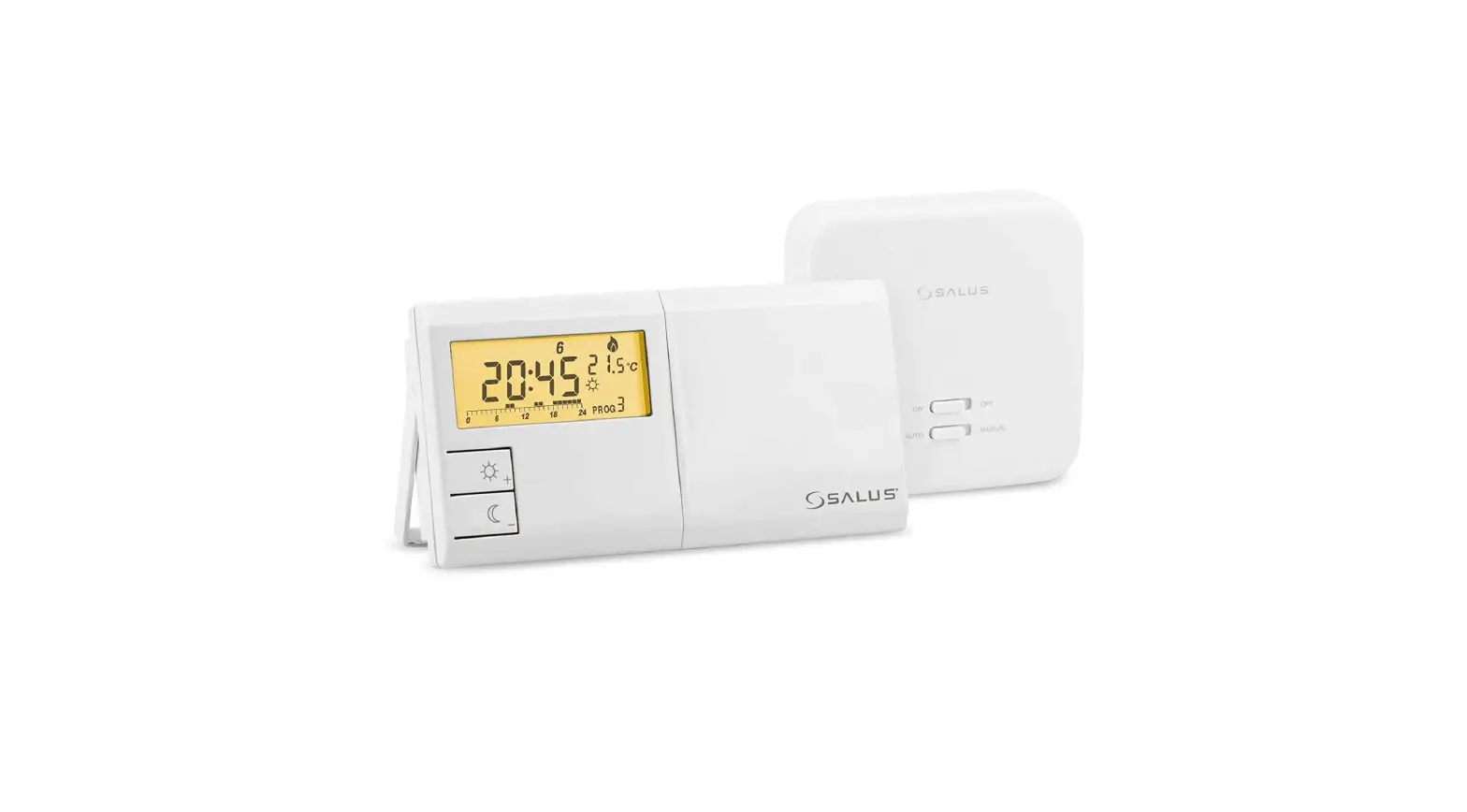
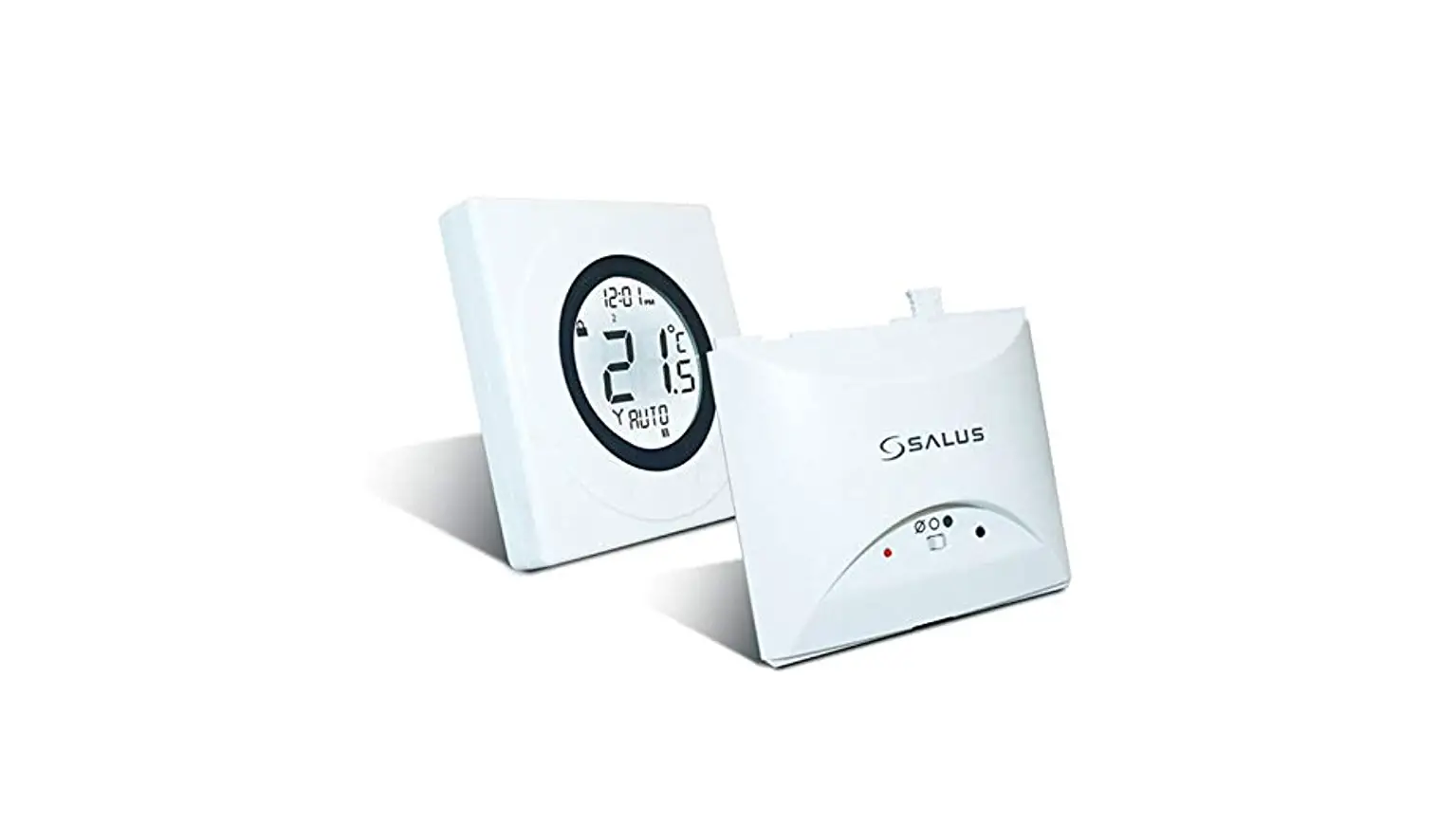
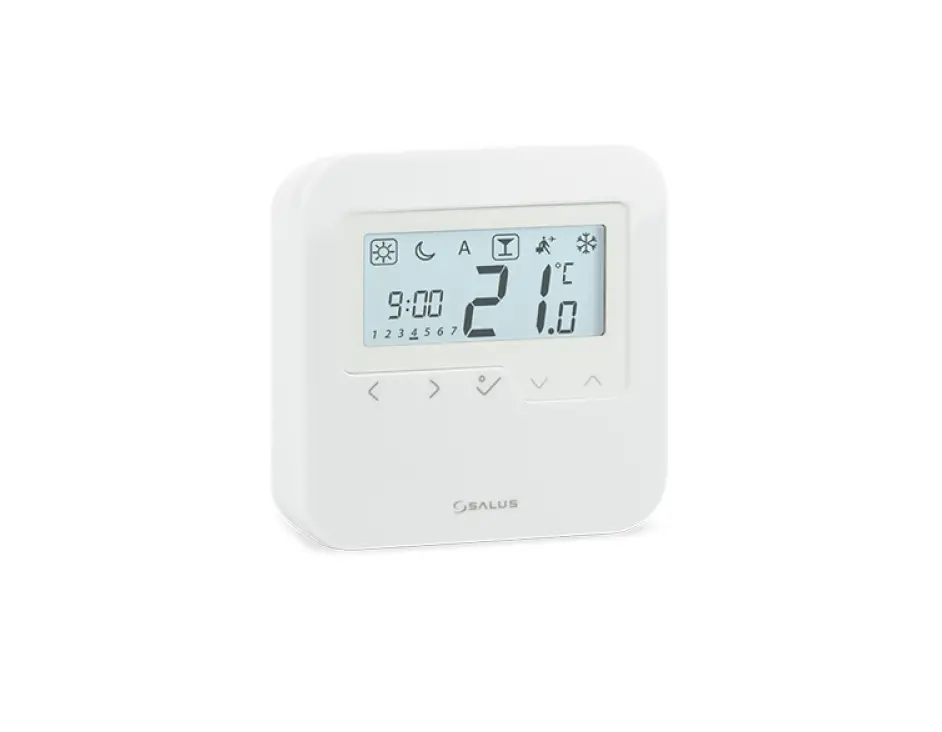
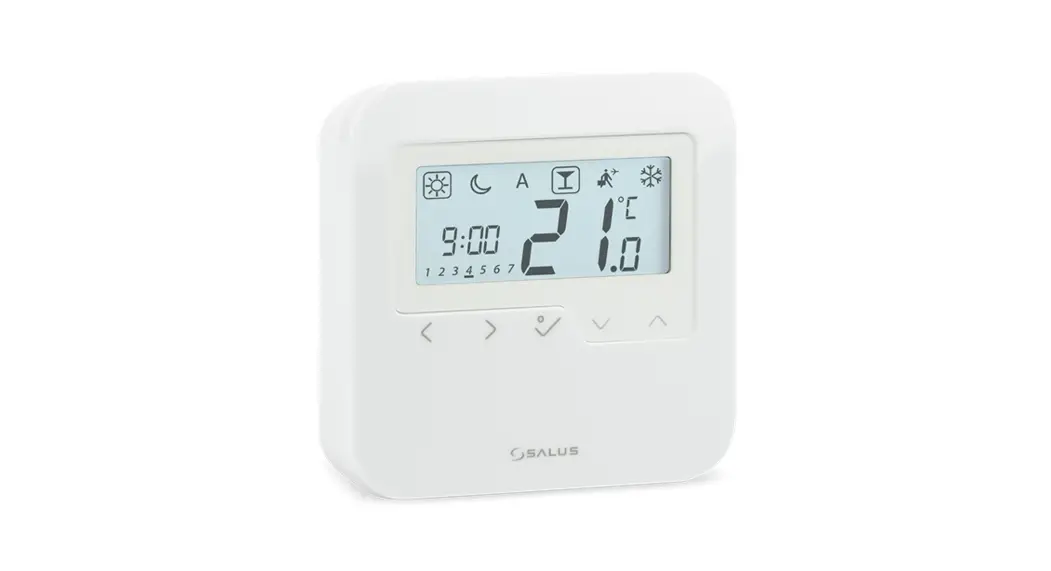
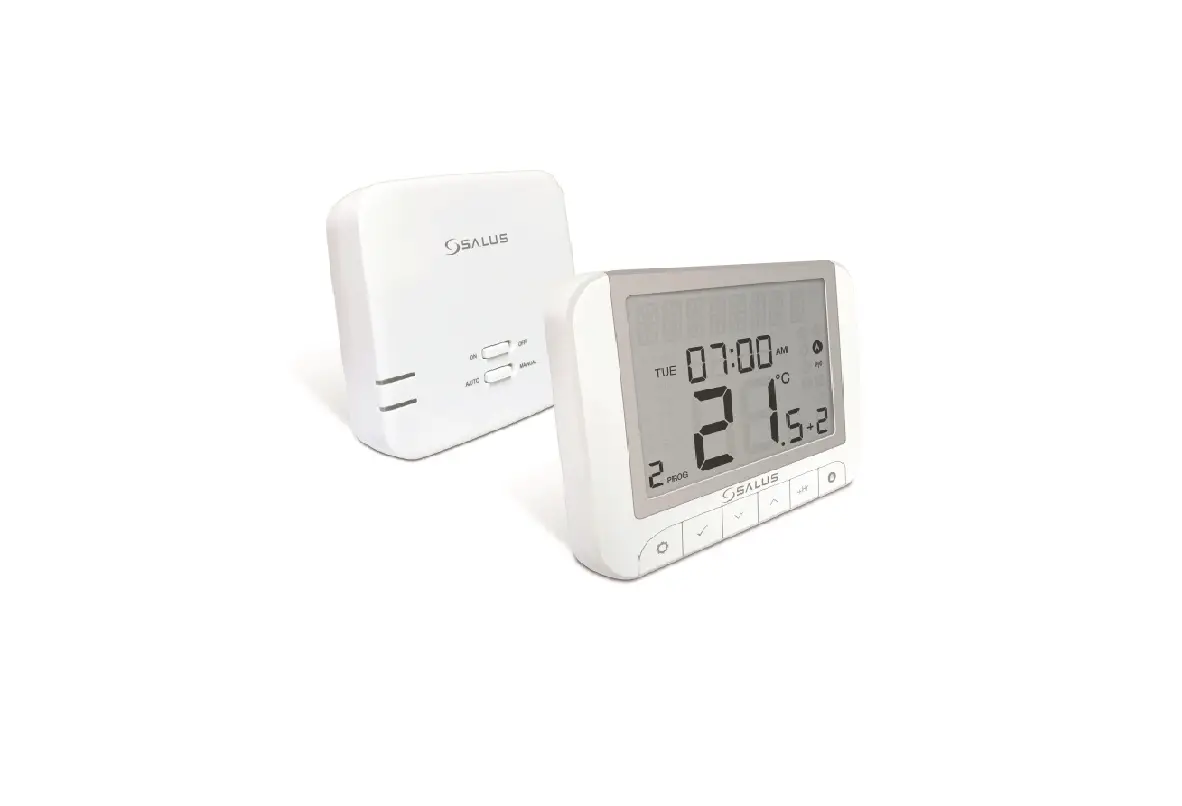
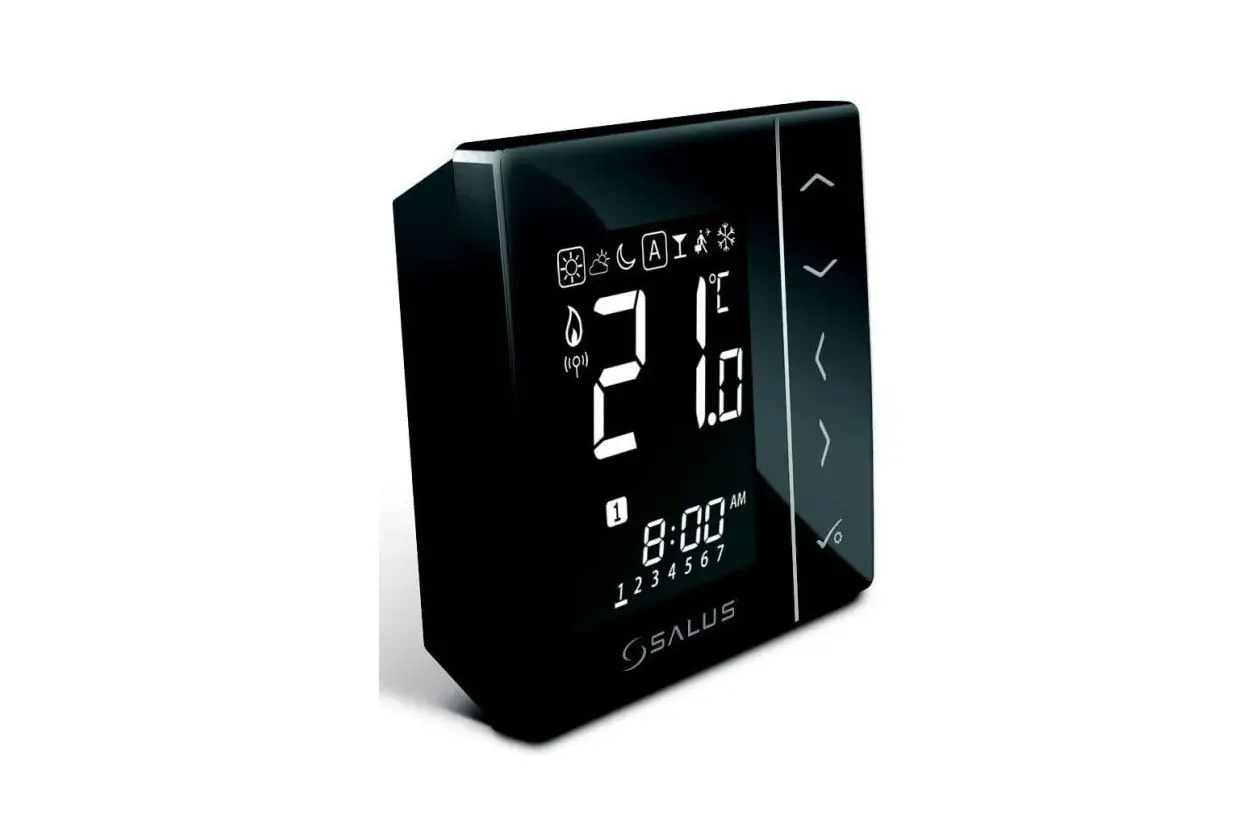
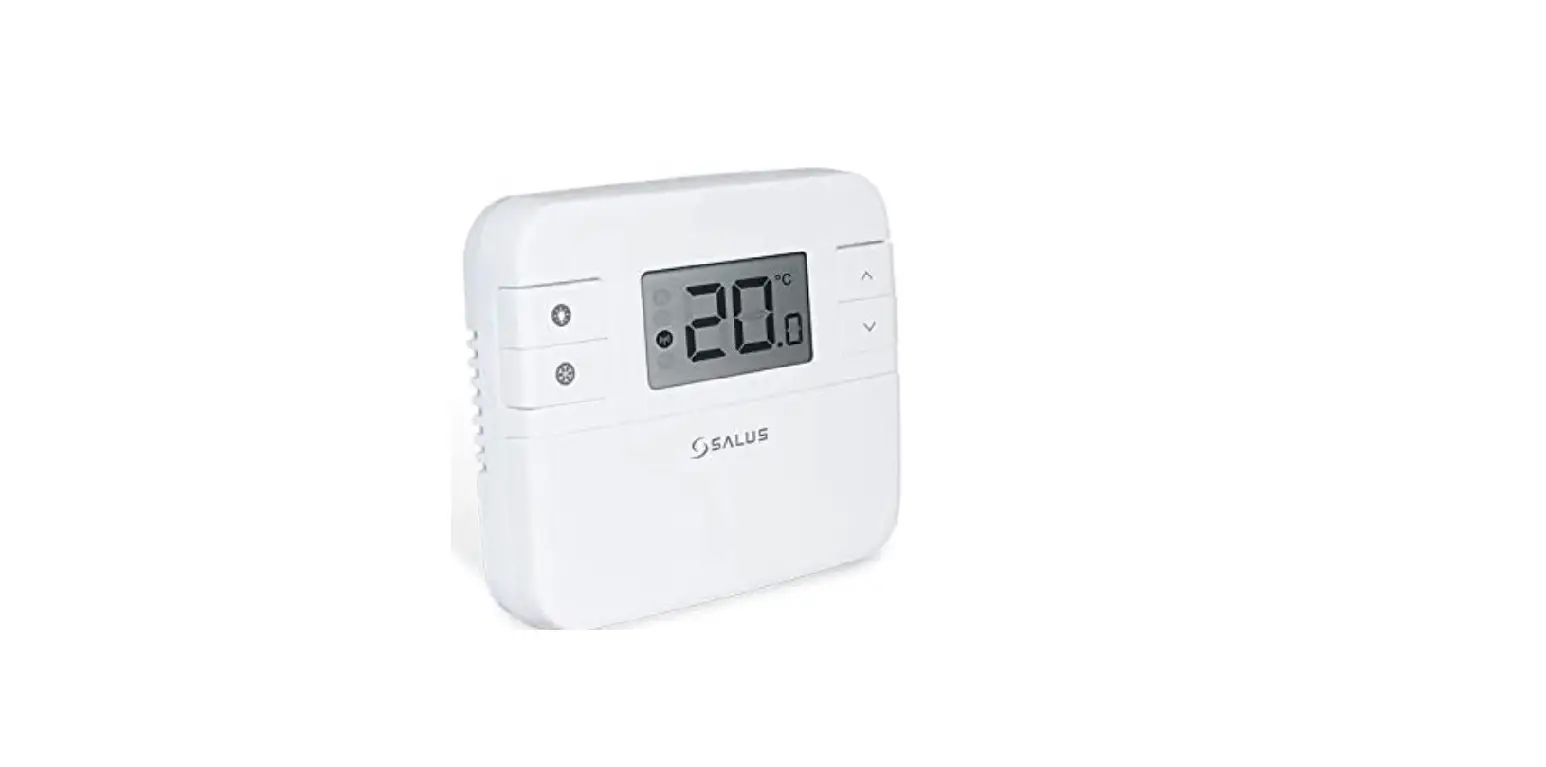
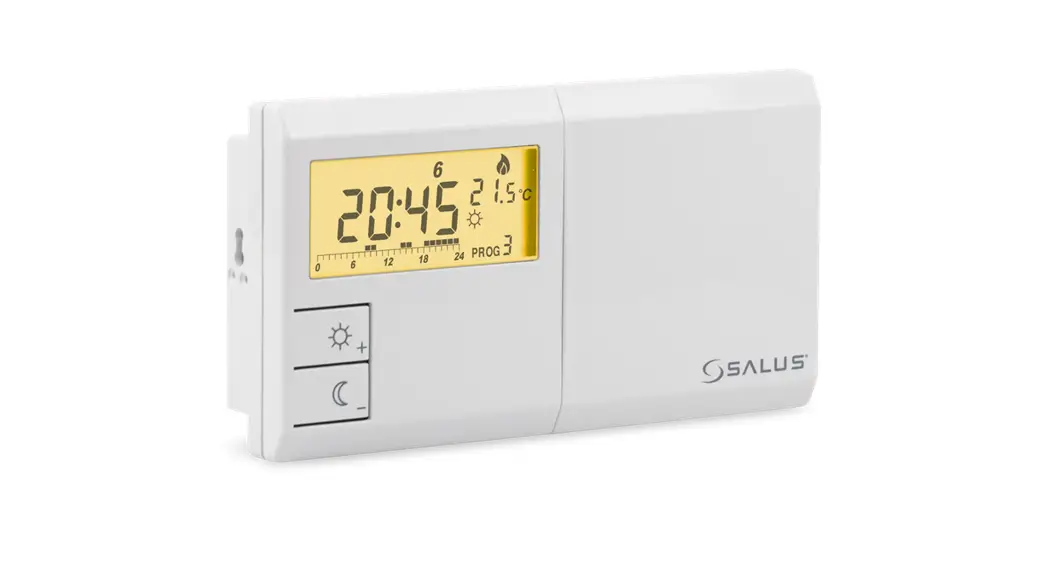
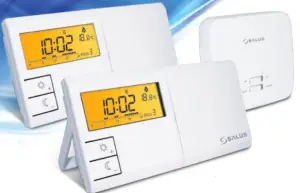
091FLv2/091FLRFv2 is a programmable, weekly thermostat used to control room temperature in heating or cooling systems. Before use please read this manual carefully. Use only AA 1.5V alkaline batteries in the thermostat. Place the batteries into the battery slot located under the cover. Do not use rechargeable batteries.
Product compliance
This product complies with the following EU Directives:
091FLv2: 2014/30/EU, 2014/35/EU, 2011/65/EU
091FLRFv2: 2011/65/EU, 2014/53/EU 868.0 MHz – 868.6 MHz; <13dBm
Full information is available on the website www.saluslegal.com Safety Information
Use in accordance with national and EU regulations. Use the device only as intended, keeping it in a dry condition. The product is for indoor use only. Installation must be carried out by a qualified person in accordance with national and EU regulations.
 Technical specification
 Technical specification
Wired thermostat 091FLv2
| Power supply | 2 x AA batteries |
| Rating max | 5 (3) A |
| Outputs | Voltage-free NO/COM relay |
| Temperature range | 5 – 30°C |
Wireless thermostat 091FLRFv2
| Thermostat supply | 2 x AA batteries |
| Receiver supply | 230 V AC 50 Hz |
| Receiver rating max | 16 (5) A |
| Receiver outputs | Voltage-free NO/COM relay |
| Temperature range | 5 – 30°C |
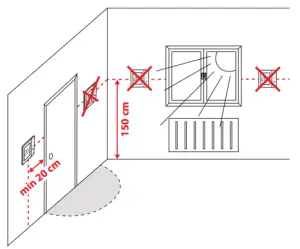
Proper thermostat placement
| Button | Function |
 | Comfort temperature or changing parameters up |
 | Economic temperature or changing parameters down |
 | Set the day of the week |
 | Set the hour |
| M | Set the minutes |
 | Temperature setpoint |
 | Weekly programming |
 | Program selection |
 | Confirm function |
 | Factory Reset |
LCD Icon description
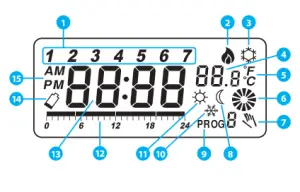 1. Day of the week indicator
2. Heating Mode ON
3. Cooling Mode ON
4. Room/setpoint temperature
5. Temperature unit
6. Controlled device working status (e.g. boiler)
7. Temporary override
8. Eco Mode
9. Program number
10. Antifrost Mode
11. Comfort Mode
12. Program timeline indicator
13. Clock
14. Low battery indicator
15. AM/PM
091FLv2 Wiring diagram

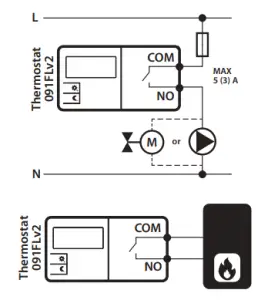
091FLRFv2 Wiring diagram
NOTE! If you are using a 091FLRFv2 pack, the pairing between the thermostat and the receiver is already done.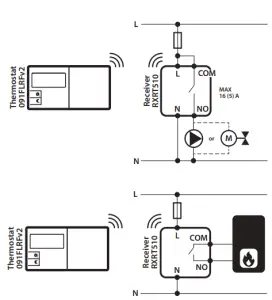
| Press | | the button to highlight the display. |
| Press |  | to set the day. |
| Press |  | to set the hour. |
| Press |  | to set the minutes. |
Setting the comfort temperature
Press the button to highlight the display.
Press and then press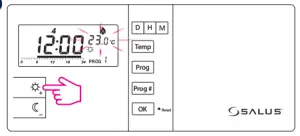
The display will show the current comfort temperature.
To change this temperature, press 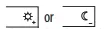 the button.
Setting the economic temperature
Press the button to highlight the display. Press and then press.The display will show the current economic temperature. To change this temperature, press the button
To confirm press the button.
Programs


comfort temperature
economic temperature
There are 9 programs available. Programs 0-5 are factory programs. Programs 6-8 can be defined by the user.
Selection of factory (0-5) programs
Press to highlight the display.
Select the day of the week by pressing PROG button.
Press to set the program number (0-5) for the selected day.

Program 0 is a special program. It will set the thermostat to antifrost Reset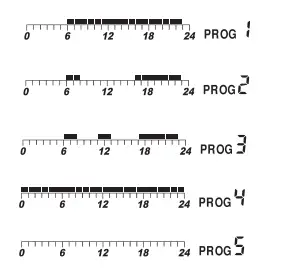
To confirm press the button.
NOTE! Label with programs descriptions is sticking on the flip side of the cover.
Choosing and programming (6-8) user programs
Press to highlight the display.
Select the day of the week by pressing a PROG button.
Press to set the program number (6, 7, or 8) for the selected day.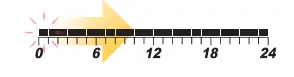
Press button (each pressing one of these buttons moves the timeline by one hour and assigns a comfortable or an economic temperature).
To confirm press the button.
Service menu
Press the button to highlight the display. Then open the service menu
by holding the button for 5 seconds. – Heating mode – the relay closes the contacts when there is a need for heating (default setting).
 – Cooling mode – the relay closes the contacts when there is a need for
cooling (with 5 minutes delay).
Pres select mode.
To confirm your options press. – Heating device delay switch is disabled (default setting).
 – Heating device delay switch is ON (5 min)
Select by pressing a button.
To confirm your options press.
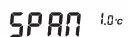 – Temperature span selection,
possible values are 0.5°C or 1.0°C (default = 1.0°C)
Press or to set span.
To confirm your option press
 – Terminal output – Normally Open*
 – Terminal output – Normally Closed*
*This feature is available from the 2.6 software version
Select by pressing or button.
To confirm your options press. The green LED is always ON when the relay output is short.
– Pairing process inactive
– Pairing process activeNOTE! If you are using a 091FLRFv2 pack, the pairing between the thermostat and the receiver is already done.
If you want to re-pair the thermostat with the receiver, make sure that the device is disconnected from the power supply and the switches on the receiver have been set to AUTO and ON. Then connect the receiver to the power supply and wait for the red LED to light steadily. Next switch to the OFF position and again to the ON position quickly. the red Prog # Temp flashing LED will confirm entering the pairing mode.
Select by pressing or and confirm by to begin the pairing process.
The display will show. The pairing process may take up to 10 minutes. Once devices are successfully paired, the LED on the receiver will go solid red. Press the button to end the pairing process.