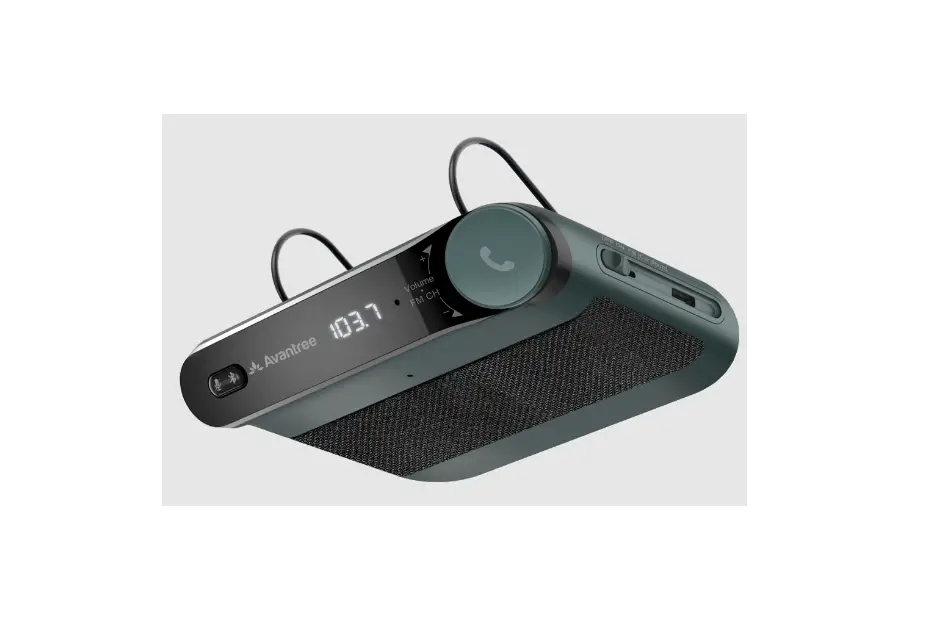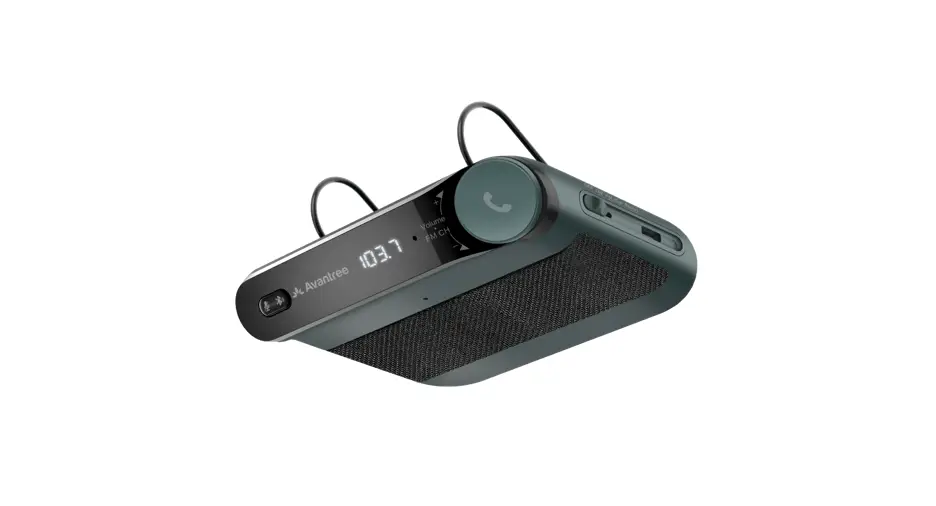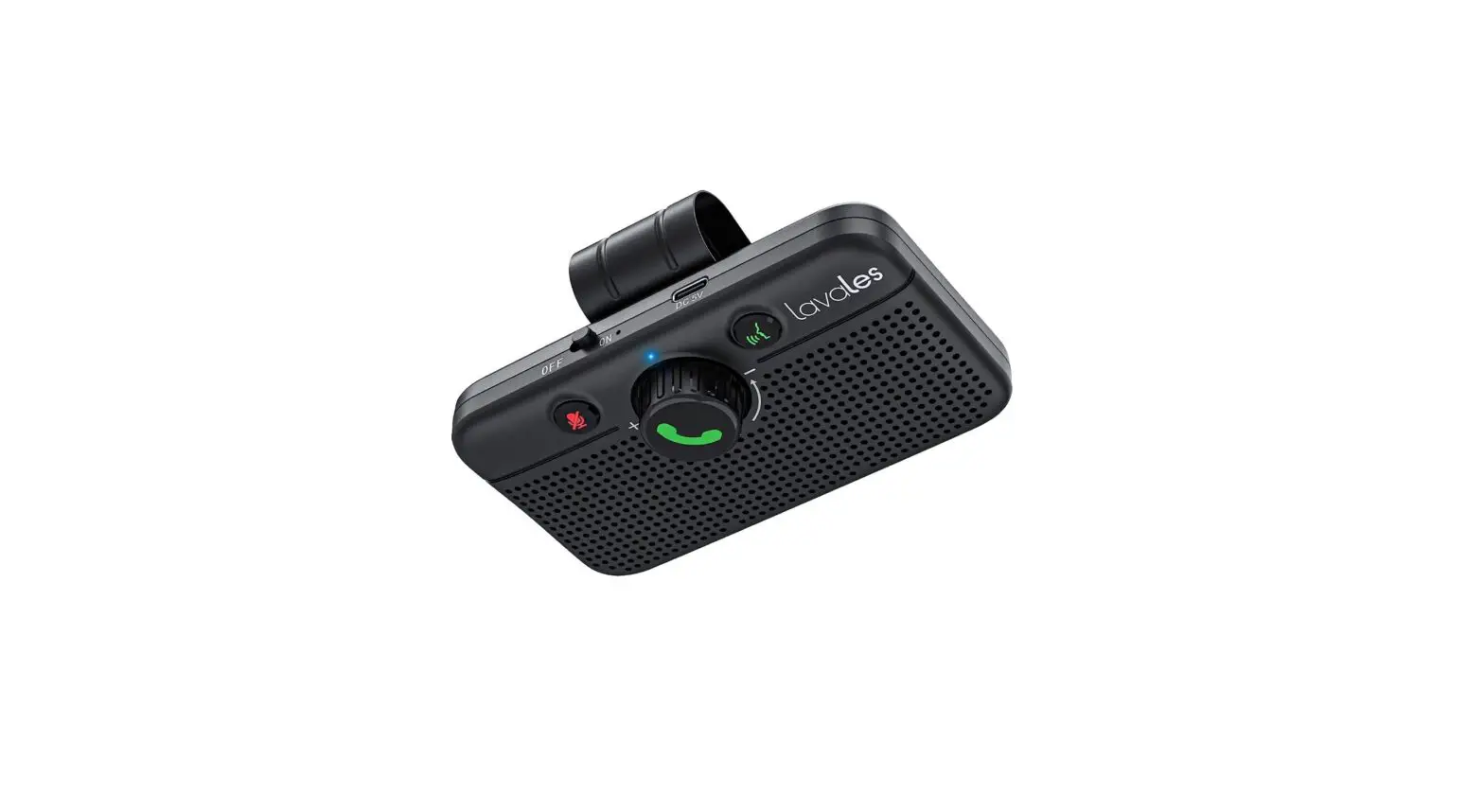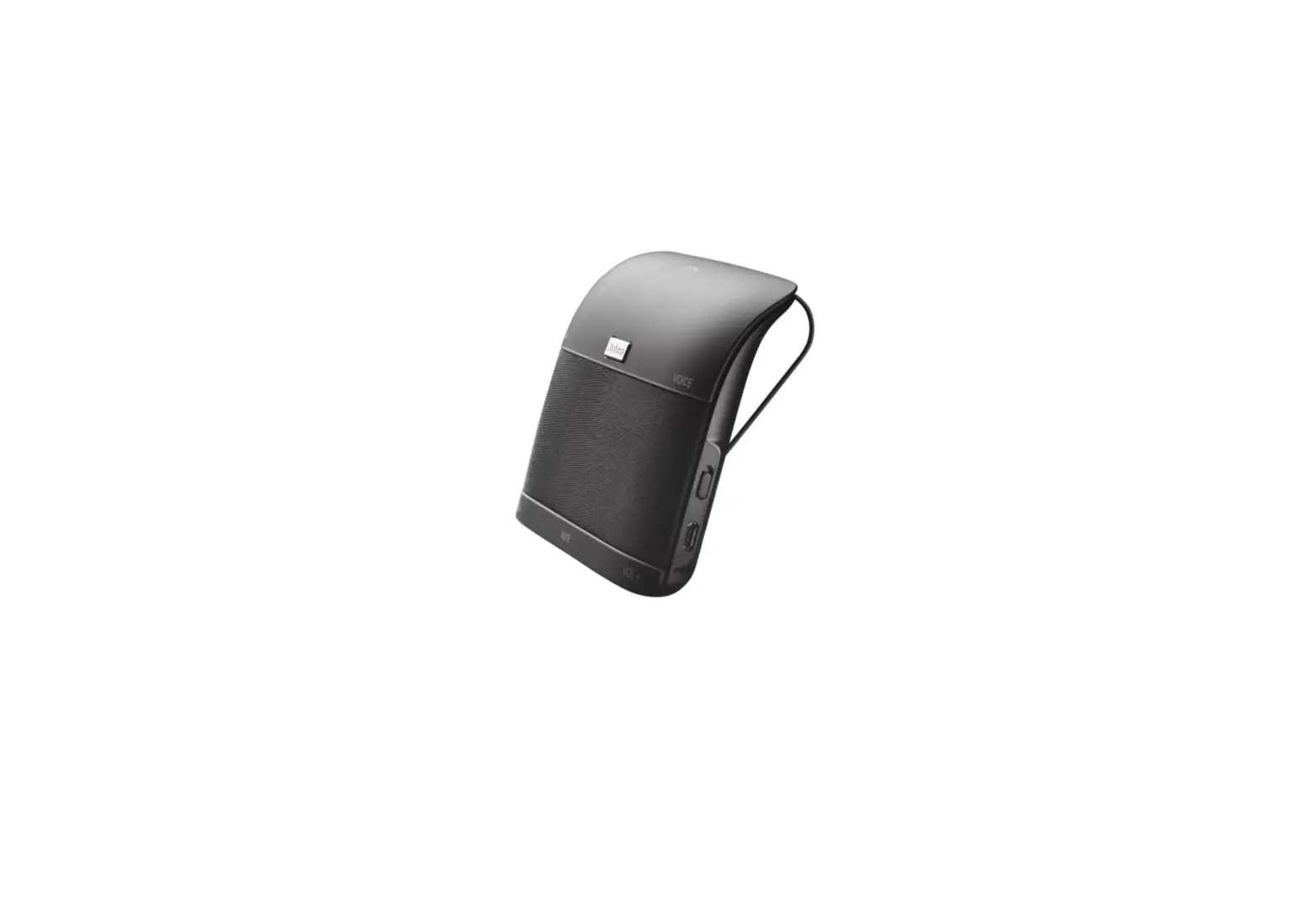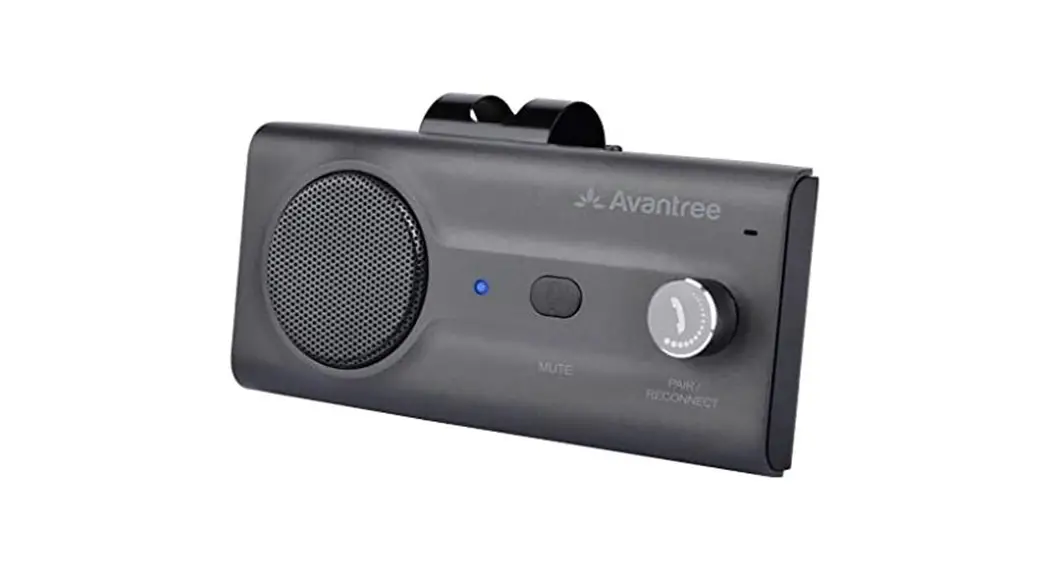

Wireless Car Speakerphone
Avantree Roadtrip
Model No.: BTCK-12
User Manual
Scan for FAQ https://support.avantree.com/hc/en-us/sections/360000019583-BTCK-11-TTN
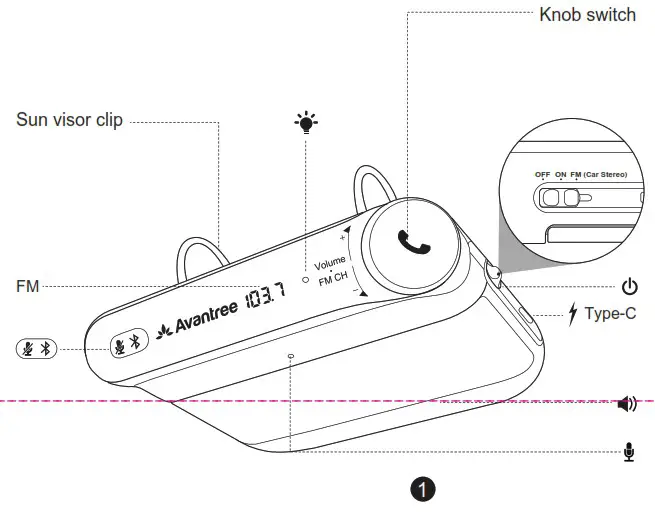
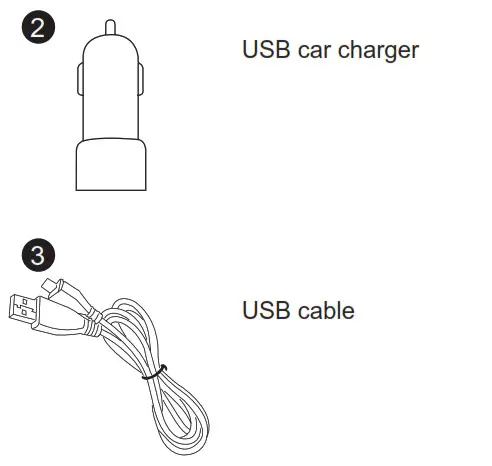
Product overview & Box contents
Basic operations
| General function > | |
| Power on/off | Slide the OFF/ON/FM Switch to “ON” or “OFF”. |
| Enter Pairing Mode | Hold  for 2 seconds until Bluetooth status LED flashes BLUE for 2 seconds until Bluetooth status LED flashes BLUEand RED alternately |
| Manually reconnect | Short press once |
| Voice control | Short press  once to enable/disenable the voice control on your phone. (This is phone feature – make sure your phone support Siri, Google assistant, etc.) once to enable/disenable the voice control on your phone. (This is phone feature – make sure your phone support Siri, Google assistant, etc.) |
| Turn on FM transmitter | Slide the OFF/ON/FM switch to “FM” position |
| FM frequency select | When in FM transmitter mode, rotate to select FM frequency |
| Music control > | |
| Adjust volume | Rotate to adjust volume (Not available when in FM transmitter mode, please use the volume control on your car radio instead) |
| Play/Pause | Short press |
| Call control > | |
| Answer/End a call | Short press |
| Reject a call | Hold for 2s when receiving an incoming call |
| Last number redial | Double press |
| Mic mute on/off | Short press once to toggle mic mute on/off during a call. Once mic mute on, the status LED will keep RED. |
Connect speakerphone to smartphone
Connect to 1st smartphone (first time)
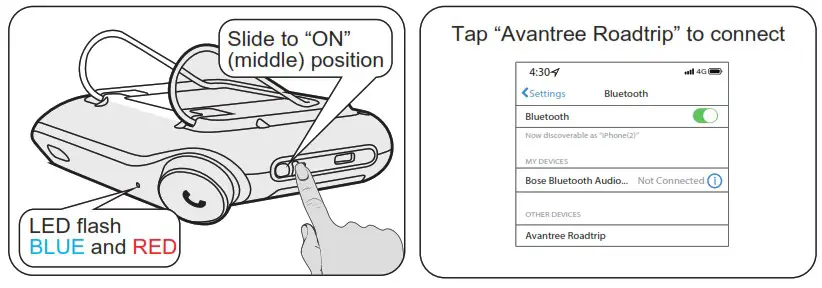
- Slide OFF/ON/FM switch to “ON” position to turn on speakerphone. It will automatically go into PAIRING MODE – status LED flash BLUE and RED alternately.
- On your device – Turn on Bluetooth, search and select “Avantree Roadtrip” to connect. Once connected, you will hear “Connected” prompt from speakerphone.
Connect to 2 nd smartphone
- Put the speakerphone into PAIRING MODE again – Hold for 2 seconds until the status LED flashes BLUE and RED alternately. Speakerphone will disconnect with the 1 st smartphone.
- Repeat previous step to connect the 2 nd smartphone.
- Tap “Avantree Roadtrip” on the 1 st smartphone to reconnect them. And now, the speakerphone should be connected to both smartphones.
Reconnect
Once the speakerphone is switched “ON”, it will automatically reconnect to last connected phone. For other paired phones, please tap “Avantree Roadtrip” on your phone to reconnect.
Stream audio from car stereo (FM transmitter connection)
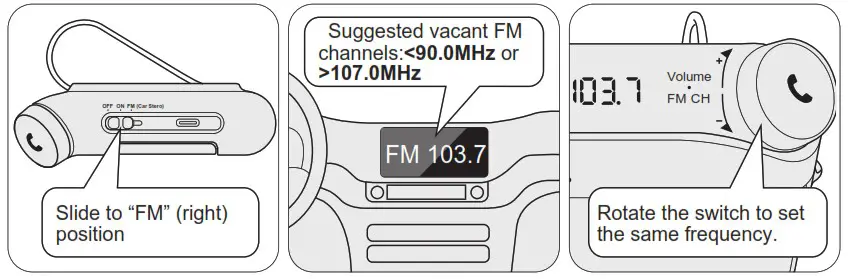
- Slide OFF/ON/FM switch to “FM” position.
- Choose a vacant FM frequency channel from your car radio. Most vacant channels contain constant static/buzz sound. These channels are commonly found below 90.0MHz and above 107.0MHz.
- Rotate to set the frequency of speakerphone to the same as your car radio. Now, you can stream your phone’s audio from car stereo.
Install speakerphone to sun-visor
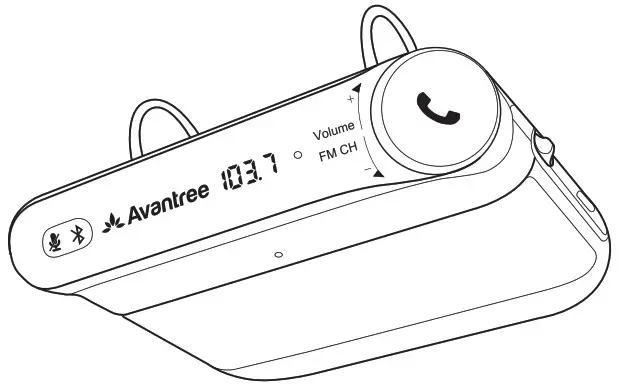
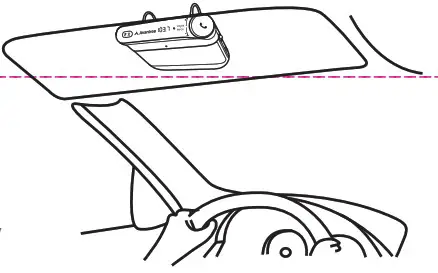
Clip the Avantree Roadtrip to the sun visor above the driver’s seat.
Enable/Disable “Auto power on/off ” function
When the OFF/ON/FM switch is set to “ON” or “FM”, the “Auto Power On” function is activated.
- Auto power off – When you leave your car and your phone disconnects from the speakerphone about 10 minutes later, it will auto turn off.
- Auto power on – Once you open your car door, the speakerphone will auto turn on. The “Auto Power On/Off” function can be disabled by sliding theOFF/ON/FM switch to “OFF”.
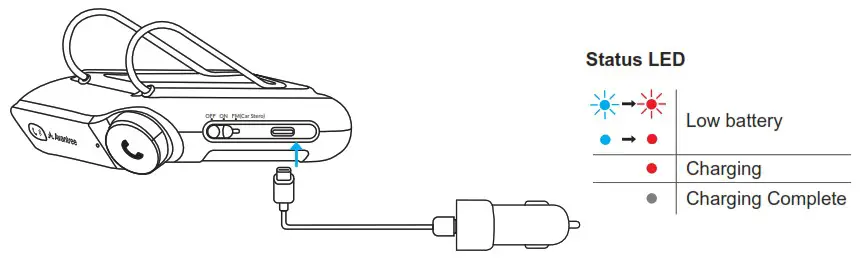
Charging
FCC Requirement
Any changes or modifications not expressly approved by the party responsible for compliance could void the user’s authority to operate the equipment. This device complies with Part 15 of the FCC Rules. Operation is subject to the following two conditions:
- this device may not cause harmful interference, and
- this device must accept any interference received, including interference that may cause undesired operation.
Note: This equipment has been tested and found to comply with the limits for a Class B digital device, pursuant to Part 15 of the FCC Rules. These limits are designed to provide reasonable protection against harmful interference in a residential installation. This quipment generates, uses, and can radiate radio frequency energy, and if not installed and used in accordance with the instructions, may cause harmful interference to radio communications. However, there is no guarantee that interference will not occur in a particular installation. If this equipment does cause harmful interference to radio or television reception, which can be determined by turning the equipment off and on, the user is encouraged to try to correct the interference by one or more of the following measures:
- Reorient or relocate the receiving antenna.
- Increase the separation between the equipment and receiver.
- Connect the equipment into an outlet on a circuit different from that to which the receiver is connected.
- Consult the dealer or an experienced radio/TV technician for help.
IC
This device contains license-exempt transmitter(s)/receiver(s) that comply with Innovation, Science, and Economic Development Canada’s license-exempt RSS(s). Operation is subject to the following two conditions:
- This device may not cause interference.
- This device must accept any interference, including interference that may cause undesired operation of the device.
Any questions? Contact:
[email protected]
(Response Time: 1 working day)
Self-service Support:
• More FAQs on avantree.com/support/roadtrip
• Step by step video Guide – avantree.com/roadtrip/video
Telephone Support (Mon-Fri):
• USA / CANADA +1 800 232 2078 (EN, PST 9am-5pm)
• EU / Asia telephone No. refer to http://www.avantree.com/contact-us
Dispose of the packaging and this product in accordance with latest country provisions. 

 Roadtrip Product Support
 Support Center | Avantree
 Contact Us