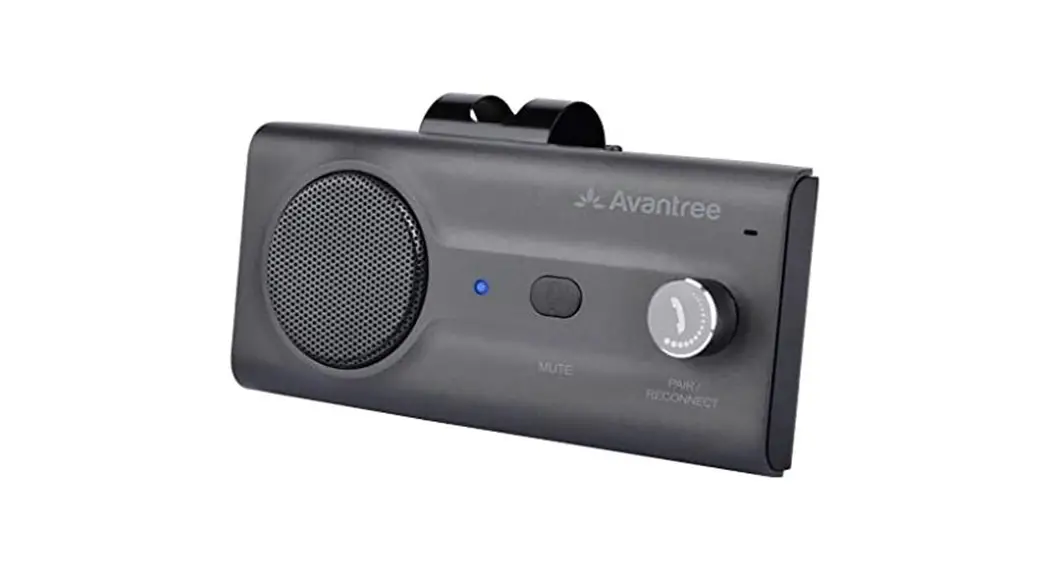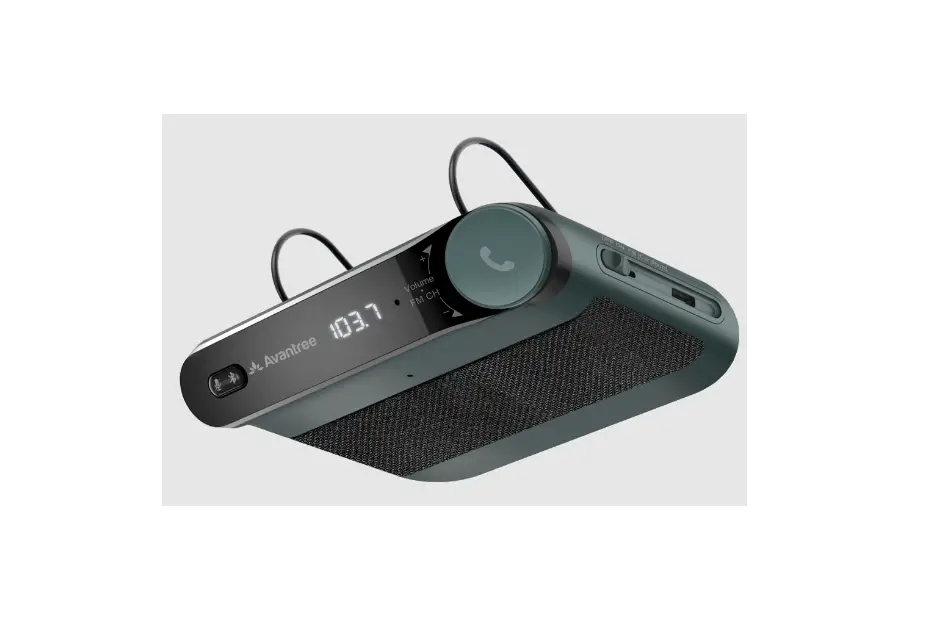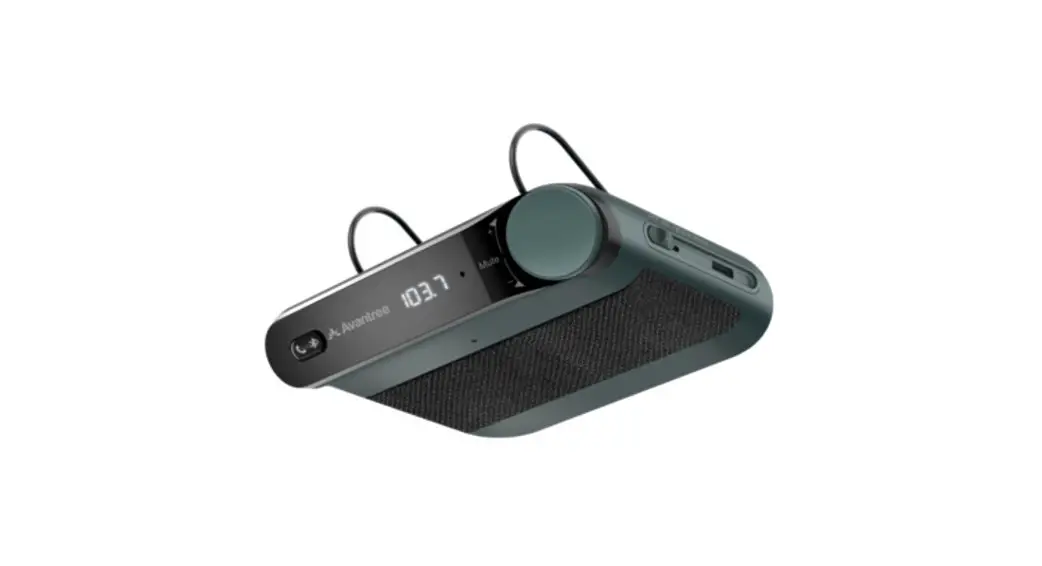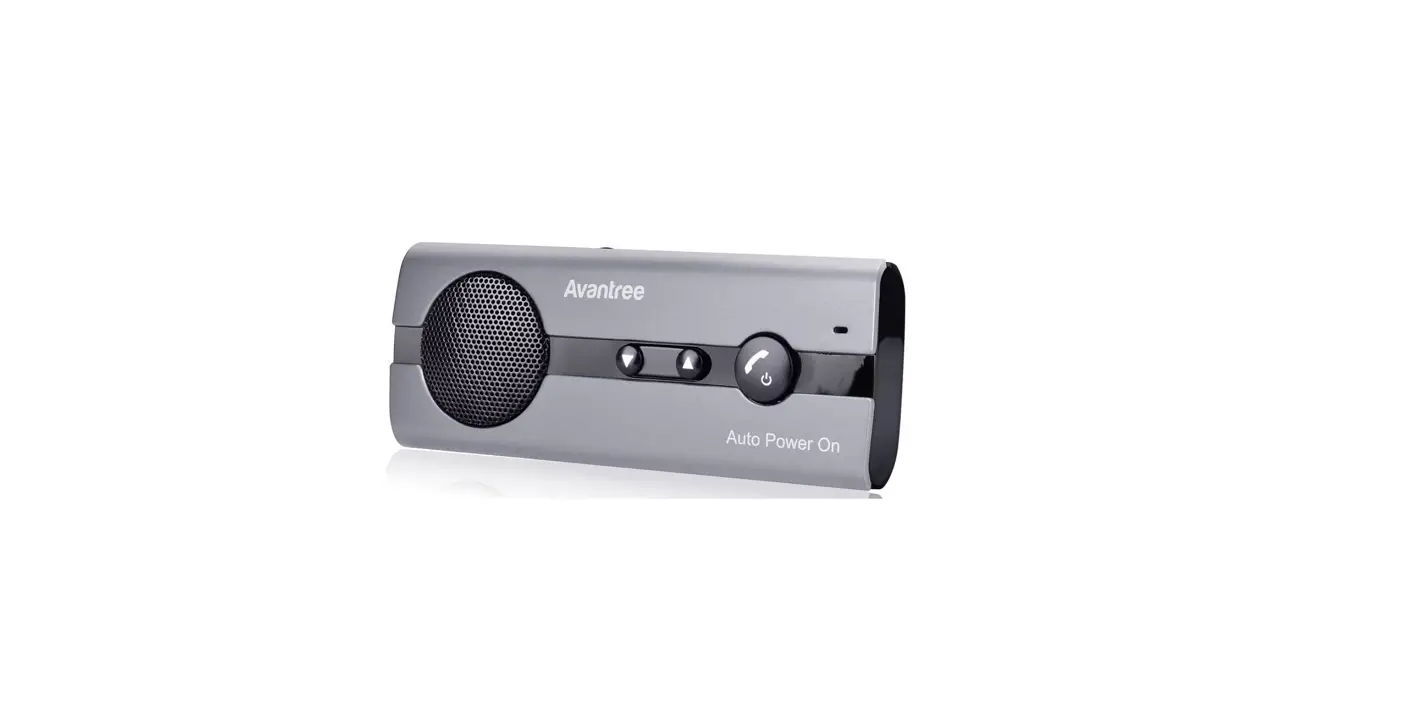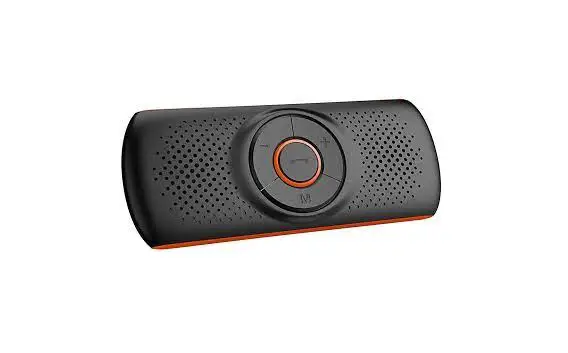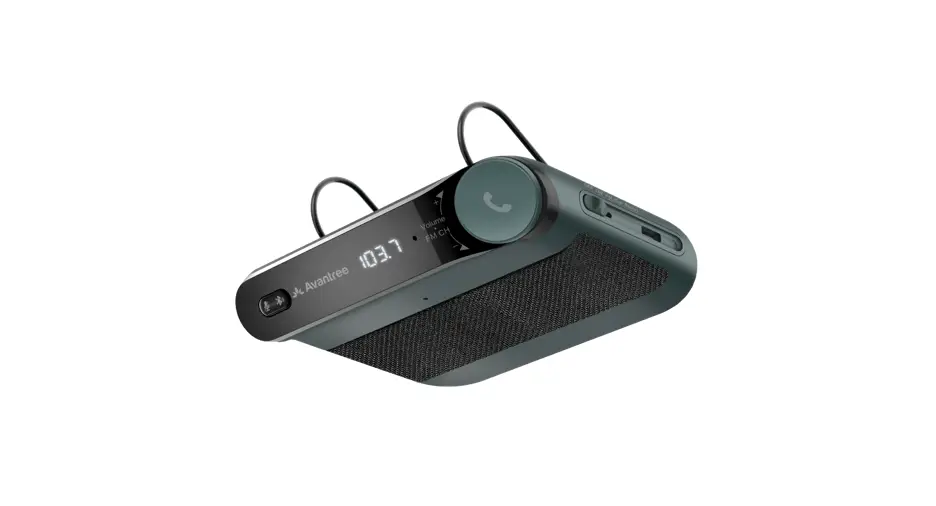
 Wireless Car Speakerphone Avantree Roadtrip
Model No.: BTCK-12
User Manual support.avantree.com
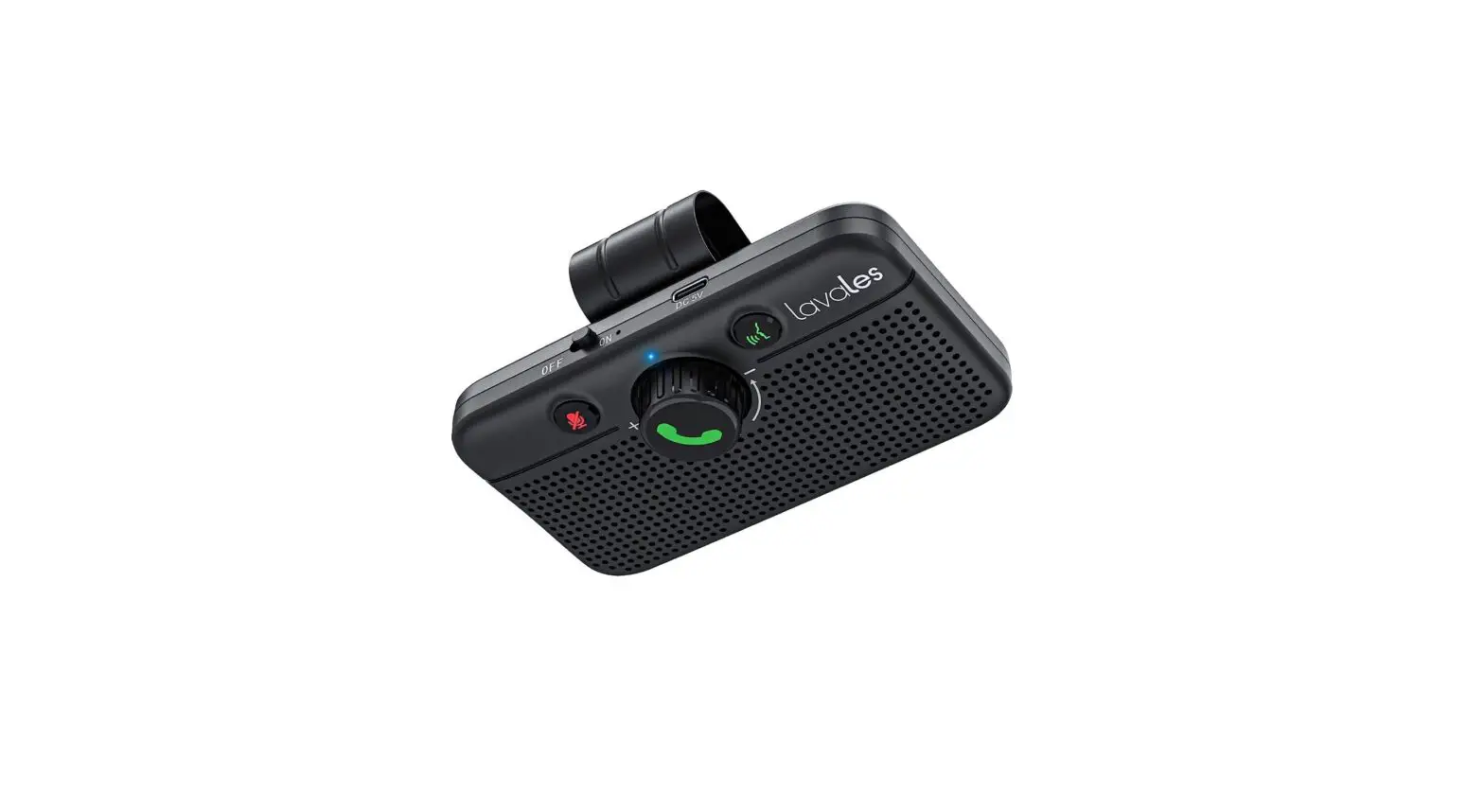
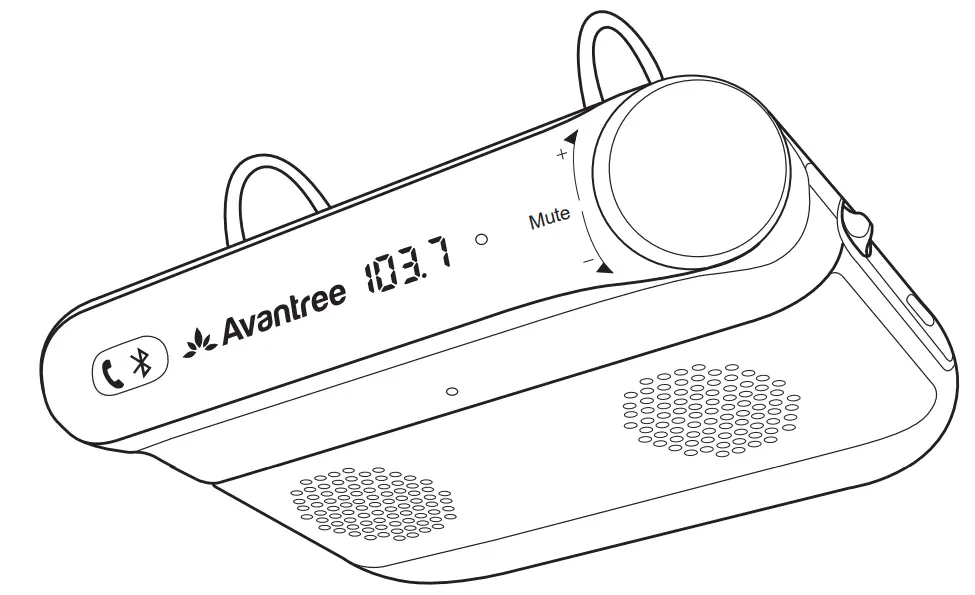
Product overview & Box contents
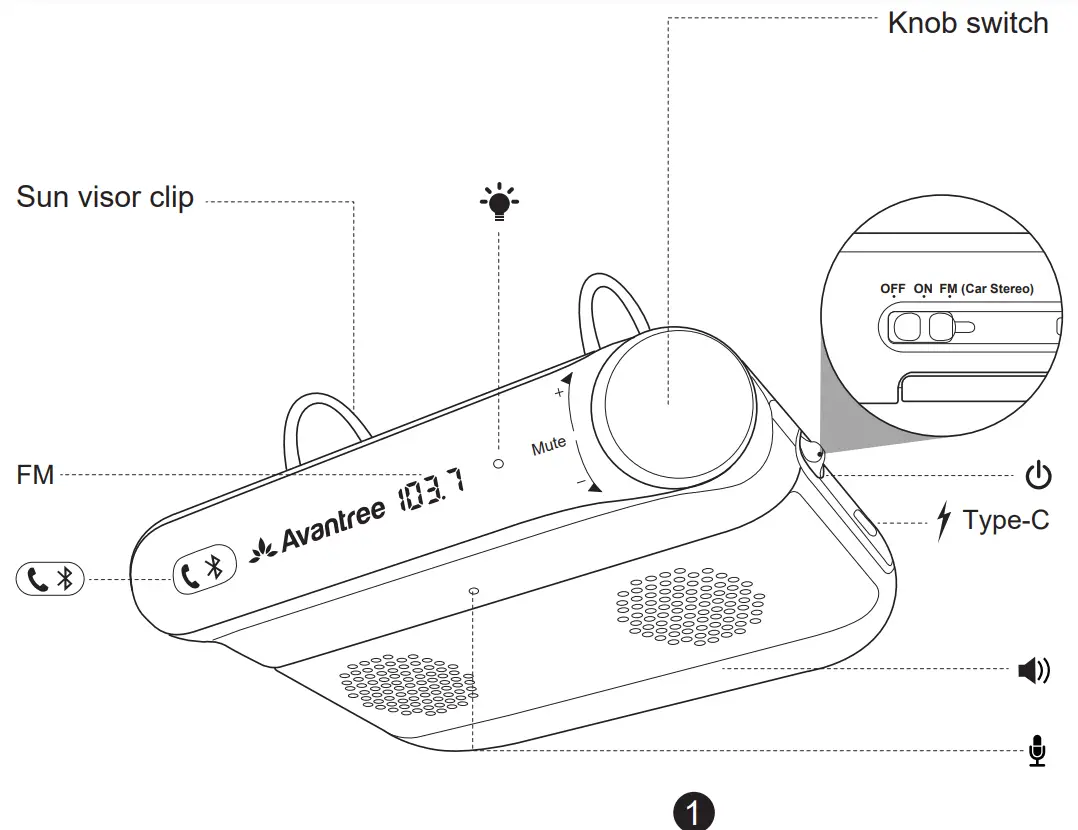
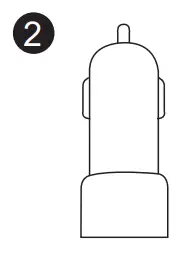 | 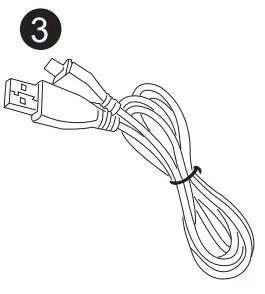 |
| General function > a | |
| Power on/off | Slide the OFF/ON/FM Switch to “ON” or “OFF”. |
| Enter Pairing Mode | Hold  for 2 seconds until Bluetooth status LED flashes BLUE and RED alternately for 2 seconds until Bluetooth status LED flashes BLUE and RED alternately |
| Manually reconnect | Short press once |
| Voice control | Short pressonce to enable/disenable the voice control on your phone. (This is phone feature – make sure your phone support Siri, Google assistant, etc.) |
| Turn on FM transmitter | Slide the OFF/ON/FM switch to “FM” position |
| FM frequency select | When in FM transmitter mode, rotate knob switch to select FM frequency |
| Music control > | |
| Adjust volume | Rotate the knob switch to adjust volume (Not available when in FM transmitter mode, please use the volume control on your car radio instead) |
| Play/Pause | Short press the knob switch |
| Next/Previous track | Double/Triple dick the knob switch |
| Call control > | |
| Answer/End a call | Short press |
| Reject a call | Hold for 2s when receiving an incoming call |
| Last number redial | Double press |
| Mic mute on/off | Short press knob switch once to toggle mic mute on/off during a call. Once mic mute on, the status LED will keep RED. |
Connect speakerphone to smartphone
Connect to 1stsmartphone (first time)
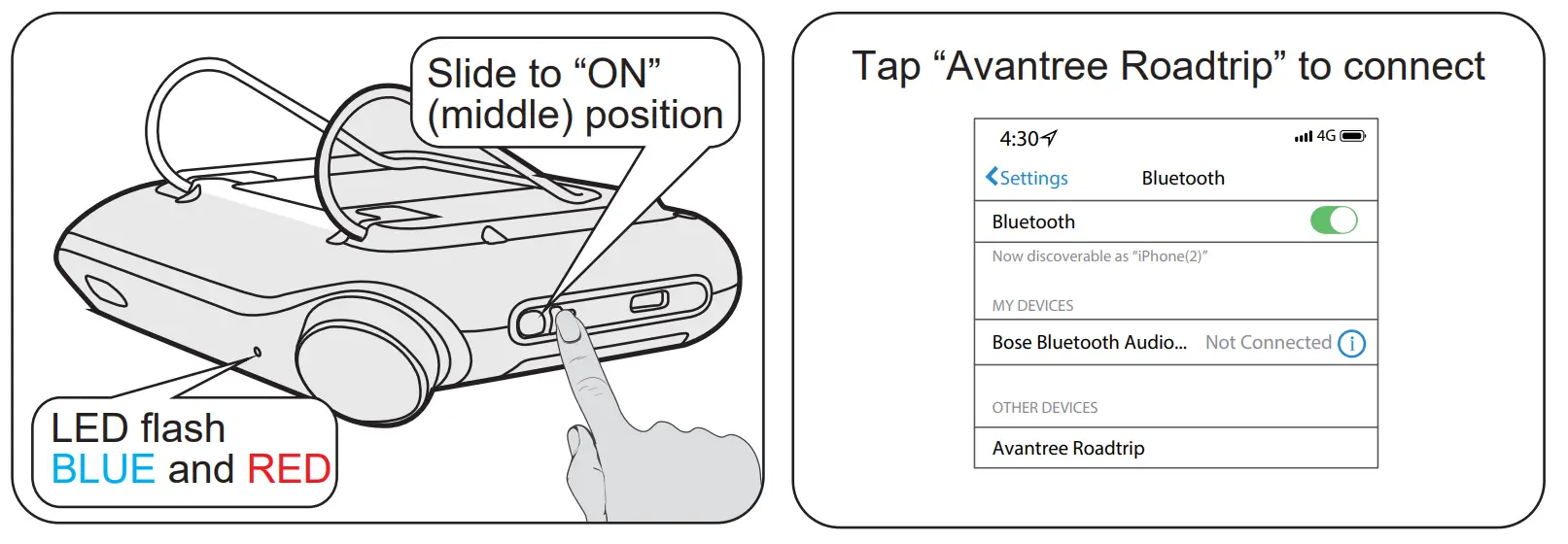
- Slide OFF/ON/FM switch to “ON” position to turn on speakerphone. It will automatically go into PAIRING MODE – status LED flash BLUE and RED alternately.
- On your device – Turn on Bluetooth, search and select “Avantree Roadtrip” to connect. Once connected, you will hear “Connected” prompt from speakerphone.
Connect to 2nd smartphone
- Put the speakerphone into PAIRING MODE again – Hold
 for 2 seconds until the status LED flashes BLUE and RED alternately. Speakerphone will disconnect with the 1st smartphone.
 - Repeat previous step to connect the 2nd smartphone.
- Tap “Avantree Roadtrip” on the 1stsmartphone to reconnect them. And now, the speakerphone should be connected to both smartphones.
Reconnect
Once the speakerphone is switched “ON”, it will automatically reconnect to last connected phone.
For other paired phones, please tap “Avantree Roadtrip” on your phone to reconnect.
Stream audio from car stereo (FM transmitter connection)
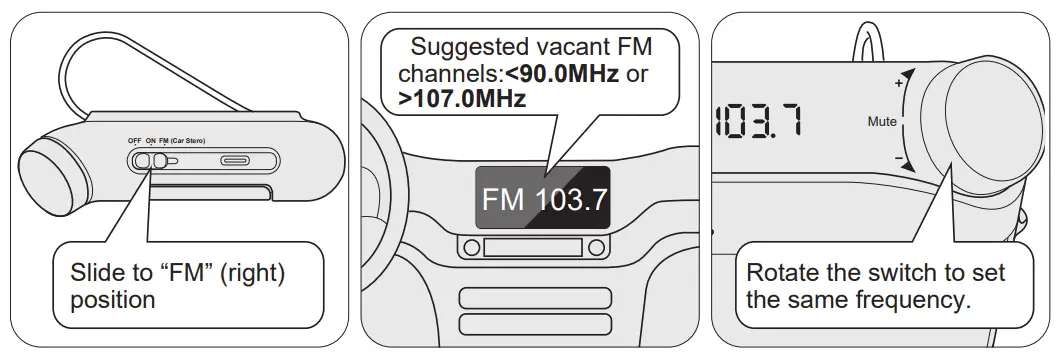
- Slide OFF/ON/FM switch to “FM” position.
- Choose a vacant FM frequency channel from your car radio.Most vacant channels contain constant static/buzz sound. These channels are commonly found below 0.0MHz and above 107.0MHz.
- Rotate the knob switch to set the frequency of speakerphone to the same as your car radio. Now, you can stream your phone’s audio from car stereo.
Mute Install speakerphone to sun-visor
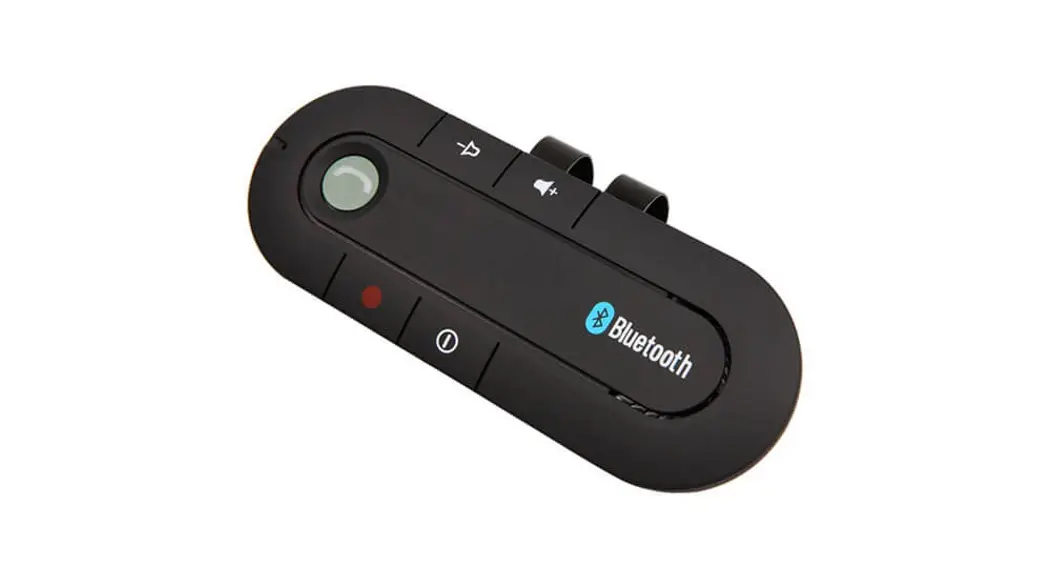
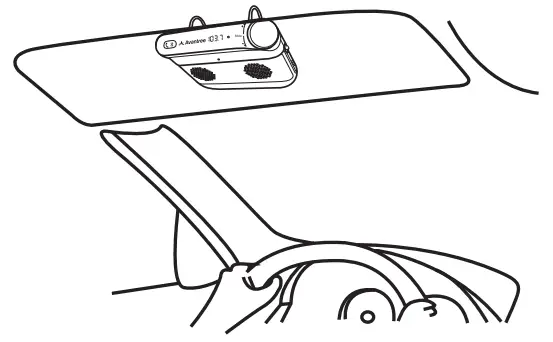
Clip the Avantree Roadtrip to the sun visor above the driver’s seat.
Enable/Disable “Auto power on/off ” function
When the OFF/ON/FM switch is set to “ON” or “FM”, the “Auto Power On” function is activated.
- Auto power off – When you leave your car and your phone disconnects from the speakerphone about 10 minutes later, it will auto turn off.
- Auto power on – Once you open your car door, the speakerphone will auto turn on.
The “Auto Power On/Off” function can be disabled by sliding the OFF/ON/FM switch to “OFF”.
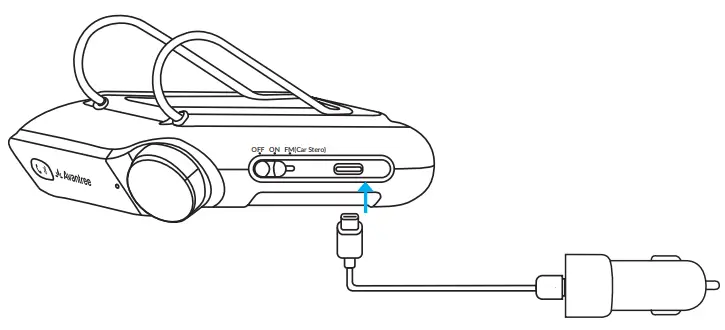
Charging
Status LED
 | Low battery |
 | Charging |
 | Charging Complete |
Any questions? Contact:
[email protected]
(Response Time: 1 working day)
Self-service Support:
- More FAQs on support.avantree.com
- 100+ Step by step video Guide – youtube.com/avantree/playlists Telephone Support (Mon-Fri):
- USA / CANADA +1 800 232 2078 (EN, PST 9am-5pm)
- EU / Asia telephone No. refer to http://www.avantree.com/contact-us
 Dispose of the packaging and this product in accordance with latest country provisions.
 Dispose of the packaging and this product in accordance with latest country provisions.
 Support Center | Avantree
 Contact Us