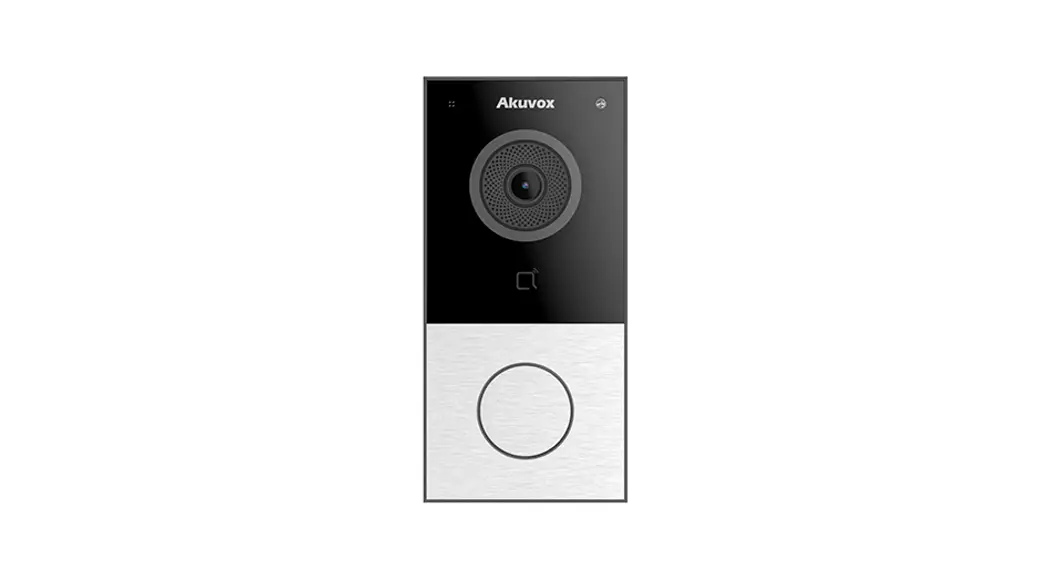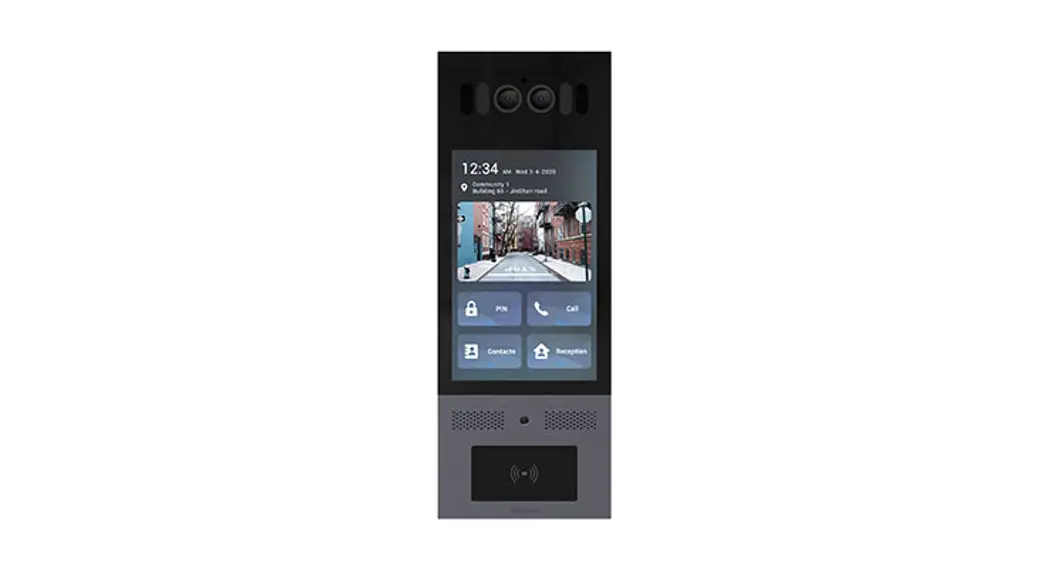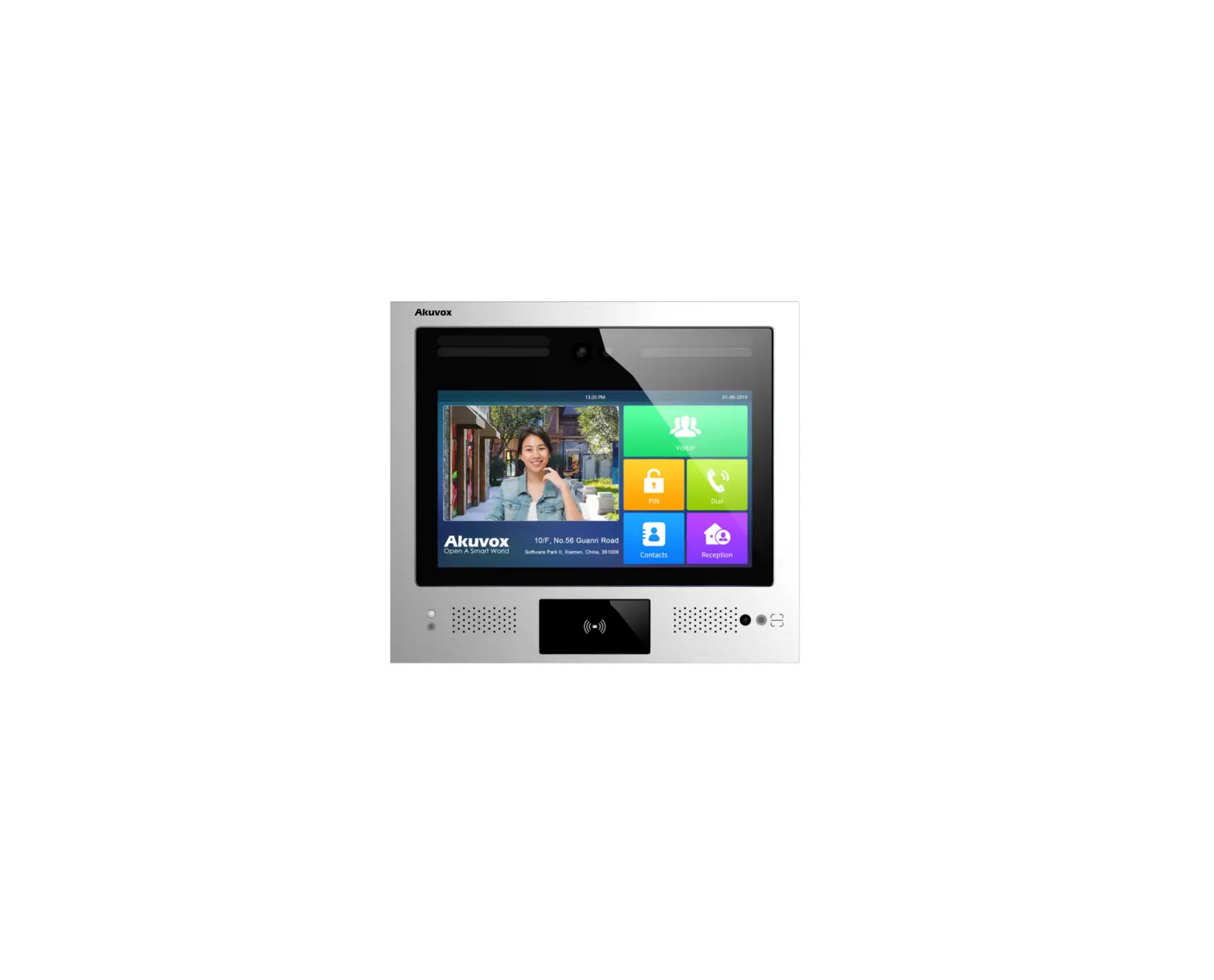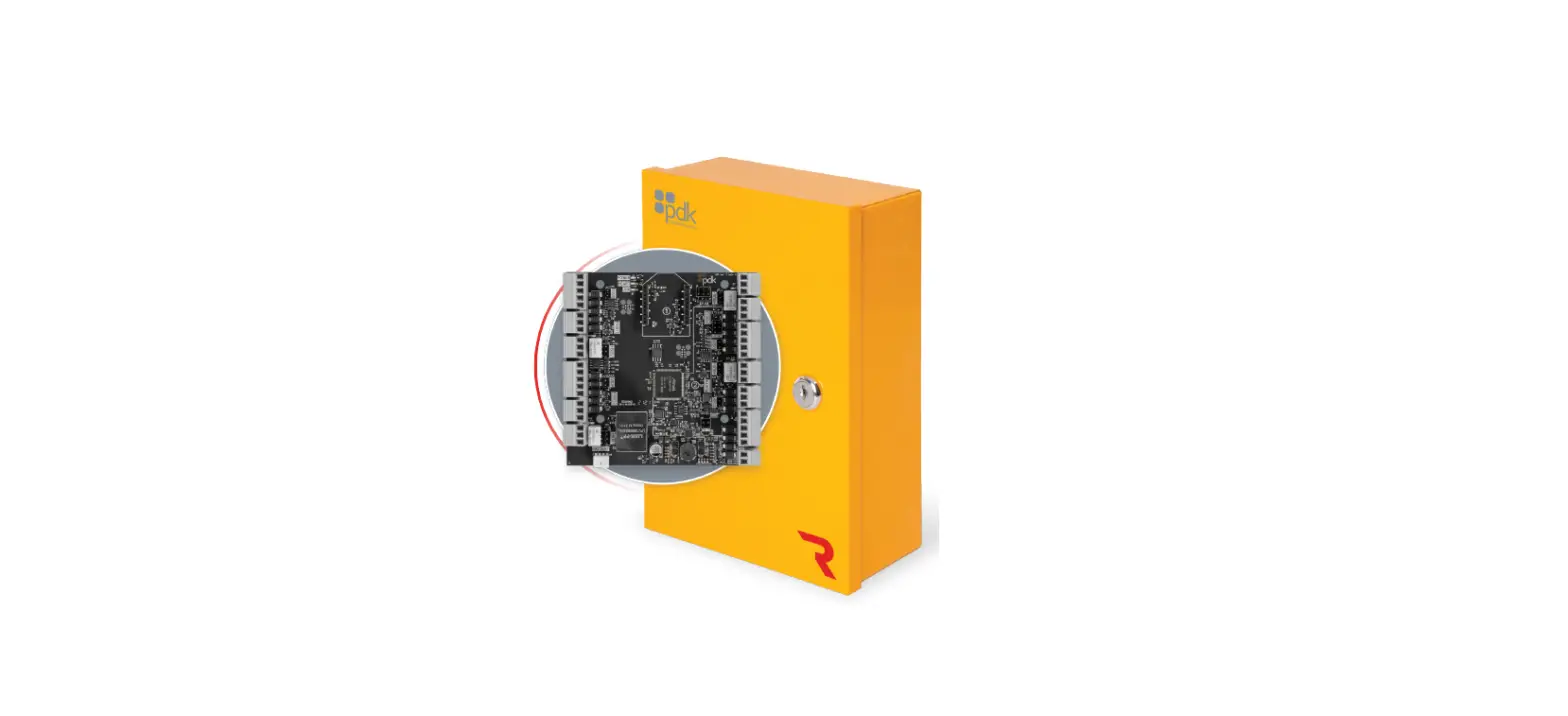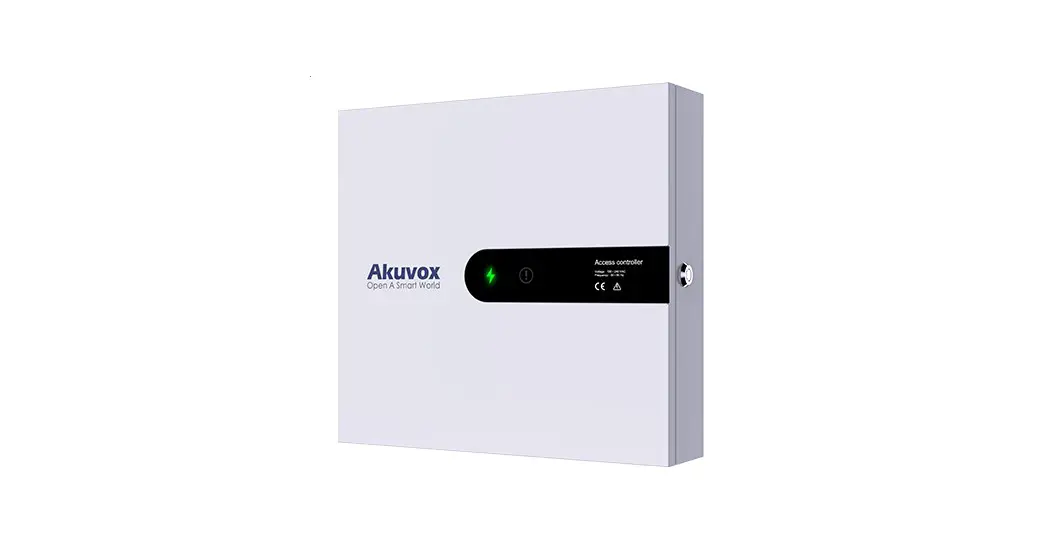

A092
Quick Guide
Unpacking
Before you begin using the device, please check the version you got and ensure that the following items are included in the shipped box:
Mainframe Accessories :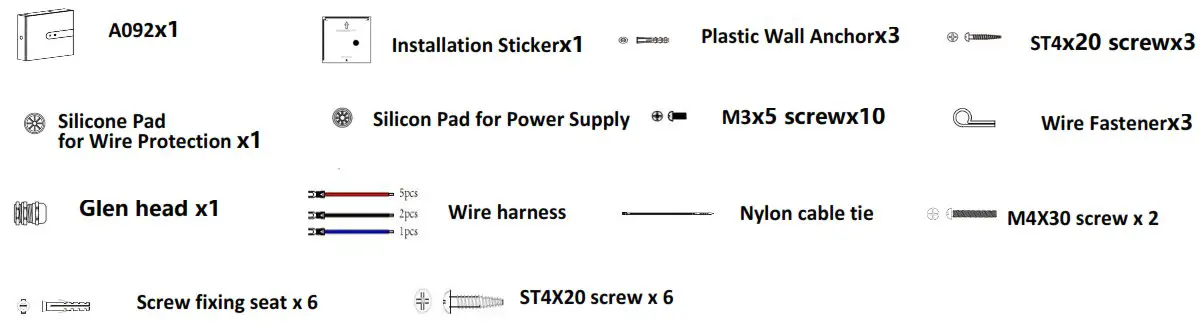
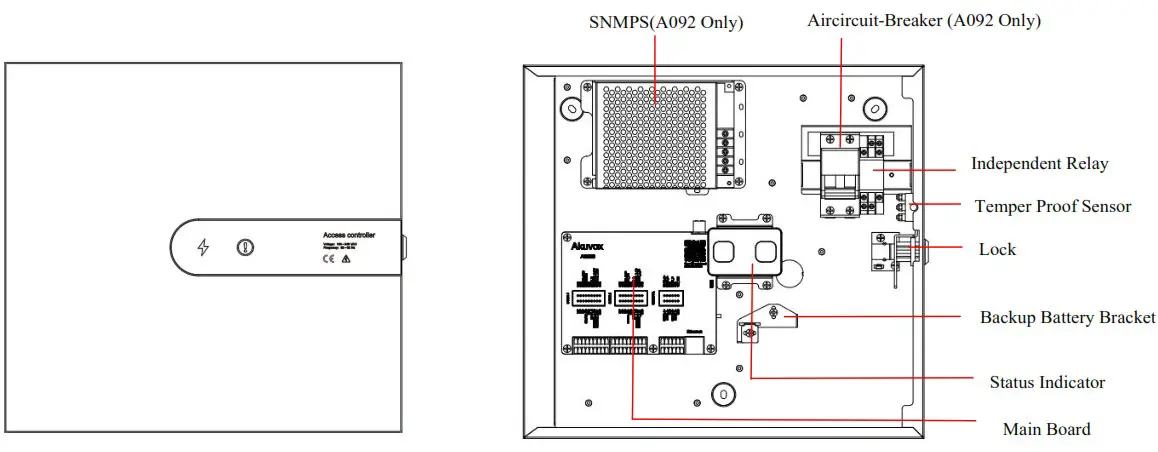
Product Overview
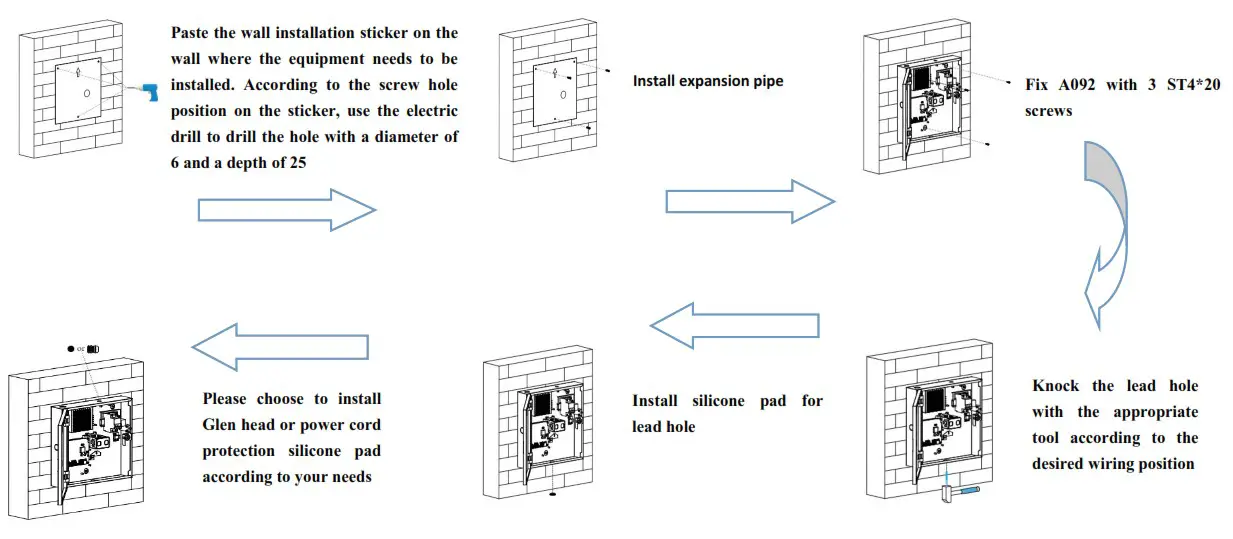
Installation

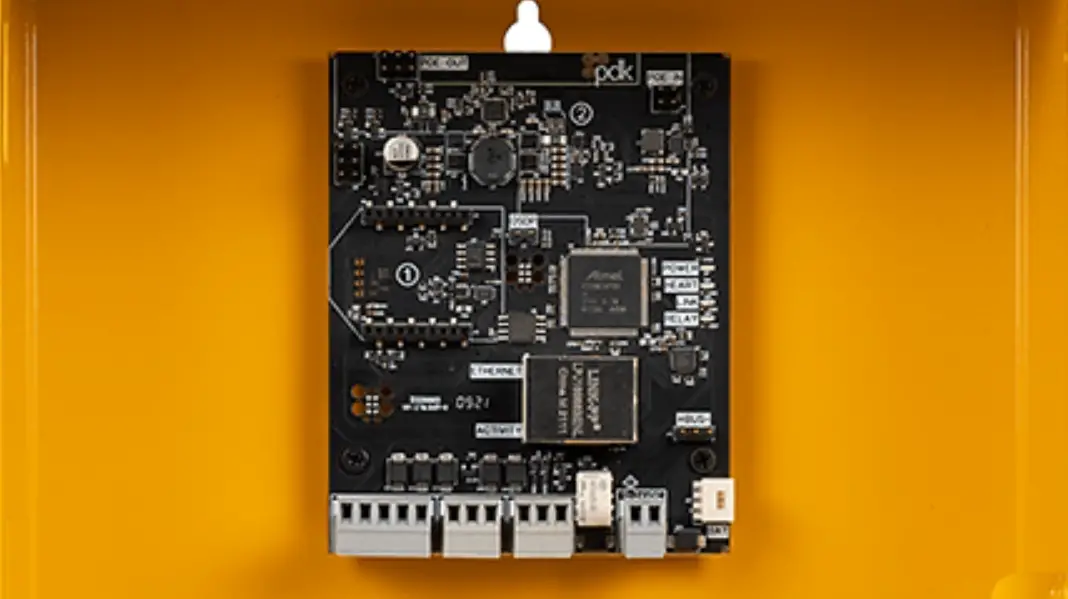
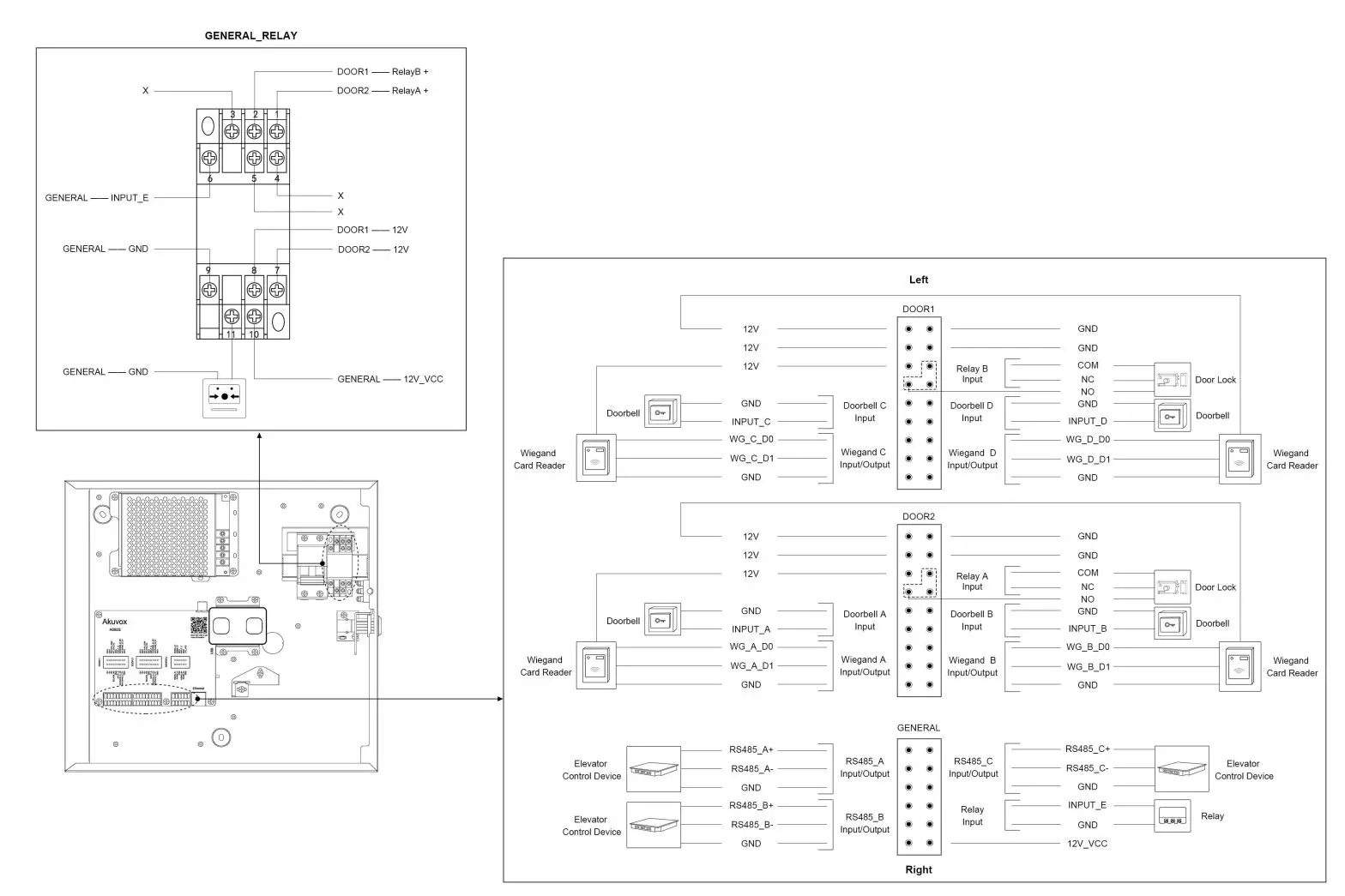
Device Wiring
Configuration
- While A092 starts up normally, click Search key in the IP Scanner tool to search the IP address. (Please consult Akuvox Technical Team for IP Scanner tool).
- Access the Web UI: Input the IP address into browser to configure the phone.
Operation
A092 controller can realize the independent control of two doors; Each door can be connected with an electric lock, 2 card readers (inside and outside) 2 key input, and a fire input;
Open the Door
- After swiping the card on the card reader, A092 will unlock the electronic lock;
- Press the door button, A092 will unlock the electric lock;
Fire Alarm
When the fire alarm is triggered, A092 will unlock the electronic lock of all doors;
Notice Information
Information contained in this document is believed to be accurate and reliable at the time of printing. This document is subject to change without notice, any update to this document can be viewed on Akuvox’s website: http://www.akuvox.com © Copyright 2021 Akuvox Ltd. All rights reserved.

 Akuvox | The Leader in Smart Intercom