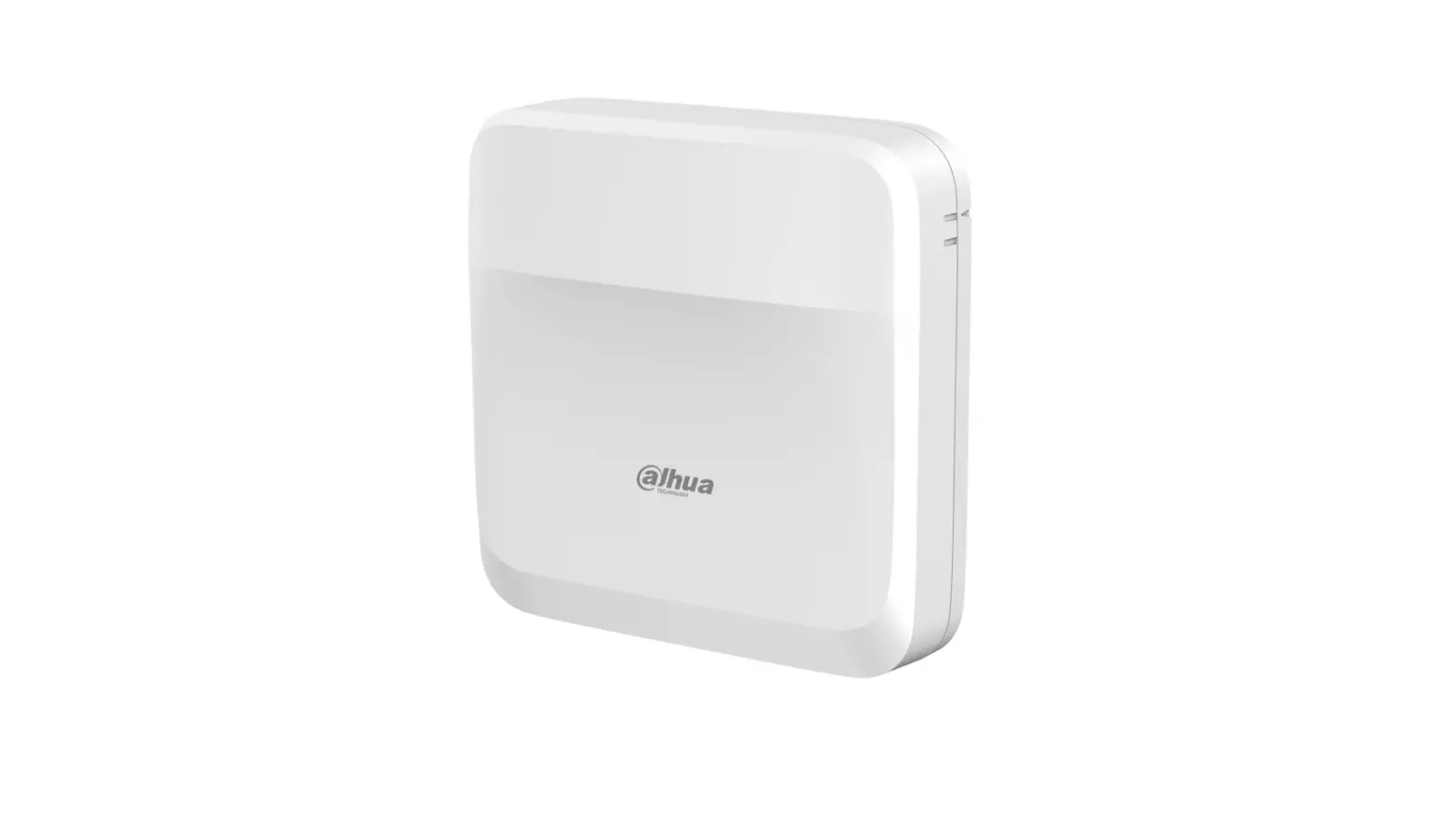
DHI-ASC1204B EOL Four Door Access Controller
Access Controller
User’s Manual
Version: V1.0.3
Foreword
This document provides detailed information on the structure,
installation, interface, and wiring of a four-door access
controller.
Safety Instructions
The following signal words with defined meanings might appear in
the manual:
| Signal Words | Meaning |
|---|---|
| DANGER | Indicates a high potential hazard which, if not avoided, will result in death or serious injury. |
| WARNING | Indicates a medium or low potential hazard which, if not avoided, could result in slight or moderate injury. |
| CAUTION | Indicates a potential risk which, if not avoided, could result in property damage, data loss, lower performance, or unpredictable result. |
| NOTE | Provides methods to help you solve a problem or save you time. |
| TIP | Provides additional information as the emphasis and supplement to the text. |
Privacy Protection Notice
About the Manual:
- The manual is for reference only.
- If there is inconsistency between the manual and the actual
product, the actual product shall prevail. - We are not liable for any loss caused by the operations that do
not comply with the manual. - The manual would be updated according to the latest laws and
regulations of related regions. - For detailed information, see the paper User’s Manual, CD-ROM,
QR code, or our official website. - If there is inconsistency between paper User’s Manual and the
electronic version, the electronic version shall prevail. - All the designs and software are subject to change without
prior written notice. - The product updates might cause some differences between the
actual product and the manual. - Please contact customer service for the latest program and
supplementary documentation.
Note: There still might be deviation in
technical data, functions and operations description, or errors in
print. If there is any doubt or dispute, please refer to our final
explanation. Upgrade the reader software or try other mainstream
reader software if the guide (in PDF format) cannot be opened. All
trademarks, registered trademarks and the company names in the
manual are the properties of their respective owners. Please visit
our website, contact the supplier or customer service if there is
any problem occurred when using the device. If there is any
uncertainty or controversy, please refer to our final
explanation.
Important Safeguards and Warnings
The following are important safety instructions to prevent
danger and property loss:
- Do not place and install the device in an area exposed to
direct sunlight or near heat generating device. - Do not install the device in a humid, dusty or fuliginous
area. - Keep the device horizontally installed or install it at stable
places to prevent it from falling. - Do not drip or splash liquids onto the device; do not put on
the device anything filled with liquids, to prevent liquids from
flowing into the device. - Install the device at well-ventilated places and do not block
its ventilation opening. - Use the device only within rated input and output range.
- Do not dismantle the device arbitrarily.
- Transport, use, and store the device within allowed humidity
and temperature range.
Product Usage Instructions
To use the access controller, follow these steps:
- Place and install the access controller in a location that is
not exposed to direct sunlight or near heat generating
devices. - Ensure that the access controller is installed in a dry, clean,
and stable location. Do not install the device in a humid, dusty or
fuliginous area. - Keep the access controller horizontally installed or install it
at stable places to prevent it from falling. - Avoid dripping or splashing liquids onto the device. Do not put
anything filled with liquids on the device to prevent liquids from
flowing into it. - Install the access controller at well-ventilated places and do
not block its ventilation opening. - Make sure to use the device only within rated input and output
range. - Do not dismantle the device arbitrarily.
- Transport, use, and store the device within allowed humidity
and temperature range.
Access Controller
User’s Manual
V1.0.3
Foreword
General
This document elaborates on structure, installation, interface and wiring of four-door access controller.
Safety Instructions
The following categorized signal words with defined meaning might appear in the Manual.
Signal Words
Meaning
Indicates a high potential hazard which, if not avoided, will result in death or serious injury.
Indicates a medium or low potential hazard which, if not avoided, could result in slight or moderate injury.
Indicates a potential risk which, if not avoided, could result in property damage, data loss, lower performance, or unpredictable result.
Provides methods to help you solve a problem or save you time.
Provides additional information as the emphasis and supplement to the text.
Privacy Protection Notice
As the device user or data controller, you might collect personal data of others’ such as face, fingerprints, car plate number, Email address, phone number, GPS and so on. You need to be in compliance with the local privacy protection laws and regulations to protect the legitimate rights and interests of other people by implementing measures include but not limited to: providing clear and visible identification to inform data subject the existence of surveillance area and providing related contact.
About the Manual
The Manual is for reference only. If there is inconsistency between the Manual and the actual product, the actual product shall prevail.
We are not liable for any loss caused by the operations that do not comply with the Manual. The Manual would be updated according to the latest laws and regulations of related regions. For
detailed information, see the paper User’s Manual, CD-ROM, QR code or our official website. If there is inconsistency between paper User’s Manual and the electronic version, the electronic version shall prevail. All the designs and software are subject to change without prior written notice. The product updates might cause some differences between the actual product and the Manual. Please contact the customer service for the latest program and supplementary documentation.
I
There still might be deviation in technical data, functions and operations description, or errors in print. If there is any doubt or dispute, please refer to our final explanation.
Upgrade the reader software or try other mainstream reader software if the Guide (in PDF format) cannot be opened.
All trademarks, registered trademarks and the company names in the Manual are the properties of their respective owners.
Please visit our website, contact the supplier or customer service if there is any problem occurred when using the device.
If there is any uncertainty or controversy, please refer to our final explanation.
II
Important Safeguards and Warnings
The following description is the correct application method of the device. Please read the manual carefully before use, in order to prevent danger and property loss. Strictly conform to the manual during application and keep it properly after reading.
Operating Requirement
Please don’t place and install the device in an area exposed to direct sunlight or near heat generating device.
Please don’t install the device in a humid, dusty or fuliginous area. Please keep its horizontal installation, or install it at stable places, and prevent it from falling. Please don’t drip or splash liquids onto the device; don’t put on the device anything filled with
liquids, in order to prevent liquids from flowing into the device. Please install the device at well-ventilated places; don’t block its ventilation opening. Use the device only within rated input and output range. Please don’t dismantle the device arbitrarily. Please transport, use and store the device within allowed humidity and temperature range.
Power Requirement
Please make sure to use batteries according to requirements; otherwise, it may result in fire, explosion or burning risks of batteries!
To replace batteries, only the same type of batteries can be used! The product shall use electric cables (power cables) recommended by this area, which shall be
used within its rated specification! Please use standard power adapter matched with the device. Otherwise, the user shall undertake
resulting personnel injury or device damage. Please use power supply that meets SELV (safety extra low voltage) requirements, and supply
power with rated voltage that conforms to Limited Power Source in IEC60950-1. For specific power supply requirements, please refer to device labels. Products with category I structure shall be connected to grid power output socket, which is equipped with protective grounding. Appliance coupler is a disconnecting device. During normal use, please keep an angle that facilitates operation.
III
Table of Contents
Foreword………………………………………………………………………………………………………………………………………… I Important Safeguards and Warnings………………………………………………………………………………………………. III 1 Overview …………………………………………………………………………………………………………………………………….. 1 2 Packing List …………………………………………………………………………………………………………………………………. 2 3 Installation Guide ………………………………………………………………………………………………………………………… 3
System Structure ……………………………………………………………………………………………………………………………………………………3 External Dimension……………………………………………………………………………………………………………………………………………….3 Device Installation …………………………………………………………………………………………………………………………………………………4 Disassembly …………………………………………………………………………………………………………………………………………………………… 5 Wiring Description…………………………………………………………………………………………………………………………………………………6
3.5.1 Wiring Description of CAN Bus ……………………………………………………………………………………………………………….. 7 3.5.2 Wiring Description of Exit Button/Door Sensor…………………………………………………………………………………….7 3.5.3 Wiring Description of External Alarm Input…………………………………………………………………………………………..8 3.5.4 Wiring Description of External Alarm Output ………………………………………………………………………………………. 9 3.5.5 Wiring Description of Lock ……………………………………………………………………………………………………………………..10 3.5.6 Wiring Description of Reader …………………………………………………………………………………………………………………11 DIP Switch……………………………………………………………………………………………………………………………………………………………..11 Reboot……………………………………………………………………………………………………………………………………………………………………12
Technical Parameters ………………………………………………………………………………………………….. 13 Cybersecurity Recommendations ………………………………………………………………………………… 14
IV
1 Overview
As a sub controller of main controller, four-door sub controller is matched with main controller and is widely used in banks, and safe places. Its rich functions are as follows: Adopt sliding rail type and lock type installation, convenient installation and maintenance. Integrate alarm and fire alarm. Support 4 sets of card readers. Support 9 groups of signal input (exit button *4, door sensor *4 and intrusion alarm *1). Support 5 groups of control output (electric lock *4 and alarm output *1). With RS485 port, it may extend to connect lift control module, alarm or household control module. Support CAN bus and connect main controller. FLASH storage capacity is 16M (which may extend to 32M), max supports 20,000 card holders and
30,000 offline records. Support illegal intrusion alarm, exit overtime alarm and duress code setup. Also support
blocklist/allowlist and patrol card setup. Permanent data storage during outage, built-in RTC (support DST), online upgrading. If this product needs to connect external power supply, please use 12V 0.5A adapter and ensure that working temperature shall not exceed -5+55.
1
2 Packing List
Before installation, please check the packing list.
Table 2-1
No.
Name
1
Access controller
2
Installation positioning drawing
3
Accessory kit (screw, expansion pipe and wiring terminal)
4
Quick start guide
5
Certificate of qualification
Quantity 1 1 1 1 1
2
3 Installation Guide
System Structure
System structure of four-door access controller, door lock and reader is shown below.
External Dimension
The unit is mm.
3
Device Installation
There are two installation modes. Mode 1: fix the whole device onto the wall with screws. Mode 2: with a rack, fix the whole device onto the wall (the rack is an optional fitting).
Mode 1
Installation diagram is shown below.
4
Mode 2
Installation diagram is shown below.
Fix the rack onto the wall with screws. Buckle the upper rear part of the device into upper groove of the rack. Push the snap joint at the bottom of the device upwards. The installation is completed when you hear the fitting sound.
Disassembly
If the device is installed with mode 2, please disassemble it as shown below.
5
Align a screwdriver with the snap joint, press it down and the snap joint will pop up, so the whole device can be disassembled smoothly.
Wiring Description
Device wiring diagram is shown below.
Table 3-1
No.
Interface Description
No.
1
CAN bus
8
Interface Description Not available at present
6
No.
Interface Description
No.
2
External extension module
9
3
Door sensor and exit button
10
4
External alarm input
11
5
External alarm output
12
6
Lock control output
13
7
Address code/ transmission rate 14
Indicator lights are described below.
Interface Description Reader of door 1 Reader of door 2 Reader of door 3 Reader of door 4 Reboot DC 12V power interface
Table 3-2
No.
Description
15
16 Lock status indicator of door 1~ door 4
17
18
19
Power indicator
3.5.1 Wiring Description of CAN Bus
Wiring terminals of CAN bus are described below.
Interface
Wiring Terminal
CANH
CAN bus
CANL CANH
CANL
Description CAN bus input CAN bus output
3.5.2 Wiring Description of Exit Button/Door Sensor
Corresponding wiring terminals of exit button and door sensor are shown below.
7
Interface
Table 3-3 Wiring Terminal
GND
Exit button+ sensor
PUSH1 SR1 PUSH2 door SR2
GND
PUSH3 SR3 PUSH4 SR4
Description Shared by exit button of door 1 and door 2, and door sensor input of door 1 and door 2 Exit button of door 1 Door sensor input of door 1 Exit button of door 2 Door sensor input of door 2 Shared by exit button of door 3 and door 4, and door sensor input of door 3 and door 4 Exit button of door 3 Door sensor input of door 3 Exit button of door 4 Door sensor input of door 4
3.5.3 Wiring Description of External Alarm Input
External alarm input connection is shown below.
8
Interface
Wiring Terminal
External alarm ALM1
input
GND
Table 3-4 Description External alarm input interfaces are able to connect smoke detector and IR detector etc..
3.5.4 Wiring Description of External Alarm Output
There are two connection modes of external alarm output, depending on alarm device. For example, IPC can use Mode 1, whereas audible and visual siren can use Mode 2, as shown below.
Mode 1
Mode 2
Table 3-5 Wiring terminals descriptions
Interface
Wiring Terminal
Description
External alarm output NO
External alarm output interfaces are able to
COM
connect audible and visual sirens.
9
3.5.5 Wiring Description of Lock
Support 4 groups of lock control outputs; serial numbers after the terminals represent corresponding doors. Please choose a proper connection mode according to lock type. Please refer to Table 3-7 for descriptions of wiring terminals.
10
Interface
Lock control output interface
Table 3-6 Wiring Terminal NC1 COM1 NO1 NC2 COM2 NO2 NC3 COM3 NO3 NC4 COM4 NO4
Description Lock control of door 1 Lock control of door 2 Lock control of door 3 Lock control of door 4
3.5.6 Wiring Description of Reader
1 door only supports to connect one type of reader–485 or Wiegand.
Table 3-7 Descriptions of wiring terminals
Interface
Wiring Terminal
Cable Color
485+
Purple
485-
Yellow
LED
Brown
Entry Reader of D0
Green
Door 1
D1
White
CASE
Blue
GND
Black
12V
Red
Description 485 reader
Wiegand reader
Reader power supply
Table 3-8 Descriptions of video cable specification and length
Reader Type
Connection Mode
485 Reader
CAT5e network cable, 485 connection
Wiegand Reader CAT5e network cable, Wiegand connection
Length 100m 30m
DIP Switch
Set device number and speed with DIP switch.
the switch is at ON position, meaning 1.
the switch is at the bottom, meaning 0.
11
Function No.
Device Number
15
Table 3-9 Description Set device number with binary system. The left is the lowest order. For example:
Binary representation 00110 corresponds to 6 in decimal system. Set the speed.
All of them are at the bottom speed is 50kb/s.
, transmission
Speed
68
Only digit 6 is at ON position speed is 80kb/s.
, transmission
Only digit 7 is at ON position speed is 100kb/s.
, transmission
Digits 6 and 7 are at ON position
,
transmission speed is 125kb/s.
Reboot
Insert a needle into RESET hole, and long press the reboot controller.
12
Technical Parameters
Parameter Processor Storage Capacity Max User Max Record Communication Port of Reader Communication Port Quantity of Connected Reader Working Power Real-time Monitoring Fire Alarm Linkage Vandal-proof Alarm Illegal Intrusion Alarm Unlock Overtime Alarm Duress Card Setup DST and Time Sync Online Upgrading
Table 3-10 Specification 32-bit ARM processor 16M 20,000 30,000
Wiegand,RS485
CAN
4 groups
Rated power 10V-15V DC, rated current 0.75A Support Support Support Support Support Support Support Support
13
Cybersecurity Recommendations
Mandatory actions to be taken for basic device network security: 1. Use Strong Passwords
Please refer to the following suggestions to set passwords: The length should not be less than 8 characters. Include at least two types of characters; character types include upper and lower case
letters, numbers and symbols. Do not contain the account name or the account name in reverse order. Do not use continuous characters, such as 123, abc, etc. Do not use overlapped characters, such as 111, aaa, etc. 2. Update Firmware and Client Software in Time According to the standard procedure in Tech-industry, we recommend to keep your device
(such as NVR, DVR, IP camera, etc.) firmware up-to-date to ensure the system is equipped with the latest security patches and fixes. When the device is connected to the public network, it is recommended to enable the “auto-check for updates” function to obtain timely information of firmware updates released by the manufacturer. We suggest that you download and use the latest version of client software. “Nice to have” recommendations to improve your device network security: 1. Physical Protection We suggest that you perform physical protection to device, especially storage devices. For example, place the device in a special computer room and cabinet, and implement well-done access control permission and key management to prevent unauthorized personnel from carrying out physical contacts such as damaging hardware, unauthorized connection of removable device (such as USB flash disk, serial port), etc. 2. Change Passwords Regularly We suggest that you change passwords regularly to reduce the risk of being guessed or cracked. 3. Set and Update Passwords Reset Information Timely The device supports password reset function. Please set up related information for password reset in time, including the end user’s mailbox and password protection questions. If the information changes, please modify it in time. When setting password protection questions, it is suggested not to use those that can be easily guessed. 4. Enable Account Lock The account lock feature is enabled by default, and we recommend you to keep it on to guarantee the account security. If an attacker attempts to log in with the wrong password several times, the corresponding account and the source IP address will be locked. 5. Change Default HTTP and Other Service Ports We suggest you to change default HTTP and other service ports into any set of numbers between 102465535, reducing the risk of outsiders being able to guess which ports you are using. 6. Enable HTTPS We suggest you to enable HTTPS, so that you visit Web service through a secure communication channel. 7. MAC Address Binding We recommend you to bind the IP and MAC address of the gateway to the device, thus reducing
14
the risk of ARP spoofing. 8. Assign Accounts and Privileges Reasonably
According to business and management requirements, reasonably add users and assign a minimum set of permissions to them. 9. Disable Unnecessary Services and Choose Secure Modes If not needed, it is recommended to turn off some services such as SNMP, SMTP, UPnP, etc., to reduce risks. If necessary, it is highly recommended that you use safe modes, including but not limited to the following services: SNMP: Choose SNMP v3, and set up strong encryption passwords and authentication
passwords. SMTP: Choose TLS to access mailbox server. FTP: Choose SFTP, and set up strong passwords. AP hotspot: Choose WPA2-PSK encryption mode, and set up strong passwords. 10. Audio and Video Encrypted Transmission If your audio and video data contents are very important or sensitive, we recommend that you use encrypted transmission function, to reduce the risk of audio and video data being stolen during transmission. Reminder: encrypted transmission will cause some loss in transmission efficiency. 11. Secure Auditing Check online users: we suggest that you check online users regularly to see if the device is
logged in without authorization. Check device log: By viewing the logs, you can know the IP addresses that were used to log
in to your devices and their key operations. 12. Network Log
Due to the limited storage capacity of the device, the stored log is limited. If you need to save the log for a long time, it is recommended that you enable the network log function to ensure that the critical logs are synchronized to the network log server for tracing. 13. Construct a Safe Network Environment In order to better ensure the safety of device and reduce potential cyber risks, we recommend: Disable the port mapping function of the router to avoid direct access to the intranet devices
from external network. The network should be partitioned and isolated according to the actual network needs. If
there are no communication requirements between two sub networks, it is suggested to use VLAN, network GAP and other technologies to partition the network, so as to achieve the network isolation effect. Establish the 802.1x access authentication system to reduce the risk of unauthorized access to private networks. Enable IP/MAC address filtering function to limit the range of hosts allowed to access the device.
15
 AffordableLaundry.com is for sale | HugeDomains