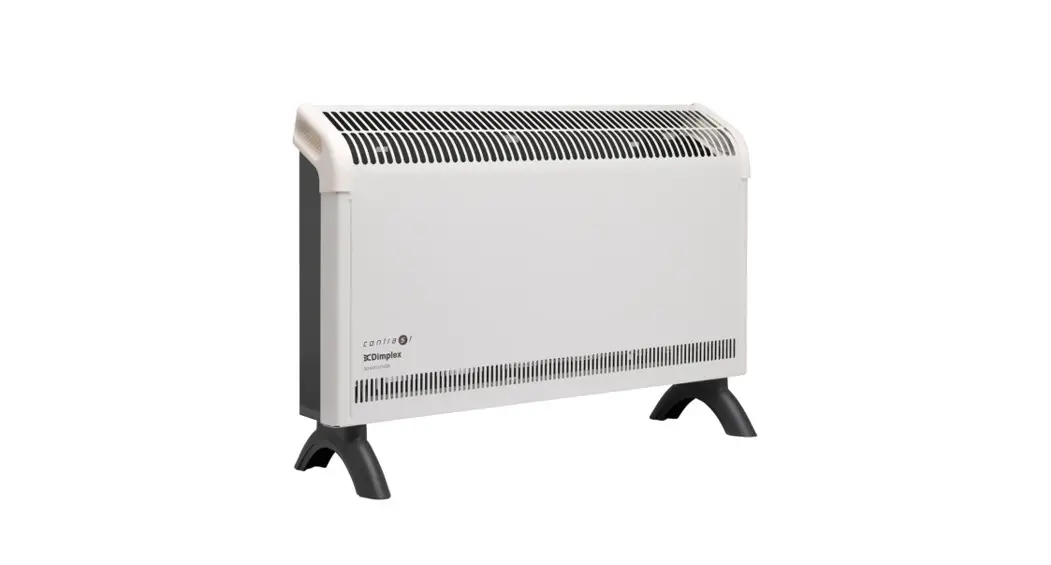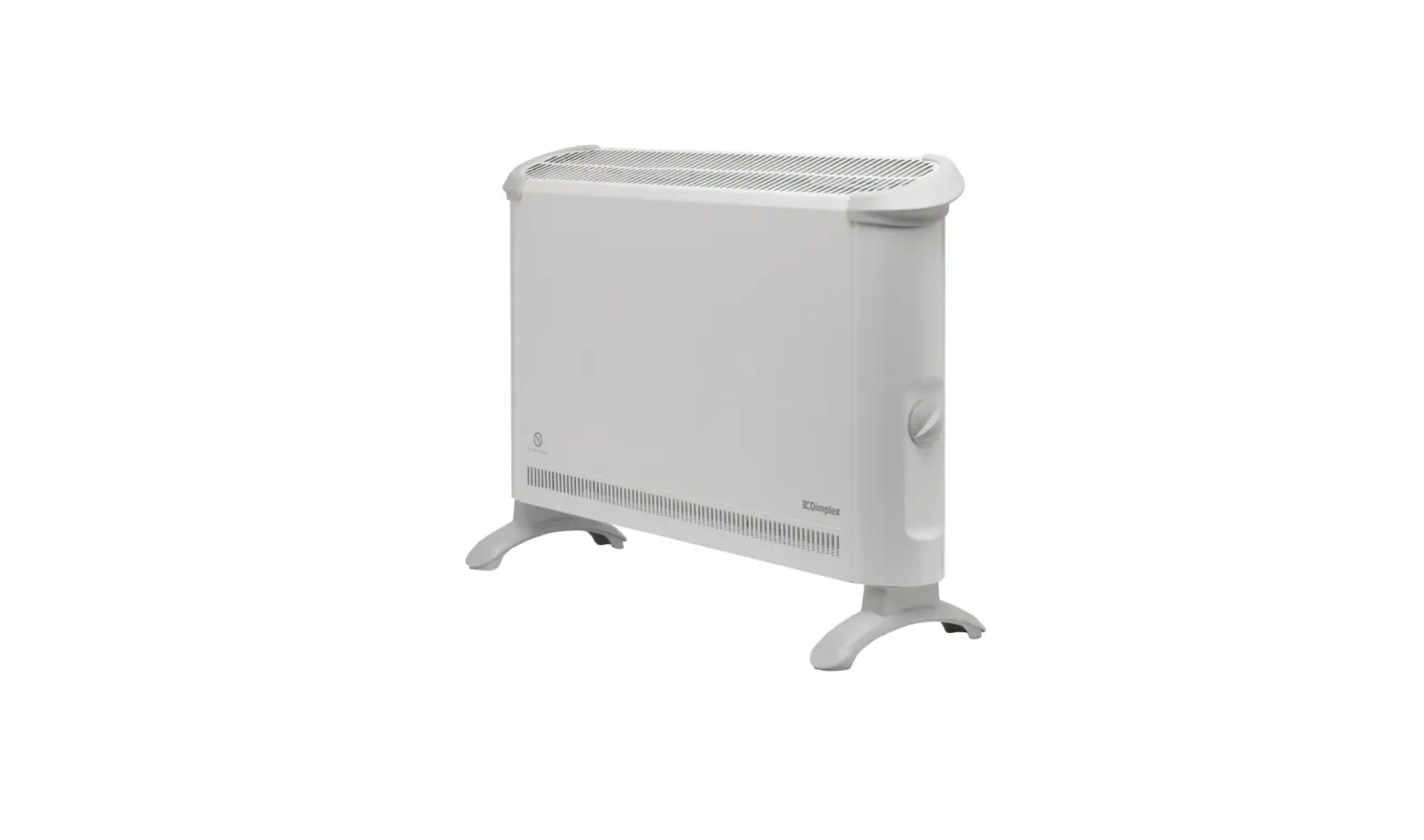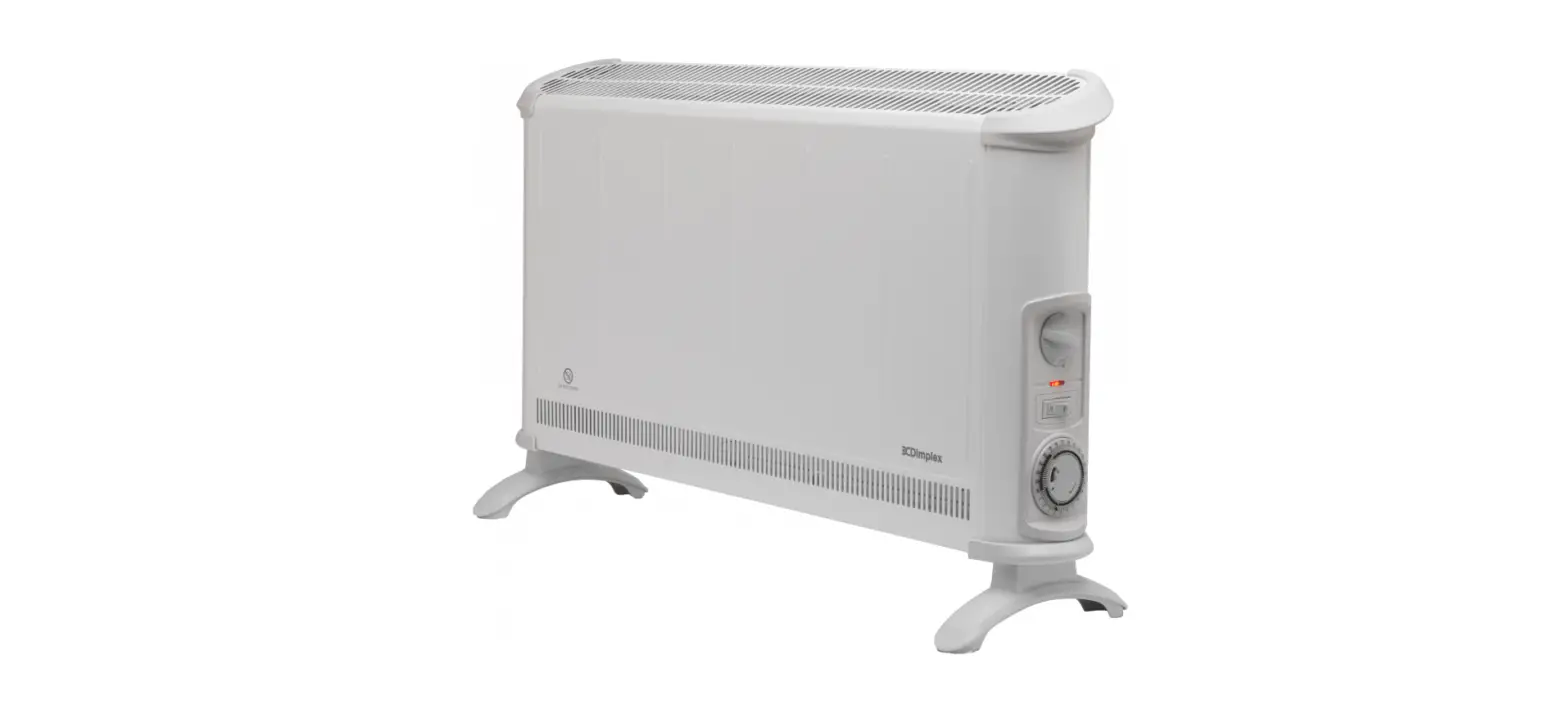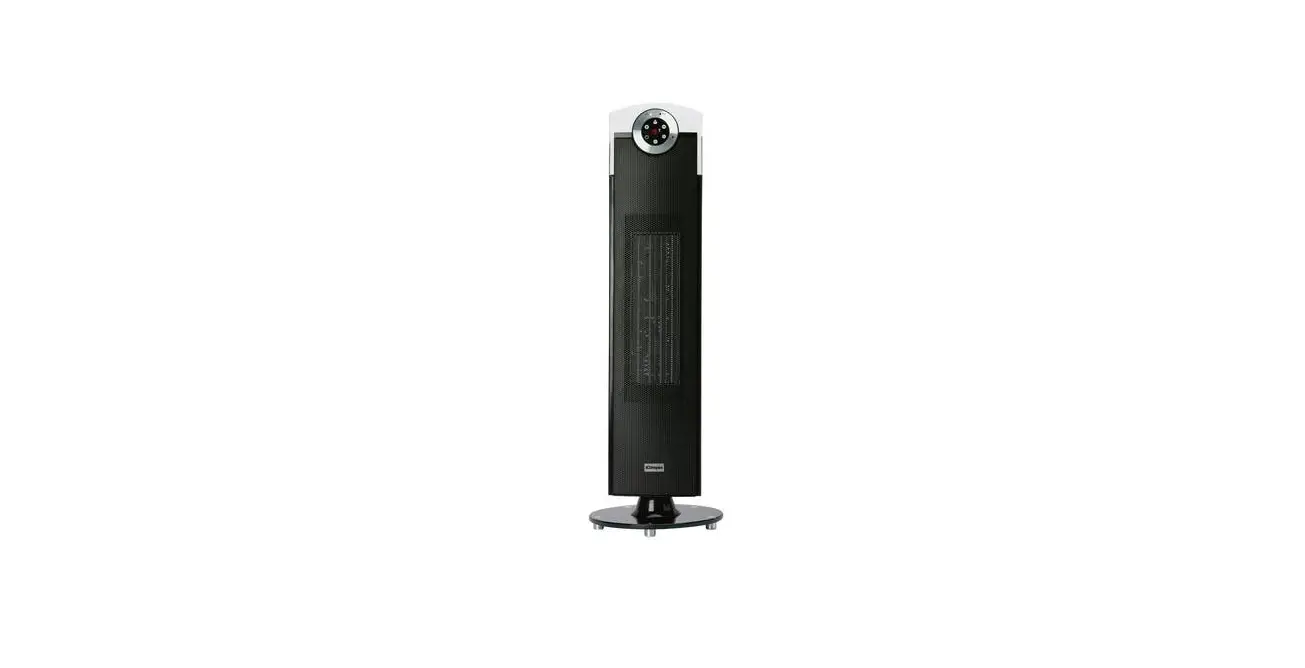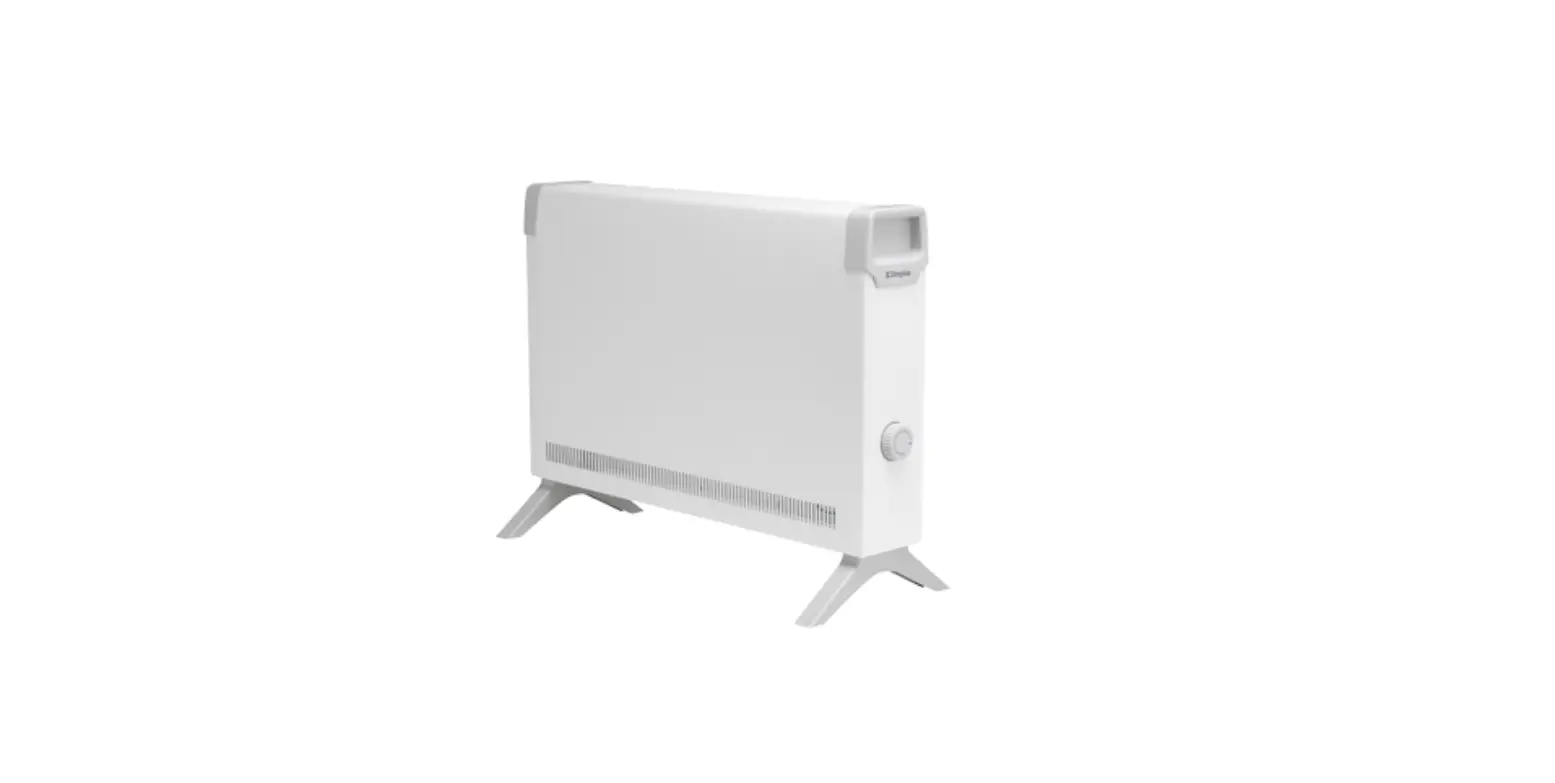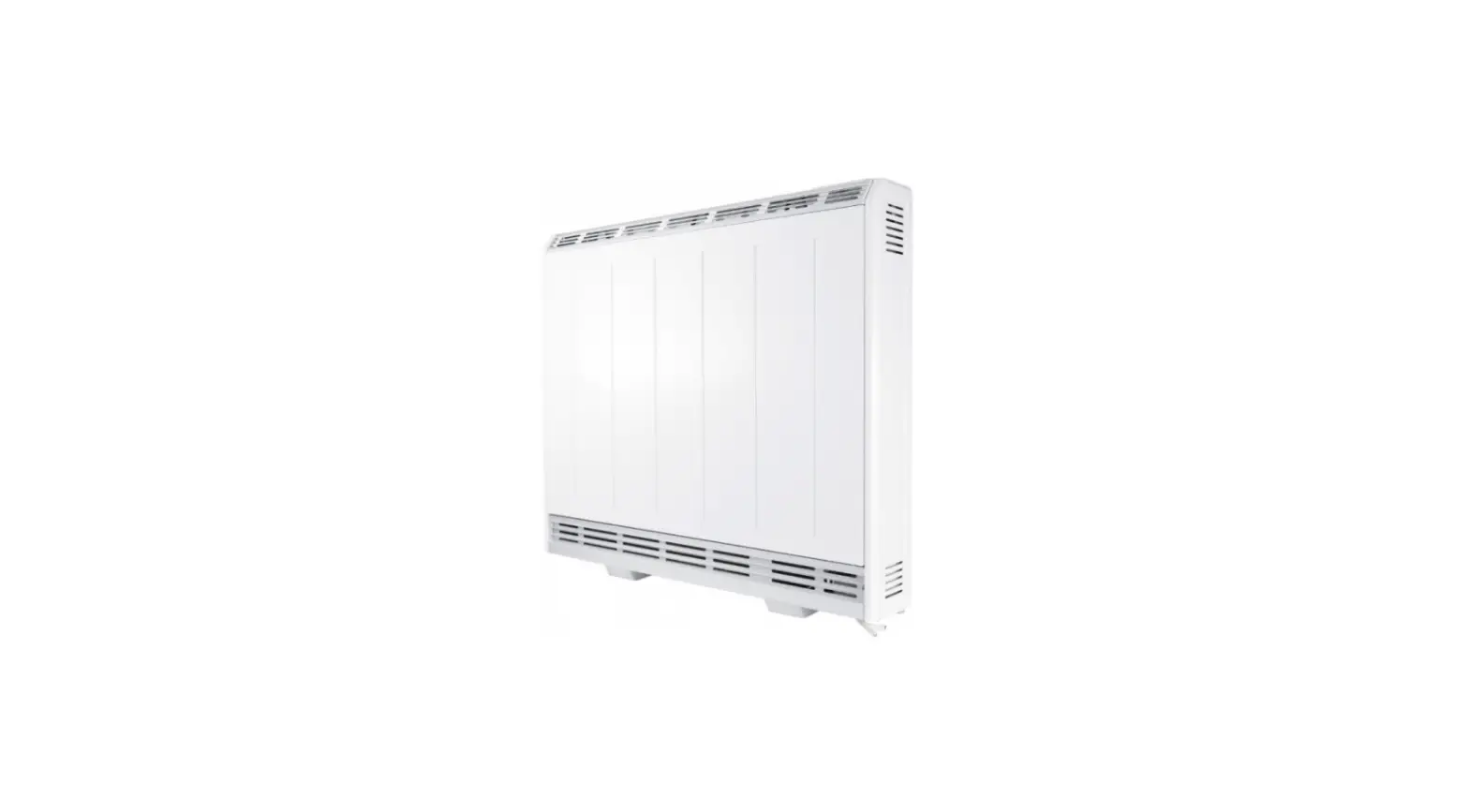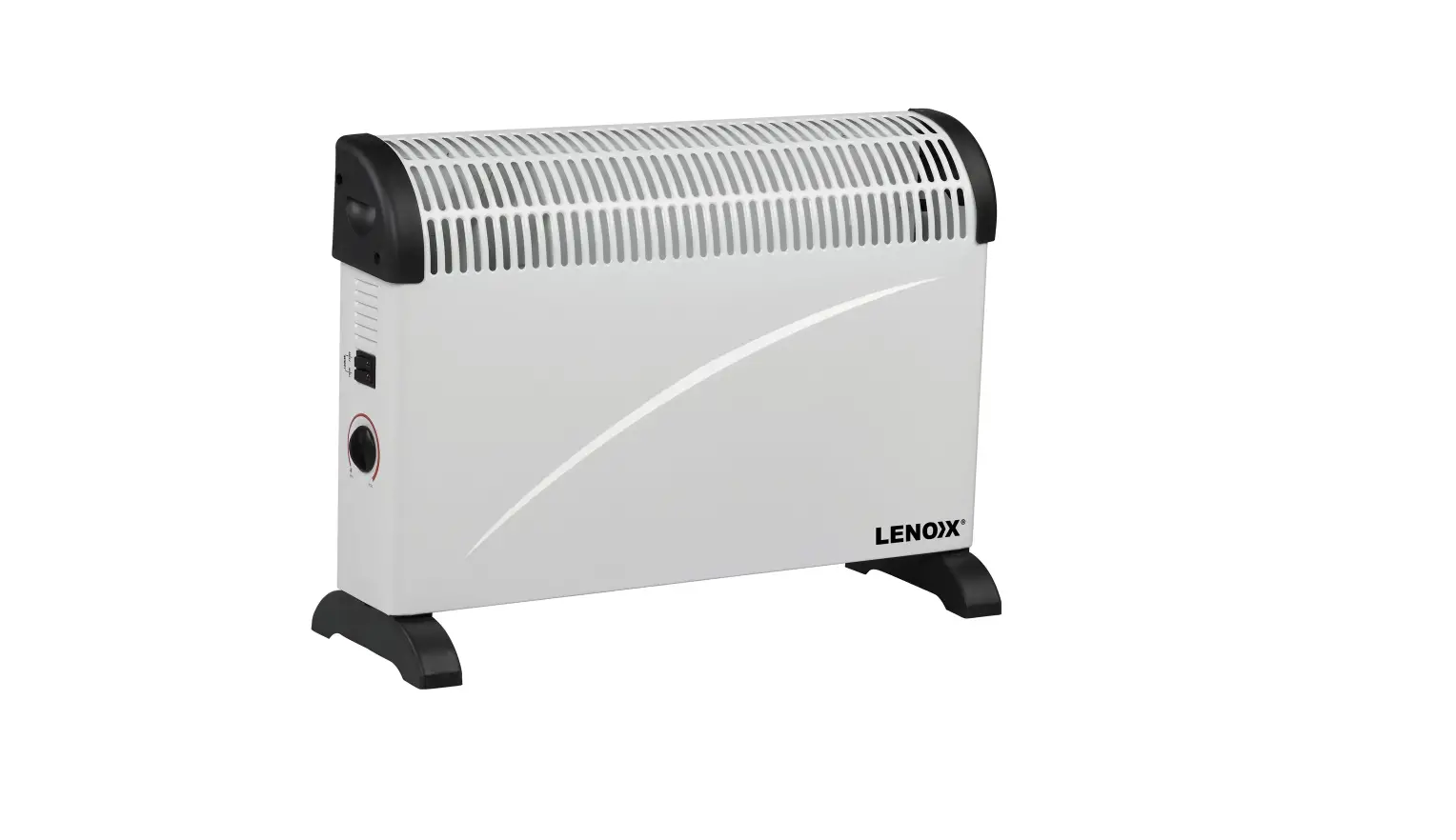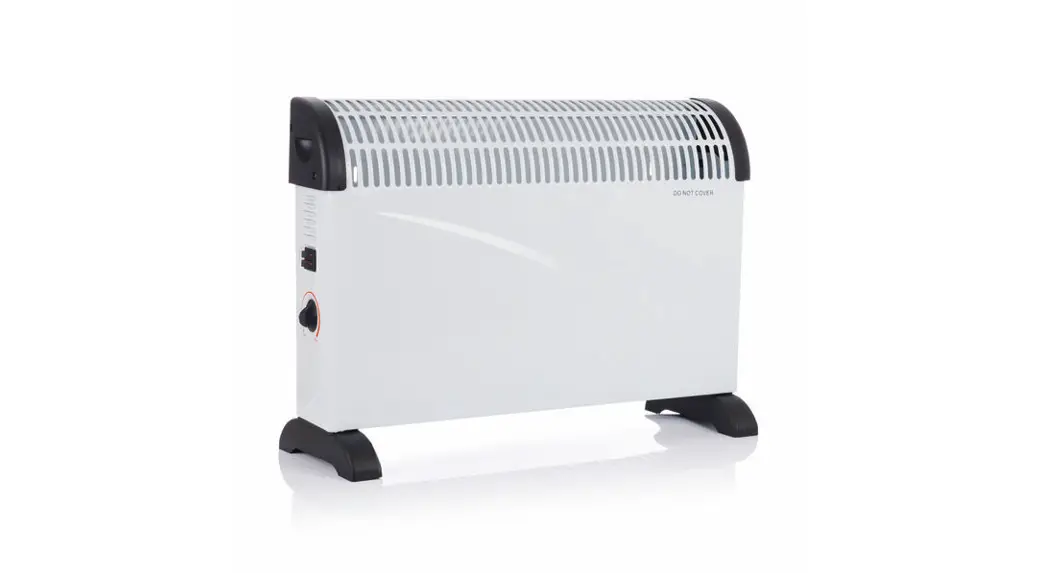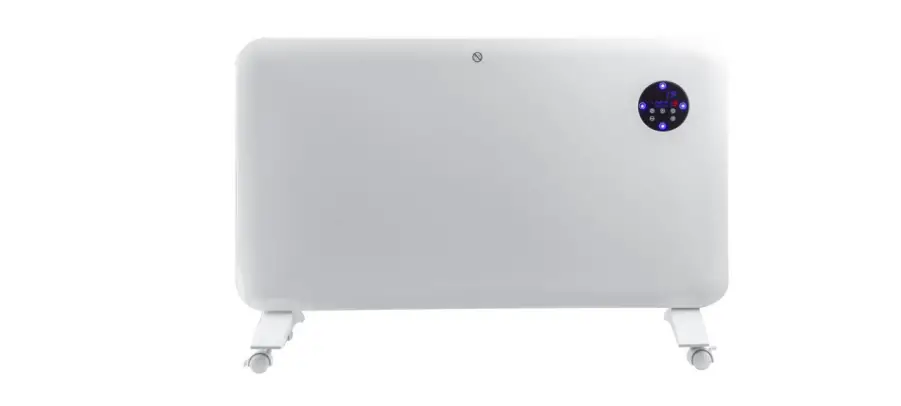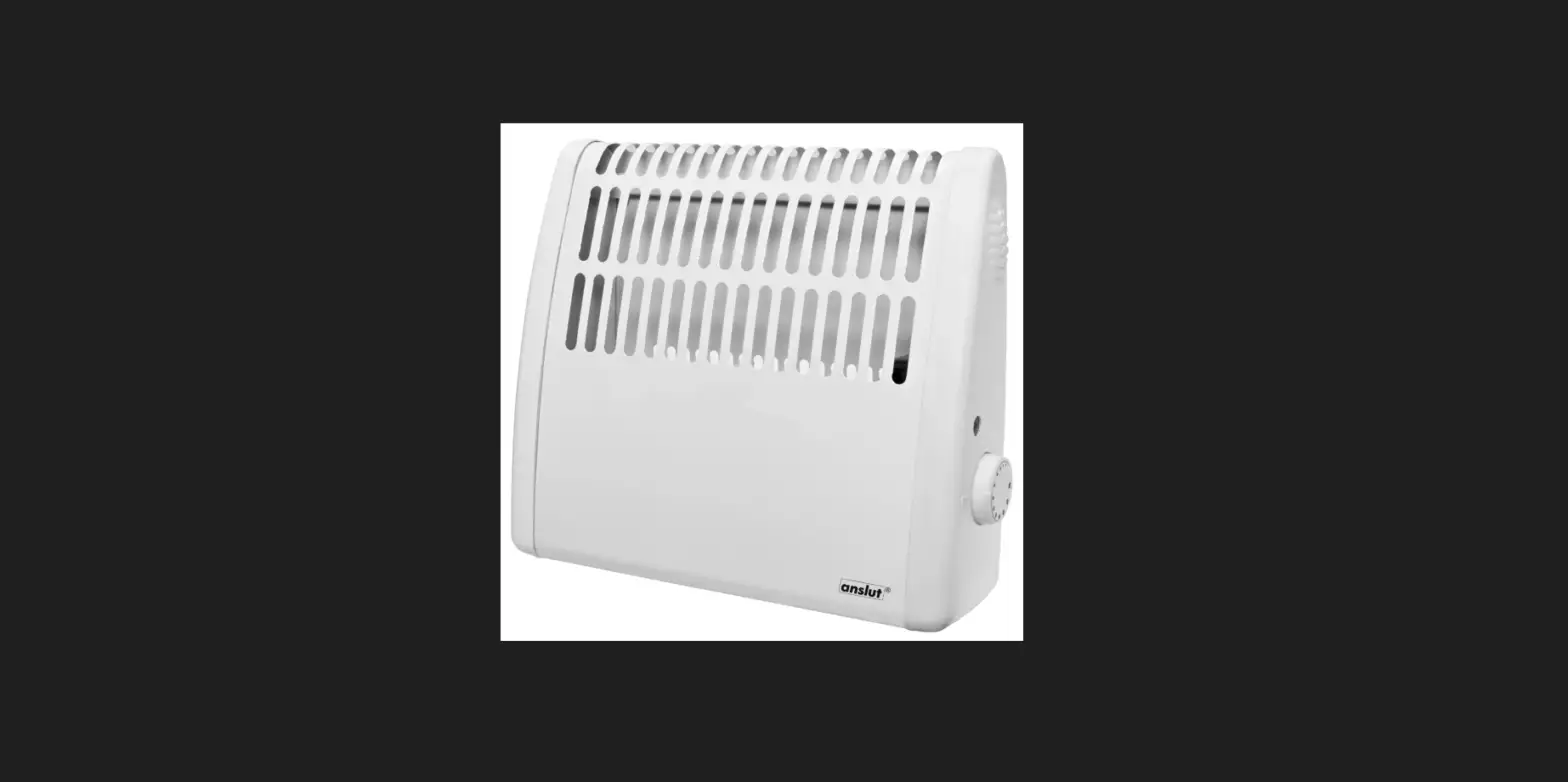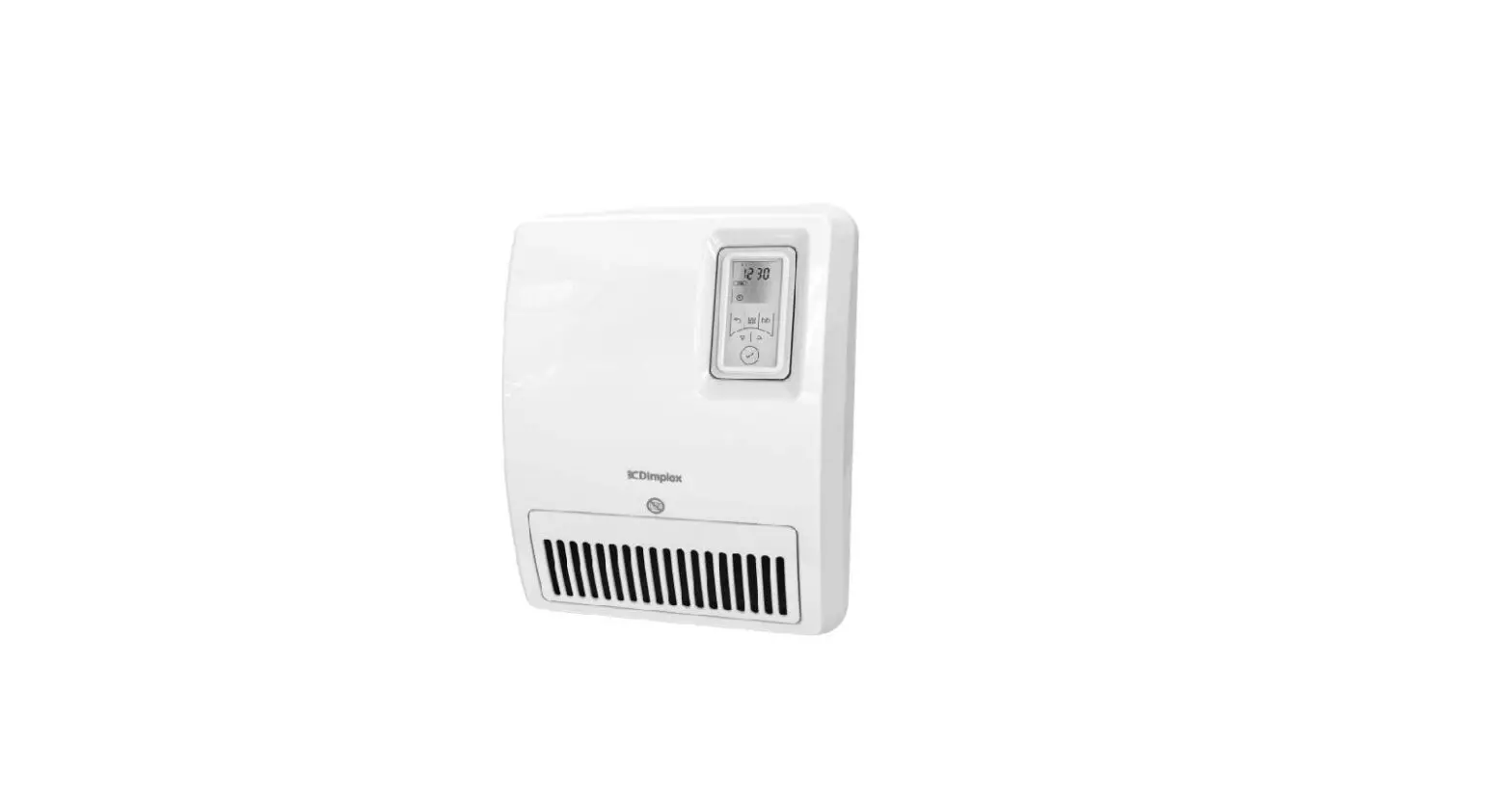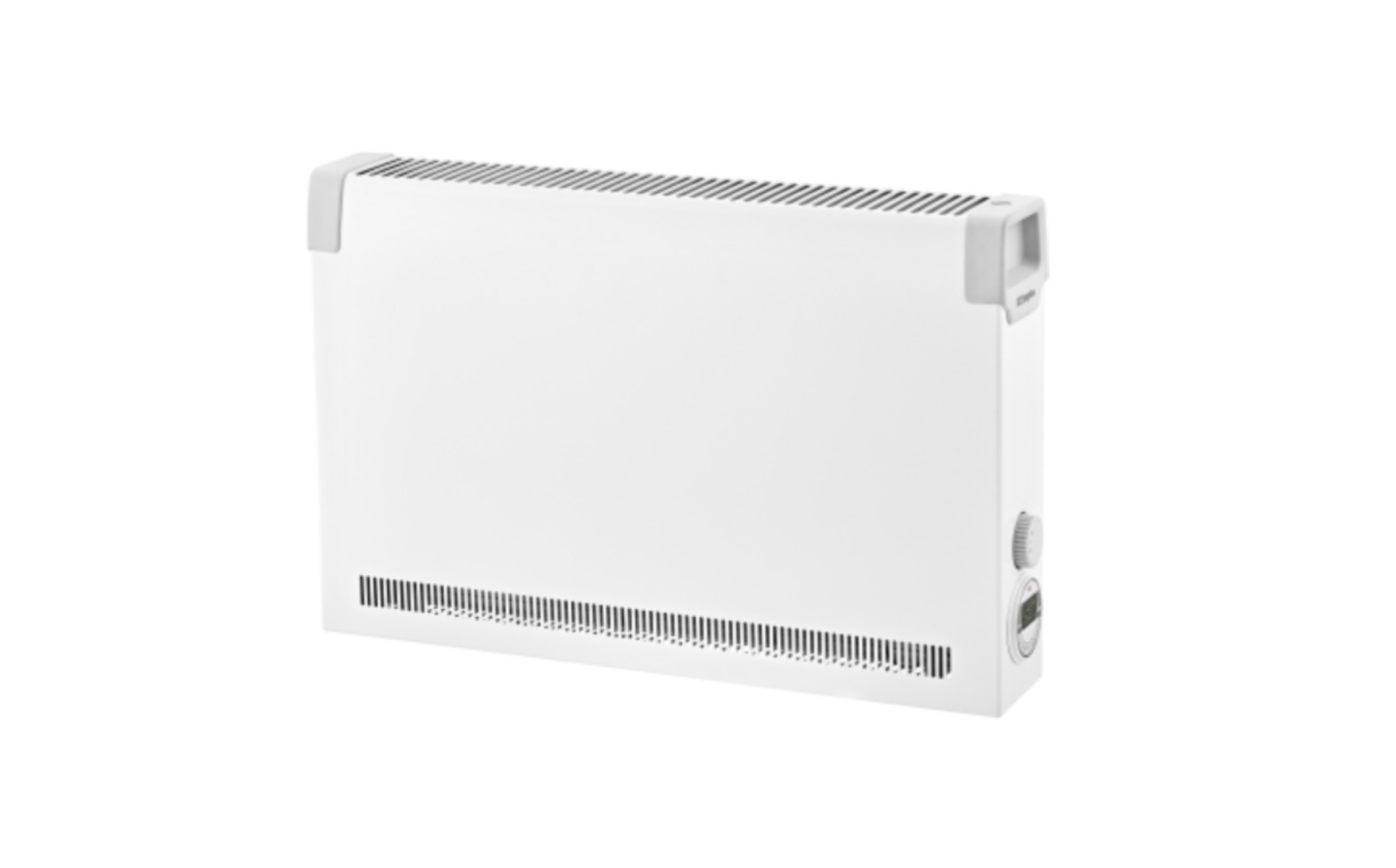
DIMPLEX DX 512E Convector Heater Instruction Manual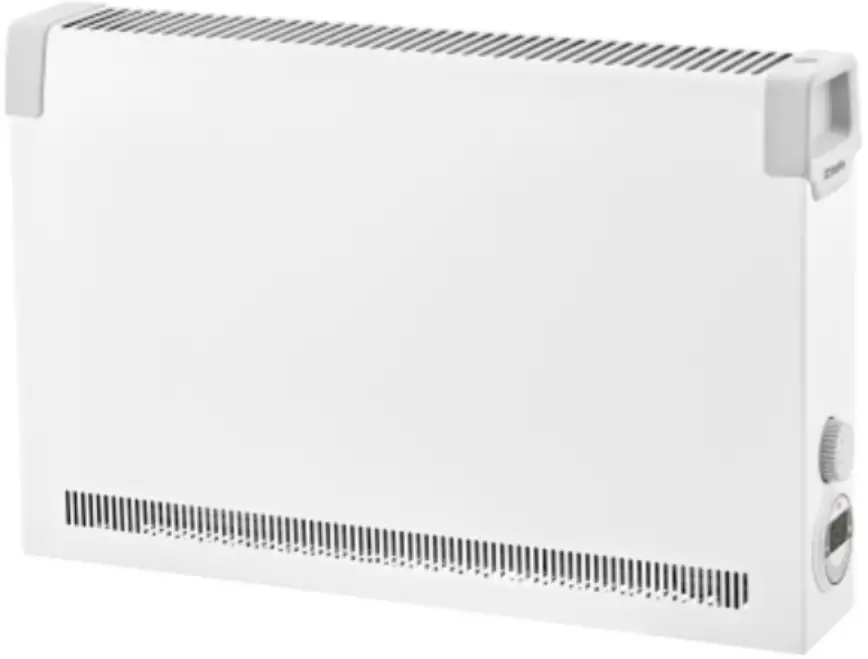
Notes for the user
NOTE
Dear customer, Keep these instructions in a safe place and pass them on to any future owners. To ensure safe operation, the device may only be operated in accordance with the information in these operating instructions. Please carefully follow all information provided in these instructions.
 ATTENTION!
This device can be used by children aged 8 and over and by persons with limited physical, sensory or mental aptitude, providing they are supervised or have been instructed in the safe use of the device and understand the associated potential dangers. Children must not play with the device. Cleaning and user maintenance may not be carried out by children without supervision.
ATTENTION!
Children younger than 3 years of age must be kept away unless they are supervised constantly.
ATTENTION!
Children between the ages of 3 and 8 may switch the device on and off if they are supervised or have been instructed in the safe use of the device and have understood the resulting dangers, providing that the device is positioned or installed in its normal place of use.
ATTENTION!
Children between the ages of 3 and 8 may not switch on the device, clean the device or carry out maintenance.
ATTENTION!
The heating device carries the symbol shown on the right, which indicates that the heating device must under no circumstances be covered with any objects. 
ATTENTION!
Some parts of the device can get very hot and cause burns. Particular caution must be taken with children or vulnerable people.
ATTENTION!
Do not operate the heating device in rooms where highly flammable substances are used (e.g. solvents).
ATTENTION!
Install the device in such a manner that it cannot be touched by a person in the bathtub or under the shower.
ATTENTION!
If the supply cord is damaged, it must be replaced by the manufacturer, a service agent or similarly qualified persons in order to avoid a hazard.
ATTENTION!
Rooms can become overheated if left unattended whilst in operation; this depends on the size of the room, its heat consumption and the controller setting. Persons who are not able to vacate the room if the temperature becomes too high can thus be placed in danger.
ATTENTION!
To prevent a hazard due to the protection temperature limiter being reset unintentionally, the device must not be supplied by an external switching facility, such as a time switch, or connected to an electric circuit that is switched on and off regularly by a device.
ATTENTION!
Do not use the device if it is visibly damaged or if the device has been dropped.
ATTENTION!
If the device switches on automatically when unsupervised, hazards may arise, e.g. devices that have been covered or adjusted could result in fires.
NOTE
Use device for room heating within enclosed rooms only.
Installation
ATTENTION!
Do not install the device directly below a wall socket.
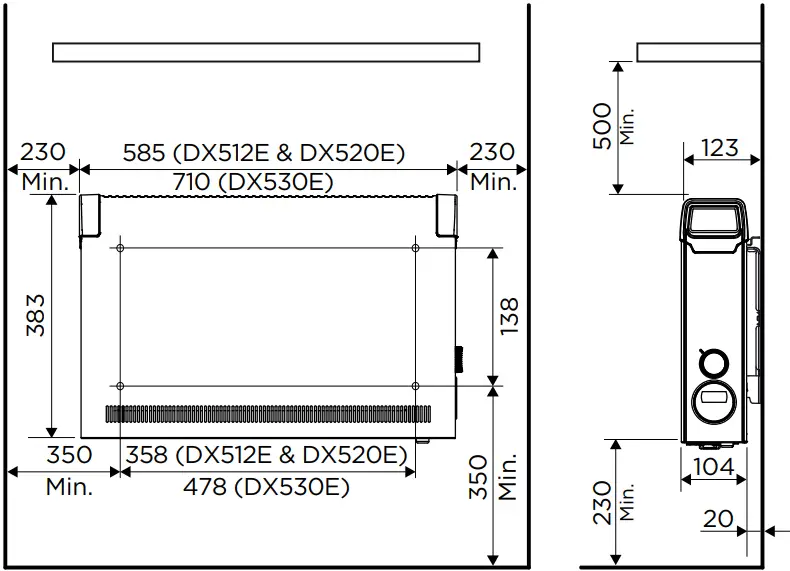
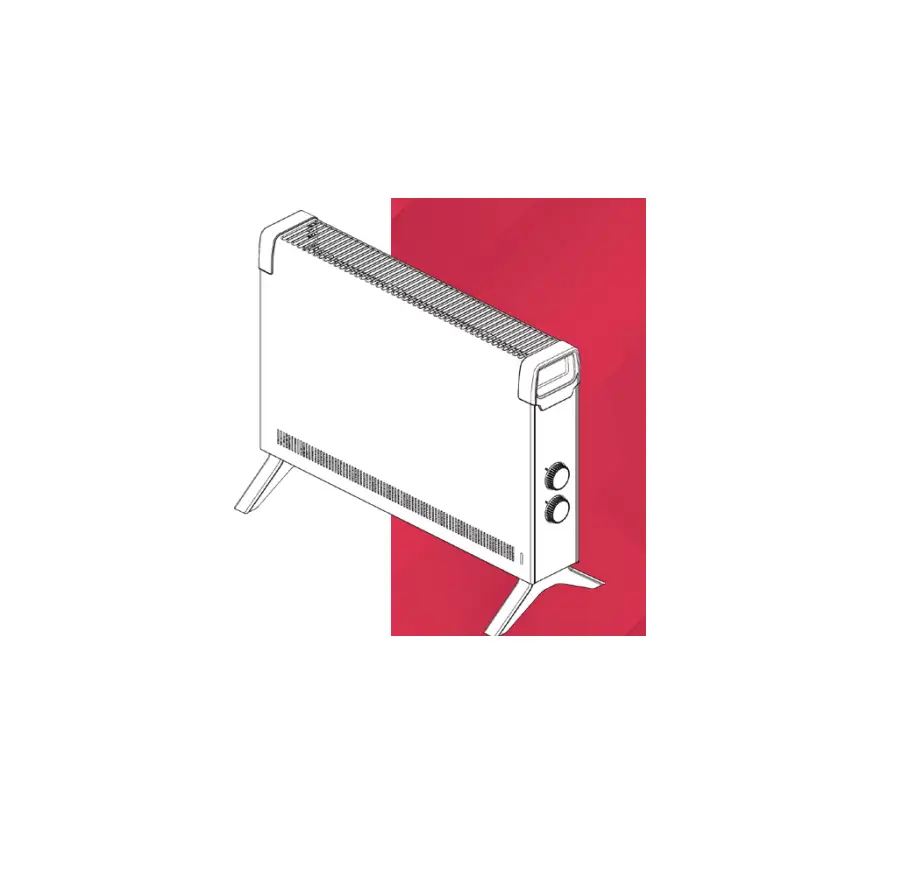
The minimum clearances must be observed. In addition, a clearance of 500 mm is to be maintained in front of the device. The heating device must be aligned horizontally and installed on a vertical wall (see illustration). During assembly, the safety area must be maintained, as specified in the current installation regulations. The supply connection socket must be accessible after installation. Make sure that the inflow and outflow of air at the top and bottom of the device are unimpeded.
Wall mounting
NOTE
The original wall bracket supplied on the rear of the device must be used.
NOTE
Pay attention to electric wires or pipework in the wall when drilling.
NOTE
Installation on wooden walls is permissible.
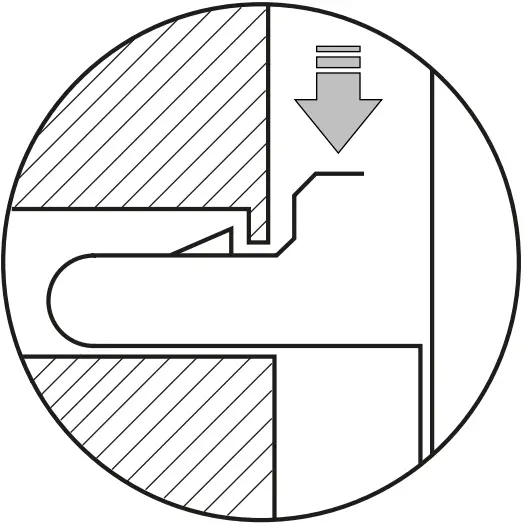
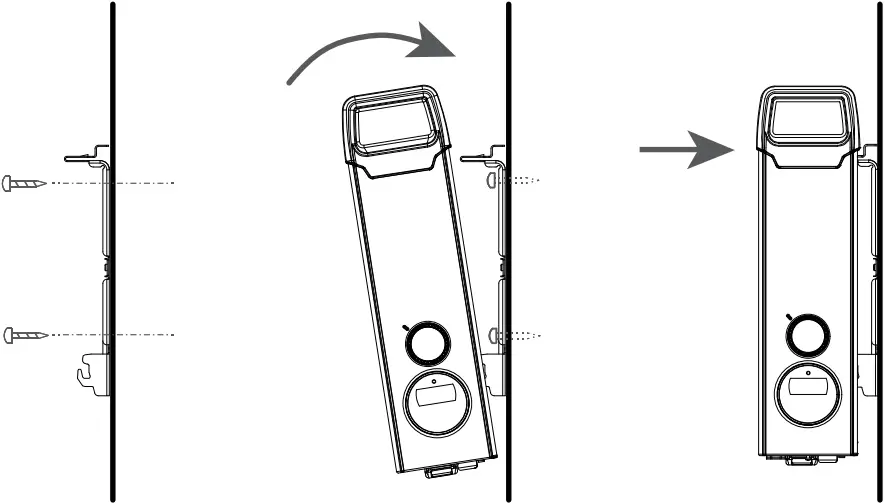
- Remove the wall bracket from the rear of the device. To do this, press both springs down.

- Drill the fastening holes.
- Screw the wall bracket securely to the wall.
- Fit the device in the lower slots of the wall bracket.
- Tilt the device up and engage in the springs to lock.

Electrical connection
The voltage specified on the type plate must match the line voltage. The cable must not be in contact with the casing. Connect the device directly to an earthed socket. Do not use an extension cable. The plug must always be accessible in case of emergencies.
Operation
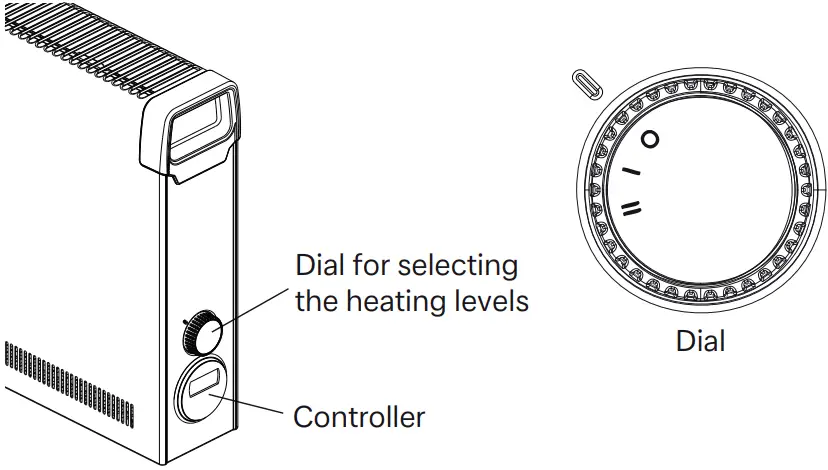
Two different heating levels can be selected using the dial:
| Mode | DX 512E | DX 520E | DX 530E |
| O | Off | ||
| I | 0.8 kW | 1.2 kW | 2.0 kW |
| II | 1.2 kW | 2.0 kW | 3.0 kW |
The room temperature is regulated using the adjustable electronic controller.
Controller description
Control unit
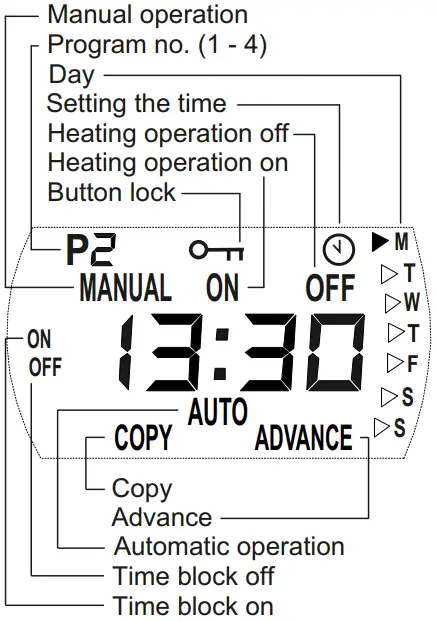
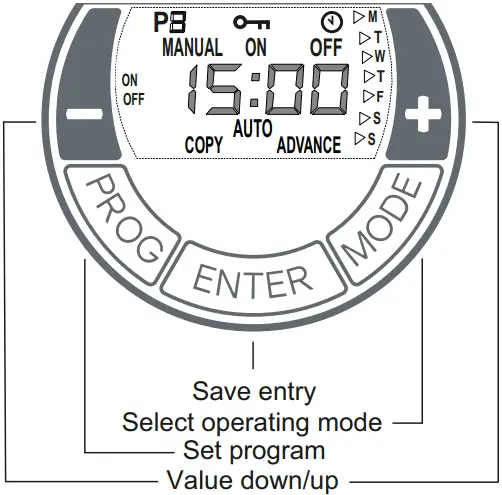
The heating device is equipped with a configurable electronic controller, consisting of a display, a red LED and five buttons. The control unit is located on the right side panel. The set functions and values are shown on the display. The LED lights up red when the heating is ON.
Button functions
MODE
- Automatic mode (week program)
- Manual operation ON
- Manual operation OFF
ENTER
Save entry.
PROG
Week program, set clock.
+/- buttons
Used to navigate through the menu and to change the setting values
Commissioning
Setting the time and day
The time and day are set with the following steps:
- Press and hold the PROG key for three seconds. The clock symbol appears. The hours display flashes.
- Use the + / – buttons to set the hours. Press the ENTER button. The minutes display flashes.
- Use the + / – buttons to set the minutes. Press the ENTER button. The day flashes.
- Use the + / – buttons to set the day. Press the ENTER button. The CLOCK symbol disappears. Setting is complete.
Operation
Selecting the operating mode
Pressing the MODE key switches the operating mode between MANUAL ON, MANUAL OFF and AUTO.
MANUAL ON
- Manual heating operation switched on.
- Display alternates between room temperature setting and the current time.
- Room temperature is set using +/-.
MANUAL OFF
- Heating operation switched off.
- The current time is displayed.
- Room temperature cannot be set.
NOTE
In MANUAL OFF operating mode, frost protection takes place. If the room temperature is 5° C or less, the heating device is switched on automatically.
AUTO
- Automatic mode (week program) activated.
- Display alternates between room temperature setting and the current time.
- Heating operation takes place in the specified time blocks for ON and OFF.
- Room temperature is set using +/-.
There are no factory default time blocks. These must be defined by the user as required.
Automatic mode (week program)
NOTE
For extended operation, it is advisable to use the AUTO operating mode to reduce the operating costs.
Four times blocks are available per day. These can be adapted individually for each weekday.
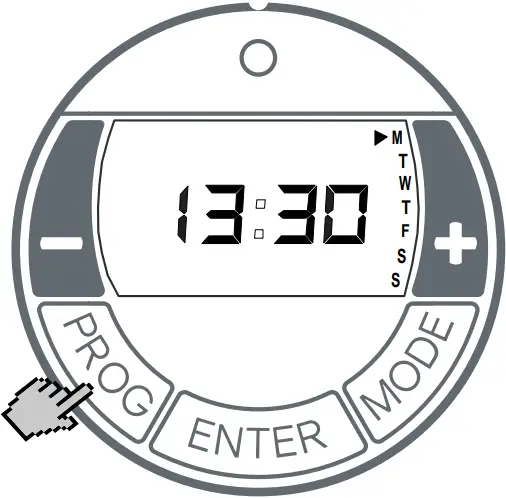
- Select AUTO operating mode by pressing the MODE button.
- Press the PROG key. WEEKDAY display flashes. Order from top to bottom:
M = Monday, T = Thursday, S = Saturday,
T = Tuesday, F = Friday, S = Sunday.
W = Wednesday,
Setting time block ON
- Press the ENTER key. P1 (program 1) and ON appears. The hours display flashes.
- Use the +/- keys to set the hours. Press the ENTER key. The minutes display flashes.
- Use +/- to set minutes (in 10 minute increments).
Setting time block OFF
- Press the ENTER key. P1 (program 1) and OFF appears. The hours display flashes.
- Use the +/- keys to set the hours. Press the ENTER key. The minutes display flashes.
- Use the +/- keys to set the minutes.
Temperature setting
- Press the ENTER key. Temperature setting appears.
- Use the +/- keys to set the temperature.
- Press the ENTER key. P2 (program 2) and ON appears. The hours display flashes.
The programs P2, P3 and P4 can be set in the same way.
NOTE
To exit the program early, press the PROG key.
Copying programs
To copy the newly set programs P1 – P4 to other days, proceed as follows.
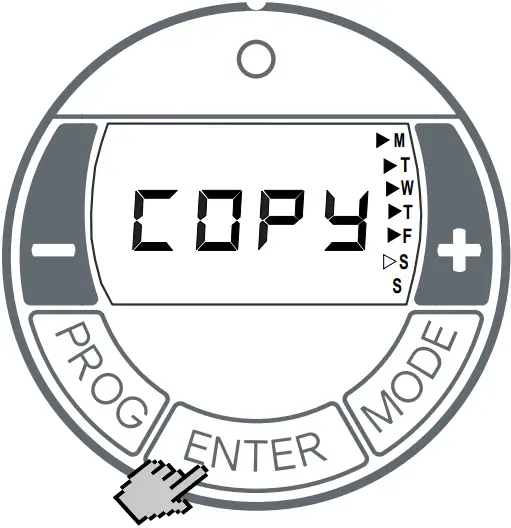
- After carrying out the Temperature Setting, press and hold the ENTER key until COPY appears.

- Press + to select more weekdays. The selected weekdays are marked with a triangle displayed permanently. The days Monday to Friday are selected on the screen at the top. Deselect weekdays with the – key.
- Press the ENTER key. The settings are saved. COPY flashes three times. Setting is complete.
Frost protection
In MANUAL OFF operating mode and Auto operating mode (time block OFF), frost protection takes place. If the room temperature is 5° C or less, the heating device is switched on automatically.
Adaptive startup
This function guarantees that, in automatic mode (week program), the set room temperature is achieved exactly at the start of the switch-on time.
Example:
In the timer menu, a set room temperature of 22°C is specified. The current room temperature is 17° C. The heating device switches on early so that the specified room temperature of 22° C is reached by 07:00
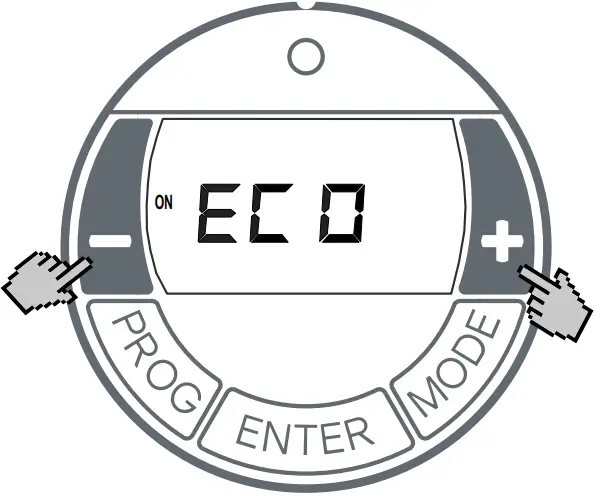
- Use the MODE key to select the operating mode AUTO.
- Press and hold the + key and the – key for three seconds.
- ECO appears.
- Activate/deactivate the function with the + / – keys:
ON = Adaptive startup activated,
OFF = Adaptive startup deactivated. - Press the ENTER key. Setting is saved.
Options
Key lock
This function can be used to lock the operating elements.
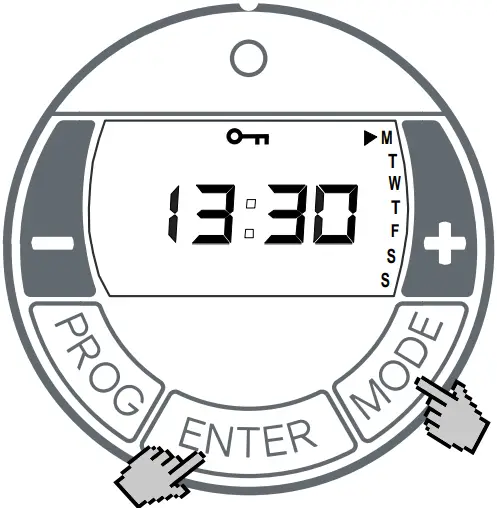
- Press and hold the ENTER key and the MODE key for one second.
- The LOCKED key symbol appears in the display.
- To unlock, press and hold the ENTER key and the MODE at the same time again.
Advance
In automatic mode, the next time block can be selected early. The set time block then switches from OFF to ON or vice versa.
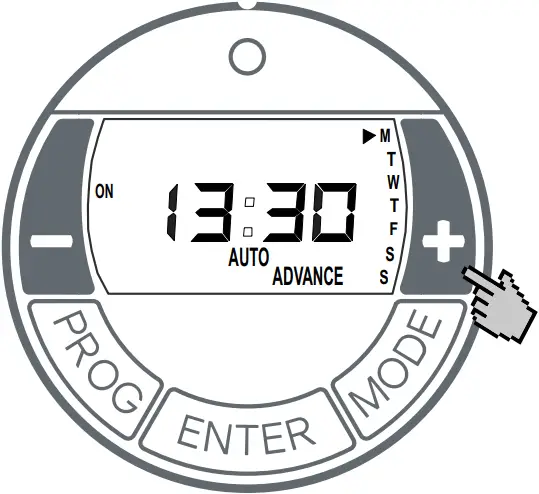
- Press and hold the + key for three seconds. ADVANCE flashes.
- Operating display on the left side of the screen switches from OFF to ON or vice versa.
Activating / deactivating the ADVANCE function
- Press the – key. ADVANCE disappears.
Overload protector
For your safety, the heating device is equipped with an overload protector. If the air circulation is interrupted (e.g. due to the air grille being covered or closed), the device switches off automatically. In this case, the power supply to the heating device should be disconnected for a few minutes (switch off the fuse) to allow the device to cool down sufficiently. Before recommissioning the device, resolve the reasons for the overload protector being triggered.
Maintenance
The device must be disconnected from the mains and allowed to cool down before maintenance. Clean the outside of the device using a soft, damp cloth. Do not use scouring powder or furniture polish as this may damage the surface. Dust which gathers inside the device can be removed from the outside using a vacuum cleaner.
Faults
If the heating device is not emitting any heat, check the following points:
- Has the heating level been selected?
- Has the controller been set to the desired temperature?
- Has the overload protector been triggered? See chapter 5.
- Has the fuse in the switch box tripped?
If you cannot remedy the fault, please contact your electrical retailer. The retailer will require the product number (E no.) and the production date (FD) of the device. This information is listed on the type plate.
Warranty
This product is supplied with a two-year warranty according to our terms of guarantee.
 Recycling
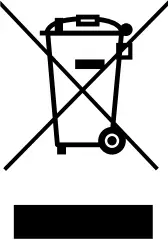 Recycling
Do not dispose of the device with general household waste. Take the device to the available collection points at the end of its service life.
Technical data
| Order code | Unit | DX 512E | DX 520E | DX 530E | |
| Connection voltage | 1/N/PE 230-240 V ~ 50 Hz | ||||
| Power consumption | kW | 1.2 | 2.0 | 3.0 | |
| Protection class | I, with protective conductor | ||||
| Degree of protection | IP20 | ||||
| Heating levels | kW | 0.8 / 1.2 | 1.2 / 2.0 | 2.0 / 3.0 | |
| Heat output | |||||
| Nominal heat output | Pnom | kW | 1.2 | 2.0 | 3.0 |
| Minimum heat output (guide value) | Pmin | kW | 0.8 | 1.2 | 2.0 |
| Maximum continuous heat output | Pmax,c | kW | 1.2 | 2.0 | 3.0 |
| Additional power consumption | |||||
| At nominal heat output | Elmax | W | 0.5 | 0.5 | 0.5 |
| At minimum heat output | Elmin | W | 0.5 | 0.5 | 0.5 |
| In standby mode | elSB | W | 0.5 | 0.5 | 0.5 |
| Type of heat output/room temperature control | |||||
| Electronic room temperature controller with weekprogram and adaptive control of start of heating | °C | 5 – 30 | |||
| Dimensions width x height x depth(with / without wall bracket) | mm | 585 x 383 x 123 / 104 | 710 x 383 x 123 /104 | ||
| Weight | kg | 3.8 | 3.8 | 4.5 | |
Glen Dimplex Deutschland GmbH Phone: +49 9221 709 700
Am Goldenen Feld 18 Fax: +49 9221 709 701
95326 Kulmbach, Germany
E-mail: [email protected]
 DIMPLEX: elektrisches Heizen und Lüften
 FASTPANEL