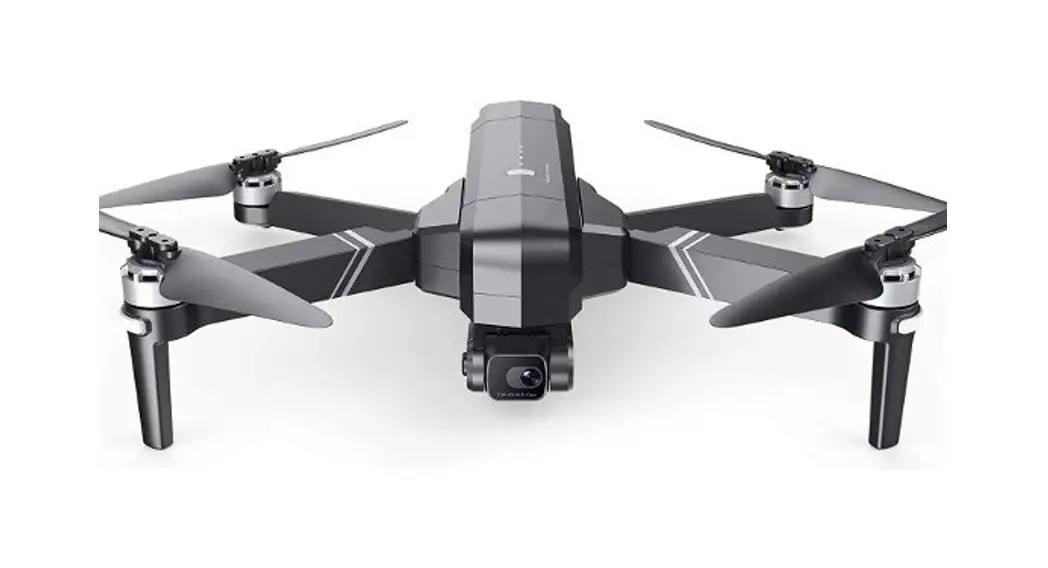
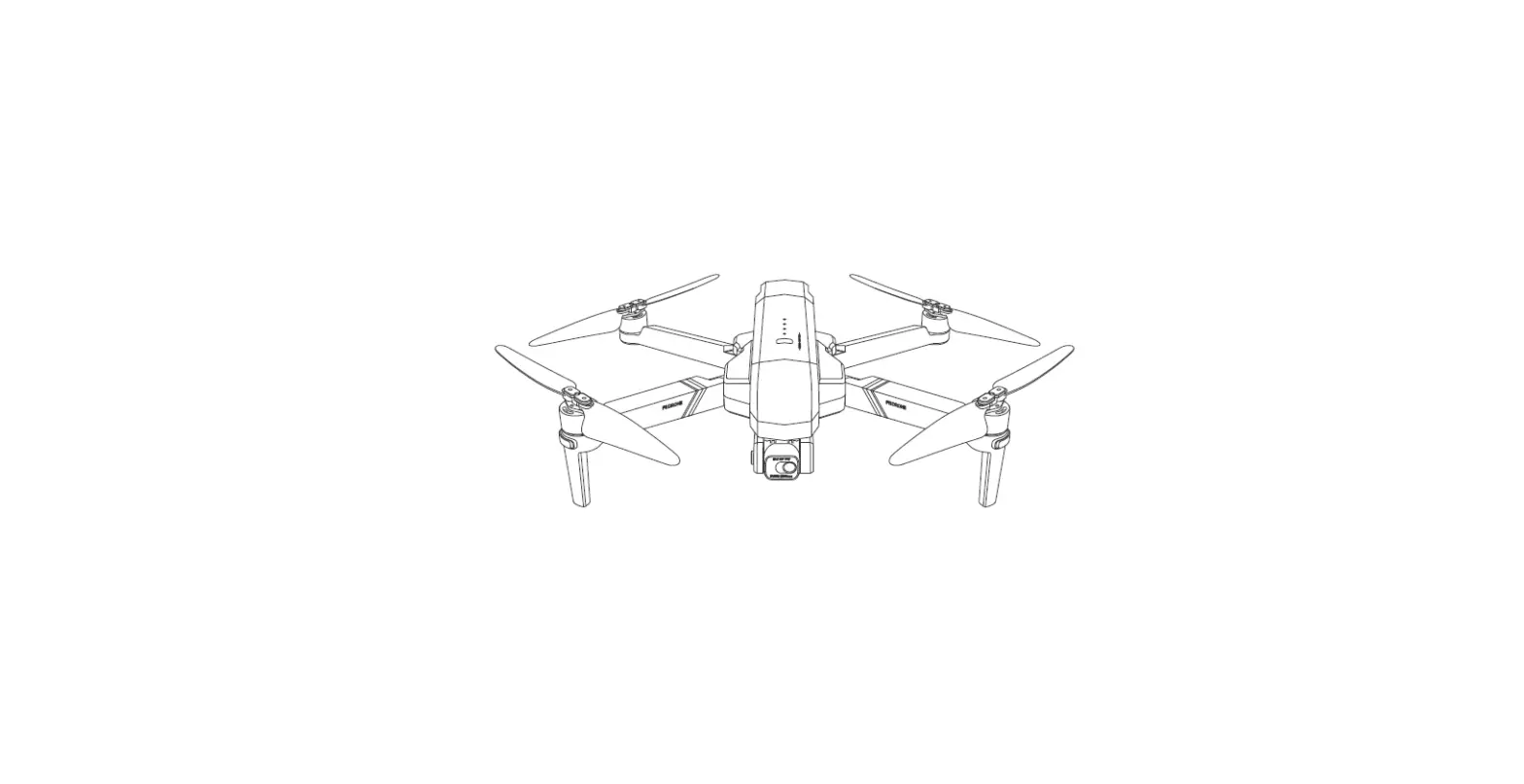
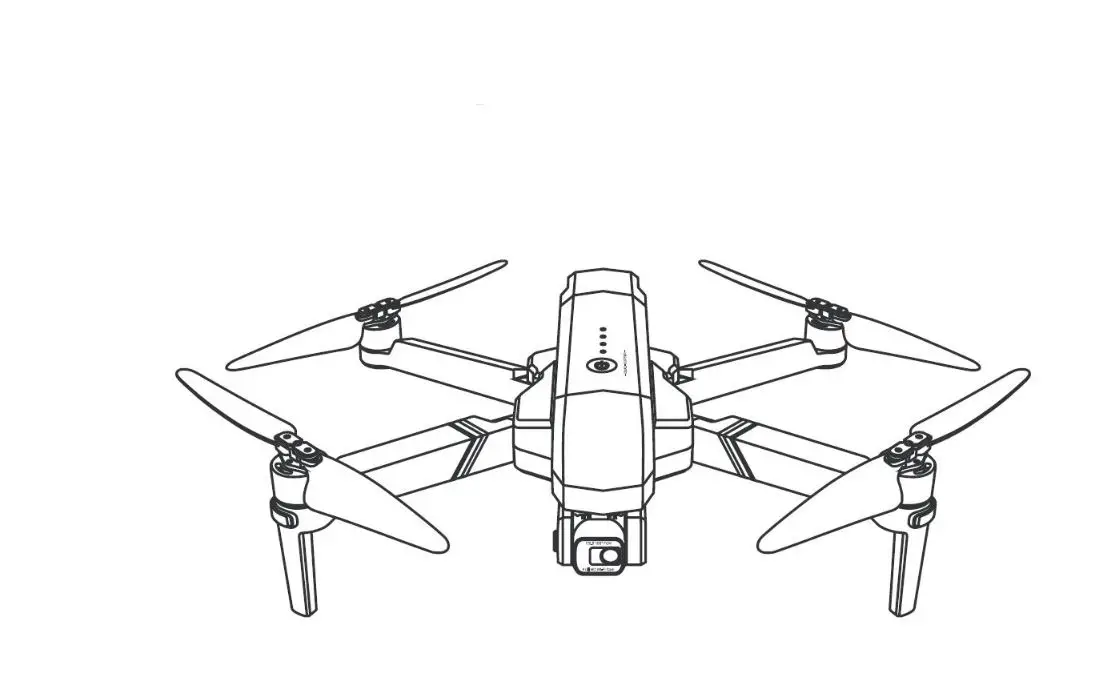
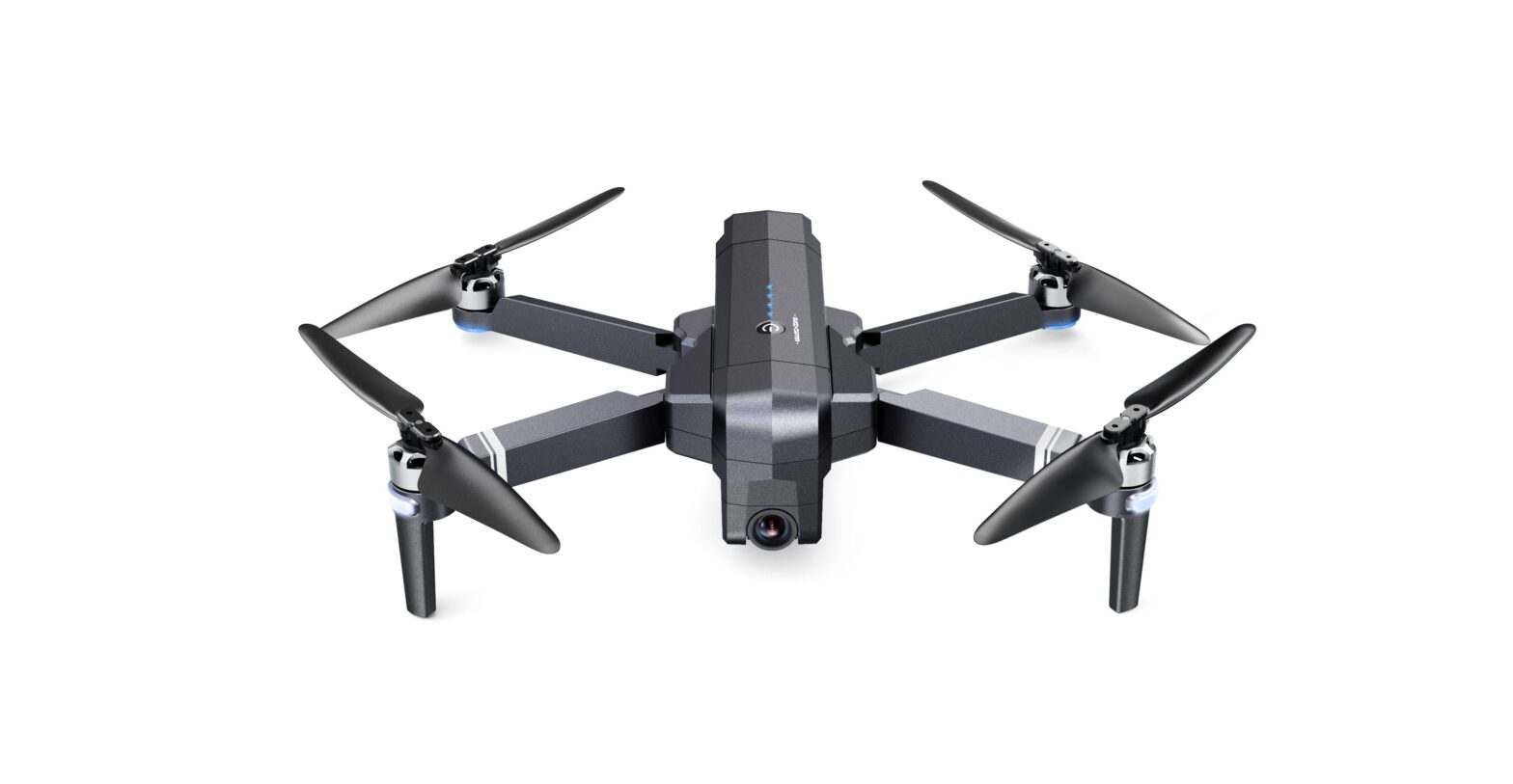
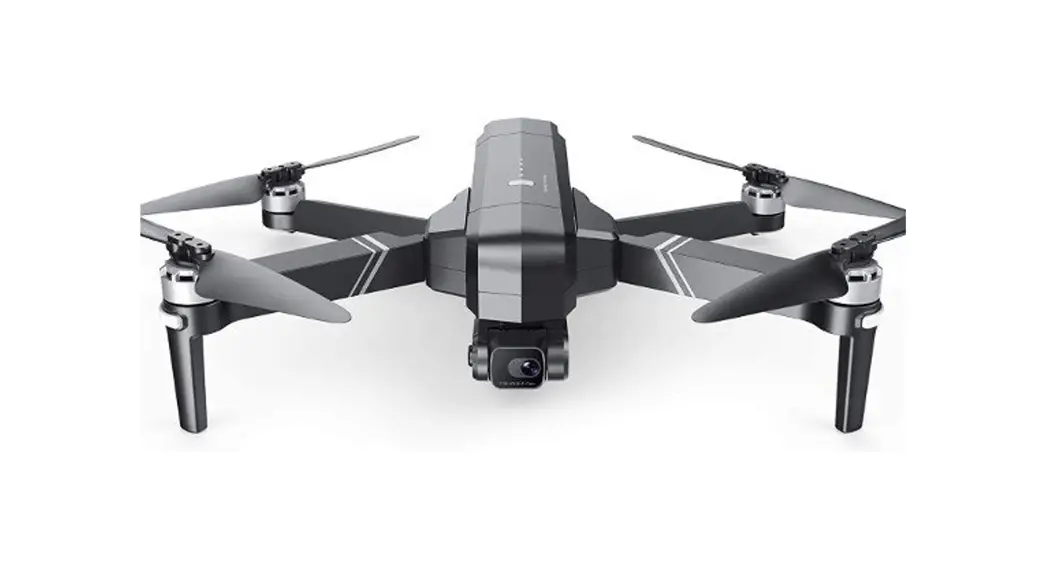
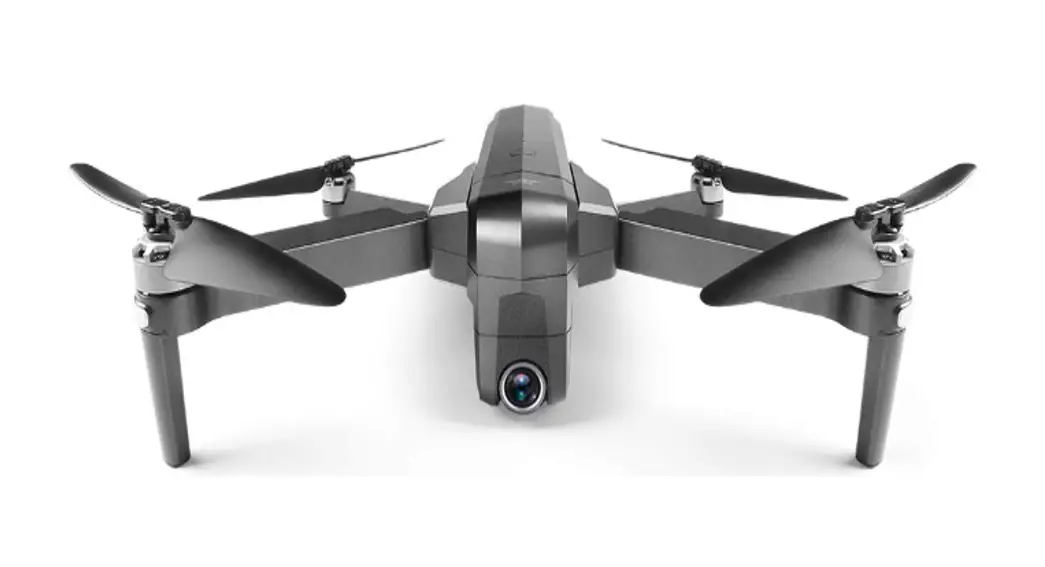
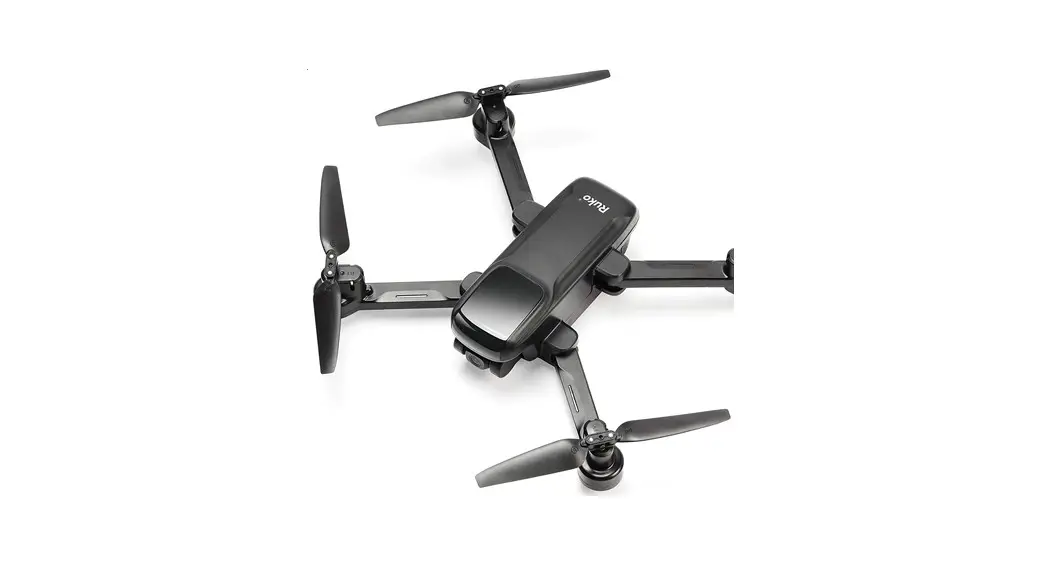
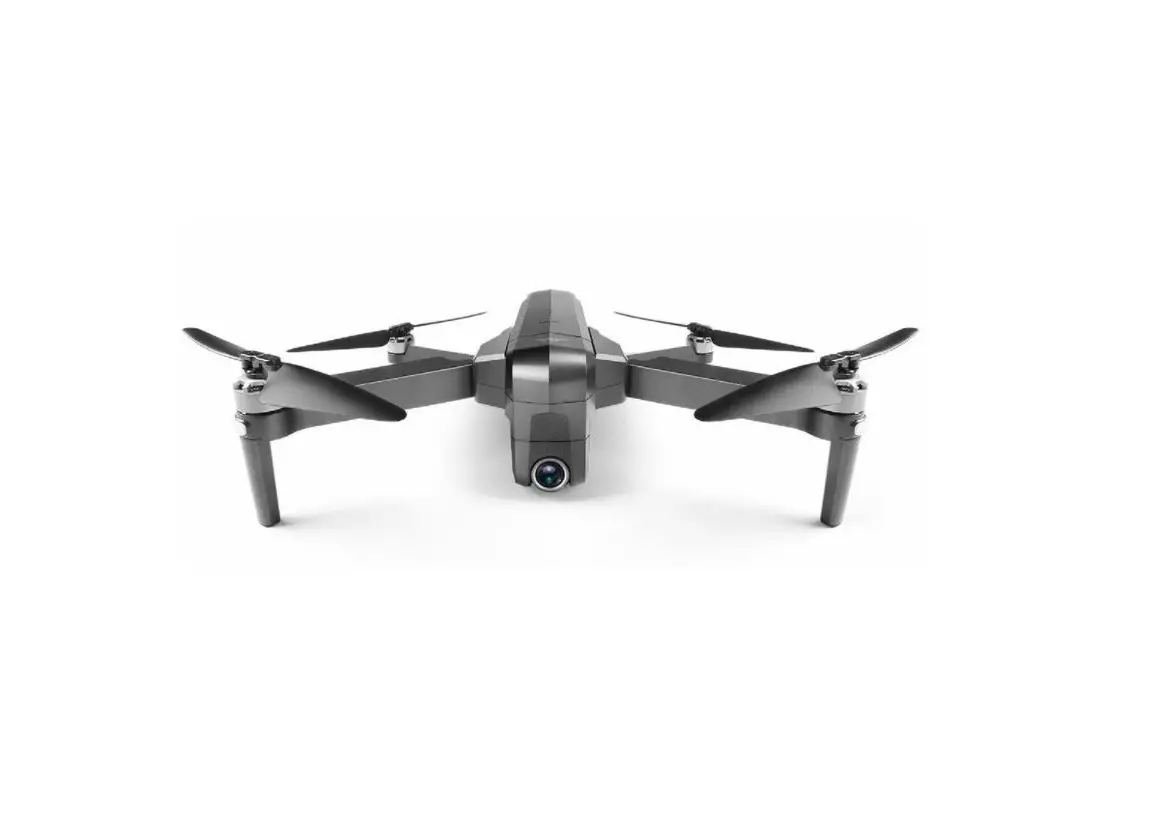
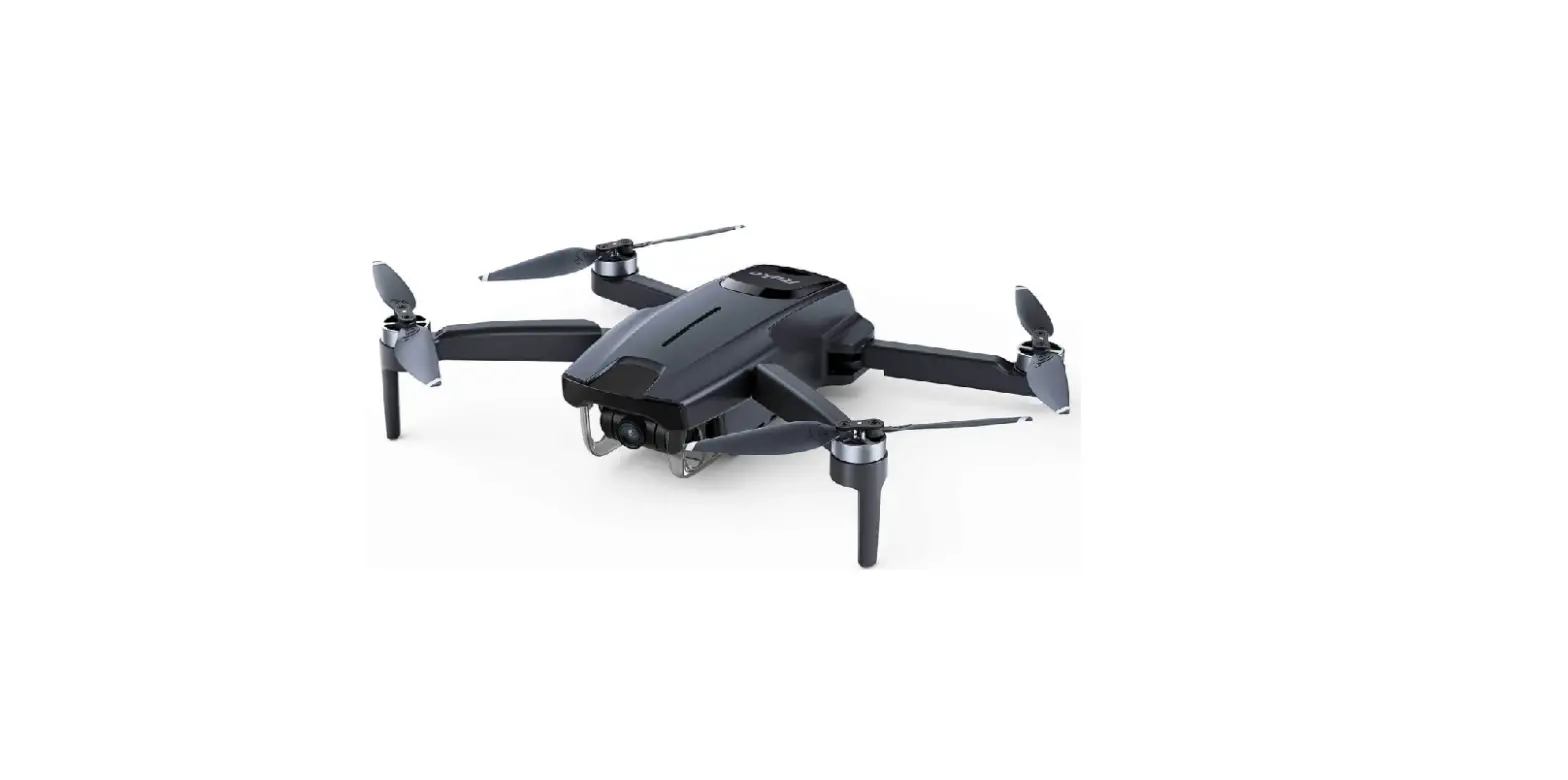
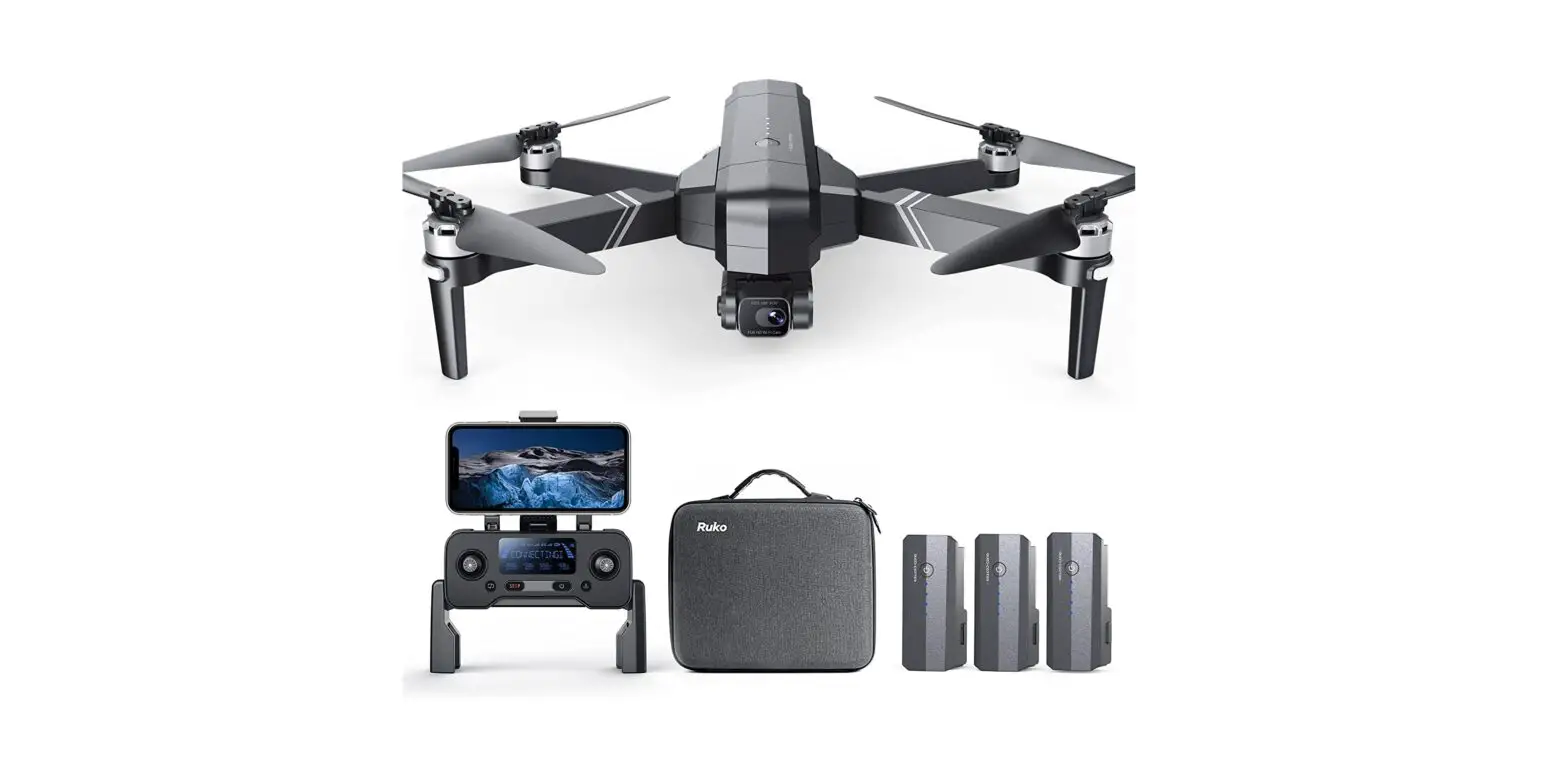
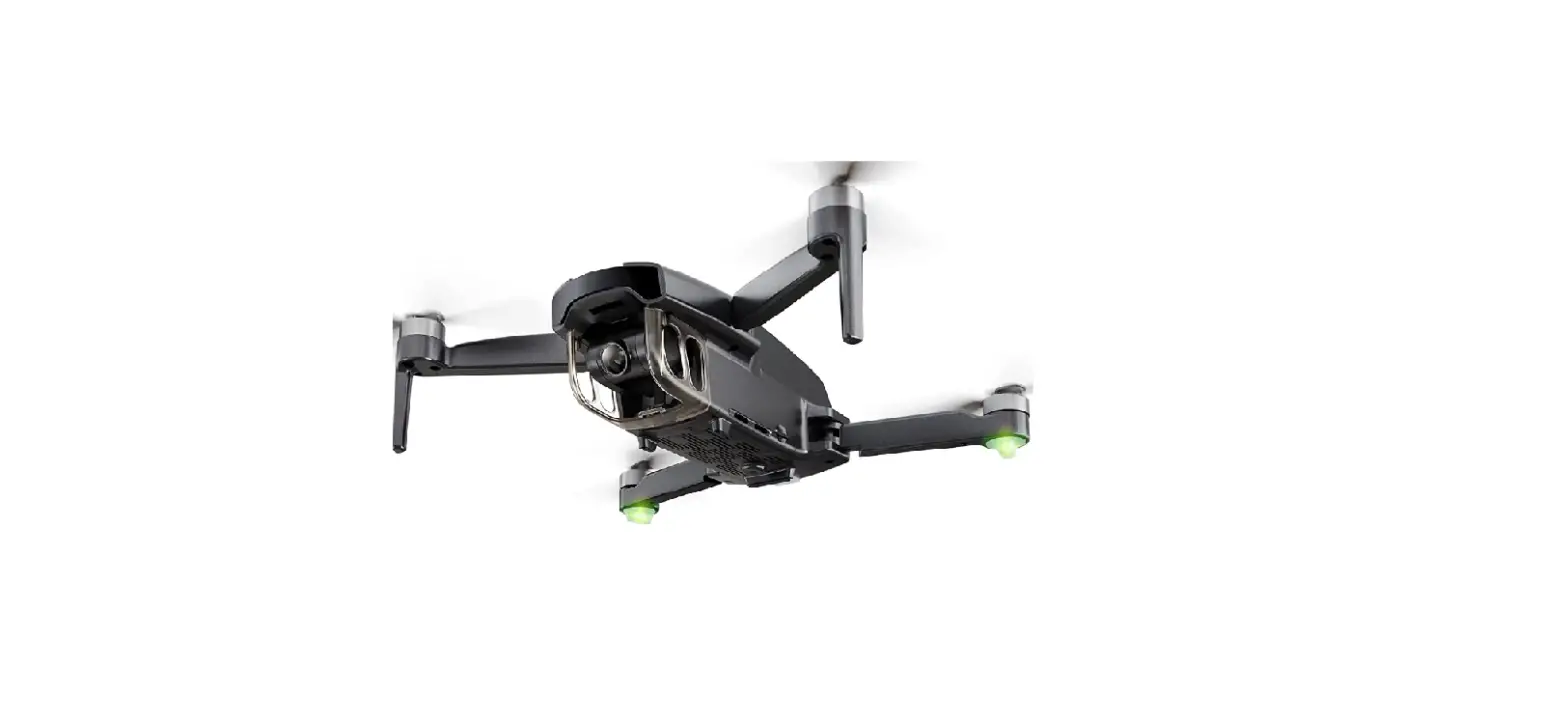
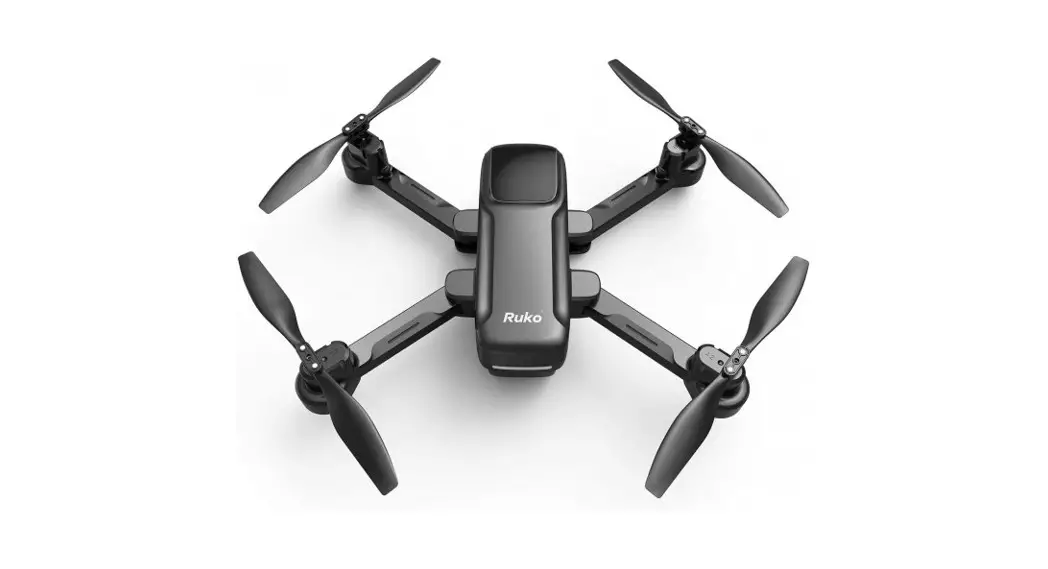
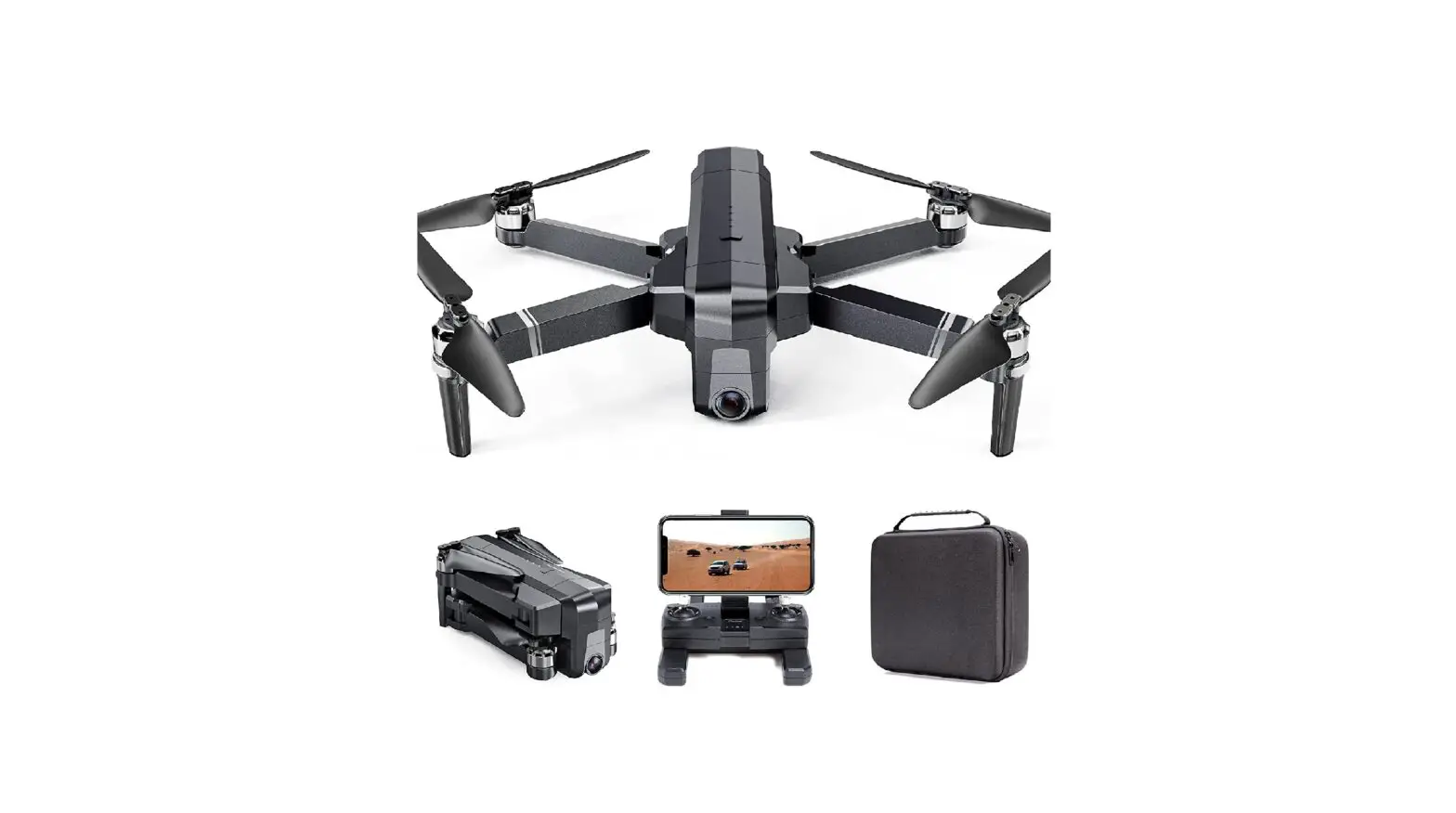
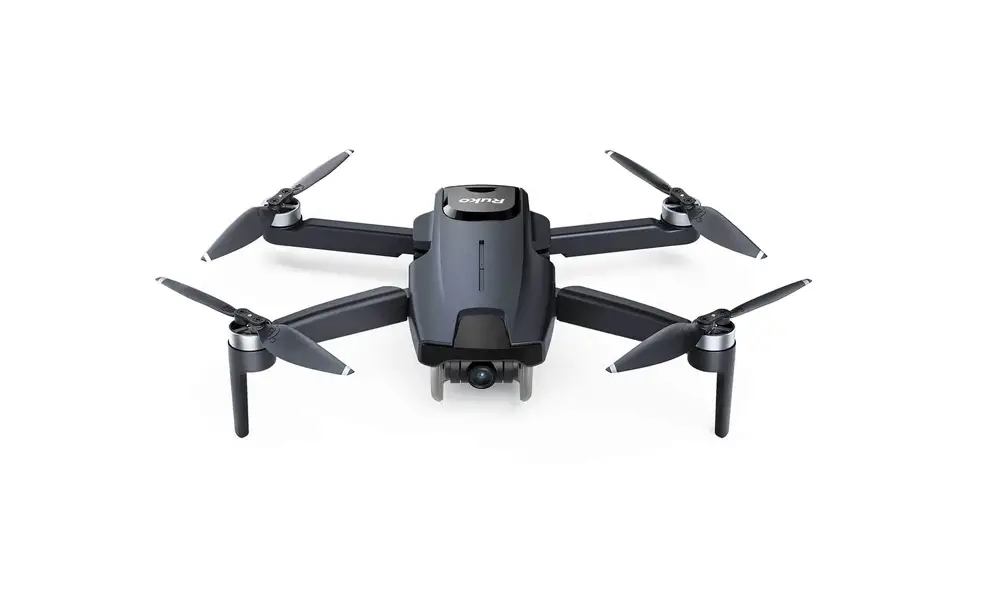
F11 GIM Drones
Product Information:
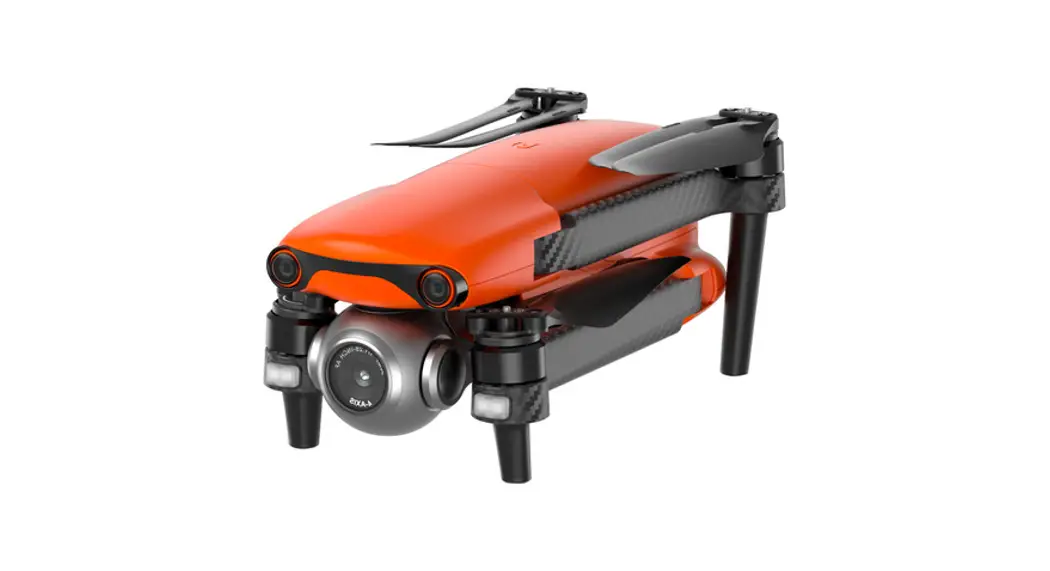
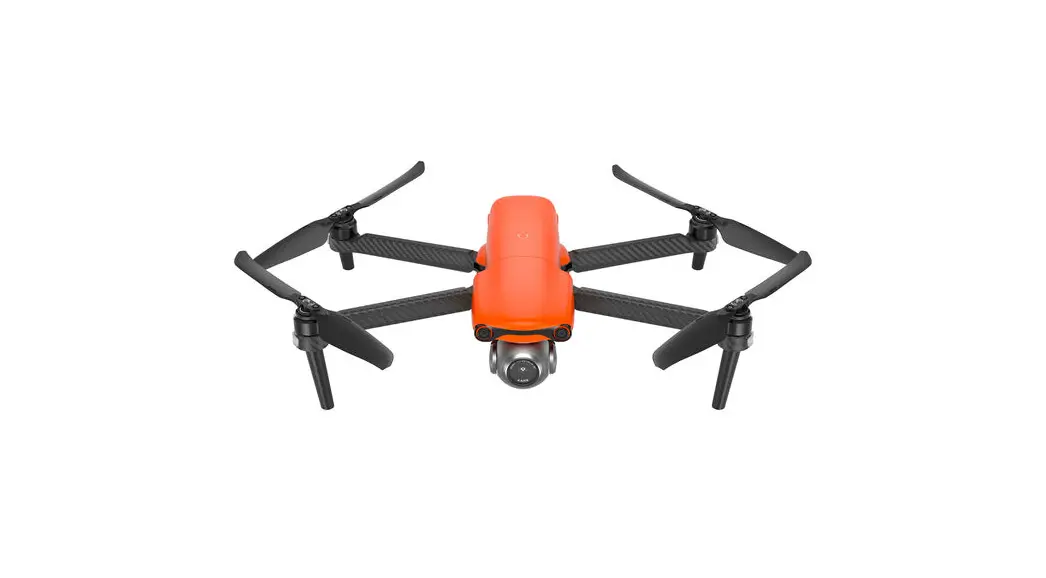
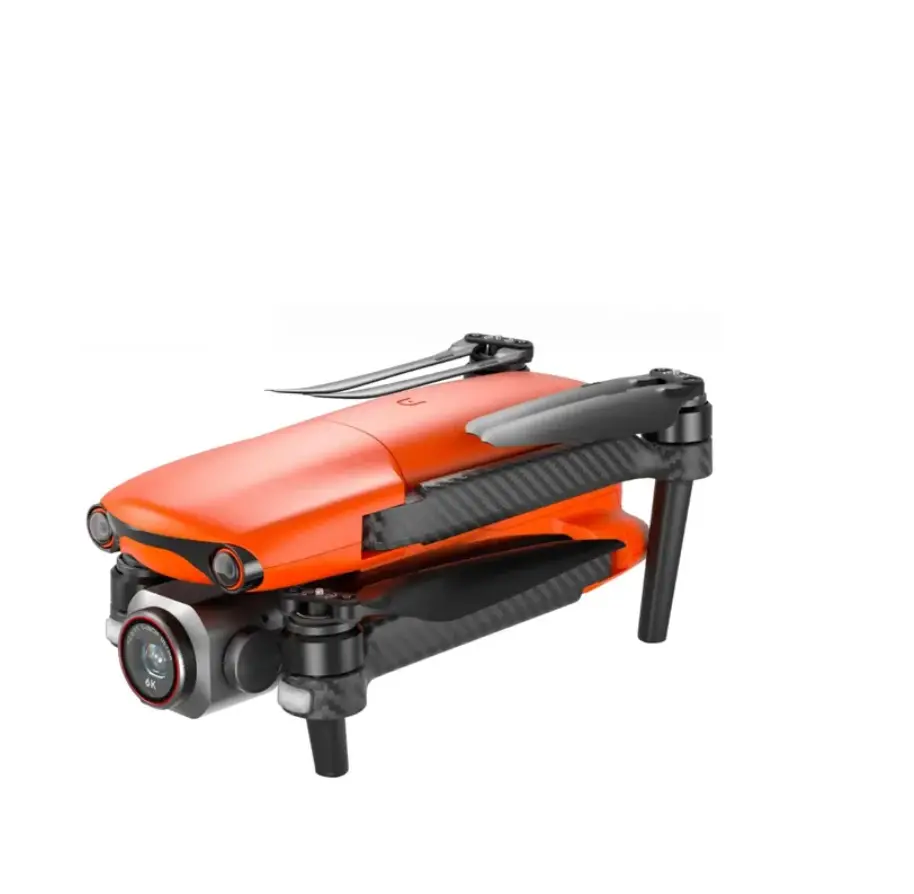
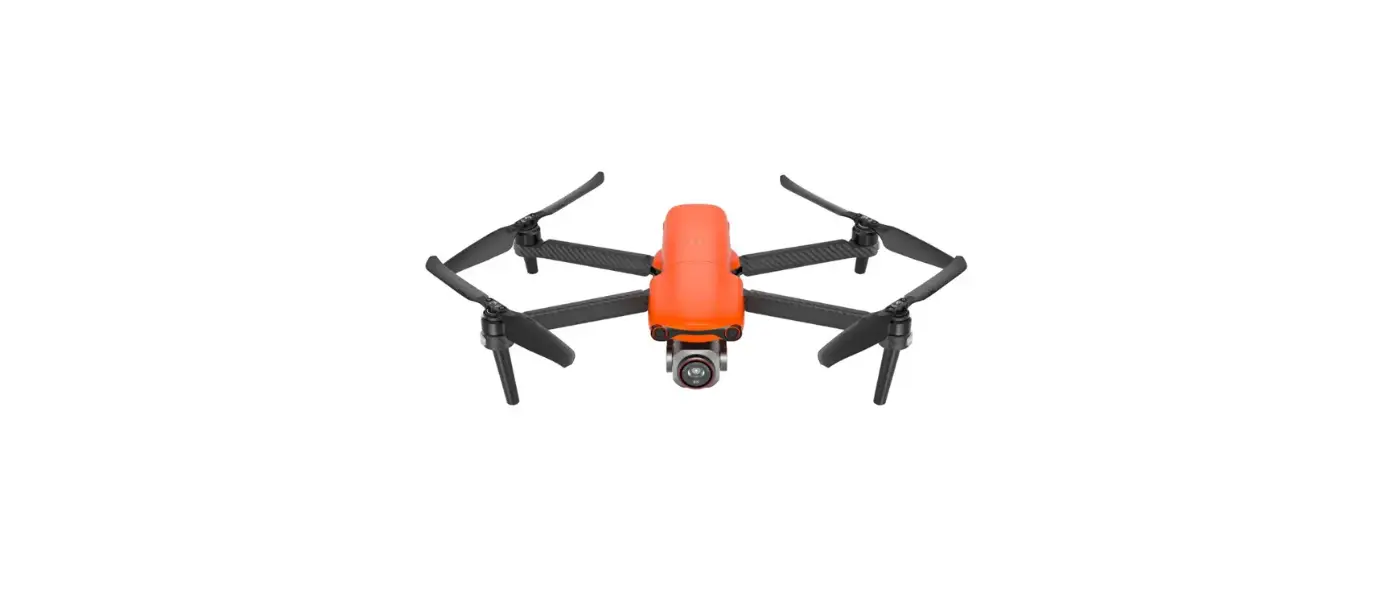
The RUKO Drone is a remote-controlled flying device suitable for
users aged 14 and above. It comes with a Quick Start Guide version
2.0.
For technical support, you can contact us at +1 888-892-0155
from Monday to Friday, 7:00 AM to 7:00 PM (PST). You can also reach
us at +86 19129317359.
Product Usage Instructions:
- Download App:
- Download the RUKO DRONE app from the App Store if you are using
an iOS device. - Download the RUKO DRONE app for Android if you are using an
Android device.
- Ensure the batteries are self-equipped and charged before
use.
- Lift and then pull to unfold the antenna and handle of the
drone.
- Press and hold the button on the drone until the aircraft plays
the startup sound. - Short-press the button on the transmitter to power it on. Note:
Please turn on the aircraft first, then the transmitter for
pairing.
- Connect your mobile device to the aircraft’s Wi-Fi network and
enter the app operation page. Refer to the User Manual & Safety
Guidelines (page 43) for detailed instructions.
- Push the joysticks to the 11 and 1 o’clock positions for about
2 seconds. - Ensure the drone is on a level ground during calibration.
- Push the joysticks to the 11 and 1 o’clock positions for about
2 seconds. - Ensure the drone is on a level surface during calibration.
- Wait for the GPS to search and successfully connect. The solid
blue lights indicate a successful connection. - Note: The searching time depends on the flight environment. If
unsuccessful, the motors cannot be started.
- Push the joysticks to the 5 and 7 o’clock positions for about 2
seconds.
- Push up the left stick to initiate takeoff.
Common Problems and Solutions:
Question: The motors cannot be started
Reason: Weak GPS signal
Solution: Please fly the aircraft in an open
area free of obstacles within a radius of 32.81 ft (10 meters).
Question: Unstable flight
Reason: Flying too low, affected by aircraft
airflow
Solution: Please fly the aircraft outdoors
without interference, ensuring it is within a controllable
range.
Question: Out of control, spinning around on its own,
abnormal sound
Reason: The left and right joystick are not in
place
Solution: Please manually land the drone in
time and calibrate the compass. Fly away from buildings, trees,
power lines, and signal towers.
Question: The Gimbal is not working
Reason: Compass interference
Solution: Replace the propellers with new
ones.
Question: The red light stays on
Reason: The propellers become deformed and
incomplete
Solution: Fly the aircraft away from grass or
wooden floors to avoid interference with the gimbal.
Please note that for more technical support, you can contact us
at [email protected] or +1 (949) 394-4635 (available from 6 PM to
4 AM PDT).
14+
for age
Quick Start Guide
v2.0
CONTACT US FOR MORE TECH SUPPORT +1 888
892-0155 Mon-Fri 7:00AM – 7:00PM (PST)
CONTACT US FOR MORE TECH SUPPORT +1 888
892-0155 Mon-Fri 7:00AM – 7:00PM (PST)
+86 19129317359
1
Download App
RUKO DRONE
Download on the
App Store
RUKO DRONE
Download for
Android
RUKO DRONE App
Charge the Batteries
Self-equipped
15W 1 Copyright ©2022 Ruko All Rights Reserved.
2
1 1
2 3 2
Lift and then pull
Copyright ©2022 Ruko All Rights Reserved. 2
3
Unfold the antenna
Unfold the handle
1 3
2
3 Copyright ©2022 Ruko All Rights Reserved.
4
Select an Open Flight Area
Height65ft Copyright ©2022 Ruko All Rights Reserved. 4
5
1
Press and hold the button until theAircraft plays startup sound.
2
Short-press to power on the Transmitter. Note: Please turn on the Aircraft firstly, then the Transmitter. Otherwise, they will not be paired.
5 Copyright ©2022 Ruko All Rights Reserved.
6
Connect to Wi-Fi
Connect the mobile device to the Aircraft’s Wi-Fi and enter the app operation page. Please refer to User Manual & Safety Guidelines (page 43) for more details.
F11 GIM
RUKO-GIM-******
CONTROLS LEARN VIDEO
GUIDE
Tap “CONTROLS” icon
Calibrate the Compass
Rotate the aircraft horizontally 360°.
( About 1-2 turns )
Rotate the aircraft vertically 360°.
( About 1-2 turns )
Copyright ©2022 Ruko All Rights Reserved. 6
7
Calibrate the Gyroscope
Push joysticks to 11 & 1 o’clock position. ( About 2 seconds )
A level ground
Gimbal Self-inspection
Put on a level surface. ( About 20 seconds )
7 Copyright ©2022 Ruko All Rights Reserved.
Search for GPS Automatically
GPS 3 bars GPS search successfully Solid blue lights
Tips: 1. The searching time depends on the flight environment. 2. If unsuccessful, the motors can’t be started.
Start the Motors
Push joysticks to 5 & 7 o’clock position. ( About 2 seconds )
Take off
Push up the left stick.
Copyright ©2022 Ruko All Rights Reserved. 8
NEW TO FLYING DRONES?
F11 GIM
CONTROLS LEARN VIDEO
Check the Flight Guide in the App
Search “Ruko F11 GIM Quick Start” on YouTube for First Flight
Scan QR Code for More Tech and Video Support
CONTACT US FOR MORE TECH SUPPORT
[email protected] +1 ( 949 ) 394 – 4635 ( Available from 6pm to 4am PDT)
9 Copyright ©2022 Ruko All Rights Reserved.
Common Problems and Solutions
Question The motors cannot be started
Unstable flight
Out of control, spinning around on its own, abnormal sound
The Gimbal is not working
Reason
Weak GPS signal
The red light stays on
The pink light stays on
The left and right joystick are not in place
Flying too low, affected by Aircraft airflow
The gyroscope is not calibrated
The propellers become deformed and incomplete GPS signal is unstable. Flying near buildings and in obstructed places The Transmitter signal is interfered or the Aircraft exceeds the range of remote control
Compass interference
The propellers become deformed and incomplete
When Fly from the grass, the gimbal touches the grass
When fly from the wooden floor, vibration will be transmitted through the floor The gimbal is interfered by external forces or the drone is picked up during self-inspection When turning on the drone on the desk, the desk will amplify the subtle vibrations into high-frequency vibrations
The compass is in calibrating
Solutions Turn on the Aircraft in an open area with strong GPS signal The Aircraft has low battery. Please charge the battery in time The compass is not calibrated. Please refer to the “Calibration Before Flight” section of the User Manual Push the left and right joysticks simultaneously to 5 o’clock and 7 o’clock for 2 seconds Please fly the Aircraft above 9.84ft(3 meters) Place the Aircraft on a horizontal surface and conduct gyroscope/horizontal calibration. Please refer to the “Calibration Before Flight” section of the User Manual
Replace the propellers with new ones
Please fly the Aircraft in an open area free of obstacles within the circle of radius 32.81 ft(10 meters)
Please fly the Aircraft outdoors without interference, and ensure that it is within a controllable range
Please manually land the drone in time and calibrate the compass. Please make sure to fly away from the buildings, trees, power lines, and signal towers
Replace the propellers with new ones
Put the drone on landing pad or cardboard to prevent the gimbal from hitting with other objects
Take off the drone from the place without vibrations
Put the Aircraft on the level ground without touching. The gimbal will star to work after 40 seconds
Turn on the drone on the place without vibrations
Put the Aircraft on level ground after compass calibration. The gimbal will start to work after 20 seconds
Copyright ©2022 Ruko All Rights Reserved. 10
Question
Video freezes, image transmission distance is short
Reason
The Aircraft is out of Wi-Fi range
Solutions
Fly the Aircraft within the range of the Wi-Fi
Fly the Aircraft in an unobstructed open
WiFi image transmission signal area free of buildings, high-voltage wires
interference
and signal towers
The transmitter and the mobile phone are not pointed at the direction of the drone
Point the Transmitter and the mobile device at the flying direction of the Aircraft to maintain the strongest signal connection
Phone performance freezes
Close unused apps running in the background to maintain the best performance of the phone
Video is not clear
if use APP storage, the pixels are 1920×720P
Insert the memory card and storage the video on the memory card
The phone is not connected to Connect your mobile device to the Wi-Fi :
Wi-Fi
Ruko-GIM-******
App does not display the interface
APP crashes or functions abnormally Phone cannot connect to Wi-Fi
The phone version is too low
Android 6.0 and above, IOS 10.02 and above
When connecting to the
Set the Wi-Fi correctly
drone’ s WiFi, the network is not
set or set incorrectly
Turn the phone to airplane mode
VPN switch is turned on Wrong app downloaded
Turn off the VPN switch Download the correct App
A few mobile phone versions are old and incompatible with APP
Provide mobile phone version and model, we will adapt and solve it
It is the first time to connect your phone to the Wi-Fi
Try connecting a few more times or restart the phone
The WiFi name is not displayed in the list
The phone is a single band WiFi has not been activated
Use the dual band devices that support both 2.4 GHz and 5 GHz/5.8 GHz
Wait for about 30 seconds after turning on the Aircraft and keep refreshing the Wi-Fi list while the Wi-Fi is activated
GPS signal is weak
Turning on the drone indoors
GPS signals cannot be found indoors. Please search for GPS signals in an open place outdoors
Under the tree, next to the
Please stay away from obstacles for more
building, in an obstructed place
than 32.81 feet(10 meters), and search for GPS signals in an open area
11 Copyright ©2022 Ruko All Rights Reserved.
Question
Reason
Unable to return home, drifting GPS signal was turned off
and flying away
during the flight
Solutions
Please don’t turn off GPS suddenly during outdoor flight. Switch back to GPS mode in time
App always says the Transmitter has low battery The Aircraft cannot be paired with the Transmitter Cannot charge battery/Cannot fully charge battery
Short battery life
The product has slight marks
The phone cannot connect to the Transmitter due to the wrong sequence for turning on the equipments
The correct sequence is: 1.Turn on the Aircraft firstly 2. turn on the Transmitter 3. Connect the WiFi
The wrong sequence for turning on the equipments
Correct pairing steps: 1. Turn on the Aircraft. 2. Turn on the Transmitter
Using inferior charger or
Use a mobile USB charger that ensures
charging on the computer with constant stable voltage output(5V) and
unstable voltage output
amperage output(2-3A)
Using inferior charging cables Flying in windy weather
Please use the original factory charging cable to charge
Flying in windy weather will accelerate power loss
Flying in cold weather
In low temperatures, the chemical reaction of the lithium battery is slowed down and the energy cannot be fully released
The battery is not fully charged
Fully charged with the correct USB charger before flying
We tested all Aircraft before shipping
In order to give you the best experience, we tested functions of all Aircraft before shipping. Therefore, it is inevitable that there will be slight traces. However, it can be guaranteed that all Aircraft are 100% brand new
Copyright ©2022 Ruko All Rights Reserved. 12
CONTACT US FOR MORE TECH SUPPORT +1 888
892-0155 Mon-Fri 7:00AM – 7:00PM (PST)
+86 19129317359