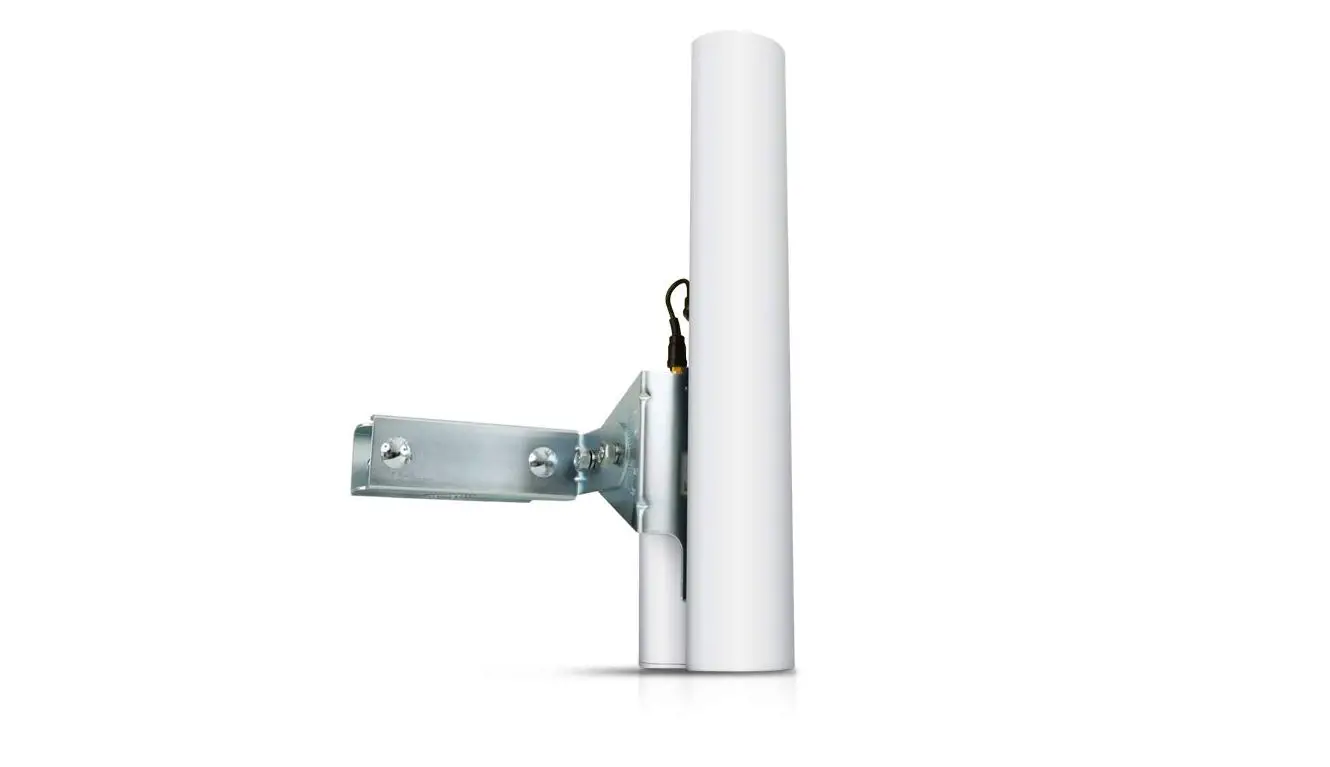
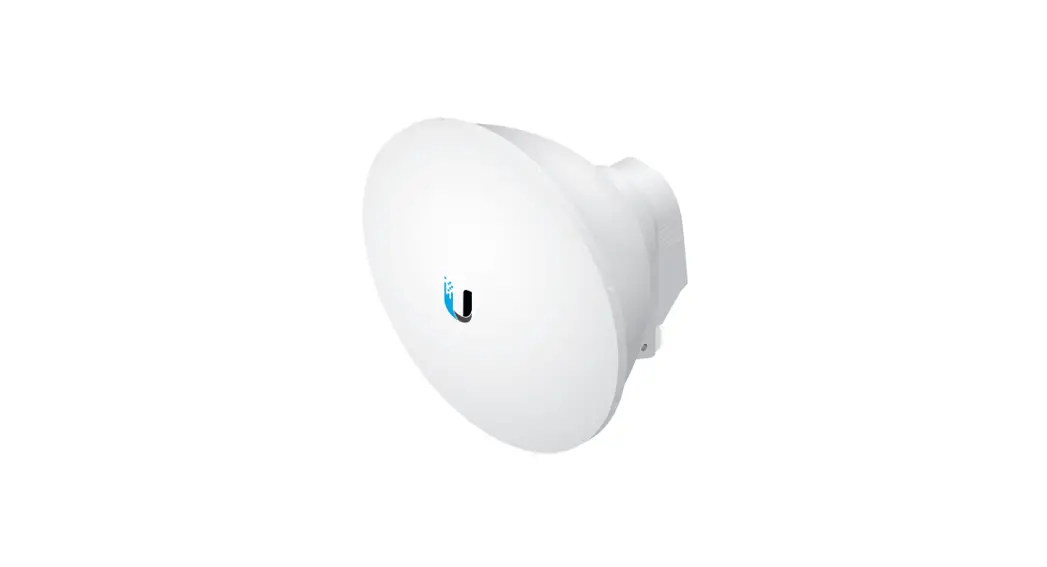
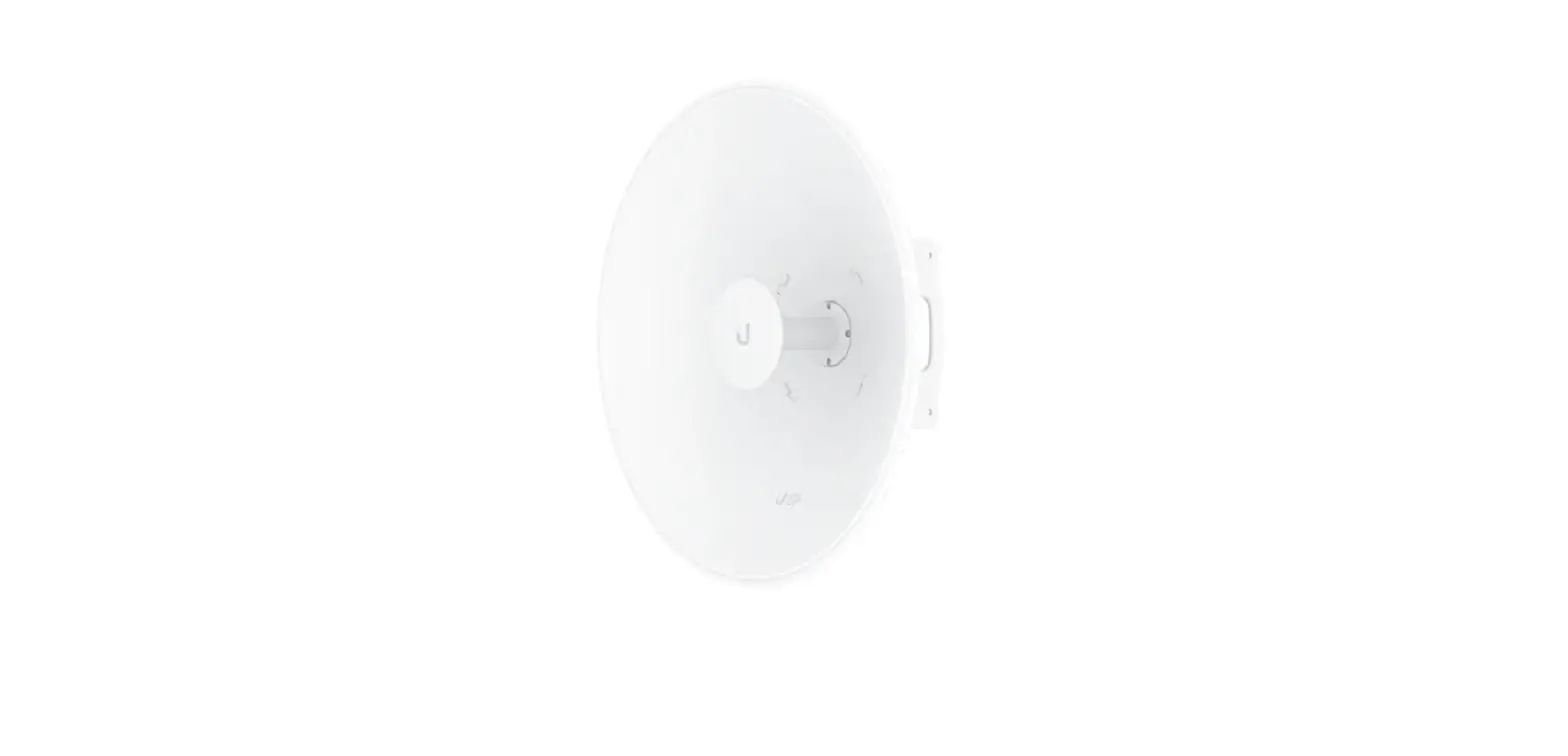
AM-2G15-120 Dual-Pol Sector Antenna
Product Information:
The AM-2G15-120 is an industrial-grade antenna designed for
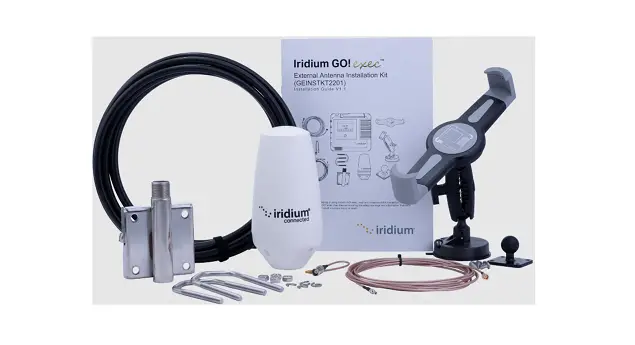
outdoor use. The package includes a protective cover, U-shaped
supports, post brackets, foot clamps, screws, nuts, and RF cables.
The antenna has a double-linear polarization and cross-polarity
isolation of 28 dB minimum. It has a wind resistance of up to 200
km/h (125 mph) and is compatible with Universal pole mount and
Rocket mount. The dimensions of the antenna are 700 x 145 x 93 mm
(27.56 x 5.71 x 3.66).
Product Usage Instructions:
- Ensure that you protect your networks from harmful outdoor
environments and electrostatic discharge phenomena with Ubiquiti’s
industrial-grade shielded Ethernet cable. - Assemble the U-shaped supports and post brackets as shown in
the Quick Start Guide. - Attach the foot clamps to the post brackets.
- Attach the antenna to the U-shaped supports using pan head
screws. - Attach the post brackets to the pole using serrated flange
screws and nuts. - Orient the U-brackets as shown in the Quick Start Guide.
- Tighten all screws by hand.
- Attach the RF cables to the antenna.
- Connect the RF cables to your device.
- Adjust the electric tilt of the antenna if necessary.
- Ensure that the brackets do not slide down the post, depending
on the angle of inclination of the lift.
Safety Instructions:
- Read, follow, and save the instructions provided in the Quick
Start Guide. - Pay attention to all warnings.
- Only use the devices or accessories indicated by the
manufacturer. - Avoid using this product during a lightning storm.
- It is mandatory to comply with the current, frequency, and
voltage requirements indicated on the manufacturer’s label.
Connection to a power source other than those specified may result
in malfunction, equipment damage, or fire hazard if limitations are
not followed. - This equipment contains no operator-serviceable parts. Only a
qualified service technician should provide services.
For more information on compliance, limited warranty, and online
resources, refer to the Quick Start Guide or visit
ui.com/support/warranty.
AM-2G15-120 Quick Start Guide
Package content
Antenna
Protective cover
U-shaped supports (quant.: 2)
Post Brackets (Qty: 2) Foot Clamps (Qty: 2)
Pan head screws (qty: 4)
Serrated Flange Screws (Qty: 4)
Serrated Flange Nuts (Qty: 8)
Cables RF (cant.: 2)
installation requirements
Rocket®M2 (sold separately) 12 and 13mm wrenches Category 5 (or higher) shielded cabling must be used for all Ethernet connections and must be connected to the AC ground of the PoE.
We recommend that you protect your networks from harmful outdoor environments and AM-2G15-120 Quick Start Guide electrostatic discharge phenomena with Ubiquiti’s industrial-grade
shielded Ethernet cable. For more information, visit ui.com/toughcable
Device installation
1.
2.
AM-2G15-120 Quick Start Guide
3. 4.
AM-2G15-120 Quick Start Guide
5.
AM-2G15-120 Quick Start Guide
Note: Orient the U-brackets as shown.
6. 7.
AM-2G15-120 Quick Start Guide
Note: Tighten screws by hand.
8.
AM-2G15-120 Quick Start Guide
9.
AM-2G15-120 Quick Start Guide
Note: The antenna has a 4° electrical downward tilt.
10.
AM-2G15-120 Quick Start Guide
Note: The brackets may slide down the post, depending on the angle of inclination of the lift.
11.
AM-2G15-120 Quick Start Guide
Specifications
Dimensions
Weight (mount included)
Frequency Revenue Amplitud HPOL VPOL amplitude lift amplitude electric tilt down VSWR max. Wind resistance
AM-2G15-120
700 x 145 x 93 mm (27,56 x 5,71 x 3,66″)
4,0 kg (8,82 lb) 2,3 – 2,7 GHz 15,0 – 16,0 dBi 123° (6 dB) 118° (6 dB)
9°
4°
1,5:1 200 km/h (125 mph)
wind load Polarization
AM-2G15-1A2M0-2QG1u5-i1c2k0 Start Guide
169 N y 200 km/h (38 lbf y 125 mph)
Lineal doble
Cross Polarity Isolation ETSI specification
28 dB min EN 302 326 DN2
Mounting
Universal pole mount, Rocket mount and waterproof RF cables included
safety instructions
1. Read, follow and save these instructions.
2. Pay attention to all warnings.
3. Only use the devices or accessories indicated by the manufacturer. WARNING: Do not use this product in a location where it may be submerged in water.
WARNING: Avoid using this product during a lightning storm. There is a remote possibility of an electrical discharge caused by lightning.
electrical safety information
1. It is mandatory to comply with the current, frequency and voltage requirements indicated on the manufacturer’s label. Connection to a power source other than those specified may result in malfunction, equipment damage, or fire hazard if limitations are not followed.
2. This equipment contains no operator-serviceable parts. Only a qualified service technician should provide services.
limited warranty
ui.com/support/warranty The limited warranty requires arbitration to resolve disputes on a case-by-case basis and, where appropriate, specifying arbitration instead of jury trials or class actions.
Compliance
Radio Frequency Exposure Warning
The antenna and transmitter must be installed to maintain a separation distance from people and must not be co-located or used in conjunction with any other antenna or transmitter. For the specific separation distance, see the quick start guide for your Rocket device (transmitter).
Compliance StatAWemME-eE2nGEt 15-120 Quick Start Guide
Declaration of conformity
online resources
© 2021 Ubiquiti Inc. All rights reserved.
 Ubiquiti - Warranty
 WEEE Compliance Statement
 Ubiquiti - Rethinking IT