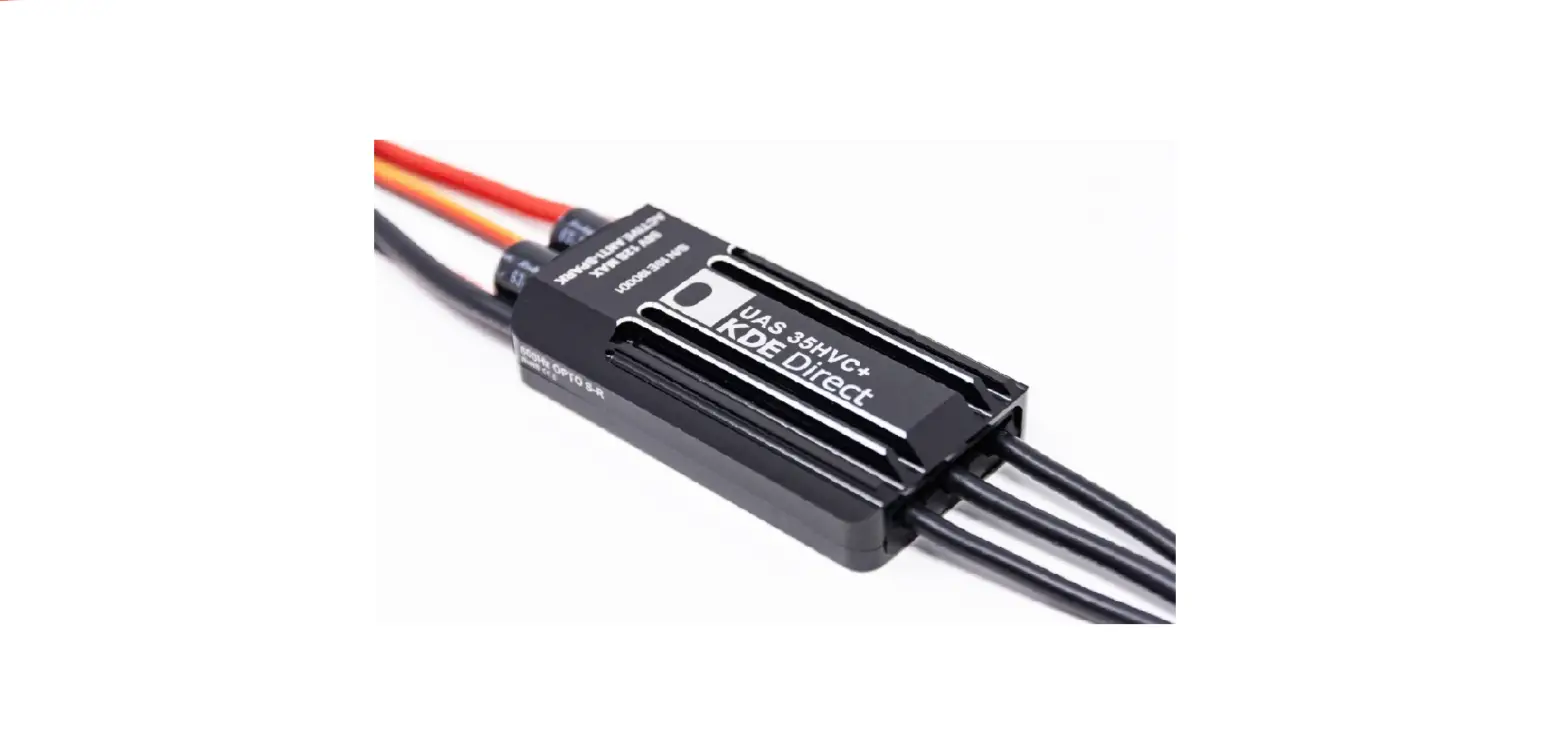
PIXHAWK PX4 Series UAS Electronic Speed Controller
Product Information
The KDE Direct UAS Electronic Speed Controller (ESC) series is a
high-quality ESC designed for use with the Pixhawk and PX4
open-hardware project autopilot. It is compatible with
multi-platform autonomous vehicles and ensures safe flight
operation. The ESCs are OPTO-Isolated, meaning they require an
external 5V or 6V powerline to arm the internal circuitry. The
OPTO-Isolation circuitry is compatible with input voltages up to
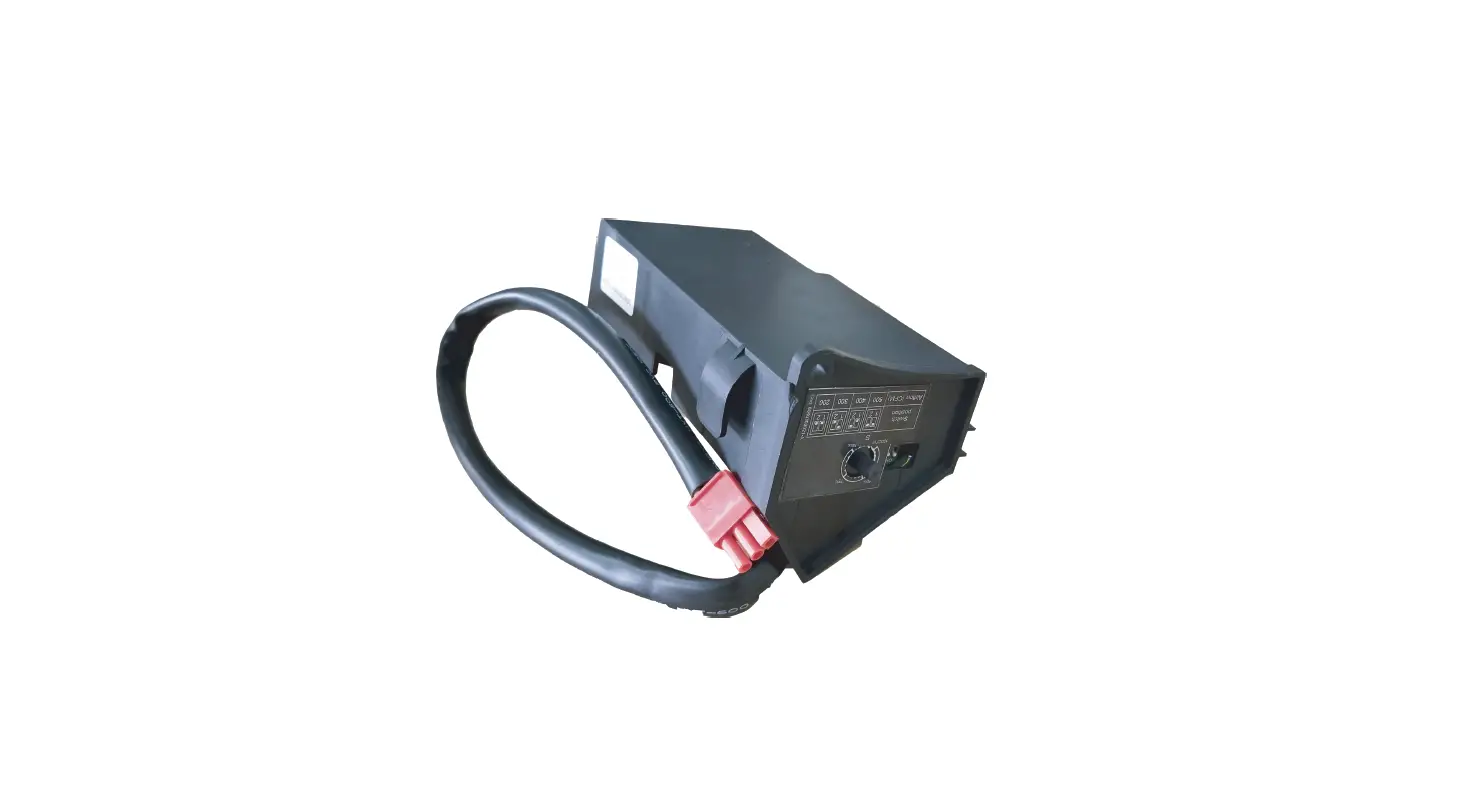
35V maximum. The KDE Direct KDEXF-UBEC22 is a power module (PMU)
included with the system for powering the Pixhawk (PX4) autopilot.
It provides three power-output leads, allowing for redundant power
lines to the MAIN OUT control-lead signal ports. This configuration
ensures triple-redundancy and simplifies installation.
Product Usage Instructions
1. Installation: Follow these steps for proper installation,
wiring, and programming of the KDE Direct UAS ESC series to the
Pixhawk and PX4 autopilot. 2. Powering the Pixhawk Autopilot: The
Pixhawk (PX4) autopilot is powered via the included power module
(PMU). Ensure correct installation of the autopilot equipment by
referring to the Pixhawk Autopilot Website for additional
information. 3. Powering the ESCs: Due to the hardware design of
the Pixhawk (PX4) autopilot, power is not provided to the ESCs via
the MAIN OUT control-lead signal ports. Connect a 5V or 6V external
powerline to properly arm the internal circuitry of the KDE Direct
UAS ESCs. The OPTO-Isolation circuitry is compatible with input
voltages up to 35V maximum. 4. Quadcopter Systems: Refer to page 1
of the user manual for proper installation of the control wiring.
The Pixhawk (PX4) autopilot, KDE Direct UAS UBEC, KDE Direct UAS
ESCs, and FutabaTM Receiver (S.BUS RX) components are shown for
reference. 5. Hexacopter Systems: Refer to page 2 of the user
manual for proper installation of the control wiring. The Pixhawk
2.1 (CUBE) autopilot, KDE Direct UAS ESCs, and FutabaTM Receiver
(S.BUS RX) components are shown for reference. 6. Octocopter
Systems: Refer to page 3 of the user manual for proper installation
of the control wiring. The Pixhawk (PX4) autopilot, KDE Direct UAS
UBEC, KDE Direct ESCs, and FutabaTM Receiver (S.BUS RX) components
are shown for reference. 7. Power Output Leads: The KDE Direct
KDEXF-UBEC22 provides three power-output leads. Use all three leads
for triple-redundancy and simplistic installation, or at least one
lead to provide the necessary 5V or 6V power for proper operation
of the KDE Direct UAS ESCs. 8. Proper Connections: Follow the
provided images and diagrams in the user manual to ensure proper
connection of the control wiring for different types of copter
systems (Quadcopter, Hexacopter, Octocopter).
Please follow the instructions for proper installation, wiring, and programming of the KDE Direct UAS Electronic Speed Controller (ESC) series to the Pixhawk and PX4 open-hardware project autopilot.
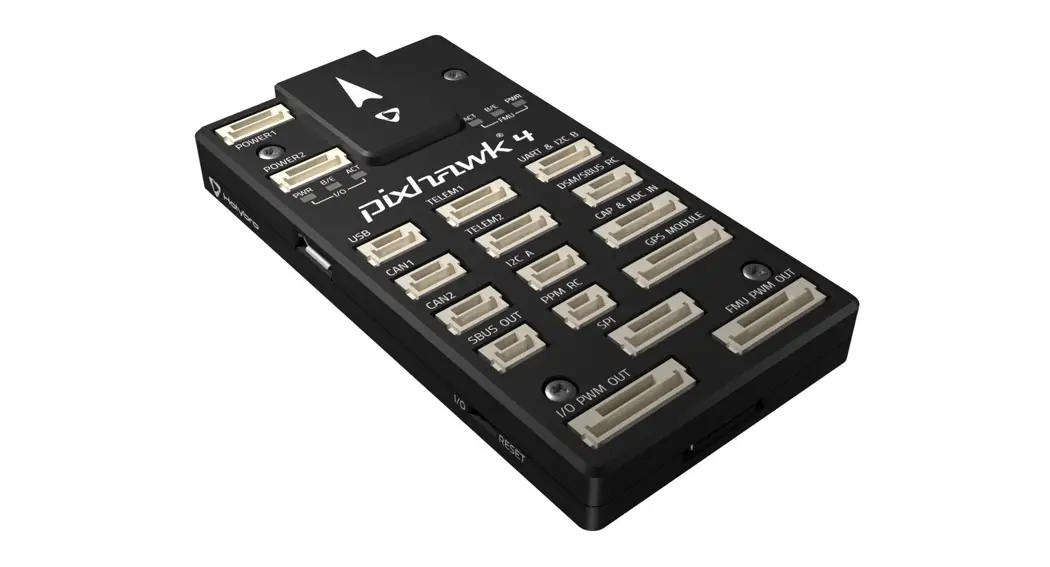
The Pixhawk (PX4) autopilot is powered via the power module (PMU) included with the system for multi-platform autonomous vehicles. For additional information on the correct installation of the autopilot equipment, please reference the Pixhawk Autopilot Website.
Due to the hardware design of the Pixhawk (PX4) autopilot, power is NOT provided to the ESCs via the MAIN OUT control-lead signal ports.
The KDE Direct UAS ESCs are OPTO-Isolated and therefore, require a 5V or 6V external powerline to properly arm the internal circuitry critical for safe flight operation. As a reference, the UAS ESC OPTO-Isolation circuitry is compatible up to 35V maximum-input.
KDE DIRECT UAS ESC OPTO-ISOLATION CIRCUITRY
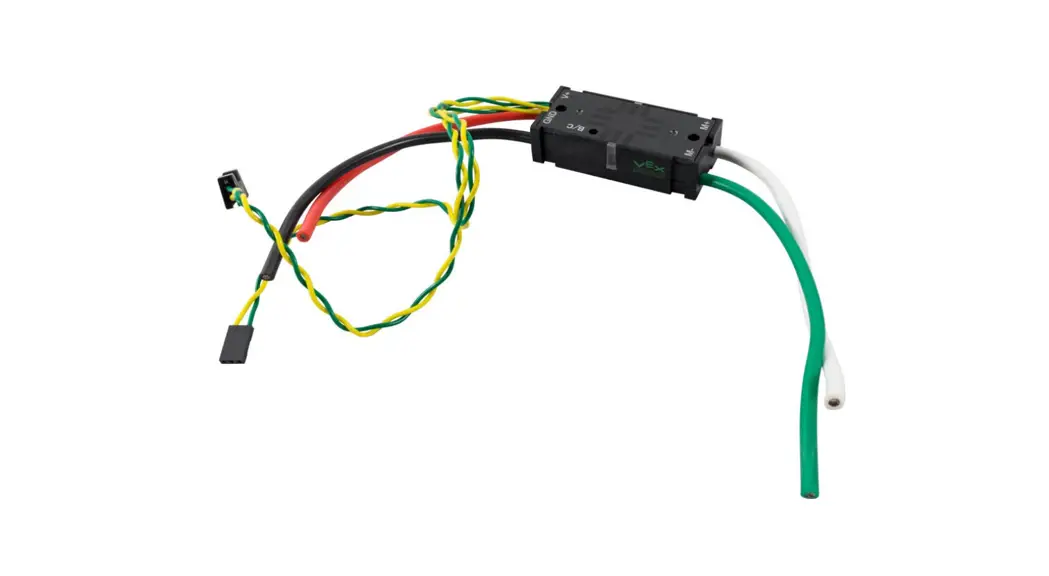
To provide clean, voltage-regulated power for the KDE Direct UAS ESCs, the KDEXF-UBEC22 is available for direct compatibility to the electronics. During assembly, set the voltage-selection jumper to 6V as shown please review the Instruction Manual (included with purchase and found under the webpage Technical Media tab) for additional details on proper installation and wiring of the device.
Page 1 | 5 REVPRO3
For Quadcopter systems (X-4), please reference the image for proper installation of the control wiring. For the complete installation, the Pixhawk (PX4) autopilot, KDE Direct UAS UBEC, KDE Direct UAS ESCs, and FutabaTM Receiver (S.BUS RX) components are shown for reference.
The KDE Direct KDEXF-UBEC22 incorporates three (3) power-output leads as standard, providing redundant power lines as desired to the MAIN OUT control-lead signal ports. In this configuration, three (3) of the power-output leads will be used for simplistic installation and triple-redundancy.
At a minimum, one (1) power-output lead is required to provide the necessary 5V or 6V power for proper operation of the KDE Direct UAS ESCs.
For Quadcopter systems, please reference the proper connection as:
· UAS ESC control-leads connected into ports “1 4” · UAS UBEC power-leads connected into ports “5 7”
· (triple-redundant layout) · PPM/S.BUS (RX) connected into port “RC”
Page 2 | 5 REVPRO3
For Hexacopter systems (including Y-6 and D-12 coaxial), please reference the image for proper installation of the control wiring. For the complete installation, the Pixhawk 2.1 (CUBE) autopilot, KDE Direct UAS ESCs, and FutabaTM Receiver (S.BUS RX) components are shown for reference.
The KDE Direct KDEXF-UBEC22 incorporates three (3) power-output leads as standard, providing redundant power lines as desired to the MAIN OUT control-lead signal ports. In this configuration, three (3) of the power-output leads will be used for simplistic installation and triple-redundancy.
At a minimum, one (1) power-output lead is required to provide the necessary 5V or 6V power for proper operation of the KDE Direct UAS ESCs.
For Hexacopter systems, please reference the proper connection as:
· UAS ESC control-leads connected into ports “1 6” · UAS UBEC power-leads connected into ports “7 8”
· (dual-redundant layout) · PPM/S.BUS (RX) connected into port “RC”
Page 3 | 5 REVPRO3
For Octocopter systems (including X-8 and H-16 Coaxial), please reference the image for proper installation of the control wiring. For the complete system, the Pixhawk (PX4) autopilot, KDE Direct UAS UBEC, KDE Direct ESCs, and FutabaTM Receiver (S.BUS RX) components are shown for reference.
The KDE Direct KDEXF-UBEC22 incorporates three (3) power-output leads as standard, providing redundant power lines as desired to the MAIN OUT control-lead signal ports. In this configuration, two (2) of the power-output leads will be used for simplistic installation via dual Y-harness adapters to any ESC control-leads (ports 7 and 8 used in this example).
The additional third power-output lead can be connected via a Y-harness to any ESC control-lead if desired, or can be used for alternate electronics as needed (such as a 5V/6V camera or redundant power to the RX).
For Octocopter systems, please reference the proper connection as:
· UAS ESC control-leads connected into ports “1 8” · UAS UBEC power-leads connected into ports “7 8”
· (dual-redundant layout, y-harness adapters) · PPM/S.BUS (RX) connected into port “RC”
At a minimum, one (1) power-output lead is required to provide the necessary 5V or 6V power for proper operation of the KDE Direct UAS ESCs.
Page 4 | 5 REVPRO3
The KDE Direct UAS Electronic Speed Controller (ESC) series is programmable via the KDEXF-DMA Programming Kit (available separately) or direct via PC-USB connection (UVC Series), providing the ability for updates to the latest firmware releases and customize advanced options. Please review the Instruction Manual (found under the webpage Specifications tab) for detailed information on Advanced Settings.
For direct compatibility to the Pixhawk (PX4) autopilot, change the “THROTTLE CALIBRATION MODE” to RANGE via the selectable pulldown menu. This will allow for a fixed throttle calibration to the autopilot, for simple programming via the ArduPilot Mission Planner software and Radio/ESC Calibration wizard.
Within the “THROTTLE CALIBRATION RANGE” option, use the default settings of MIN(LOW) = 1100 and MAX(HIGH) = 1940.
ARDUPILOT MISSION PLANNER SOFTWARE
After programming all KDE Direct UAS ESCs to the RANGE mode as described above, setup of the Pixhawk (PX4) via the Mission Planner software can proceed. The manual throttle calibration process is not needed via the RANGE mode – simply hard-code the settings of Output PWM Min = 1100 and Output PWM Max = 1940 as shown.
For additional information on the correct programming and operation of the Mission Planner software, please reference the Mission Planner Home Website.
Note: program the “ESC Type” to “Normal” for synchronization of autopilot gyros and ESC control frequencies (400 Hz dynamic).
Page 5 | 5 REVPRO3
References
 Mission Planner Home — Mission Planner documentation
 Pixhawk | The hardware standard for open-source autopilots
-
KDE-DMS Device Manager Software | UAS Electronic Speed Controller | KDE Direct
-
KDEXF-DMA Device Manager Adapter | UAS Electronic Speed Controller | KDE Direct
-
KDEXF-UBEC22 22A+ UBEC | UAS Universal Battery Eliminator Circuit | KDE Direct
 Mission Planner Home — Mission Planner documentation
 Pixhawk | The hardware standard for open-source autopilots
 KDE-DMS Device Manager Software | UAS Electronic Speed Controller | KDE Direct