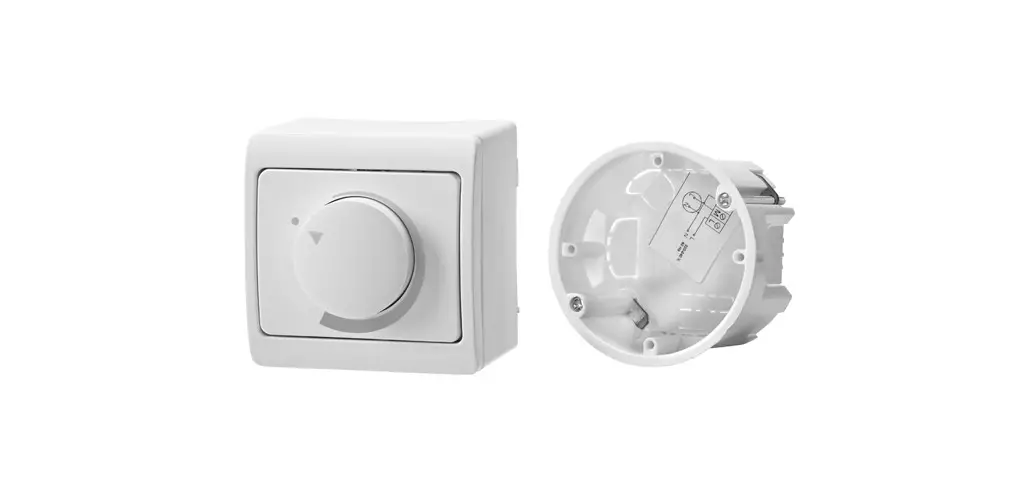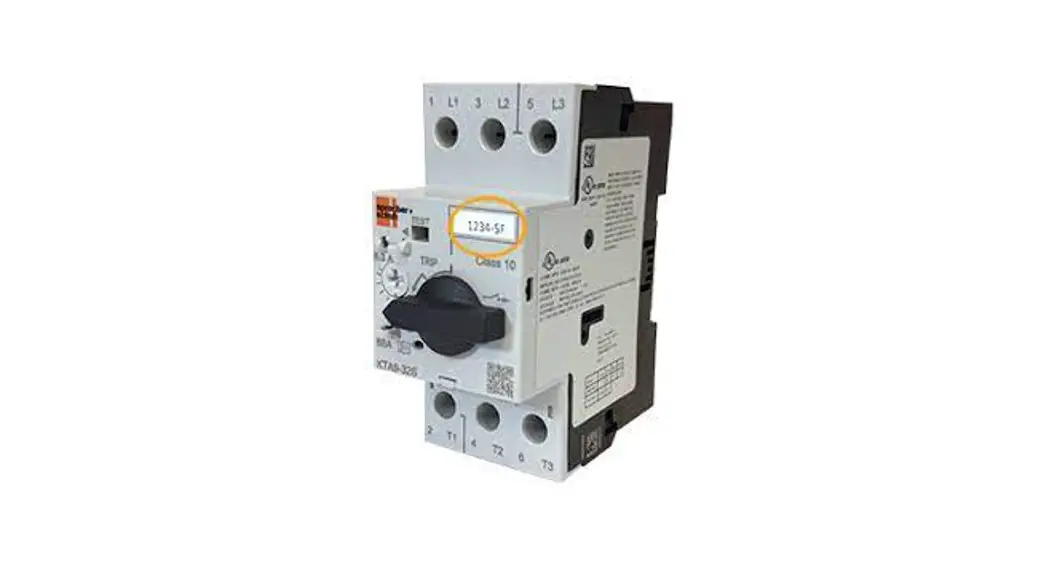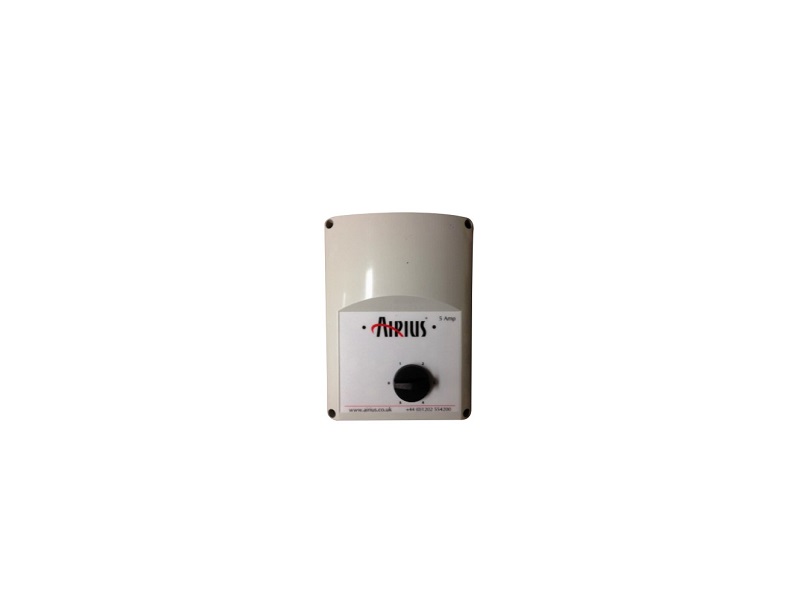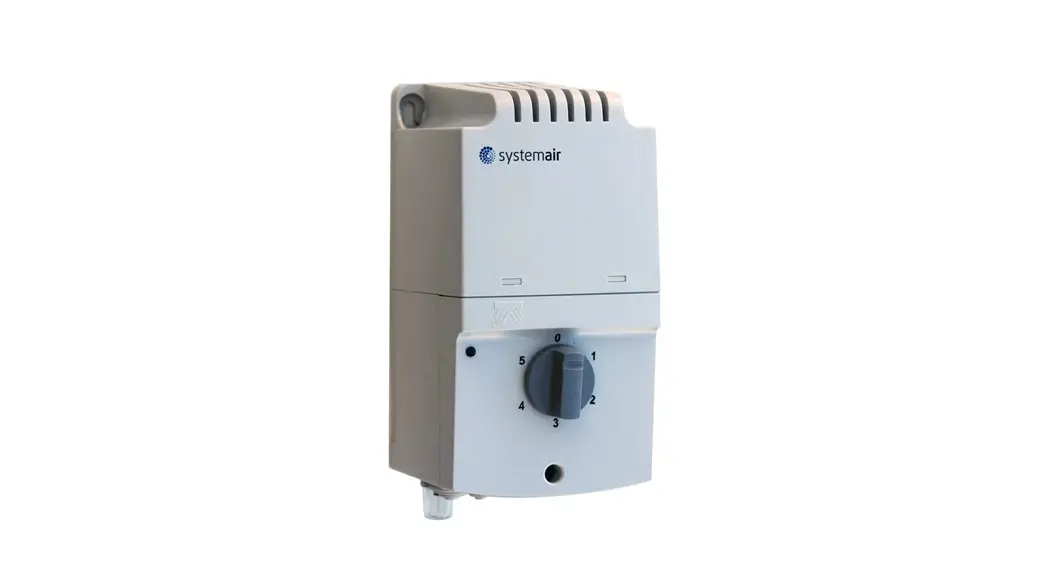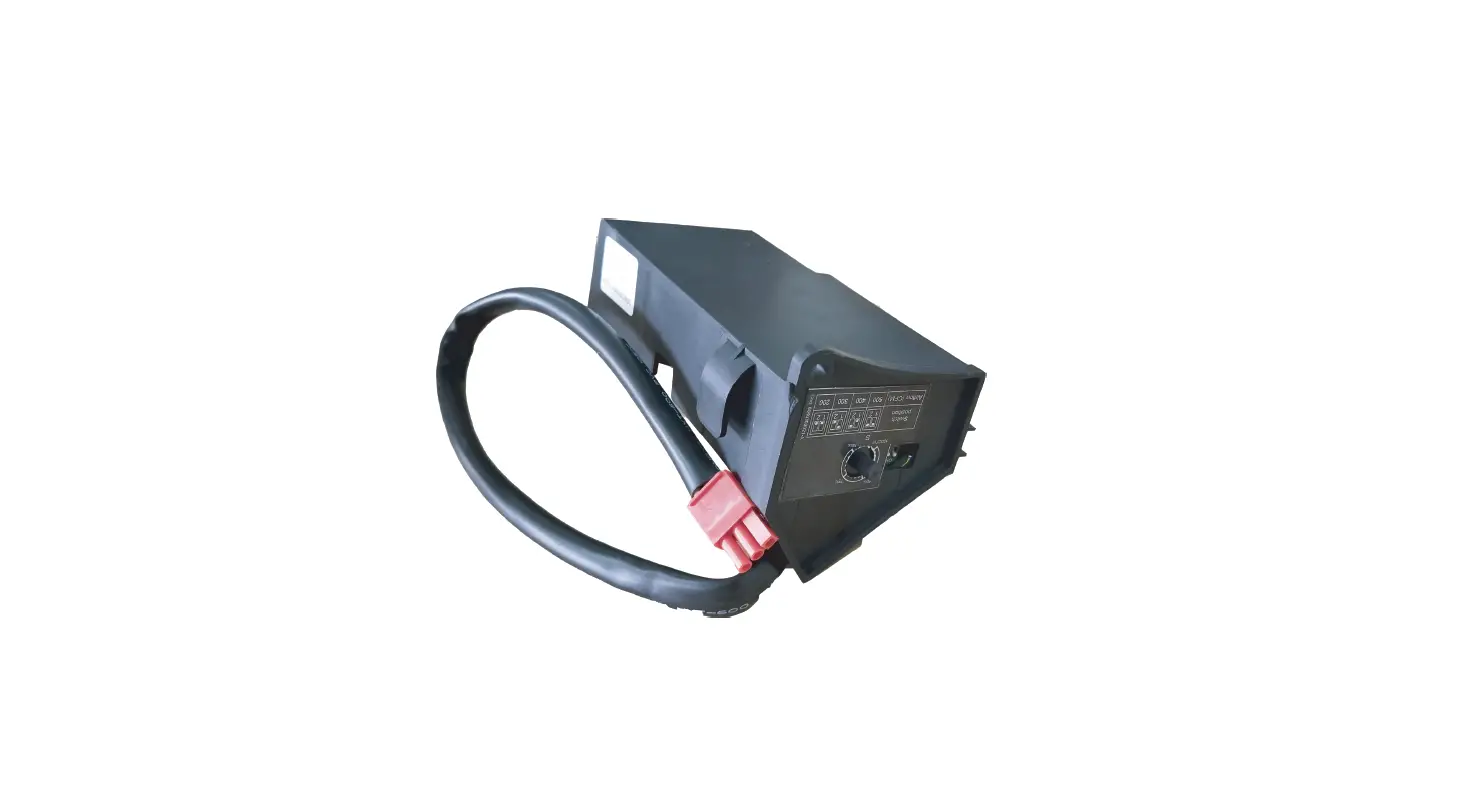

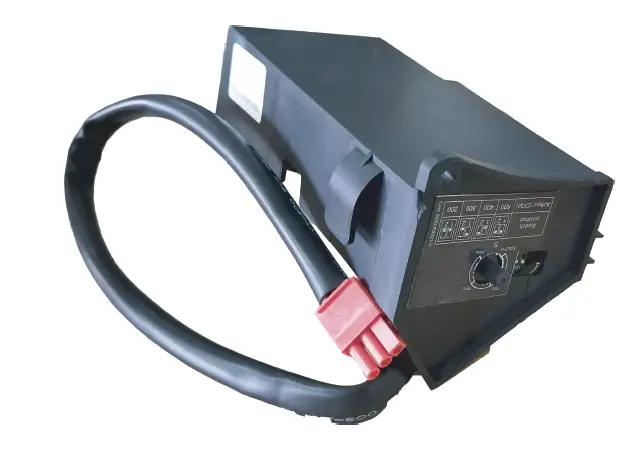
ORTECH ODD-SCK-500 Speed Controllers
WARNING
WARNING — THE INSTALLATION MUST BE CARRIED OUT BY A QUALIFIED TECHNICIAN.
- Speed Controllers can only be installed by a qualified technician
- Before installation or maintenance, please read through this instruction manual
CAUTION
PLEASE READ INSTRUCTION BEFORE COMMENCING INSTALLATION AND RETAIN FOR FUTURE REFERENCES. Failure to do so can cause death or injury, or damage to property.
If in any doubt about the installation or use of this product, consult a competent technician.
OPERATION
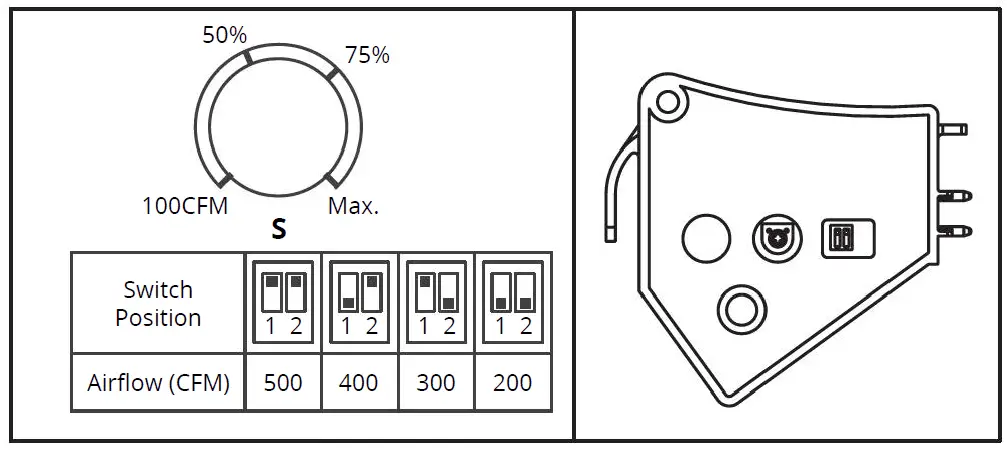
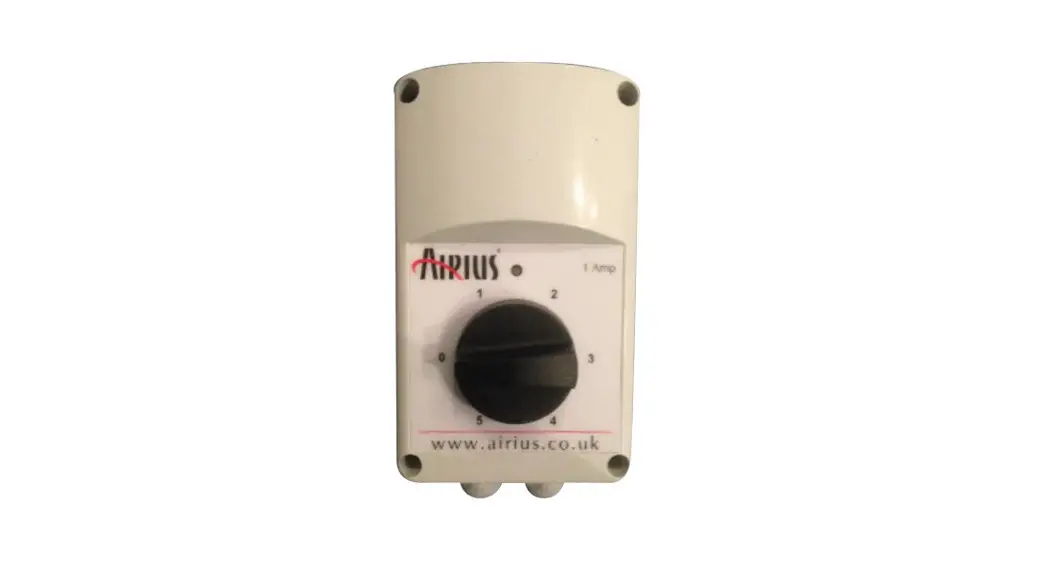
The airflow knob adjusts the lower airflow from 100CFM up to the airflow rate of the speed determined by the toggle switch setting.
Max airflow is HVI Certified performance based on HVI Procedures 915, 916, and 920. Other airflow reference performance is based on HVI Procedures 915,916, and 920.
INSTALLATION GUIDE
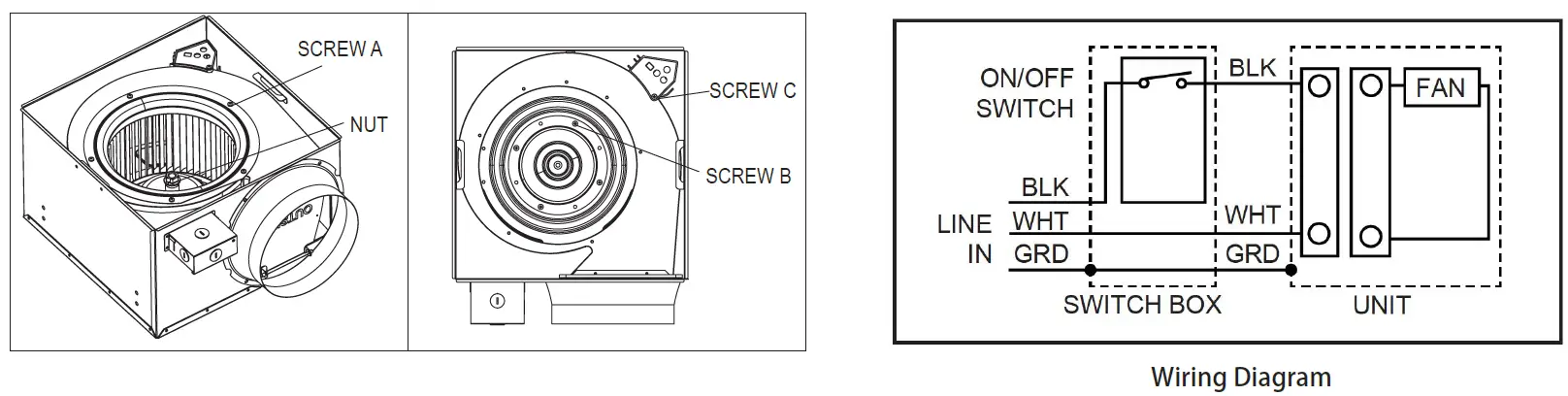
- Remove the Grille Assembly from the fan
- Remove five screw A then remove the cover
- Remove the nut then remove the fan wheel
- Remove four screw B then disconnect power box and motor
- Remove screw C then remove the current power box
- Put the ODD-SCK-500 in the place, fix it with screw
- Connect ODD-SCK-500 and motor, install motor back to the housing
- Install fan wheel and cover back to the housing. Fix the fan wheel with nut, then fix the cover with 5 screw.
- Install Grille Assembly to the fan
[email protected]
www.ortechindustries.com