ArcPix II LED Lighting
Product Information: ARCPIX II
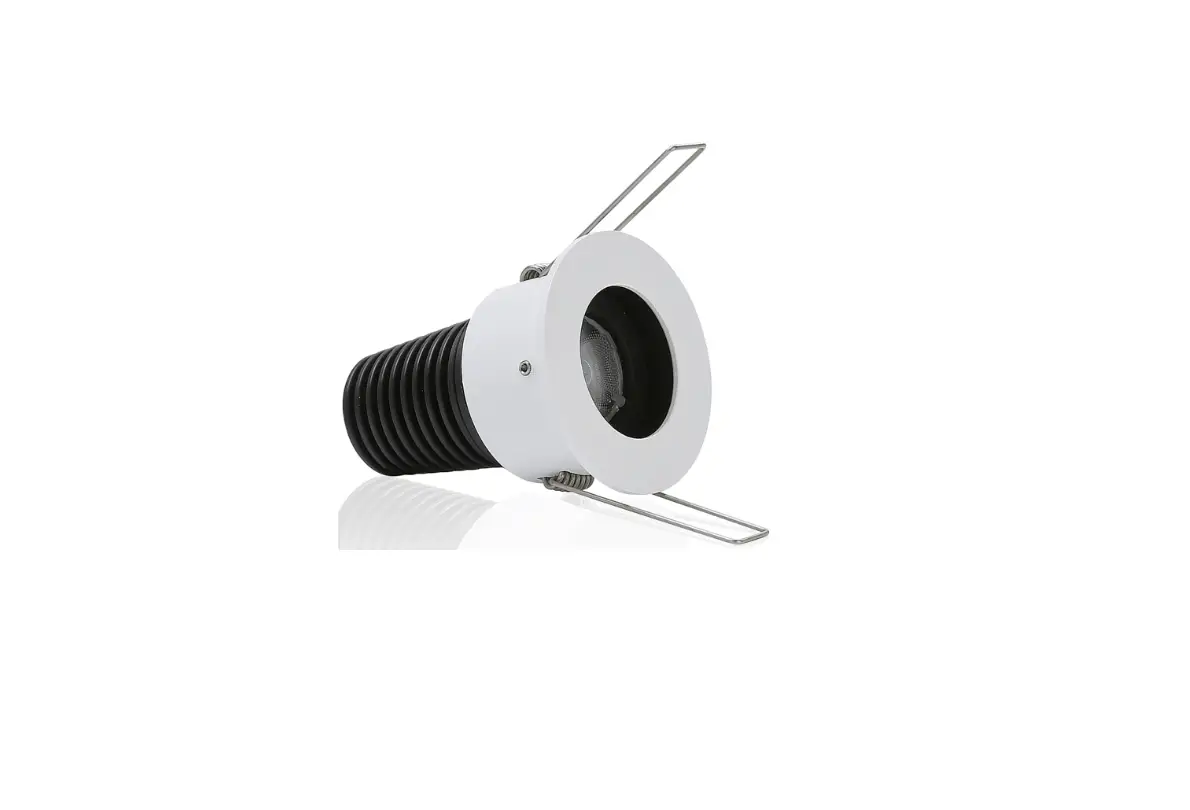
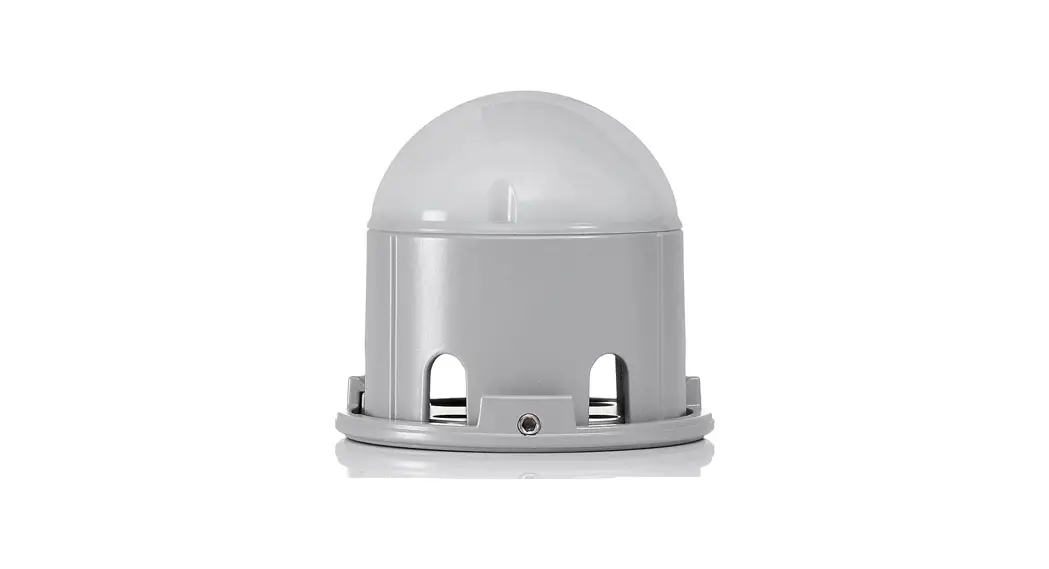
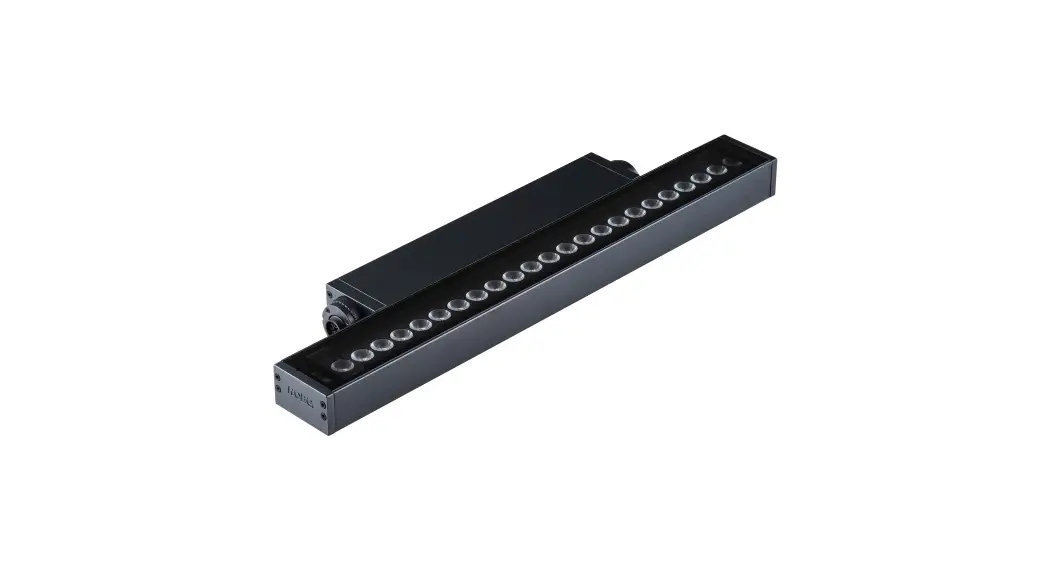
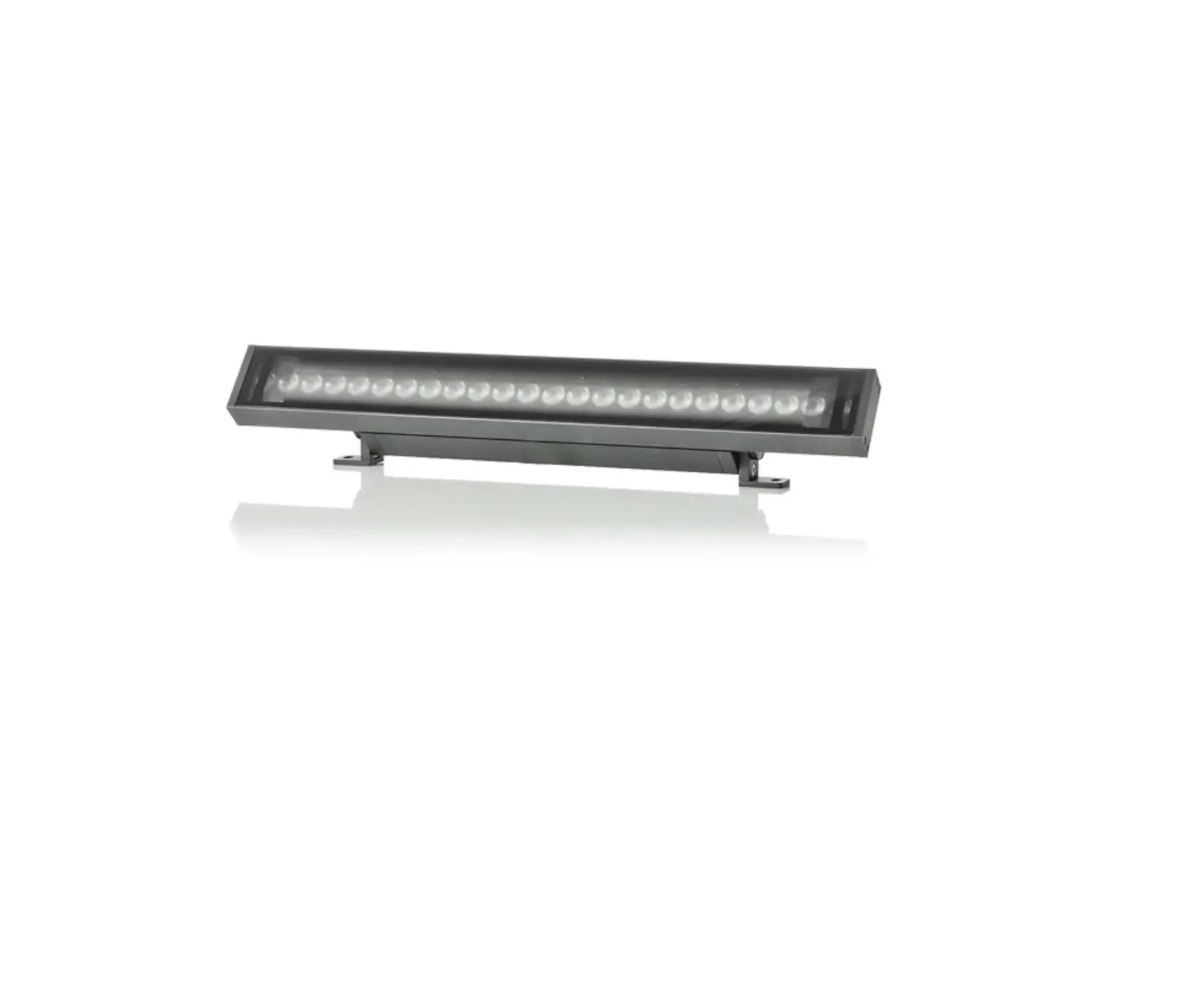
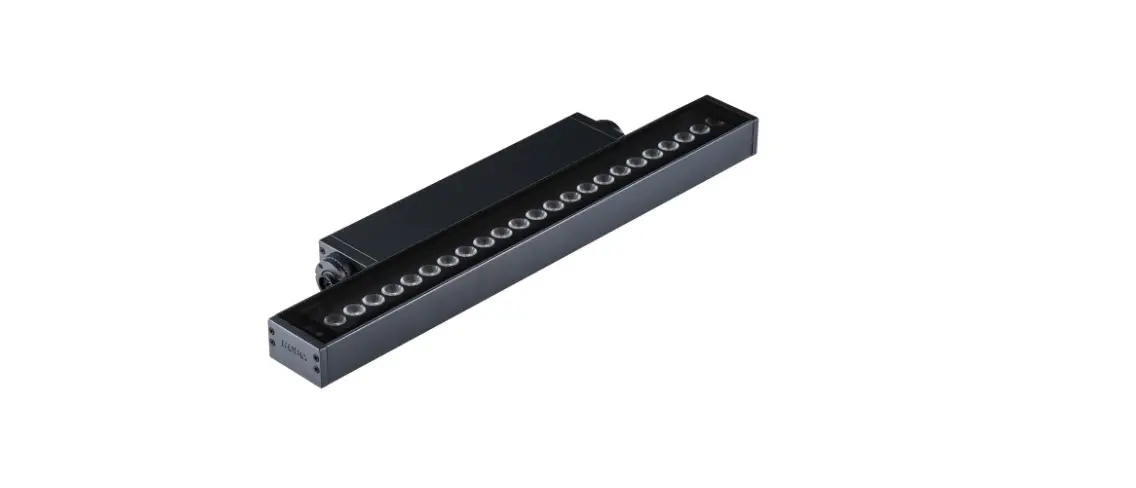
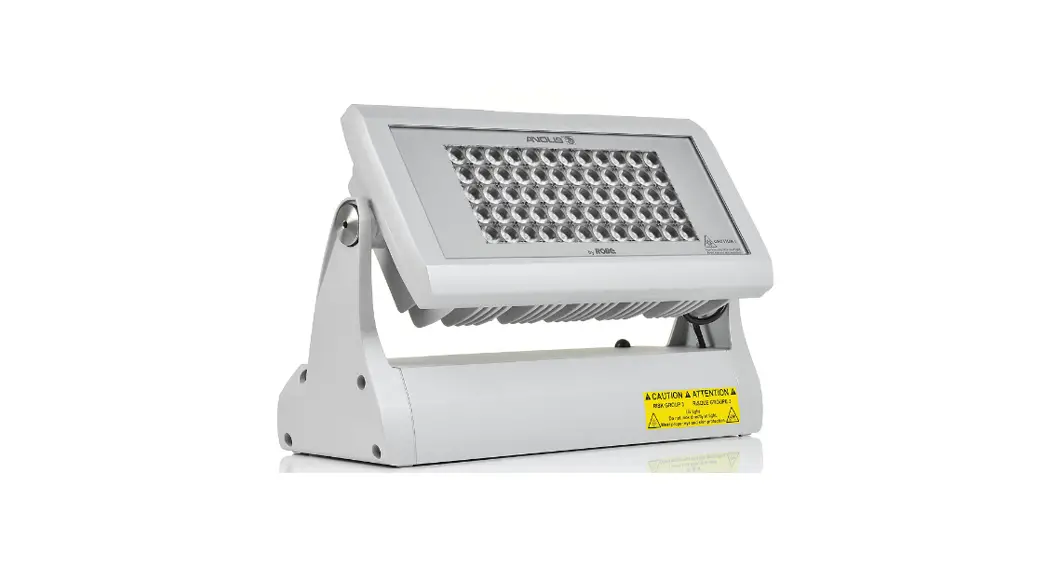
The ARCPIX II is a lighting fixture manufactured by ROBE
lighting s.r.o. It is designed to provide high-quality lighting
effects for various applications. The fixture is equipped with LED
outputs and can be easily installed by a qualified electrician.
Key Features:
- Easy installation and mounting
- Identification label with arrow for consistent orientation
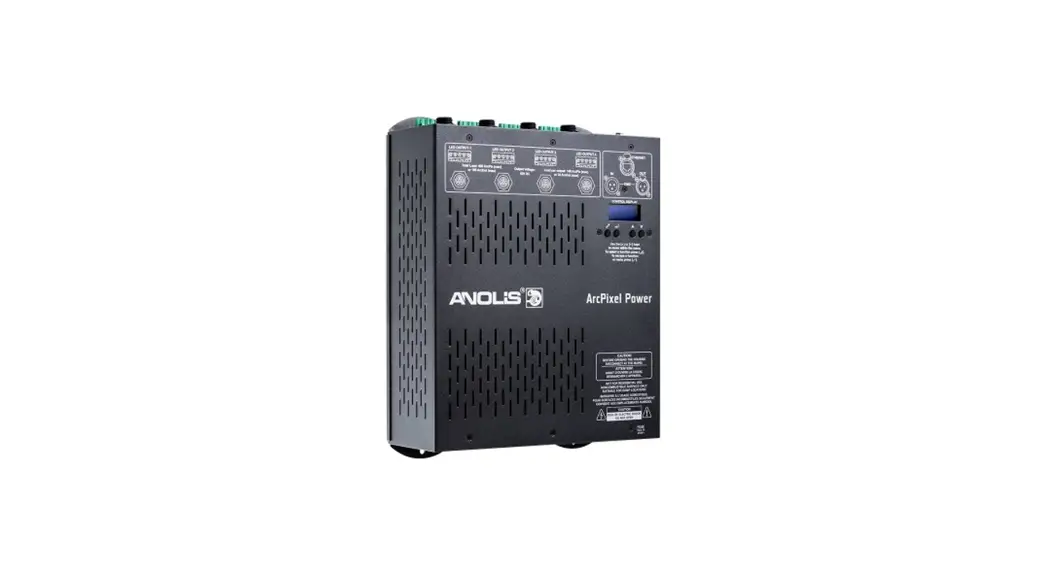
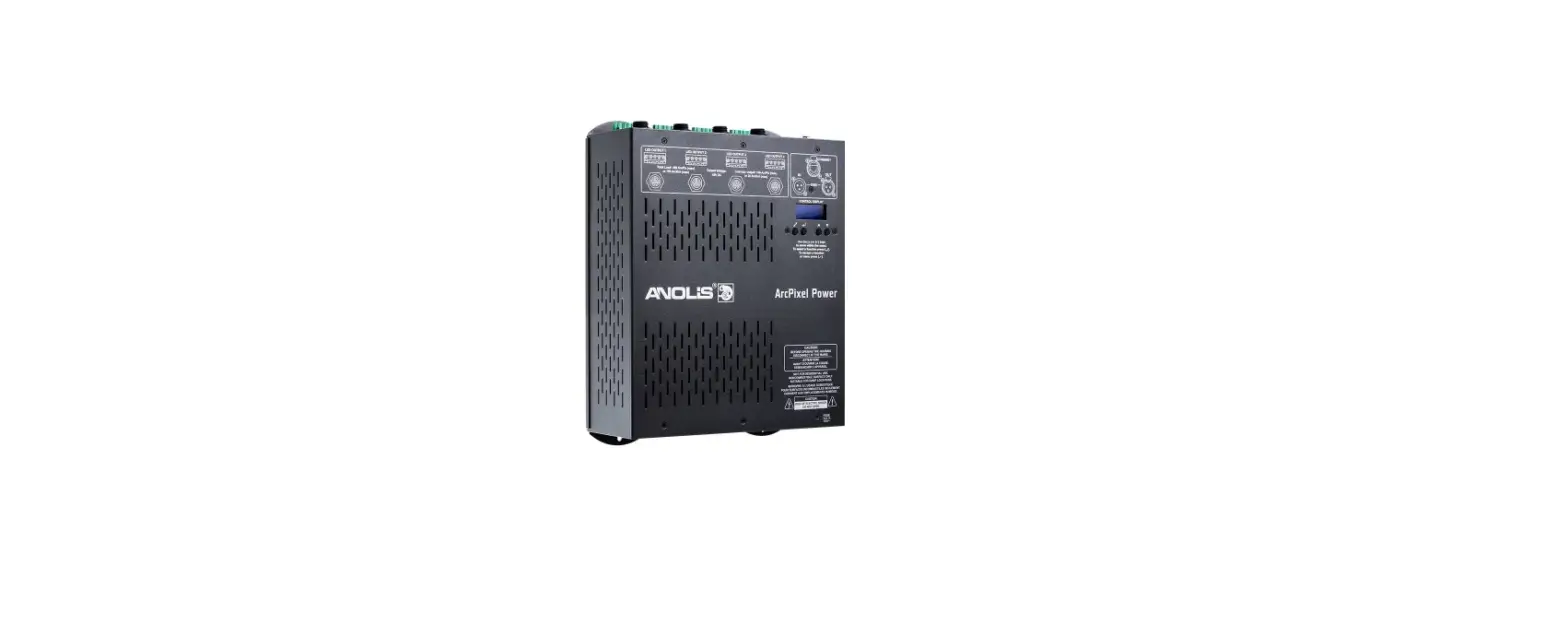
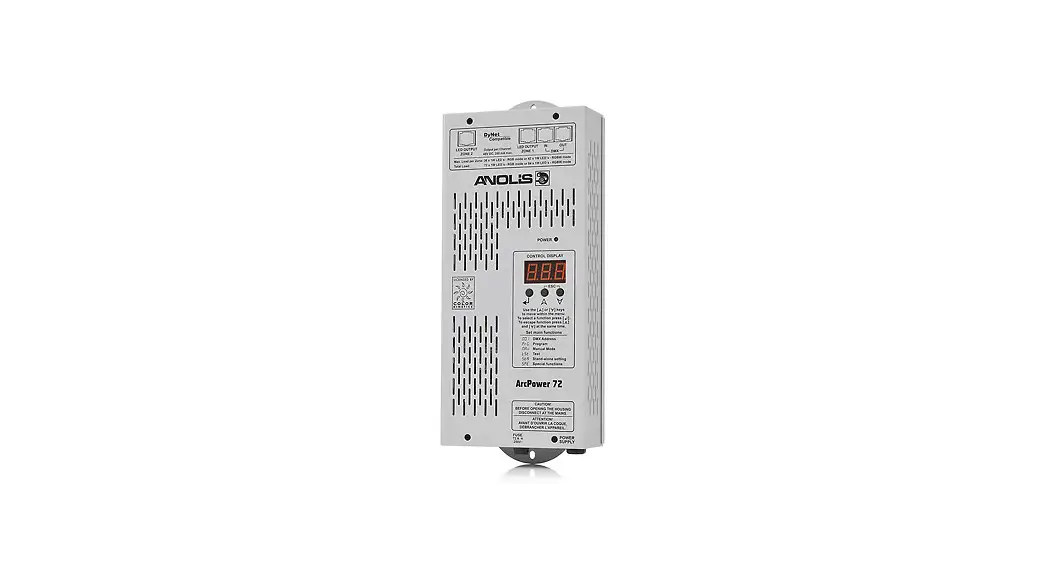
- Compatible with ArcPixel Power and ArcPower Unit Pixel
- Daisy chain capability for connecting multiple fixtures
- Termination box for proper ending of the daisy chain
- Maximum length between Arc Power and the last ArcPix II: 100
meters
Product Usage Instructions
Step 1: Install Housing
- Mount the Adapter: Drill holes on the mounting surface
according to the mount adapter holes spacing. - Choose suitable screws: The length, diameter, and type of
screws depend on the installation conditions. Ensure that the screw
heads do not stick out of the mount adapter. - Position the adapter: Prepare the correct mounting position for
the adapter, ensuring that all adapters are oriented in the same
direction. Avoid over-tightening the fasteners to prevent damage to
the mounting adapter.
Step 2: Install Luminaire
Each ArcPix II has an identification label with an arrow on the
bottom side. During installation, maintain the same orientation of
the ArcPix II lines to ensure consistent light characteristics.
Snap the ArcPix II into the mount adapter.
Step 3: Connect Luminaire
Ensure that the maximum length between the Arc Power and the
last ArcPix II does not exceed 100 meters. Do not connect or
disconnect the ArcPix II strings when the ArcPixel power/ArcPower
Unit Pixel is energized.
1A ArcPixel Power: Install terminal blocks on the cable and
connect it to the LED outputs of the ArcPixel Power.
1B ArcPower Unit Pixel: Install terminal blocks on the cable and
connect it to the LED outputs of the ArcPower Unit Pixel.
Step 4: Termination Box
- Remove the front cover from the termination box.
- Separate wire cores: Strip isolation from the end of the 5-wire
flat cable (approximately 40 mm length). - Insert the cable: Insert the 5-wire flat cable through the
bushing into the base of the termination box until it touches the
partition. Align the cores into cutting edges. - Assemble the box: Put the cover on the base and press both
parts together until they snap into place. Use suitable pliers with
flat jaws if necessary. - Screw the box: Use the hole in the housing of the termination
box to screw it to the mounting surface.
Note: Always refer to the official product manual for detailed
instructions and safety guidelines.
INSTALLATION INSTRUCTIONS ARCPIX II
QR code for Installations Instructions
ROBE lighting s. r. o. | Palackeho 416 | 757 01 Valasske Mezirici | Czech Republic | Tel.: +420 571 751 500 | E-mail: [email protected] | www.anolislighting.com
VERSION 2.0 / 2_2023
1
INSTALLATION INSTRUCTIONS ARCPIX II
Fixture must be installed by a qualified electrican in accordance with all national and local electrical and construction codes and regulations.
STEP 1 INSTALL HOUSING
1
Mount Adapter
Drill hole to the mounting surface according to mount adapter holes spacing.
2
Length, diameter and type of screw depends on conditions of installation. The head of the screw should not be sticking out of the mount adapter. Otherwise, the ArcPix II may not seat properly in the mounting adapter.
3
Prepare the correct mounting position of the adapter, making sure that all of them are oriented in the same direction.
Take care not to over tighten the fastener to avoid damaging the mounting adapter.
ROBE lighting s. r. o. | Palackeho 416 | 757 01 Valasske Mezirici | Czech Republic | Tel.: +420 571 751 500 | E-mail: [email protected] | www.anolislighting.com
VERSION 2.0 / 2_2023
2
INSTALLATION INSTRUCTIONS ARCPIX II
STEP 2 INSTALL LUMINAIRE
Every ArcPix II has an identification label with arrow on the bottom side. When you do your installation, keep the same orientation of the ArcPix II lines to ensure the same light characteristic of each line.
Snap the ArcPix II into the mount adapter.
STEP 3 CONNECT LUMINAIRE
Maximum length between the Arc Power and the last ArcPix II must not exceed 100 meters. Do not connect or disconnect the ArcPix II
strings with the ArcPixel power/ArcPower Unit Pixel energized.
1A ArcPixel Power
1B ArcPower Unit Pixel
Install terminal blocks on cable and connect it to the LED outputs of the ArcPixel Power.
The ferrite with one turn of the flat cable has to be placed on the cable at each ArcPix II output of the ArcPixel Power, and this ferrite (without cable turn – cable goes directly through ferrite, ferrite cover is snapped only) has to be placed after each thirtieth ArcPix II in the ArcPix II line (e.g. 100 ArcPixes II per output = 3 ferrites in a line + 1 ferrite with a cable turn at the ArcPix II output). You should count 100mm of the cable length per one cable turn on ferrite. The ArcPix II line ferrites (between ArcPixes II) have to be placed on the flat cable before mounting of ArcPixes II on an installation surface.
Install terminal blocks on cable and connect it to the LED outputs of the ArcPower Unit Pixel.
ROBE lighting s. r. o. | Palackeho 416 | 757 01 Valasske Mezirici | Czech Republic | Tel.: +420 571 751 500 | E-mail: [email protected] | www.anolislighting.com
VERSION 2.0 / 2_2023
3
INSTALLATION INSTRUCTIONS ARCPIX II
STEP 4 TERMINATION BOX
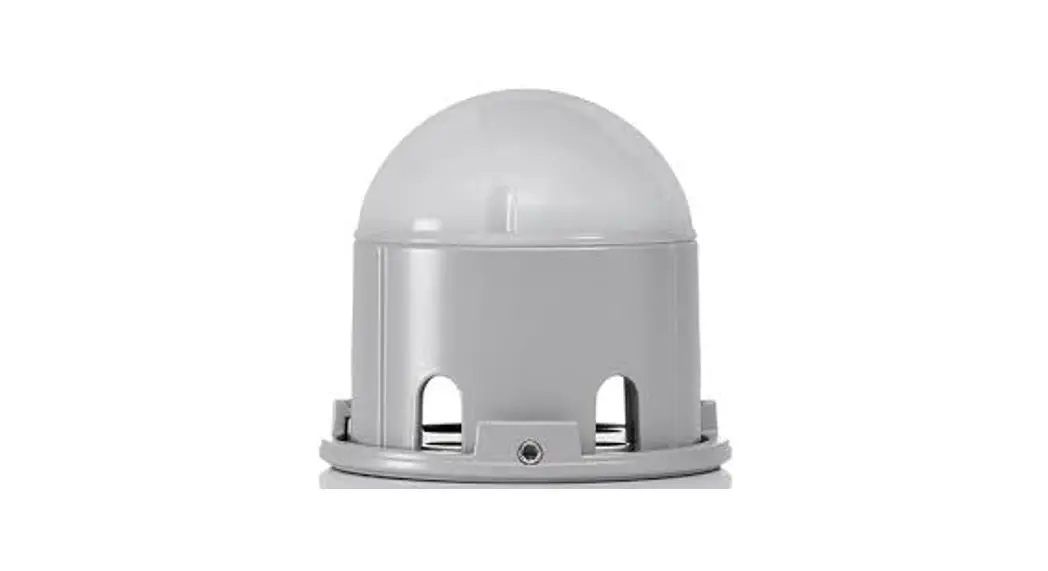
The last ArcPix II in the daisy chain has to be ended by the termination box.
1
2
Remove the front cover from termination box. 3
Separate wire cores from isolation at length cca 40 mm on the end of the 5-wire flat cable. Insert the 5-wire flat cable through the bushing into the base of the termination box until it touches the partition in the termination box and align the cores into cutting edges.
4
Put the cover on the base and press both parts together until both plastic catches snap into slots in the base of the termination box. For pressing use suitable plier with flat jaws if necessary.
5
The cable cores are pressed by the cover and pushed to the contacts in base.
The hole in the housing of the termination box serves for screwing to the mounting surface.
ROBE lighting s. r. o. | Palackeho 416 | 757 01 Valasske Mezirici | Czech Republic | Tel.: +420 571 751 500 | E-mail: [email protected] | www.anolislighting.com
VERSION 2.0 / 2_2023
4
INSTALLATION INSTRUCTIONS ARCPIX II
STEP 5 REPLACING THE ARCPIX II
In case that some ArcPix II in a chain is faulty, cut it off and use the new ArcPix II and two connection boxes to repair faulty ArcPixel II in the chain.
1
2
Cut away the faulty ArcPix II (carefully check the length of the new ArcPix II cable).
3
The minimum distance between ArcPix II centers is 150 mm. 4
Check the correct position orientation of the new ArcPix II before connecting it into connection boxes.
5
Remove the front cover from connection box. 6
Separate cores in length 40 mm on the end of 5-wire flat cable. Insert cable trought the bushing into base of the connection box until it touches the partition in the connection box and align the cores into cutting edges.
7
Put the cover on the base and press both parts together until four plastic catches snap into slots in the base of the termination box. For pressing use suitable plier with flat jaws if necessary.
The cable cores are pressed by the cover and pushed to the
ROBE lighting s. r. o. | Palackeho 416 | 757 01 Valasske Mezirici | Czech Republic | Tel.: +420 571 751 500 | E-mail: [email protected] | www.anolislighting.com
VERSION 2.0 / 2_2023
5