
NISSEI PS30SWI Power Supply
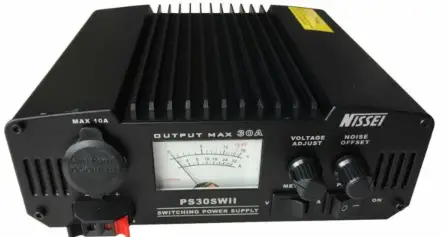
Power Supply PS30SWI
The Power Supply PS30SWI is a high-quality power supply designed to provide continuous and surge output voltage regulation of less than 2%. It is equipped with a precision output voltage regulation of less than 2% and low peak-peak ripple of less than 80mV, making it ideal for use with most base and mobile radios, communications equipment, automobile sound systems, portable entertainment equipment and appliances, test equipment, and appliances.
SPECIFICATIONS
- Model: PS30SWI
- Input voltage: DC 13.8V Fixed
- Output voltage: Less than 2%
- Continuous (13.8V)
- Surge (13.8V)
- Protection: Fuse
- Ripple & Noise: Less than 80mV
- Meter: Analog Volt/ Amp meter with back-lit
- Dimension: N/A
- Net Weight: N/A
FEATURES
- Short-circuit, Automatic current limiting
- Front panel Analog Volt/ Amp meter with back-lit
- Rear panel binding posts output terminals (30A max)
- Precision output voltage regulation of less than 2%
- Low peak-peak ripple of less than 80mV
- Noise offset volume control
- External fuse access
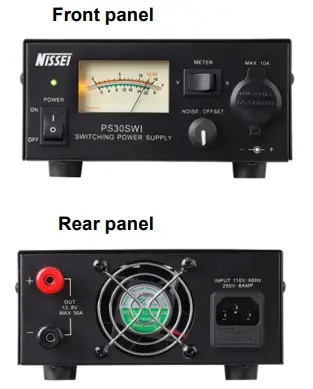
FRONT PANEL
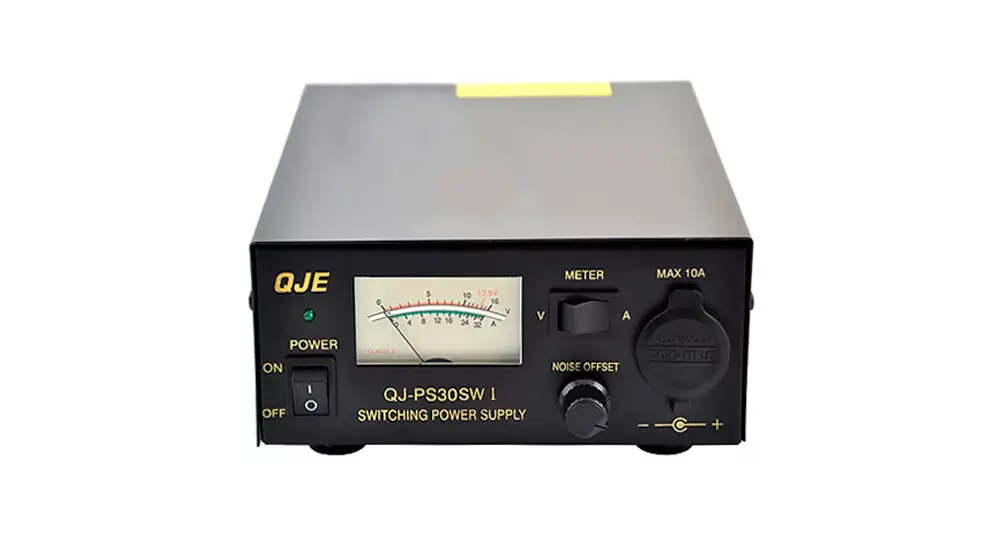
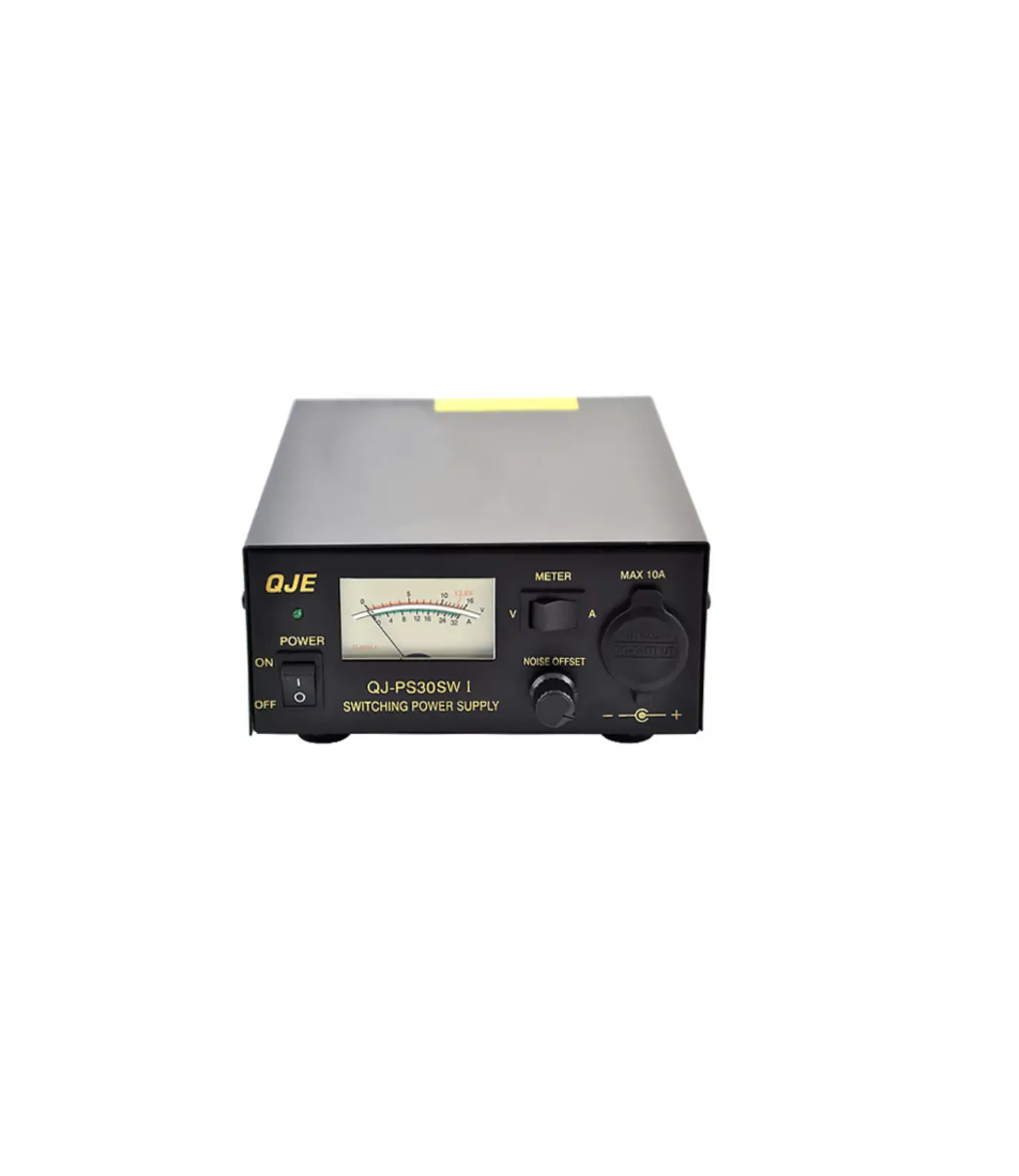
The front panel of the Power Supply PS30SWI includes a power switch, noise offset volume control, and an analog Volt/ Amp meter with back-lit.
APPLICATION
The Power Supply PS30SWI is ideal for use with most base and mobile radios, communications equipment, automobile sound systems, portable entertainment equipment and appliances, test equipment, and appliances.
REAR PANEL
- Power switch
- Noise offset volume control
- Volt/ Amp meter
- Meter switch
- Cigarette plug terminal (10A max)
- Output terminal (30A max)
- Cooling fan
- FUSE
USAGE INSTRUCTIONS
- Connect the Power Supply PS30SWI to a DC 13.8V Fixed input voltage source.
- Turn on the power switch located on the rear panel of the power supply.
- Adjust the noise offset volume control to minimize any interference or noise in the output signal.
- Connect the device or equipment to be powered to the binding posts output terminals located on the rear panel of the power supply.
- Use the analog Volt/ Amp meter located on the front panel to monitor the voltage and current levels of the output signal.
- If necessary, adjust the meter switch to select between voltage or current readings on the meter.
- Monitor the temperature of the power supply and ensure adequate ventilation by keeping the cooling fan unobstructed.
- If the power supply fails to operate, check the external fuse access located on the rear panel of the power supply and replace the fuse if necessary.
Power Supply PS30SW
SPECIFICATION
| Model | PS30SWI |
| Input voltage | 220VAC ±10% 50Hz |
| Output voltage | DC 13.8V Fixed |
| Output voltage regulation | Less than 2% |
| Continuous (13.8V) | 20A |
| Surge (13.8V) | 30A |
| Protection | Short-circuit, Automatic current limiting over 30A |
| Fuse | 5A/250V |
| Ripple & Noise | Less than 80mVp-p at rated load |
| Meter | Single Volt/Amp meter with back-lit |
| Dimension | 150(W)×70(H)×200(L)mm |
| Net Weight | approx. 1.5kg |
FEATURES
- Short-circuit, Automatic current limiting Front panel
- Analog Volt/ Amp meter with back-lit
- Rear panel binding posts output terminals (30A max)
- Precision output voltage regulation of less than 2%
- Low peak-peak ripple of less than 80mV
- Noise offset volume control
- External fuse access
APPLICATION
- Most base and mobile radios
- Communications equipments
- Auto mobile sound systems
- Portable entertainment equipment and appliance
- Test equipment and appliances
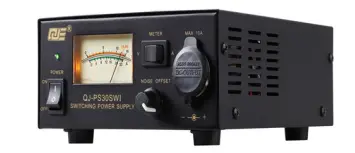
PART NAME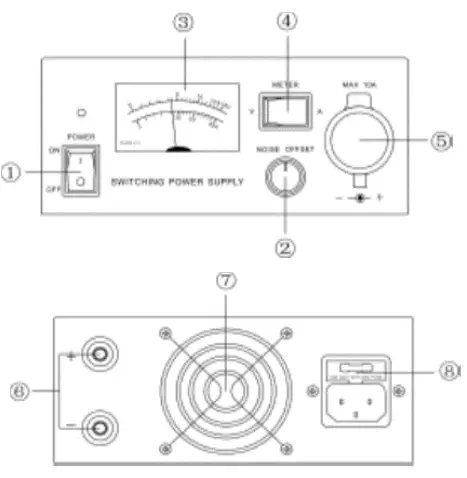
- Power switch
- Noise offset volume control
- Volt/ Amp meter
- Meter switch
- Cigarette plug terminal (10A max)
- Output terminal (30A max)
- Cooling fan
- FUSE