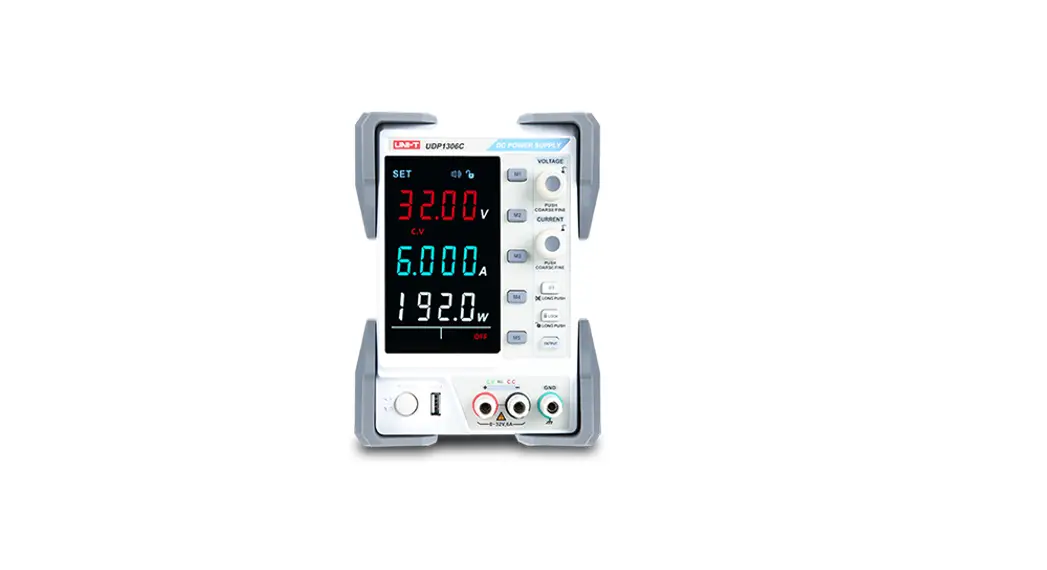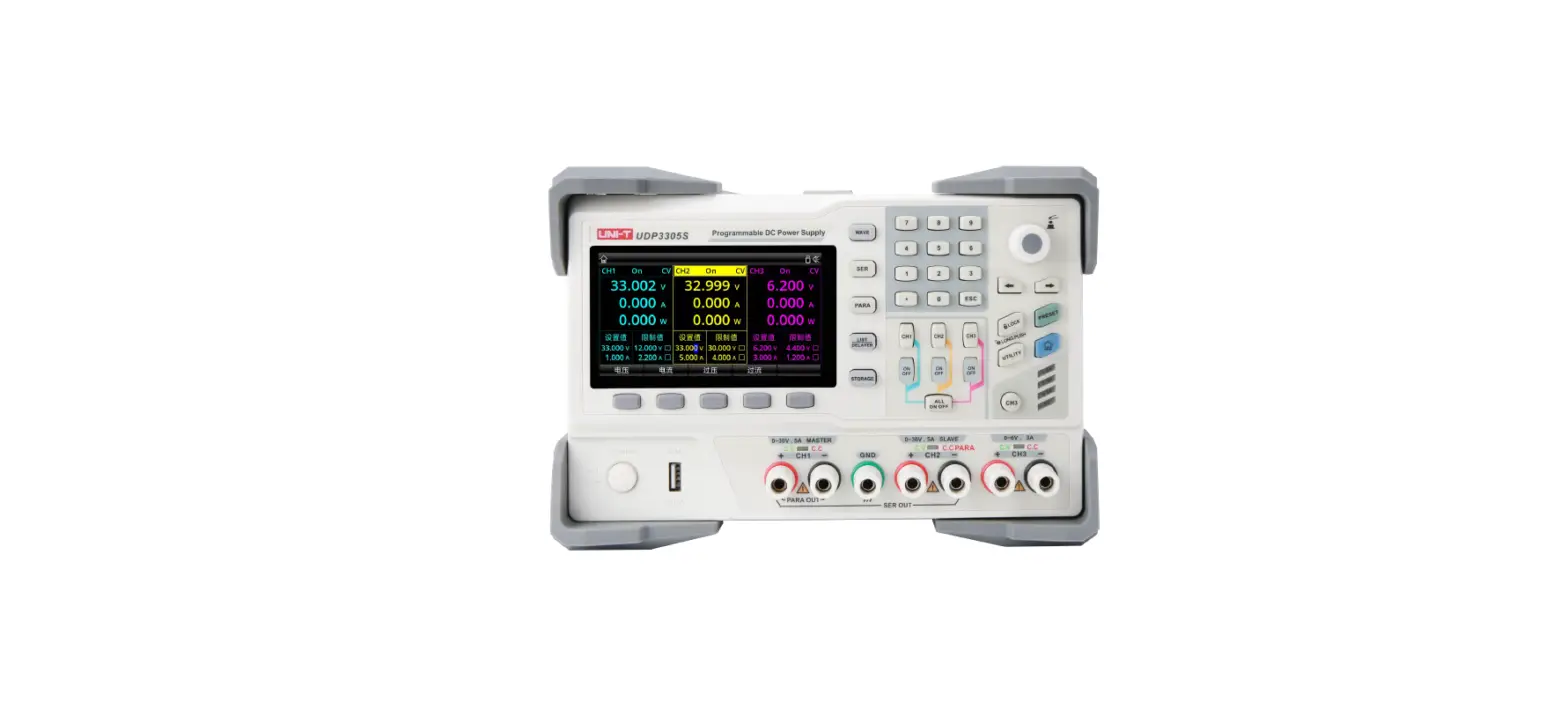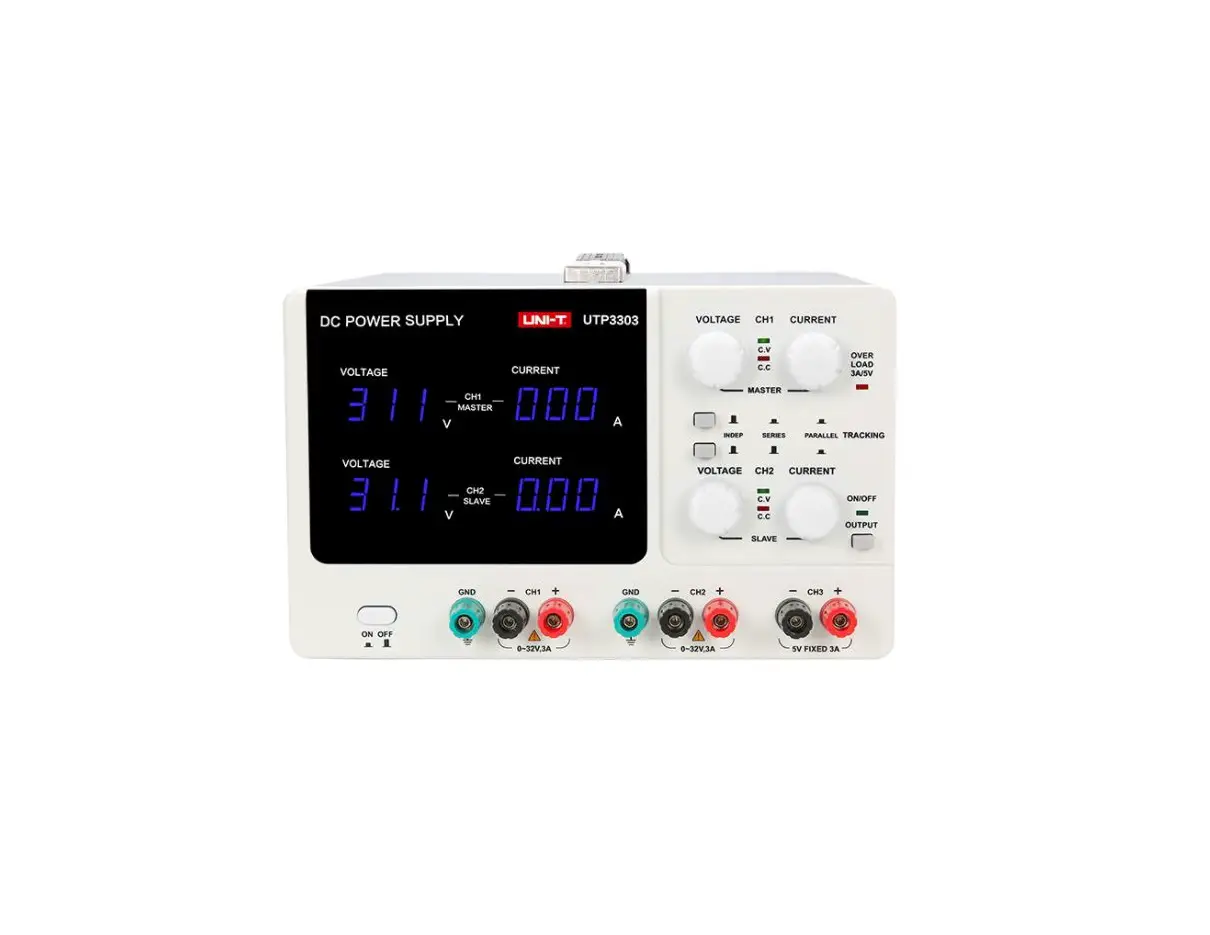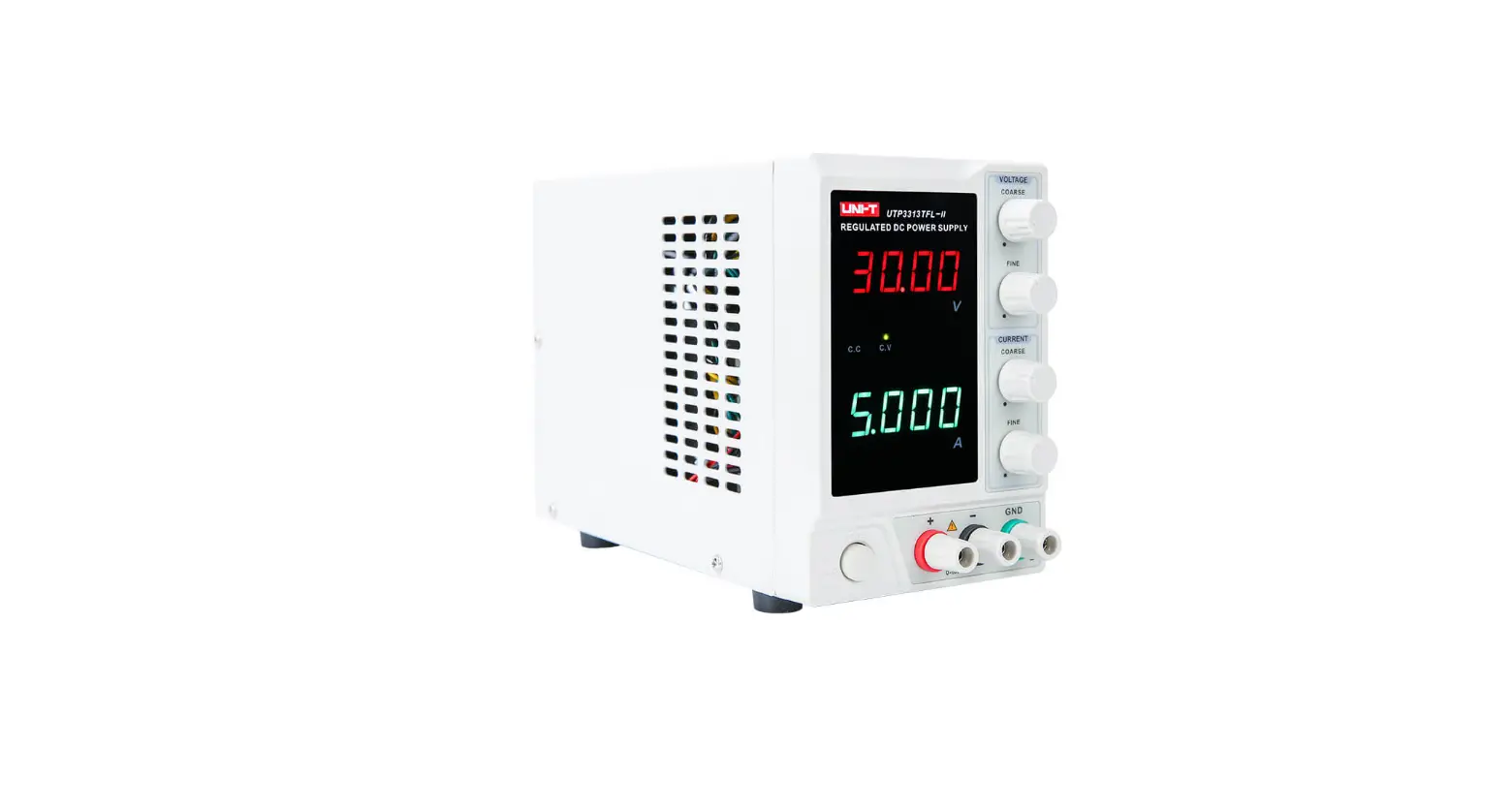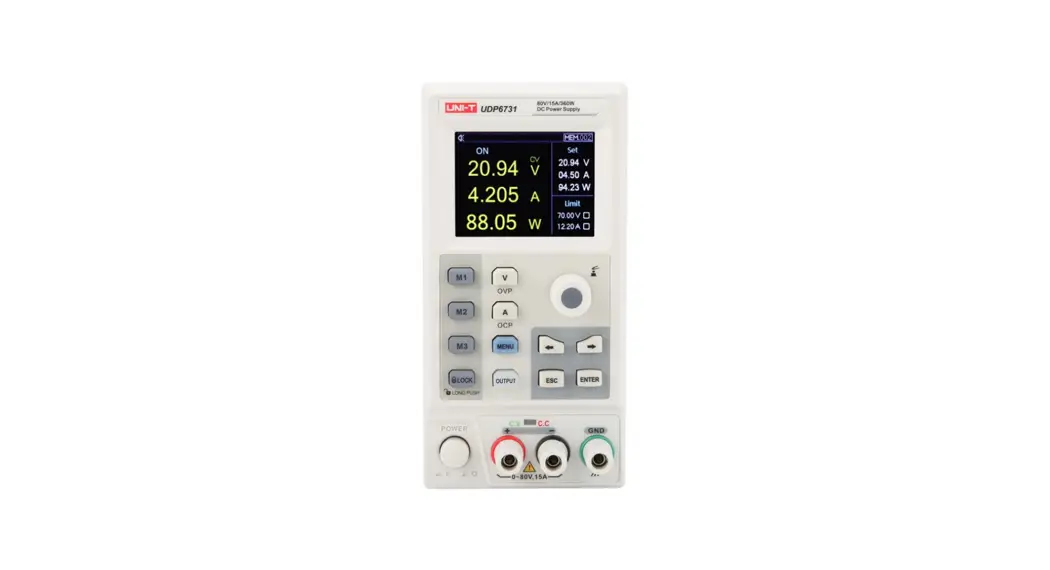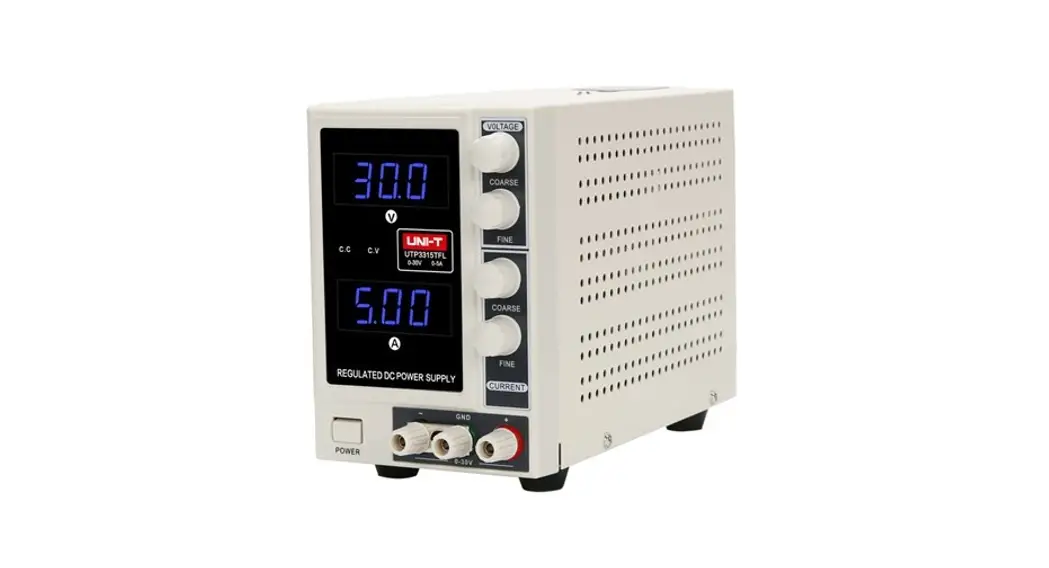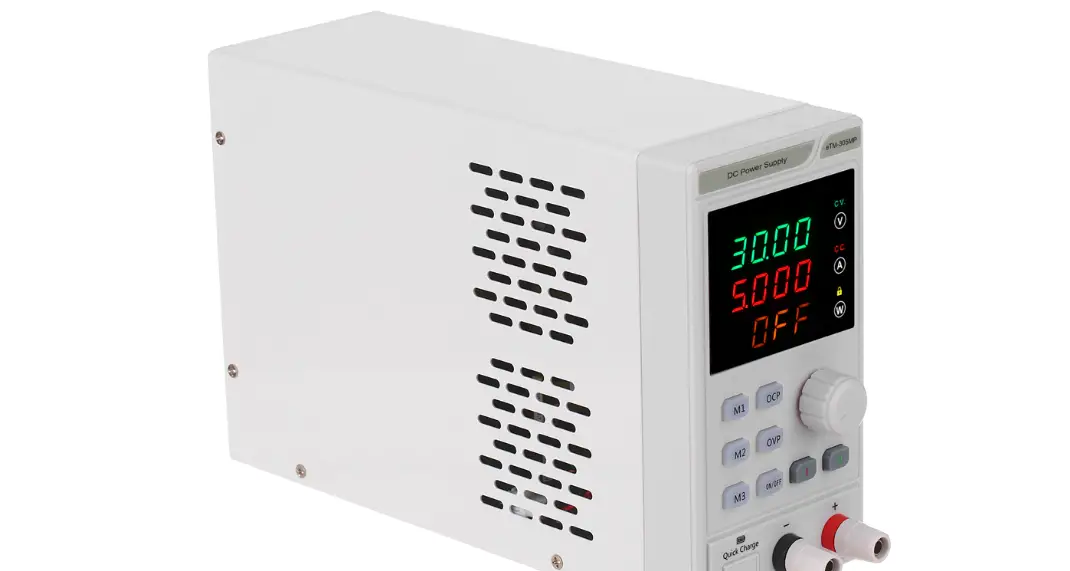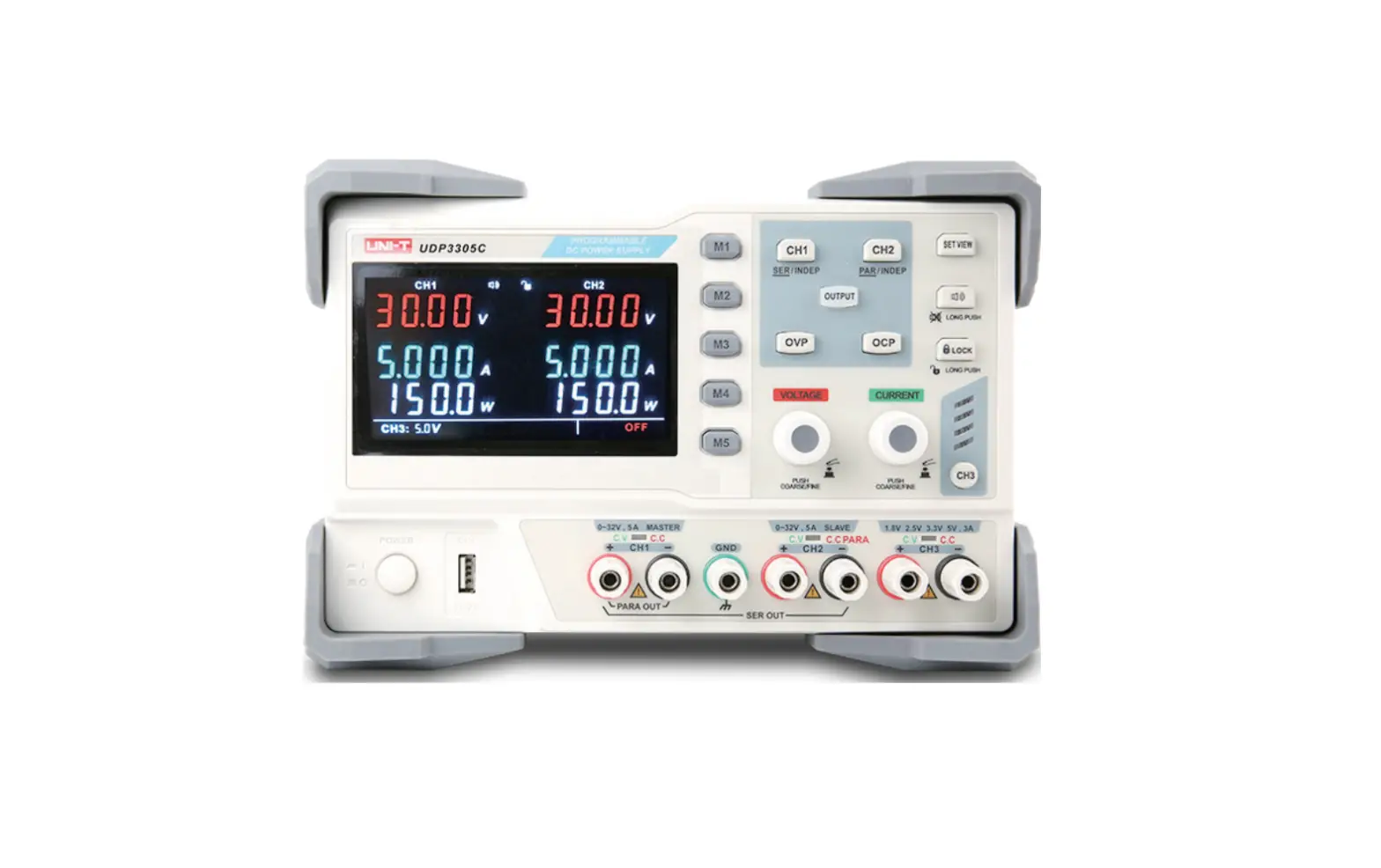
UNI-T UDP3000 Series DC Power Supplies User Manual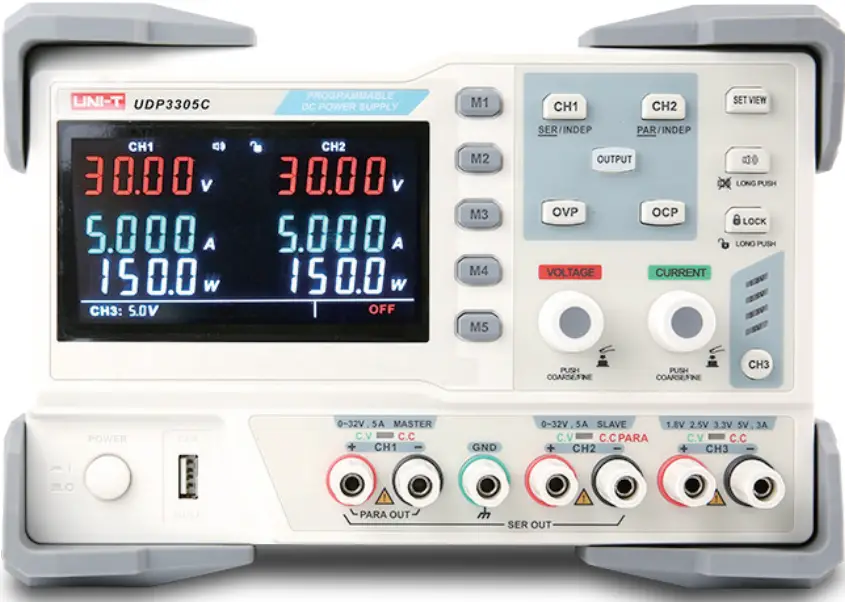
*IDN?
Syntax *IDN?
Functional Description Query the instrument information of manufacturer name, product model, product serial number and software version.
Return Format The query returns , < product model>, , < software version>.
*SAV
Syntax *SAV
Functional Description
Save the current setting with the specified name into nonvolatile memory.
Example
*SAV 1
Save the current setting with the specified name “1” into nonvolatile memory.
*RCL
Syntax *RCL
Functional Description Recall the saved instrument status.
Example *RCL 1 Recall the system “status 1” from nonvolatile memory
INSTrument
Syntax
INSTrument < channel >
< Channel > :={ CH1 | CH2| CH3}
Functional Description
Select the channel that need to be operated.
Example
INSTrument CH1
INSTrument?
Syntax
INSTrument?
Functional Description
Query the currently operating channel.
Example
INSTrument? The query returns CH1.
MEASure:CURRent?
Syntax
MEASure:CURRent? < channel >
< Channel >: ={ CH1 | CH2| CH3}
Functional Description
Query the measuring current value on the output terminal of the specified channel. If no channel is specified, then query the currently operating channel.
Example
MEASure:CURRent? CH1 The query returns 3.000.
MEASure:VOLTage?
Syntax
MEASure:VOLTage? < channel>
< Channel >: ={ CH1 | CH2| CH3}
Functional Description
Query the measuring voltage value on the output terminal of the specified channel. If no channel is specified, then query the currently operating channel.
Example
MEASure:VOLTage? CH1 The query returns 30.000.
MEASure:POWEr?
Syntax
MEASure:POWEr? < channel >
< Channel >: ={ CH1 | CH2}
Functional Description
Query the measuring power value on the output terminal of the specified channel. If no channel is specified, then query the currently operating channel.
Example
MEASure:POWEr? CH1 The query returns 90.000
[SOURce:]CURRent
Syntax
< Channel >: [SOURce:]CURRent < current value >
< Channel > :={ CH1 | CH2}
Functional Description
Set the current value for the currently operating channel.
Example
CH1:CURRent The query returns 0.5.
[SOURce:]CURRent?
Syntax
< Channel >: CURRent?
< Channel >: { CH1 | CH2}
Functional Description
Query the current value of the currently operating channel.
Example
CH1:CURRent? The query returns 0.5.
[SOURce:]VOLTage
Syntax
< Channel >: VOLTaget < voltage value >
< Channel >: ={ CH1 | CH2}
Functional Description
Set the voltage value for the currently operating channel.
Example
CH1:VOLTage 25
[SOURce:] VOLTage?
Syntax
< Channel >: VOLTage?
< Channel >: ={ CH1 | CH2}
Functional Description
Query the voltage value of the currently operating channel.
Example
CH1:VOLTage? The query returns 25
OUTPut
Syntax OUTPut, < status > :={ ON | OFF}
Functional Description Turn on/off the specified channel.
Example OUTPut ON
OUTPut:TRACk
Syntax OUTPut:TRACK : = {0 | 1| 2, it respectively represents independent, serial connection and parallel connection.}
Functional Description Select the operating mode.
Example OUTPut:TRACK 0
OVP:STATus
Syntax
OVP:STATus,< status >
< Status >: = {ON | OFF}
Functional Description
Turn on/off overvoltage protection.
Example
OVP:STATus ON
OCP:STATus
Syntax
OCP:STATus < status >
< Status > :={ ON | OFF}
Functional Description
Turn on/off overcurrent protection.
Example
OCP:STATus ON
OVP:SETting
Syntax
OVP:SETting < channel >,< voltage value >
< Channel > :={ CH1 | CH2}
Functional Description
Set the voltage value of overvoltage protection.
Example
OVP:SETting CH1,32
OCP:SETting
Syntax
OCP:SETting < channel >,< current value >
< Channel > :={ CH1 | CH2}
Functional Description
Set the current value of overcurrent protection.
Example
OCP:SETting CH1, 3
OVP:VALUE?
Syntax
OVP:VALUE? < channel >
< Channel > :={ CH1 | CH2}
Functional Description
Read the voltage value of overvoltage protection.
Example
OVP:VALUE? CH1
OCP: VALUE?
Syntax
OCP: VALUE? < channel >
< Channel > :={ CH1 | CH2}
Functional Description
Read the current value of overcurrent protection.
Example
OCP: VALUE? CH1
Recall: STAT?
Syntax
Recall: STAT?
Functional Description
Read recalled data status
The query returns
0 represents not recall data status.
1 represents recall M1.
2 represents recall M2.
3 represents recall M3.
4 represents recall M4.
5 represents recall M5.
SYSTem: ERRor?
Syntax
SYSTem: ERRor?
Functional Description
Read the error code and information of power supply.
Syntax
SYSTem:VERSion?
Functional Description
Query the software version.
SYSTem:VERSion?
Syntax
SYSTem:STATus?
Functional Description
Return the working status of the instrument
SYSTem: STATus?
Example
SYSTem:STATus? The query returns 0x0224.
Description
The return information is hexadecimal notation. When the user confirms the status, it needs to convert to binary format. The conversion relation is as follows.
| Bit Number | Status |
| 0 | 0: CH1 CV mode; 1: CH1 CC mode |
| 1 | 0: CH2 CV mode; 1: CH2 CC mode |
| 2,3 | 01: Independent mode; 10: Parallel mode 11: Serial mode |
| 4 | 0: Output off ; 1: enable |
| 5 | 0: OVP off ; 1: enable OVP |
| 6 | 0: OCP off ; 1:enable OCP |
 UNI-T Voltage Meter, Multimeter, Oscilloscope | UNI-T-UNI-T Voltage Meter, Multimeter, Oscilloscope | UNI-T