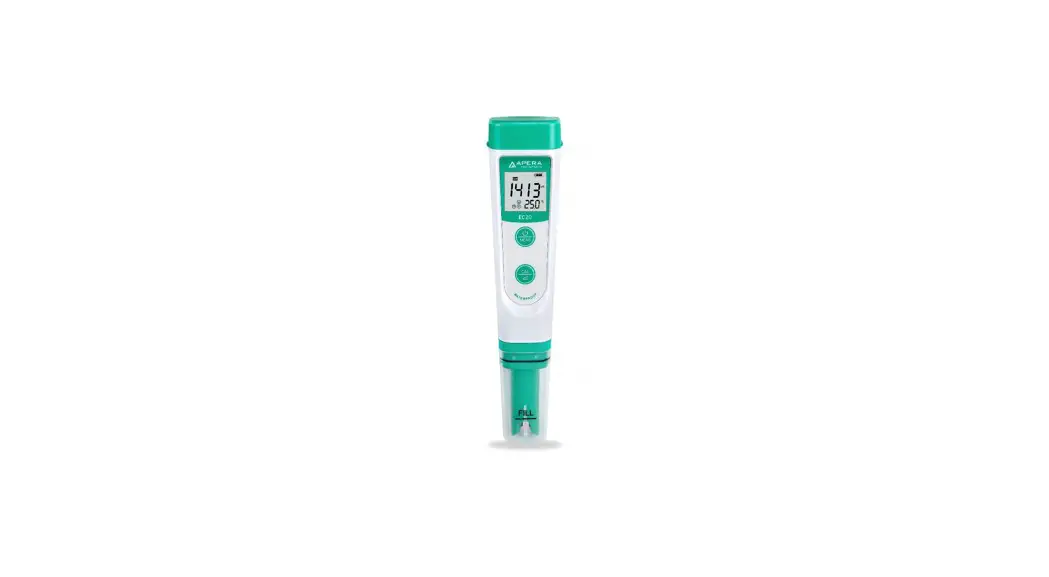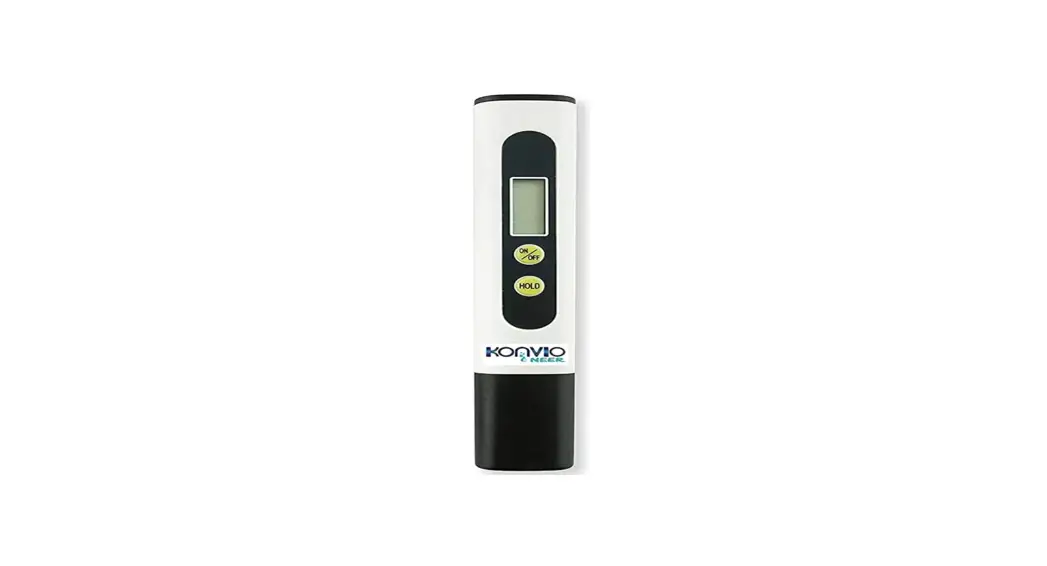
 Konvio Neer TDS Meter
Product is used to Measure Water Quality in PPM
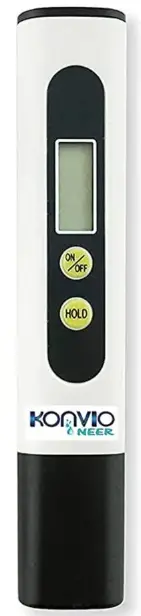
Instruction to Use: –
- Remove the protective Cap
- Turn the TDS Meter on.
- Immerse the meter into the water/solution up to the maximum immersion level.
- Wait until the display stabilizes, the TDS Meter automatically compensates for temperature variations once the readout is stabilized.
- Press the Hold button to save reading.
- After usage, shake off water from your meter or wipe it with a Tissue/Cotton.
| Range: | 0 – 9999 ppm |
| Accuracy: | +/-2% |
| Battery: | 2 x 1.5V (Button Cell) |
(Note: The TDS Meter will display the Value in Multiples of 10 after 999 ppm.
For Example: The value 2500 ppm will be displayed as 250 x 10 ppm.)
CUSTOMER CARE SUPPORT
Contact No.: +91-9205352917
Mail: [email protected]
Scan The QR Code to Register Your Product Warranty