A 3087C
18Gbps 3 Way HDMI Switcher
Operating Instructions
Features
- Support 18Gbps video bandwidth
- HDR, HDR10, Dolby Vision and HLG are supported
- Support video resolution up to 4K@50/60Hz YCbCr 4:4:4
- Support 3D video format
- Low power consumption
- Support IR remote control and panel button control
- Compact design for easy and flexible installation
Package Contents
1× HDMI 3×1 Switcher
1× IR Receiver Cable
1× 5V USB Power Cable
1× Remote Control
1× User Manual
Overview
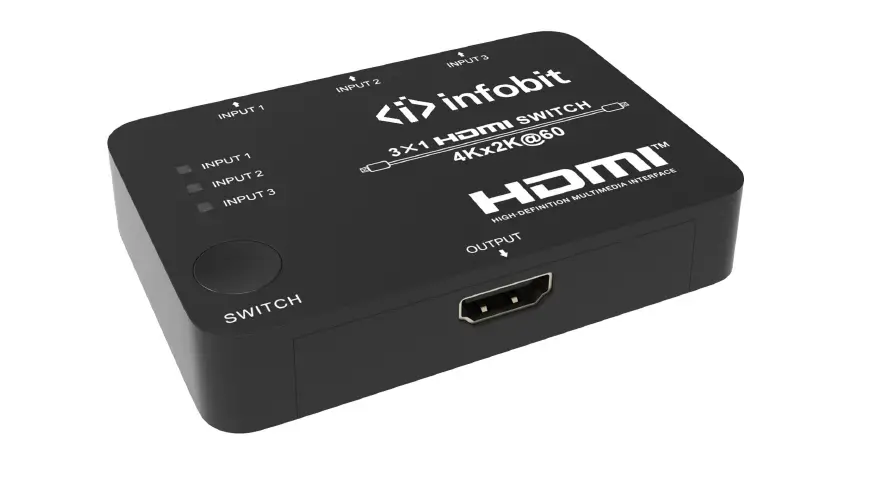
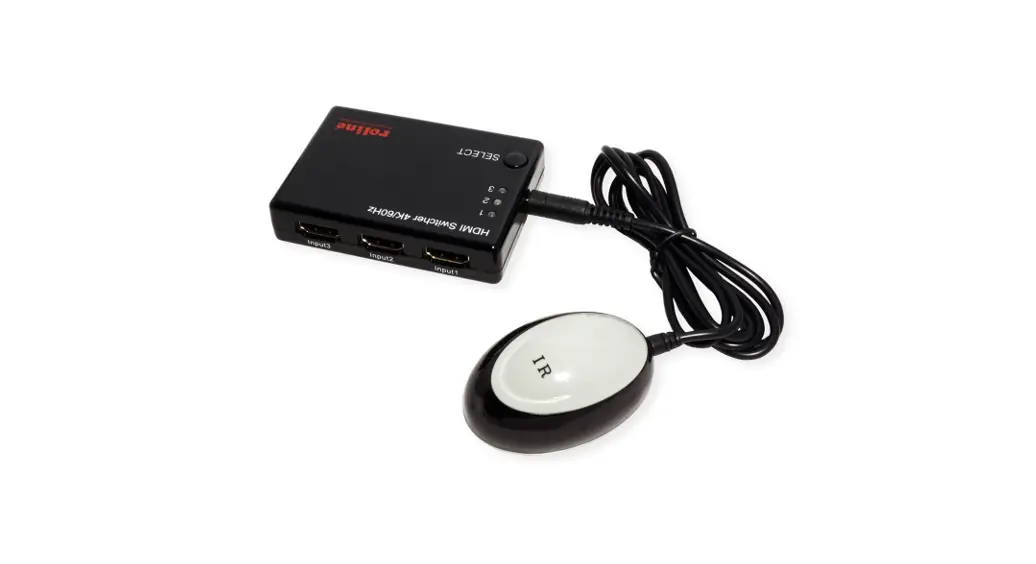
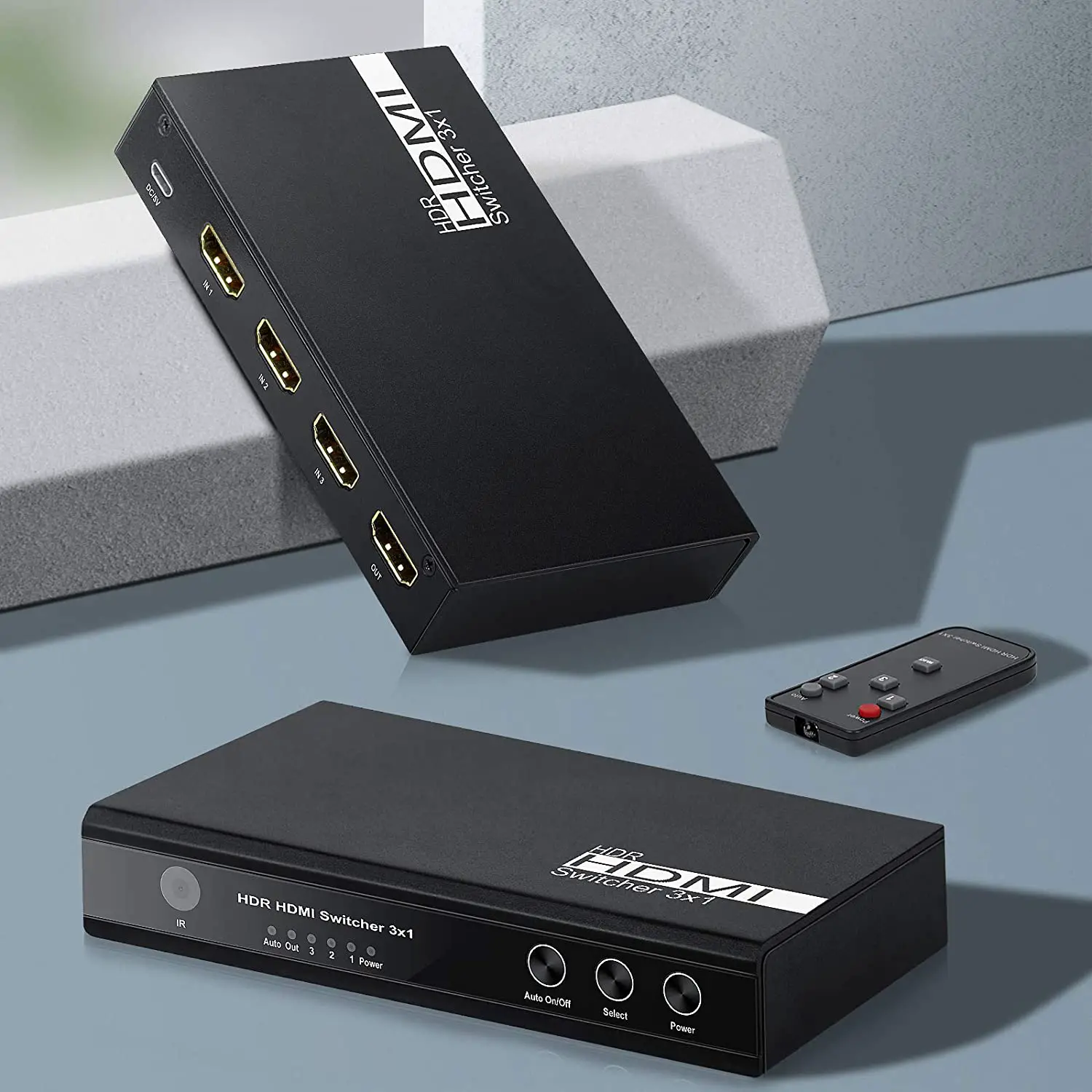
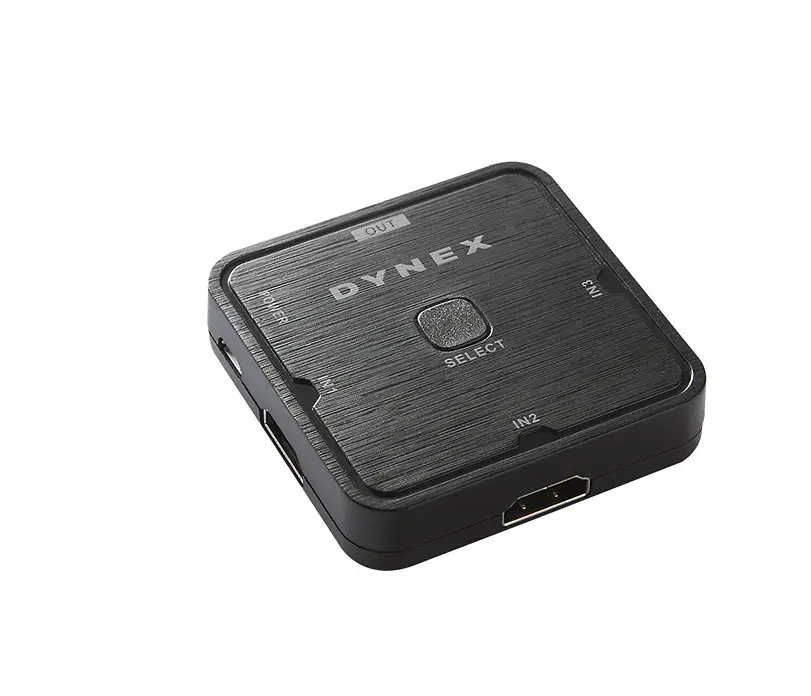
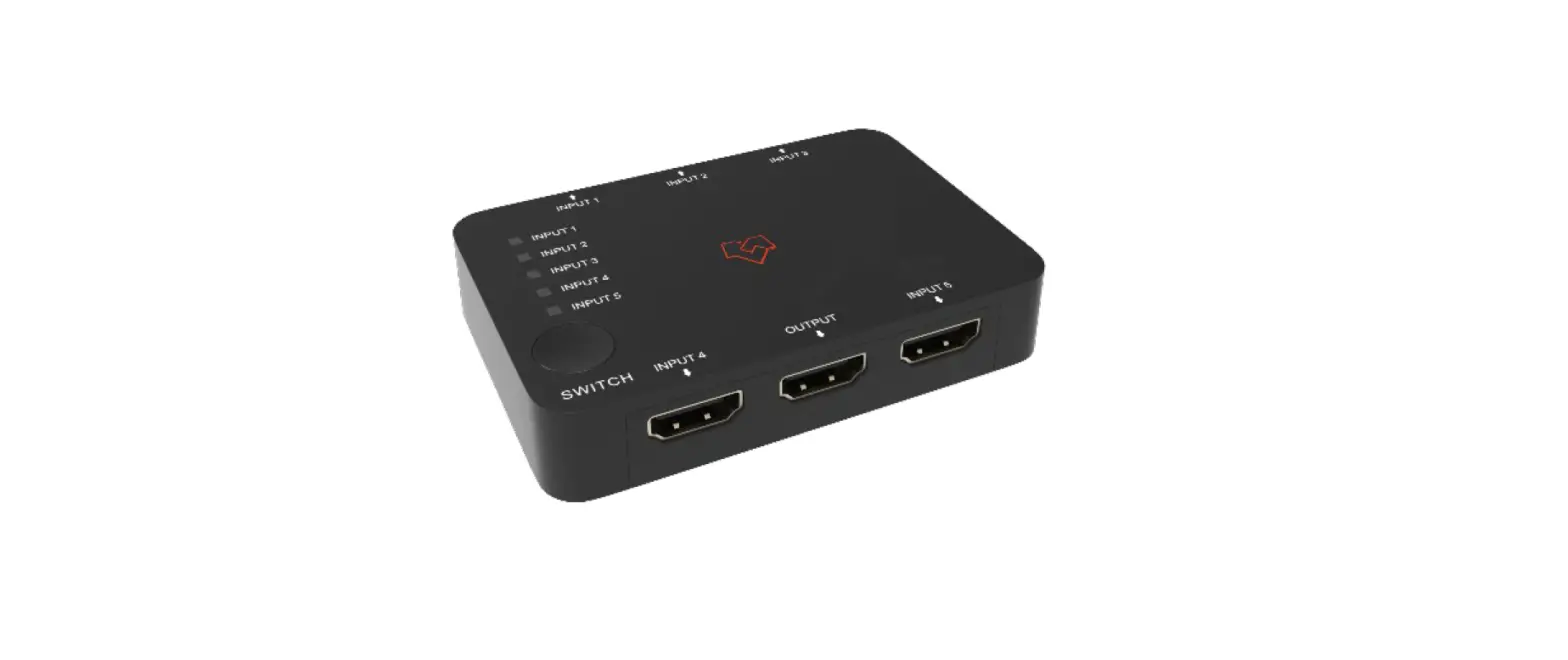
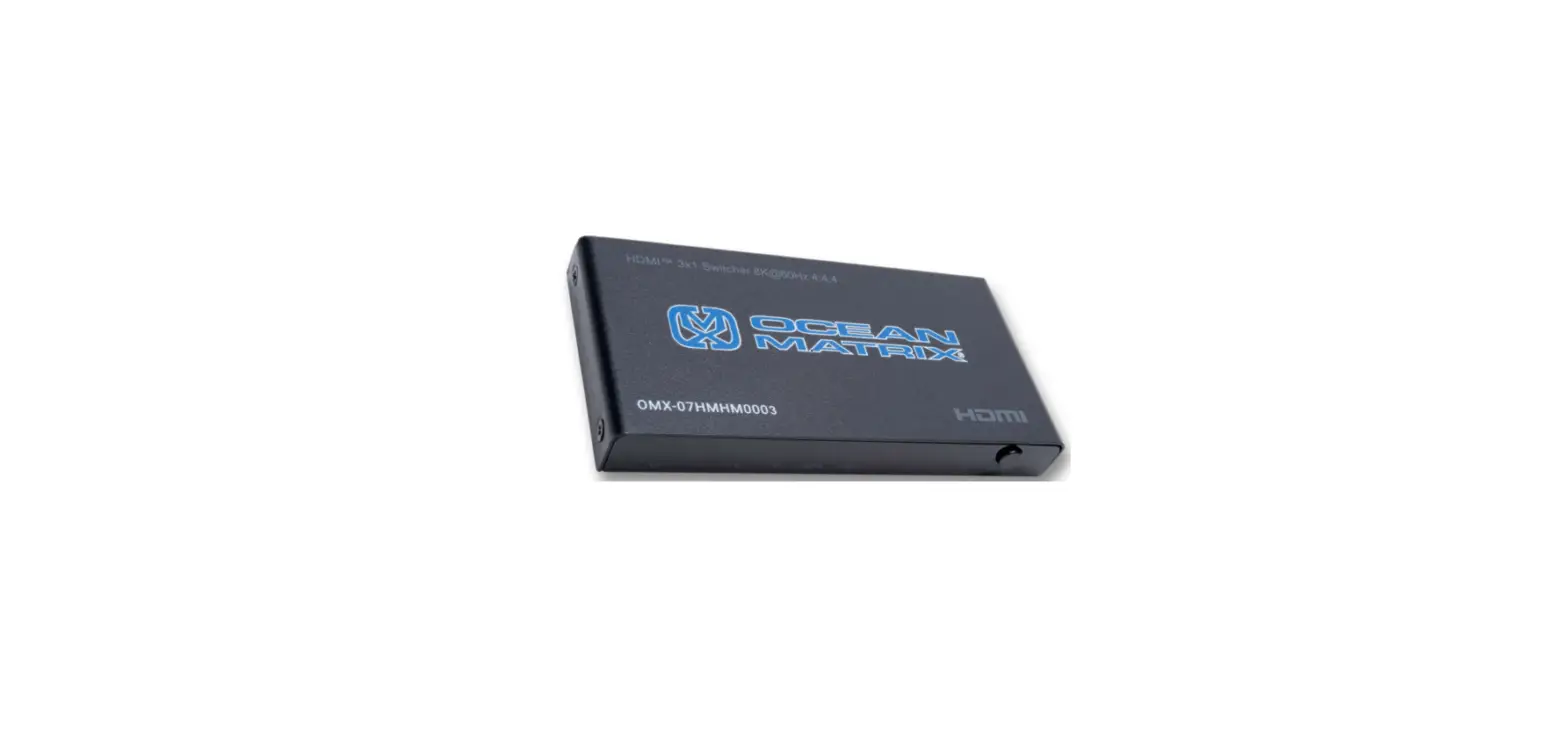
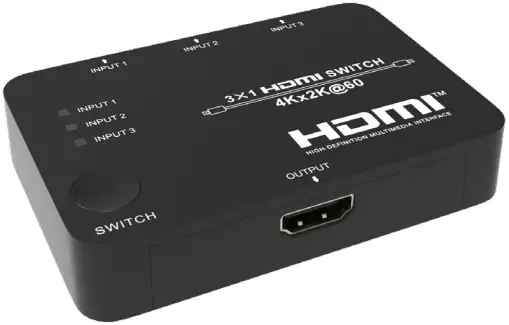
This 18Gbps 3 way HDMI Switcher can switch up to 3 HDMI sources to 1 HDMI display. Supported video resolution is up to 4K@50/60Hz YCbCr 4:4:4. The product supports HDR, HDR10, Dolby Vision and HLG. It supports 3D video formats. It can be controlled by the panel button and IR remote control.
Specifications
| Technical | |
| HDCP Compliance | HDCP 2.2/1.x |
| Video Bandwidth | 18Gbps |
| Video Resolution | Up to 4k@60Hz |
| Color Depth | 8-bit (4K60Hz |
| Color Space | RGB, YCbCr 4:4:4 / 4:2:2. YUV 4:4:4 |
| HDMI Audio Formats | PCM2.0/5.1/7.1CH, Dolby 5.1, DTS 5.1, Dolby True HD, DTS-HD Master Audio |
| ESD Protection | Human body model—±8kV (Air-gap discharge) & ±4kV (Contact discharge) |
| Connection | |
| Input Ports | 3×HDMI Type A (19-pin female) 1×IR IN [3.5mm Stereo Mini-jack] |
| Output Ports | 1×HDMI Type A (19-pin female) |
| Mechanical | |
| Housing | Plastic Enclosure |
| Silkscreen Colour | Black |
| Dimensions (W) × (D) × (H) | 87 × 59.5 × 19mm |
| Weight | 60g |
| Power Supply | Input: 5V/1A |
| Power Consumption | 1.5W |
| Operation Temperature | 0°C ~ 40°C |
| Storage Temperature | -20°C ~ 60°C |
| Relative Humidity | 20~90% RH (non-condensing) |
Switcher Diagram
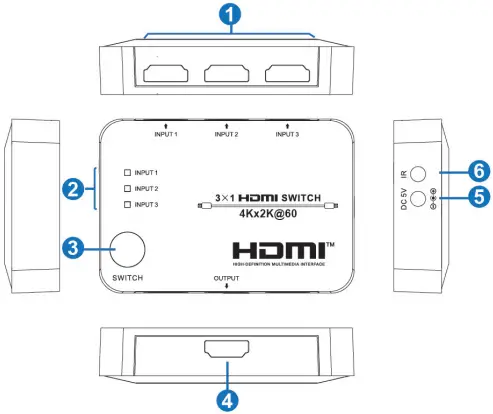
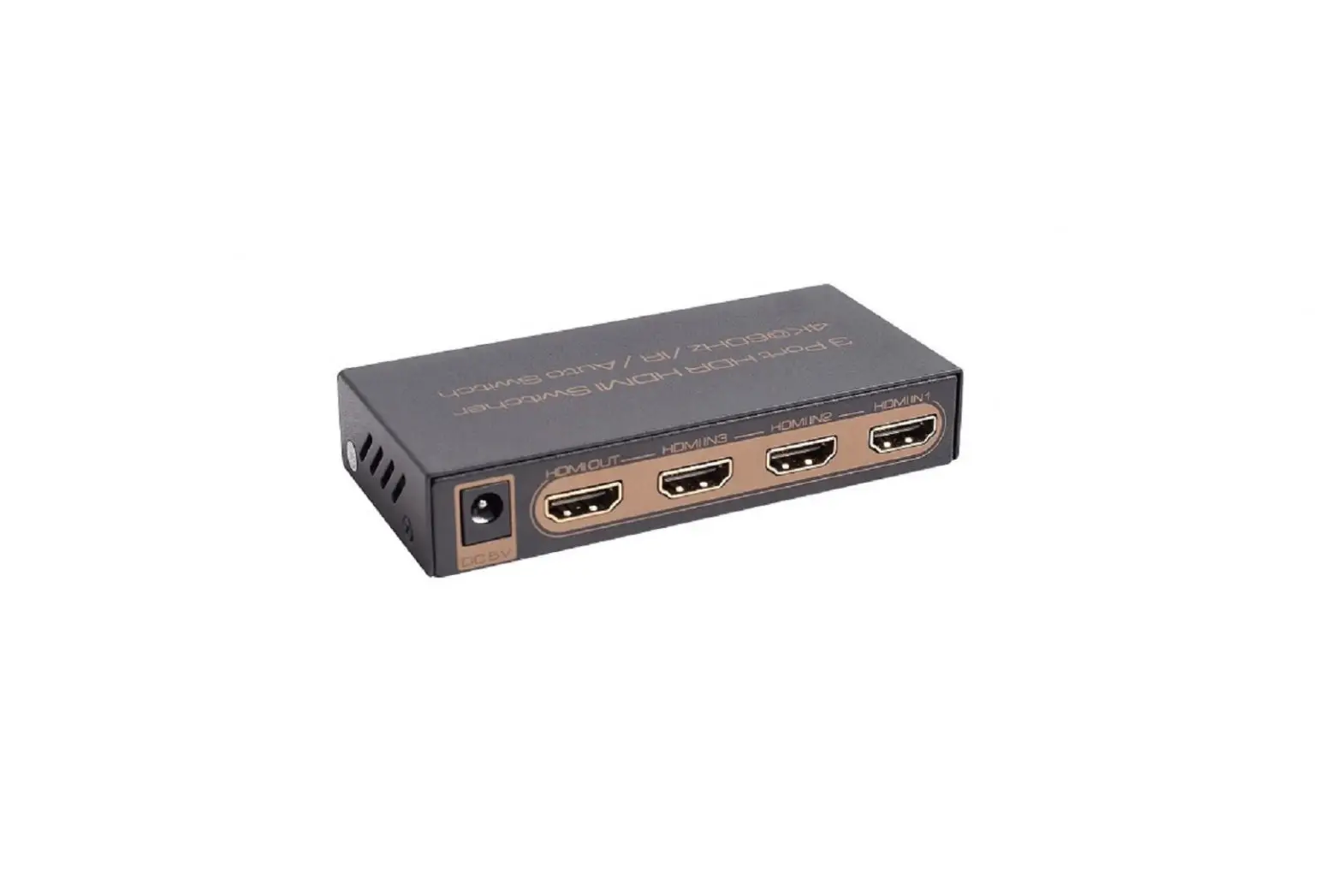
- HDMI INPUT (1/2/3): Connect to HDMI source devices such as DVD player or game console with a HDMI cable.
- INPUT 1/2/3 LED: The corresponding LED will illuminate when the HDMI input port connects an active source device.
- SWITCH button: Press this button to switch HDMI source signal for the HDMI OUTPUT
- HDMI OUTPUT: Connect to one HDMI display device such as HDTV or Monitor with an HDMI cable.
- 5V DC: 5V DC power input interface.
- IR IN: Connect IR Receiver cable to receive the remote control signal.
Remote Control Diagram
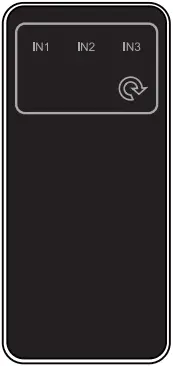
IN1/IN2/IN3: Press IN1/IN2/IN3 button to switch HDMI source signal to output display, and the corresponding LED will illuminate.
 : Press this button to cyclically select input source to output display.
Dynalink Distributors warrants this product for one year from date of purchase from resellers to the consumer. If this item is part of an installation or another product, please contact the installer or supplier for your warranty.
During the warranty period, we undertake to repair or replace your product at no charge if found to be defective due to a manufacturing fault. The warranty excludes damage by misuse or incorrect installation (i.e. failure to install and operate device according to specifications in the supplied instruction manual), neglect, shipping accident, or no fault found, nor by use in a way or manner not intended by the supplier.
For repair or service please contact your PLACE OF PURCHASE.
Note: Under no circumstances should you attempt to repair the device yourself or via a nonauthorised Dynalink service centre, as this will invalidate the warranty!
Our goods come with guarantees that cannot be excluded under the Australian Consumer Law. You are entitled to a replacement or refund for a major failure and for compensation for any other reasonably foreseeable loss or damage. You are also entitled to have the goods repaired or replaced if the goods fail to be of acceptable quality and the failure does not amount to a major failure.
Revision 16/10/2020