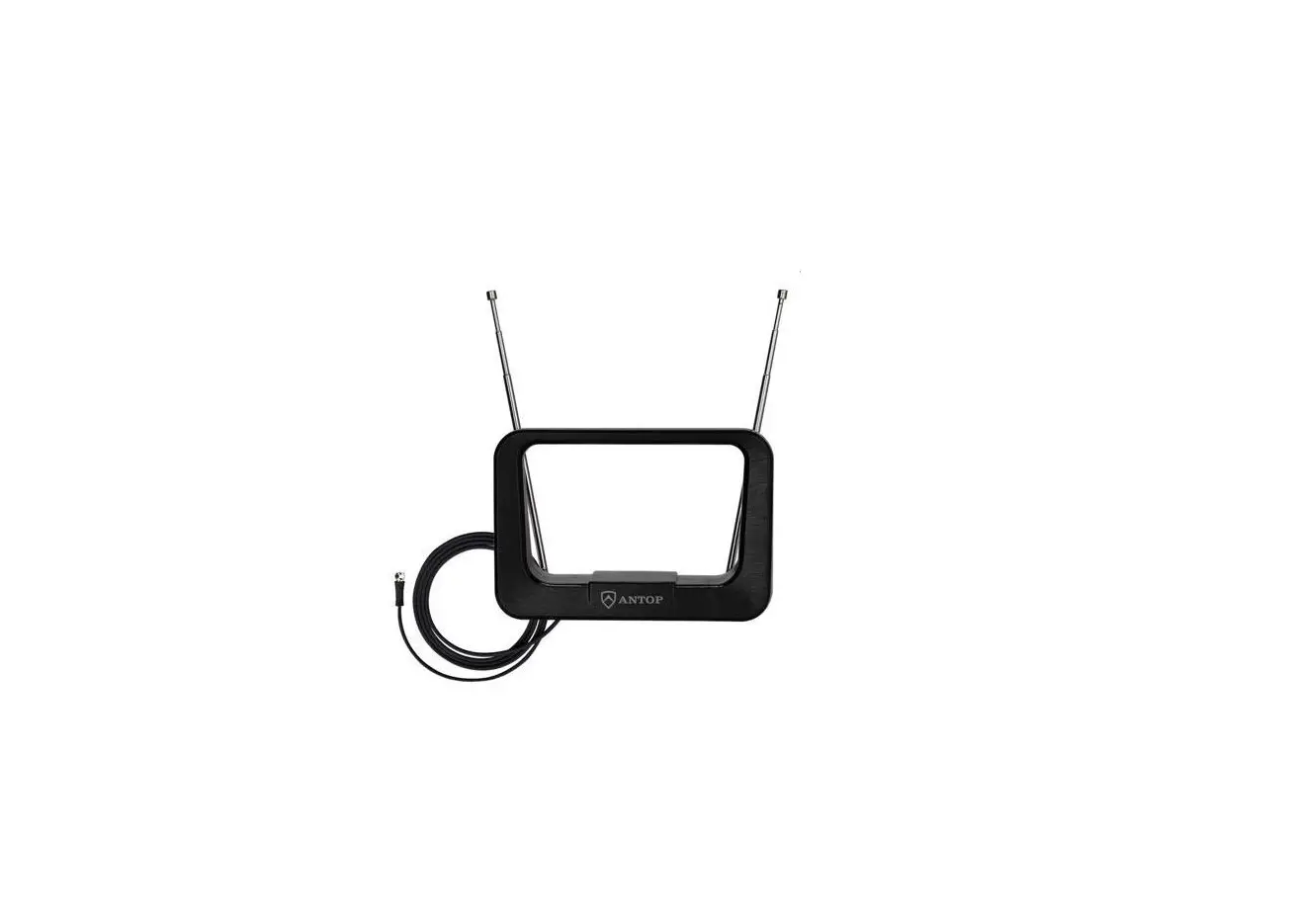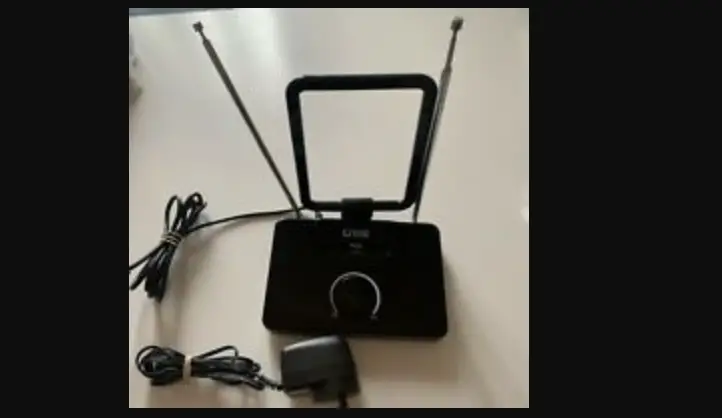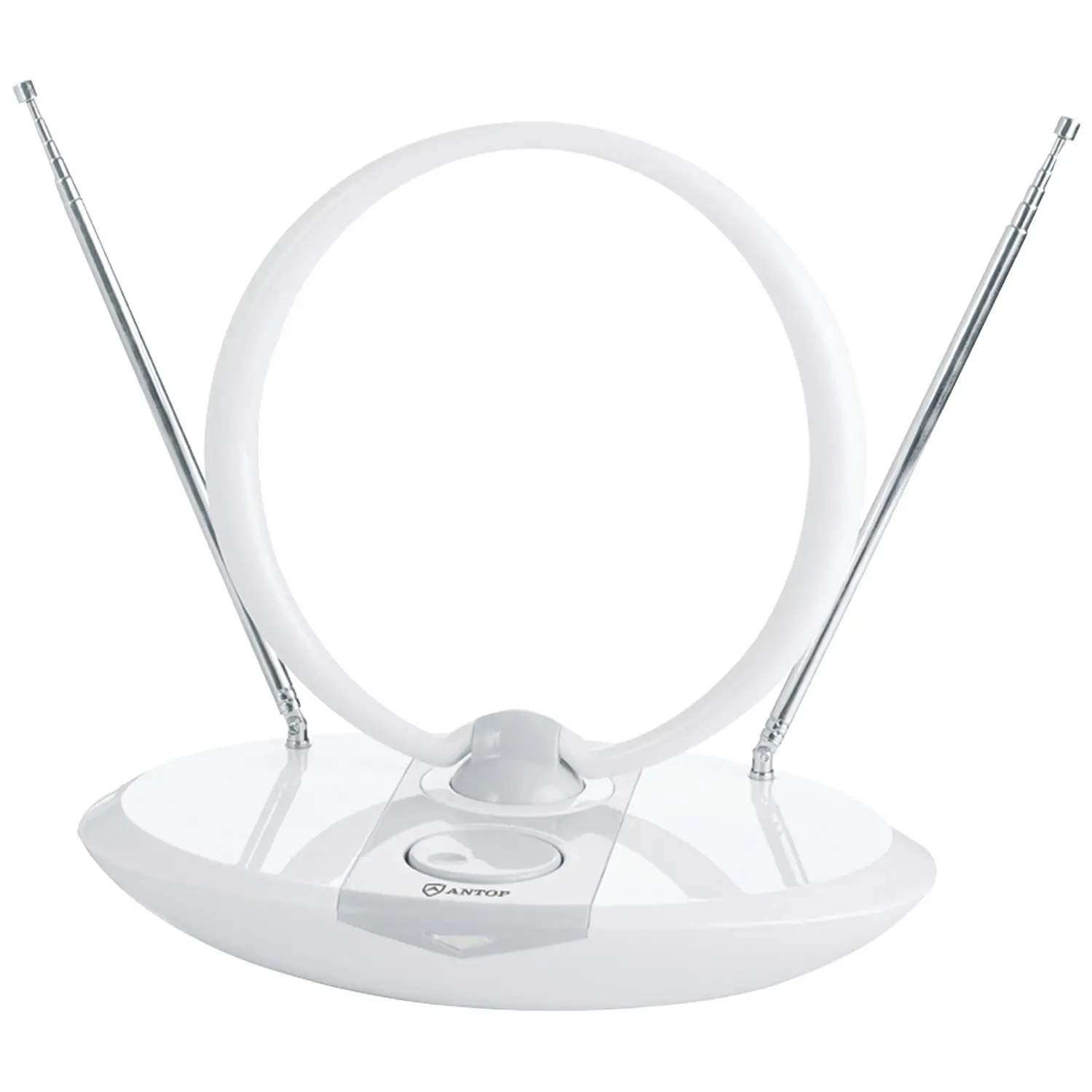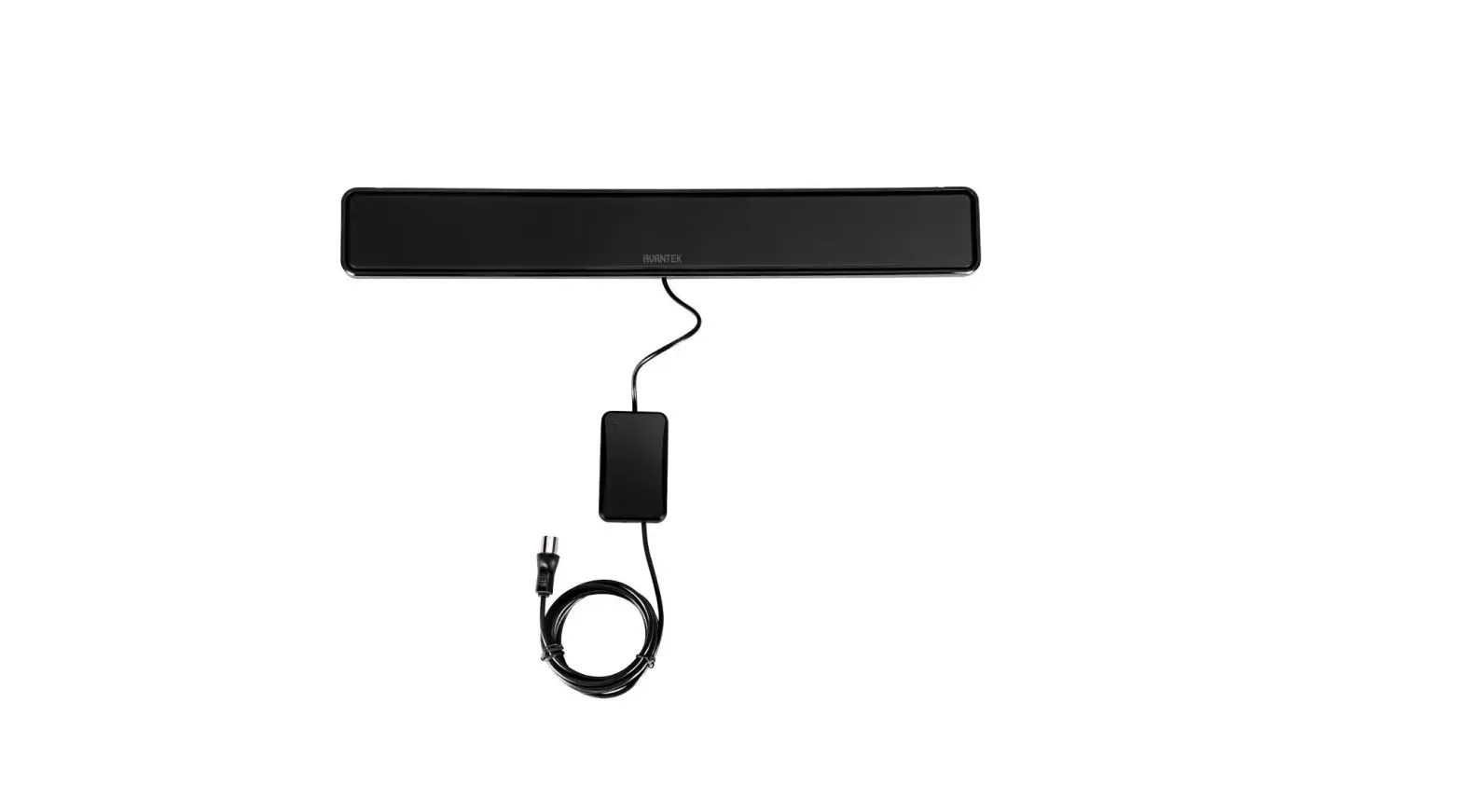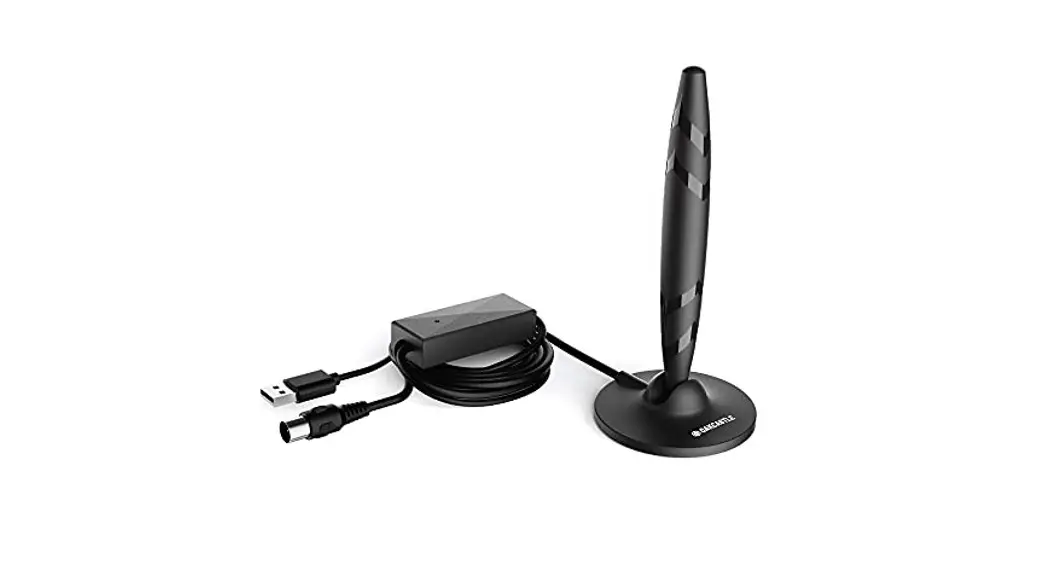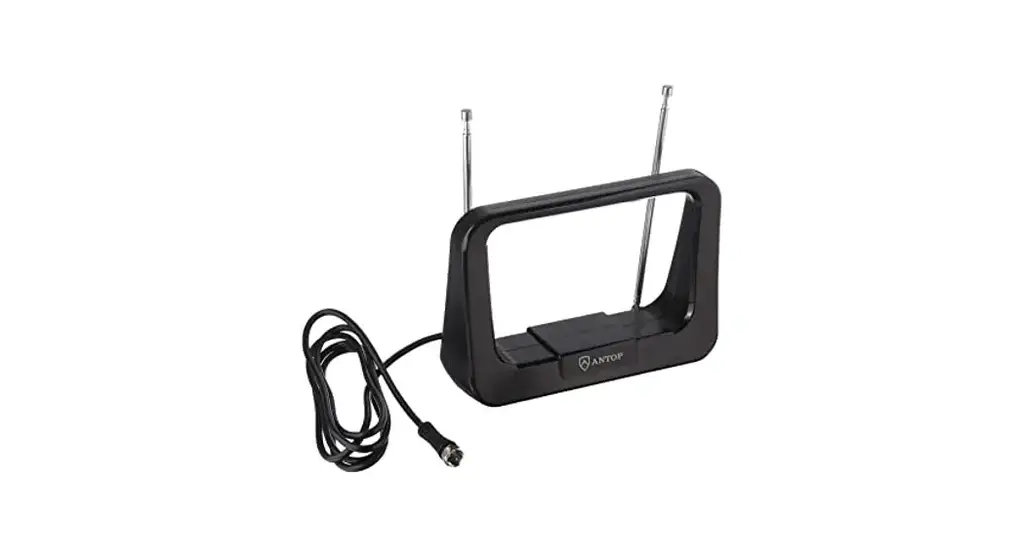

PHILIPS SDV7114A/27 Modern Loop Rabbit Ears Indoor TV Antenna
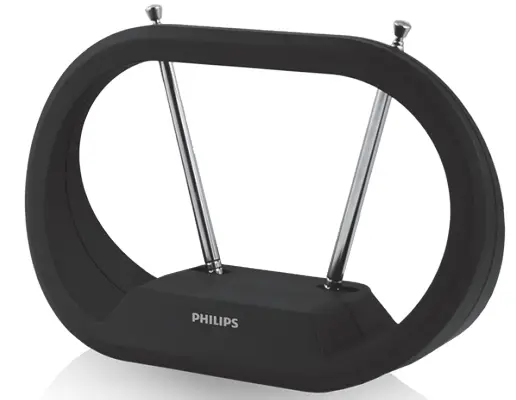
User Guide
PLEASE DO NOT RETURN THIS PRODUCT TO THE STORE, CALL US FIRST!
Installation questions?
Contact us at 1-844-816-0320 between 7AM-8PM, M-F, Central Time.
Connect
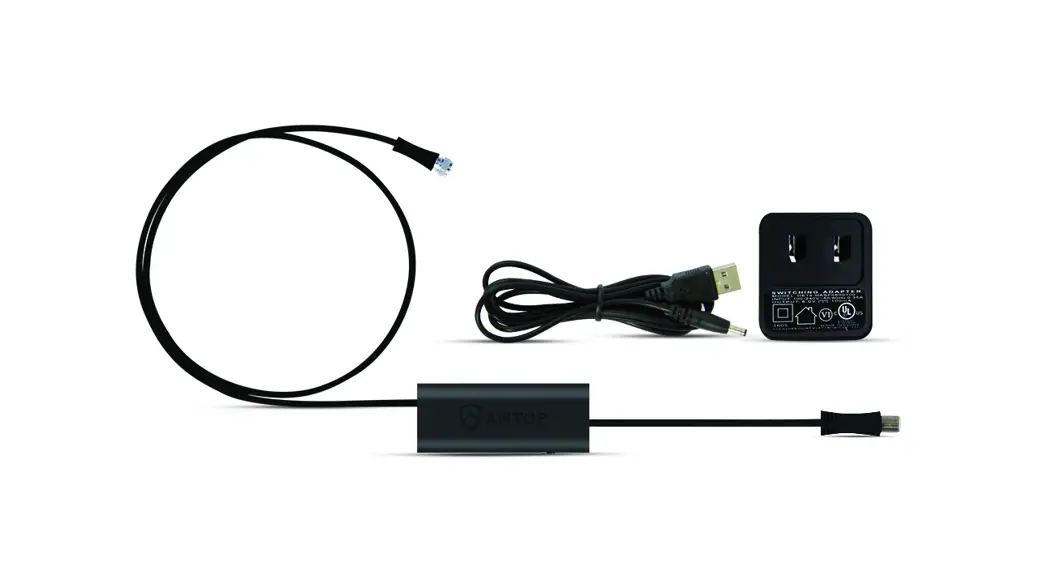
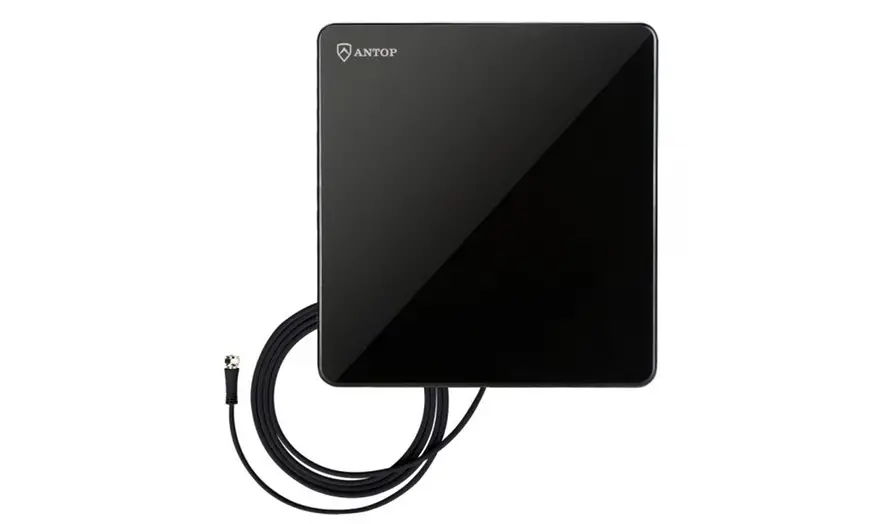
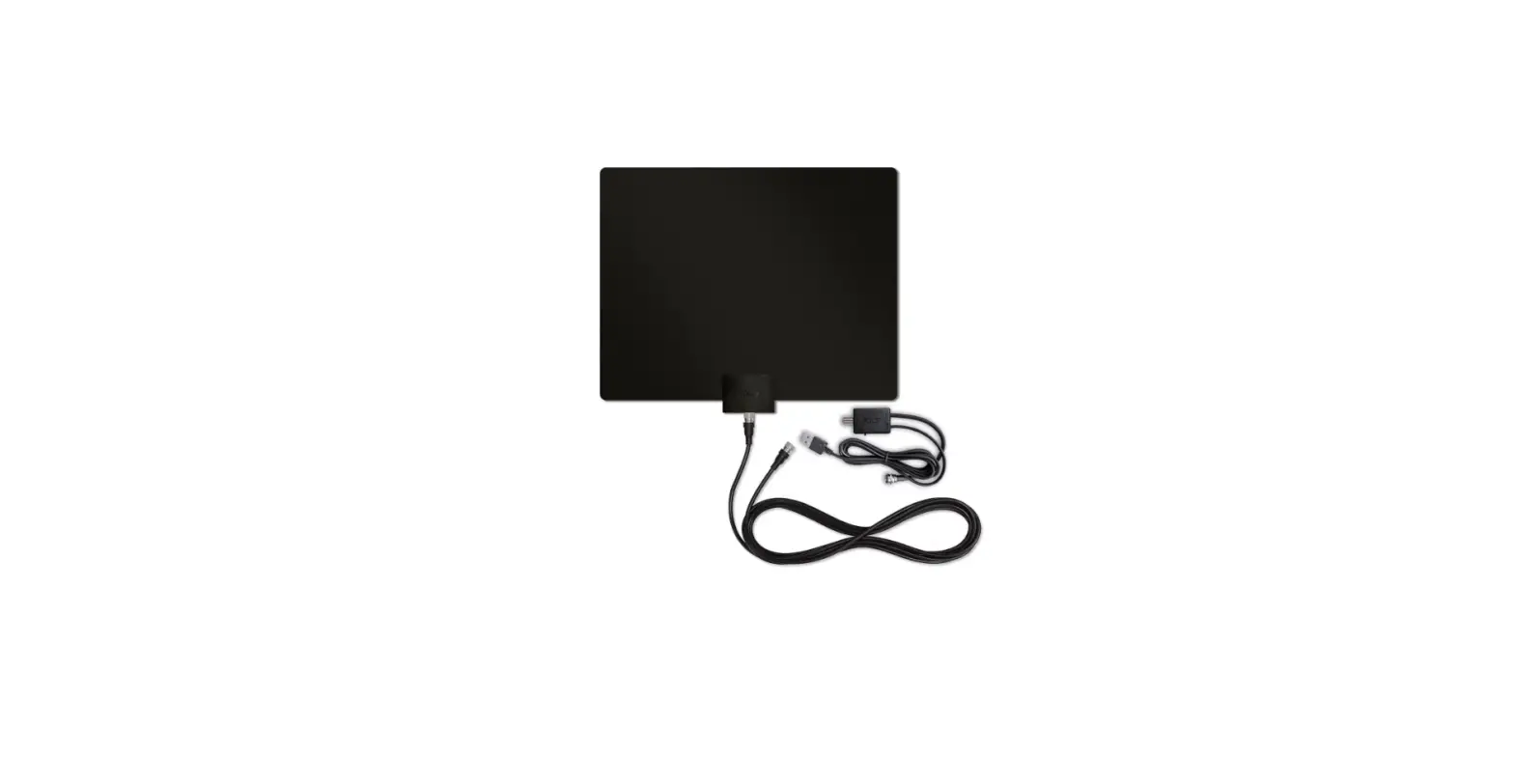
Connect the antenna to the TV using the included coax cable. 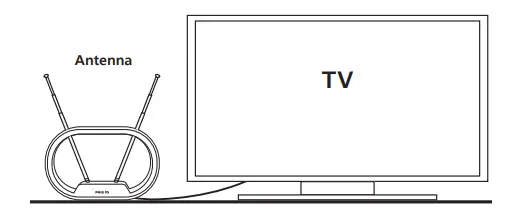
Place
Place the antenna on a flat surface in your desired location and adjust the dipoles, as needed, for best reception.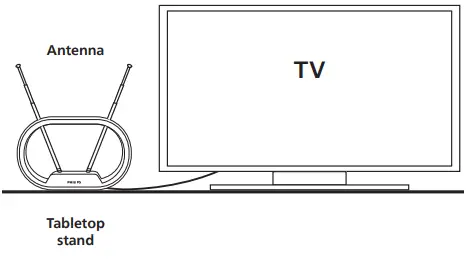
Scan
Perform a TV channel scan.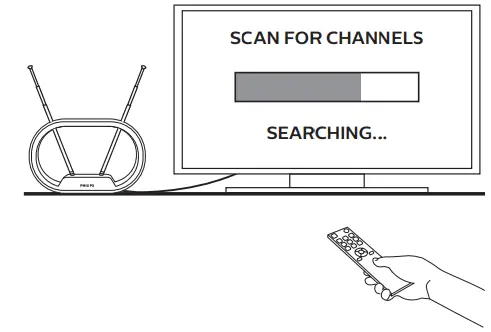
- Open your TV’s setup or settings menu.
- Select your TV’s scanning command — scan, auto tune, channel search or channel scan, making sure it’s set to scan for over-the-air channels rather than cable.
- Wait for the channel scan to finish.
Scanning Tips
- Consult the TV manual or visit the TV manufacturer’s website for specific instructions.
- Rescan for over-the-air channels anytime you move the antenna.
Antenna Helpful Tips
- Maximize the number of channels you receive by placing the antenna in several different locations. Be sure to run a new channel scan on your TV in each position. Refer to the instruction manual that came with your TV if you are unsure how to do this.
- Position or mount the antenna as high as possible or near a window for best performance.
- Visit www.antennaweb.org to determine the available television stations and location of the broadcast towers in your area.
QUESTIONS? ISSUES?
CALL OUR U.S.-BASED EXPERTS AT
1-844-816-0320
MADE IN VIETNAM
Philips and the Philips Shield Emblem are registered trademarks of Koninklijke Philips N.V. and are used under license. This product has been manufactured by and is sold under the responsibility of Jasco Products Company, and Jasco Products Company LLC, 10 E. Memorial Rd., Oklahoma City, OK 73114 is the warrantor in relation to this product.
This product comes with a limited-lifetime warranty.
Visit www.philips.com/support for warranty details.
Questions? Contact our U.S.-based Consumer Care at 1-844-816-0320 between 7AM–8PM, M–F, Central Time.

| Thank you for your purchase! |
|
Scan to watch a step-by-step video or visit https://byjasco.com/40965i |
  Register your Philips product Get exclusive, web-only deals and more! Scan here or visit byjasco.com/deals |
 Need accessories? Need accessories?Find antennas, amplifiers, splitters, cables and more, just visit our website! byjasco.com/antennas |
 Like our product? Like our product?Leave us a review on Amazon.com or your favorite retailer website! Having issues and need support? Call our U.S.-based experts Monday-Friday, from 7AM-8PM (Central Time) 1-844-816-0320 |
 Product instructions made easy
 TV Antennas
 AntennaWeb - Antenna Signal Prediction
 Support Home | Philips