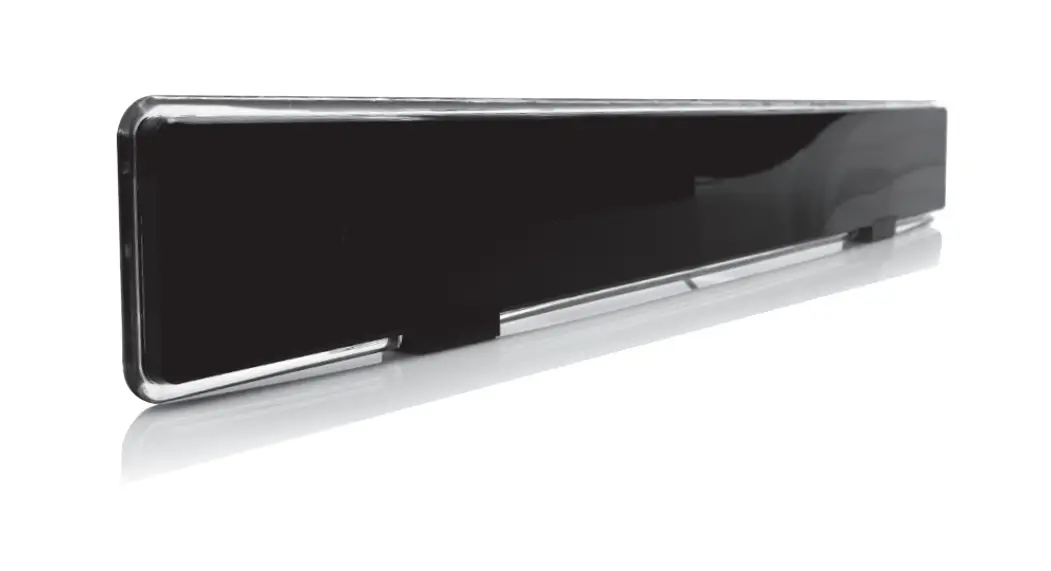
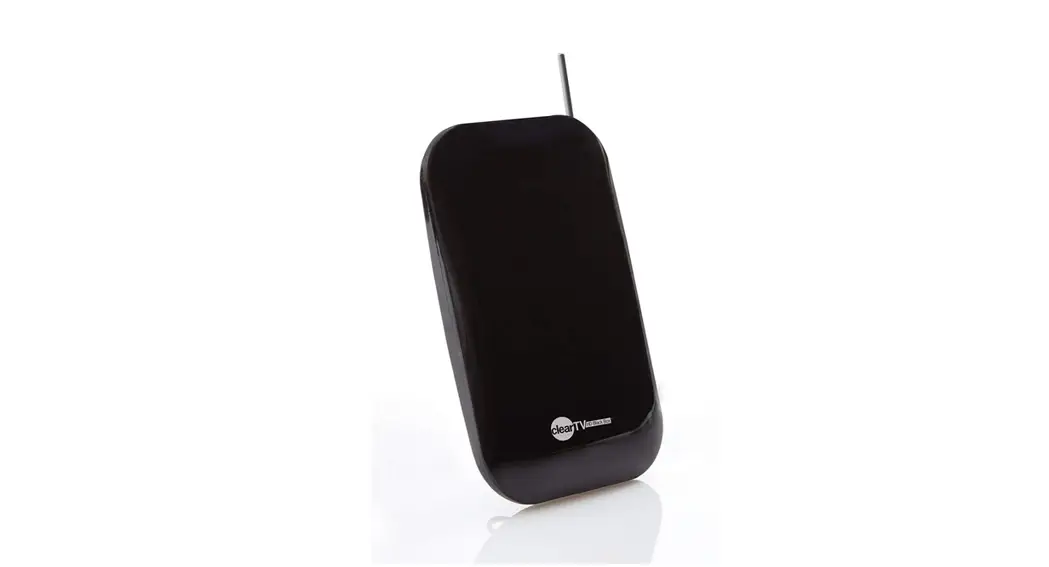
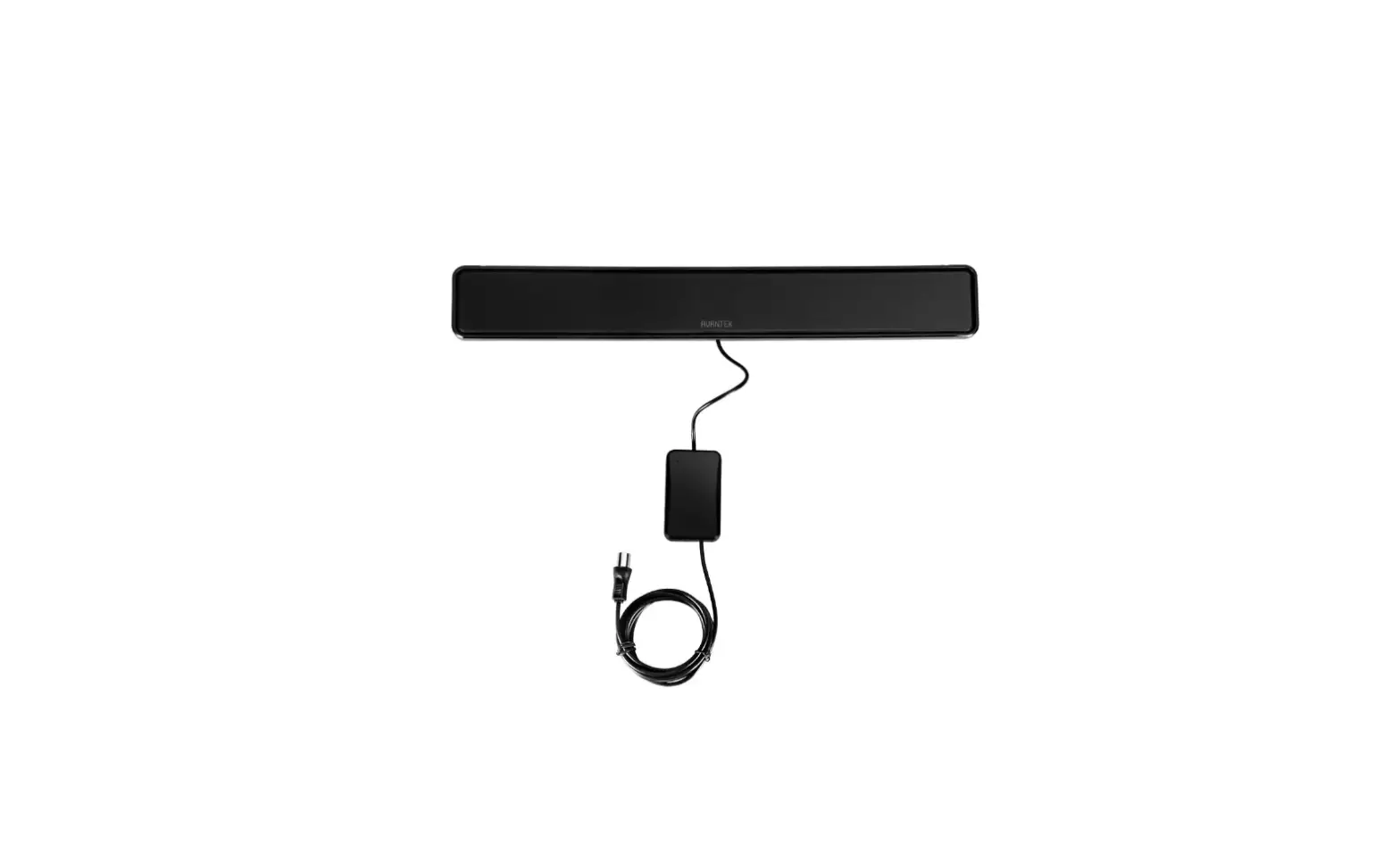
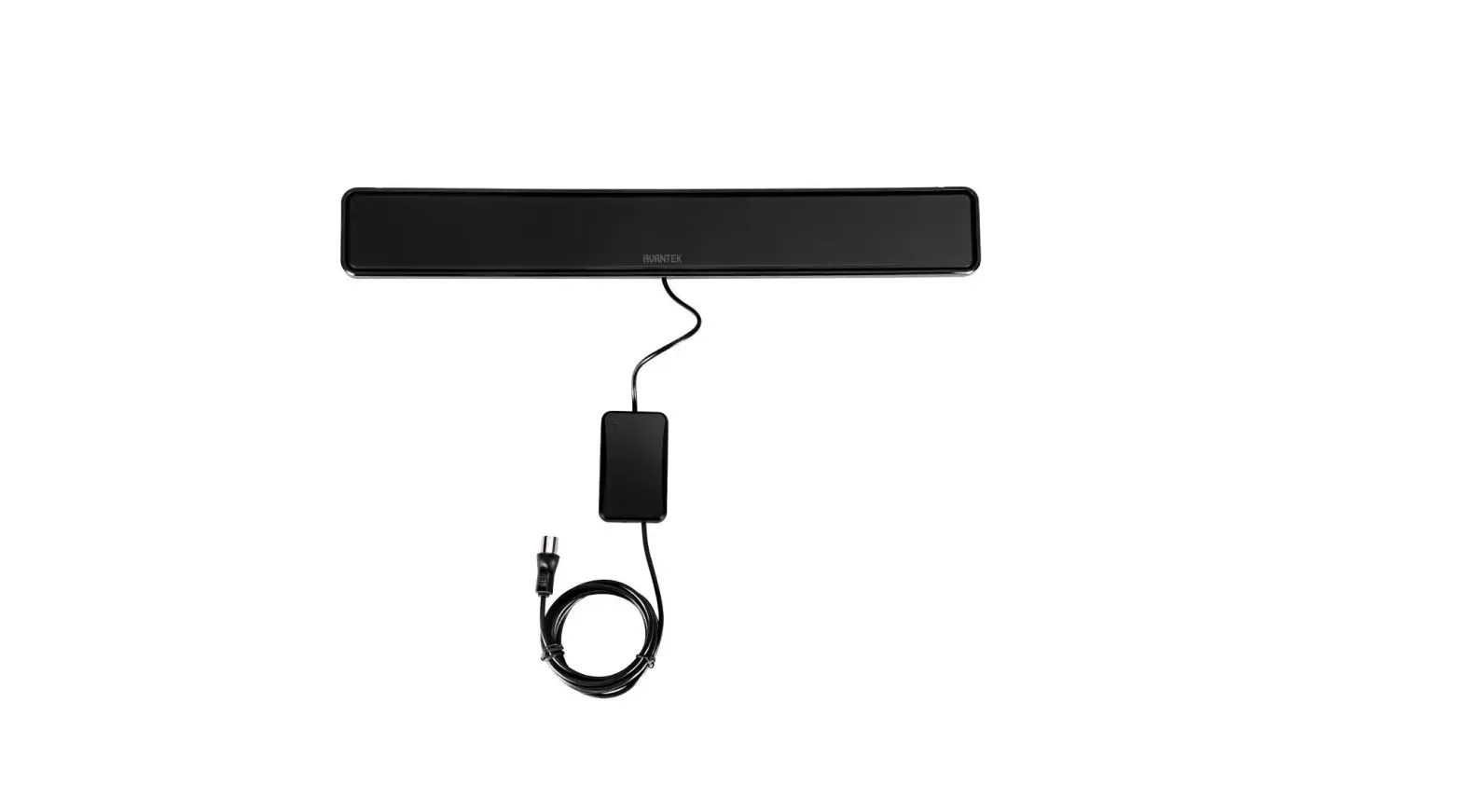
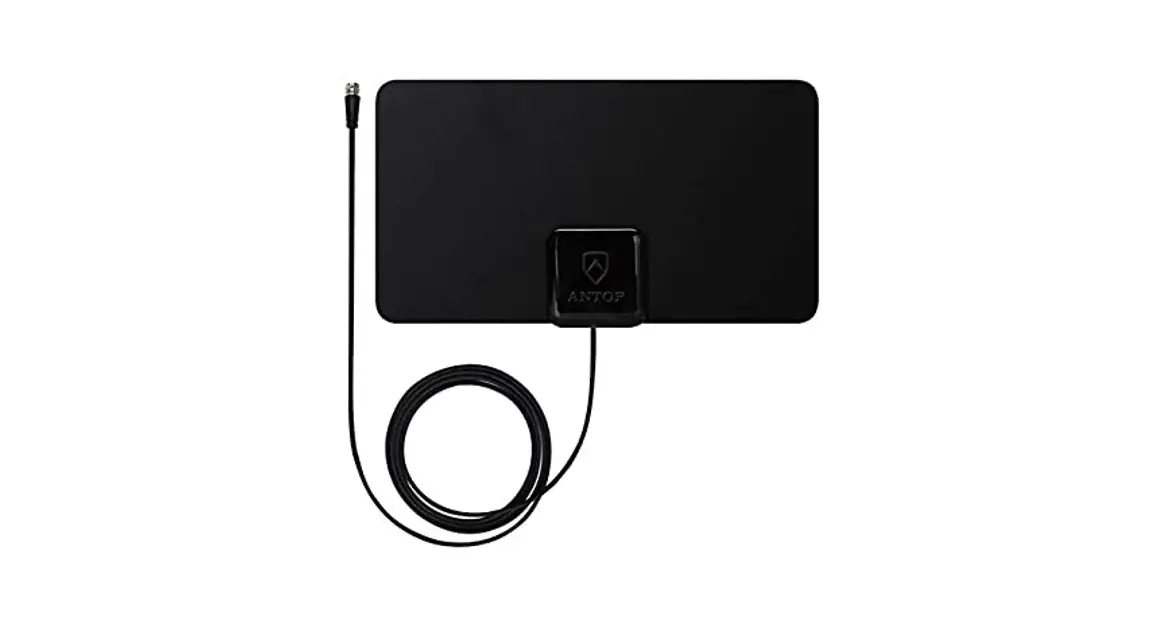
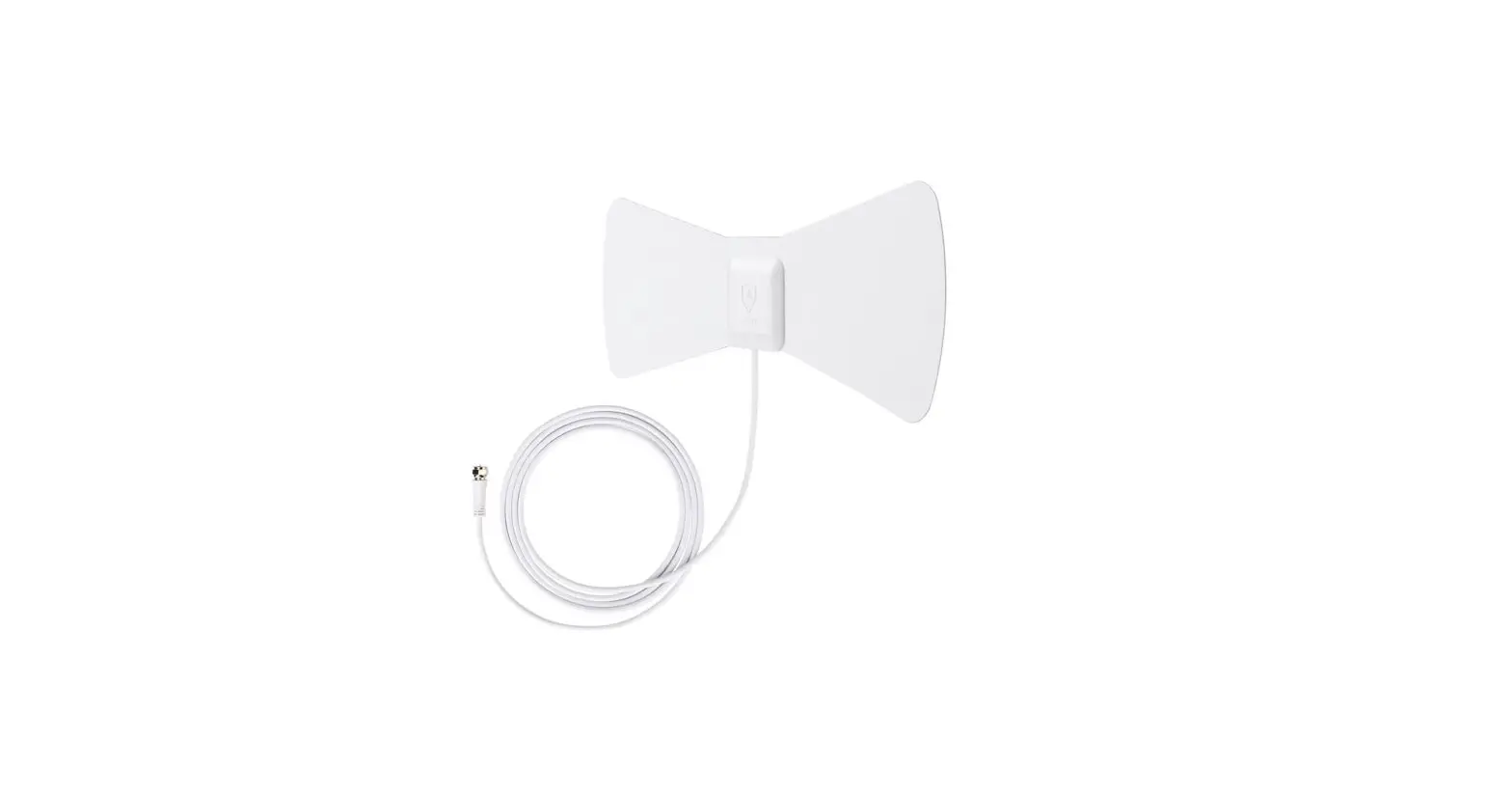
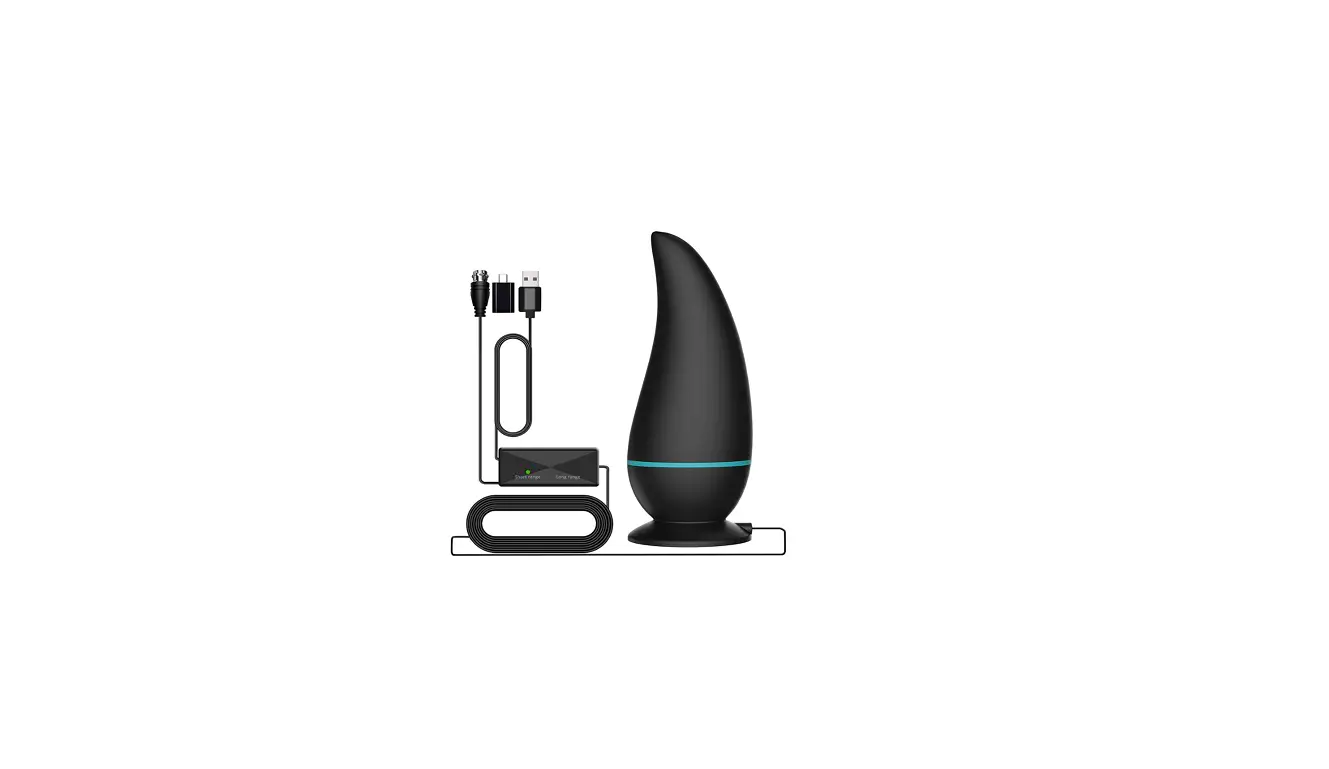
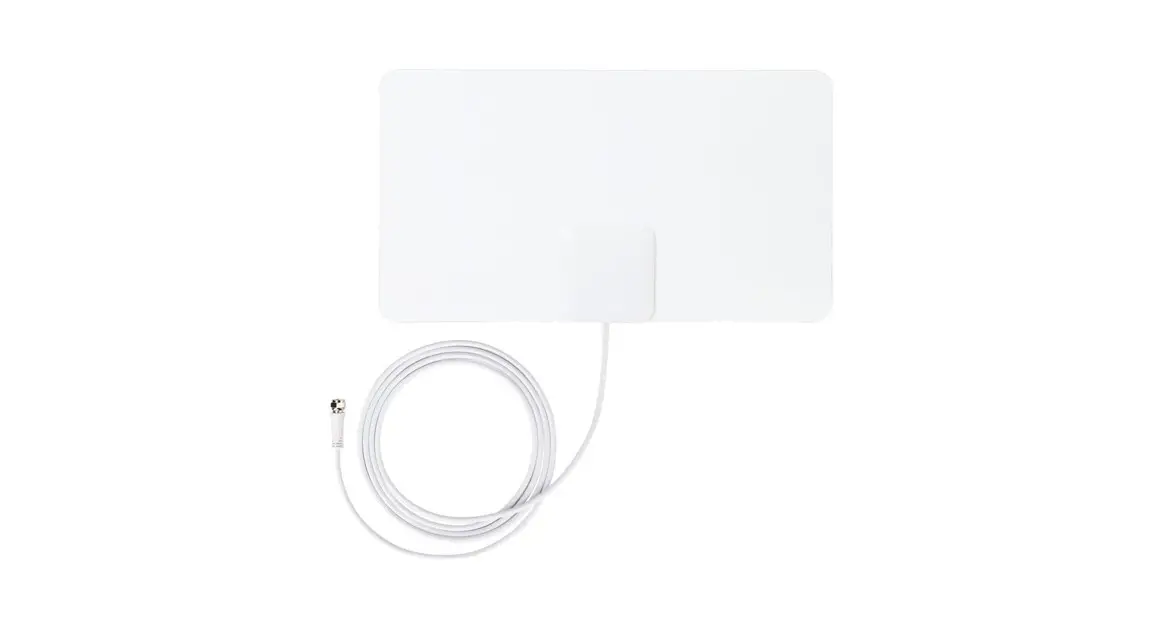
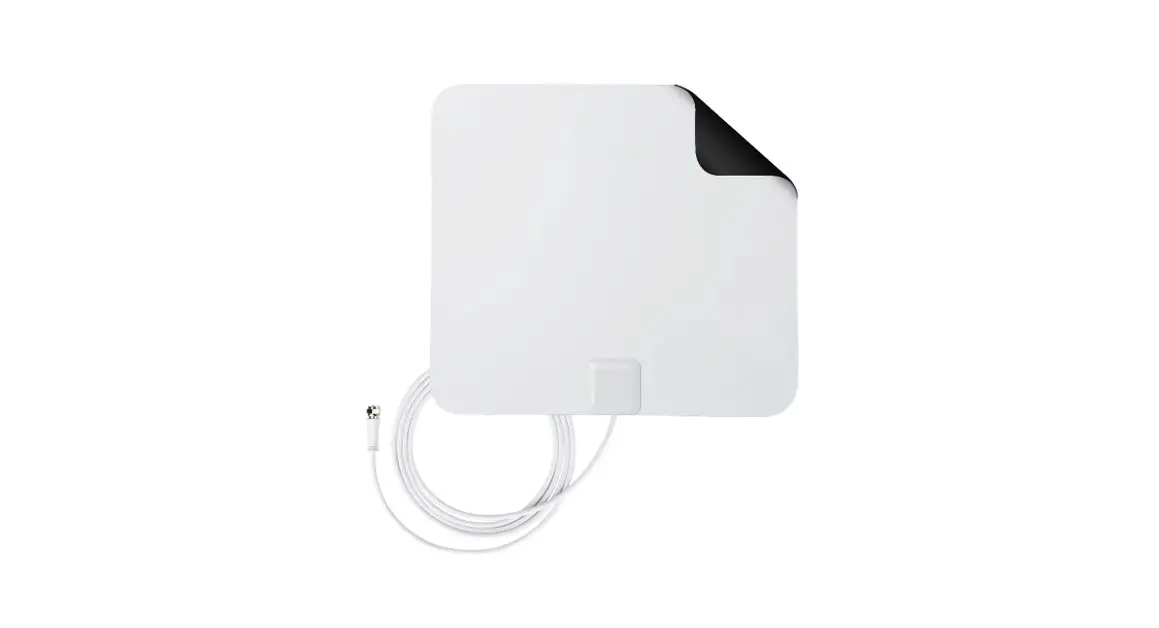
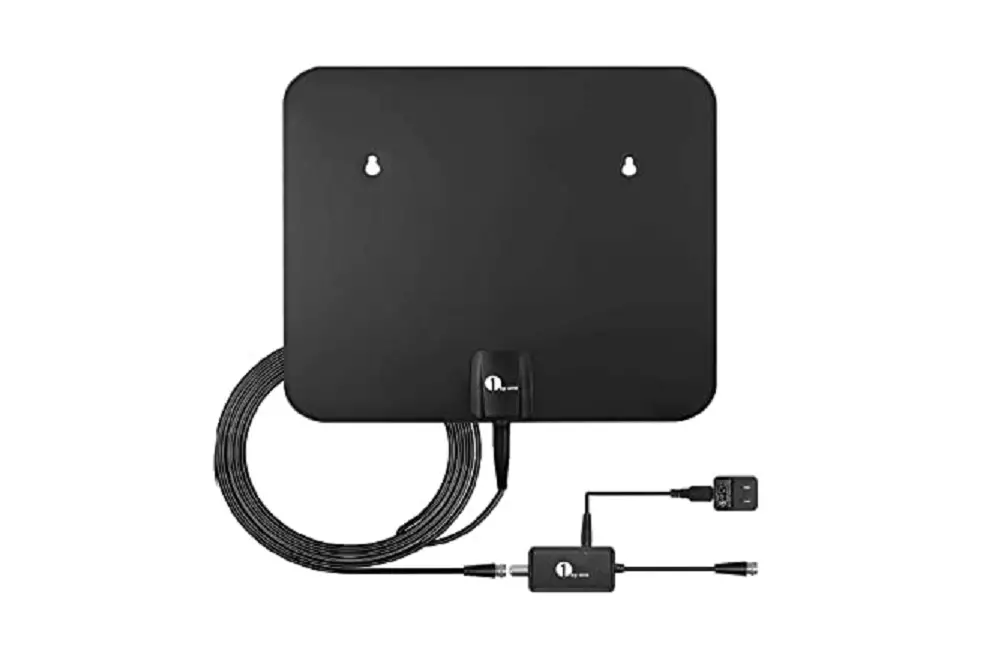
Plus X-72C HDTV Digital Indoor Antenna
Product Information
The Plus X-72C HDTV Digital Indoor Antenna is a super thin flat
digital indoor antenna designed specifically for digital TV. It
allows you to receive high-definition television signals for an
enhanced viewing experience. The antenna is intended for indoor use
only and is equipped with easy setup and placement features. Please
follow the usage instructions below for optimal performance.
Product Usage Instructions
- Ensure that the antenna is used indoors only.
- Maximize signal strength by placing the antenna away from any
disturbance sources such as big electrical appliances like air
conditioners, elevators, washing machines, blowers, or microwave
ovens. - For the best performance, mount the antenna on a window. This
will prevent signal degradation caused by objects in your home,
office, or vehicle. Avoid blocking the antenna with aluminum or
metallic screening as this will also degrade incoming signals. - Hang the antenna vertically with the cable positioned at the
bottom. - To maintain the antenna, use a soft cloth with diluted mild
detergent to clean its shell.
Note: It is important to follow these
instructions to ensure optimal signal reception and
performance.
Manufacturer’s Limited Warranty
The manufacturer provides a limited warranty for defects in
materials and workmanship. The warranty period is sixty (60) days
from the original date of purchase and is subject to the conditions
outlined below:
- This warranty does not cover normal wear and tear or
commercial/institutional use. - The warranty is non-transferable and applies only to the
original consumer purchaser. Proof of purchase is required. The
warranty is void if the product has been subjected to accident,
misuse, abuse, improper maintenance or repair, or unauthorized
modification. - This limited warranty is the only written or express warranty
provided by the manufacturer. Any implied warranty of
merchantability or fitness for a particular purpose is limited to
the duration of this warranty. - The exclusive remedy under this warranty is repair or
replacement of the product. If repair or replacement is not
feasible, a refund of the purchase price may be provided. The
manufacturer is not liable for any incidental or consequential
damages arising from breach of this warranty. - This warranty grants specific legal rights, and additional
rights may vary from state to state.
Procedure for Warranty Repairs or Replacement
If warranty service is required, please follow these steps:
- Pack the product securely.
- Send the product, along with a description of the defect, proof
of purchase, and a check or money order for $7.95 to cover return
postage and handling, to the following address: ClearTVTM, P.O. Box
3007, Wallingford, CT 06492.
For further inquiries, please contact ClearTV at [insert contact
information here].
CTV_X72C_IB_ENG_V1_170504
Distributed by: ClearTV, Wallingford, CT 06492
MADE IN CHINA
Accessories
Stand Not Included. You can order accessories at
buycleartv.com.
ATTENTION
1. ClearTVTM Digital HDTV Antenna is intended for indoor use only.
2. The location of the antenna is important to maximize signal strength. The antenna should be kept far from any disturbance source, big electrical appliances like air conditioners, elevator, washing machine, blower or microwave oven, etc.
3. Window mounting results in the best performance. The incoming signals will not be downgraded by objects in the home, office or vehicle. Please ensure the antenna is not blocked by aluminum or metallic screening as this will degrade incoming signals.
4. Be sure to hang the antenna vertically with the cable on the bottom.
5. Maintenance of antenna: please use soft cloth with diluted mild detergent to clean its shell.
Manufacturer’s Limited Warranty
The manufacturer warrants that your ClearTVTM is free of defects in materials and workmanship and will, at its option, repair or replace any defective ClearTVTM that is returned to it. This warranty runs for sixty (60) days from the original date of purchase, and is valid only in accordance with the conditions set forth below:
1. Normal wear and tear are not covered by this warranty. This warranty applies to consumer use only, and is void when the product is used in a commercial or institutional setting.
2. The warranty extends only to the original consumer purchaser and is not transferable. In addition, proof of purchase must be demonstrated. This warranty is void if the product has been subject to accident, misuse, abuse, improper maintenance or repair, or unauthorized modification.
3. This limited warranty is the only written or express warranty given by the manufacturer. Any implied warranty of merchantability or fitness for a particular purpose on this product is limited in duration to the duration of this warranty. Some states do not allow limitations on how long an implied warranty lasts, so the above limitation may not apply to you.
4. Repair or replacement of the product (or, if repair or replacement is not feasible, a refund of the purchase price) is the exclusive remedy of the consumer under this warranty. The manufacturer shall not be liable for any incidental or consequential damages for breach of this warranty or any implied warranty on this product. Some states do not allow the exclusion or limitation of incidental or consequential damages, so the above limitation or exclusion may not apply to you.
5. This warranty gives you specific legal rights, and you may also have other rights which vary from state to state.
Procedure for Warranty Repairs or Replacement:
If warranty service is necessary, the original purchaser must pack the product securely and send it postage paid with a description of the defect, proof of purchase, and a check or money order for $7.95 to cover return postage and handling to the following address: ClearTVTM, P.O. Box 3007, Wallingford, CT 06492.
CTV_X72C_IB_ENG_V1_170504
Distributed by: ClearTV, Wallingford, CT 06492
MADE IN CHINA
Plus X-72C HDTV DIGITAL INDOOR ANTENNA
The Super Thin Flat Digital Indoor Antenna specially designed for digital TV!
FEATURES · Innovative flat, razor-thin
antenna design. · Receives digital and
HDTV channels. · Multi-directional design pulls
in signals from all directions. · Easy installation,
no assembly required. · Suction fasteners make for
easy setup and placement.
Stand Not Included Order accessories at buycleartv.com
Larger Surface Area
For Enhanced HDTV Reception!
Downloaded from www.Manualslib.com manuals search engine
SETTING UP YOUR CLEAR TV
Read Installation Instructions Before Permanently Mounting Antenna
BACK OF TV
Wall Mounting
Step 1 — CONNECTING ANTENNA
TO A TV WITH A DIGITAL TUNER
ANT IN
ANT IN
Attach the mini coax cable, which is
the small black cable coming from the
antenna. Simply screw the connector into
the ANTENNA IN or CABLE IN port on the back of your television.
STANDARD 75 ohm COAX CONNECTION
IMPORTANT!
TV must be a digital TV to receive a digital HD broadcast.
Active Passive
Smart Pass Amplifier must be powered in order to function.
Switch the smart pass amplifier Active or Passive as per the way in which more channels can be received. ·Switch Passive- The LED indicates green for normal reception. ·Switch Active – The LED indicates red for stronger reception.
Scan channels after each switching in the smart pass amplifier.
CONNECTING ANTENNA TO A TV WITHOUT A DIGITAL TUNER
Attach the mini coax cable, which is the small black cable coming from the antenna. Simply screw the connector into the ANTENNA IN or CABLE IN port on the back of your set-top converter box, and then connect you set-top converter box to the back of your television.
Set-Top Converter Box
Step 2A — MOUNTING
ANTENNA TO WALL
For mounting your antenna on a wall, simply remove the suction cups and use the holes to mount your antenna in your desired location. We recommend using tape to temporarily stick the antenna to the wall before permanently mounting it with the screws provided.
2
3
Downloaded from www.Manualslib.com manuals search engine
Window Mounting
Step 2B —
MOUNTING ANTENNA TO WINDOW Firmly push the suction cups into place along the top of the windowpane. (Use caution when applying pressure to glass window.)
4
Step 3 — AUTO PROGRAM SCAN
Using your TV’s remote control, navigate to the system menu and set the TV’s input to ANTENNA. Then begin an auto search or auto program to find new stations.
Step 4 — ADJUSTING ANTENNA LOCATION
To maximize the number of stations, you may need to adjust or reposition the antenna. Try placement in alternate locations and re-scan for new channels. We recommend Clear TV be used within 35 miles of the broadcasting towers.
5
Downloaded from www.Manualslib.com manuals search engine
Frequently Asked Questions
What is Clear TV? A government mandate requires television broadcasters to convert from analog to digital broadcast. Now, only digital signals are available over the air in the United States and Canada. Clear TV is an antenna that receives overthe-air digital and HD signals for free. The signal is a better visual and audio quality than analog. Digital television enables broadcasters to offer multiple programming choices on a single channel (sub channels), greatly expanding viewer choices.
How many channels can I receive over the air? Reception will vary based on factors like geography and location of the broadcast signal; antenna, hills, buildings and even tall trees can impact reception. It is recommended that you be within 35 miles of a broadcast antenna. Most households can receive these popular networks: PBS, NBC, CBS, ABC, FOX, ION, CW, Qubo – a children’s channel, 24-hour sports programming, a 24-hour classic movie channel, 24-hour news and weather, and popular Spanish-language channels: Azteca, Univision, Telemundo, TeleFutura, may also be available.
Will I receive Cable shows? No, Clear TV does not receive shows that are produced for cable only.
Will it fit all Televisions? Clear TV will connect with televisions that have an Antenna IN or a Cable IN port on the back of the television. Most televisions sold after May 25, 2007 are required by law to have an ATSC (Digital) tuner built-in and will receive digital broadcasts. If your television was purchased earlier, but has a menu option for scanning digital channels, then your television has a digital ATSC tuner. Check for the letters `ATSC’. If it does not say that it is equipped with an ATSC tuner, you will need to purchase a converter box.
Can I use it outside, in my attic, or basement? Clear TV is designed as an indoor antenna only. We recommend Clear TV be hung on the inside of an exterior wall or window that is facing the broadcast towers. Placing it in a basement or attic is not recommended. Exposure to outside elements such as moisture or temperature extremes can be harmful to your antenna.
Can I add an extension cable to my Clear TV? Yes, if you would like to move your Clear TV to a location that exceeds the reach of the cable connected to your antenna you can purchase an extension cable.
Are all broadcasts now in High Definition? Not all digital signals are High Definition.
6
Is the picture better than cable?
All cable companies compress their HD signals; the result is a degraded signal that is usually inferior to Over the Air (OTA) broadcast.
What is signal compression?
Signal compression is a method of making video transmissions smaller. The quality of the signal is degraded in order to fit in more quantity. All cable companies compress their signals in order to make room for all of those extra channels. OTA broadcast television signals are not compressed and are therefore better quality.
Does Clear TV work with my DVR or TIVO?
Yes, Clear TV is compatible with TiVo and other digital video recorders (DVR) so you can watch what you want, when you want. Since Clear TV is a HD antenna and can receive a HD broadcast signal there is no need for an HD converter box.
Will the channel numbers be the same?
With the digital system, the channel number that appears on your television screen and the actual channel number can be and often are different. Many stations have sub channels (channel 2, channel 2.1, 2.2, 2.3, etc.). Keep in mind reception will vary in your area due to geography and location of the broadcast antenna.
What if I can’t receive a signal with Clear TV?
Signal strength will vary based on certain variables, such as distance from the transmitter, hills, buildings, and even tall trees can impact reception. To check the exact distance from your residence to the nearest transmitters, and get an idea of what to expect in the way of reception, go to antennaweb.org and type in your address. It is recommended that you be within 35 miles of a broadcast antenna.
Clear TV Reception Tips
Place Clear TV in the location with the strongest reception, typically this will be on an exterior wall or window. A television signal can become weak or intermittent by passing through walls that are exceptionally thick or contain large amounts of metal. In this case, consider attaching Clear TV to the inside surface of a window pane using the provided suction cups. This will help to capture a weak station. However, Clear TV or the cable should never be allowed to interfere with the normal operation of the window.
For optimal performance
Place Clear TV on the inside surface of an exterior wall, ideally a wall facing the general direction of local transmission towers. (You can find out the location of your towers by going to antennaweb.org.) If there are multiple tower locations, optimize the position of Clear TV to the weakest signal. Clear TV can pick up the stronger signals from any direction. Experiment with different walls and even different rooms to find the best location.
Concealing Clear TV behind your Television or Artwork
Hiding Clear TV behind your television, artwork, wall hangings, or even furniture should not affect its performance. We recommend that you find the best location for your antenna, which may or may not be behind these items.
7
Downloaded from www.Manualslib.com manuals search engine
 AntennaWeb - Antenna Signal Prediction
 Clear TV Premium HD Mini | As Seen on TV