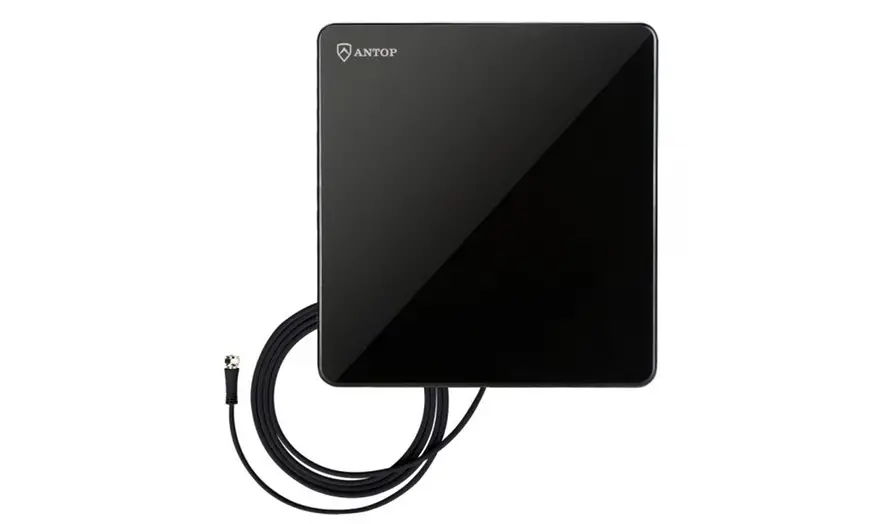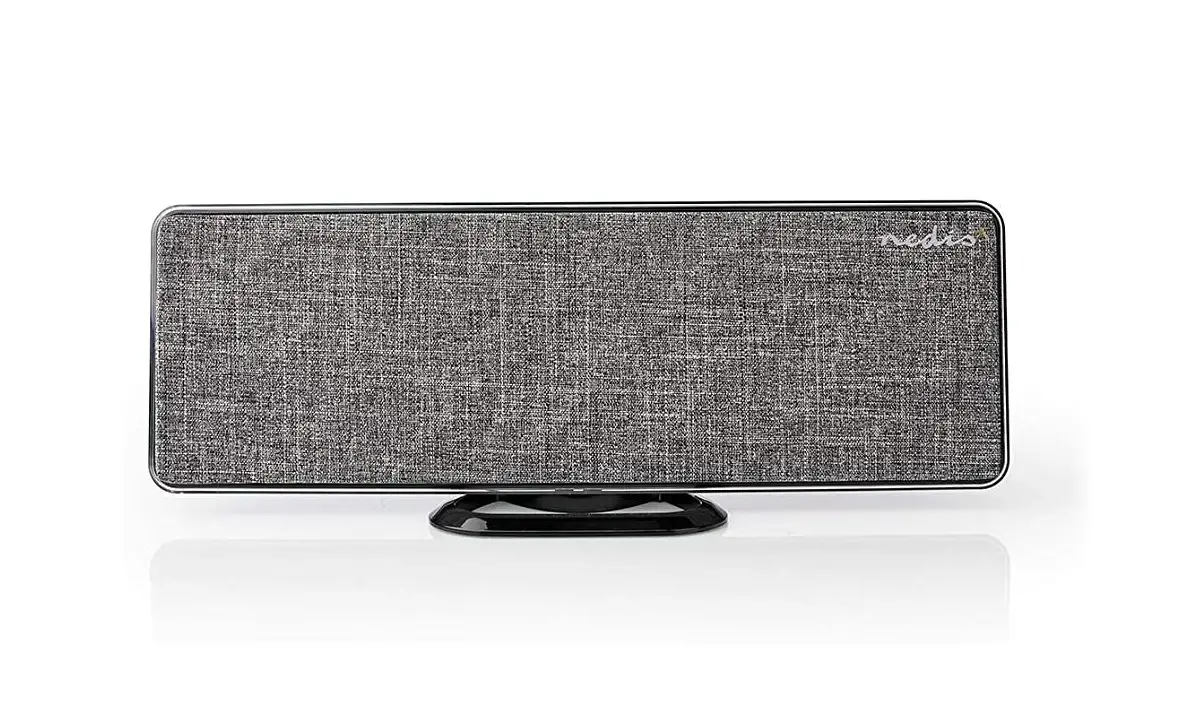
PHILIPS Antenna User Guide
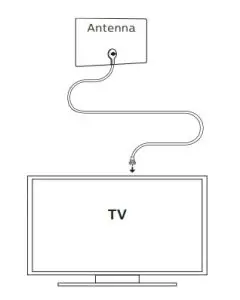
CONNECT
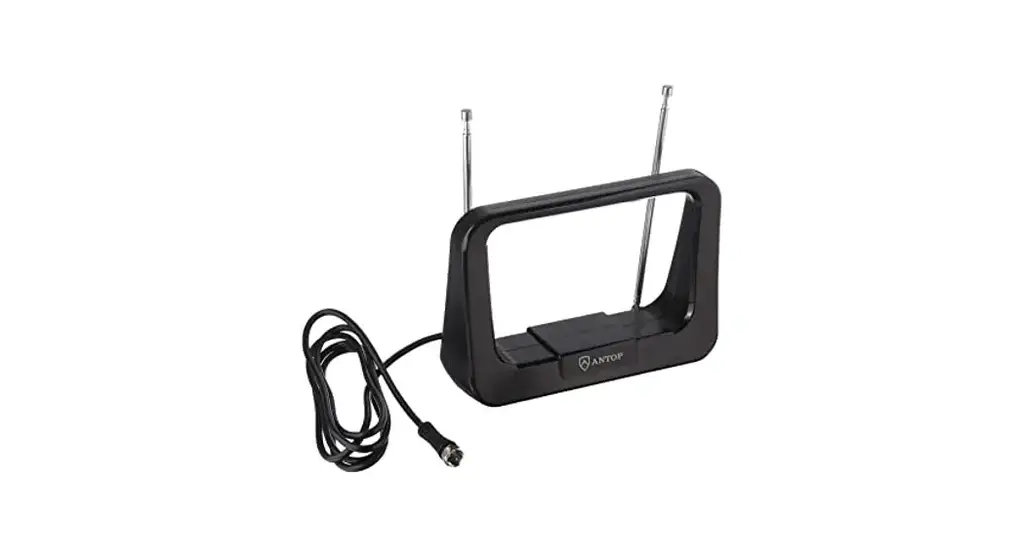
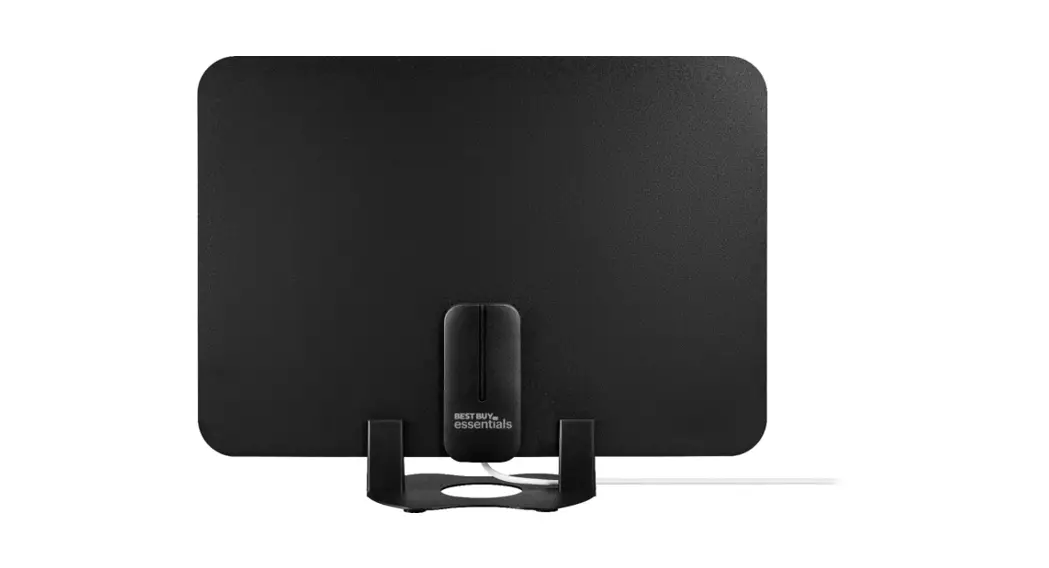
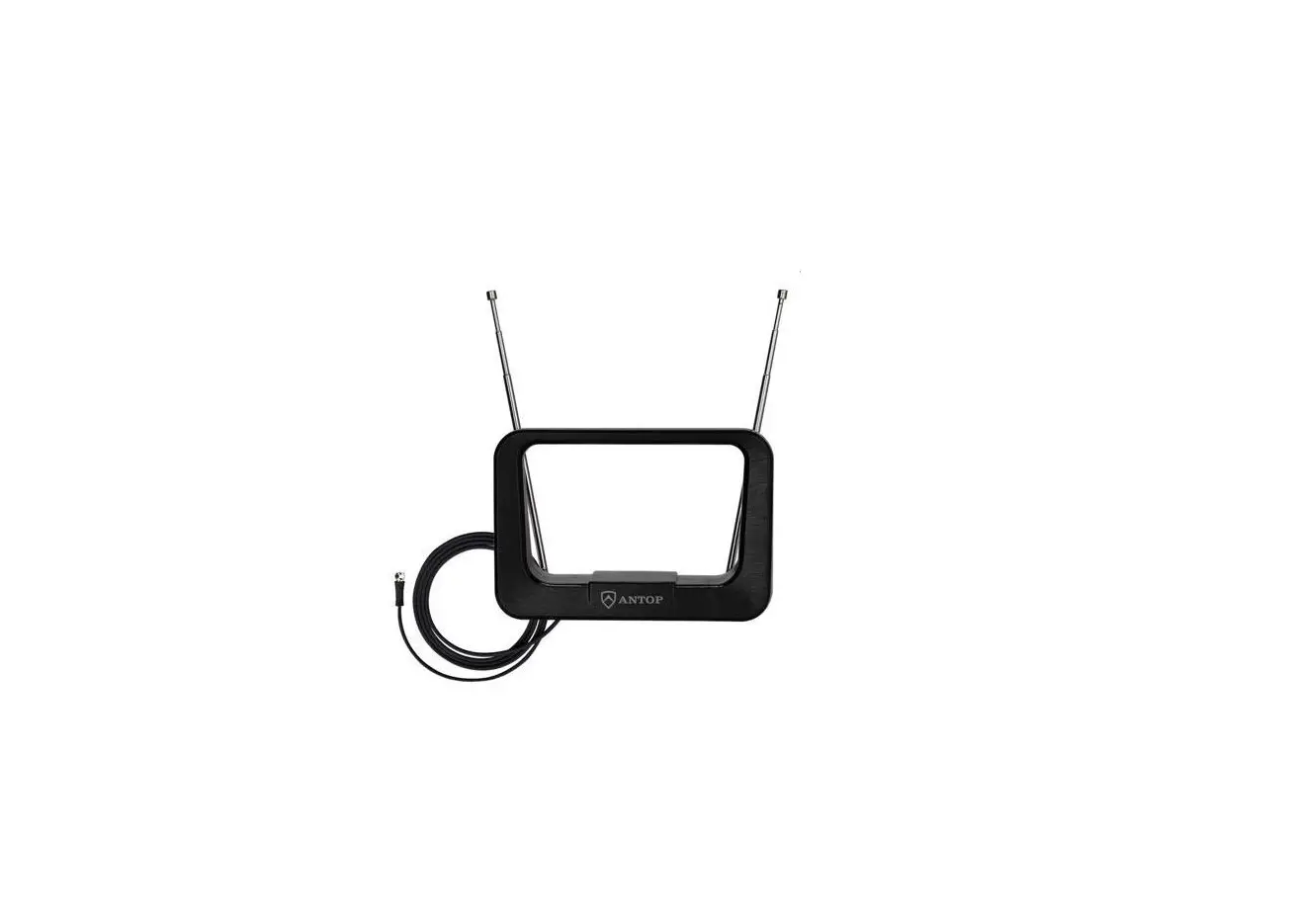
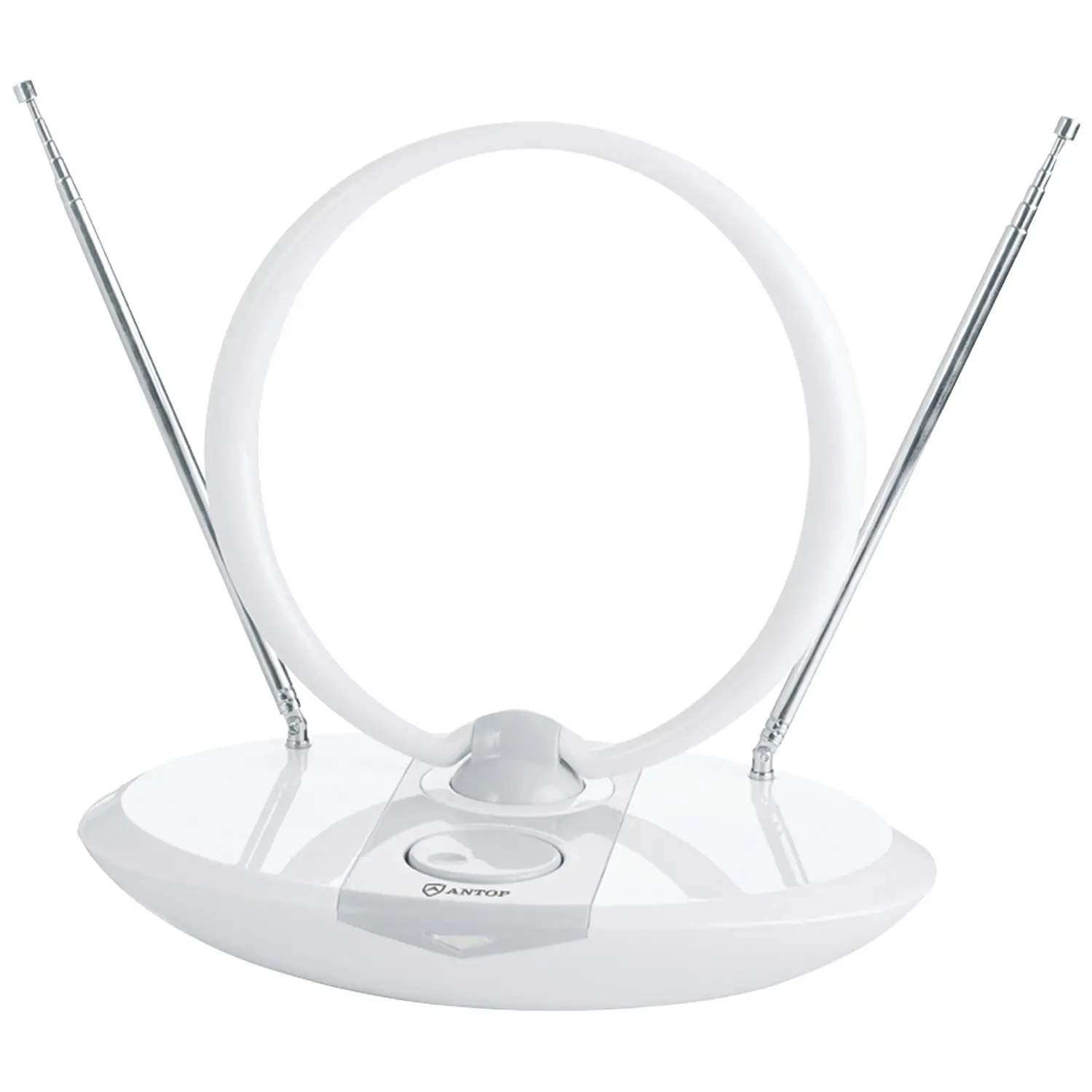
Connect the coax cable from the antenna to the TV.
PLACE
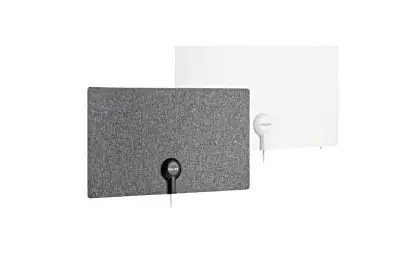
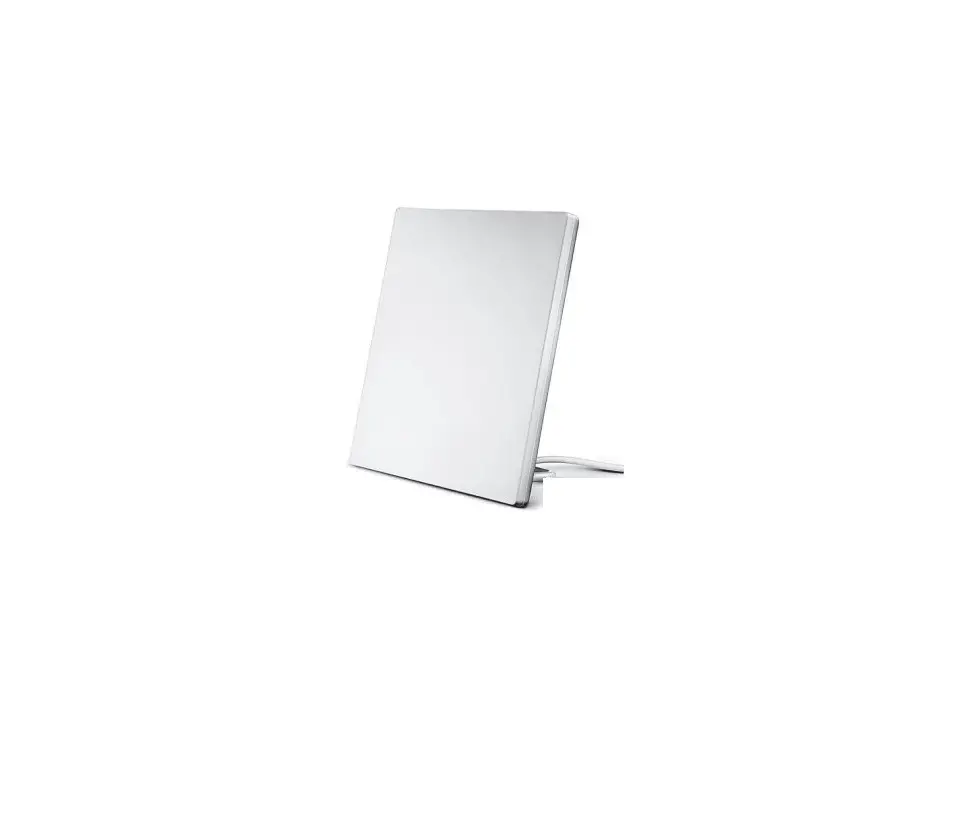
Place the antenna in your desired location.
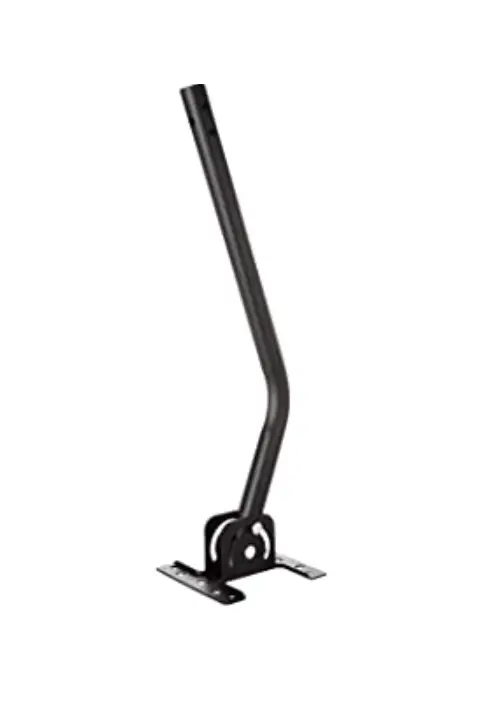
- Wall mount

- Window mount

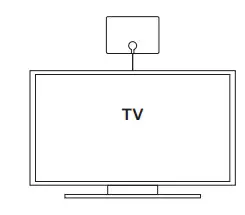
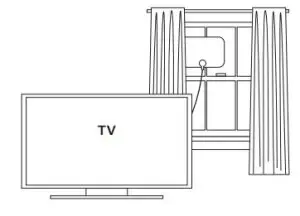
Wall/window mounting supplies included.
SCAN
Perform a TV channel scan.
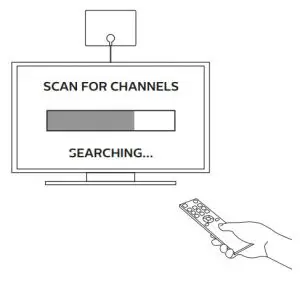
- Open your TV’s setup or settings menu.
- Select your TV’s scanning command — scan, auto tune, channel search or channel scan, making sure it’s set to scan for over-the-air channels rather than cable.
- Wait for the channel scan to finish.
Scanning Tips
- Consult the TV manual or visit the TV manufacturer’s website
for specific instructions. - Rescan for over-the-air channels anytime you move
the antenna.
Antenna Helpful Tips
- Maximize the number of channels you receive by placing the antenna in several different locations. Be sure to run a new channel scan on your TV in each position. Refer to the instruction manual that came with your TV if you are unsure how to do this.
- Position or mount the antenna as high as possible or near a window for best performance.
- Visit www.antennaweb.org to determine the available television stations and location of the broadcast towers in your area.
Thank you for your purchase!
 |  Product instructions made easy Product instructions made easyScan to watch a step-by-step video or visit http://byjasco.com/49645i |
 |  Register your Philips product Register your Philips productGet exclusive, web-only deals and more! Scan here or visit byjasco.com/deals |
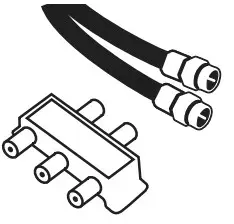 | Need accessories? Find antennas, amplifiers, splitters, cables and more, just visit our website! byjasco.com/antennas |
 | Like our product? Leave us a review on Amazon.com or your favorite retailer website! |
 | Having issues and need support? Call our U.S.-based experts Monday Friday, from 7AM8PM (Central Time) |
 SDV3219N/27 Philips Fabric Switch HD Antenna - YouTube
 AntennaWeb - Antenna Signal Prediction
 Support Home | Philips


![Philips Internet Radio [tar8805] User Manual](https://static-data1.manualsee.com/1/img/421/16118/2020/12/Philips-Internet-Radio-TAR8805.png "Philips Internet Radio [tar8805] User Manual")