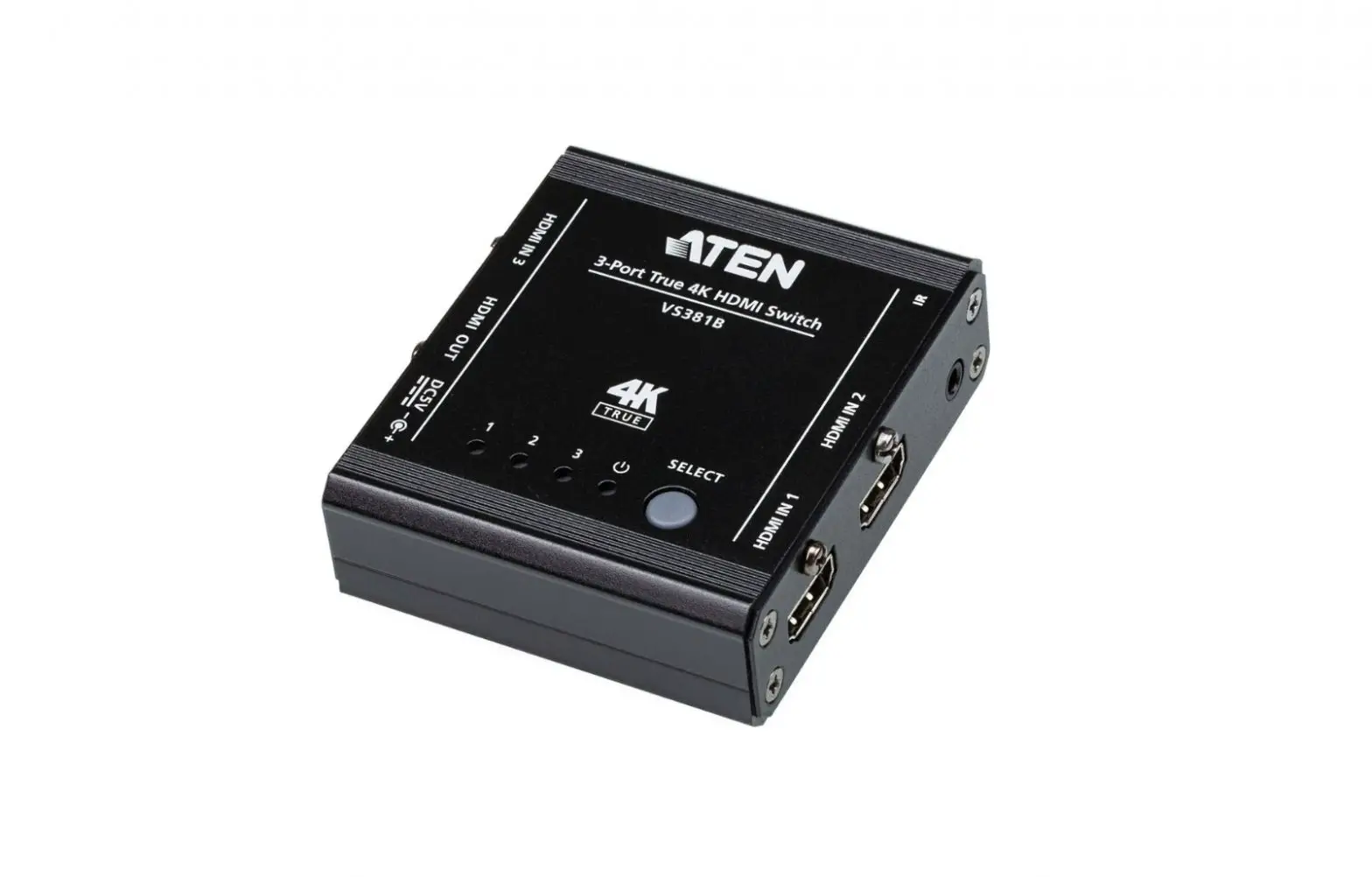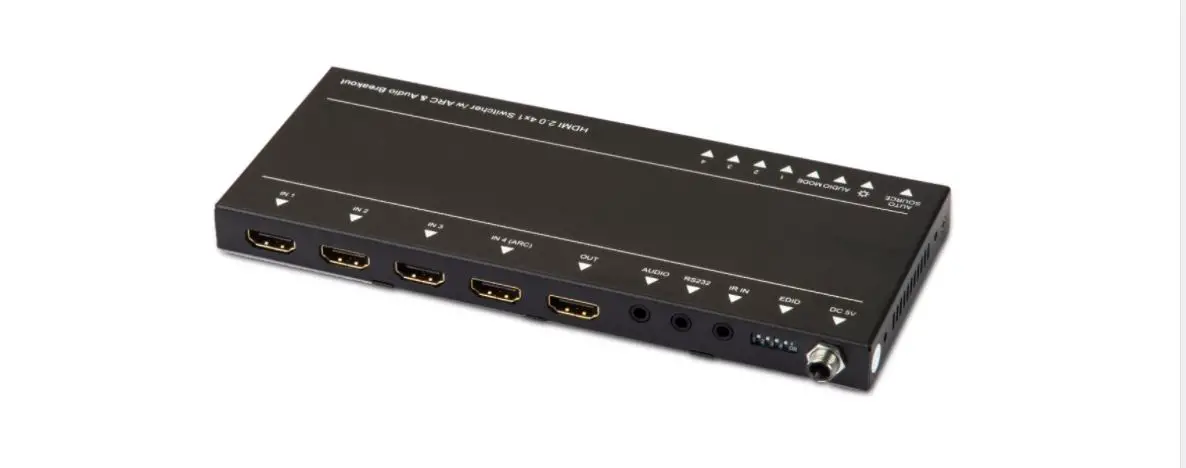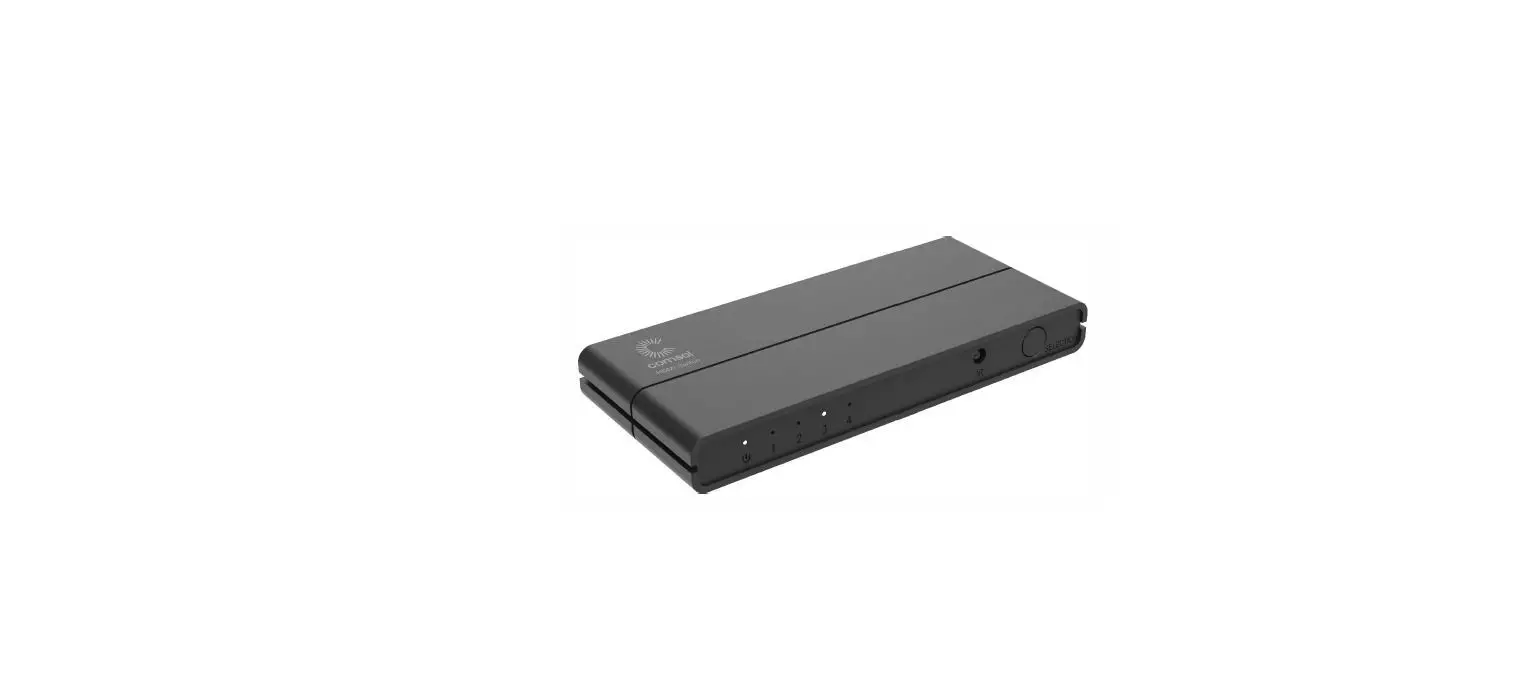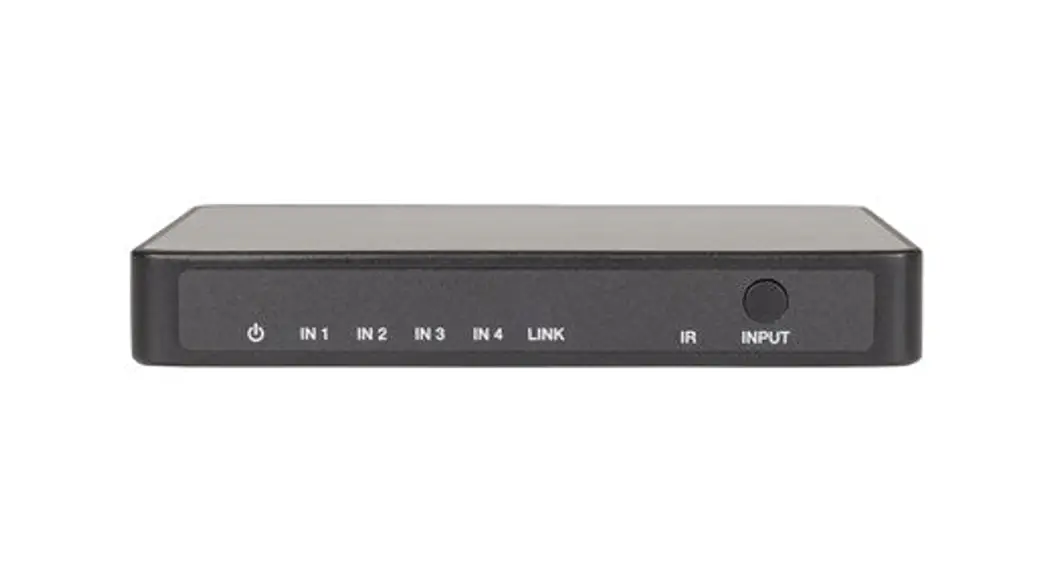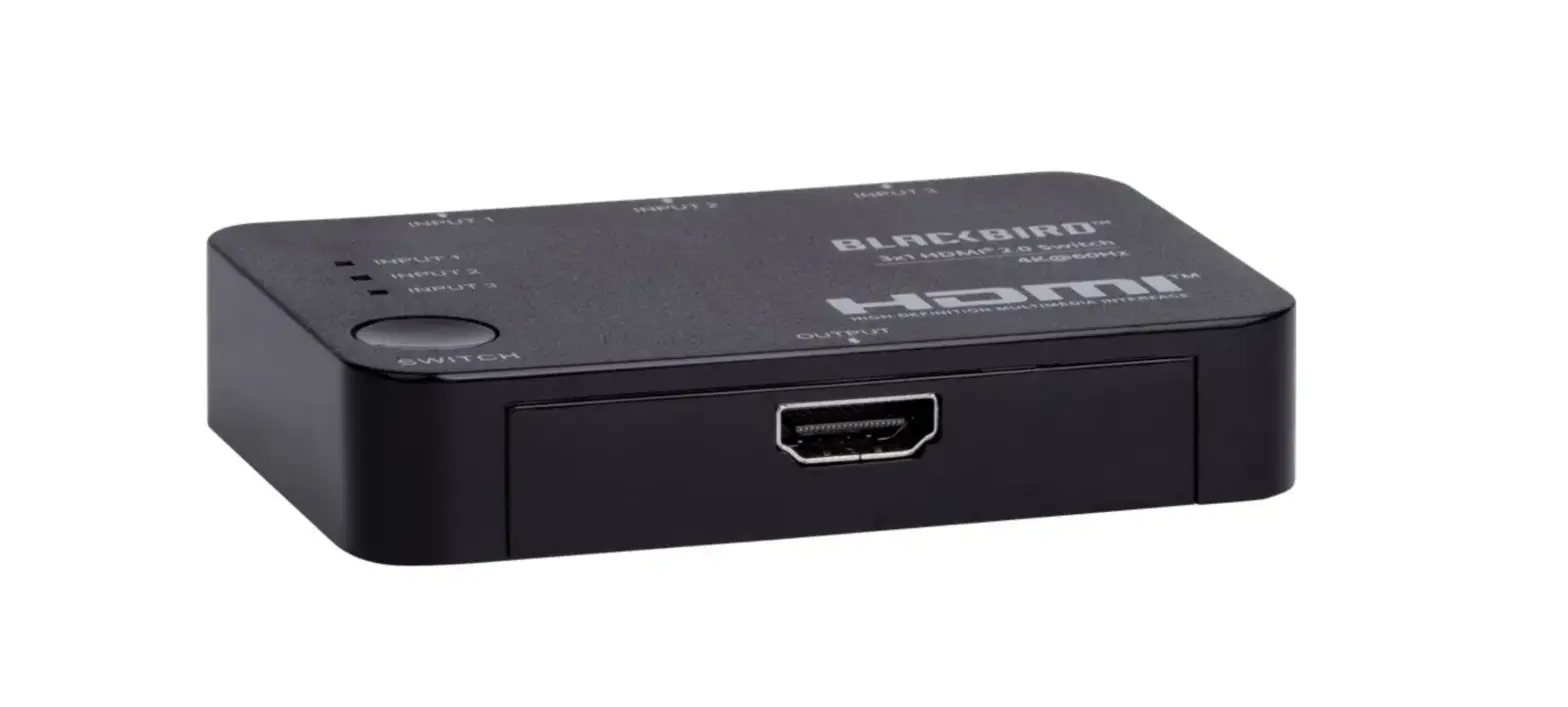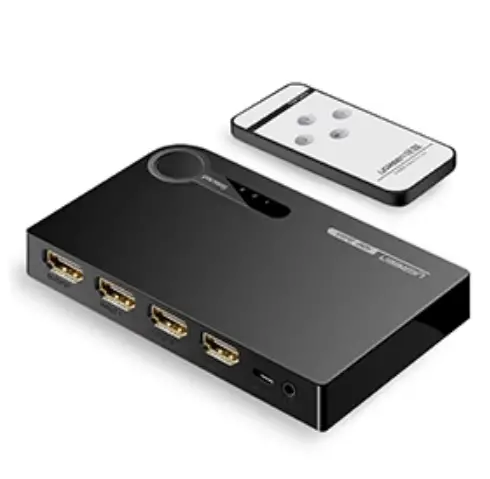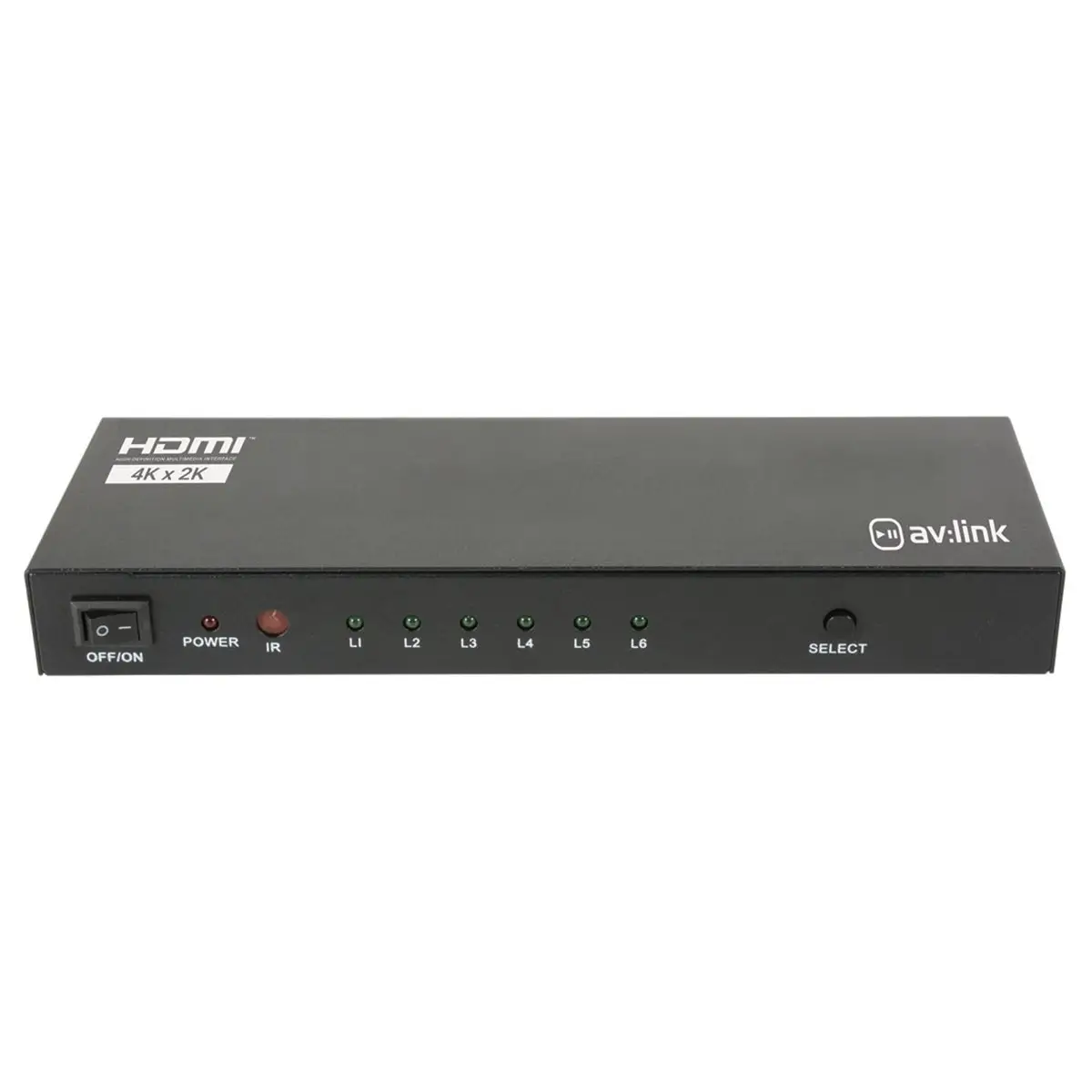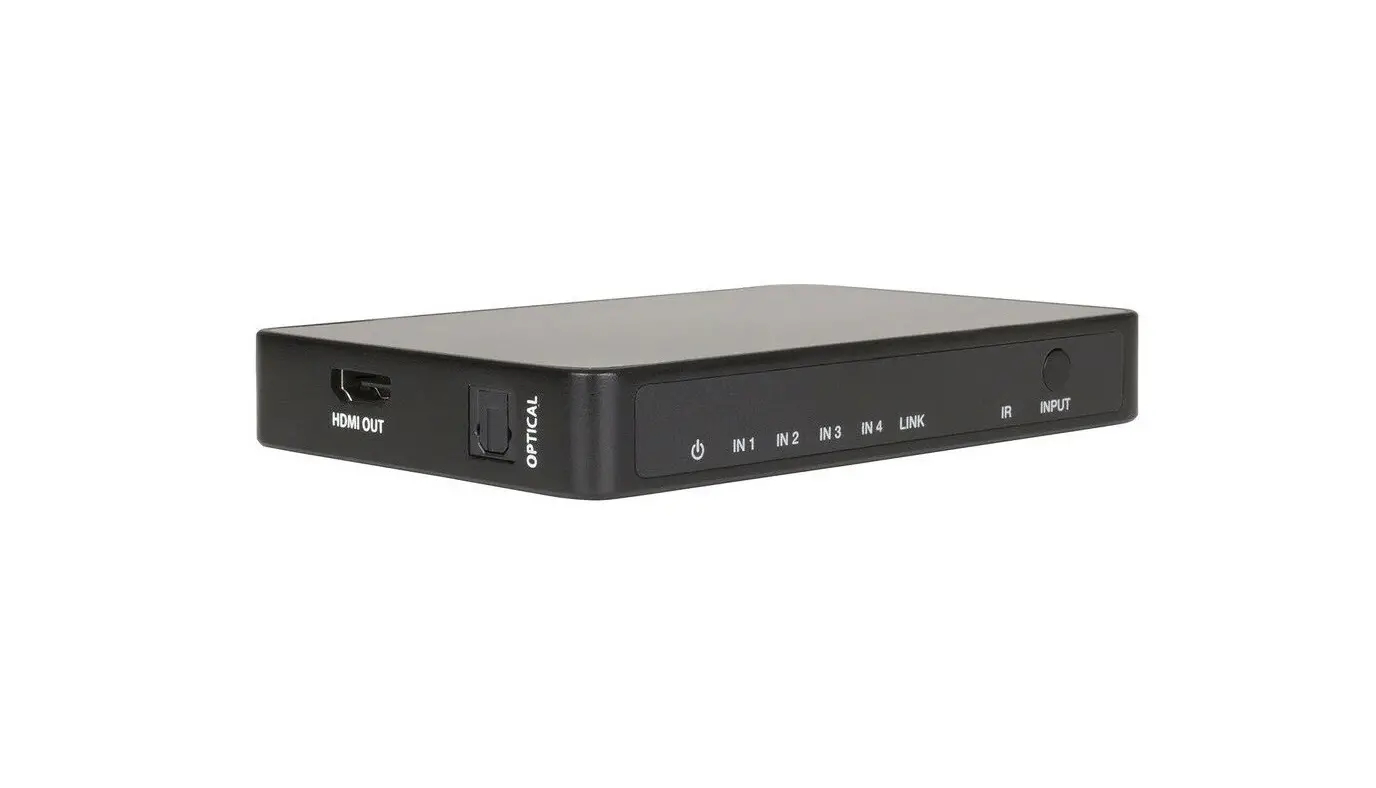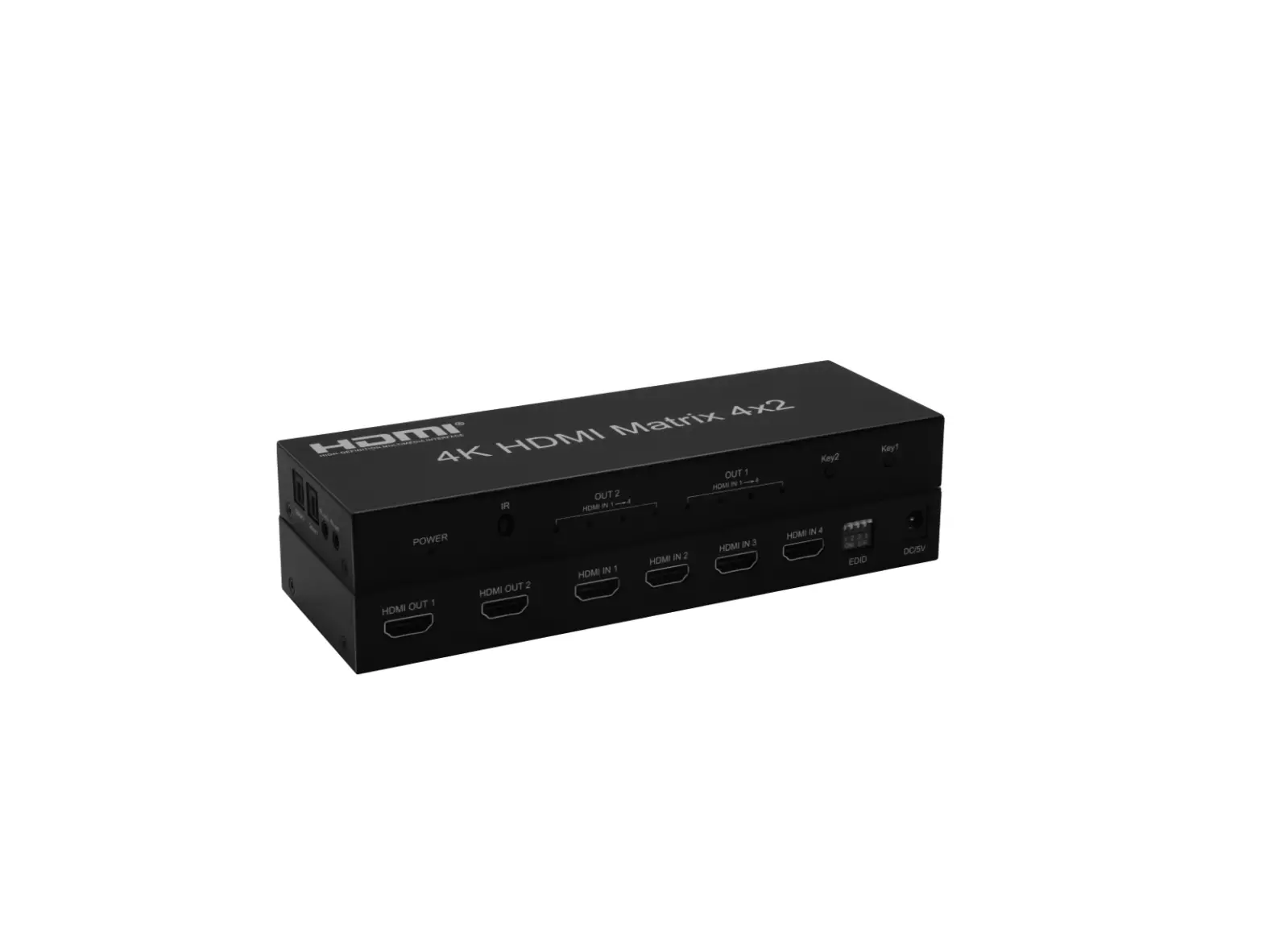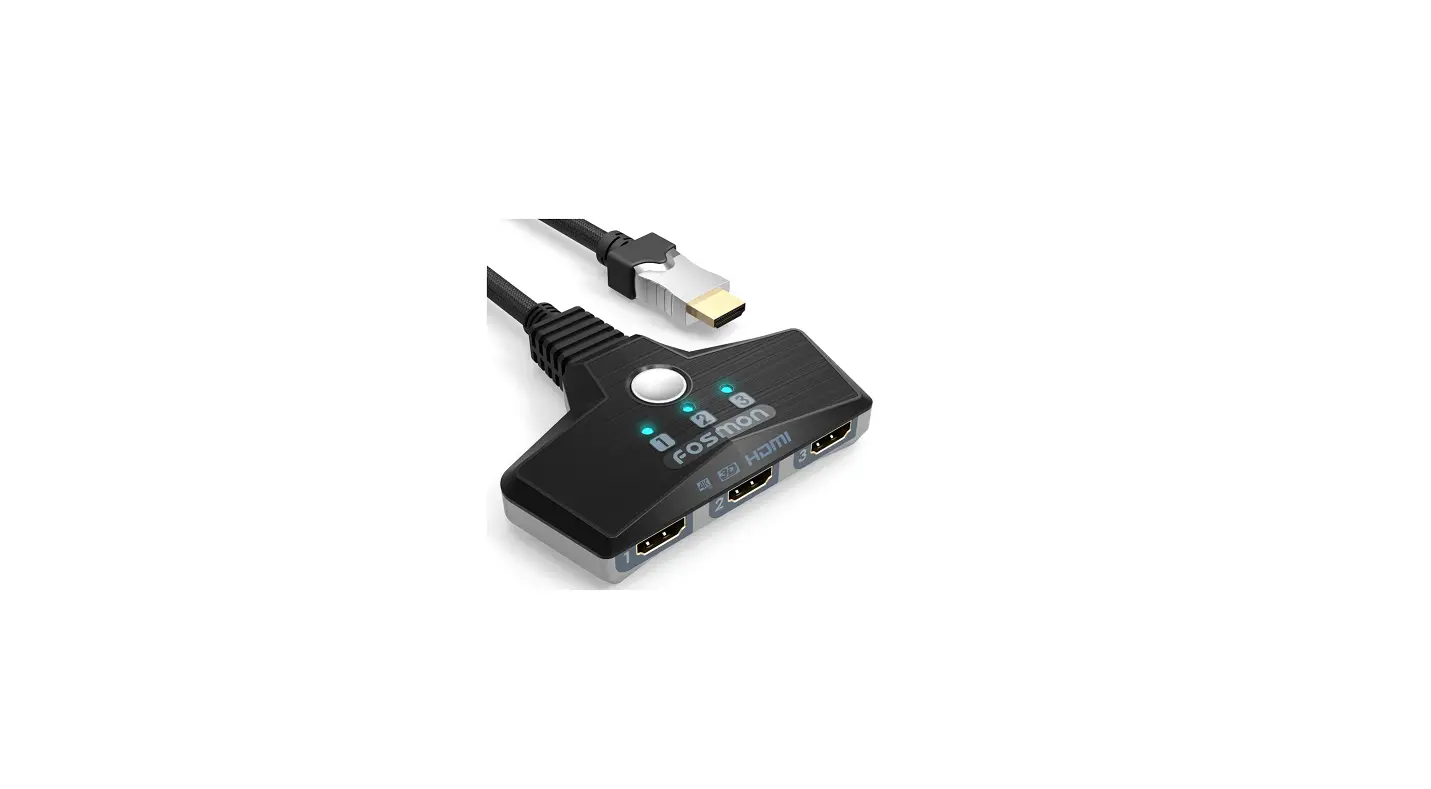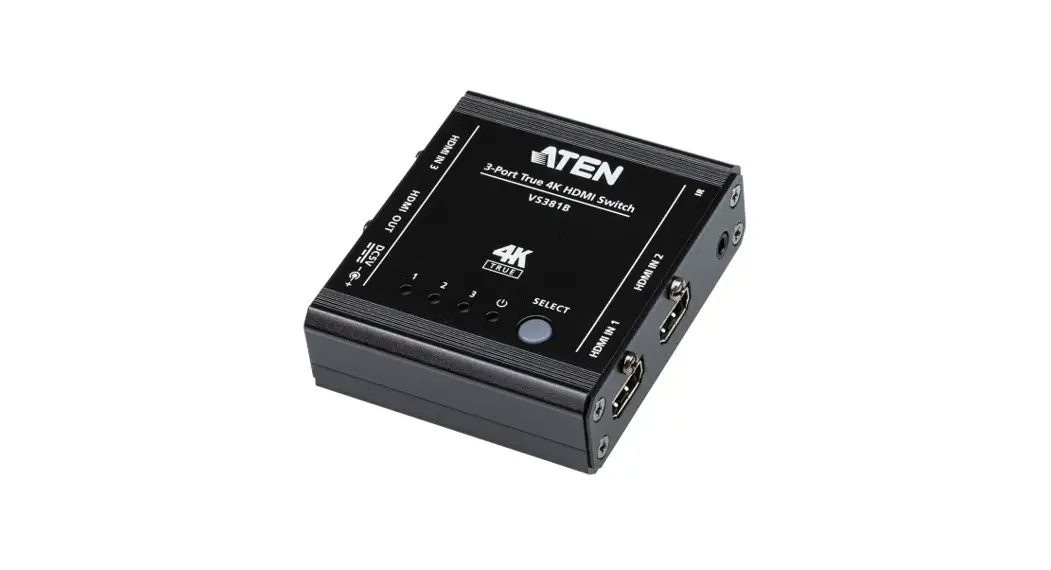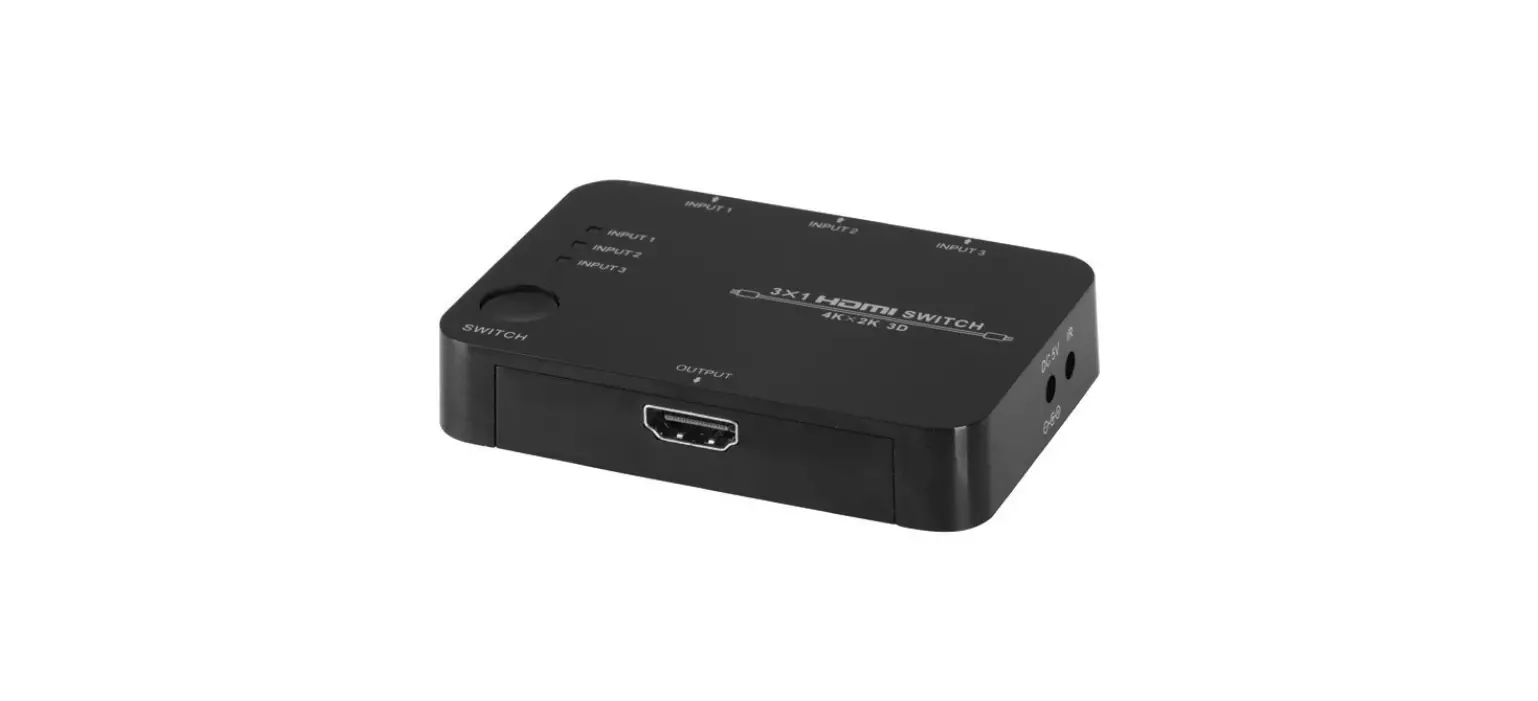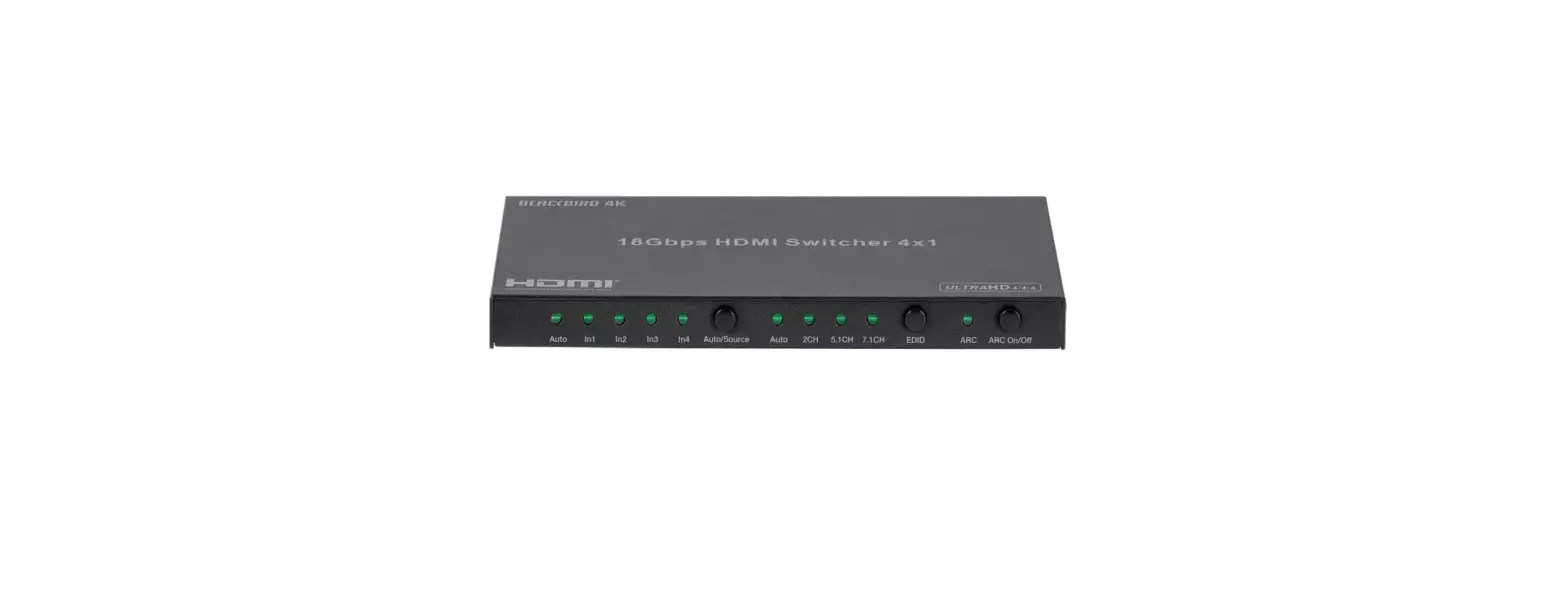
 4K HDMI Switch, 3-way
14.01.3575
User Manual
DEAR CUSTOMER
Thank you for purchasing this product. For optimum performance and safety, please read these instructions carefully before connecting, operating or adjusting this product. Please keep this manual for future reference.
Introduction
This is a high-performance HDMI 3×1 Switch which not only has the key-press-switching function, but also has intelligent functions. This HDMI Switch routes high- definition video (in multiple resolutions up to 4k*2k@60HZ) and digital audio from any one of three sources to display units.
Features
- Supports to switch 3 HDMI sources to 1 HDMI display
- Intelligent and mechanical switching
- Support highest video resolutions of up to 4kx2k@60Hz
- Supports HDMI with max 600MHz Bandwidth
- Supports Full 3D
- Equipped with IR
- HDCP Pass through
- Support compressed audio
- EDID bypass
Specifications
| Signal Input/Output | |
| Input Video | HDMI x3 |
| Maximum Single Link Range | Full 3D and 4k*2k©60HZ |
| Output Video | HDMI |
| Operating Frequency | |
| Vertical Frequency Range | 24/30/50/60Hz |
| Video Amplifier Bandwidth | 6Gbps/600MHz |
| Resolutions (HDTV) | |
| Interlaced (50&60Hz) | 480i,576i,1080i |
| Progressive (50&60Hz) | 480p,576p,720p,1080pAk*2k@30HZ, 4k*2k@60HZI |
| Mechanical | |
| Size (L-W-H) | 80X58X18mm |
| Weight (Net) | 47g |
| Power Requirement | |
| External Power Supply | 5V/1A |
| Power consumption (Max) | 2W |
Note: Specifications are subject to change without notice.
Package Contents
Before attempting to use this unit, please check the packaging and make sure the following items are contained in the shipping carton:
- Main unit
- Power Adapter
- Remote Control
- User Manual
Connection
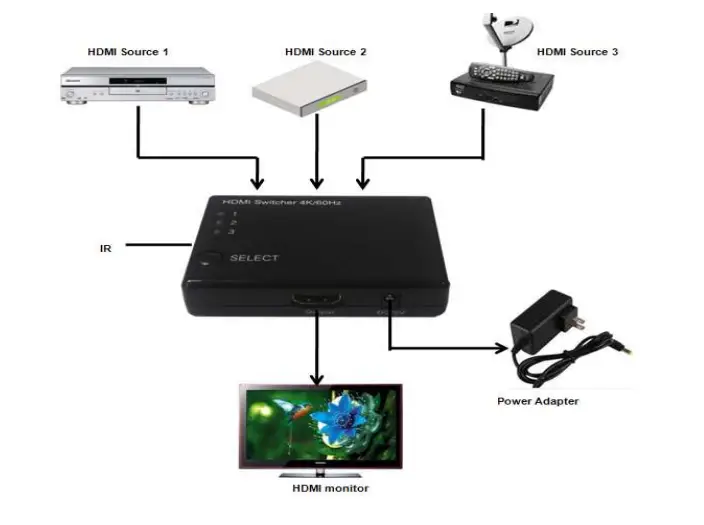
- Connect the HDMI input source into the HDMI switch (input cables are optional)
*Please refer to connection diagram section. - Press the button to select the inputs
- It is recommended to give a 5V DC power supply (optional) to the switch. Attention: Insert/Extract cable gently.
Operation Notes
- Once the source device is turned on or plugged in (should stay power-on mode), the switch will automatically select this source.
- Once the source device is turned off or plugged out, the switch will select the next power-on source depending on the sequence automatically.
- When the source devices are on the stand-by mode, its power supply should be turned off.
- When plugged in or out, this switch is completely intelligent.
- Connect IR remote to the IR port
Diagram