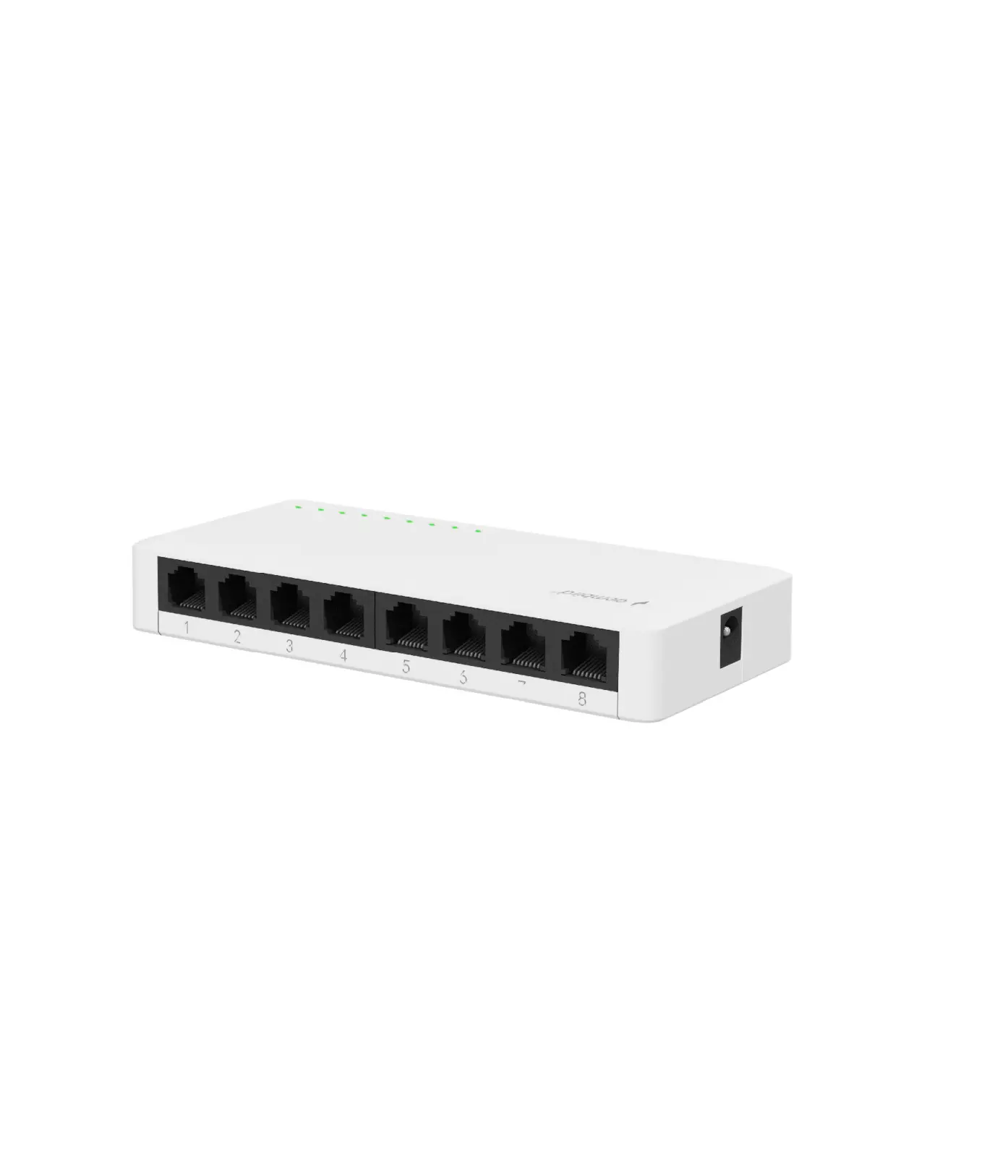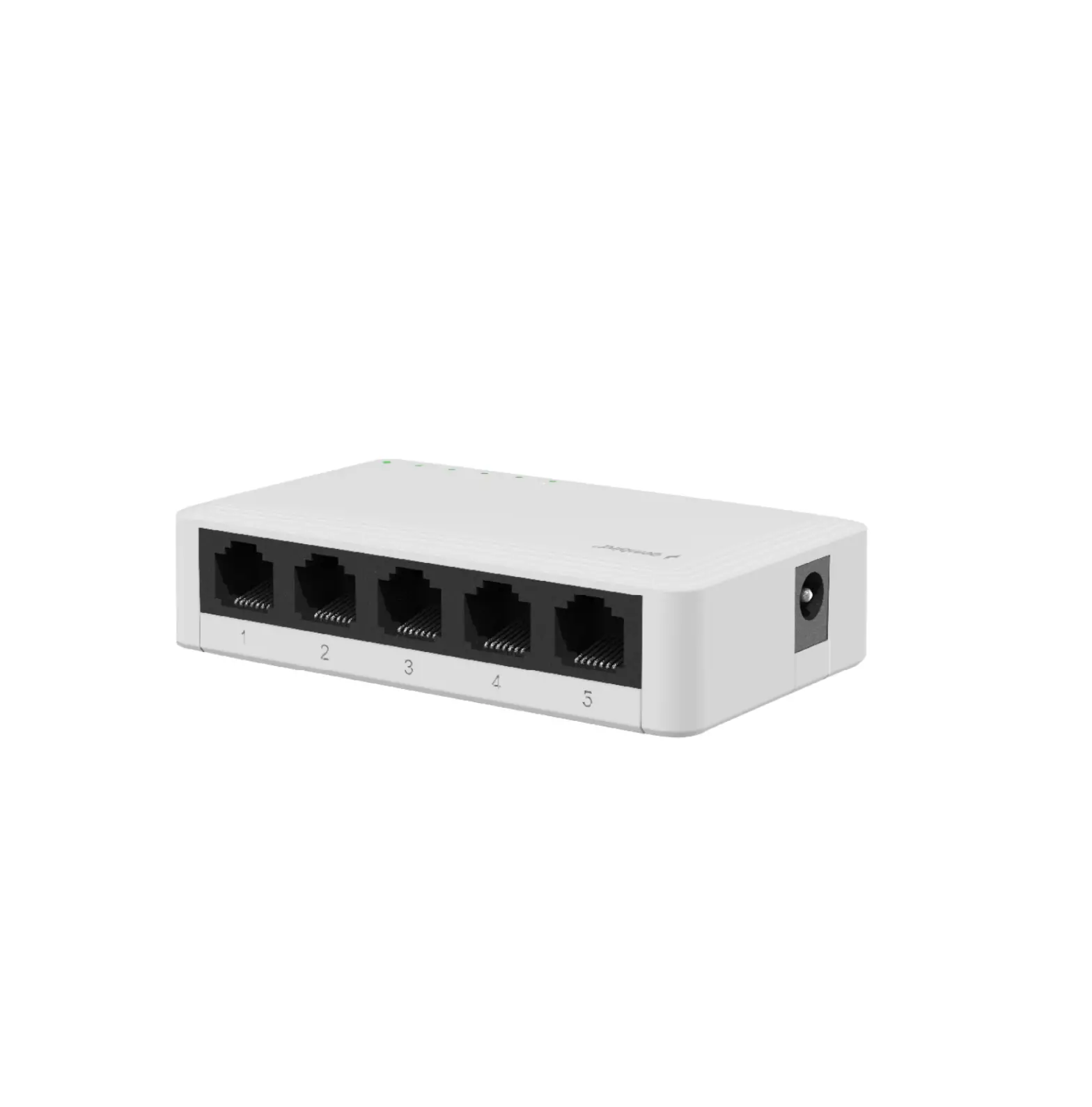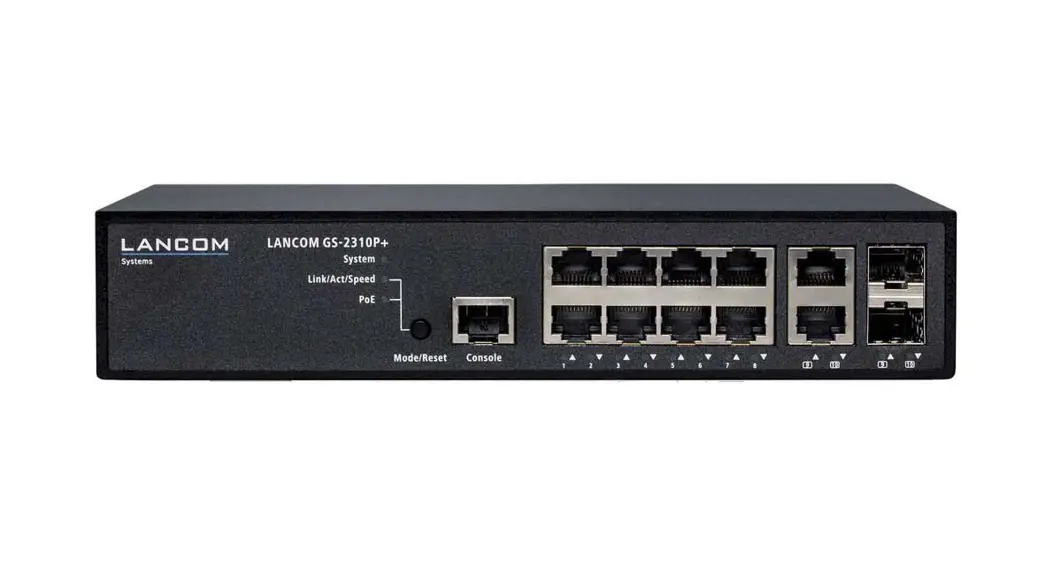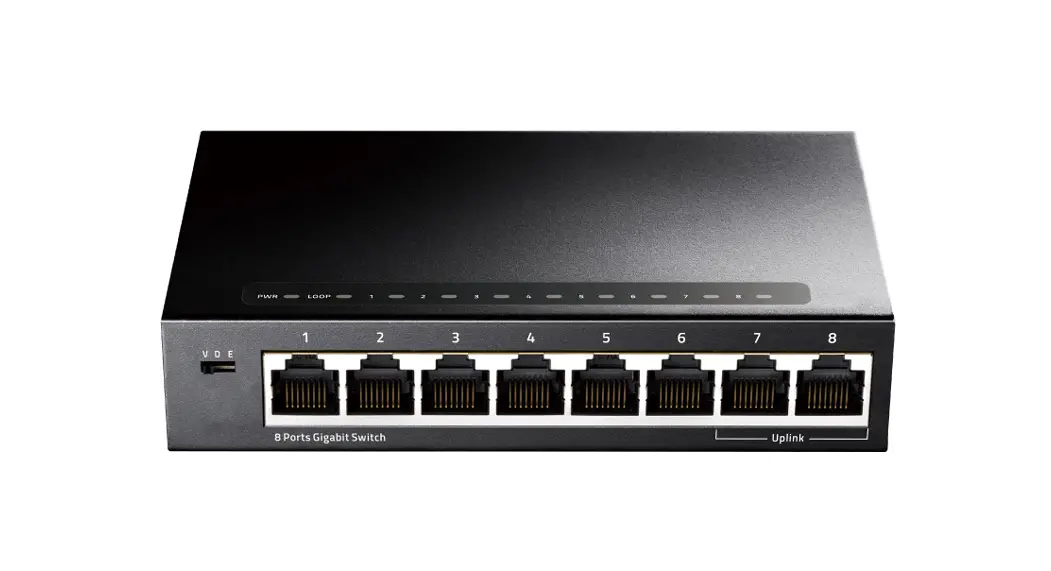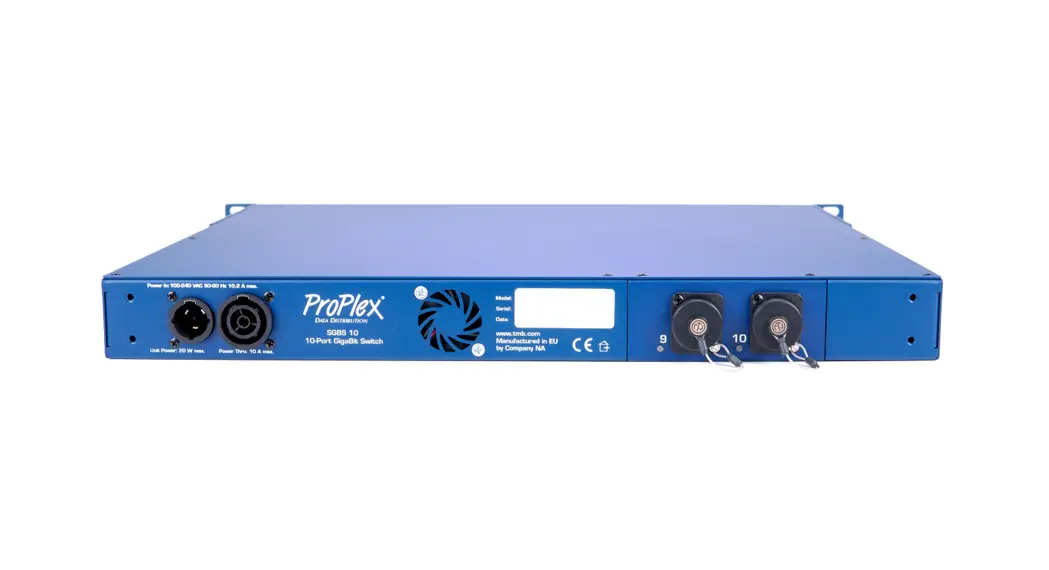

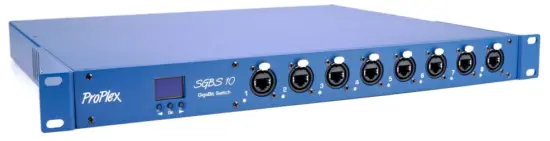
Simple GBS 10-port Gigabit Switch
USER MANUAL
PRODUCT OVERVIEW
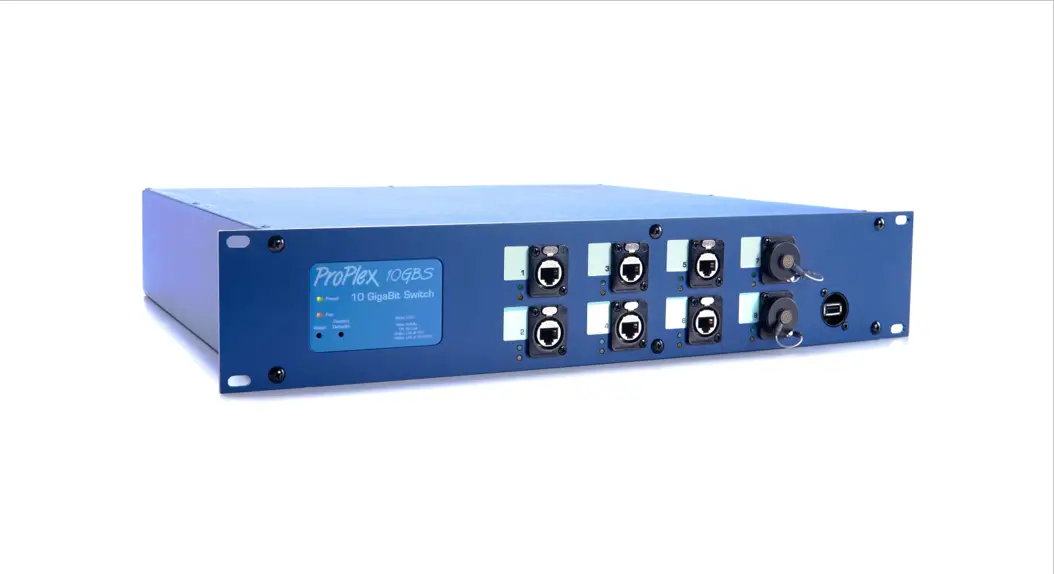
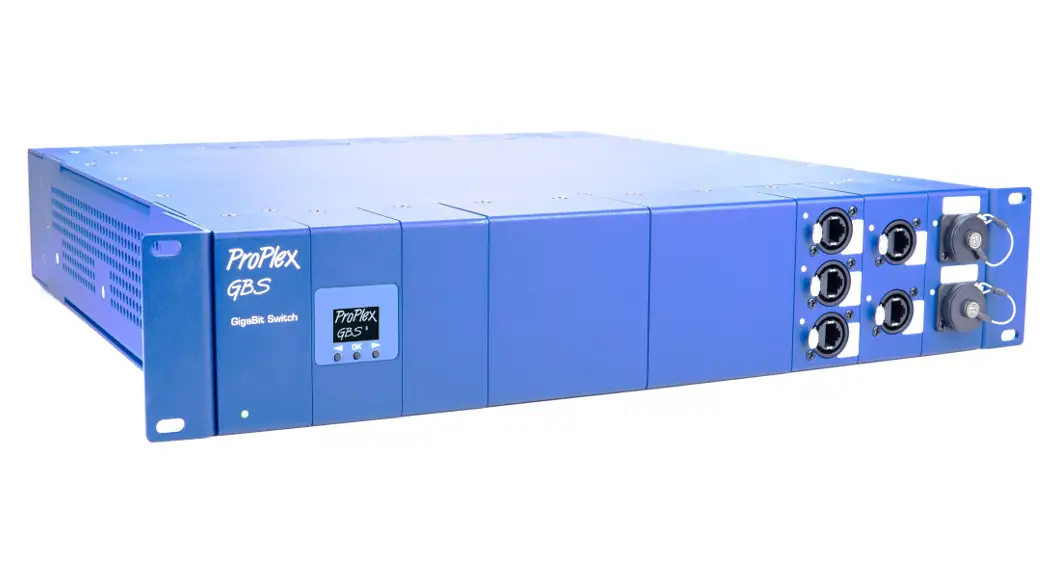
ProPlex GBS Gigabit Ethernet switches are designed for portable entertainment production and are part of the ProPlex Data Distribution range of products for complete touring show data management. The rugged ProPlex SGBS is suitable for high-volume, multicast, video, audio, or lighting data.
Features include:
- Reconfigurable! Panel for ports 9 and 10 on the back of the Unit can be changed. Based on the configuration, available with 8+2 Gigabit Ethernet tour-grade ports or 8 Gigabit Ethernet +1 OpticalCON QUAD heavy-duty port where both optical pairs are used.
- Built for extreme conditions. Shock-mounted circuitry.
- Onboard OLED interface simplifies management with a variety of pre-set VLAN configurations and managed switch options.
- Compatible with a wide range of entertainment-specific protocols, including sACN, ArtNet, CobraNet, Dante, ETCNet, Ethersound, MA-Net, and more!
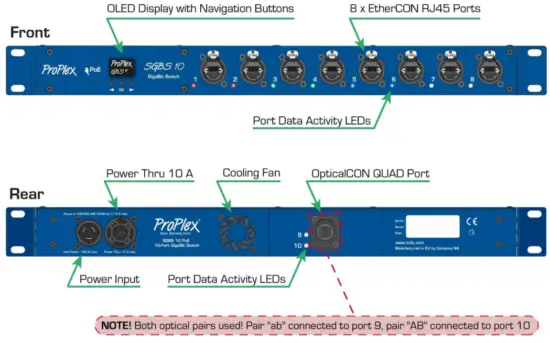
Panel for ports 9 and 10 is changeable, also avaliable in configuration with 2 EtherCon RJ45 Ports.
OPERATION CONTROL
PANEL NAVIGATION
The LCD Control Panel has built-in navigation buttons and OLED screen to show the current mode selection and display other menu functions. Easy mode selections are available through the LCD Control Panel, giving a variety of VLAN configurations alongside common managed switch settings enabling RSTP and IGMP. Various menus are navigated with the LEFT and RIGHT button, and are accessed by the OK button.
BOOT SCREEN – The device will show a Boot Screen when powering on the first time. The boot process can last for up to one minute.
 OLED SCREEN – The OLED screen will always show the current operating mode and description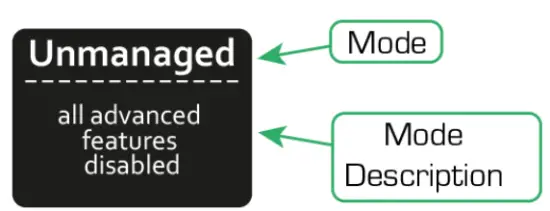
LEFT and RIGHT – Navigates and scrolls through the various internal menu structure. Current highlighted menu options are indicated on screen and are accompanied by port LED activity. OK – Allows mode selection and loading once highlighted 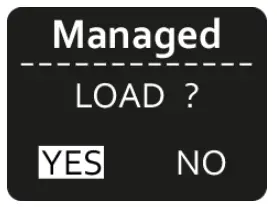
| Unmanaged | All settings are off, no VLAN groups |
| Managed | RSTP ON IGMP ON QoS ON |
| DHCP + Managed | RSTP ON IGMP ON QoS ON DHCP ON |
| 2 groups/VLANs + Managed | RSTP ON IGMP ON QoS ON 2 group VLAN |
| 3 groups/VLANs + Managed | RSTP ON IGMP ON QoS ON 3 group VLAN |
Custom/Unknown* | Other configuration different than default modes |
LED INDICATORS
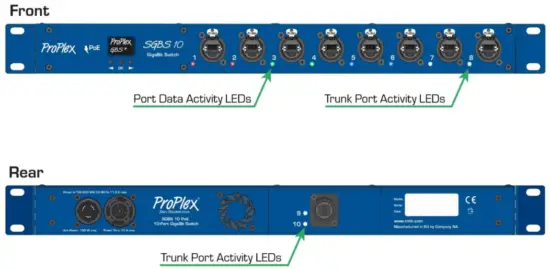
Trunk Port Activity LEDs
Trunk ports are always set as trunks in every mode selection. When connected to a network, Trunk Port Activity LEDs will show connection speed.
- Blinking Green: 1 Gbps
- Blinking Orange: 100 Mbps
Port Data Activity LEDs
On bootup, the Port Data Activity LEDs will glow white in a wave pattern. When boot is complete, Port Data Activity LEDs will change color depending on the current mode selection.
When mode selection is initiated, each VLAN grouping will change its Port Data Activity LED to the representative VLAN color. The groups will also identify visually by white flashing (1-3 times depending on VLAN number) which will cascade through each group consecutively.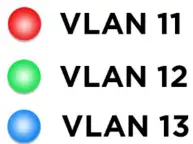
Unmanaged, Managed, and Managed + DHCP modes are represented by White LEDs
DEFAULT VLAN GROUP CONFIGURATION
2 VLAN Groups
(Default panel configuration)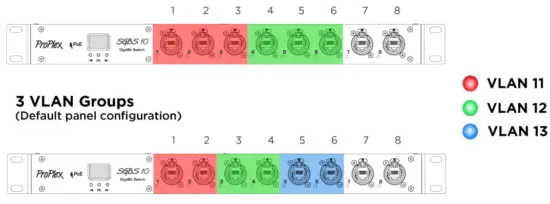
Login credentials
Login (username / password):
Cisco1234 / ProPlex1234 (usually this one will be active login)
ProPlex1234 / Cisco1234 (can be used if default fails)
SPECIFICATIONS
| PoE | Non PoE | |
| PoE Support | YES (802.3at PoE+, 802.3af, and Cisco prestandard (legacy) PoE) | NO |
| 8 Ports Support PoE | ||
| Ethernet Ports | 8 Neutrik EtherCon RJ45 (2 Trunk) | |
| Optional Ethernet Ports | 2 Neutrik EtherCon RJ45 (Trunk) | |
| Optional Fibre Ports | 1 Neutrik OpticalCon QUAD (Trunk) | |
| Ethernet Type | Gigabit | |
| Switching Capacity | 20.0 Gigabits per second (Gbps) | |
| Packet Buffer Memory | 1.5 Mb | |
| Forwarding Rate | 41.66 million Packets per Second (mpps) (64-byte packets) | |
| Power Input | 100-240 VAC, 50-60 Hz | |
| Power Consumption max. | 160W | 20W |
| Power Connector | Neutrik PowerCon True1 IN/THRU | |
| Cooling | Active | |
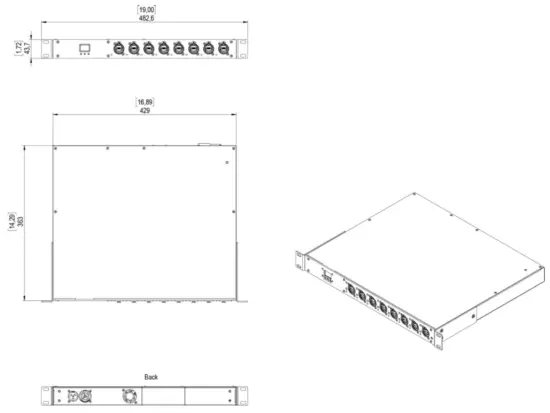
| Unit Dimensions (WxHxD) | 19 x 1.72 x 14.29 in (482,6 x 43,7 x 363 mm) | |
| Weight | 13.66 lb (6.2 kg) | |
DIMENSIONS
ProPlex Simple GBS User Manual Version 1.0 – 27 April 2022
TMB 24/7 Technical Support
US/Canada: +1 818.794.1286
Toll Free: 1 877.862.3833 (877.TMB.DUDE)
UK: +44 (0)20.8574.9739
Toll Free: 0800.652.5418
e-mail: [email protected]