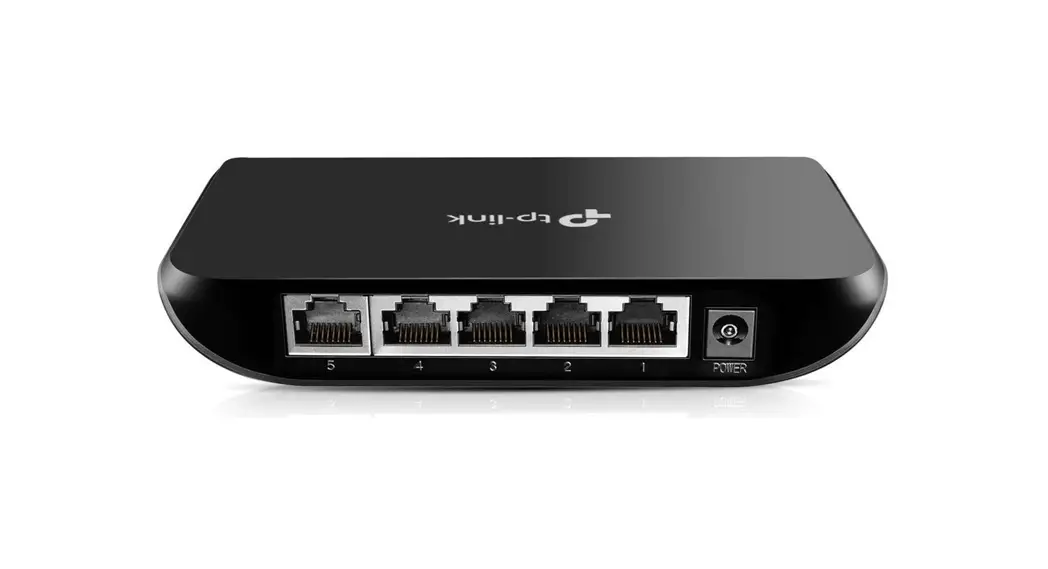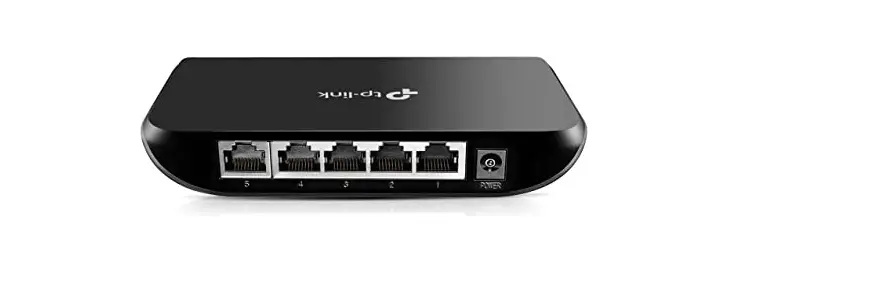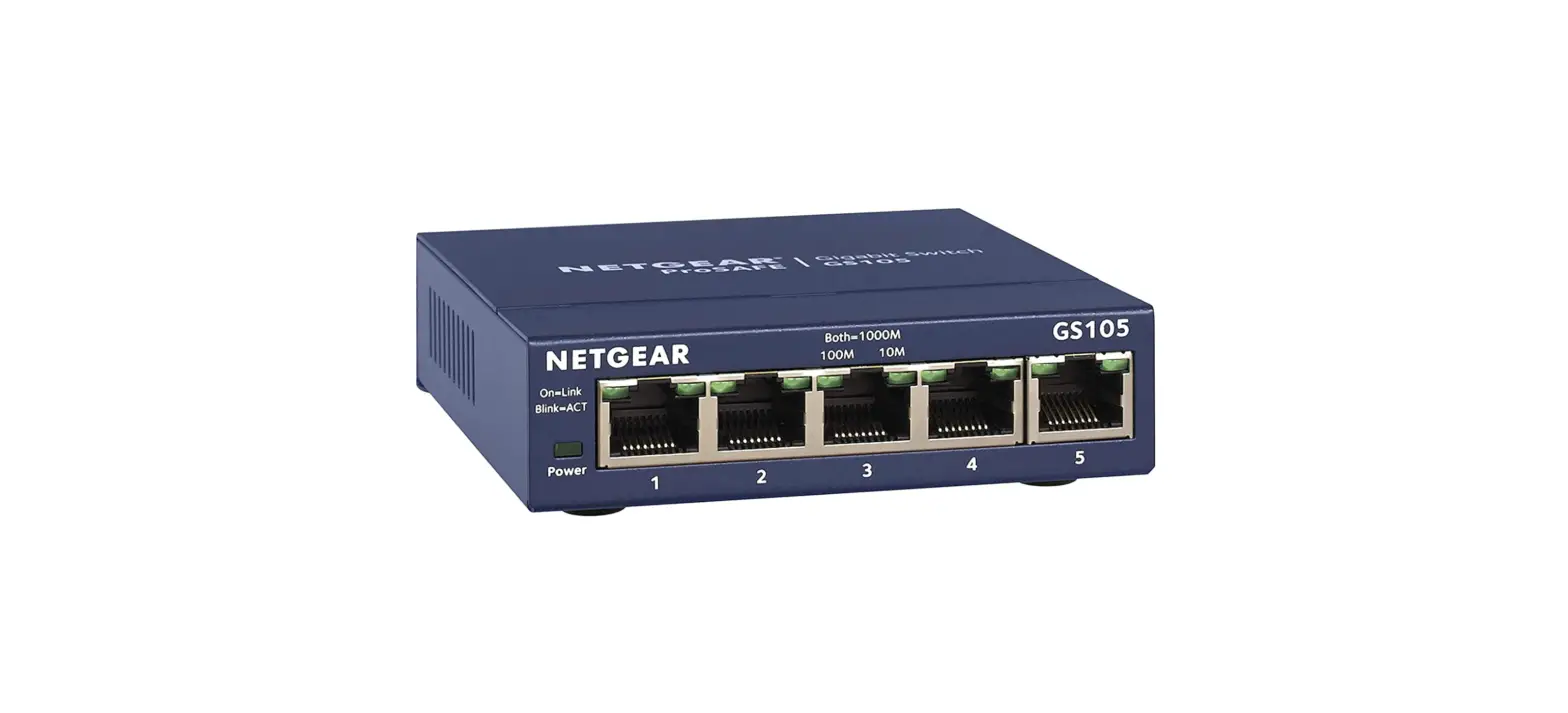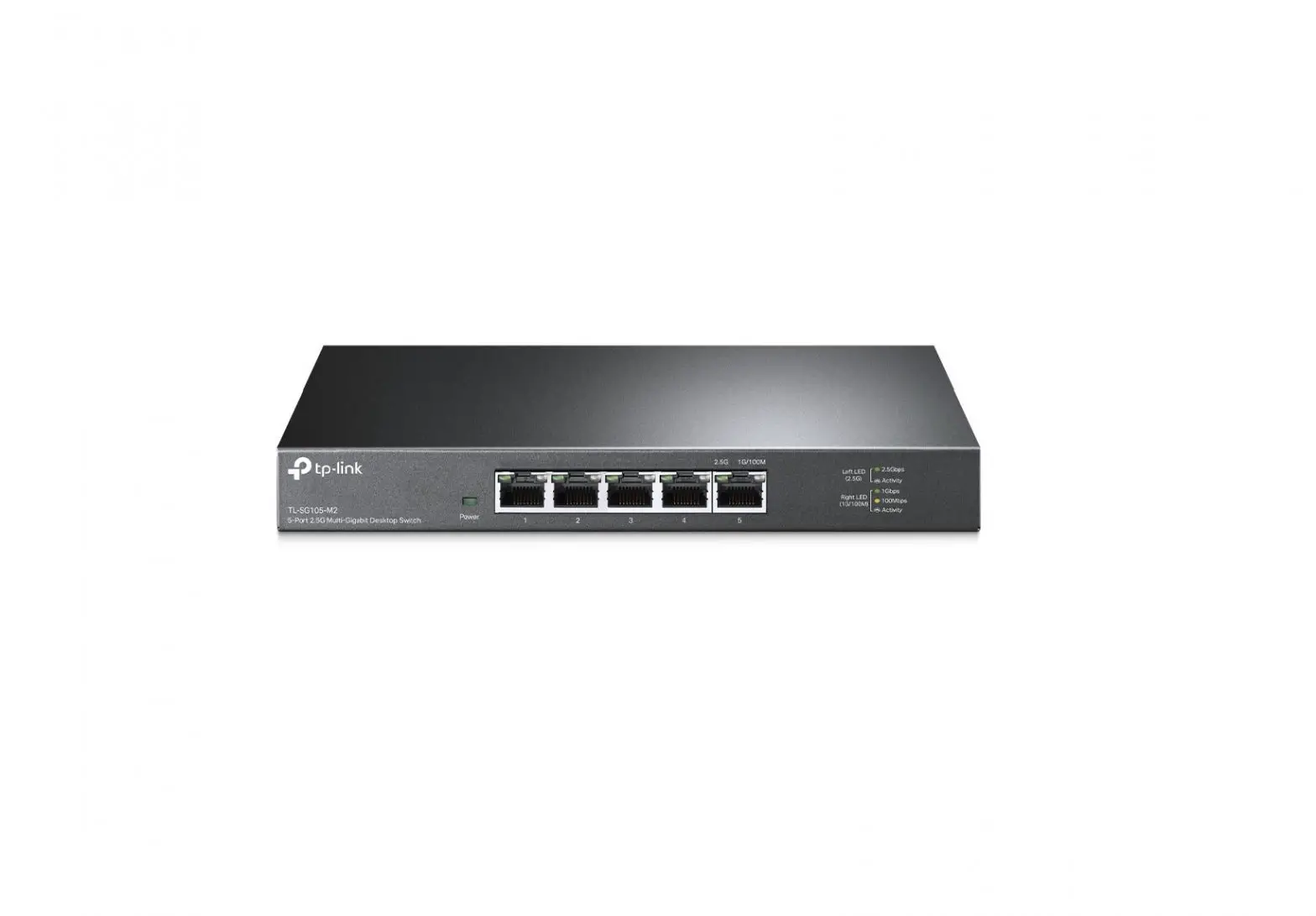

AUMOX SG305P 5 Port Gigabit Switch
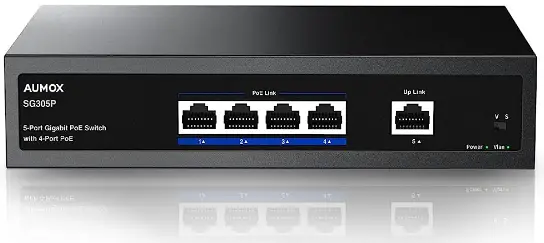
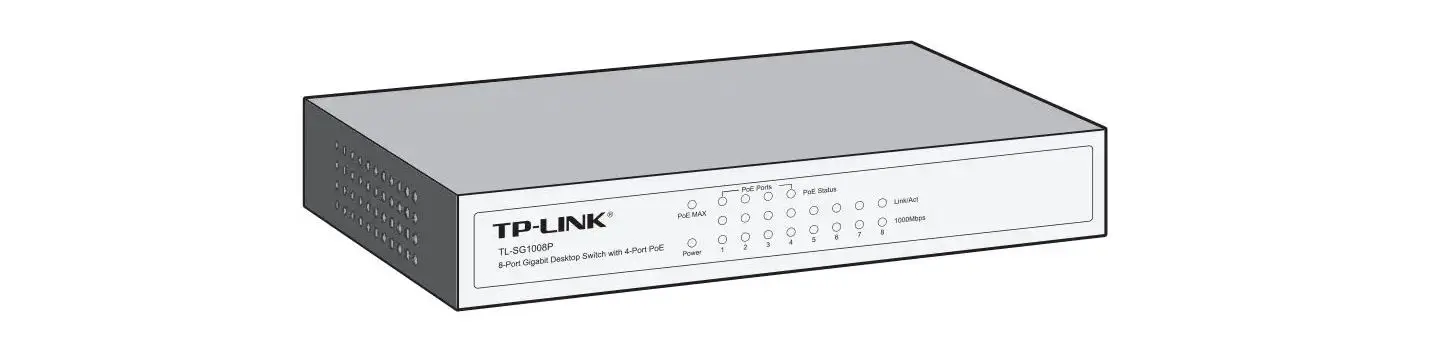
LED Explanation
Power
 On: Power on
- Power Off: Power off
- On: Enabled
- Vlan Off: Unenabled
 On: Power on
Note: If VLAN is enabled, ports 1-4 can not communicate with each other, but can only communicate with port 5.
Link/Act

- On: Link successful
- Blink: Data working

- Off: No link
Note: If a Pot device is connected, you can check the connected device’s indicator to see if the switch has sunplied nower to it
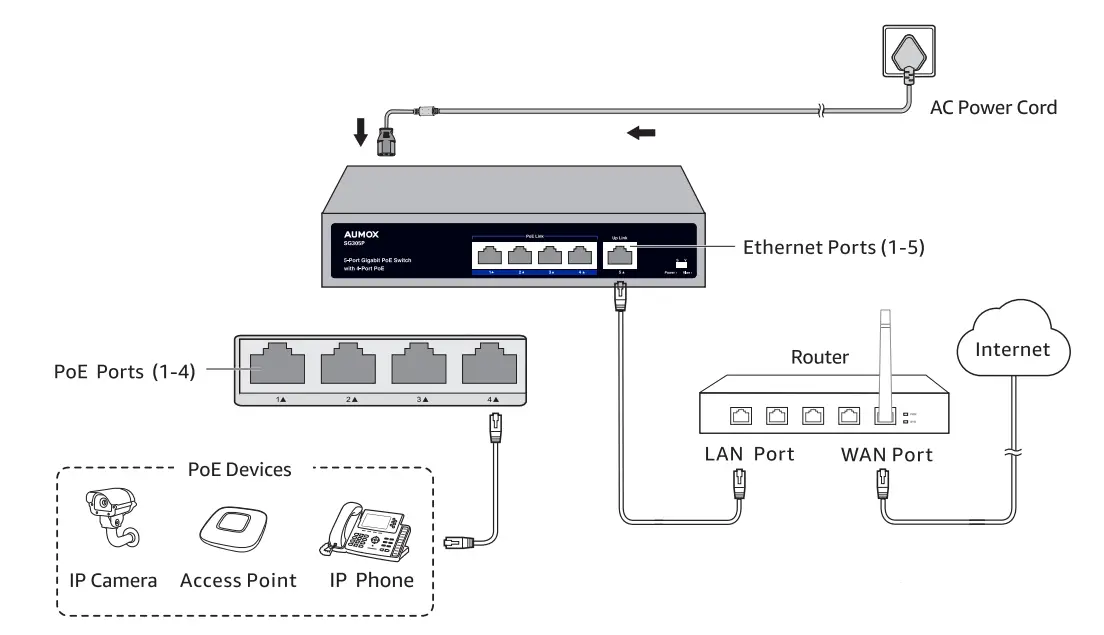
Connection
Note
- PoE ports can also connect to non-Po devices, but only transmit data.
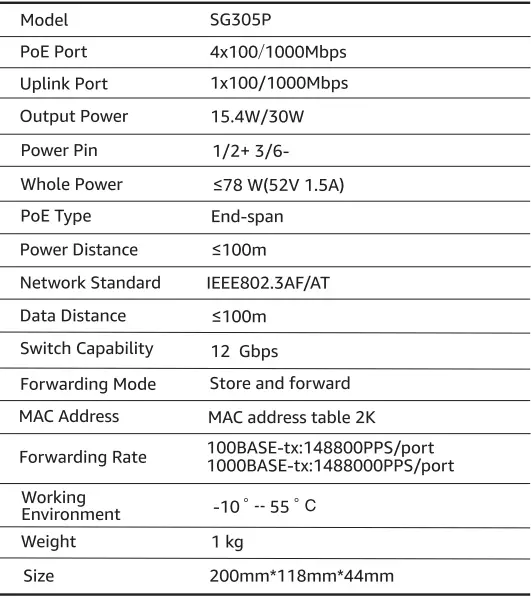
- Maximum PoE power is 30W for each Pot port and 78 W for all PoE ports.
Need help?
This AUMOX product contains 1-year limited warranty and lifetime technical support.
For more information and warranty requests, please contact our 7×24 hours support team.
Visit https://aumox.com/support/ or simply scan the QR code below:

Specifications