RAK2560 WisNode Sensor Hub
Product Information
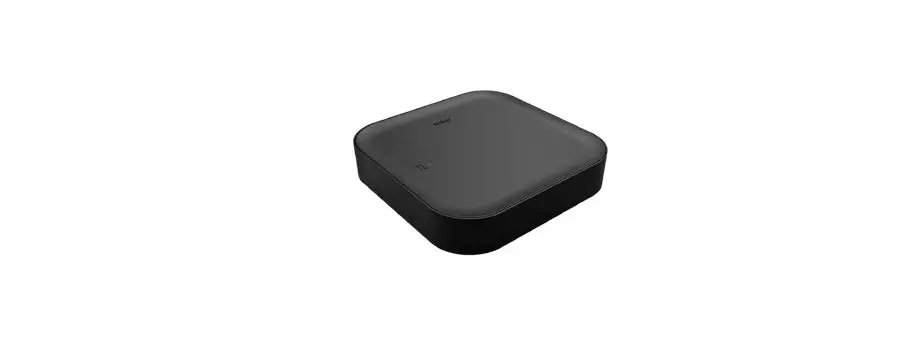
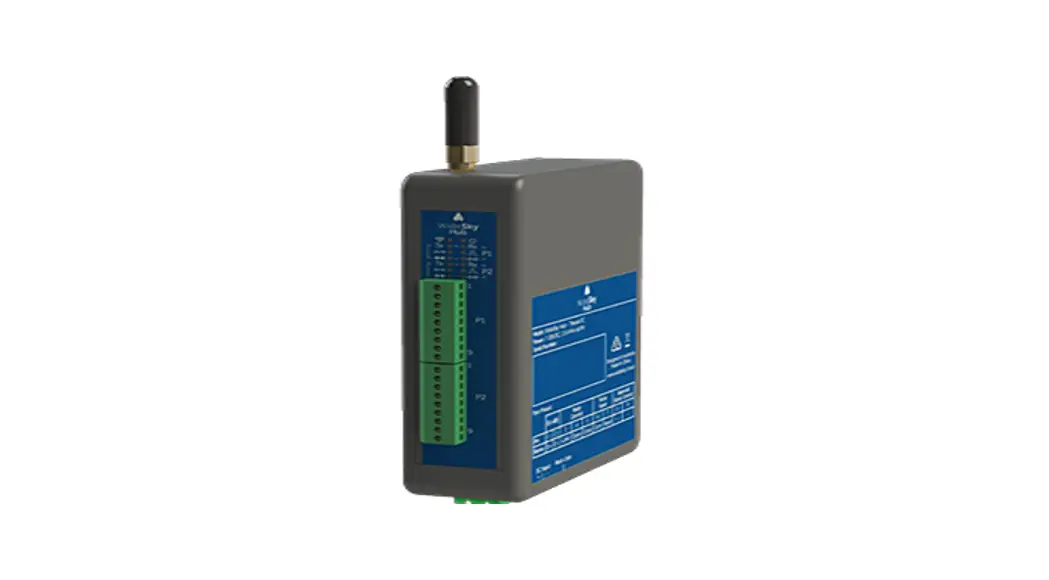
The RAK2560 WisNode Sensor Hub is a device that allows for the
connection and monitoring of sensor probes. It is designed for
installation in various environments and can be mounted on walls or
poles. The device is equipped with a SIM card slot and requires
batteries for operation. It also features a back cover with a
rubber seal for waterproof sealing.
Warnings and Safety
During installation, it is important to comply with all
necessary safety regulations to ensure personal safety. The device
and mounting kit should not be placed on pedestrian walkways to
avoid accidental damage or harm to bystanders.
Inserting the SIM Card and Batteries
- Remove the back cover by unscrewing the four screws using a
Philips screwdriver. - Put the SIM card in the groove and push it into the
socket. - Insert the batteries by pressing the negative spring with the
battery and fit the positive end in its place. - Put the back cover back and screw it in place. Ensure that the
rubber seal is fitting nicely to ensure waterproof sealing. Apply
enough force to properly seal the back cover without breaking
it.
Mounting of the Sensor Hub
Wall Mounting
- Using a 5 mm drill head, drill holes on the wall and plug the
screw anchors in the holes. - Attach the mounting bracket to the wall using tapping
screws.
Pole Mounting
- Fix the mounting bracket on the pole with one steel strip.
Ensure that the diameter of the pole is within the supported range
of 50-80 mm. If the pole diameter is larger, larger steel strips
can be used (not included in the standard mounting kit). - Align the hanging tab of the device with the slot on the
bracket and put the tab into the slot. Then, pull the device down
until it clicks in place. - Add the security screw on top to lock the device and bracket
together.
Mounting of the Sensor Probe
Wall Mounting
- Using a 5 mm drill head, drill holes on the wall and plug the
screw anchors in the holes. - Attach the mounting bracket to the wall using tapping
screws. - Clip the probe into the bracket.
Pole Mounting
Fix the probe on the pole with a steel strip directly.
Connecting Probes to the Sensor Hub
Connecting the Sensor Probe
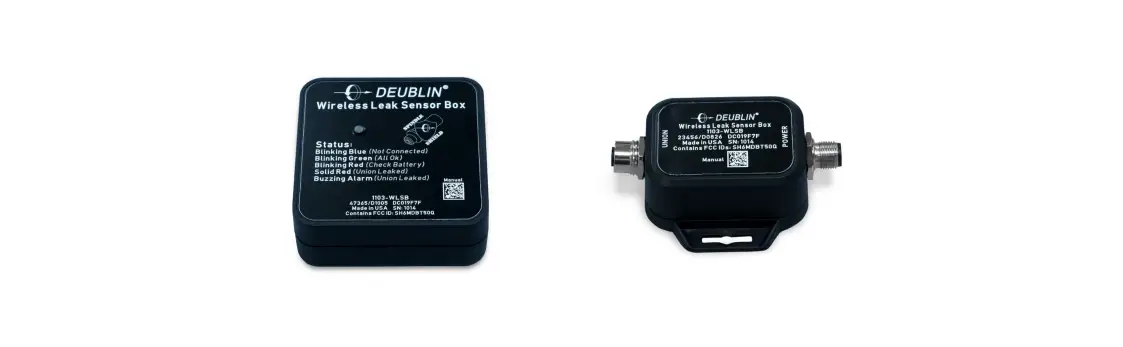
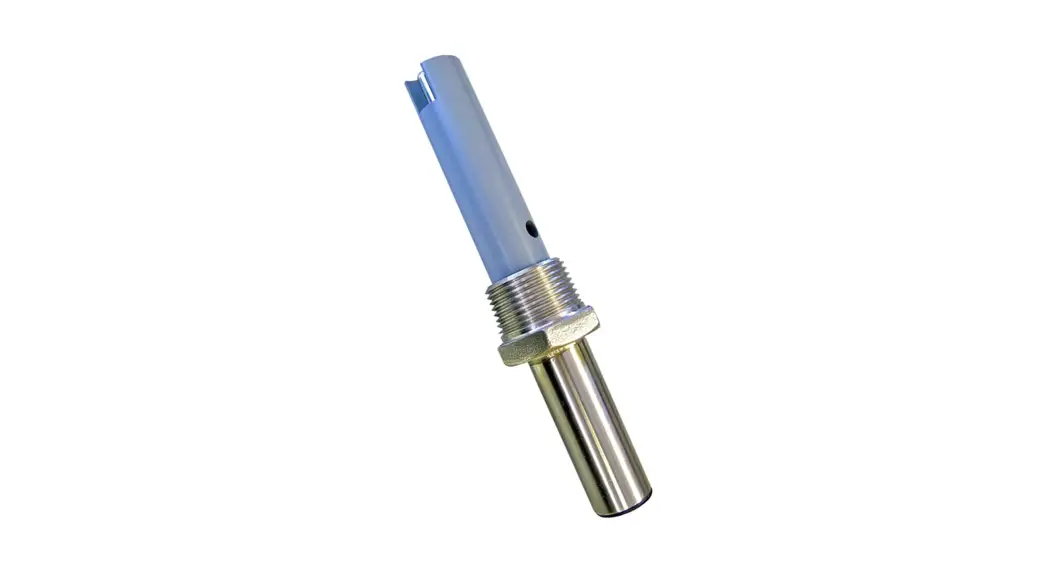
You have multiple options for connecting the sensor probe to the
hub:
- Connect the sensor probe to the hub directly by plugging the
cable into one of the free ports on the main body. - Connect the probe to the hub via an extender cable for better
placement of the probe. - Connect the probe to the hub via a splitter cable for the
option to connect multiple probes to the same port of the hub.
Documentation Center
RAK2560 WisNode Sensor Hub Installation Guide
During installation, make sure that the installer complies with all the necessary safety regulations to ensure personal safety.
WARNING
Do not place the device and mounting kit on pedestrian walkways to avoid accidental damage to the device or harm to bystanders.
Inserting the SIM Card and Batteries
1. Remove the back cover by unscrewing the four screws using a Philips screwdriver.
Figure 1: Removing the back cover
2. Put the SIM card in the groove and push it into the socket.
Figure 2: Inserting the SIM card
3. Insert the batteries by pressing the negative spring with the battery and fit the positive end in its place.
Figure 3: Fitting the batteries
NOTE:
The battery should be 18505 in size. 4. Put the back cover back and screw it in place.
Documentation Center
Figure 4: Closing the back cover
NOTE:
Make sure that the rubber seal is fitting nicely in its place to ensure waterproof sealing. Make sure that you put enough force in the screwing to properly seal the back cover but not such as to break it.
Mounting of the Sensor Hub
Wall Mounting
1. Using a 5 mm drill head, drill holes on the wall and plug the screw anchors in the holes.
Figure 5: Drilling the wall
2. Using the tapping screws, attach the mounting bracket to the wall.
Figure 6: Install the bracket on the wall
Pole Mounting
1. Fix the mounting bracket on the pole with one steel strip.
Documentation Center
Figure 7: Installing the bracket on a pole
NOTE:
The diameter of the pole that is supported by the brackets is 50-80 mm. If the pole diameter is more than this value, larger steel strips can be used. The standard mounting kit does not include larger steel strips. If needed, you should purchase them separately. 2. Align the hanging tab of the device with the slot on the bracket, and put the tab into the slot. Then, pull the device down until it clicks in place.
Figure 8: Placing the Hub on the bracket
3. Add the security screw on top so the device and bracket are locked together.
Figure 9: Adding a security screw
Mounting of the Sensor Probe
Wall mounting
Documentation Center
1. Using a 5 mm drill head, drill holes on the wall and plug the screw anchors in the holes.
Figure 10: Drilling the wall
2. Use two tapping screws to attach the mounting bracket to the wall.
3. Clip the probe into the bracket.
Figure 11: Installing the bracket to the wall
Figure 12: Clipping the probe to the bracket
Pole mounting
Fix the probe on the pole with a steel strip directly.
Figure 13: Pole mounting
Documentation Center
Connecting Probes to the Sensor Hub
Connecting the Sensor Probe
You have multiple options, depending on the deployment requirements and available space. 1. Connect the Sensor Probe to the Hub directly by plugging the cable into one of the free ports on the main body.
Figure 14: Direct connection
2. Connect the probe to the Hub via an extender cable for better placement of the Probe.
Figure 15: Connection via an extender
3. Connect the Probe to the Hub via a splitter cable for the option to connect multiple Probes to the same port of the Hub.
Figure 16: Connection via a splitter
4. Connect the Probe to the Hub using a splitter and extender cable at once for maximum placement freedom.
Documentation Center
Figure 17: Connection via splitter and extender
Connecting the Probe IO
RAK2560 Sensor Hub can support third-party sensors through the Probe IO. 1. Remove the lid using a Philips screwdriver.
Figure 18: Removing the lid
2. Pass the cable of the sensor through the cable gland and the opening of the Probe IO, connect the cable to the wiring terminal.
Figure 19: Connecting the cable
3. Screw the cable gland body and lock nut in the proper sequence.
Figure 20: Screw the cable gland
4. Put the back cover back and screw it in place.
Documentation Center
Figure 21: Closing the Probe IO
5. Connect the Probe IO to the Hub the same way you would connect a Sensor Probe.
Figure 22: Connection the Probe IO to the Hub
Last Updated: 10/14/2022, 8:53:31 PM