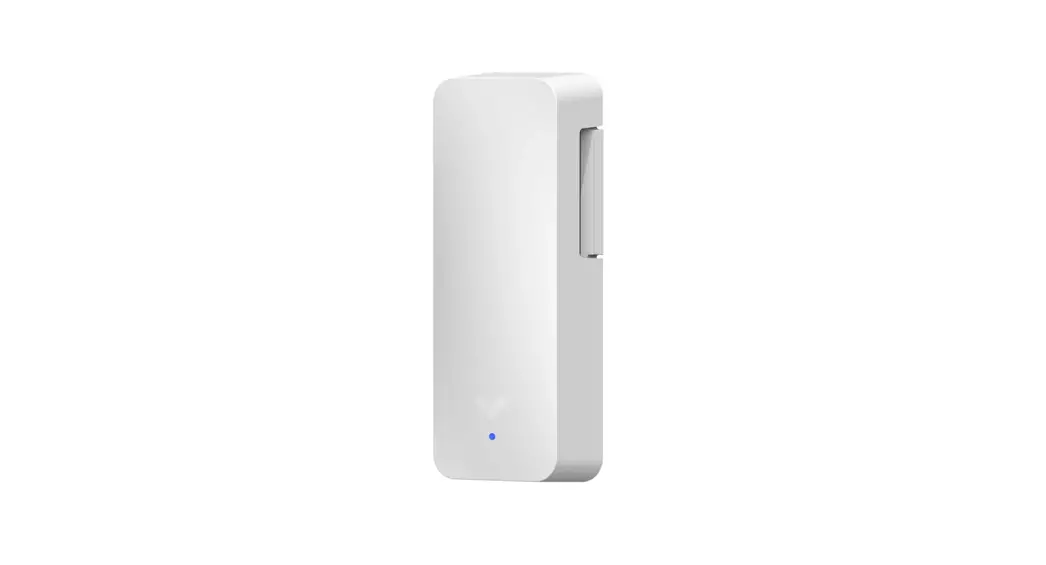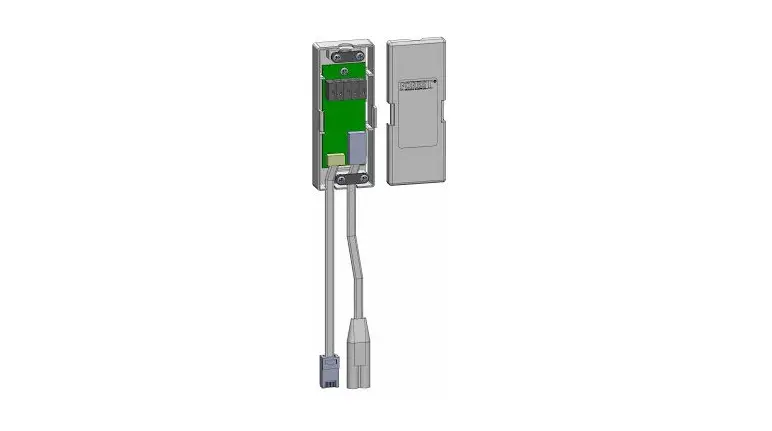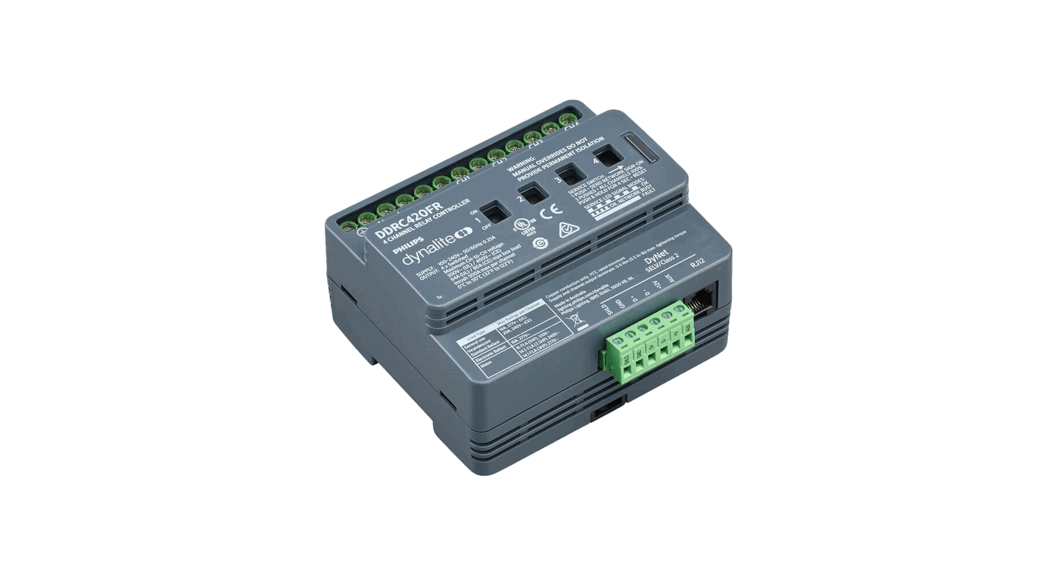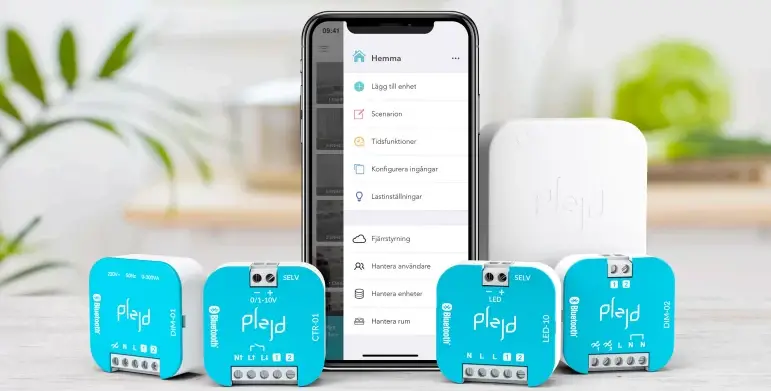

plejd REL-01-2P 2-Channel Relay
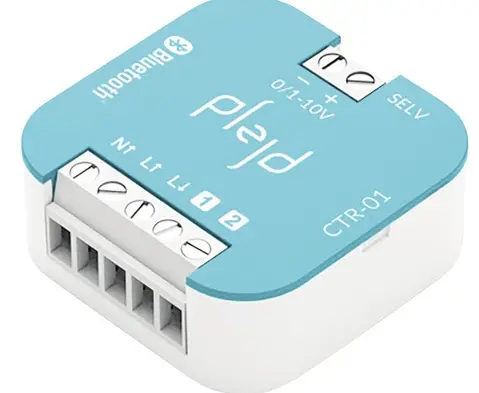
Connect the product
Install the product in the appliance box behind the push button/box lid or secure it with a Mounting clip (MNT-01, not included) on the wall or DIN rail.
REL-01-2P has a relay with a breaker capacity of 16 A in resistive loads. Due to heat build-up, the maximum current is 13 A when switching both live (L) and neutral (N).
Different loads have different inrush current when switching on and voltage spikes when switching off. The following table is therefore recommended for different types of lighting load in order to ensure maximum service life.**
| Load | PF | Rated output | VA | Current |
| Halogen/incandescent (230 V) | 1 | 3,500 W | 3,500 | 16 A* |
| LED loads | 0.9 | 800 W | 1,000 | 4 A |
| Fluorescent lamp uncompensated | 0.3 | 700 W | 2,300 | 10 A |
| Fluorescent lamp compensated | 0.85 | 1,500 W | 1,750 | 8 A |
| Low-voltage halogen electronic | 0.8 | 1,500 W | 1,750 | 8 A |
| Low-voltage halogen conventional | 0.95 | 1,200 W | 1,200 | 5 A |
| Low-energy lamps | 0.6 | 500 W | 800 | 4 A |
3,000 W/13 A when breaking 2-pole.
- Based on normal cable lengths and commonly available light fixtures on the market.
- 1-pole switching of live (L)
- 2-pole switching of phase (L) and zero (N)
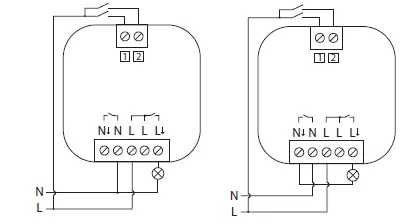
Control inputs 1 2
Control inputs 1 and 2 can be used for control using:
- Push button (preset)
- Light switch
- Motion sensor (with neutral conductor)
The inputs can also be used to wirelessly control one or more products from Plejd. A double click can be used to activate lighting scenes.
The settings are easy to adjust in the app.
Download the app and follow the instructions
Download the Plejd app via the App Store or Google Play.
After supplying power to the unit by following the relevant wiring diagram, use the app to complete the installation. This requires Internet connection and Bluetooth® on your phone/tablet. You do not need any additional equipment to get started.
It’s simple to configure all relevant settings in the Plejd app. The app can be used to schedule the lighting using the astro/time schedule, control lighting, and wirelessly sync control switches and scenes.
Hand over the Plejd system
Hand over the Plejd system to your customer by writing the system code on the included sticker . You’ll find the code in the app once you have completed the installation.
Place the sticker in the distribution box and give the welcome folder HI! to the customer.
Support
In the event of any technical questions, please contact Plejd customer service.
E-mail: [email protected] | Phone: +46 (0) 10 203 89 91
 Plejd
Plejd