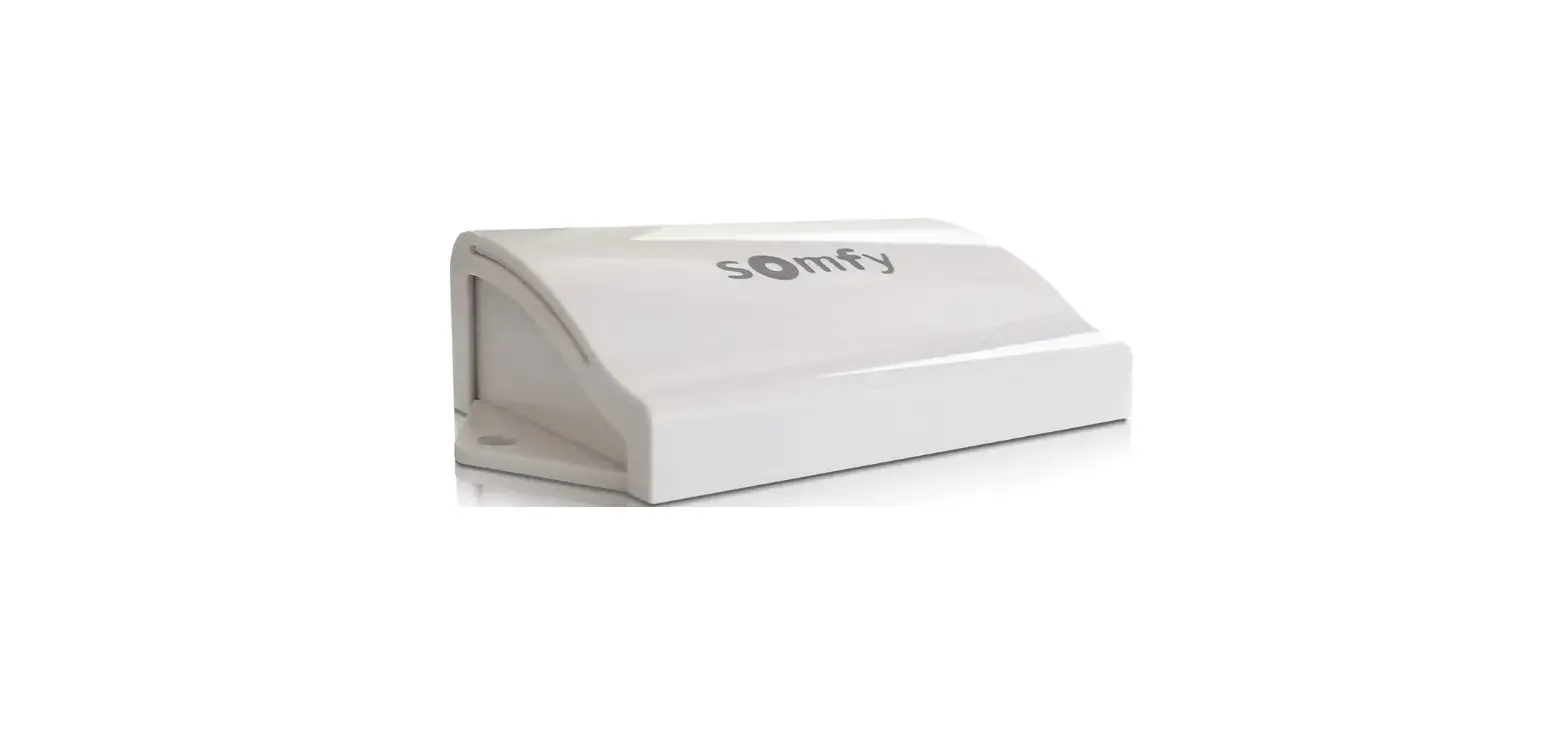
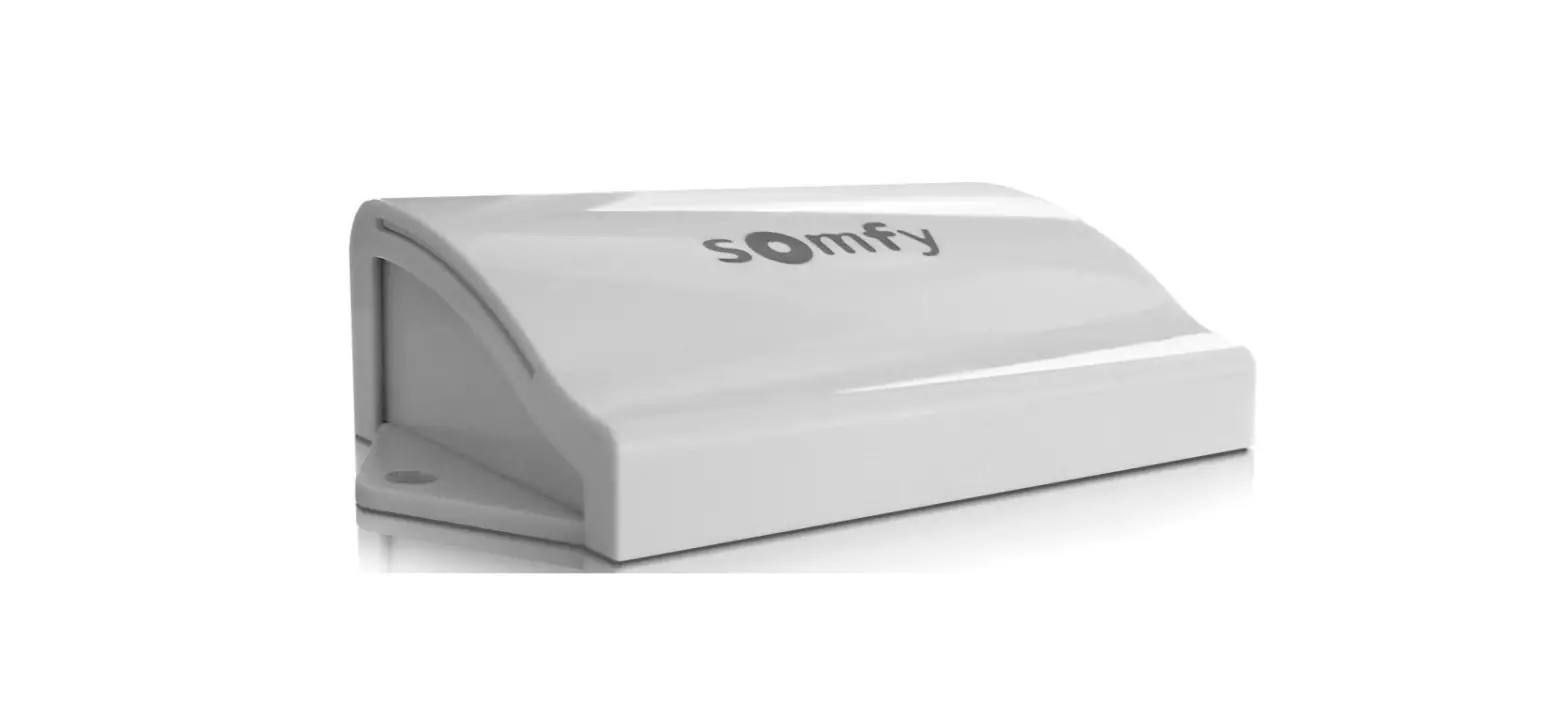
RD20X2SOM Control Box
Product Information:
Product Name: RD20X2SOM SOMFY CONTROL BOX
Manufacturer: Samson Doors
Website: www.samsondoors.co.uk
Contact Number: 01933 274276
Edition: 2022/1
1. Somfy Optical Safety Edge (ROLLIXO RTS)
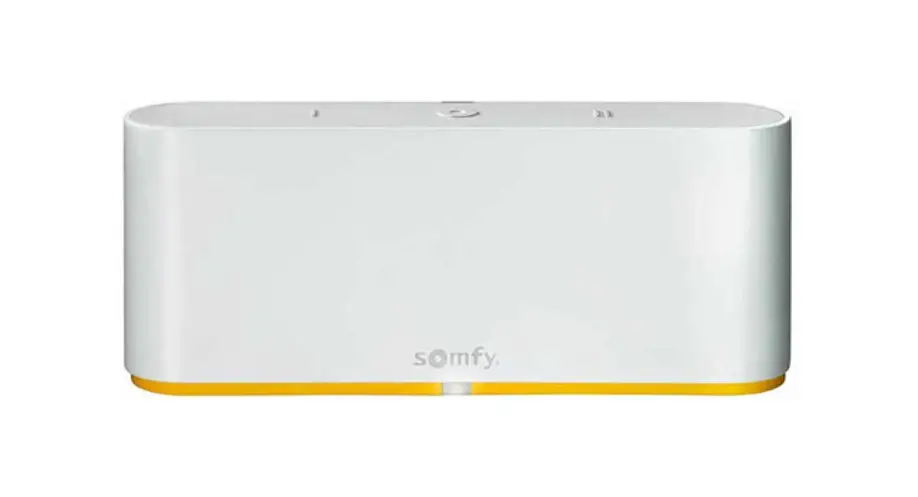
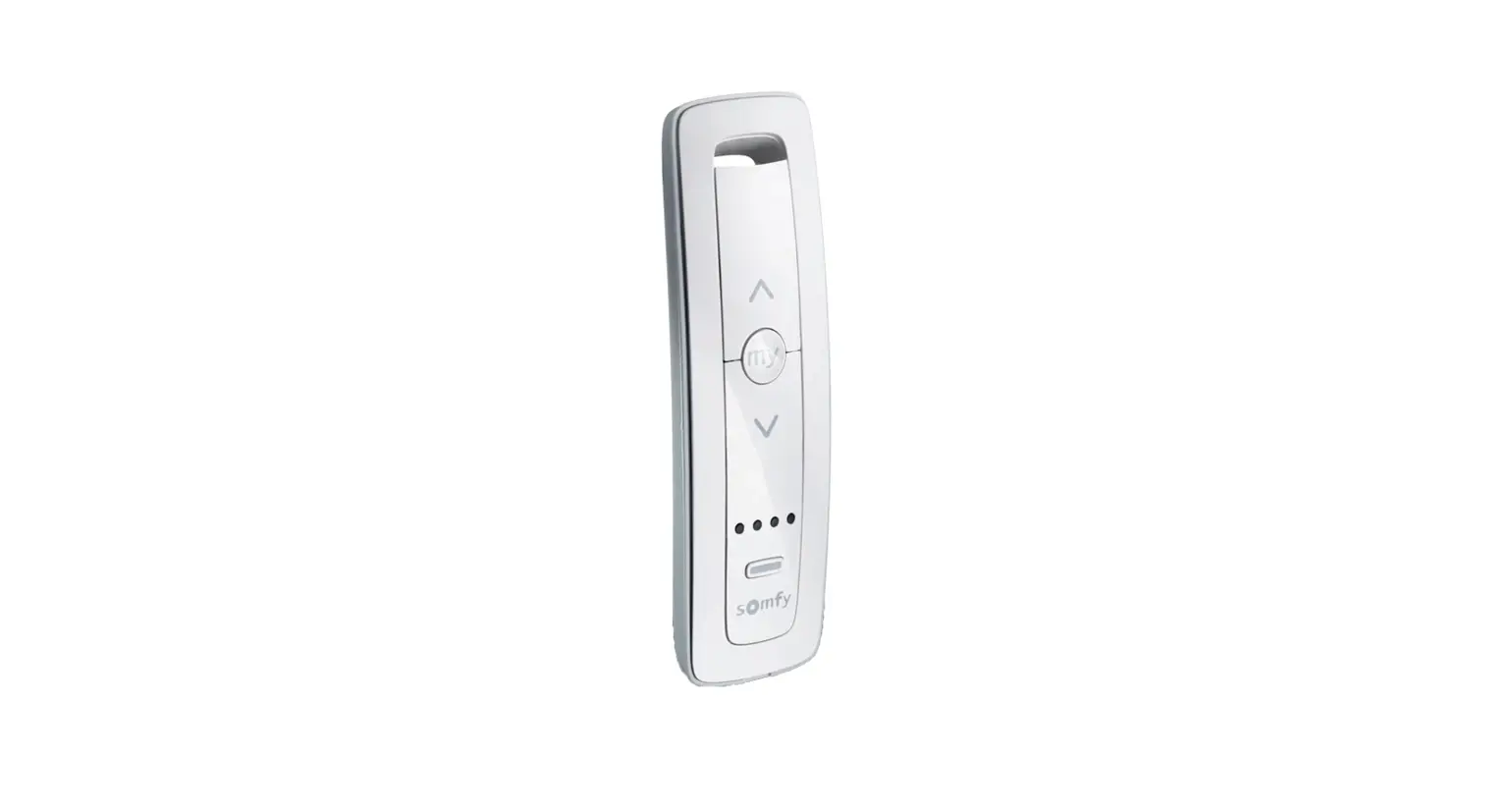
The Somfy Rollixo RTS Control Panel is a control box designed
for roller garage doors. It features various buttons and LEDs for
easy operation and monitoring of the door.
- Buttons:
- Up button
- Stop button
- Down button
- Prog button
- Prog LED
- Motor & safety brake LED
- Safety edge LED
- Battery LED
- Photocell LED
2. Motor Direction of Rotation Setting
The control box allows for setting the motor direction of
rotation. This step is important to ensure the door operates
correctly.
Product Usage Instructions:
Mounting The Rollixo RTS:
- Remove the courtesy light cover.
- Unscrew and remove the panel cover.
- Mark the wall drilling positions.
- Secure the Rollixo RTS in place.
Motor Wiring:
Connect the motor wires into terminals 1, 2, 3 & 4 as
illustrated above. Note: The motor direction can be reversed during
the commissioning procedure.
Safety Brake Wiring:
Connect the safety brake into terminals 5 & 6.
Powering Up The Rollixo RTS:
- Unfold the aerial so that it points vertically downwards.
- Screw the bulb supplied into the light fitting.
- Refit the panel cover and secure with the screw.
- Refit the courtesy light cover.
- Plug in the supply cable and connect the mains supply.
Motor Direction of Rotation Setting:
- Press and hold the UP button to check the motor direction. If
incorrect, swap the black and brown motor wires around or press and
hold the STOP button until the door judders up and down to reverse
the direction. - Move on to set the limits of the door.
Completing Motor Set Up Procedure:
- Briefly press the PROG button until the door jogs to complete
the motor set up procedure. The motor & safety brake LED goes
out and the safety edge LED comes on.
Pairing The Somfy Safety Edge Transmitter:
- Check the operation of the door by pressing the Rollixo Up
& Down control buttons. - Check that the safety edge works by activating the edge.
Note: Pictures are for illustration purposes only, connector
blocks are not provided and further fittings may be
required.
For more information or assistance, please visit the Samson Doors website or contact
their customer support at 01933 274276.
www.samsondoors.co.uk
Tel: 01933 274276
RD20X2SOM SOMFY CONTROL BOX
Installation Guide for Roller Garage Doors
Edition 2022/1
www.samsondoors.co.uk
Tel: 01933 274276
1. Somfy Optical Safety Edge
(ROLLIXO RTS)
Somfy Rollixo RTS Control Panel
No. Description
1
Up button
2
Stop button
3
Down button
4
Prog button
5
Prog LED
6
Motor & safety brake LED
7
Safety edge LED
8
Battery LED
9
Photocell LED
. .STOP .
1
2
3
4
.
.. . .
Prog
.
Mounting The Rollixo RTS
1 Remove the courtesy light cover.
2 Unscrew and remove the panel cover.
3 Mark the wall drilling positions.
Motor Wiring
M
L1
N
L2
1
234
1 Connect the motor wires into terminals 1, 2, 3 & 4 as illustrated above. Note: The motor direction can be reversed during the commissioning procedure.
4 Secure the Rollixo RTS in place.
1 Secure the motor supply cable in place with the cable clamp.
Green/Yellow MBarrorwonn BBlleuue BlNacoikr
1
Pictures are for illustration purposes only, connector blocks are not provided and further fittings may be required.
www.samsondoors.co.uk
Safety Brake Wiring
Sto p SafetyEdg e K
Sec
56
7 89 1
Tel: 01933 274276
Sto p SafetyEdg e K
Sec
56
7 89 1
1 Connect the safety brake into terminals 5 & 6.
Powering Up The Rollixo Rts
2 Use the ink provided to connect terminals 5 & 6 if no safety brake is required.
1 Unfold the aerial so that it points vertically downwards.
2 Screw the bulb supplied into the light fitting.
3 Refit the panel cover and secure with the screw.
4 Refit the courtesy light cover.
STOP
1
2
3
4
Prog
5 Plug in the supply cable and connect the mains supply.
STOP
1
2
3
4
Prog
All the LED’s come on briefly and then go out.
1 If the motor LED comes on, check the safety brake or link connection.
If the safety edge LED comes on, the safety
2
edge transmitter has not been recognised. (This is normal if the safety edge transmitter has not been paired to the Rollixo RTS yet ).
Pictures are for illustration purposes only, connector blocks are not provided and further fittings may be required.
2
www.samsondoors.co.uk
Tel: 01933 274276
2. Motor Direction of Rotation Setting
1 At the same time press and hold the UP & DOWN buttons on the control panel until the door moves forward AND backwards, then release the buttons the controller is now in `motor adjustment mode’, the motor LED light will flash slowly. In motor adjustment mode, the Up & Down control buttons are in `hold to run’ mode – you must press and hold the button in to operate the door up and down.
2 Press and hold the UP button to check the motor direction. If the motor direction is correct, move on to set the limits of the door. If the motor direction is incorrect, you can either swap the black and brown motor wires around or press and hold the STOP button until the door judders up and down > the direction has been reversed > check again and then move on to set the limits of the door.
STOP
1
2
3
4
Prog
Correct direction Incorrect direction
of rotation
of rotation
STOP
1
2
3
4
Prog
3 Briefly press the PROG button until the door jogs to complete the motor set up procedure. The motor & safety brake LED goes out and the safety edge LED comes on.
Prog
4
Pictures are for illustration purposes only, connector blocks are not provided and further fittings may be required.
www.samsondoors.co.uk
Tel: 01933 274276
Pairing The Somfy Safety Edge Transmitter
1 Bring the door and the bottom rail to a workable eye level. Press and hold the `Prog’ button on the Rollixo panel until the LED light above it comes on Then let go!
STOP
1
2
3
4
Prog
STOP
1
2
3
4
Prog
STOP
1
2
3
4
Prog
2 Now approach the Transmitter on the Bottom Rail Using a small tool press the `Prog’ button on the unit until the Rollixo panel `Prog’ LED flashes, then let go (this could be up to 5 seconds) the 2 units are now active.
STOP
1
2
3
4
Prog
STOP
1
2
3
4
Prog
3 Check the operation of the door by pressing the Rollixo Up & Down control buttons. 4 Check that the safety edge works by activating the edge.
Pairing RD20/4SOM Handsets
1 Press the `Prog’ button on the Rollixo RTS front panel until the LED above the Prog button lights up RED.
STOP
1
2
3
4
Prog
STOP
1
2
3
4
Prog
2 Press the button on the keyfob that you want to control the Rollixo RTS controller with until the `Prog’ LED on the Rollixo RTS controller flashes and then goes out.
STOP
1
2
3
4
Prog
STOP
1
2
3
4
Prog
Pictures are for illustration purposes only, connector blocks are not provided and further fittings may be required.
5
www.samsondoors.co.uk
Tel: 01933 274276
Positioning Of Magnets
1 Bring the door down to its final closed/end limit position. If the door lands on floor and stops, go to point. If the door comes to floor and retracts (bounces back) then see check the detail below, this happens because the doors safety edge system has been activated;
Q. Are the end blocks sat in a final position that is lower than the floor level? A. Raise the blocks and build up with packing.
Q. Is there a high point or bump in the floor? A. Floor needs to be levelled.
2 Once you are happy that the door has been installed within its operating parameters then we can fit the bottom magnet.
Mark the guide rail at its lowest point to match the arrow indicated on the right of the Transmitter. Now move the door up out of the way and use the temporary sticky pad to locate the magnet, now permanently and mechanically fix the magnet with screws provided in place. The magnet arrows should now be aligned and no more than 10mm apart.
Activating/Deactivating The Alarm
To activate/deactivate the alarm, simultaneously press the “STOP” and buttons on the receiver until the 4 indicator lights flash rapidly. The alarm emits a beep if it has been activated.
Alarm Operation
The alarm is triggered for 2 minutes if the door is raised manually.
No movement of the door is possible when the alarm is sounding.
When the alarm sounds, press a button on a remote control memorised in the receiver to stop it. The alarm can only be stopped with a memorised remote control.
Alarm Operation Test
Press “STOP” and the Down button on the receiver simultaneously.
The alarm triggers briefly to indicate that it is activated.
6
Pictures are for illustration purposes only, connector blocks are not provided and further fittings may be required.
www.samsondoors.co.uk
Tel: 01933 274276
Deleting All Somfy Remote Controls From The Memory
1 Press the `Prog’ button on the Rollixo RTS front panel for approximately 7 seconds until the LED goes out:
STOP
1
2
3
4
Prog
STOP
1
2
3
4
Prog
STOP
1
2
3
4
Prog
Approximately 7 seconds The LED will then begin to flash slowly and then go out – all remote controls have been deleted.
STOP
1
2
3
4
Prog
STOP
1
2
3
4
Prog
Deleting The Safety Edge Transmitter
1 Press the `Prog’ button on the Rollixo RTS front panel for approximately 14 seconds:
Prog
Prog
Prog
Prog
Prog
Prog
Prog
The LED will: come on – go out – start to flash rapidly – then let go of the `Prog’ button. The LED will flash slower then go out. The safety edge transmitter has been deleted.
Return To The Factory Mode
1 After deleting all the remote controls and safety edge transmitters from the memory: Press simultaneously the Up & Down buttons on the front panel.
STOP
1
2
3
4
Prog
STOP
1
2
3
4
Prog
The door will jog Up & Down and the motor LED will start flashing slowly.
The Rollixo RTS control panel has now been set back to the factory mode.
Pictures are for illustration purposes only, connector blocks are not provided and further fittings may be required.
7
www.samsondoors.co.uk
Tel: 01933 274276
Locking The Front Of Panel
1 Press button STOP and PROG on the receiver until all the indicator lights flash.
STOP
1
2
3
4
Prog
STOP
1
2
3
4
Prog
2 Entry into programming mode by pressing button PROG the receiver is locked.
Entry into motor end limit setting mode via pressing buttons
and
locked.
on the receiver is
The parameter setting of the operating modes is locked.
Connecting Additional Somfy Devices
General Wiring Diagram
Key Switch
M
L1
N
L2
1
234
Stop
Safety Edge KeySwitch Sec
Flash
24V dc 24V Cell Sec Cell Test Sec
56
7 8 9 10 11 12 13 14 15 16 17 18 19 20
Ant 22
R
2244 Vvddc c
Successive presses cause the motor to move (initial position: door closed) as per the following cycle: open, stop, close, stop, open etc.
aerAinatelnne
terminal
type of terminal
1
Earth
2
L1
3
Neutral
4
L2
5
Contact
6
Shared
7
Contact
8
12 Vdc
9
0 Vdc
10
Contact
11
Shared
12
24 Vdc
13
0 Vdc
14
24 Vdc
15 16
is controlled, with or without a 17
parameter setting.
18
rolled, with or without a 19
eter setting.
20
22
0 Vdc 24 Vdc
0 Vdc Shared Contact Test output
Connection
Comments
RDO CSI 50 or 60 motor
Safety Edge Sec
7 89
KeySwitch Flash
10 11
12 13
24V 14 1
Fall protection – NC contact
Safety edge safety input
12 Vdc safety edge power supply
Wired 8k2 resistive safety edge (terminals 7 – 8)
Wired optical safety edge (terminals 7 – 8 – 9)
NO contact
Sequential control
24V – 3.5 W orange Maximum 4 W bulb light output
·
TX cell 24 V power supply
cell/Reflex photocell Transmitting photoelectric
cell/Reflex photocell
·
power supply
RX cell 24 V power supply
on the receiver until the 4 indicator lights flash rapidly. Receiving photoelectric cell power supply
Reflex photocell self-test
Cell safety input (NC)
Cell safety test output Reflex photocell self-test
433.42 MHz aerial
Do not connect an offset aerial (incompatible)
8
Pictures are for illustration purposes only, connector blocks are not provided and further fittings may be required.
www.samsondoors.co.uk
Tel: 01933 274276
Operating Diagnostics
The indicator lights on the front of the Rollixo receiver notify the user of the installation’s status.
Pictures are for illustration purposes only, connector blocks are not provided and further fittings may be required.
9
www.samsondoors.co.uk
Wireless Key Pad
Tel: 01933 274276
Key pad
Commissioning (for first use)
1. Open the Digipad with the key provided.
2. Press the RESET button.
3. Check that the Digipad has been commissioned by pressing on one of the keypad buttons. If the lower indicator light comes on, the Digipad has been commissioned. If it does not come on, press the RESET button again and check that it has been commissioned.
Press button Prog on the receiver until the indicator light comes on permanently.
Enter 6 x 0 on keypad then press the desired operating button.
Changing the main code
By default, the main code is 000000 on a new Digipad.
To change the main code:
1. Enter the main code and confirm with the SET button.
2. Press the SET button until the lower light turns on (approximately 7 seconds). The lower light remains on.
3. Enter the chosen replacement code (between 4-8 characters) and confirm with the SET button. The lower light will turn off & come on again.
4. Enter the code again and confirm with the SET button.
The lower light will turn off.
The main code is recorded.
Main code forgotten and full reset
The Digipad must be reset: stored settings cleared, codes and radio protocol reset to factory settings.
To reset the Digipad:
1. Open the Digipad with the key provided.
2. Press the ADR button (approximately 10 seconds). The upper light will come on when the button is pressed and then the 2 lights will flash 7 times. The Digipad is reset.
3. Close the Digipad.
4. Repeat the full installation procedure: programming,
changing main code, etc.
10
Pictures are for illustration purposes only, connector blocks are not provided and further fittings may be required.