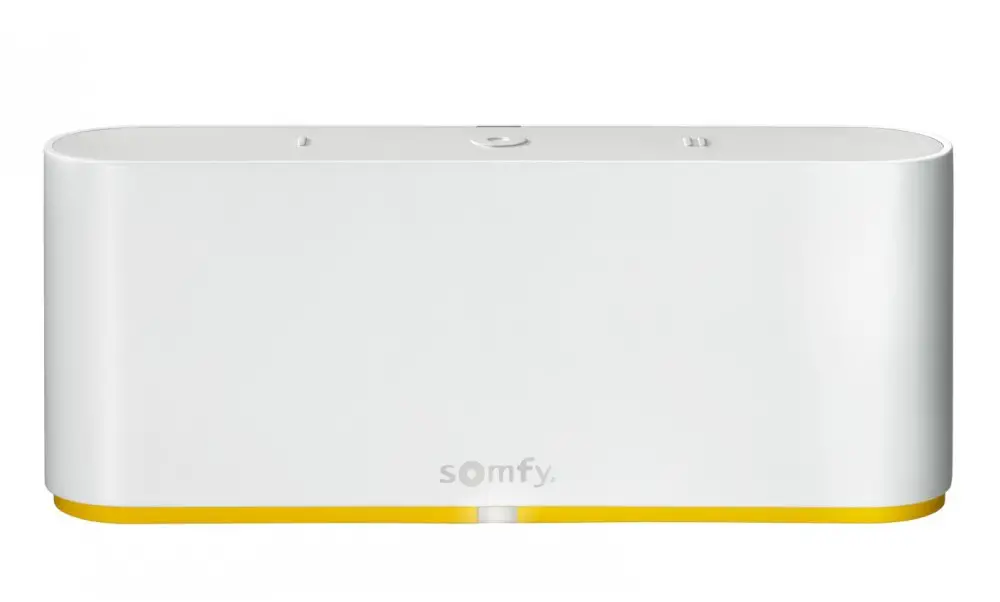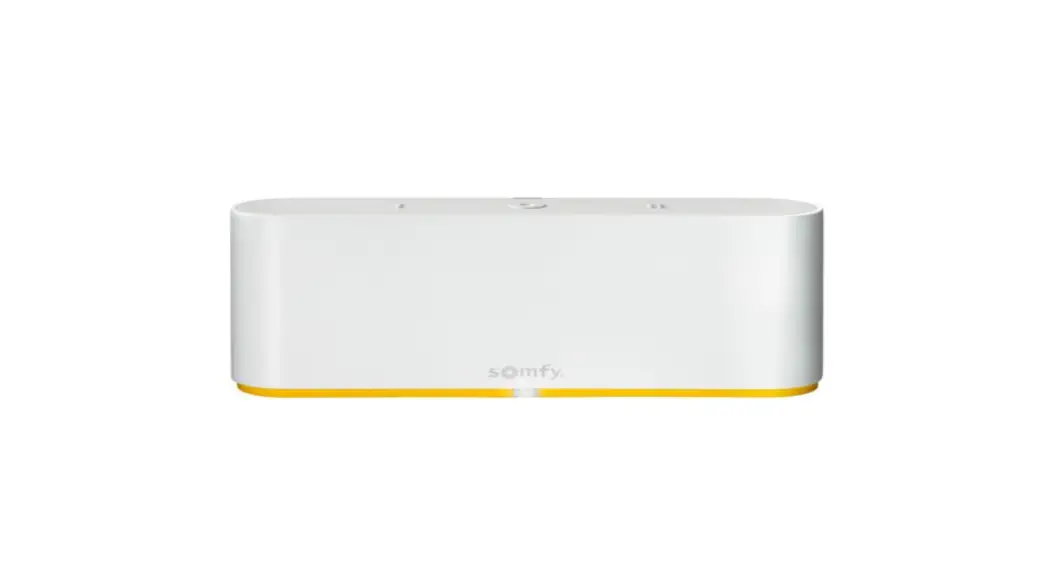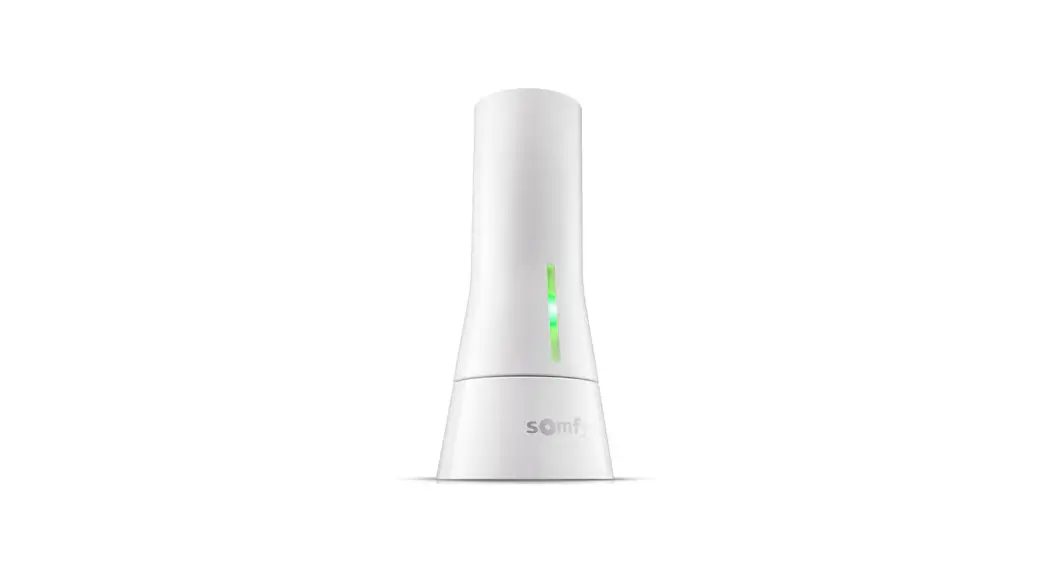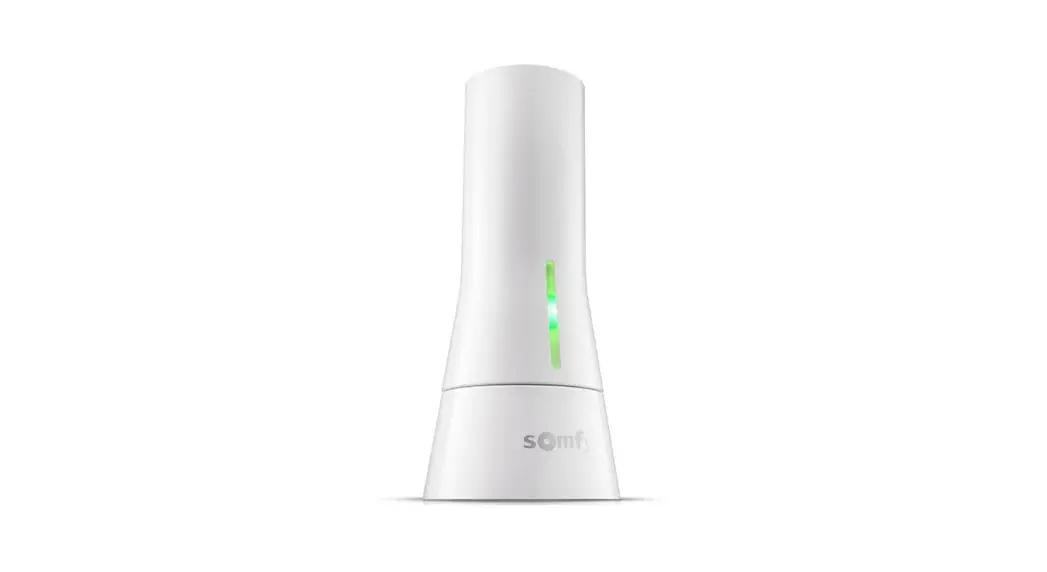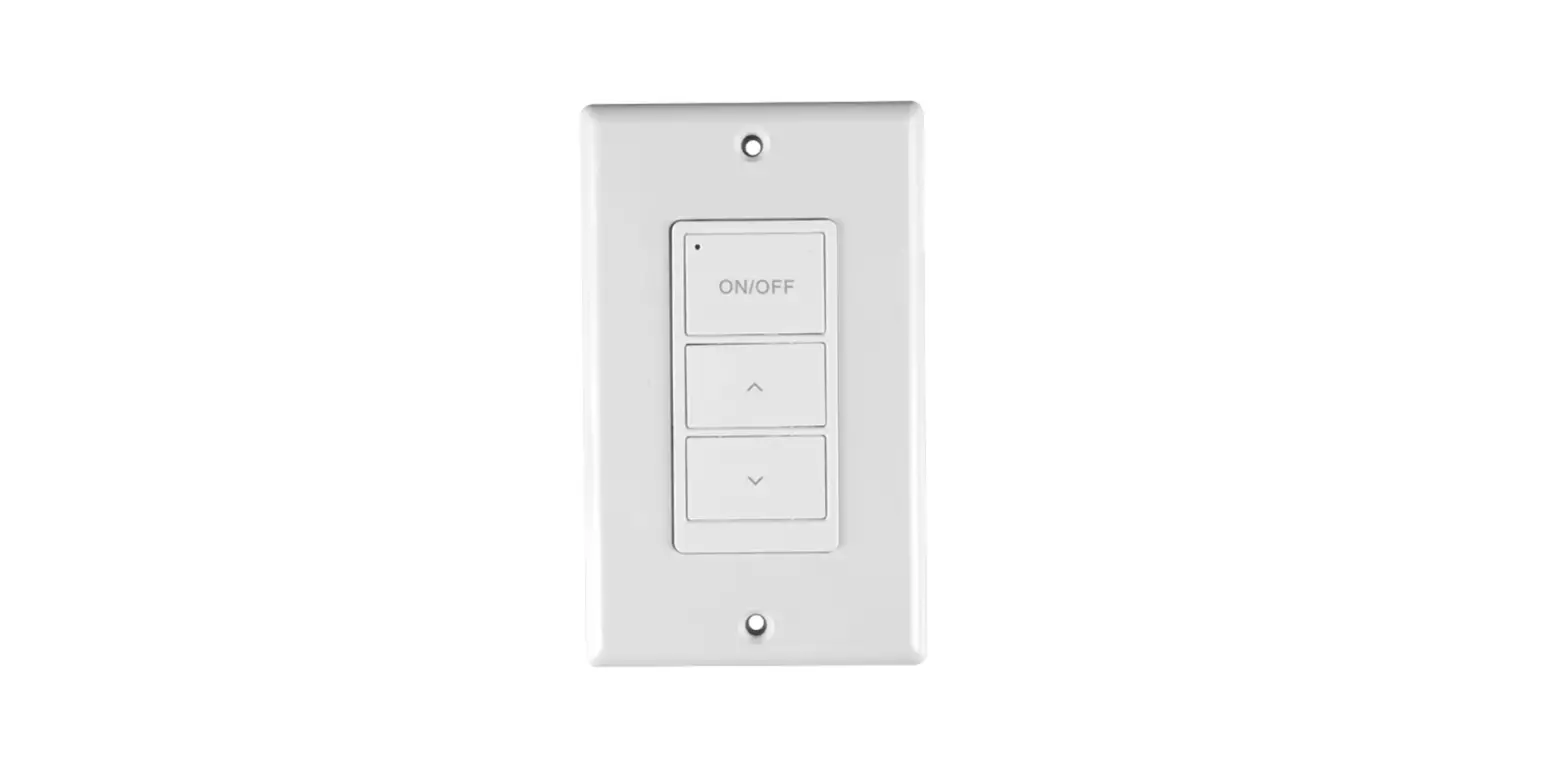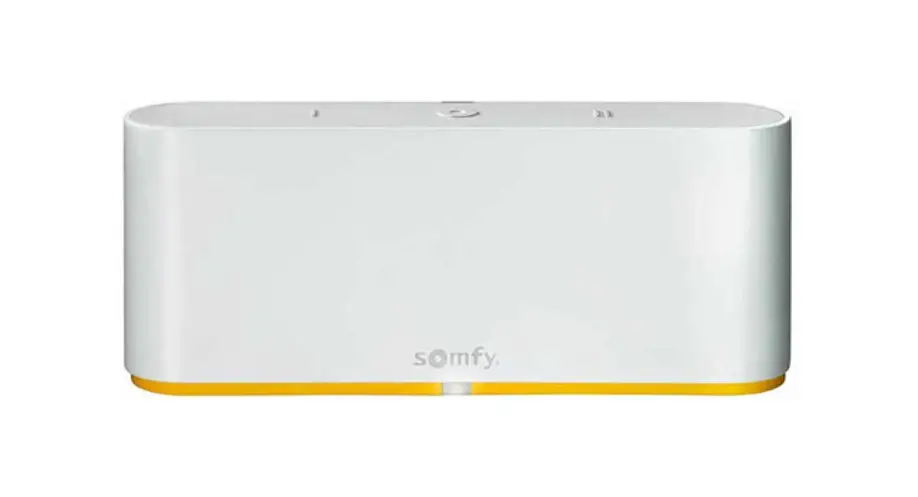

TaHoma switch
Installation guide
Welcome!
Start TaHoma switch
in a few steps
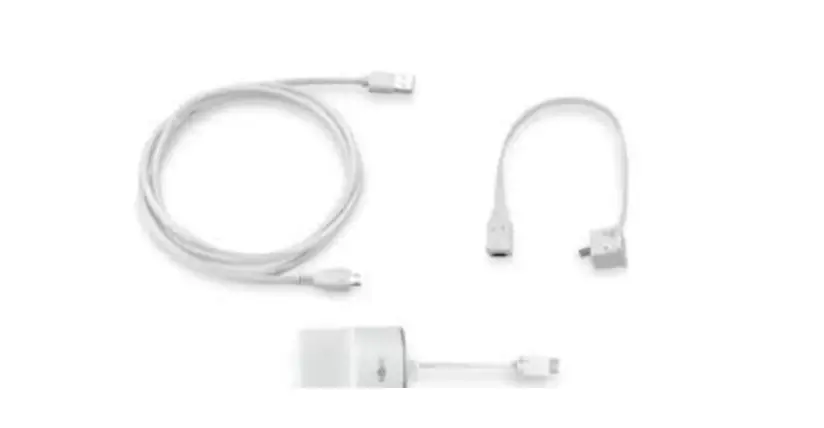
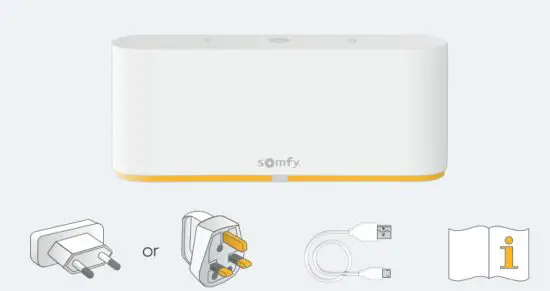
Pack content
Install TaHoma® app
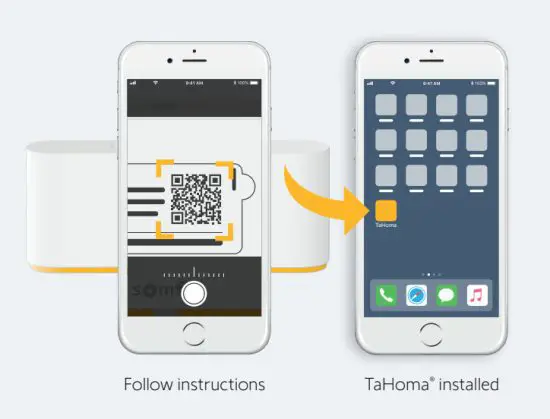
Launch TaHoma® app
Start
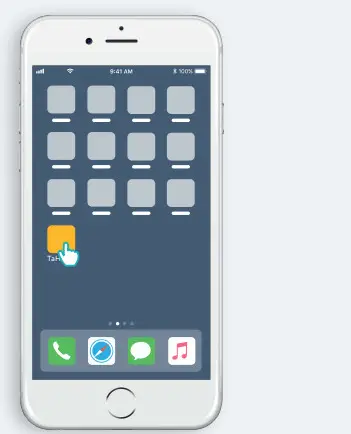
Open TaHoma® app
Start
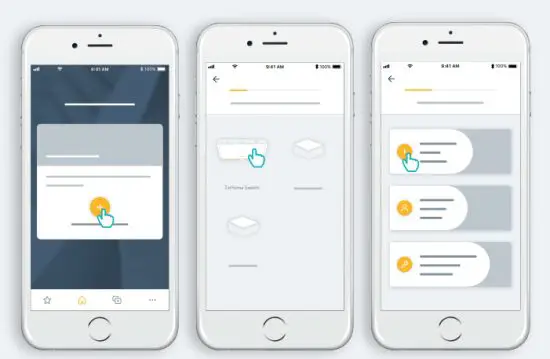
Start TaHoma switch installation
Plug power supply
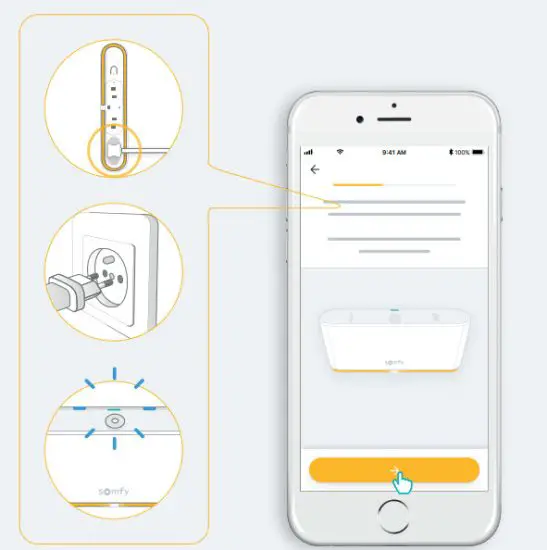
Connect to the internet
Your WiFi network must be in 2.4 GHz and secured with a password.
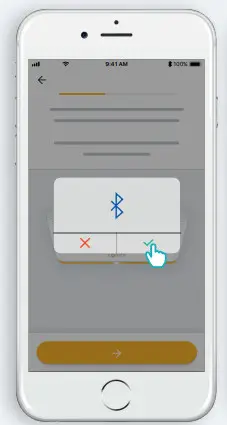 Accept Bluetooth
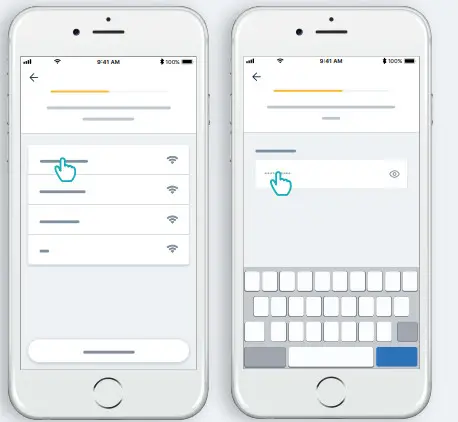 Select WiFi and enter a password
Create your TaHoma® account or Log in
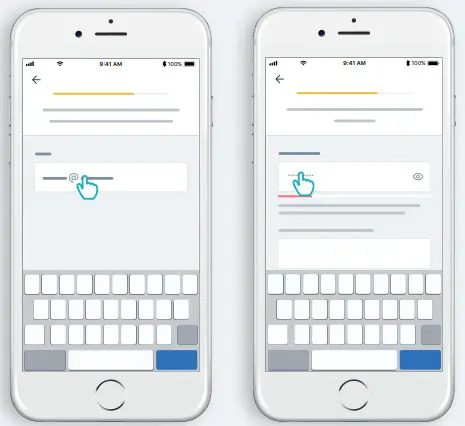
Enter your email address and password
Follow the instructions
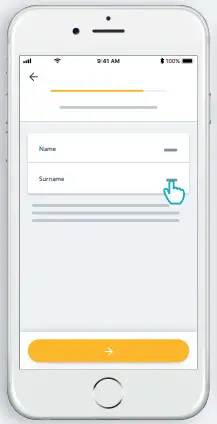 Enter your name
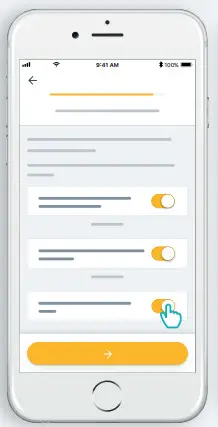 Accept Terms and conditions
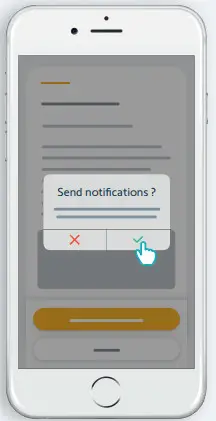 Authorize notifications for a better experience
Congratulations,
TaHoma switch is ready to use!
 Now :
Now :
- Add products,
- Configure the buttons of the TaHoma switch,
- Discover all the possibilities offered by the app!